
AI Process & Explainer Video Maker



Visualize Your Workflows Effortlessly

Onboarding walkthrough
Turn compliance documents, safety protocols, or regulatory guidelines into structured certification videos. Let an AI avatar walk employees through each requirement clearly — reducing legal risk and keeping teams audit-ready.

Cleanroom protocols
Explains the behavior guidelines and operational requirements for cleanrooms, ensuring employees adhere to standards and improve work efficiency and safety.

AR-700 operation training
Introduces the operation process and safety guidelines of the AR-700 precision assembly robot, helping employees master proper operating techniques.

Marketing insights
Trusted by the world's leading brands







Why Leadde is the Best Online Process Video Maker
Document to Video Instantly
Perfect Sync for Screen Recordings
Standardize Global Processes
Update Processes in Seconds
How to Make a Process Video Online

Step 1: Import Your Process Steps
Step 2: Add Visuals and Your Avatar
Step 3: Generate and Share Securely

The Trusted Tool for Operations Teams
Free Online Video Maker
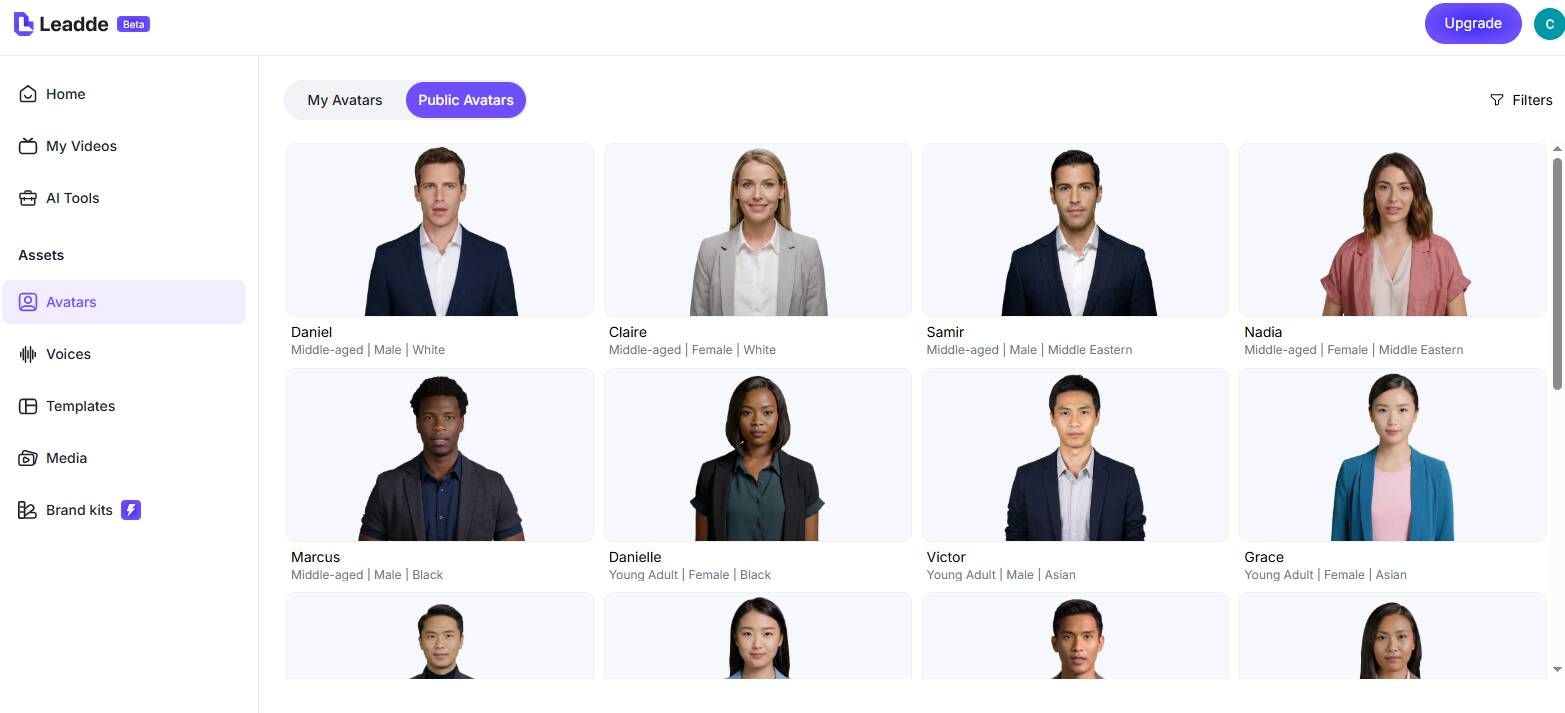
Clear Explanatory Tones
Interactive Q&A for Workflows
Track Employee Compliance
Core Use Cases for Process Videos
SOPs and Compliance Guides
Software Workflow Tutorials
Explainer Videos
Customer Support & FAQs
Emergency Evacuation Drills
Create mandatory safety drill videos using AI avatars. Walk employees through evacuation routes, emergency contact procedures, and assembly points — ensuring compliance without needing to run in-person drills repeatedly.
GMP/ISO Compliance Education
Frequently asked questions
Yes, Leadde offers a Free Plan. You can use our AI avatars, text-to-video features, and various templates to start creating your process and explainer videos online completely for free.
Leadde features powerful "Video Fit" options. You can choose the "Freeze" (freezes video to wait for narration) or "Insert" (pauses narration to wait for video playback) modes, perfectly solving the synchronization pain point in process videos.
Absolutely. You can upload .doc or .docx files up to 200MB. Leadde's AI will automatically analyze the manual, extract the core operational steps, and generate a structured video draft for you.
Yes. To protect your business secrets, you can enable "Password protection" when generating the share link, ensuring that only internal staff with the password can view the process tutorial.
Make Your Business Processes Crystal Clear
