
AI Video Testimonial Generator
Bring Your Customer Reviews to Life

Onboarding walkthrough
Turn compliance documents, safety protocols, or regulatory guidelines into structured certification videos. Let an AI avatar walk employees through each requirement clearly — reducing legal risk and keeping teams audit-ready.

Cleanroom protocols
Explains the behavior guidelines and operational requirements for cleanrooms, ensuring employees adhere to standards and improve work efficiency and safety.

AR-700 operation training
Introduces the operation process and safety guidelines of the AR-700 precision assembly robot, helping employees master proper operating techniques.

Marketing insights
Trusted by the world's leading brands







Why Use Leadde for Testimonial Videos?
Turn Text Reviews into Video
Storytelling Tone for Impact
Global Social Proof
On-Brand Visuals
How to Create an AI Testimonial Video

Step 1: Input the Customer Review
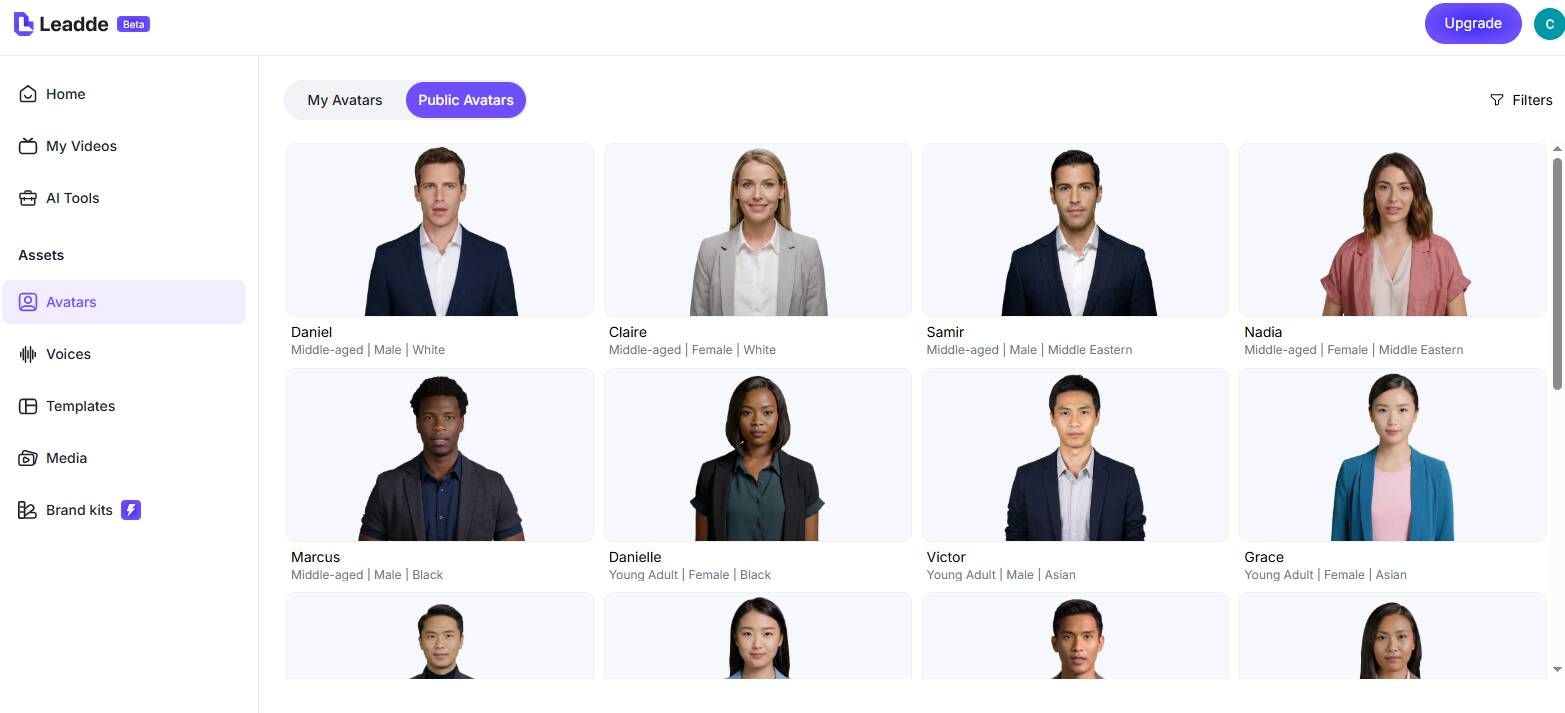
Step 2: Choose the Persona
Step 3: Add Proof and Publish

The New Way to Share Customer Success

Lifelike Expressions
Consistent Quality

Rapid Production
Interactive Case Studies
Testimonial Video Ideas
Social Media Shorts
Website Case Study Narrations
Product Review Summaries
Email Marketing Proof
Lobby/Event Displays
SEO Optimized Content
Frequently asked questions
Leadde allows you to create video testimonials using AI avatars. You simply input the text of the review, and an avatar reads it. This is perfect for when customers are camera-shy but have given you permission to share their feedback.
Yes. If your customer provided an audio recording but no video, you can use "Voice Cloning" to upload their audio file (10-60 seconds) and have an AI avatar animate to their real voice.
Yes. With the "Photo Avatar" feature, you can upload a high-definition photo of your customer to animate their face. *Note: You must have explicit permission from the person to create an avatar of them*.
Yes. Leadde offers a Free Plan. You can use it to test how your written reviews look when converted into video format using our AI avatars.
Turn reviews into revenue with video
