
AI Synthetic Video Generator & Creator



The Future of Content is Synthetic

Onboarding walkthrough
Turn compliance documents, safety protocols, or regulatory guidelines into structured certification videos. Let an AI avatar walk employees through each requirement clearly — reducing legal risk and keeping teams audit-ready.

Cleanroom protocols
Explains the behavior guidelines and operational requirements for cleanrooms, ensuring employees adhere to standards and improve work efficiency and safety.

AR-700 operation training
Introduces the operation process and safety guidelines of the AR-700 precision assembly robot, helping employees master proper operating techniques.

Marketing insights
Trusted by the world's leading brands







Why Leadde is the Top Synthetic Video Platform
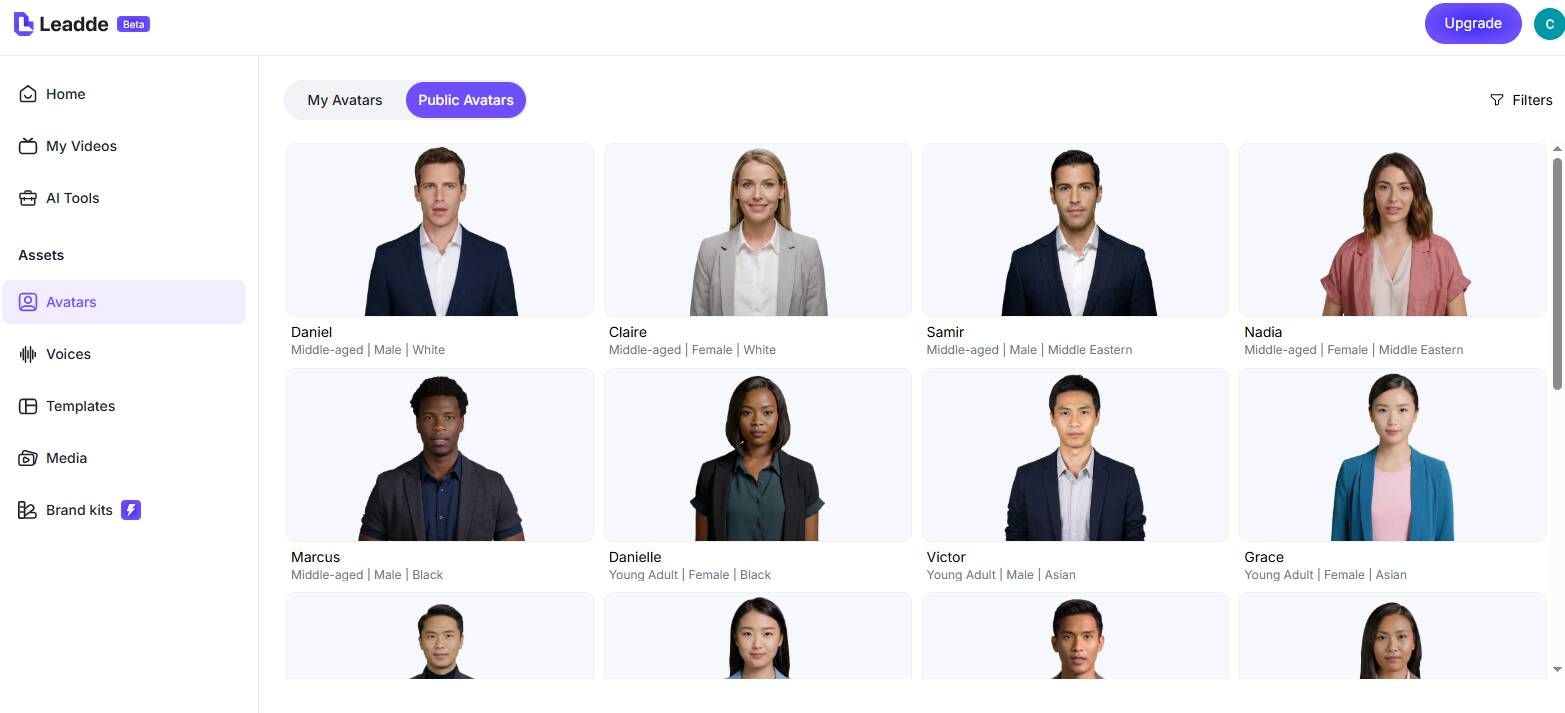
Hyper-Realistic Synthetic Avatars
Advanced Voice Synthesis
Create Your Digital Twin
Instant Text-to-Video Synthesis
How to Generate Synthetic Video with AI

Step 1: Input Your Script
Step 2: Configure Synthetic Elements
Step 3: Render and Download

Scale with Synthetic Media

Cost-Efficient Production
Rapid Iteration

Personalized Messaging
Global Accessibility
Synthetic Video Applications
Corporate Learning & Development
YouTube & Social Media Content
News & Weather Updates
E-Learning Courses
Customer Service Agents
Marketing Campaigns
Frequently asked questions
Synthetic video refers to video content generated by AI rather than recorded with a camera. Leadde uses advanced AI to synthesize realistic human avatars and voices from text input, creating videos that look and sound authentic.
Yes. Leadde offers a Free Plan that allows you to explore synthetic video creation. You can test different avatars, voices, and features to see how the technology fits your needs.
Yes. Leadde supports "Voice Cloning." You can upload a 10-60 second audio sample of your voice, and the AI will synthesize a custom voice model that sounds just like you.
Leadde uses the "Expressive IV Engine" to ensure high realism. This engine analyzes the text to generate appropriate facial expressions, head movements, and gestures, making the synthetic avatar appear natural and engaging.
Start creating with synthetic media
