
AI Voiceover Video Maker
Stunning Audio Quality for Every Video

Onboarding walkthrough
Turn compliance documents, safety protocols, or regulatory guidelines into structured certification videos. Let an AI avatar walk employees through each requirement clearly — reducing legal risk and keeping teams audit-ready.

Cleanroom protocols
Explains the behavior guidelines and operational requirements for cleanrooms, ensuring employees adhere to standards and improve work efficiency and safety.

AR-700 operation training
Introduces the operation process and safety guidelines of the AR-700 precision assembly robot, helping employees master proper operating techniques.

Marketing insights
Trusted by the world's leading brands







What Is an AI Voiceover Video Maker?
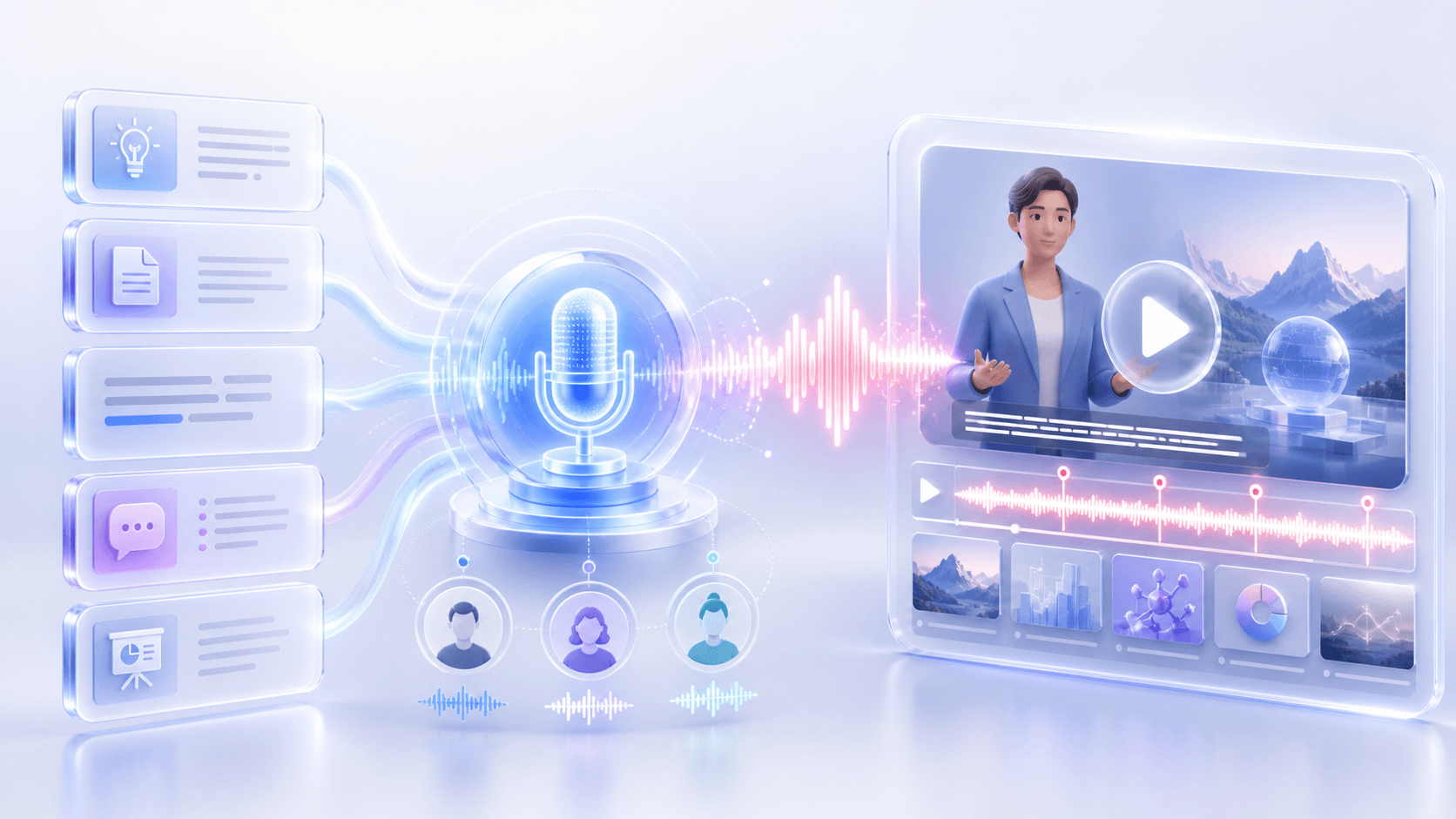
An AI voiceover video maker turns written or uploaded content into a narrated video using AI-generated voices. With Leadde, you can start with a topic, document, text, script, or PowerPoint. AI analyzes the content, creates the narration and scenes, adds supporting visuals and subtitles, and generates a complete voiceover video for training, education, marketing, and business communication.
Why Leadde is the Best Video Maker with Voiceover
Add Voiceover to Video Online Free
200+ Hyper-Realistic Voices
No Microphone or App Required
Translate Voiceovers into 89 Languages
Why Use Leadde's AI Voiceover Video Maker?
Turn Content into Narration
Start with a topic, file, text, script, or presentation. Leadde analyzes the source material and creates an outline and narration designed for video instead of simply reading the original content word for word.
Choose from 100+ AI Voices
Select from more than 100 AI voices for your narration. Leadde also supports voice cloning, giving you more ways to keep the voice of your video consistent across different content.
Generate Visuals and Subtitles
Leadde can automatically create scenes, visual layouts, subtitles, images, and highlighted key information around the narration, helping turn source material into a structured video rather than a standalone audio track.
Use an Avatar or Voice Only
Choose from Leadde's 300 AI avatars when you want an on-screen presenter, or hide the avatar and create a voiceover-only video when narration and visuals are all you need.
How to Add Voiceover to Video Online

Step 1: Upload Your Video or Visuals
Step 2: Type Your Voiceover Script
Step 3: Generate and Download
Preview the final synchronized result, add subtitles with the AI caption generator, generate the video, and download your watermark-free HD MP4 file — ready to publish.
Who Is an AI Voiceover Video Maker For?
Training & L&D Teams
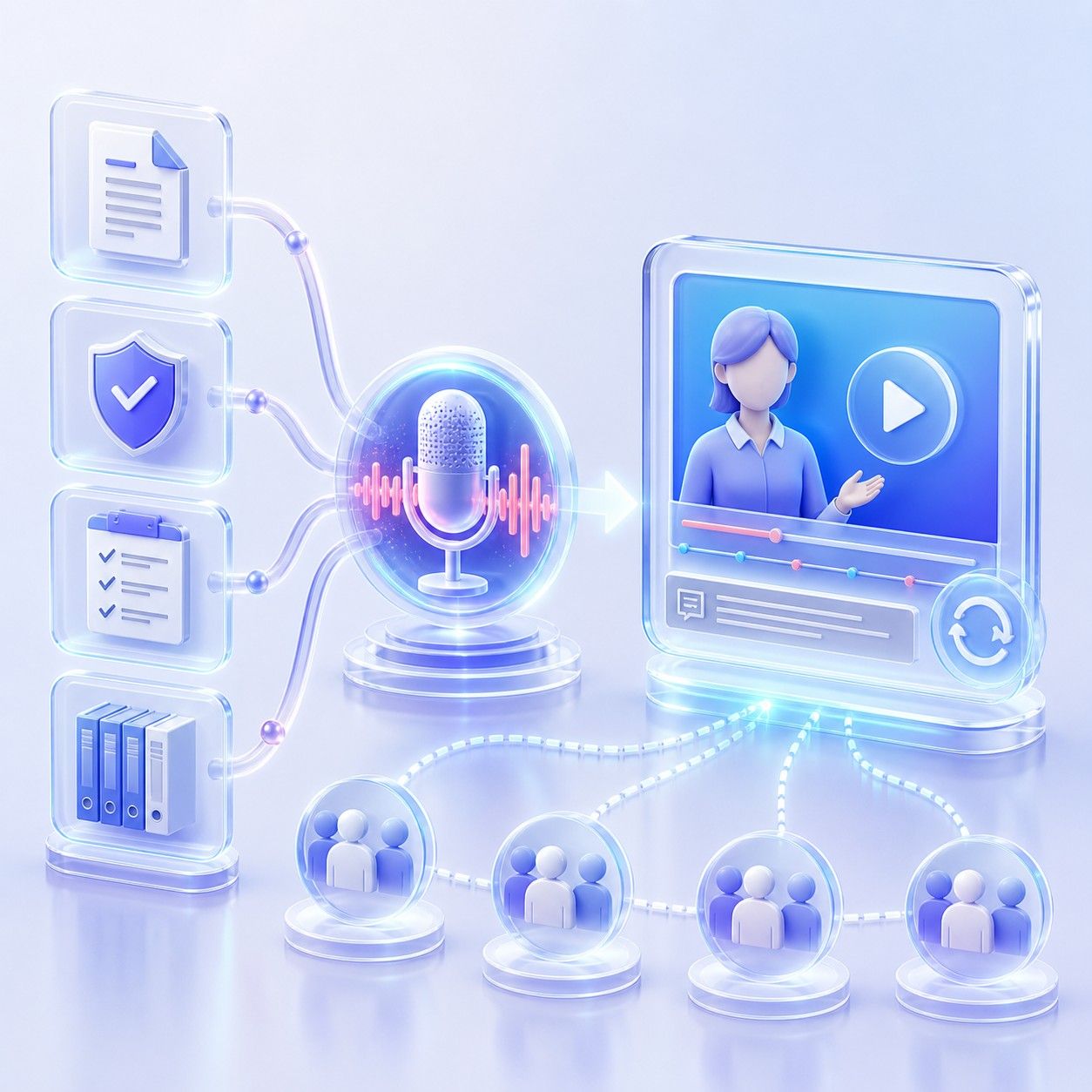
Turn training documents, policies, onboarding materials, and internal knowledge into narrated videos that are easier to present, update, and reuse across teams.

Educators & Course Creators
Convert lesson notes, presentations, PDFs, and course materials into structured educational videos with narration, supporting visuals, subtitles, and optional AI presenters.

Marketing & Product Teams
Create narrated explainers, product introductions, campaign content, and walkthrough-style videos from existing product information, scripts, or presentation materials.

Sales & Communication Teams
Transform pitch decks, proposals, company updates, and other business content into narrated videos that can be shared with customers, employees, or distributed teams.
Voiceover Video Use Cases & Ideas
Explainer & Tutorial Video
Add clear, professional narration to product tutorials, how-to guides, and educational explainers. Our text to video tool turns screen recordings and slides into engaging learning content.
Marketing & Promotional Video
Use our faceless video generator to layer persuasive AI voiceover onto product videos, social media content, and campaign materials. Consistent brand voice across every platform and format.
Training & Compliance Video
Add authoritative AI narration to corporate training materials, safety guides, and compliance content. Scalable, on-demand voiceover for every employee and every language.
Documentary & Presentation Narration
Add clear, natural narration to documentary-style content, investor presentations, and annual reports. Our commentary video maker delivers professional voiceover without a professional recording session.
Frequently asked questions
Yes. You can paste text or a script into Leadde, and AI can turn the content into narration and video scenes. You can also start from a topic or upload supported documents and presentations instead of writing everything manually.
Yes. Leadde can process PowerPoint and PDF content, extract its structure and key information, and rebuild it as a narrated video. It can also work with DOC, DOCX, TXT, text, scripts, and other supported content inputs.
Yes. Leadde lets you hide the avatar layer and create a voiceover-only video. If you want a presenter on screen, you can instead choose from Leadde's available AI avatars.
Yes. Leadde supports 88 languages and 175 dialects, along with more than 100 AI voices. Its localization tools can also support workflows for translating and dubbing video content for different audiences.
Leadde supports voice cloning, so you can use a cloned voice as part of your video workflow instead of relying only on the standard AI voice library.
Give Your Videos a Professional Voice
