
AI Video Localization & Translation
Go Global with Video Localization

Onboarding walkthrough
Turn compliance documents, safety protocols, or regulatory guidelines into structured certification videos. Let an AI avatar walk employees through each requirement clearly — reducing legal risk and keeping teams audit-ready.

Cleanroom protocols
Explains the behavior guidelines and operational requirements for cleanrooms, ensuring employees adhere to standards and improve work efficiency and safety.

AR-700 operation training
Introduces the operation process and safety guidelines of the AR-700 precision assembly robot, helping employees master proper operating techniques.

Marketing insights
Trusted by the world's leading brands







Why Leadde is the Best Tool for Video Localization
One-Click Translation
89 Languages & 175 Dialects
Full Visual Localization
Cost-Effective Scaling
How to Localize a Video with AI

Step 1: Create Your Base Video
Step 2: Select Target Languages
Step 3: Generate Localized Draft

The Standard for Global Video Strategy

Consistent Brand Voice
Rapid Market Entry

Accurate Lip-Syncing
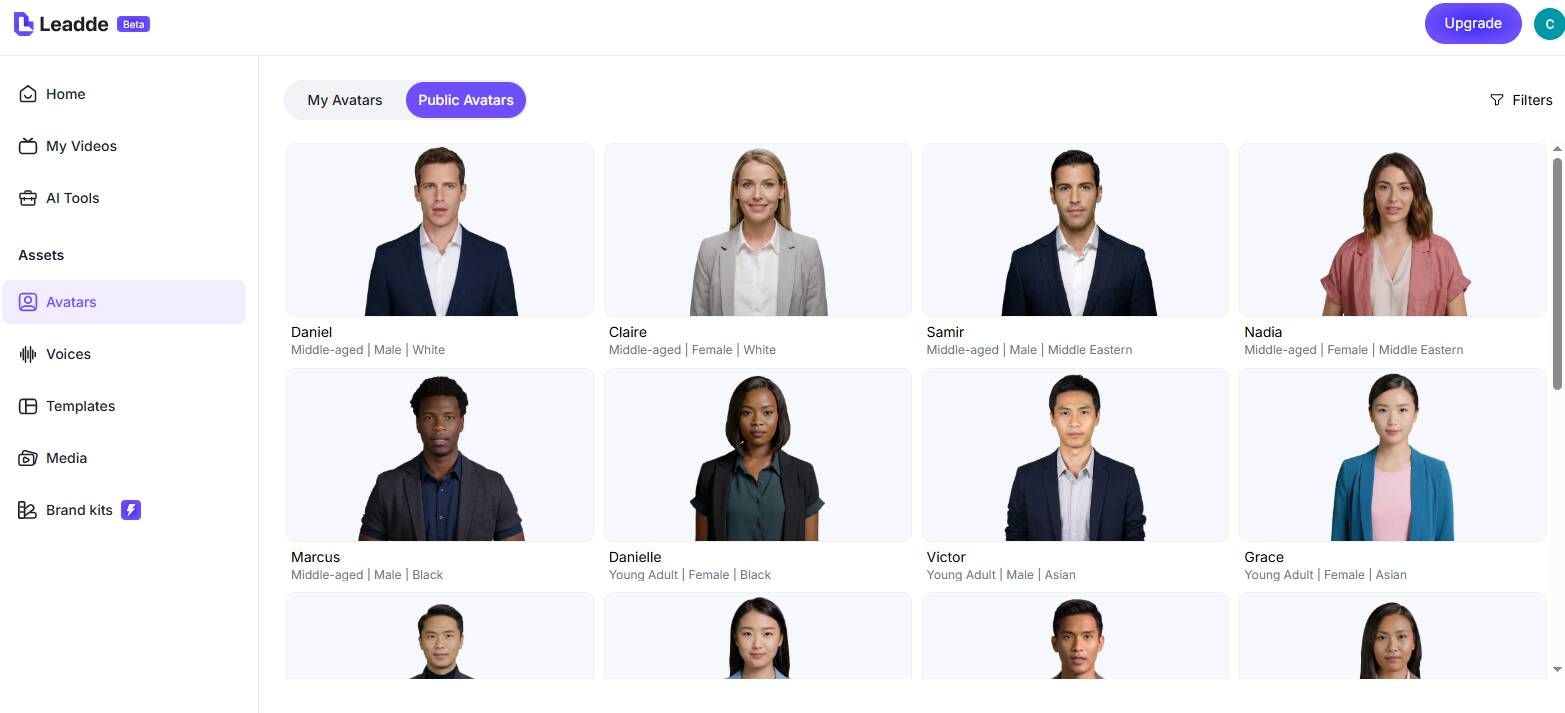
Diverse Representation
Video Localization Use Cases
Global Employee Training
Multilingual Marketing Ads
Customer Support Libraries
Educational Course Localization
Software Demos
Localize your product demo into every market's language. Let prospects watch a product walkthrough in their native tongue — improving comprehension, reducing sales cycle friction, and increasing demo-to-trial conversion rates.
Internal Communications
Frequently asked questions
Leadde uses AI to translate your video's text script and canvas elements. It then regenerates the voiceover in the target language and synchronizes the AI avatar's lip movements to match the new audio.
Yes. Leadde offers a Free Plan that includes access to translation features. You can test the quality of our multilingual video generation before upgrading for more capacity.
Yes. When using the "Translate" feature, simply check the option for "Translate text on the canvas." Leadde will automatically translate headings, bullet points, and other text elements in your video.
Leadde supports 89 languages and 175 dialects, covering major global languages like Spanish, Chinese, Arabic, French, and many more, ensuring you can reach almost any audience.
Start localizing your videos today
