
AI Script to Video Generator
AI Script to Video Generator Showcase Examples
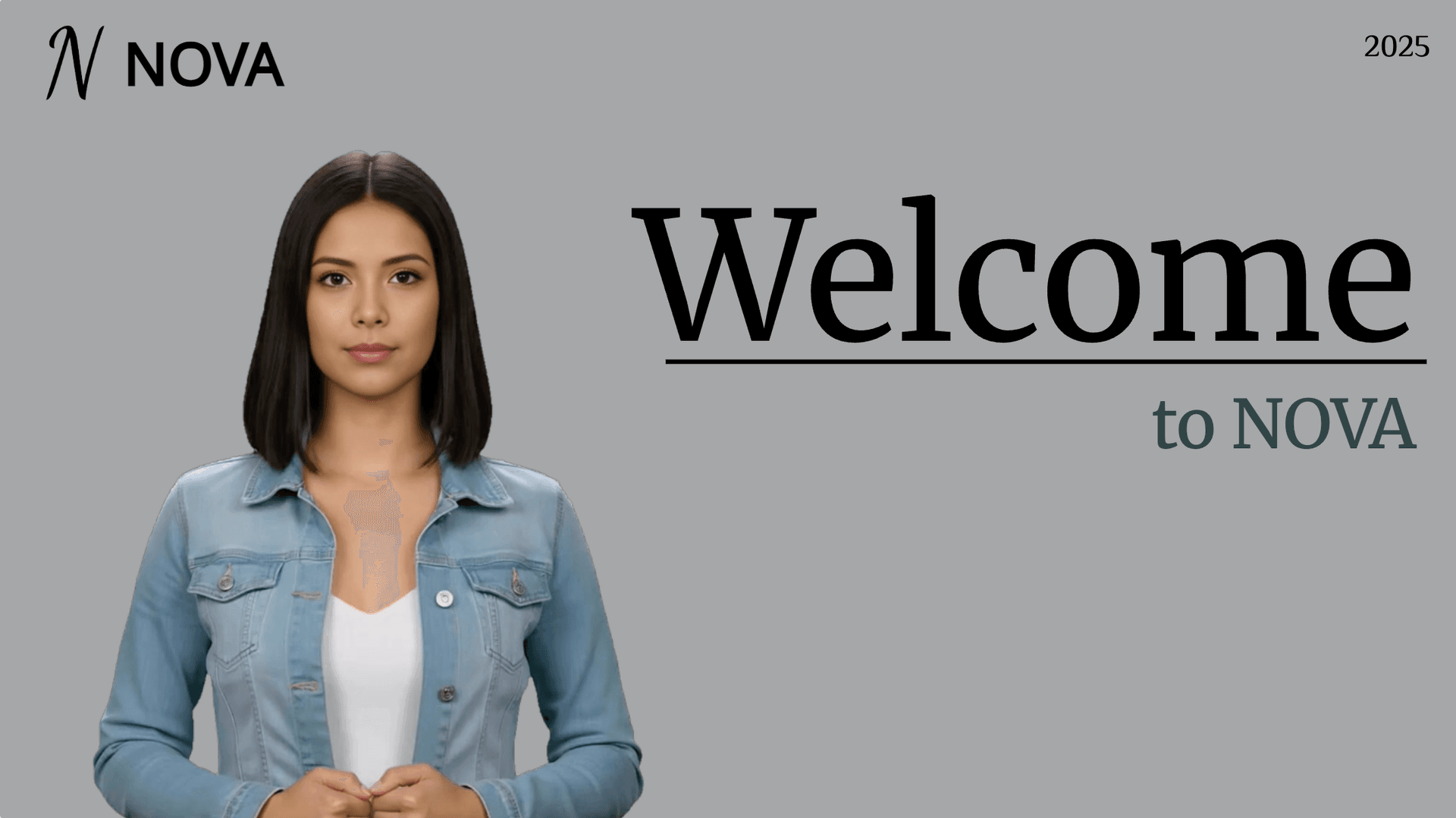
Onboarding walkthrough
Turn compliance documents, safety protocols, or regulatory guidelines into structured certification videos. Let an AI avatar walk employees through each requirement clearly — reducing legal risk and keeping teams audit-ready.

Cleanroom protocols
Explains the behavior guidelines and operational requirements for cleanrooms, ensuring employees adhere to standards and improve work efficiency and safety.

AR-700 operation training
Introduces the operation process and safety guidelines of the AR-700 precision assembly robot, helping employees master proper operating techniques.

Marketing insights
Trusted by Global Teams Turning Scripts Into Video







What Is an AI Script-to-Video Generator?
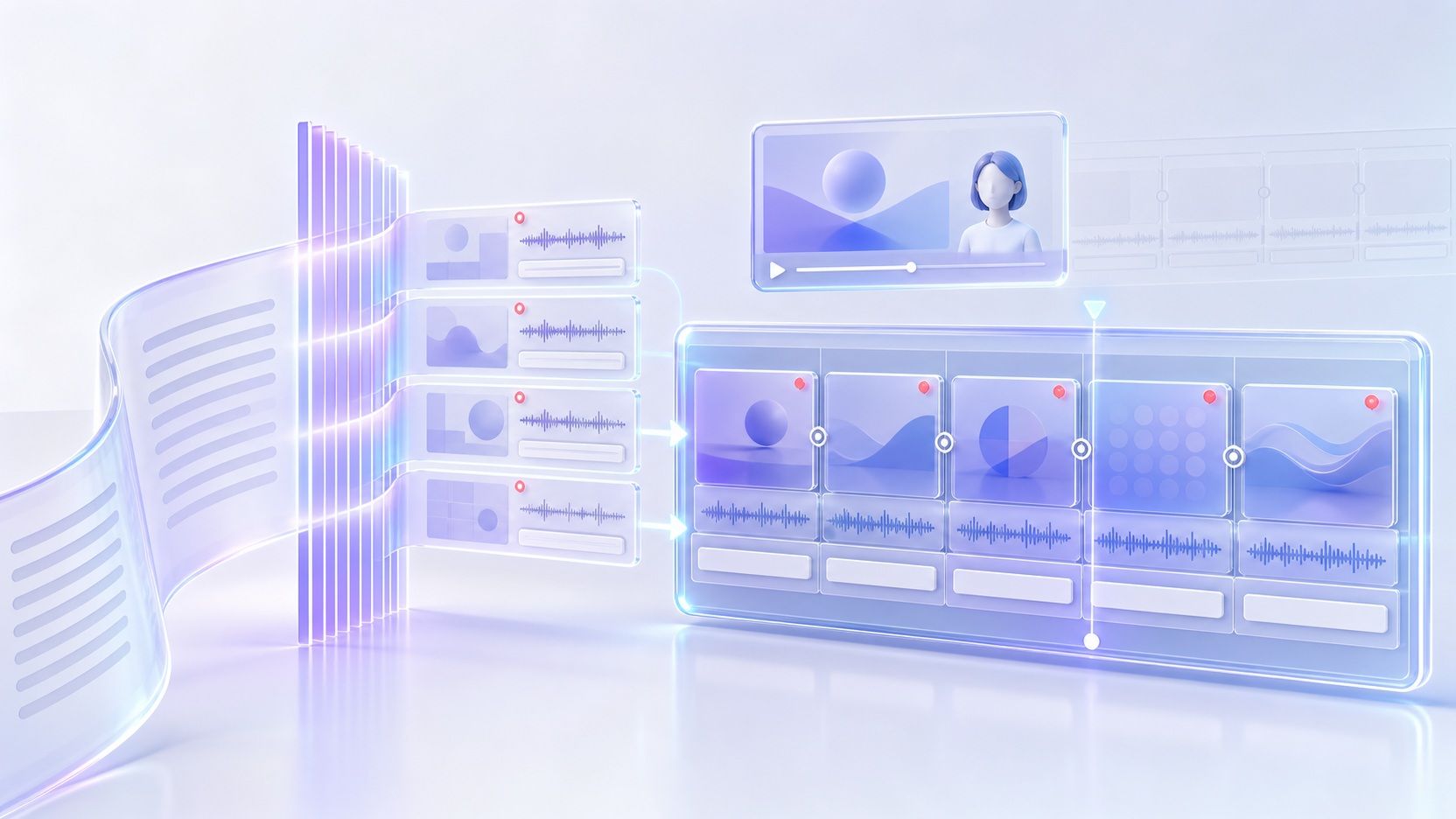
An AI script to video generator reads written paragraphs and organizes them into timed visual scenes spoken by a digital presenter or narrator. Instead of cutting B-roll tracks manually or booking a recording booth, writers paste approved text, set voice pacing, refine on-screen callouts, and export a shareable video.
Why Choose Leadde to Turn Scripts Into Video
Direct Script and Document Import
Start cleanly from pasted narration or structured outlines without reformatting every line. When projects grow beyond short drafts, you can bring the same workflow into Leadde's text to video editor with TXT, DOC, DOCX, PDF, or PPTX files up to 200MB.
Natural Voices Across 88 Languages
Custom Pronunciation and Pause Controls
On-Screen Motion and Callout Highlights
How to Convert a Script to Video Online
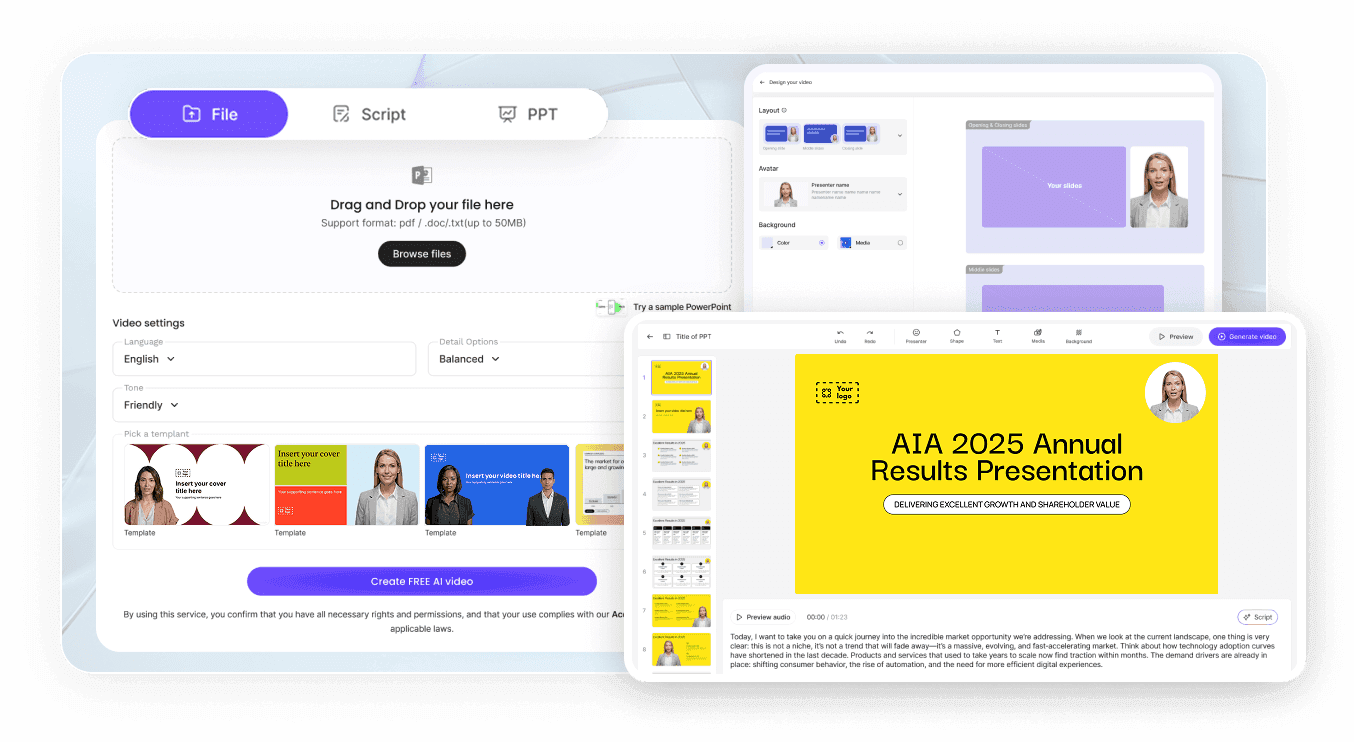
Step 1: Paste Script or Upload Document
Open AI Video Creator and paste your script or upload a DOCX, PDF, PPTX, or TXT file up to 200MB.
Step 2: Set Voice, Tone, and Timing
Step 3: Refine Scenes and Export

Script Formatting and Voice Controls Built for Clarity
Adjust Delivery With AI Assistant
Match Your Voice With Cloning
Protect Internal Briefs With Passwords
Update Changed Lines Without Re-Recording
Teams Converting Written Scripts Into Training and Marketing Video
Training and Onboarding Teams
SOP writers and instructional designers format dense handbook sections into repeatable modules using our AI training video generator, keeping spoken explanations current when workplace policies change.
Product Marketing Specialists
Copywriters adapt blog announcements, release notes, and comparison sheets into clear presenter recaps tailored to buyer questions without waiting on external video agencies or motion graphics contractors.
Course Creators and Educators
Teachers pair lesson outlines with Leadde's voiceover video maker to record chapter summaries, lab safety prep, and flipped-classroom walkthroughs aligned directly with syllabus handouts.
Customer Support Writers
Documentation leads turn written troubleshooting articles into visual step-by-step explanations that clarify tricky setup menus and cut down repeated tickets from first-time users.
Practical AI Script-to-Video Use Cases
YouTube Explainers and Essays
Launch Notes and Feature Recaps
SOP Walkthroughs and Briefings
Lesson Summaries From Lecture Notes
Help Center Quick-Start Guides
Multilingual Regional Team Updates
Script-to-Video Generator Frequently Asked Questions
Many automated tools stitch generic stock B-roll clips loosely over robotic voiceovers. Leadde focuses on structured, presenter-led scenes with 300 AI avatars, editable slide visuals, Magic Highlight callouts, optional Hosted Link AI Video Chat, and downloadable subtitles when exact visual clarity matters more than random stock montage.
You can paste raw script text directly inside AI Video Creator or upload TXT, DOC, DOCX, PDF, and PPTX documents up to 200MB, plus up to 50 pages in Slide Presenter. Breaking longer essays into short spoken paragraphs per scene gives listeners cleaner visual transitions and steadier pacing.
Yes. Leadde's Free plan provides 200 monthly credits, access to 16 public AI avatars, a 500MB Knowledge Base, and watermarked 1080p MP4 exports up to 10 minutes per video. Paid Starter and Creator tiers expand to 250+ avatars, cleaner branding options, and larger monthly credit allowances.
Spoken narration sounds trustworthy only when industry acronyms, medical phrases, and product codes are pronounced properly. Leadde lets you override tricky phonetic spellings and set Pause intervals up to 99 seconds between dense points, reducing awkward rushes across technical or legal passages.
Yes. Paid workspaces enable Voice Cloning from 10 to 60 second clean MP3, WAV, or M4A audio samples alongside 100+ stock voices in 88 languages and 175 dialects. For existing finished clips, Video Dubbing translates speech with matching lip-sync across 15+ supported languages.
Free exports render in 1080p MP4 with a Leadde watermark, while Starter removes watermarks on Brand Kits and Creator adds 4K MP4 output alongside downloadable SRT and VTT caption tracks. Interactive scripts can also be published directly via a Hosted Link for analytics and viewer Q&A.
Turn Your Script Into a Presenter-Led Video
Bring your outline, article draft, or training script into Leadde's AI script to video generator and produce clear scenes backed by natural voices, accurate pronunciation, and synced captions.