
AI Training Course Generator



Create High-Converting Training Videos with AI

Corporate culture training
GlobalPro Consulting presents core values of integrity, excellence, innovation, and commitment to lasting value.

Cleanroom protocols
Explains the behavior guidelines and operational requirements for cleanrooms, ensuring employees adhere to standards and improve work efficiency and safety.

Onboarding walkthrough
Turn compliance documents, safety protocols, or regulatory guidelines into structured certification videos. Let an AI avatar walk employees through each requirement clearly — reducing legal risk and keeping teams audit-ready.

Collaboration principles
Trusted by the world's leading brands







What Is an AI Training Course Generator?
An AI training course generator turns existing training materials into structured video content. With Leadde, you can add PDFs, PowerPoint presentations, documents, text, or scripts, and AI can organize the content into an outline, narration, scenes, visuals, subtitles, and highlights for training, onboarding, education, and knowledge sharing.
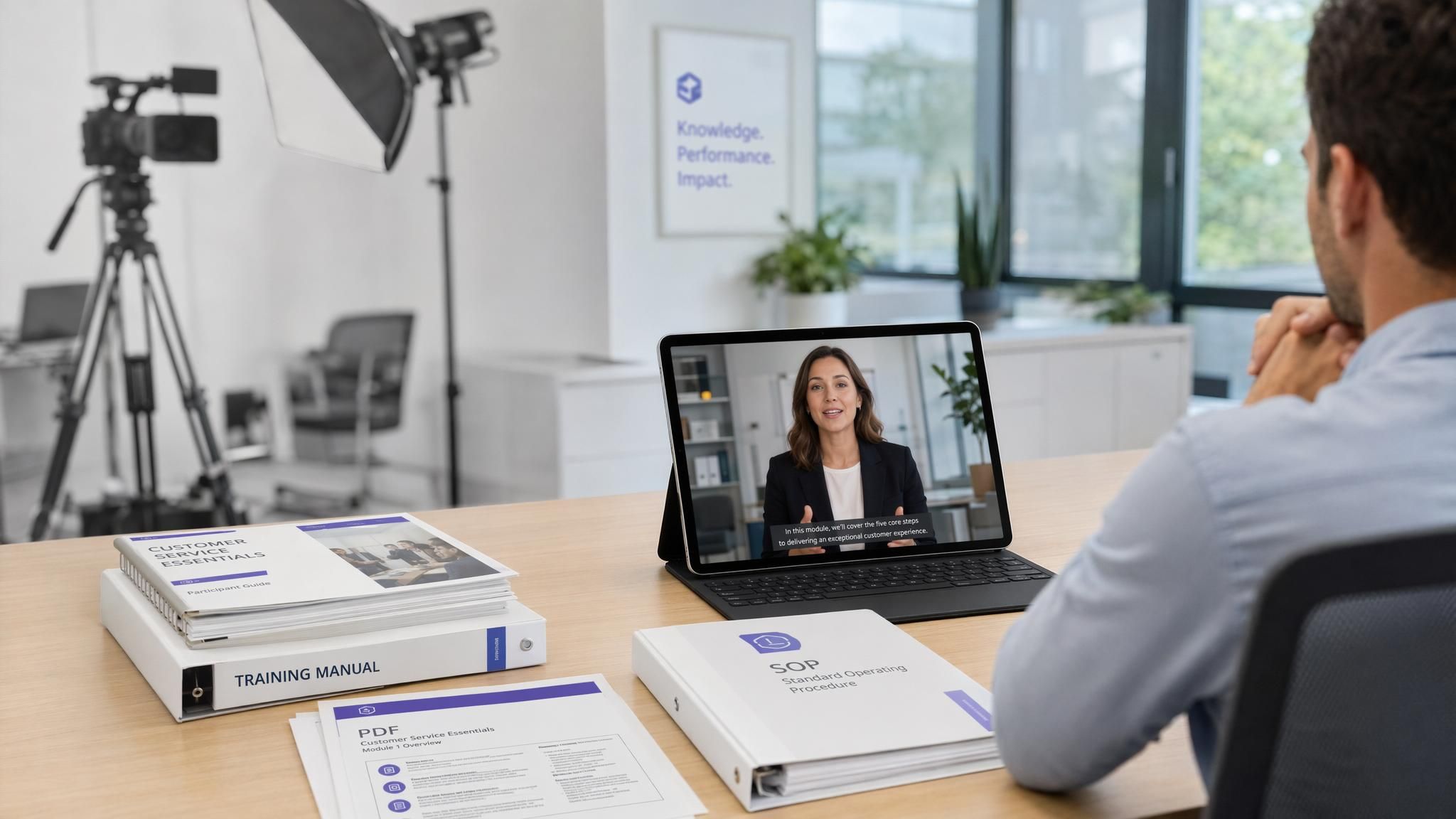
Create Training Videos from Documents, Slides, and Scripts

Turn Training Materials into Structured Scenes
Leadde identifies key learning points and reorganizes long documents into a clear video outline with focused scenes.

Add AI Avatars, Voiceovers, and Subtitles
Choose a digital presenter, target language, narration tone, template, and level of detail for your audience.
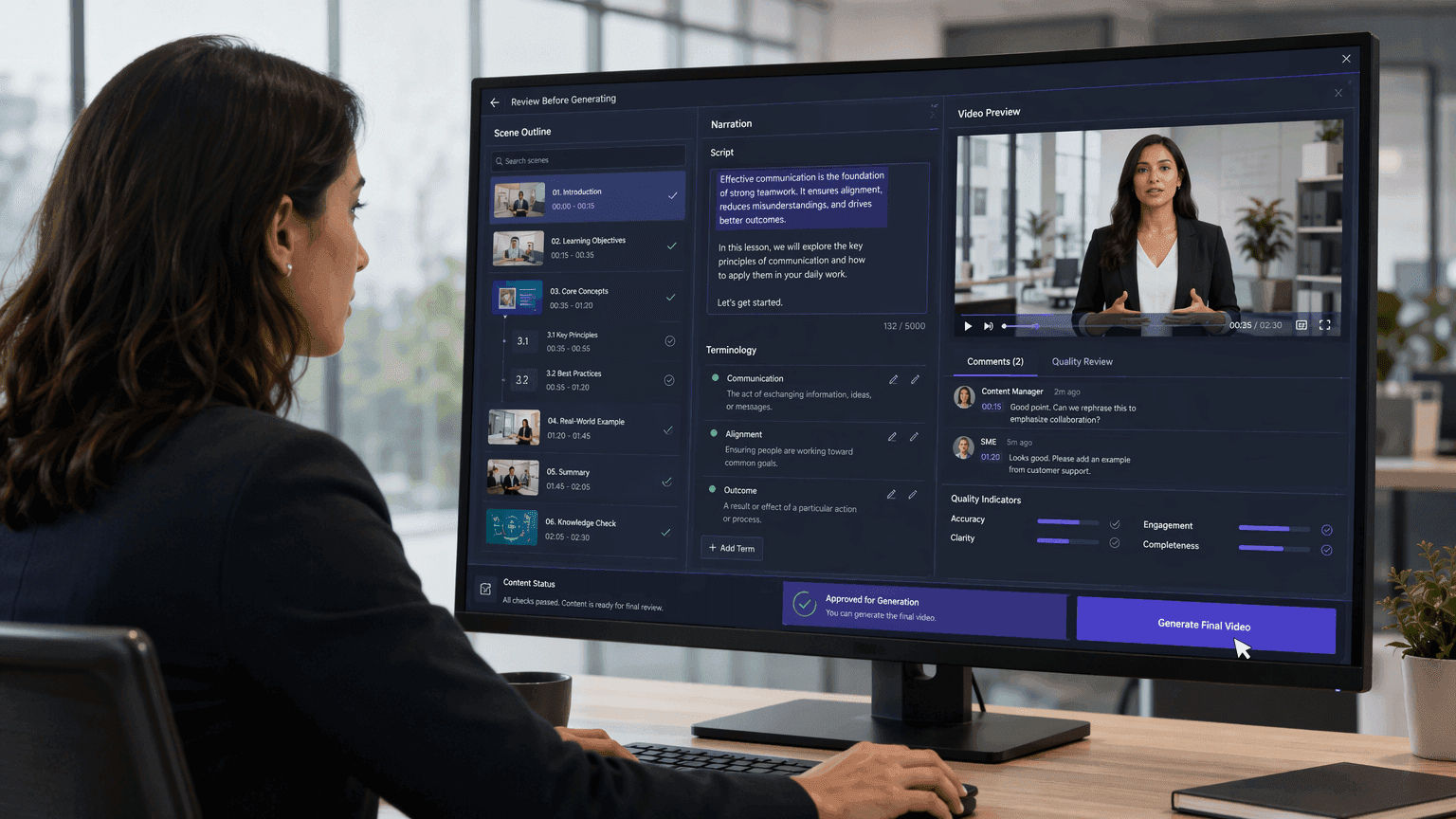
Review Before Generating
Edit the outline, narration, terminology, and instructions before creating the final training video.

What to Look for in AI Training Video Software
Document Conversion
Choose a training video creator that can read and restructure PPTX, PDF, DOCX, SOPs, policies, and scripts directly.
AI Voice and Avatar Quality
Multilingual Localization
Use a platform that can localize narration and subtitles for employees across different countries and language groups.
Easy Content Updates
Keep training projects editable so policies, products, and procedures can be updated without rebuilding the entire video.
Why Use Leadde as Your AI Training Video Creator?
Turn Documents into Training Videos
Upload training manuals, PDFs, PowerPoint slides, DOC/DOCX files, TXT files, or text. Leadde analyzes the source content and restructures it into scene-by-scene video content instead of simply recording static pages.
Generate Scripts, Scenes, and Visuals
Leadde can create an outline, narration, video scenes, visual layouts, subtitles, and highlights from your source material, helping you move from training content to an editable video workflow.
Localize Training for Global Teams
Create multilingual training content with support for 88 languages and 175 dialects. Leadde also provides video translation, dubbing, subtitles, on-screen text translation, and optional lip sync.
Add AI Presenters or Voice-Overs
Choose from 300 AI avatars for presenter-led training videos, or hide the avatar and create a voice-over-only video. Leadde also provides 100+ AI voices and voice cloning options.
How to Create a Training Video with AI

Step 1: Upload Your Training Material
Step 2: Define Your Trainer
Step 3: Edit and Publish
Who Is the AI Training Course Generator For?
Learning & Development Teams
Turn internal training materials, manuals, policies, and presentations into consistent video content for employee learning and development programs.
HR and Training Teams
Create video-based onboarding, orientation, workplace policy, and process training from existing company documents and presentations.
Instructional Designers and Educators
Convert lesson materials, presentations, and course documents into structured video lessons with narration, visuals, subtitles, and optional AI presenters.
Subject Matter Experts
Turn specialist knowledge, procedures, manuals, and presentations into training videos without building every scene from a blank video timeline.
The Standard for Enterprise Learning & Development
Global Workforce Ready
Virtual Corporate Trainers
Enterprise Scalability
Streamlined Creation
AI Training Course Generator Use Cases
Employee Training Video
Build employee training content with AI — role-specific, on-demand, and easy to update when processes or policies change.
Safety Training Video
Cover workplace safety and emergency procedures with AI avatar videos — on-demand, consistent, and instantly updatable.
Compliance Training Video
Produce compliance training at scale with AI — DEI, regulatory, and safety topics updated instantly when requirements change.
Police & Public Safety Training Video
Produce police and public safety training videos with AI — use-of-force, response, and compliance content delivered on-demand.
Corporate Culture Training
Deliver company culture, values, and behavioral standards through engaging AI avatar videos that new hires and existing employees can access anytime.
Product Knowledge Training
Create product knowledge training videos for sales teams, customer success, and channel partners. Update content instantly when products evolve.
Create Training Videos for Your LMS and Learning Platform
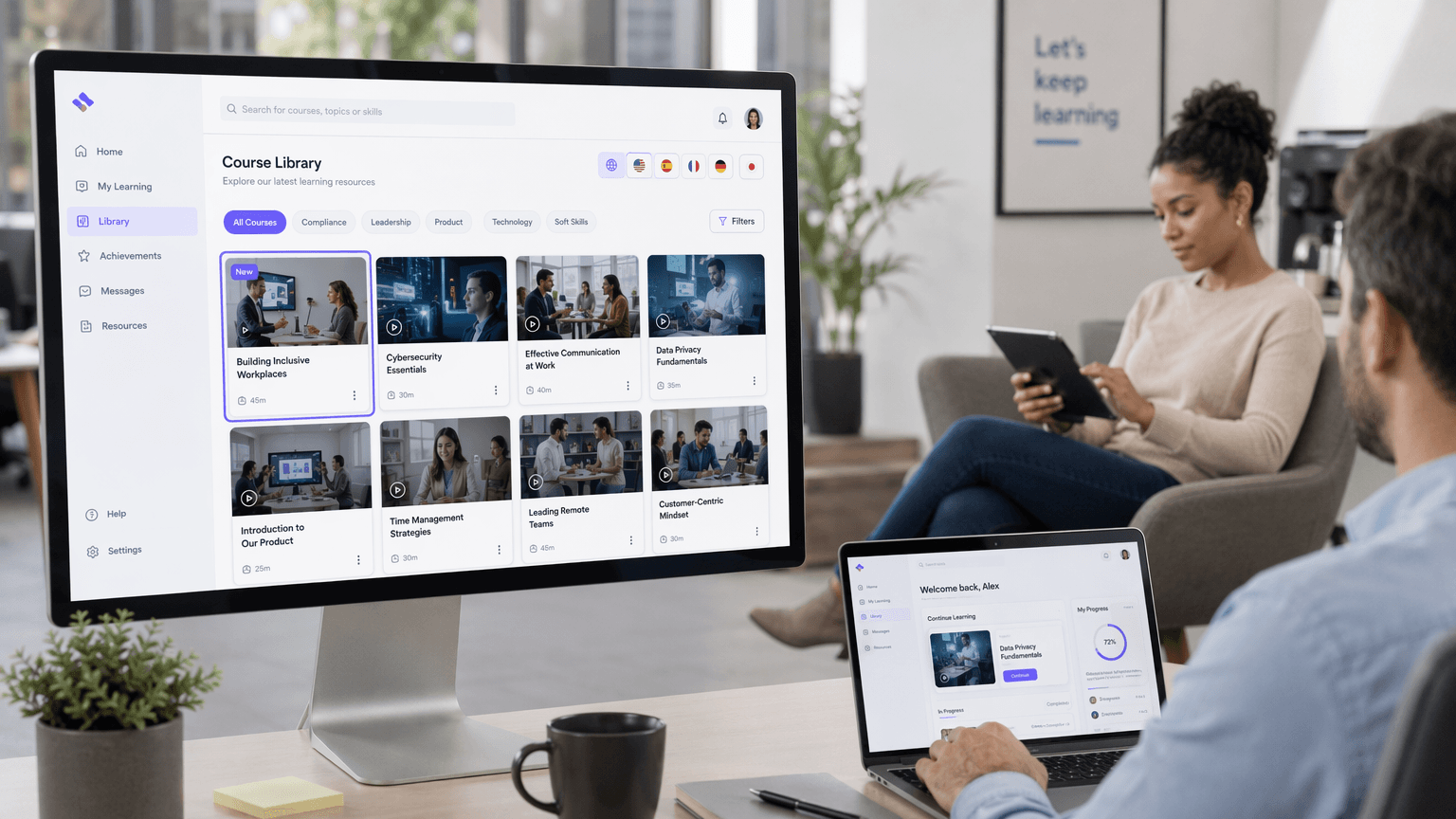
Use Leadde videos in learning management systems, employee portals, internal knowledge bases, online courses, and shared training libraries. With Leadde, teams can:
Download completed training videos
Share hosted video links
Create multilingual versions
Update and regenerate content
Reuse templates across programs
Share training with learners and employees
Frequently asked questions
Yes. Leadde can use PPTX, PDF, DOC, DOCX, and TXT files, as well as text and scripts, as source material for creating structured training videos.
Yes. Leadde can analyze PowerPoint content, extract its structure, and rebuild it as video scenes with narration, visuals, subtitles, highlights, and an optional AI presenter.
Yes. You can use an AI avatar as the presenter or hide the avatar and create a voice-over-only training video. Leadde also provides AI voices and voice cloning options.
Yes. Leadde supports 88 languages and 175 dialects. It also provides multilingual AI voices, video translation, dubbing, subtitles, on-screen text translation, and optional lip sync.
Leadde offers a Free plan, and the current Leadde homepage states 200 free credits. Plan features and credit rules may change, so check the current pricing information for the latest limits.
Create Your Training Course Videos with AI
Turn your existing training materials into structured, narrated video content with Leadde.
