
AI Snapchat Video Maker
What Is a Snapchat Video Maker?
Mobile ad teams and Spotlight creators use a Snapchat video maker to assemble full-screen 9:16 promos from app screenshots, sneaker photos, and short hooks. Leadde Video Agent pairs 30-second and 60-second vertical timers with 500+ adjustable voices (0.5x to 1.5x speed) and 20-image uploads. Cross-network media buyers can also open Free AI Ad Generator for multi-channel ad sets.
Trusted by the world's leading brands





Core Capabilities of Our AI Snapchat Video Generator
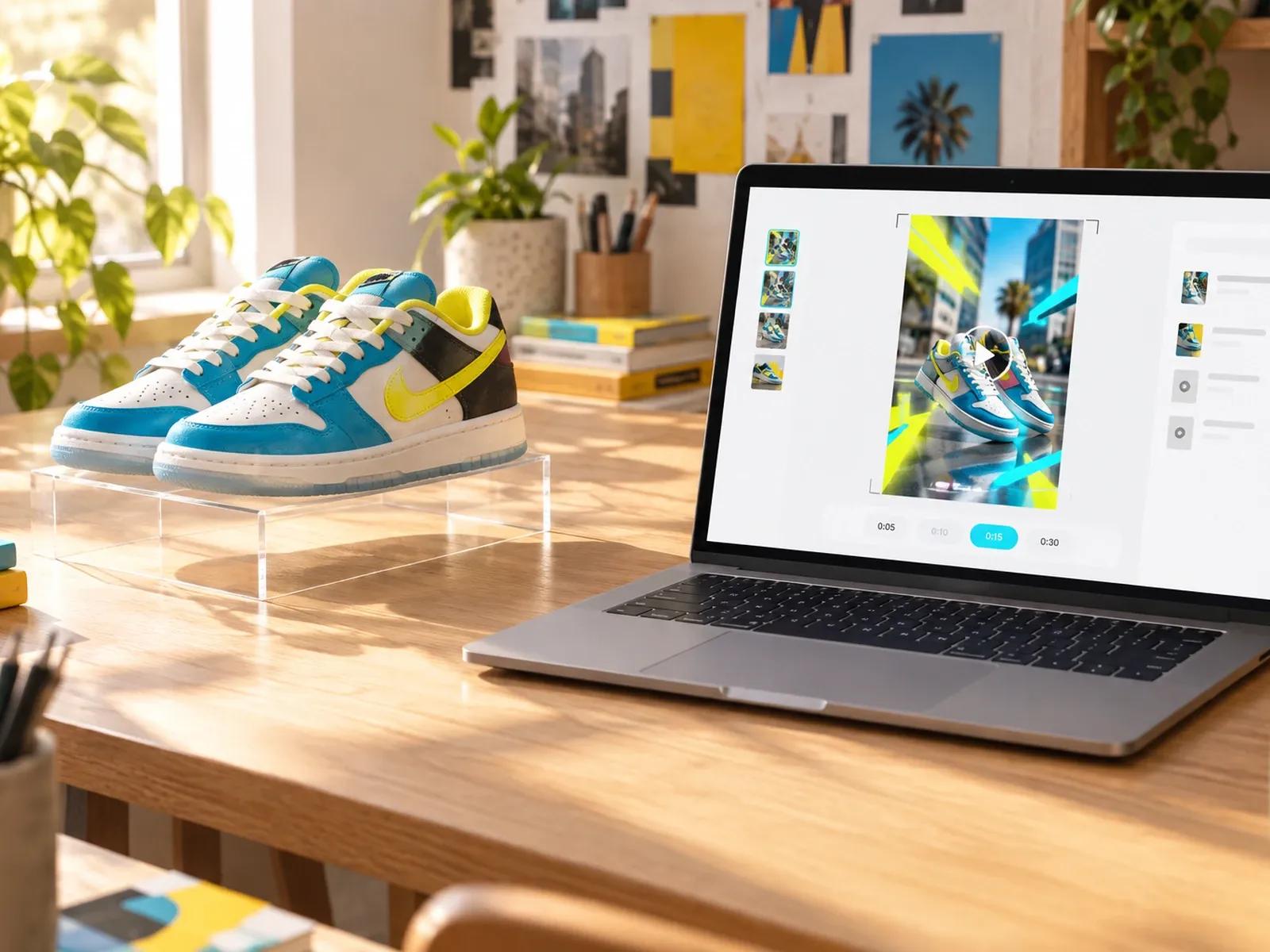
Full-Screen 9:16 Spotlight and Story Framing
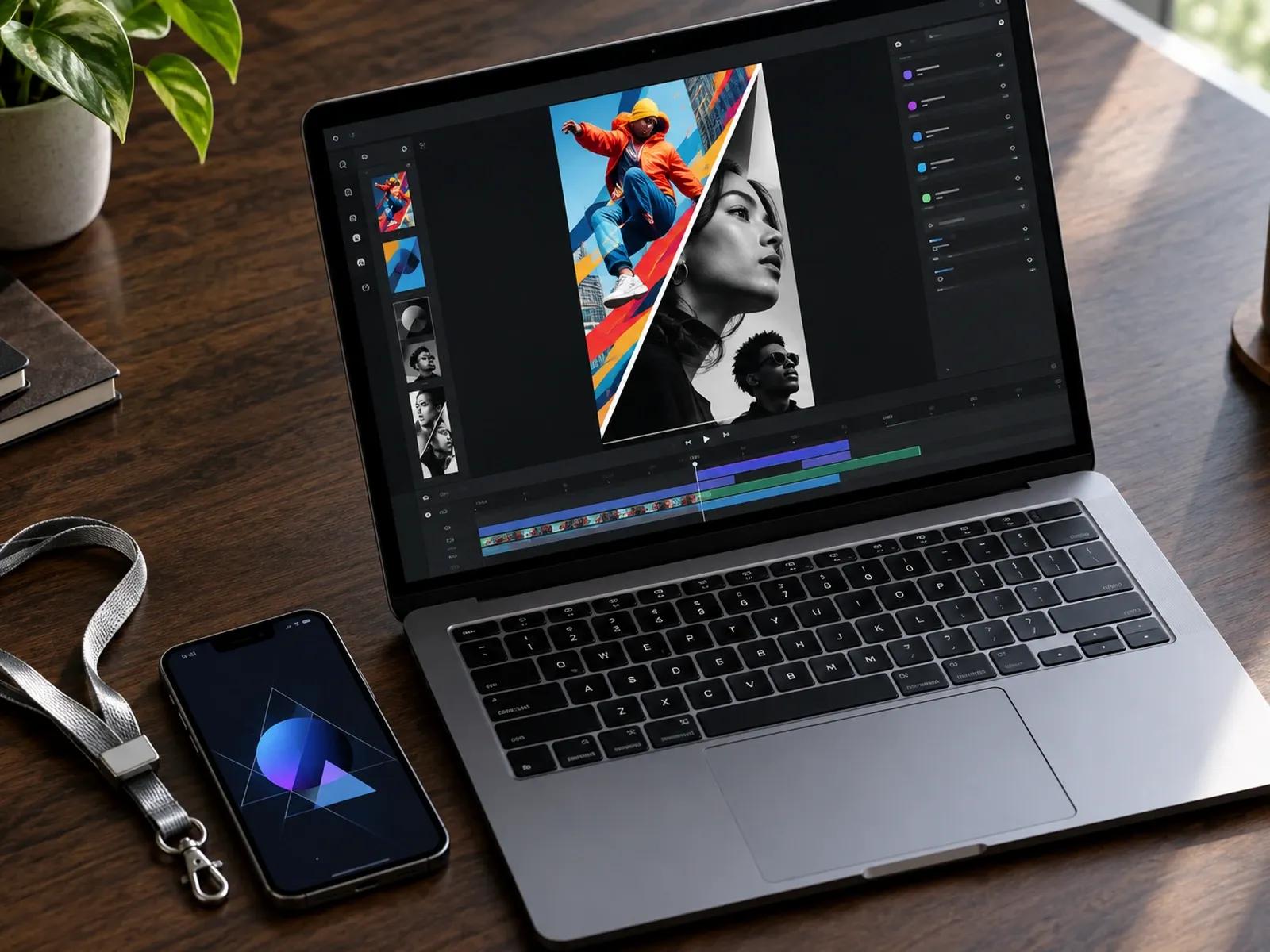
Remix Neon Product and Mobile App Presets
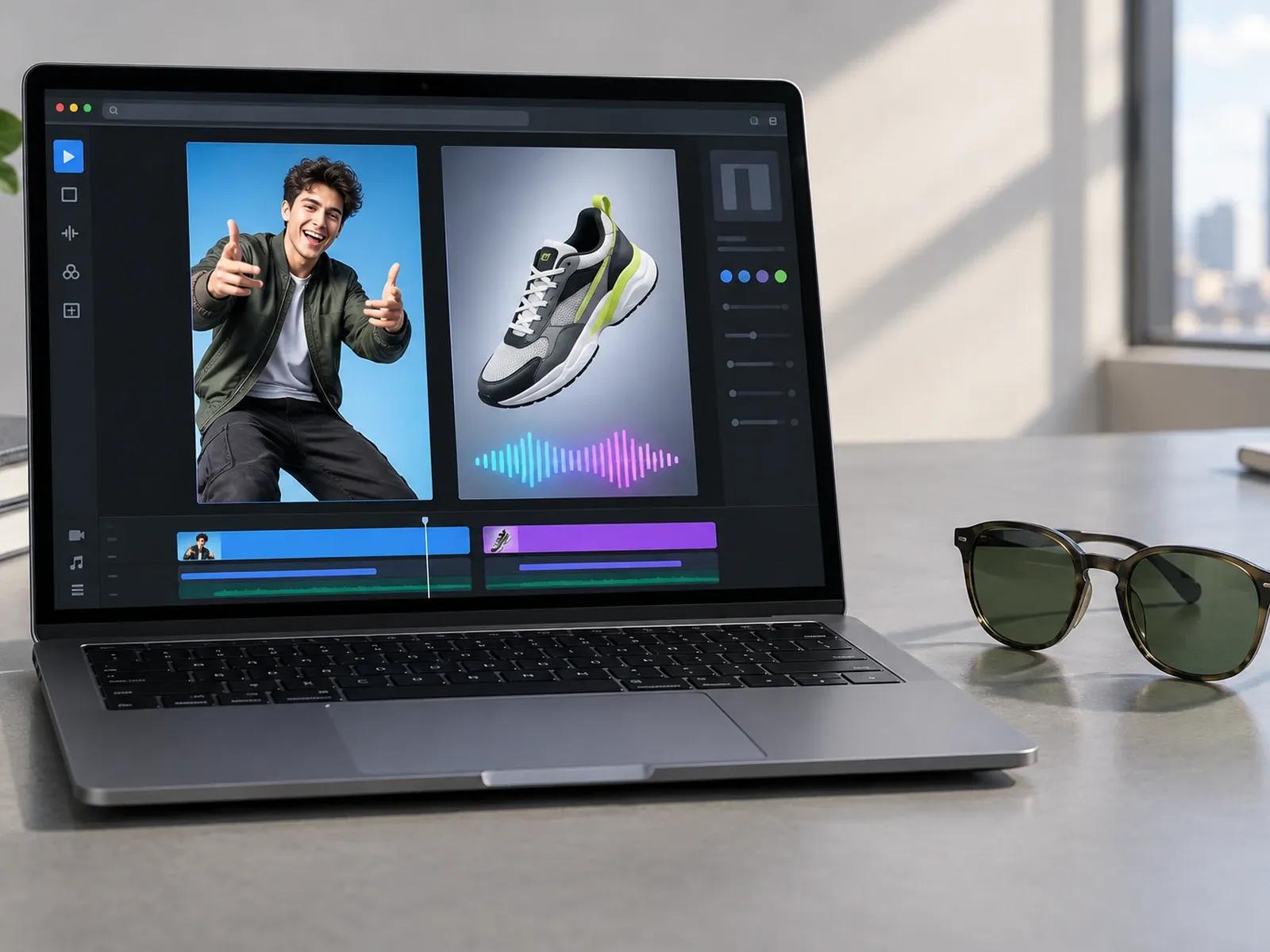
Fast Pacing with 500+ Voices and Speed Control
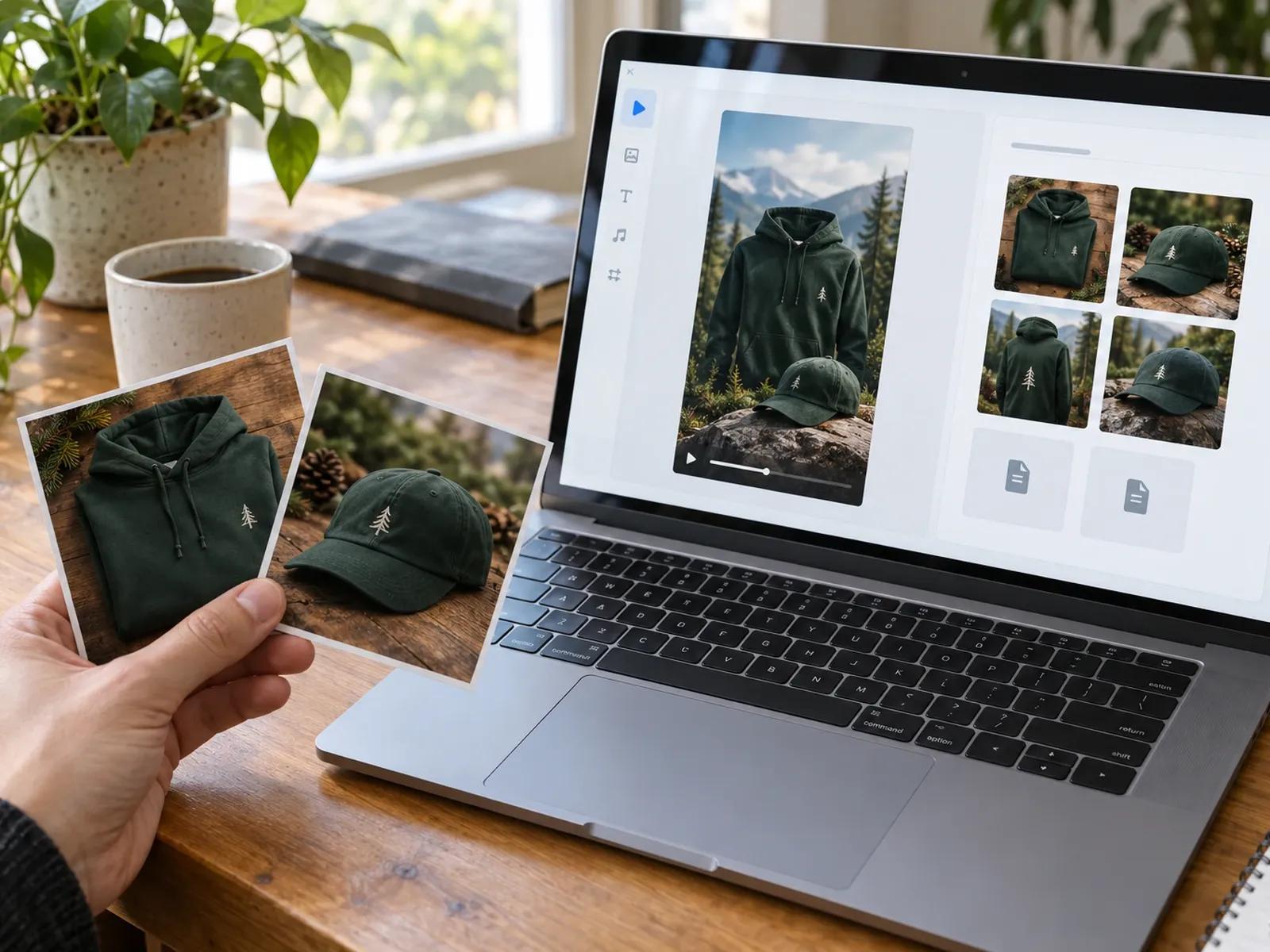
Upload 20 App Screenshots or SKU Photos
Three Steps from Promo Brief to 9:16 Snapchat Clip
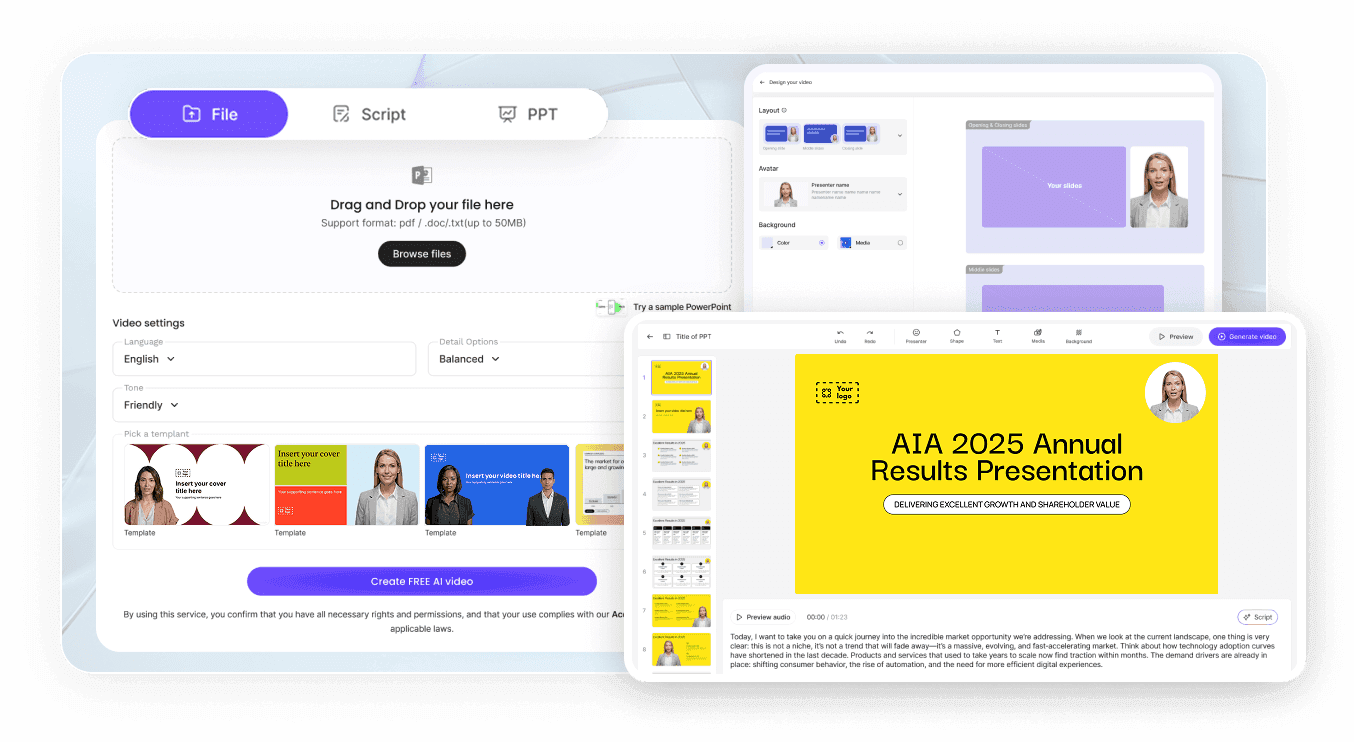
Step 1: Pick a 9:16 30-Second Ad Preset
Step 2: Add Your Hook Script and Screenshots
Step 3: Tune Voice Speed and Export MP4
Where Teams Use a Snapchat Ad Maker
Mobile Game & App Install Story Promos
Show real app interfaces inside 3D phone frames with pop-up notification cards to drive swipe-up installs from Story feeds.
D2C Streetwear & Sneaker Drop Teasers
Combine dark-studio product cutouts, neon price tags, and countdown callouts for 30-second limited-edition merch releases.
Local Event, Concert & Festival Teasers
Stack split-screen venue clips, artist names, and bold ticket dates into energetic 9:16 reels that friends share in chat.
Creator Spotlight Trivia & Quick List Clips
Deliver three fast facts or myth-busting hooks using ripped-paper transitions, kinetic text, and brisk spoken narration.

Why Mobile Growth Teams Choose Leadde for Snapchat Clips
Designed for Fast-Swiping Vertical Feeds
Authentic App Screens and Merch Cutouts
Flexible Avatar or Kinetic Typography Modes
Precise Voice Pacing and Pause Controls
Practical Tips for High-Completion Snapchat Videos
Lead with Visual Motion in Second One
Keep Text Away from Top and Bottom Edges
Set Voice Speed Slightly Above 1.0x
Limit Each Card to Five or Six Bold Words
Pair Upbeat Electronic Music with Drops
End with a Single Clear Swipe or Code Action
Snapchat Video Maker Frequently Asked Questions
Select the 9:16 vertical frame with a 30 sec or 60 sec preset in Leadde Video Agent, then upload your app screenshots or merch photos. You can either write a custom one-line hook and promo code or click Remix on Neon Showcase or Monochrome Mobile to generate your clip.
Yes. Adding "No avatar" to your prompt instructs the generator to omit digital presenters from every vertical frame. Instead, your 9:16 Story ad is built around your uploaded app interfaces or sneaker cutouts, high-contrast typography, price tags, and energetic music or voiceover.
Once your initial draft opens inside Studio, pick from 500+ available voices and drag the voice speed control anywhere between 0.5x and 1.5x. You can also fine-tune word pronunciation and shorten pause cards so spoken lines keep up with quick vertical cuts.
No. Leadde operates as a web-based video creation studio rather than an augmented-reality camera lens builder or ad-buying console. You cannot rig 3D face tracking filters or push campaigns directly into Snapchat Ads Manager; instead, you export a 9:16 MP4 file for manual upload.
This Snapchat video maker focuses on rapid 30-second Spotlight clips, mobile app install teasers, and high-contrast Story ads with accelerated voice pacing. E-commerce teams building TikTok Shop hooks should visit TikTok Video Maker, while brands designing aesthetic grid Reels can use Instagram Video Maker.
Yes. Mobile ad buyers can draft Spotlight hooks, remix Neon Showcase or Monochrome Mobile, and preview vertical cuts without charge while Video Agent is in Free beta. If you decide to render a finished 9:16 Story video in Studio, please consult the Leadde Pricing page for current credit allowances.
Start Building 9:16 Snapchat Clips and Story Ads Today
