
Leadde Logo

Twitter (X) Video Maker: Turn Tweets and Threads into Videos

Paste a tweet, a thread or release notes and get a captioned video built for the X timeline. Pick 16:9 for desktop feeds or 9:16 for mobile, add an AI presenter or keep it faceless, and export MP4 in 1080p or 4K.
Prompt & Script
File
PPT
Need inspiration? Try one of these ideas
No credit card required

What Is a Twitter Video Maker?

A Twitter video maker converts written X threads, product release notes, and founder commentary into captioned 16:9 or 9:16 clips built for muted timeline auto-play. Inside Leadde, Video Agent breaks long posts into visual argument cards while Studio syncs UI screen captures via 4 fit modes and 9 subtitle styles; broadcast news segments live at AI Breaking News Video Generator or URL to Video.

Trusted by the world's leading brands

11.png
22.png
33.png
44.png
55.png
66.png
77.png
11.png
22.png
33.png
44.png
55.png
66.png
77.png
11.png
22.png
33.png
44.png
55.png
66.png
77.png

Features of Our X Video Maker

Thread and Changelog Parsing in Video Agent
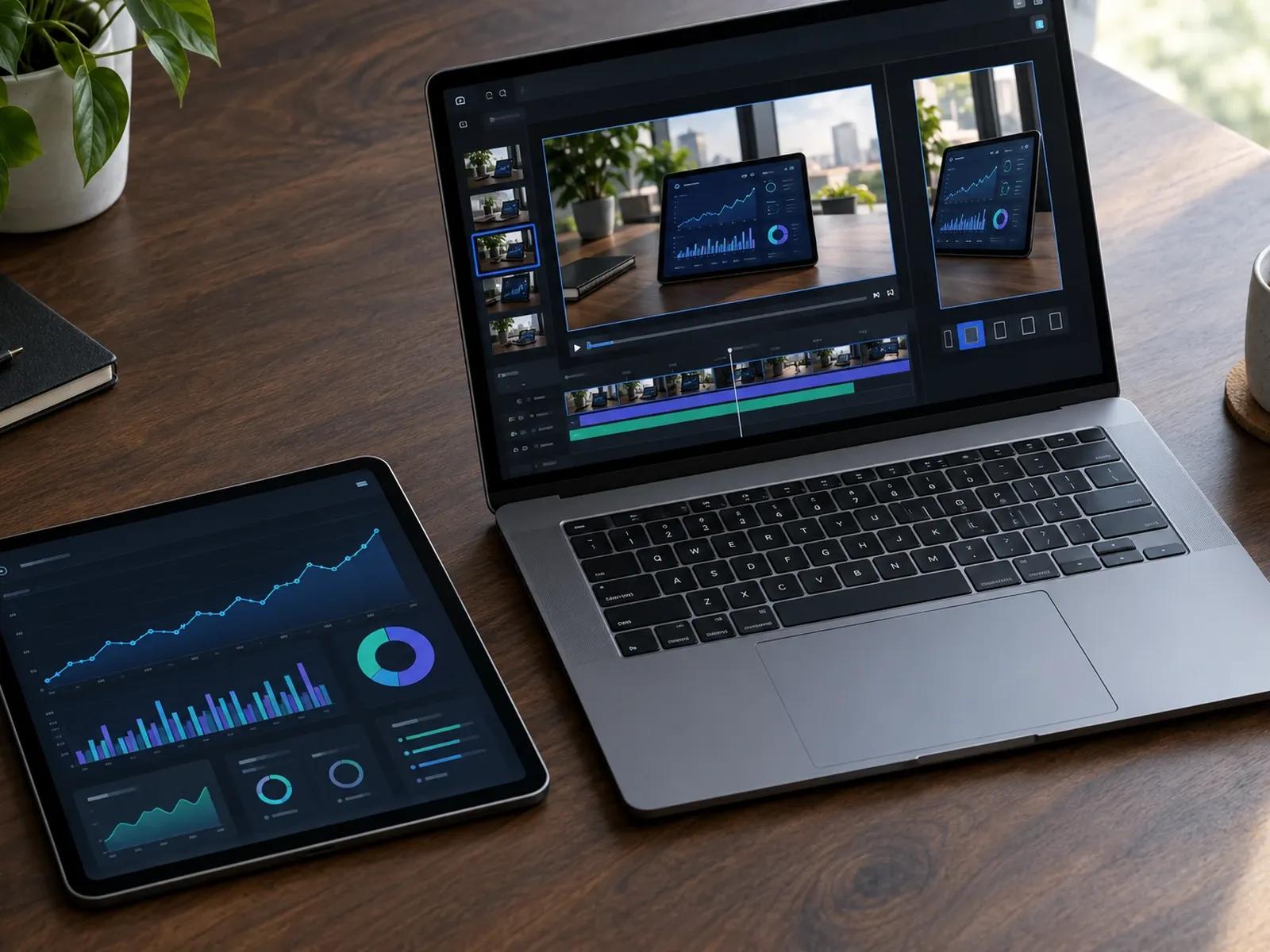
Thread and Changelog Parsing in Video Agent

Paste multi-post X threads, GitHub release notes, or market commentary into Video Agent to structure punchy argument cards and visual hooks without manual timeline slicing.
Desktop Widescreen and Mobile Vertical Formats
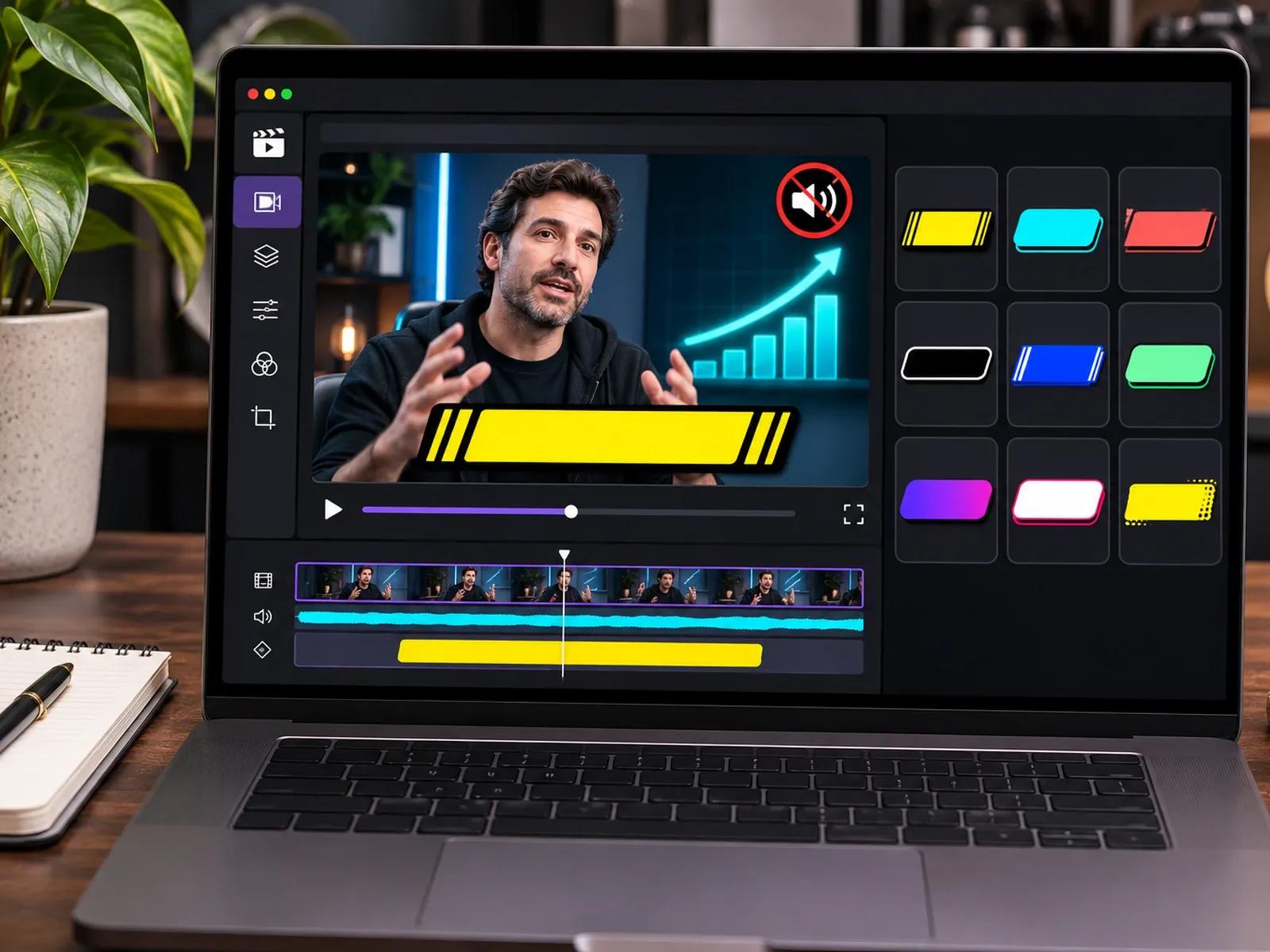
Desktop Widescreen and Mobile Vertical Formats

Generate 16:9 widescreen clips for desktop X timelines and embedded launch posts, or choose 9:16 vertical framing for mobile full-screen video tabs, then export 1080P or 4K MP4s.
9 High-Contrast Captions for Muted Auto-Play
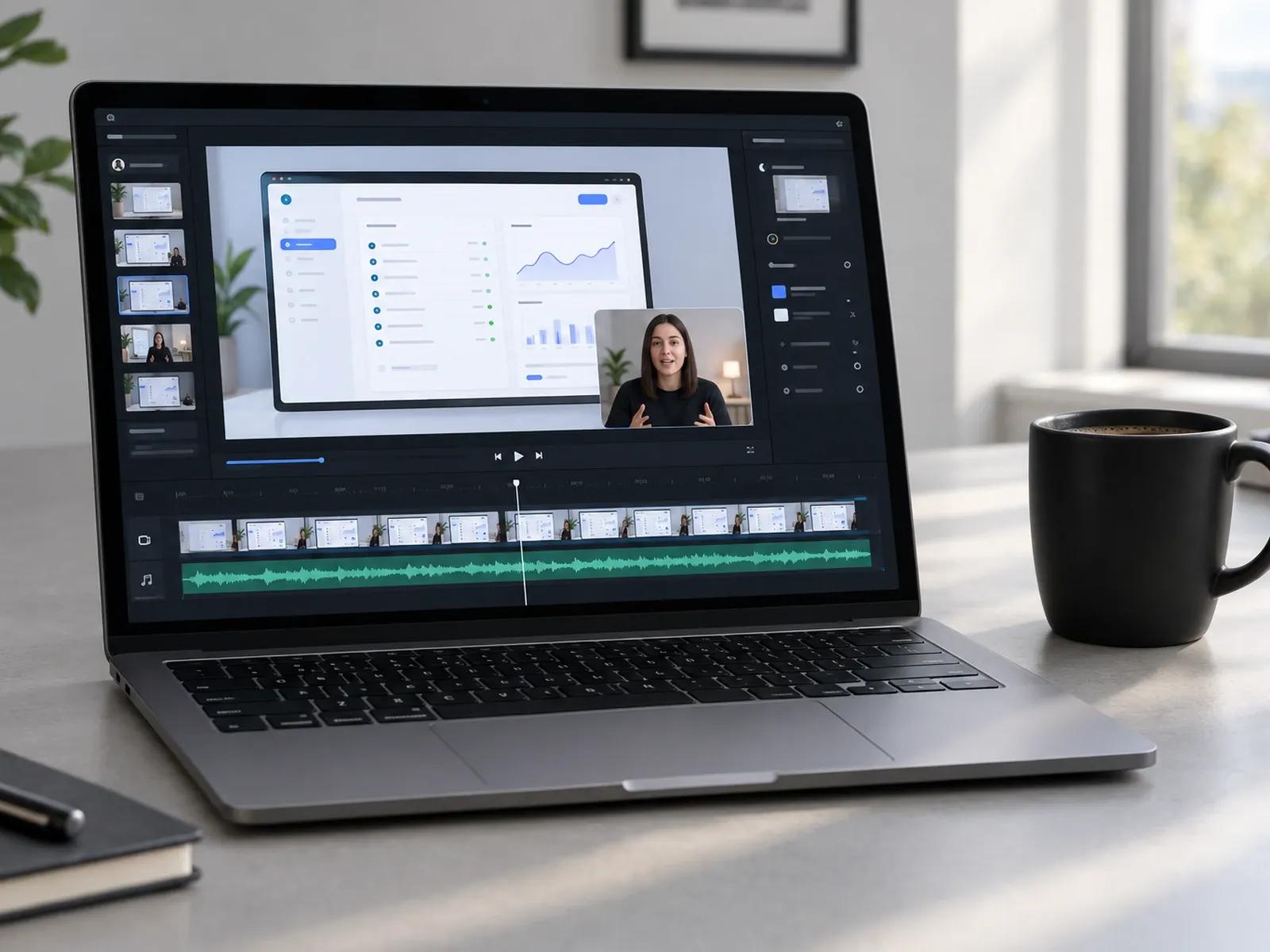
9 High-Contrast Captions for Muted Auto-Play

Apply 9 global subtitle styles across your X clip in Studio so desktop and mobile timeline scrollers read your thesis immediately before unmuting their audio.
Spokesperson Avatars and Synced UI Walkthroughs

Spokesperson Avatars and Synced UI Walkthroughs

Pair an on-screen spokesperson in the corner with software screen captures or chart animations on the Studio timeline using Loop, Freeze, Full Frame, or Insert fit modes.

Workflow in an AI Twitter Video Generator
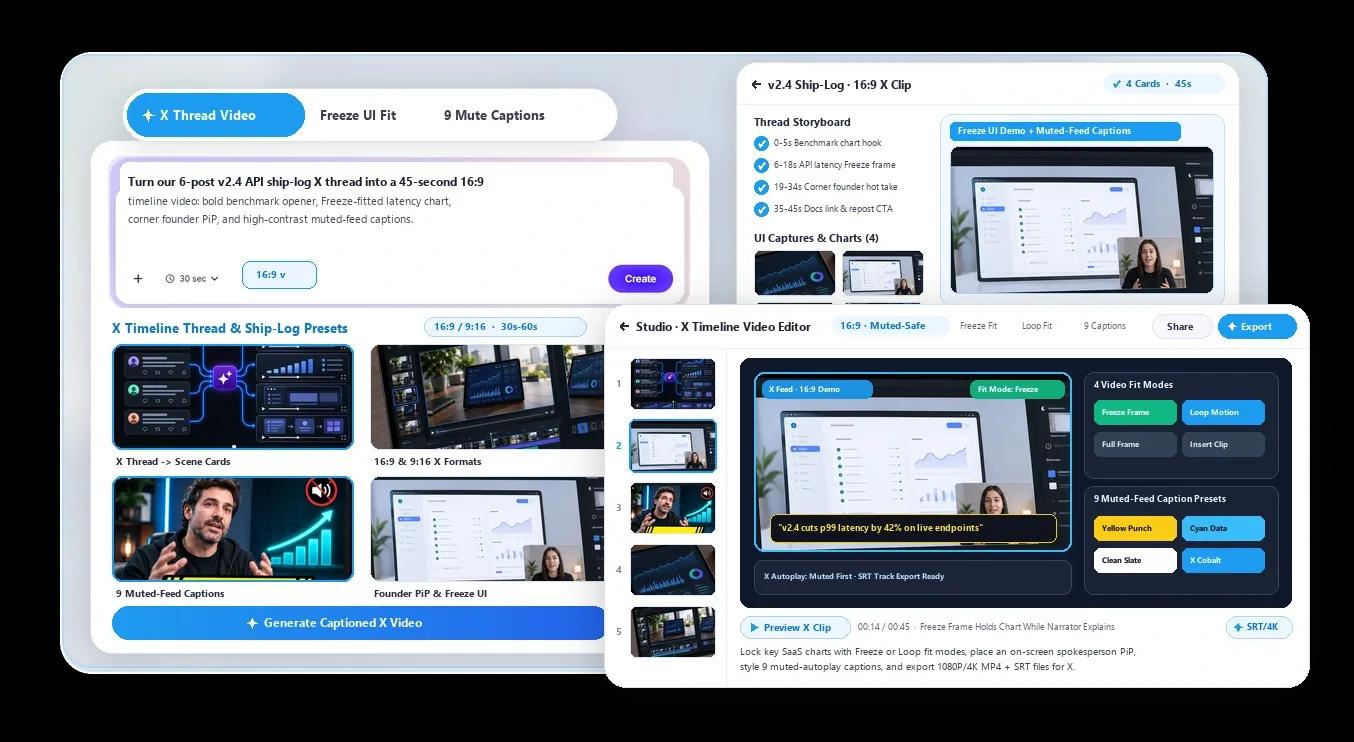
Convert a written X thread or feature announcement into a timeline video in your browser.
Step 1: Pick Timeline Framing and Duration

Step 1: Pick Timeline Framing and Duration

Match your X audience by choosing a widescreen desktop layout or vertical mobile canvas inside Video Agent.

Step 2: Paste Multi-Post Notes or Ship-Logs

Drop your written posts, UI screenshots, or commentary points into the prompt bar and request a brisk analytical pace.

Step 3: Lock Dashboard Frames and Download

Hold key chart frames using Freeze or Loop fit modes on the Studio timeline, burn in subtitles, and export your MP4.

Timeline Formats for a Twitter Campaign Video Creator

Multi-Post X Thread Visual Summaries

Condense ten-part analytical threads into a 60-second visual explainer that earns bookmarks and reposts in the main feed.

SaaS Ship-Log & Feature Release Teasers

Showcase new API endpoints, dark-mode updates, or dashboard launches with Freeze-frame UI callouts and crisp subtitles now.

Founder Hot Takes & Market Commentary

Pair an on-screen spokesperson or cloned voice with financial charts to react to breaking industry news on the same hour.

Podcast, Space & Newsletter Promo Clips

Preview upcoming X Spaces, Substack essays, or podcast episodes with a captioned 30-second teaser card and clear link CTA.

compliance background

Why Founders and Media Desks Pick This Social Feed Video Maker

Skip complex desktop timeline editors that slow down your team while a trending X topic cools off.

Ship Commentary While the Topic Is Trending

Waiting half a day to edit B-roll and burn subtitles kills timeline reach; Video Agent turns your written draft into a structured storyboard while the conversation is active.

Readable Data Callouts Without Awkward Cuts

When a software demo clip ends before your spoken explanation finishes, Studio's Freeze and Loop fit modes hold the exact dashboard frame on screen without jarring jump cuts.

Faceless Chart Breakdowns or Presenter Leads

Publish clean faceless data explainers backed by kinetic typography and voiceover, or place an AI presenter in the frame to anchor founder announcements and product updates.

Edit One Metric Card Without Re-Rendering All

If a benchmark number or launch URL changes right before posting to X, update that single scene card on the Studio canvas and export a fresh MP4 in minutes.

Timeline Tips for Your Twitter Video Maker Clips

Hook Scrollers With Motion in Second One

Start frame one with an animated chart, bold headline card, or UI action before muted X users scroll past your timeline post.

Burn Subtitles for Muted Auto-Play Feeds

Select a high-contrast preset from the 9 subtitle styles in Studio because most X timeline impressions begin on mute today.

Use Freeze Mode on Dense Code or Charts

Apply Freeze fit mode on terminal outputs or pricing tables so followers can read the numbers without pausing the player.

Keep Feature Launch Teasers Under 60 Seconds

Target a 30-to-60-second runtime in Video Agent so your entire product demo plays inside the native X feed without cuts.

Export 16:9 for Desktop-Heavy Tech Audiences

Choose 16:9 widescreen when targeting developers and B2B buyers who browse X in multi-column desktop browser windows daily.

Download SRT Files for Native X Accessibility

Export standalone SRT or VTT subtitle tracks alongside your MP4 to support native closed-caption toggles across all X apps.

Twitter Video Maker Frequently Asked Questions

Paste your multi-post X thread, changelog, or commentary script into Leadde Video Agent and select 16:9 or 9:16 framing; Video Agent breaks your points into timed scene cards that open in Studio with voiceover narration, B-roll visuals, and 9 global subtitle styles.
Inside Video Agent, choose 16:9 widescreen for B2B software demos, chart breakdowns, and desktop timeline posts, or select 9:16 vertical when targeting mobile scrollers who tap into X's full-screen vertical video player on iOS and Android devices during daily feed browsing.
Open the Subtitle panel in Studio to apply one of the 9 high-contrast global subtitle styles across every scene card, or export standalone SRT and VTT caption files so your thesis and product metrics are readable before viewers unmute their speakers.
Select the visual clip on the Studio canvas and choose one of the 4 Video Fit Modes: Freeze holds the final dashboard frame, Loop repeats short UI animations, Full Frame matches the scene length, and Insert drops a cutaway at an exact word.
This Twitter Video Maker is built for X thread summaries, SaaS ship-log teasers, founder hot takes, and social timeline campaigns; for formal broadcast-anchor news segments, visit AI Breaking News Video Generator, or use URL to Video to convert live blog links directly.
Founders and social managers can convert X threads into scene storyboards inside Video Agent under the Free in beta badge, with 200 monthly credits included on free accounts; generating custom AI visuals in Studio or exporting 1080P and 4K MP4 clips follows the Leadde Pricing page.

Turn Your Next X Thread or Product Update into a Video Today

Drop your next X thread, ship-log, or market take into Leadde Video Agent to publish a captioned timeline clip.
avatar