
AI URL to Video Maker
What Is a URL to Video Maker?
A URL to video workflow turns exported web page documents, landing page screenshots, and product page copy into structured explainer or promo videos. Drop 2 saved web page PDFs and 20 UI captures into Video Agent to generate SaaS homepage demos or mobile promos across 80+ languages and 175+ dialects. Editorial teams converting long blog articles can open AI Blog to Video Maker.
Trusted by the world's leading brands







What You Can Build With Our Link to Video Workflow
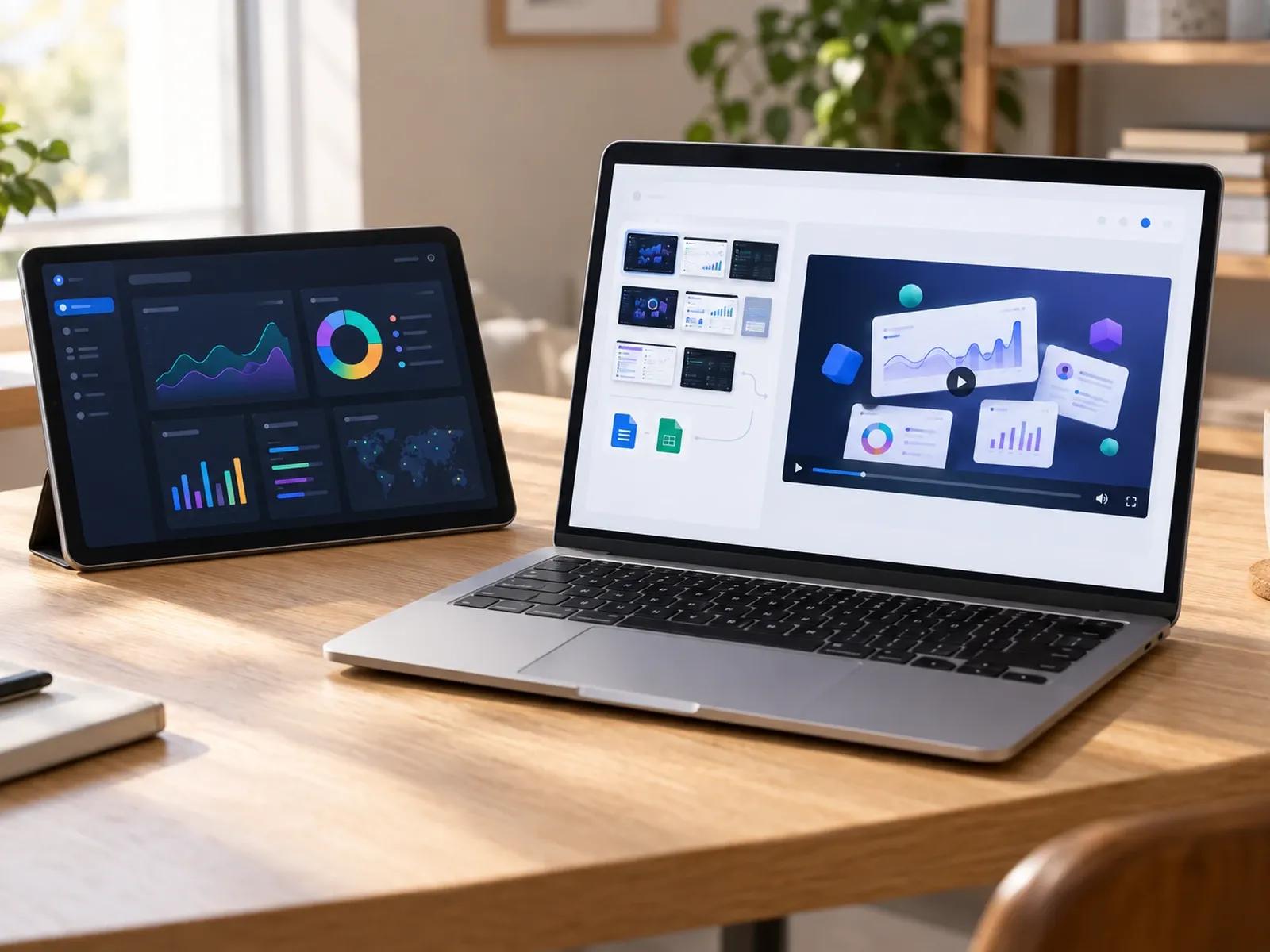
Upload Exported Web Pages and Screenshots
SaaS Landing Page and Product Promo Styles
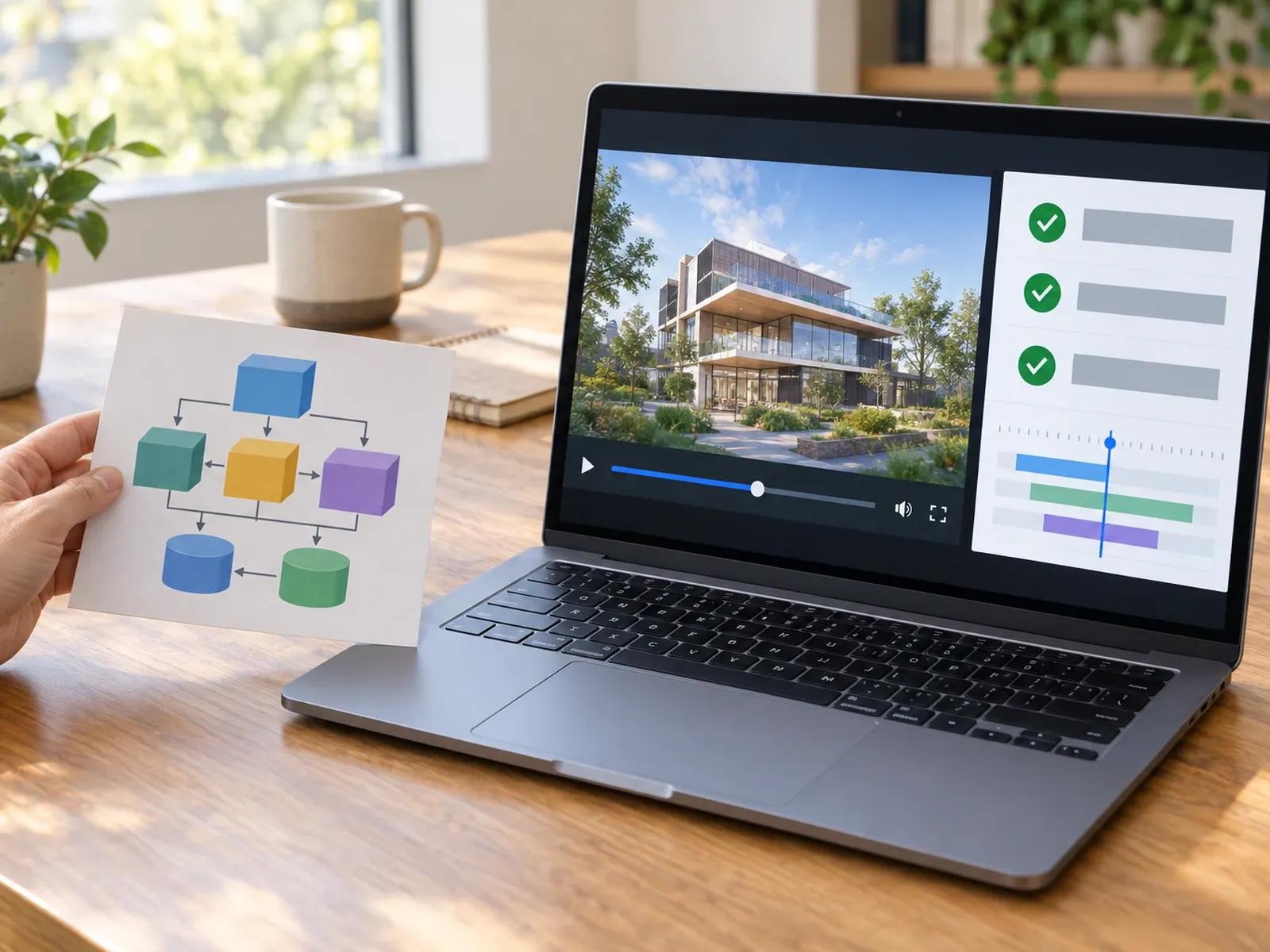
Widescreen 16:9 Demos and 9:16 Social Clips
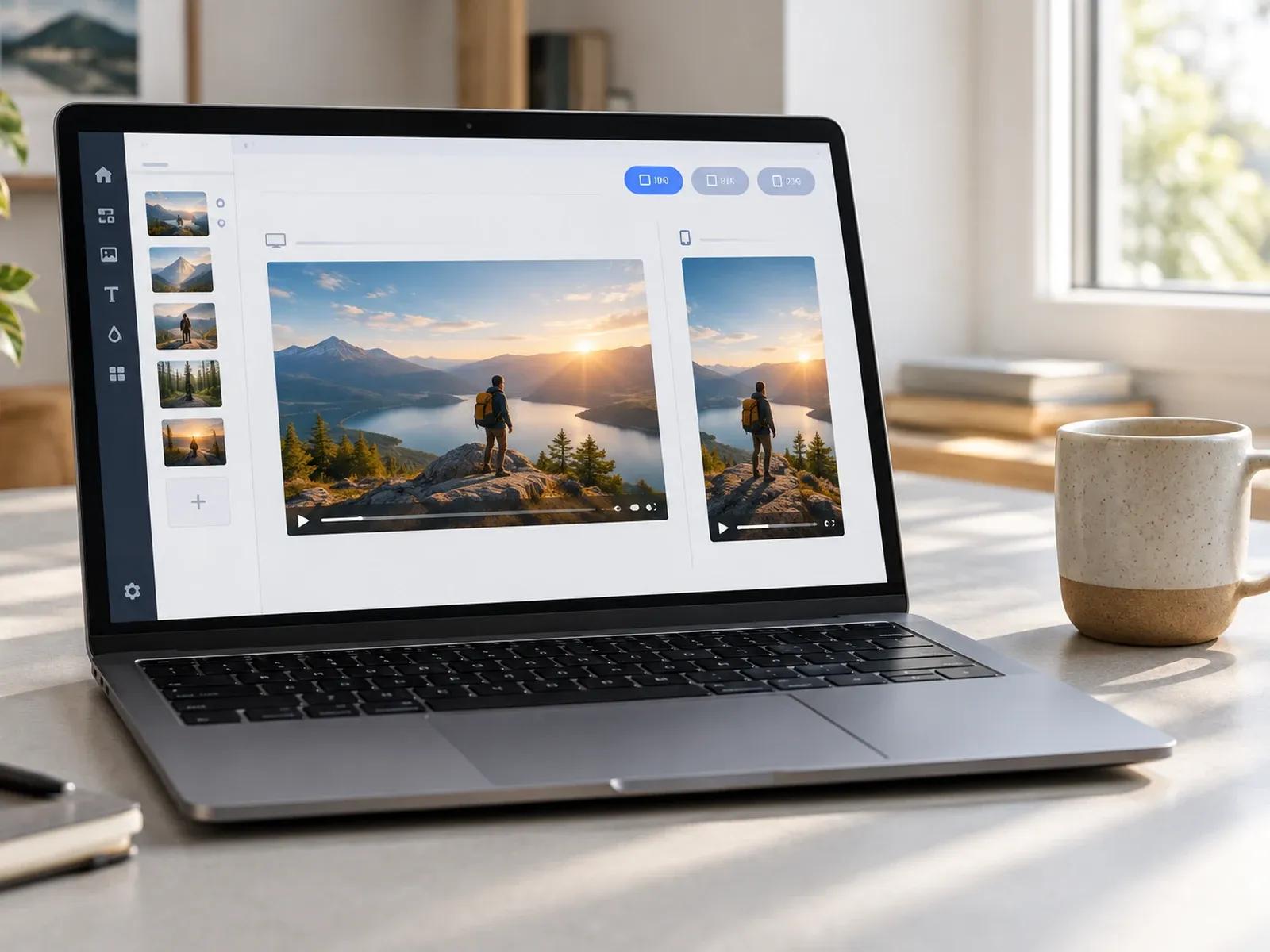
Localize Web Page Videos in 80+ Languages
Three Steps from Web Page Assets to Video
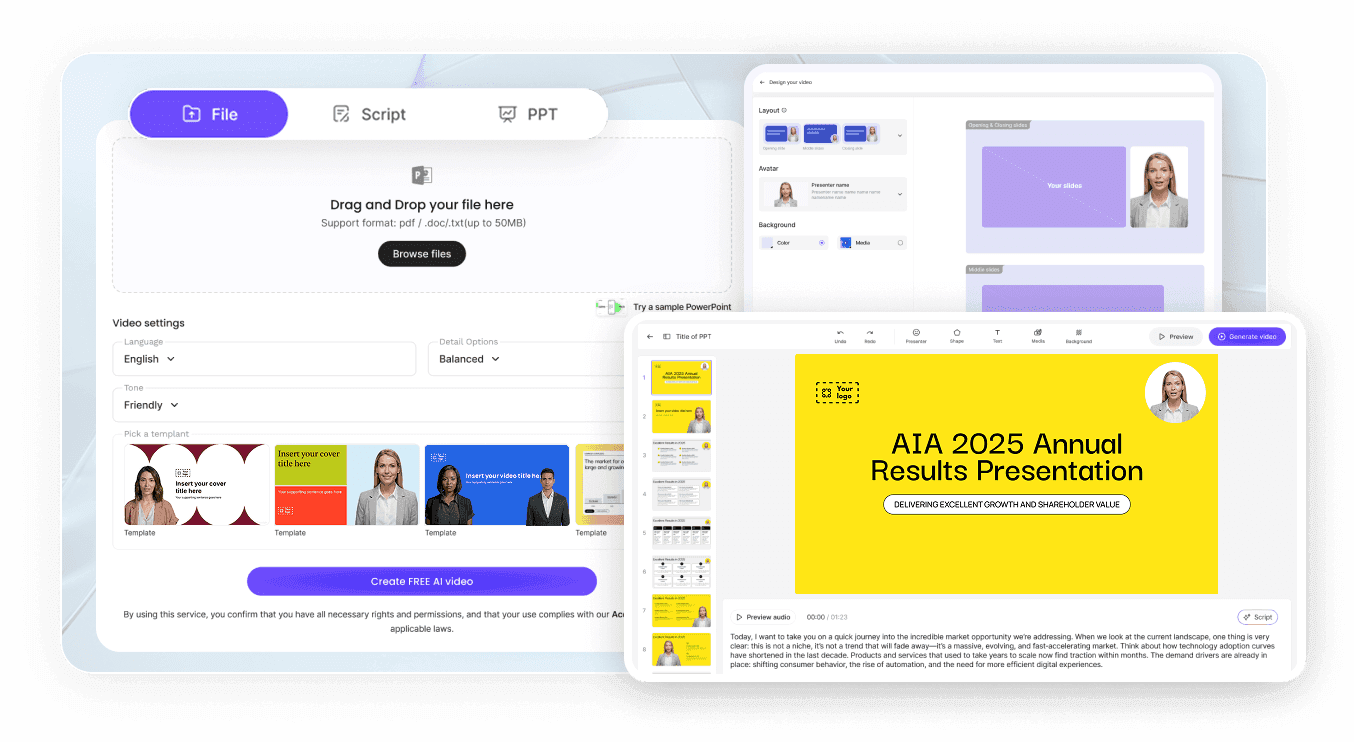
Step 1: Save Your Web Page Copy and Screenshots
Step 2: Upload Files into Video Agent Composer
Step 3: Refine Scenes in Studio and Export MP4
Where Teams Apply a Link to Video Workflow
SaaS Homepage & Feature Release Walkthroughs
Turn exported feature pages and UI screenshots into 60-second homepage videos explaining how your software solves workflows.
E-Commerce Product Page & Collection Promos
Combine saved product page specs, customer benefit bullets, and item photos into vertical 9:16 clips for social ad campaigns.
Agency Client Website Pitch & Redesign Demos
Present website copy improvements and visual mockups as a narrated 2-minute walkthrough video for prospective agency clients.
Multilingual Landing Page Localization Videos
Translate a core English landing page overview into 80+ languages so regional ad traffic lands on a native-language video guide.

Advantages of Our Website to Video Maker for SaaS Teams
No Broken Layouts from Login Walls or Pop-Ups
Structured Hero-to-CTA Narrative Pacing
Choose Presenter Guidance or Pure UI Focus
One Workflow for Site Embeds and Social Feeds
Practical Tips for Converting Web Pages into Videos
Capture Screenshots Without Cookie Banners
Focus on Three Core Page Sections Per Clip
Highlight One UI Action Per Scene Card
Match Video Runtime to Page Funnel Stage
Prompt No Avatar for Clean Software Demos
Add Localized Subtitles for Mute Visitors
URL to Video Maker Frequently Asked Questions
Instead of relying on an automated crawler that can get blocked by pop-ups, save your web page as a PDF or text file and capture up to 20 screenshots of key sections. Upload those files into Leadde Video Agent, pick 16:9 or 9:16 and your target duration, and prompt your video structure.
No. Video Agent does not crawl live web URLs, bypass login walls, or scrape e-commerce store databases directly. Instead, you supply up to 2 exported web page PDFs or text briefs (50 MB limit each) plus 20 clean interface screenshots (20 MB limit each) to assemble your walkthrough.
Yes. Including "No avatar" in your prompt tells the generator to focus every scene on your uploaded website screenshots, feature callouts, and pricing tiers inside 16:9 or 9:16 browser mockups, accompanied by a clear narrator voiceover and an upbeat instrumental backing track.
This URL to video page covers turning landing pages, homepage exports, and web screenshots into promotional or overview videos. Content marketers repurposing long editorial posts can open AI Blog to Video Maker, while deep software training belongs on AI Product Demo Video Maker.
Yes. After generating your initial landing page walkthrough inside Studio, you can translate both the on-screen interface callouts and the spoken voiceover across 80+ languages and 175+ dialects, and download matching SRT or VTT subtitle files for your regional website domains.
Yes. SaaS and e-commerce teams can attach exported page PDFs, test website promo prompts, and preview browser mockup scenes without spending credits during the Free beta; once you download a localized homepage or social MP4 from Studio, credit usage follows the Leadde Pricing page.
Convert Your Landing Page Assets into Video Walkthroughs
