
Leadde Logo

Video Resume Maker

Stand out in hiring pipelines with our video resume maker. Upload your PDF resume and target job description into Video Agent, pair a Talking Photo headshot with 10-60s voice cloning in Studio, and share a password-protected pitch link today.
Prompt & Script
File
PPT
Need inspiration? Try one of these ideas
No credit card required

What Is a Video Resume Maker?

A video resume maker transforms a static PDF curriculum vitae and target job description into a concise 60-to-90-second candidate pitch video for recruiters and hiring managers. Inside Leadde, Video Agent extracts your career metrics while Studio pairs Talking Photo headshots and 10-60s voice cloning with clean achievement cards; creative project reels live at AI Portfolio Video Maker or AI Introduction Video Maker.

Trusted by the world's leading brands

11.png
22.png
33.png
44.png
55.png
66.png
77.png
11.png
22.png
33.png
44.png
55.png
66.png
77.png
11.png
22.png
33.png
44.png
55.png
66.png
77.png

Features of Our AI Video Resume Generator

Dual Document Parsing for Resume to Video
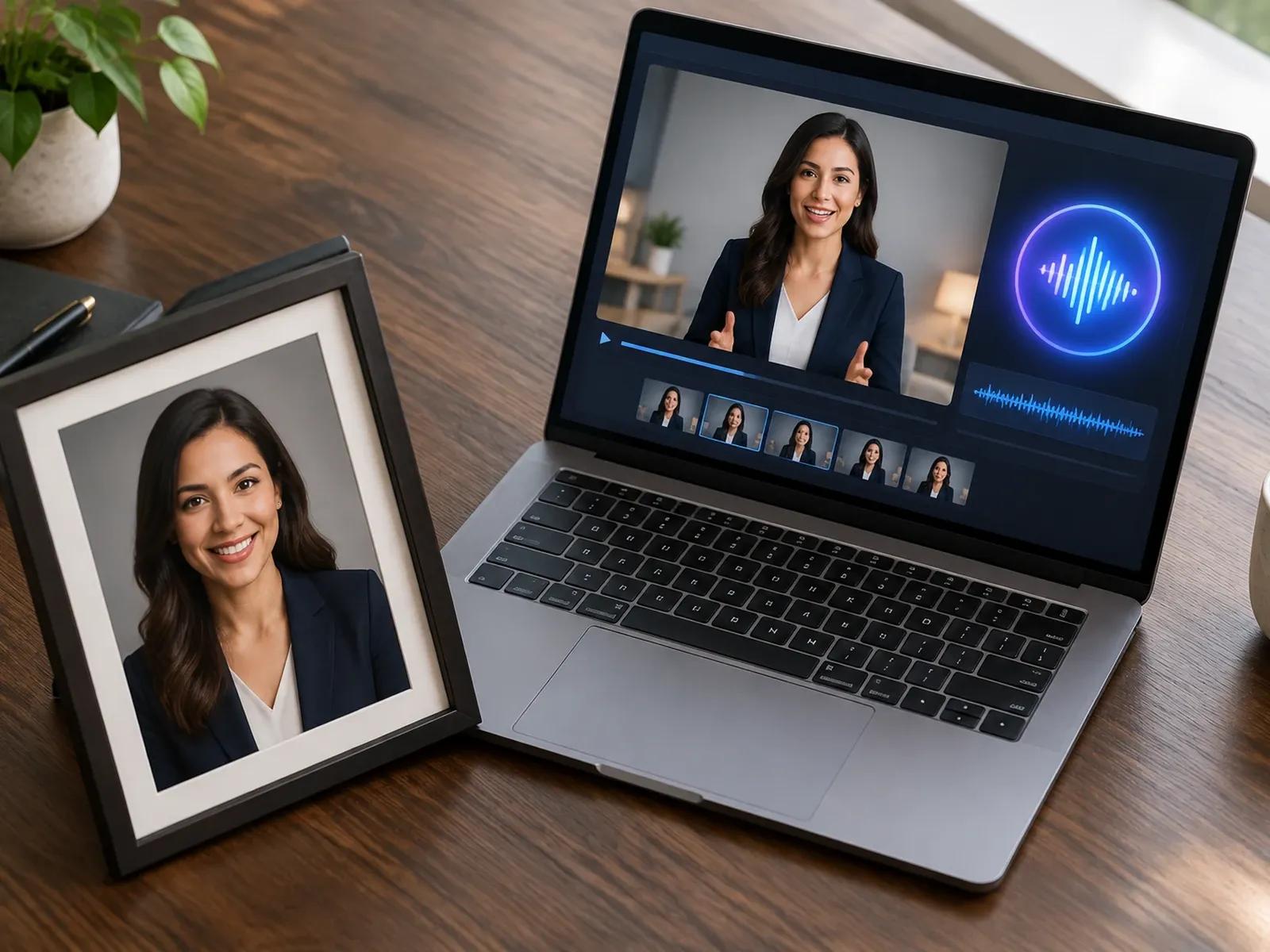
Dual Document Parsing for Resume to Video

Attach up to 2 documents (.pdf or .docx, up to 50MB each) in Video Agent, including your current resume and the target job description, to align your spoken pitch with the employer's exact role requirements.
Talking Photo Headshots & Voice Cloning
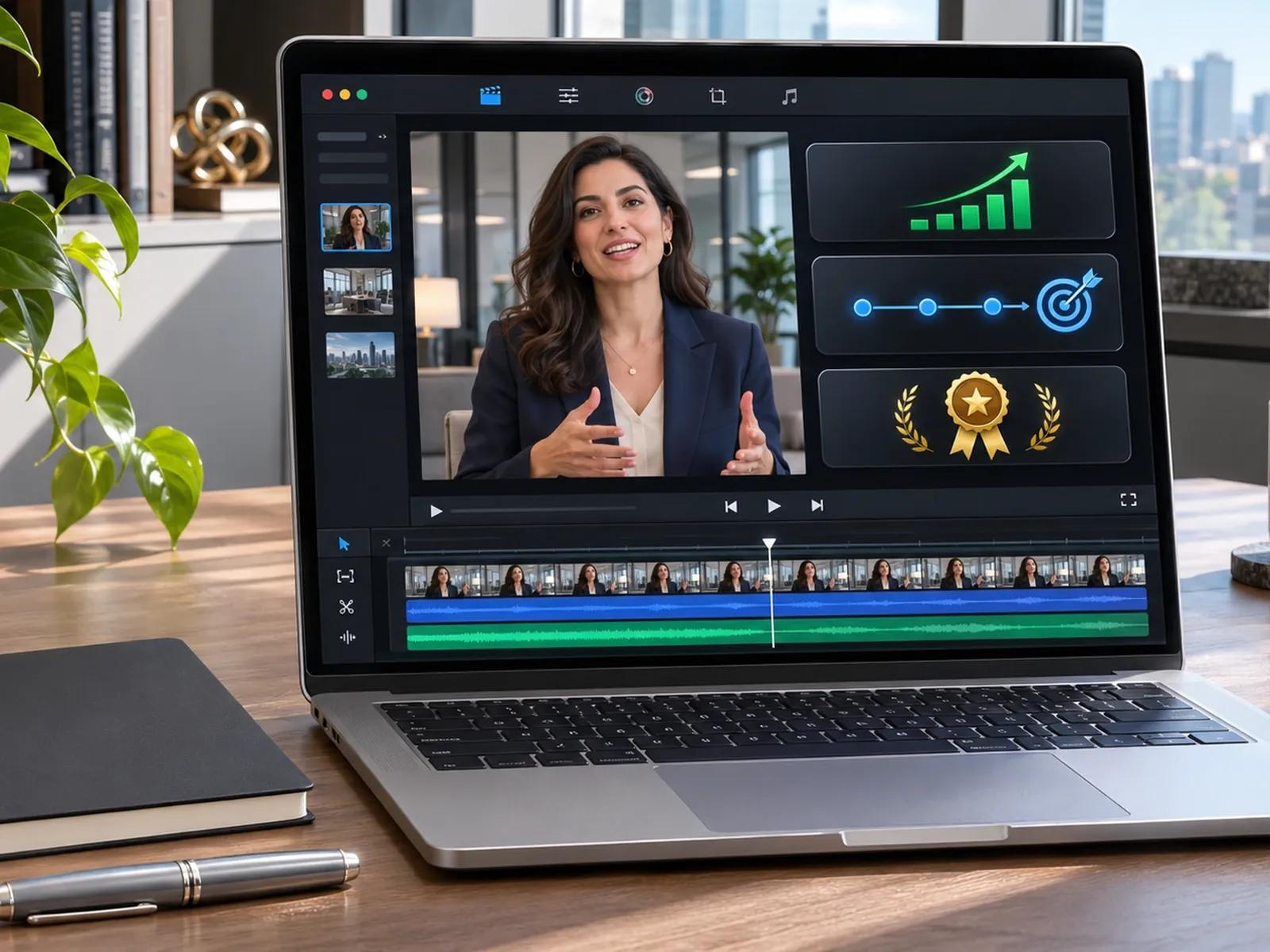
Talking Photo Headshots & Voice Cloning

Animate a professional portrait using Talking Photo and clone your own speaking timbre from a 10-60s audio sample (MP3/WAV, up to 20MB) so recruiters hear your authentic delivery without webcam retakes.
Impact Metric & Timeline Visual Callouts

Impact Metric & Timeline Visual Callouts

Display quantified revenue growth, engineering milestones, or certification badges on clean 16:9 widescreen or 9:16 vertical cards beside your presenter so hiring managers scan your impact at a glance.
Password-Protected Recruiter Share Links

Password-Protected Recruiter Share Links

Generate a password-protected Leadde share link for private application portals and executive search reviews, or export a 1080P or 4K MP4 ready for LinkedIn Featured sections.

Steps in a Candidate Pitch Video Maker
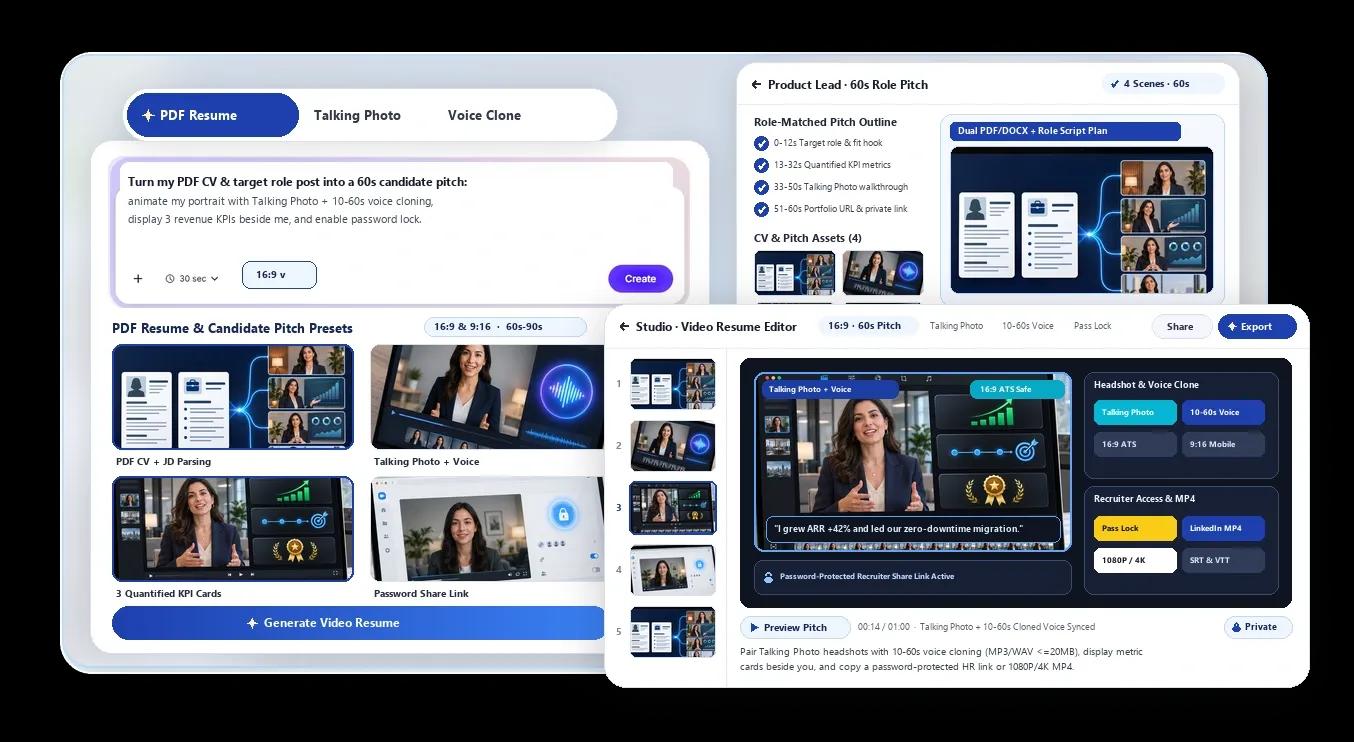
Turn your written curriculum vitae into a polished recruiter pitch using this three-step workflow.
Step 1: Attach Your PDF Resume & Job Post

Step 1: Attach Your PDF Resume & Job Post

Upload your CV and target role description (.pdf or .docx) into Video Agent and choose a 60-second pitch duration.

Step 2: Review Your Tailored Role Script

Check the generated four-scene outline in the chat panel to verify your core achievements match the hiring rubric.

Step 3: Pair Your Headshot & Share With HR

Combine your Talking Photo and cloned audio on the Studio canvas, then copy a password-protected link or MP4 file.

Self Introduction Video Resume Scenarios

Remote & Asynchronous Screening Submissions

Send distributed hiring teams a crisp 60-second pitch that demonstrates remote communication clarity before interview one.

Executive & Leadership Role Summaries

Present board-level turnaround metrics and leadership philosophy on clean 16:9 cards secured with a private share password.

Industry Pivot & Role Transition Pitches

Bridge non-traditional resume gaps by explaining transferable skills directly to hiring managers before they scan your PDF.

LinkedIn Featured Profile & Recruiter DMs

Pin a 1080P MP4 introduction to your LinkedIn Featured section so inbound technical recruiters see your communication style.

compliance background

Resume to Video Advantages Over Webcam Recordings

One-take smartphone or laptop webcam recordings often suffer from harsh room lighting, background noise, and nervous eye contact.

Polish Your Pitch Without Webcam Anxiety

Instead of recording twenty stressful takes in front of a laptop camera, animate a studio headshot with Talking Photo and 10-60s voice cloning while keeping every spoken sentence concise.

Tailor Pitches to Specific Job Descriptions

Rather than sending one generic video to thirty companies, upload the target job post alongside your PDF CV in Video Agent and customize the opening hook for each hiring manager in minutes.

Highlight Quantified Impact Next to Your Face

Recruiters remember numbers better when they see them on screen; Studio places clear metric callout cards and project screenshots right beside your presenter track without complex timeline editing.

Control Access With Private Password Links

When sharing salary expectations or proprietary client case studies during executive interviews, protect your hosted Leadde video link with a custom password instead of uploading to public platforms.

Video Resume Maker Tips for Job Applicants

Keep Total Runtime Between 60 and 90 Seconds

Hiring managers review dozens of applicants daily, so cap your pitch at four focused scenes covering hook, impact, and fit.

Name the Target Role in Sentence One

State the exact job title and hiring company name in your opening line so recruiters know the pitch was built for their team.

Anchor Three Quantified Career Outcomes

Replace vague duties on your Studio cards with three hard numbers such as percentage growth, cost savings, or shipped launches.

Record a Clean 10-60s Audio Sample

Capture your 10-60s voice cloning sample inside a quiet room so your Talking Photo presenter sounds natural and confident now.

Pick Widescreen for Portals or Vertical Mobile

Export 16:9 widescreen MP4s for desktop applicant tracking systems and 9:16 vertical cuts for mobile recruiter messages.

Close With Your Portfolio URL on Screen

Keep your email address and LinkedIn or GitHub handle on the final three-second Studio card so HR teams can contact you fast.

Video Resume Maker Frequently Asked Questions

Upload up to 2 documents (.pdf or .docx, up to 50MB each), such as your resume and the target job description, into Leadde Video Agent; the agent extracts your top achievements into a structured 60-to-90-second script that you refine with Talking Photo and metric cards in Studio.
Video Resume Maker is structured for job applications, pairing your CV chronology, role-specific pitch, and Talking Photo presenter for recruiters; if you want to showcase visual design case studies, photography, or architecture work samples, use AI Portfolio Video Maker or AI Introduction Video Maker.
Yes; upload a clear portrait photo to create a Talking Photo presenter and attach a 10-60s audio recording (MP3 or WAV, up to 20MB) to clone your own speaking voice, or select from 300+ stock presenters if you prefer a neutral spokesperson.
Inside Leadde Studio, you can generate a hosted share link with optional password protection so only recruiters with the password can view your pitch, or you can download a 1080P or 4K MP4 file to upload into applicant tracking portals.
For desktop applicant tracking systems, LinkedIn Featured sections, and email links, select 16:9 widescreen (1920×1080) in Video Agent; if you are sending your candidate pitch through mobile messaging apps or vertical job boards, choose 9:16 vertical (1080×1920) framing for full-screen mobile viewing.
Job seekers receive 200 free monthly credits on signup, and extracting a role-matched pitch outline from your PDF CV in Video Agent is labeled Free in beta; credits are spent only when rendering Talking Photo presenters, cloning audio, or exporting final MP4 files per the Leadde Pricing page.

Create Your Job-Winning Video Resume With Leadde Today

Turn your written curriculum vitae and role requirements into a structured 60-second candidate pitch inside Leadde Studio.
avatar