
AI Portfolio Video Maker & Generator



Showcase Your Best Work in Motion

Onboarding walkthrough
Turn compliance documents, safety protocols, or regulatory guidelines into structured certification videos. Let an AI avatar walk employees through each requirement clearly — reducing legal risk and keeping teams audit-ready.

Cleanroom protocols
Explains the behavior guidelines and operational requirements for cleanrooms, ensuring employees adhere to standards and improve work efficiency and safety.

AR-700 operation training
Introduces the operation process and safety guidelines of the AR-700 precision assembly robot, helping employees master proper operating techniques.

Marketing insights
Trusted by the world's leading brands







Why Leadde is the Best Tool for Portfolio Videos
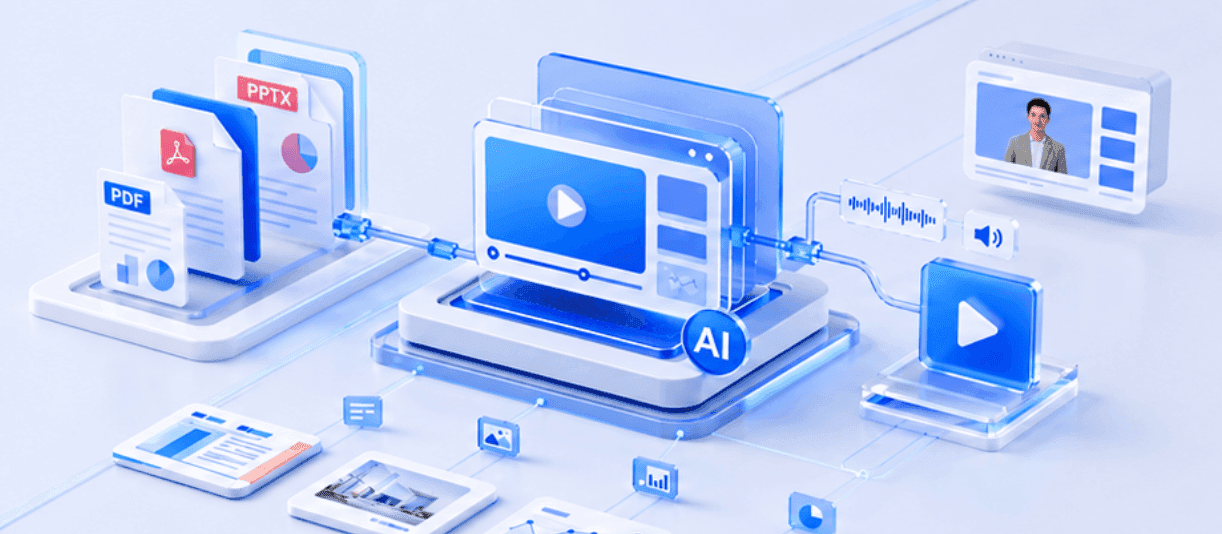
PDF to Video Portfolio
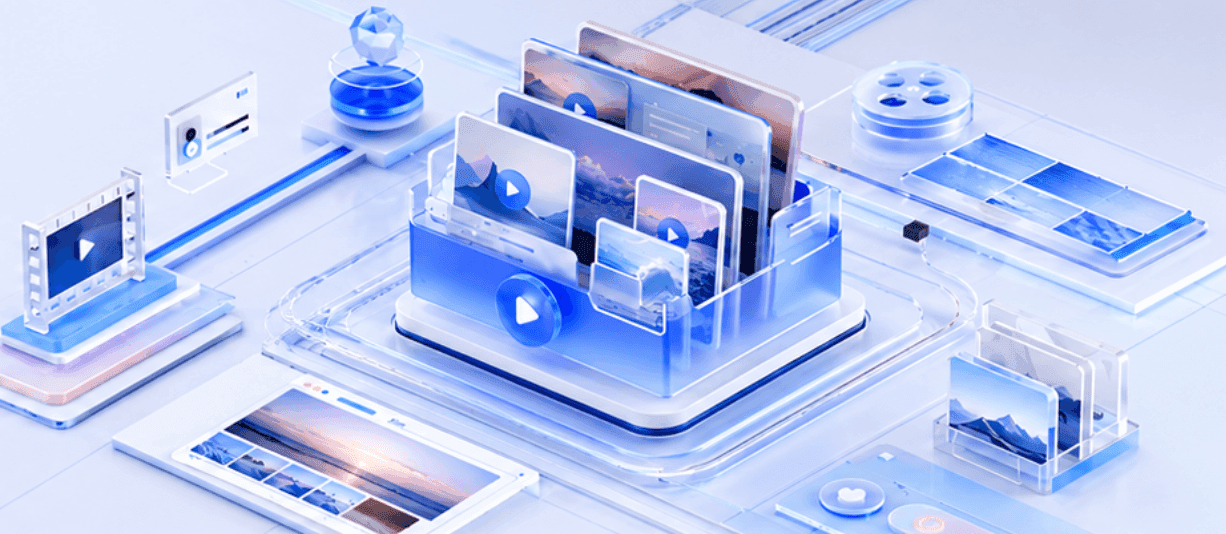
Free Portfolio Templates
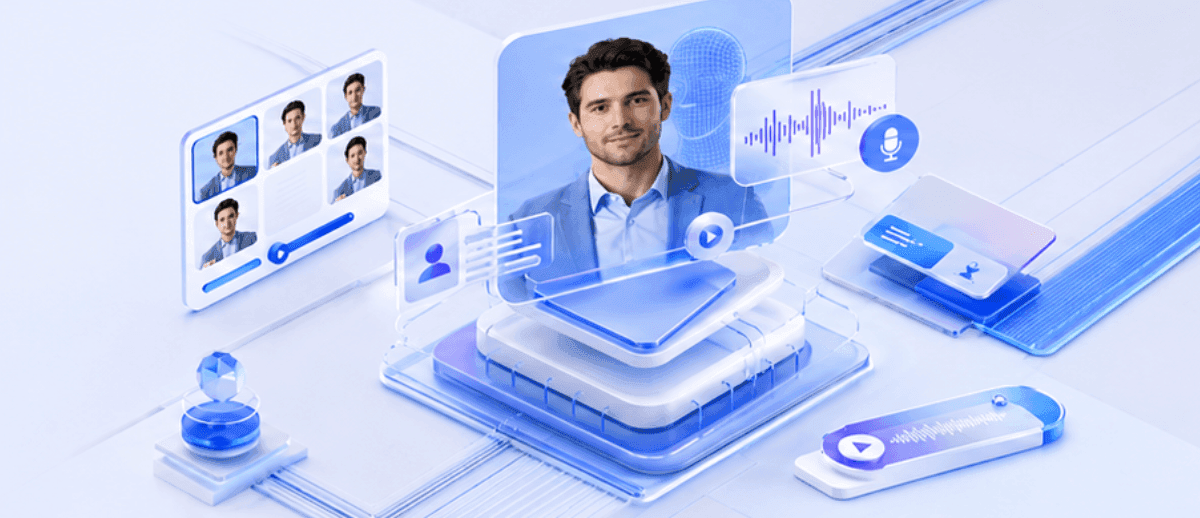
Personalize with Your Digital Twin
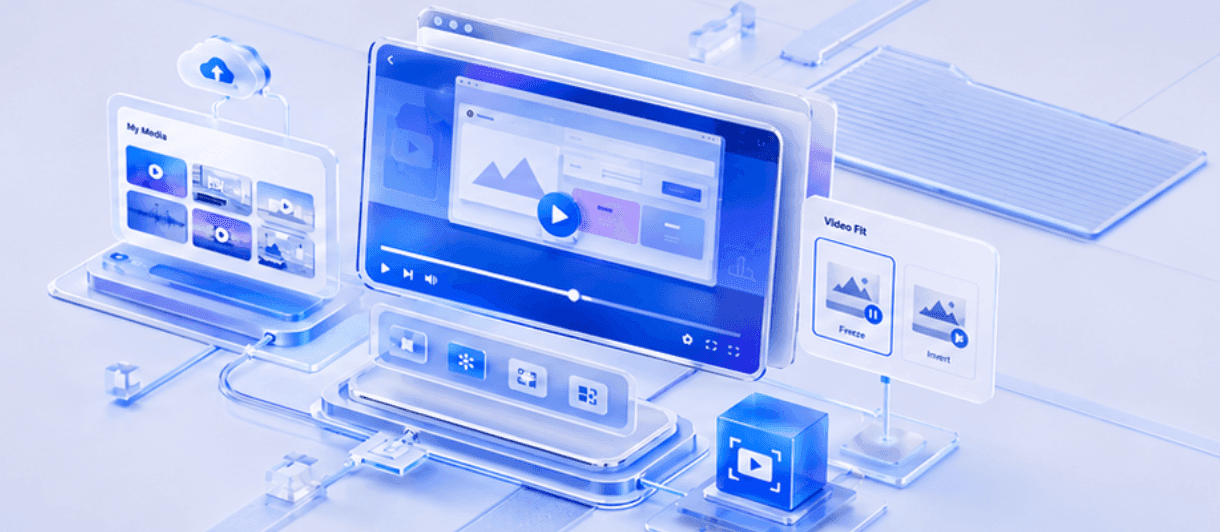
Perfectly Synced Media Showcases
How to Create a Portfolio Video with AI

Step 1: Import Your Work
Step 2: Customize Your Presenter
Step 3: Generate and Download

The Modern Standard for Creative Professionals
No Complex Editing Software
Update Your Portfolio Instantly
Speak to Global Clients
Track Viewer Engagement
Portfolio Video Ideas & Examples
UX/UI Design Portfolios
Digital Marketing Case Studies
Prove your ROI. Drop your campaign case-study PDFs into the AI Video Creator, then use the Shape tool to circle key growth metrics and conversion rates on the canvas while an AI narrator explains your strategy.
Video Editor Showreels
Creative Agency Pitch Videos
Architecture & Real Estate Portfolios
Sell the space, not a slideshow. Have an AI avatar narrate a guided property tour, then use Image-to-Video to add motion to static renders or Video Fit to play your site and drone footage behind the presenter.
Student & Graduate Portfolios
Frequently asked questions
Yes! Leadde offers a Free Plan. You can access our professional portfolio templates, use the AI avatars, and generate your first video portfolio completely free of charge.
Absolutely. Leadde supports importing .pdf files (up to 200 MB). The AI Video Creator will analyze your document and automatically structure it into video scenes with a generated voiceover script.
Once you have finalized and generated your video, go to the Share page. Click the "Download" button in the top-right corner to save your high-quality MP4 file directly to your computer.
Yes. You can upload .mp4 or .mov screen recordings to the "My Media" library. Drag them onto your canvas and use the "Video Fit" modes (like Loop or Full Video) to showcase your digital work smoothly alongside the AI narration.
Bring your creative portfolio to life
