
Personal Story Video Generator
What Is a Personal Story Video Generator?
A personal story video generator helps individuals turn their own written life experiences, family history notes, and personal photographs into a multi-scene narrated video. Organize your text or document draft in AI Video Creator, then step into Studio to arrange each scene, pair your own photographs, and optionally hide the avatar for pure voiceover. Keep this workspace focused on first-person life narratives and family history, while using AI Introduction Video Maker for job pitches and AI Brand Video Maker for company stories.
Trusted by the world's leading brands







Turning Written Memoirs into Narrated Films with Leadde's Personal Story Video Generator
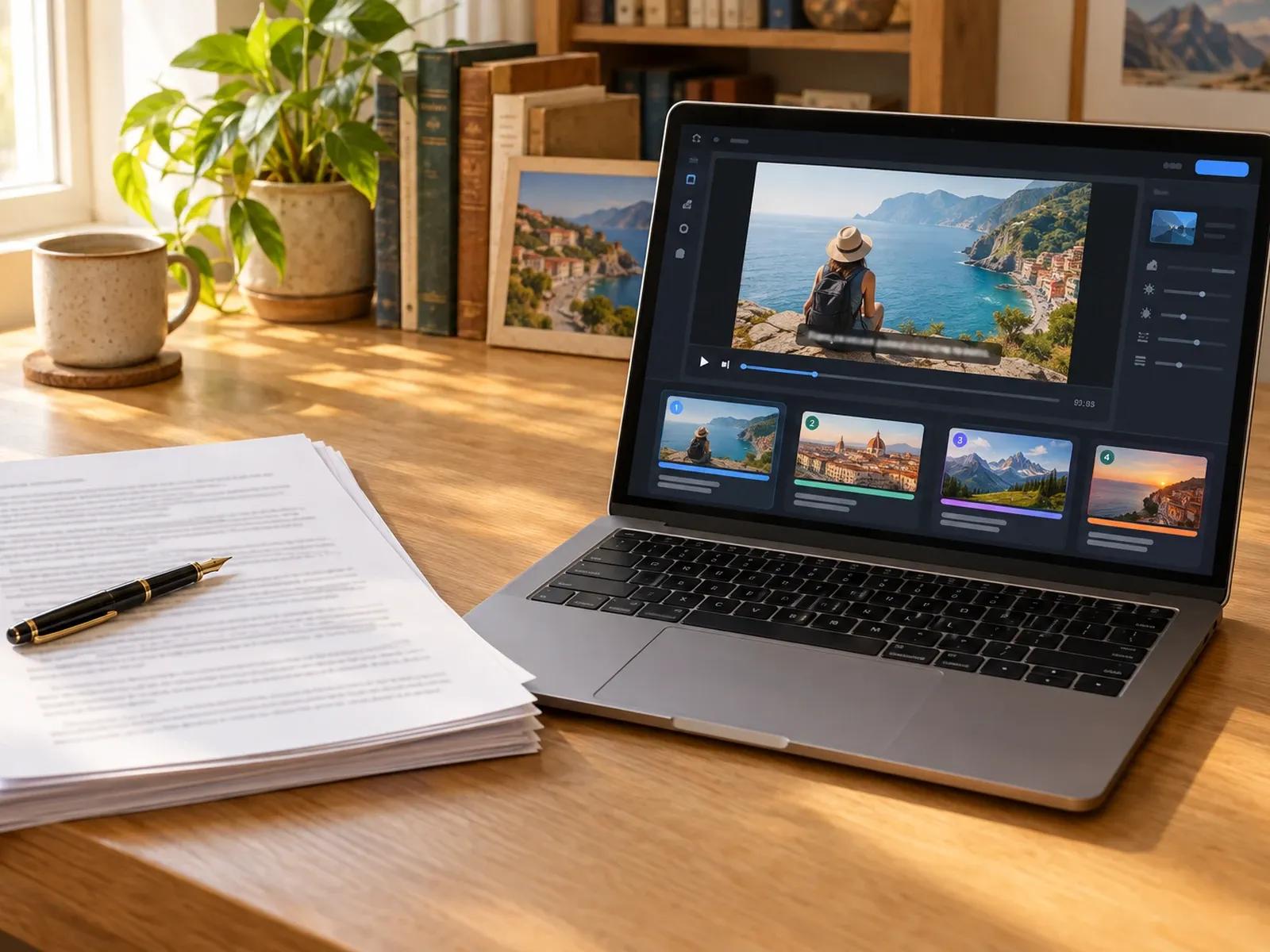
Organize Written Memoirs from Text or Documents
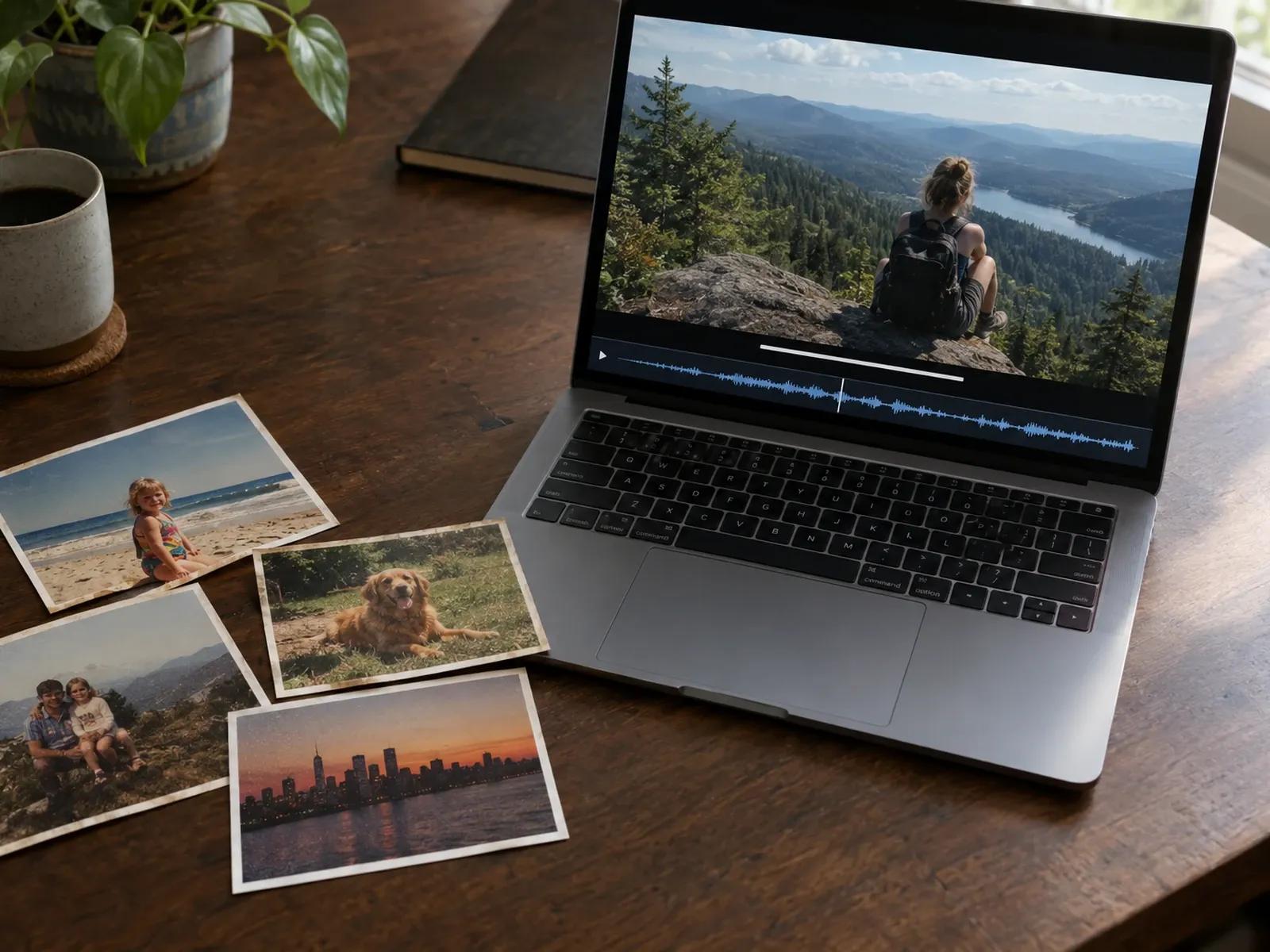
Pair Authentic Personal Photographs Scene by Scene
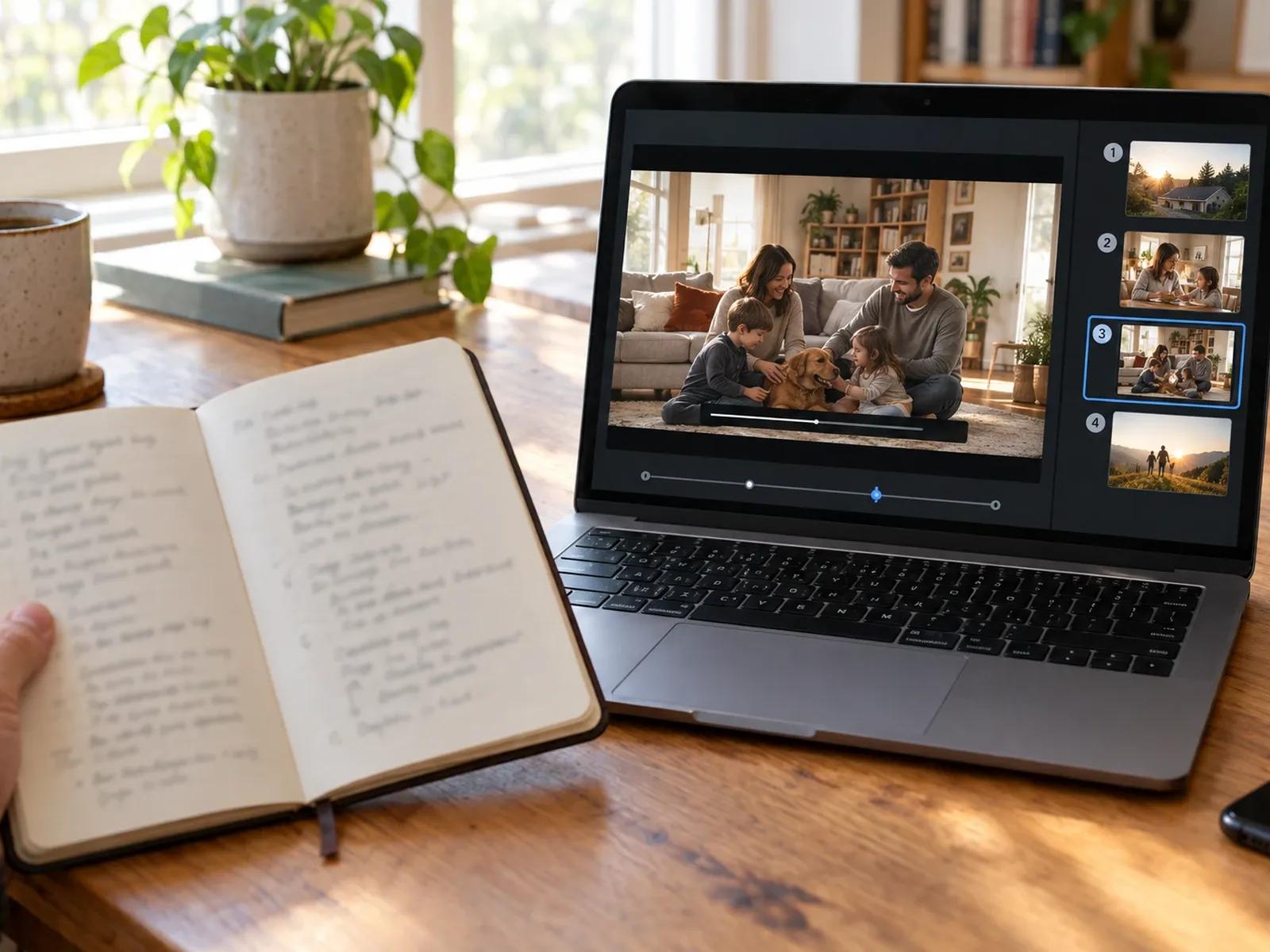
Faithful to Your Own Words and Timeline
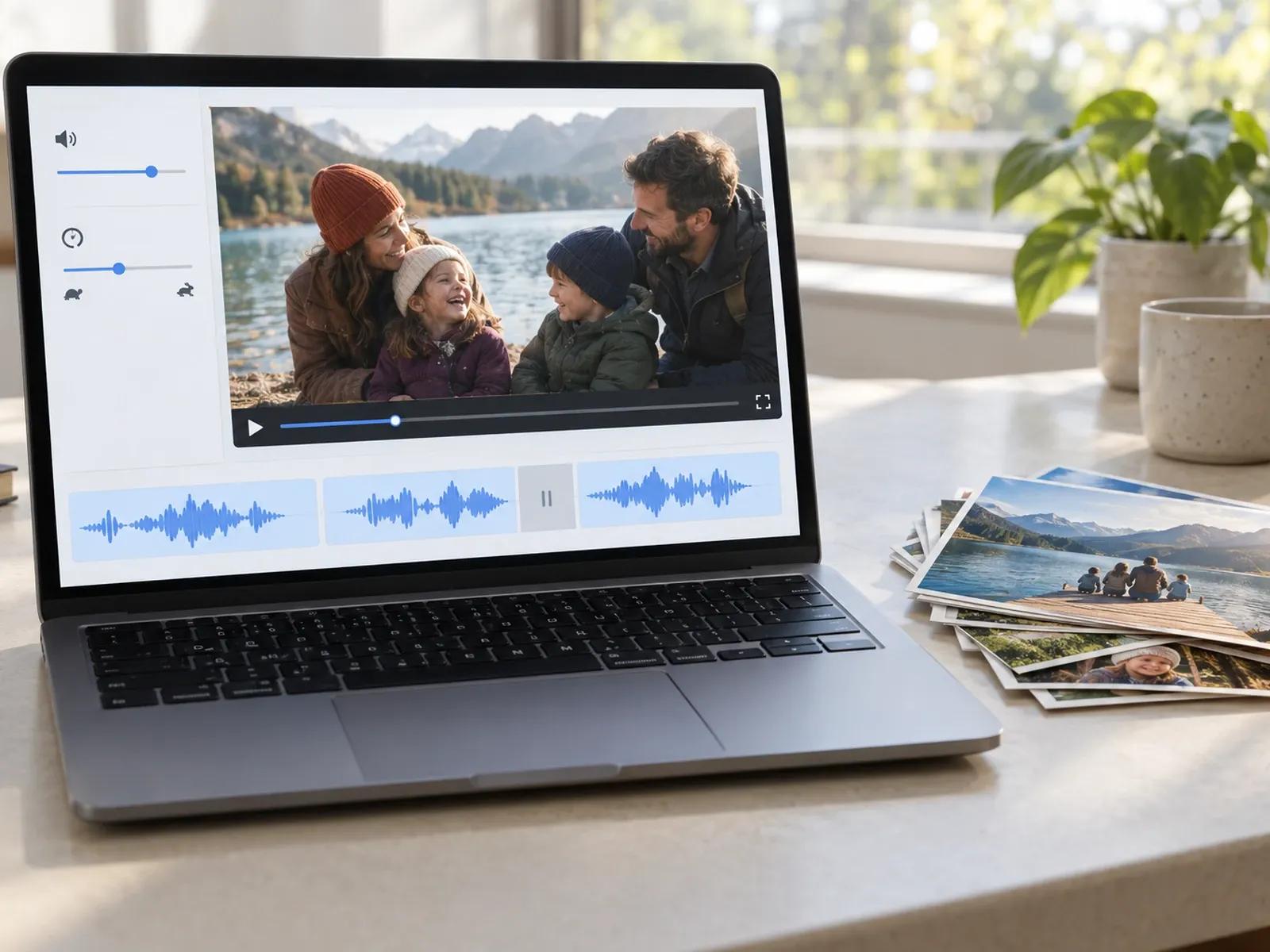
Calm Narration Speed, Pause Cards, and Name Diction
Shaping Your Written Life Story into a Video in Three Steps
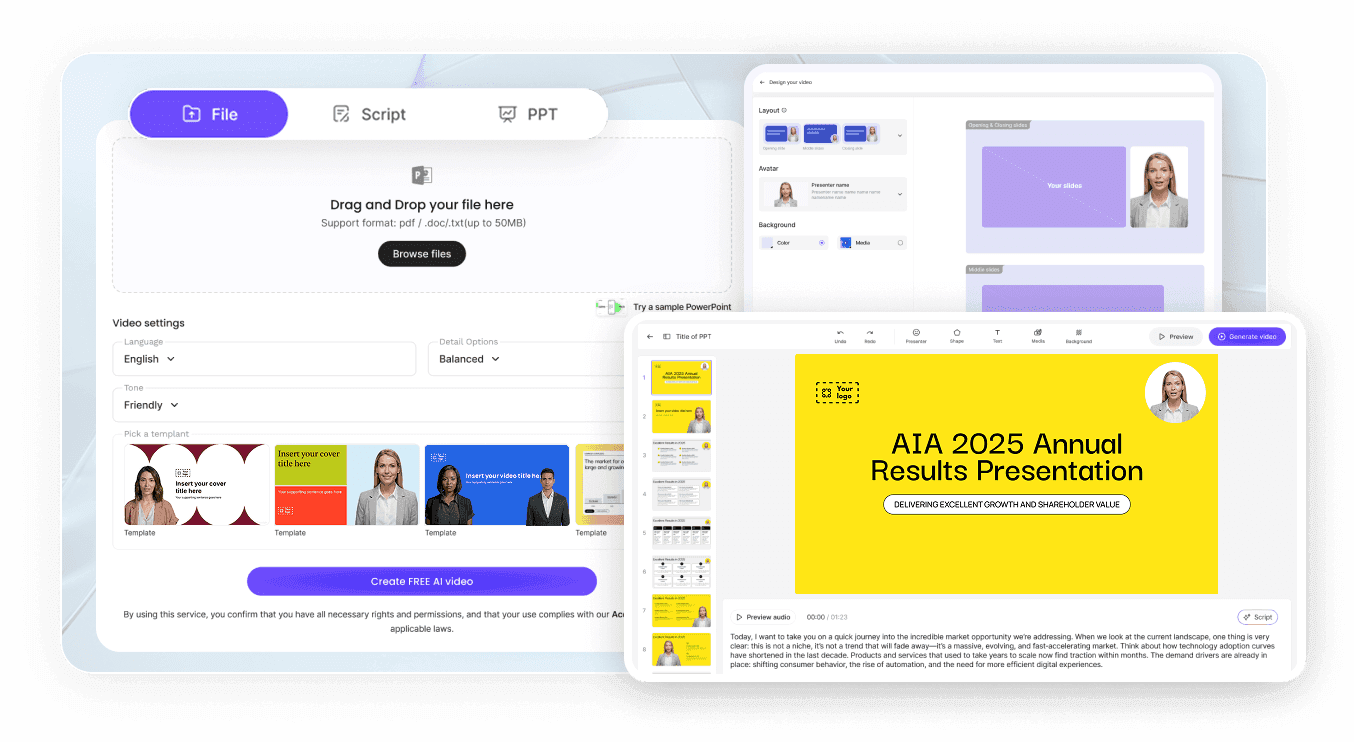
Step 1: Enter Your Written Experience or Document in AI Video Creator
Step 2: Add Personal Photos and Adjust Voiceover in Studio
Step 3: Verify Names and Dates, Then Download or Share
Personal and Family Stories You Can Preserve on Video
First-Person Life Chapter Essays
Turn a written reflection on a meaningful life chapter or personal journey into a narrated video paired with your own photos.
Family Heritage & Hometown Recaps
Combine family history notes and scanned photographs to document how parents or grandparents built their lives across decades.
Travel & Sabbatical Story Journals
Assemble written travel logs and favorite snapshots from a memorable trip into a chronological spoken story for close friends.
Personal Hobby & Creative Projects
Document the story behind a long-term personal craft, restoration project, or learning journey using photos and clear narration.

Preserve Narrative Accuracy, Voice Pacing, and Family Privacy
Manual Review of Chronology and Facts
Pure Voiceover or Presenter-Led Options
88 Languages for Extended Family Abroad
Password-Protected Links for Private Family Archives
Practical Approaches to Structuring a Personal Memoir Video
Start from a Written Timeline Draft
Hide the Avatar on Archival Photos
Check Hometown and Surname Diction
Add Pause Cards Between Chapters
Upload Subtle Instrumental Audio
Share Drafts Privately with Family
Frequently Asked Questions
Paste your written story or upload a DOCX, PDF, or TXT draft into AI Video Creator to organize an initial scene outline. Then open the project in Studio, upload the personal photographs you want to show in each scene, and select a voiceover.
No. Leadde does not connect to social accounts, search the web for biographical details, or generate cinematic character continuity across scenes. Every spoken sentence and image comes from the written draft and authorized photographs you provide and edit in Studio.
For job applications, career bios, and professional self-introductions, use Leadde's AI Introduction Video Maker. If you are producing a commercial origin story for a business or product, use AI Brand Video Maker. This page focuses on personal and family life stories.
Yes. If you prefer a documentary visual style, delete the on-screen presenter layer from your memoir chapters inside Studio. Every slide will then showcase your family photographs, scanned letters, and timed subtitles across the full frame while your spoken story plays.
To fix how a family surname, hometown, or childhood street is read aloud, select up to 20 characters in the script box and open Pronunciation. Provide a phonetic guide and play back that single sentence to verify the spoken sound before exporting.
Yes, you can organize your written manuscript, place personal photographs into scenes, and listen to the spoken narration in your browser before exporting. To check how many credits an MP4 download uses on your account tier, see the breakdown on the Leadde Pricing page.
Start Turning Your Personal Story into a Video Today
