
Medical Animation Maker
Create narrated medical and biomedical animation drafts from your reviewed teaching script. Use Leadde Motion to develop visual explanations of mechanisms or clinical concepts, then have a qualified subject reviewer check the script and scenes before sharing.
Create Medical Lessons With Leadde
Medical and Biomedical Teaching in One Workflow
Draft Motion Visuals From a Prompt
Narrated Clinical Animation Videos in 88 Languages
Reuse Templates and Brand Settings
How to Create a Medical Animation with AI
Start with reviewed teaching material, draft the visual sequence, and check the finished lesson before sharing.

Step 1: Add Your Script, Protocol, or Training Material
Step 2: Generate Motion Scenes and Narration
Step 3: Refine, Translate, and Share
Plan a Clear Visual Sequence
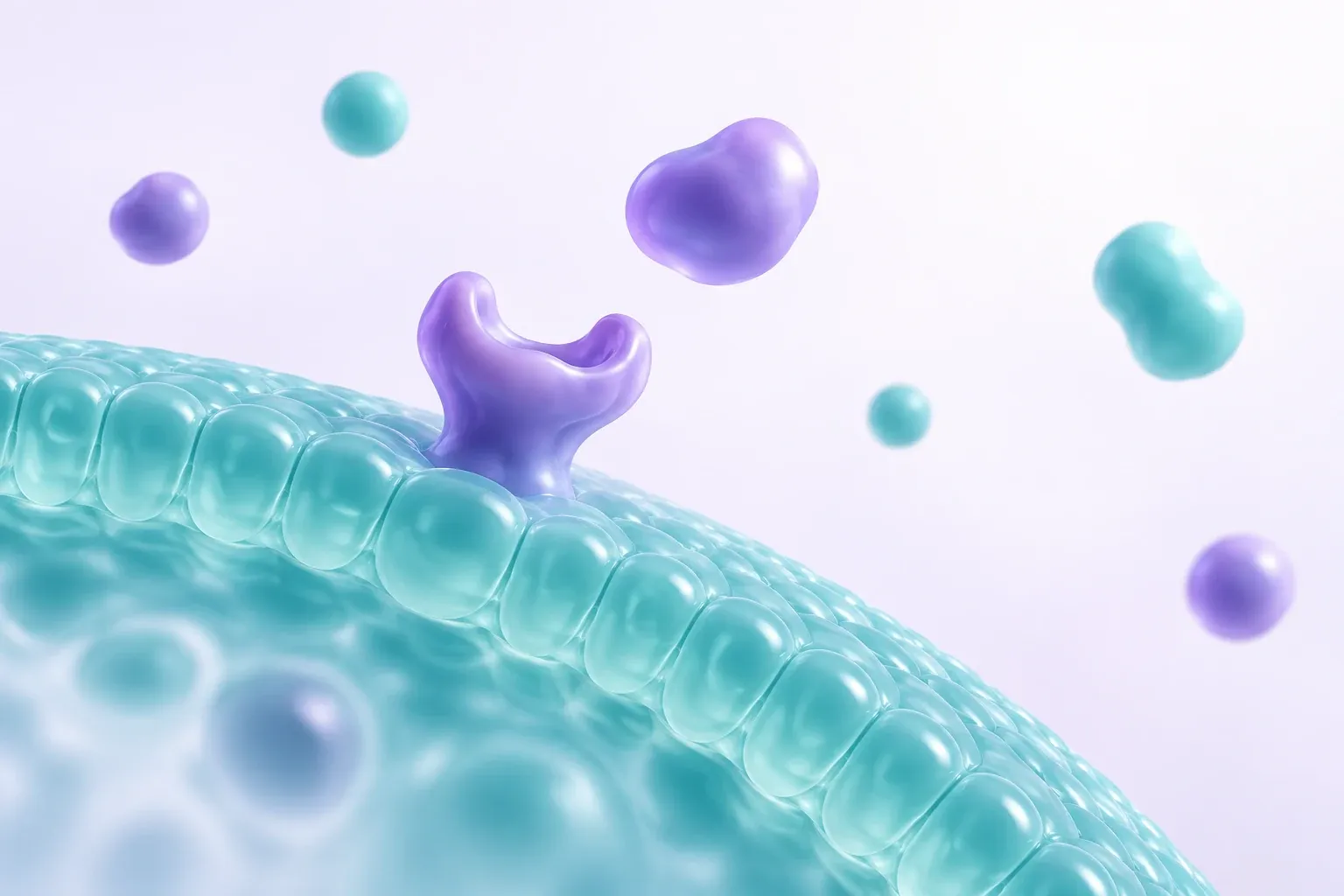
Choose one idea for the lesson and describe what should change between scenes. The illustration is a simplified concept for planning a visual explanation.
Biomedical Mechanisms and Clinical Concepts
Biomedical Animation for Cellular and Molecular Mechanisms
Surgical Procedure Animation
Diagnostic Imaging Animation
Medical Device Animation
Patient Education & Clinical Training Videos
Patient Education Animation
Clinical Trial Explainer Video
Disease Process Animation
Hospital Staff Training Animation
For Medical Educators, Clinical Trainers, and Healthcare Communications Teams
Keep Related Lessons in One Workspace
Revise a Script the Moment Guidelines Update
Questions Alongside the Lesson
Track Viewing and Engagement

Medical Animation Ideas & Use Cases
Hospital Patient Education
Medical Device Onboarding and Sales
Medical and Nursing School Courses
CME and Pharma Communications
Explore More Health Science Animation Videos
Heart Animation
Animate the cardiac cycle and blood flow for a cardiology consult, a nursing course, or a device training video.
Brain Animation
Turn a neurology consult or a stroke care module into an animated walkthrough of brain structure and function.
Breathing Animation
Show gas exchange and lung mechanics for a respiratory therapy course or a ventilator training module.
Cell Animation
Animate organelles and cell division for a pathology lecture or a lab orientation video.
DNA Replication Video
Walk through replication and mutation for a genetics counseling session or a molecular medicine course.
Biology Animation
Cover the broader life-science syllabus behind a medical curriculum, from cells to physiology.
Related Leadde Tools for Medical Animation

Patient Education Video Maker
Turn discharge or device-use care instructions into clear, friendly patient videos that people remember, in 88 languages.

AI Medical Education Video Maker
Turn anatomy and physiology PDFs from your clinical teaching into clear training videos for students and staff in 88 languages.

AI Video Storyboard Maker
Plan a surgical procedure or disease mechanism video scene by scene: turn your text or PDF into a structured storyboard first.
FAQs
A medical animation maker helps turn a reviewed educational explanation into a narrated video. Use Leadde to draft Motion assets and assemble the scenes, then obtain the scientific or clinical review appropriate to the audience before sharing.
Yes. Motion generation uses account credits. Check the pricing page and your account for the current plan allowance and generation cost.
Build a reviewed explanation of a biological mechanism, device concept, disease process, or clinical teaching topic. The video supports your approved educational materials. It does not replace clinical advice, validated device instructions, or a qualified review of the underlying science.
Leadde supports translation into 88 languages and 175 dialects. Review translated clinical terminology, narration, and on-screen text before publishing a language version for patients or trainees.
Open Media, choose Create with AI, and select Motion. Describe the visual sequence in your prompt, choose the available options, and generate a draft. Preview the asset, revise it as needed, and add it to your lesson with supporting diagrams and narration.
Use Leadde to draft a narrated explanation of a biomedical mechanism from reviewed source material. Specify the audience and the level of detail, and add verified diagrams where molecular accuracy matters. A qualified reviewer should approve scientific and clinical content before it is used with patients or trainees.
Ready to try Leadde?
Start with your lesson topic in Leadde. Draft the visual sequence, add narration, and review the result before sharing. Motion generation uses account credits.
