
AI Documentary Maker
What Is a Documentary Maker?
A documentary maker helps educators, researchers, and history channels turn written manuscripts, timelines, and archival photographs into chaptered 16:9 videos. In Leadde Video Agent, select up to 3-minute runtimes, remix Archival Depth or Paper Archives, and stage 3D parallax photos with highlighted source excerpts. Route first-person family memoirs to Personal Story Video Generator.
Trusted by the world's leading brands







Core Capabilities of Our AI Documentary Maker
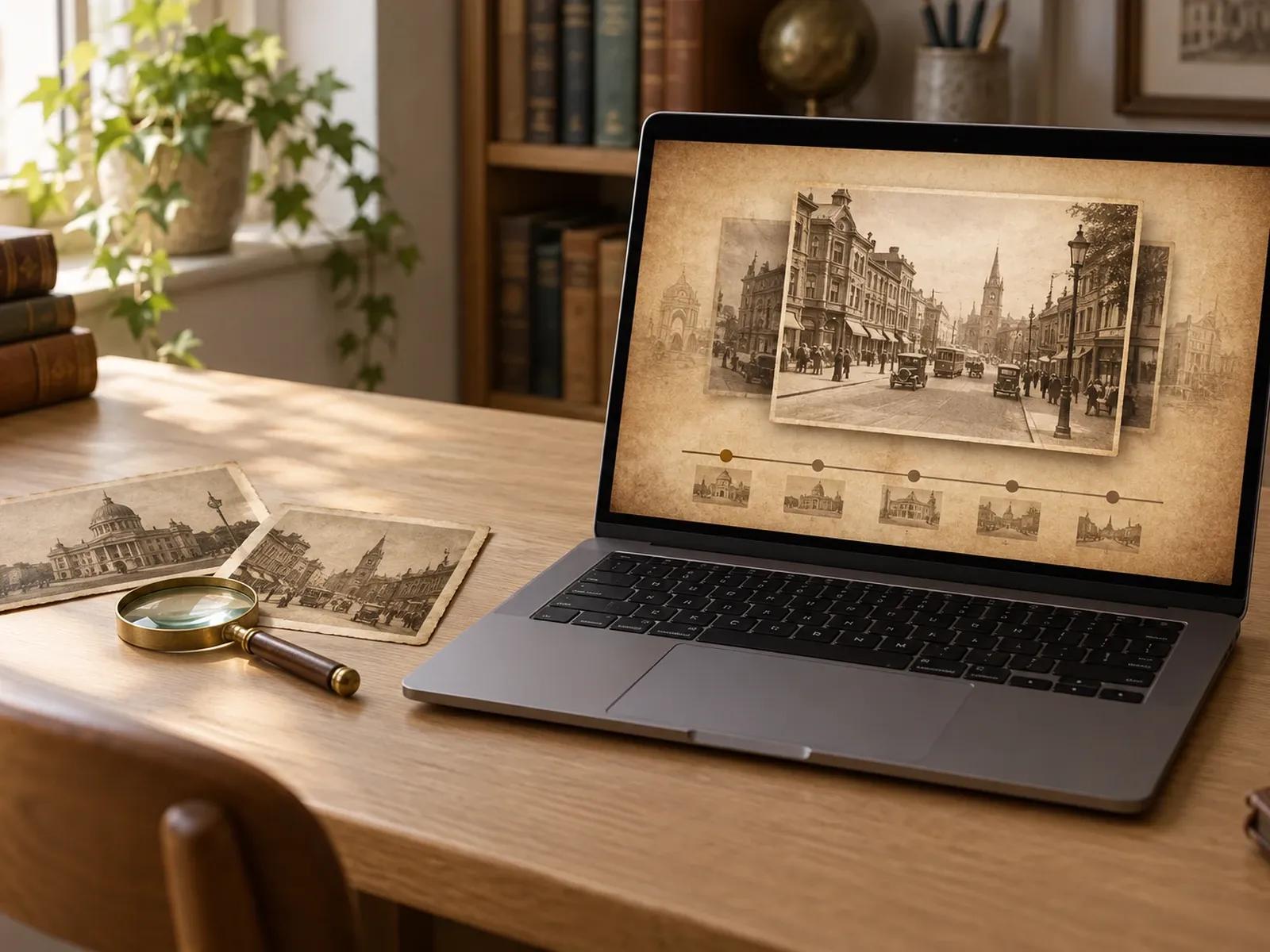
Archival Depth and Paper Archives Presets
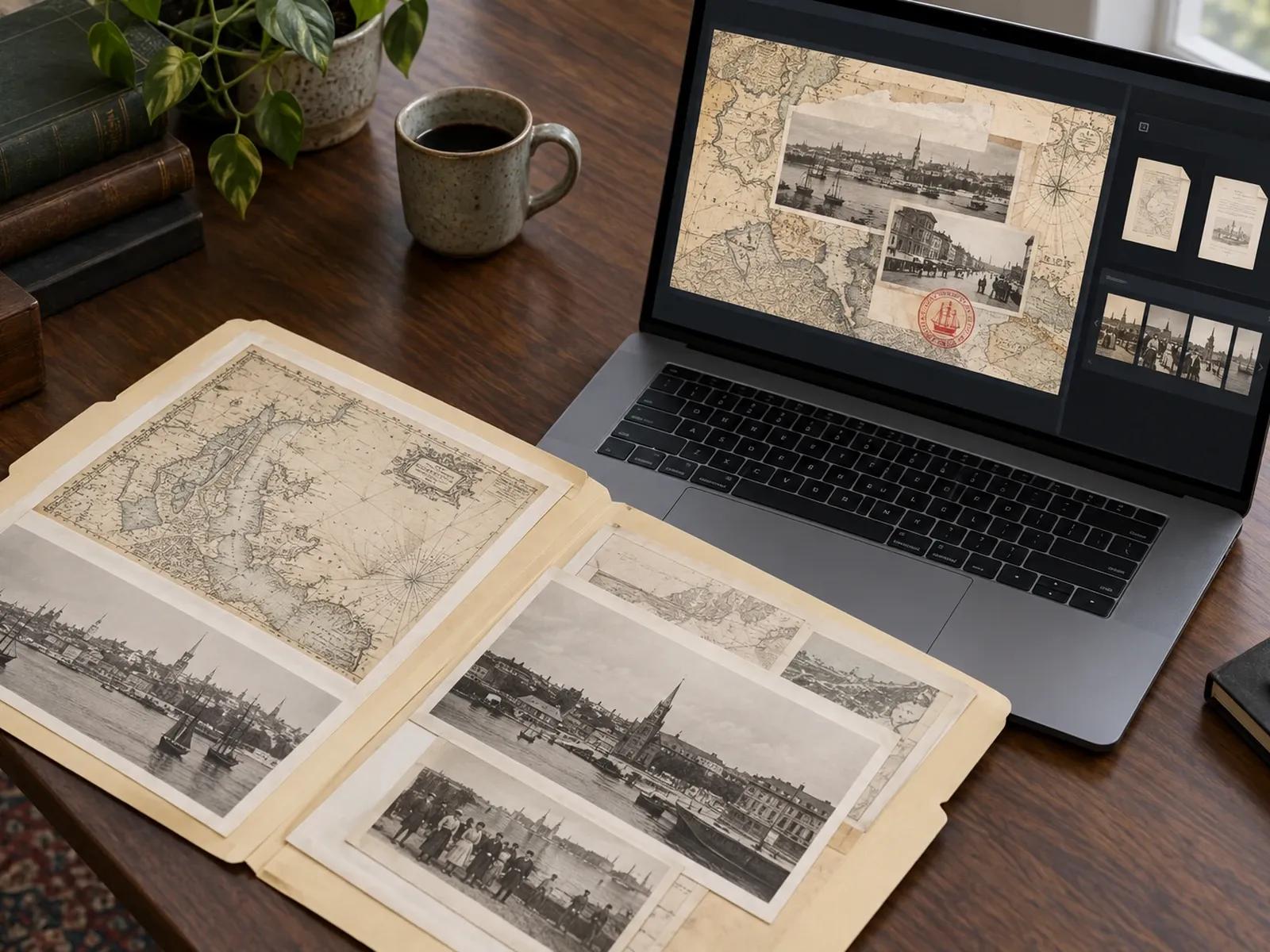
Attach 2 Manuscripts and 20 Archival Photos
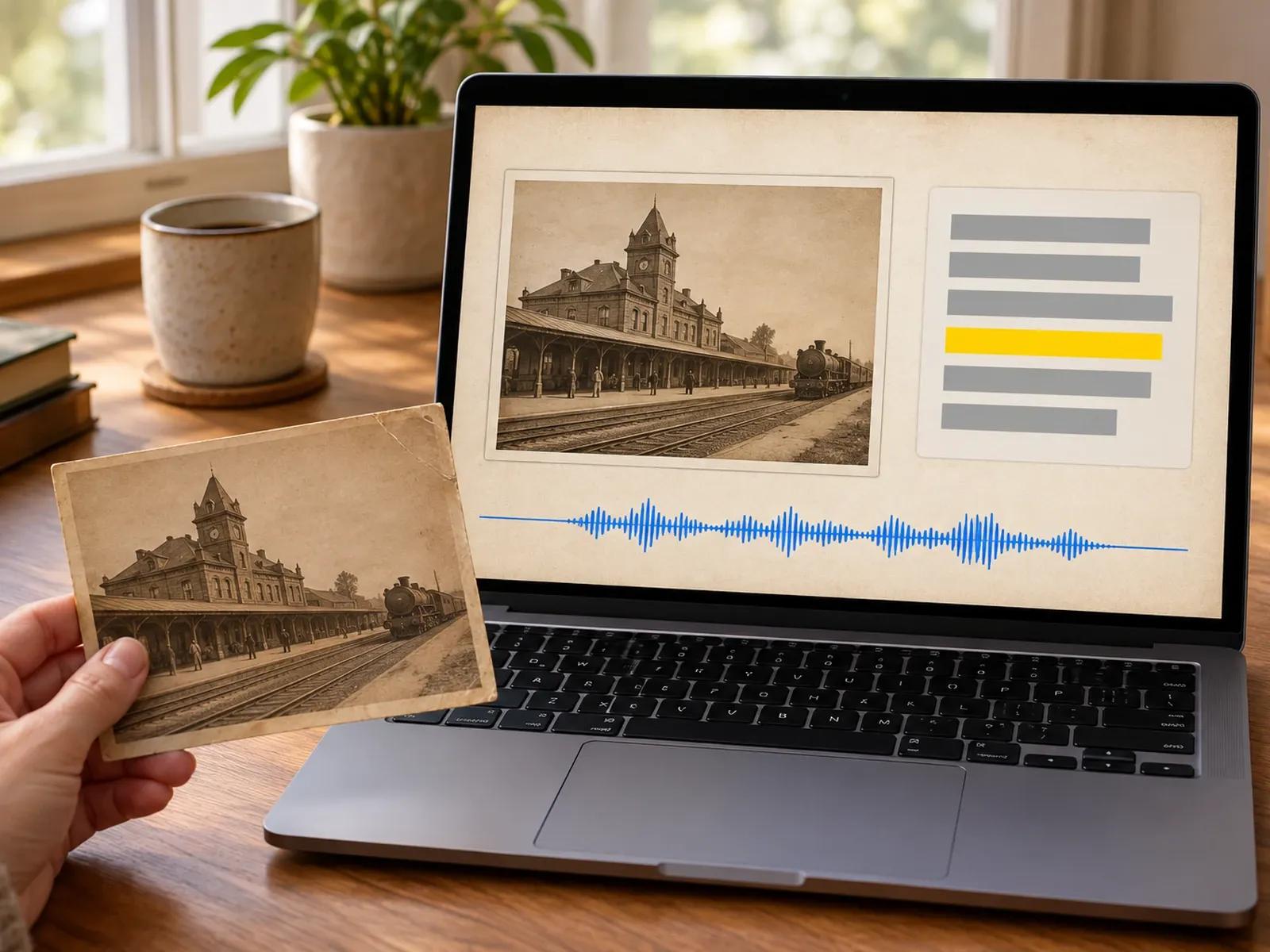
Highlighted Excerpts and 3-Minute Chapters
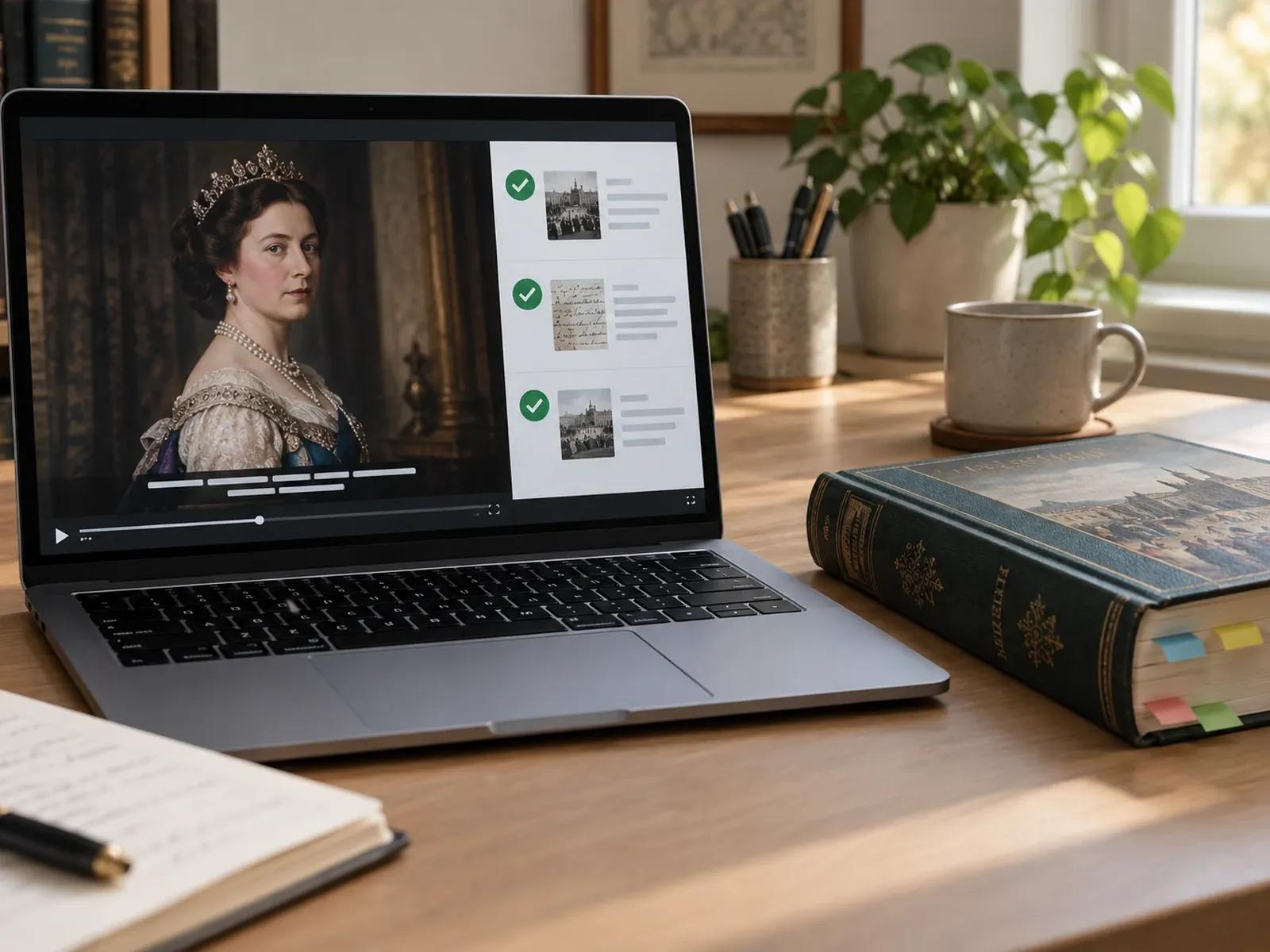
AI Content Review and Measured Narration
Turning Archival Sources into a Documentary Video
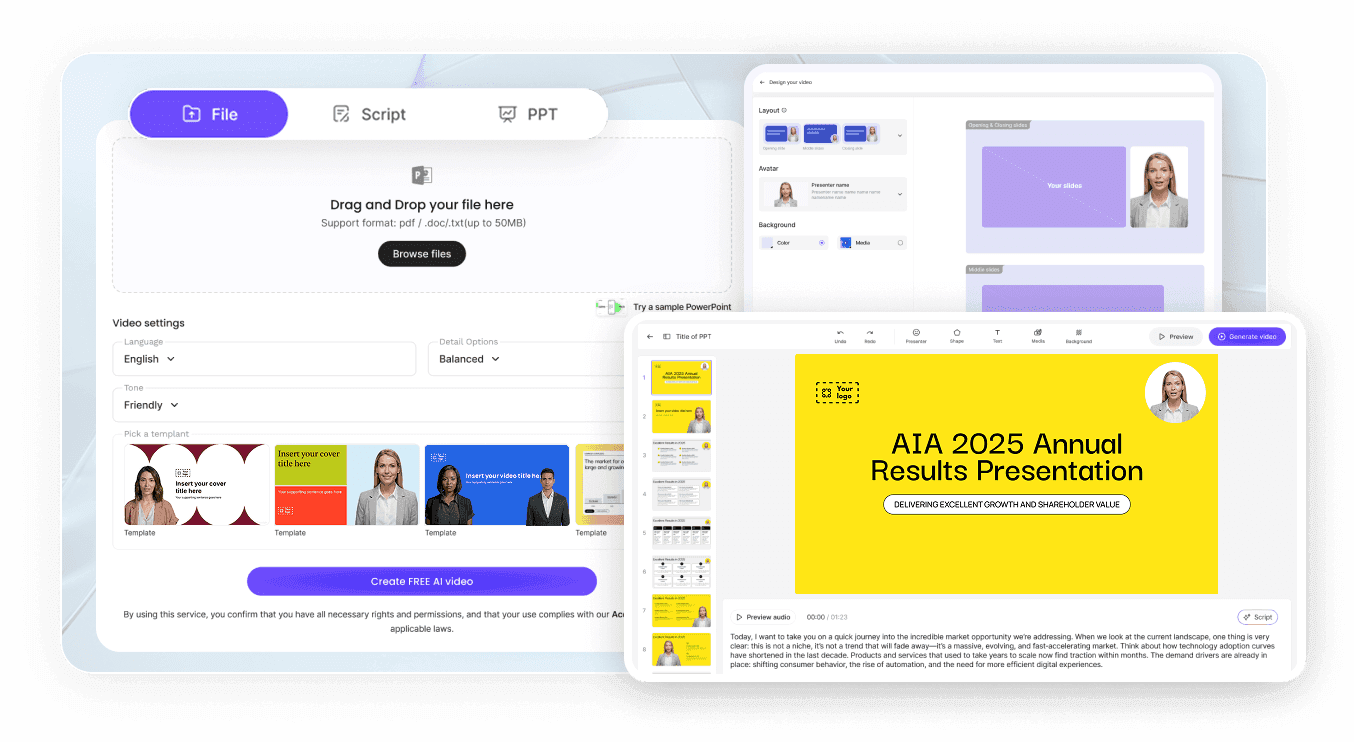
Step 1: Remix a 16:9 Archival Preset
Step 2: Add Research Files and Historical Photos
Step 3: Verify Facts and Export MP4 Video
Where Creators Use an AI Documentary Video Generator
Chronological History & Era Overviews
Sequence archival photographs across decade markers with parallax depth and calm voiceover for history lessons and essays.
Investigative & Declassified File Briefings
Present primary source clippings, stamped case folders, and highlighted text passages to trace investigative case timelines.
Museum Exhibit & Cultural Heritage Introductions
Combine artifact photography, regional maps, and curator notes into widescreen introductory videos for gallery visitors.
Science & Industrial Innovation Retrospectives
Trace how landmark inventions, engineering breakthroughs, or medical discoveries evolved over decades with dated diagrams.

Why Researchers Choose Our History Documentary Video Maker
Primary Source Visuals Without Fake Footage
Multi-Plane Parallax and Document Callouts
Script Verification Before Final Rendering
Subtitle Exports for Accessible Screening
Production Practices for Clear Archival Documentaries
Anchor Scenes to Specific Calendar Years
Scan High-Contrast Primary Source Documents
Choose Two- or Three-Minute Chapter Runtimes
Use No Avatar on Archival Photographs
Audit Historical Nouns Before Rendering
Combine Chapters for Long-Form Video Essays
Documentary Maker Frequently Asked Questions
Start by selecting the 16:9 widescreen ratio and a 60 sec, 2 min, or 3 min chapter duration in Video Agent. Load Archival Depth or Paper Archives via Remix, attach up to 2 research manuscripts and 20 historical photos, and describe your chronological outline.
No. Leadde does not fabricate historical photographs or pull unverified claims into your script. The generator builds scenes around the written timeline, PDF or DOCX manuscripts, and authentic archival images you provide, and you can run AI Content Review in Studio to verify every line before exporting.
Inside the Video Agent duration menu, you can choose Auto, 30 sec, 60 sec, 2 min, or 3 min per generation. For longer historical essays or multi-part classroom documentaries, generate individual 2-minute or 3-minute chapters for each era and combine the exported MP4 files.
Yes. In your Video Agent prompt, include "No avatar" and specify a calm, measured narrator voiceover with gentle piano or ambient instrumental music. Your archival photographs, 3D parallax frames, timeline dates, and highlighted document excerpts will fill the entire 16:9 screen throughout the video.
This documentary maker focuses on archival photo staging, document highlights, and investigative or historical narratives in Video Agent. If you are recording a first-person family memoir, use Personal Story Video Generator. For animated diagram explainers of historical events, visit History Animation Maker.
Yes. When you finalize your documentary project in Leadde Studio, you can download synchronized SRT and VTT subtitle files alongside your MP4 video so viewers can follow historical dates, quotes, and citations, while account plan details remain listed on the Leadde Pricing overview.
Start Producing Archival and History Documentaries Today
