AI Animated Video Maker
What Is an Animated Video Maker?
An animated video maker turns written scripts, story prompts, and lesson outlines into stylized cartoon scenes and motion explainers without manual rigging. Leadde Video Agent offers 3D Cartoon, Watercolor, and 2D MG presets with Entrance, Emphasis, and Exit layer animations in Studio, while hand-drawn sketch sequences live at Whiteboard Animation Maker or AI Motion Graphics Generator.
Trusted by the world's leading brands







Capabilities of Our AI Animated Video Maker
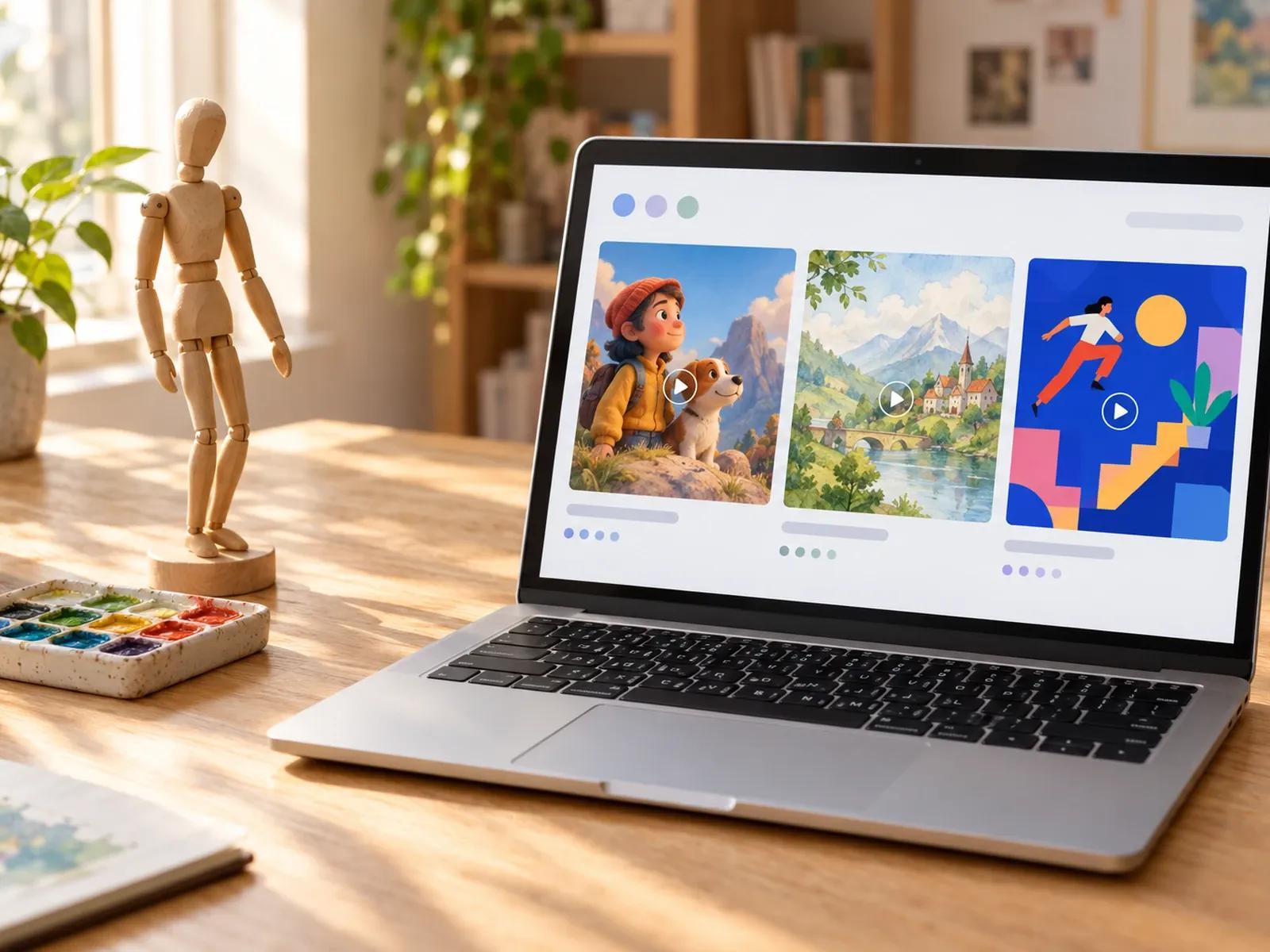
3D Cartoon, Watercolor, and 2D Presets
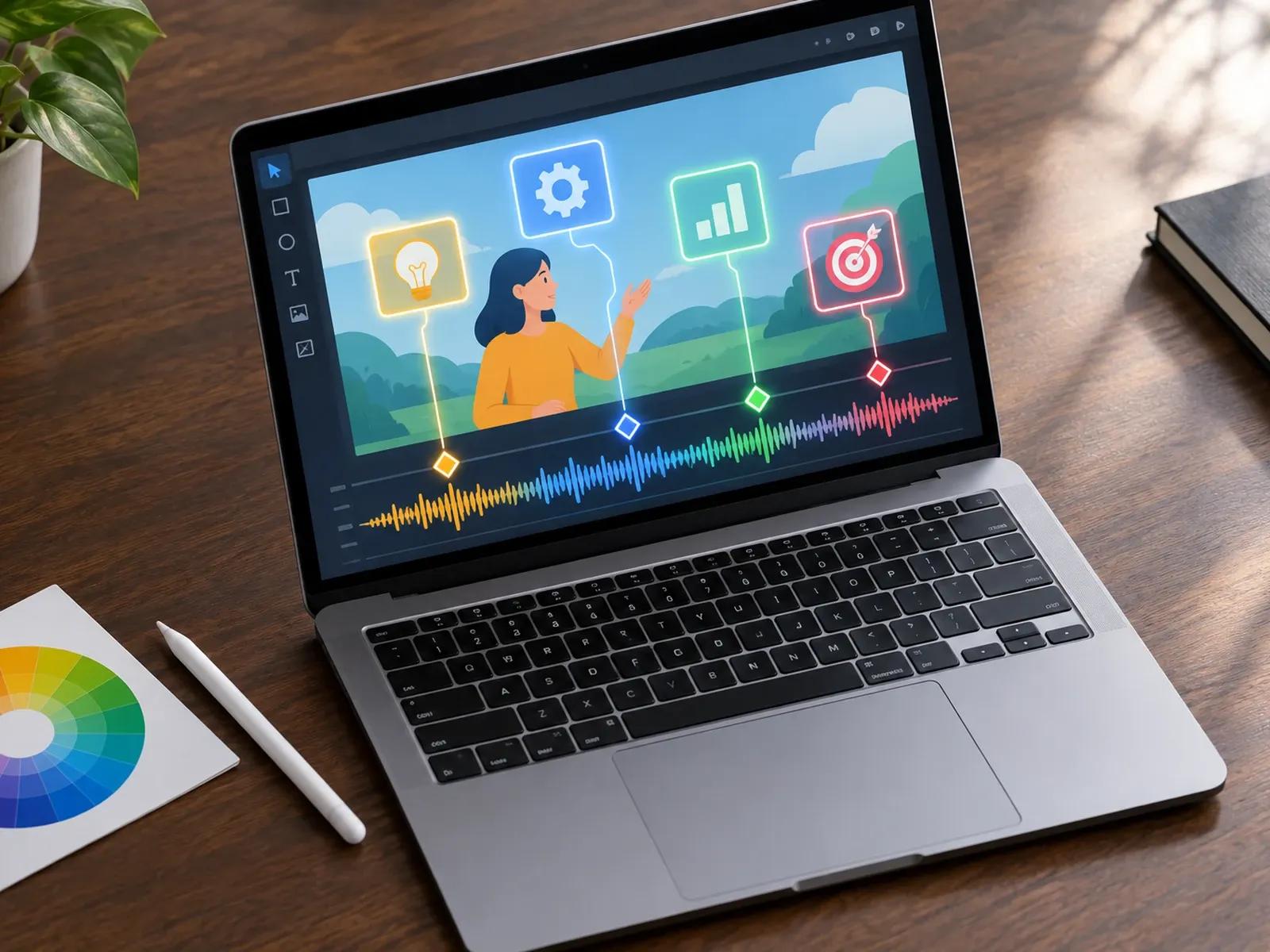
Narration-Synced Layer Animation Cues
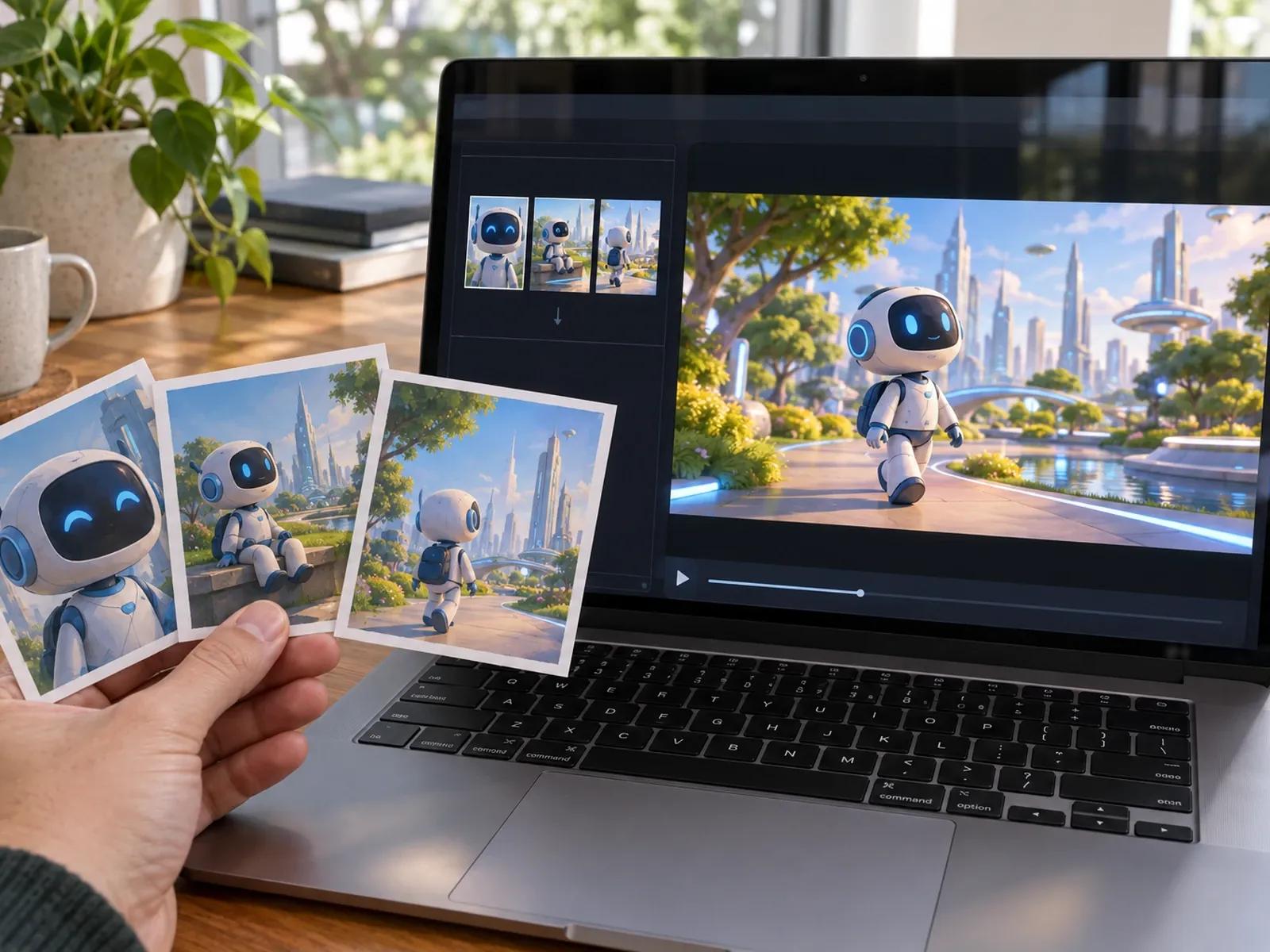
Text-to-Motion and Reference Art Guidance
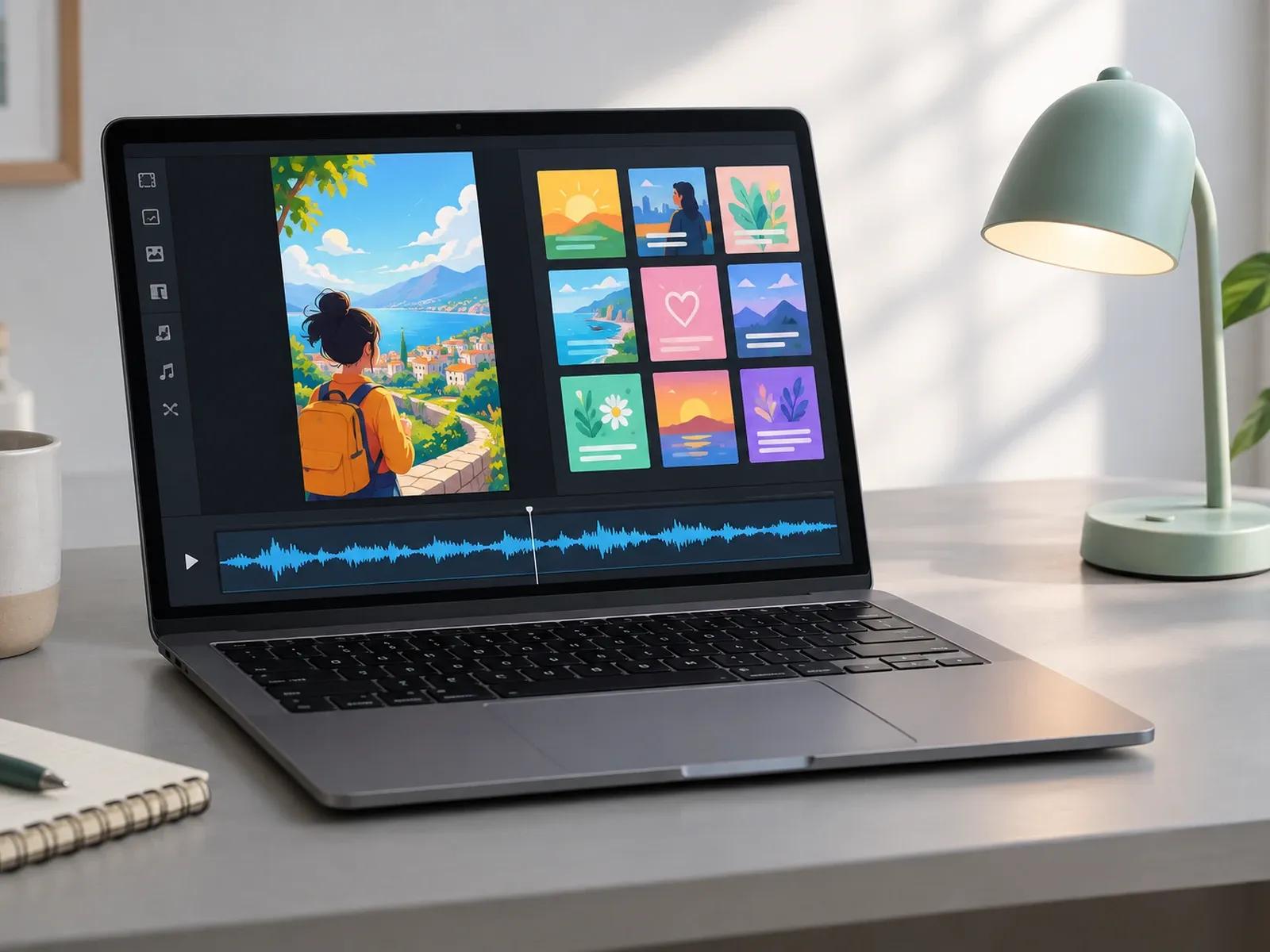
Expressive Voiceovers and 9 Caption Styles
Production Steps in This Online Animation Creator
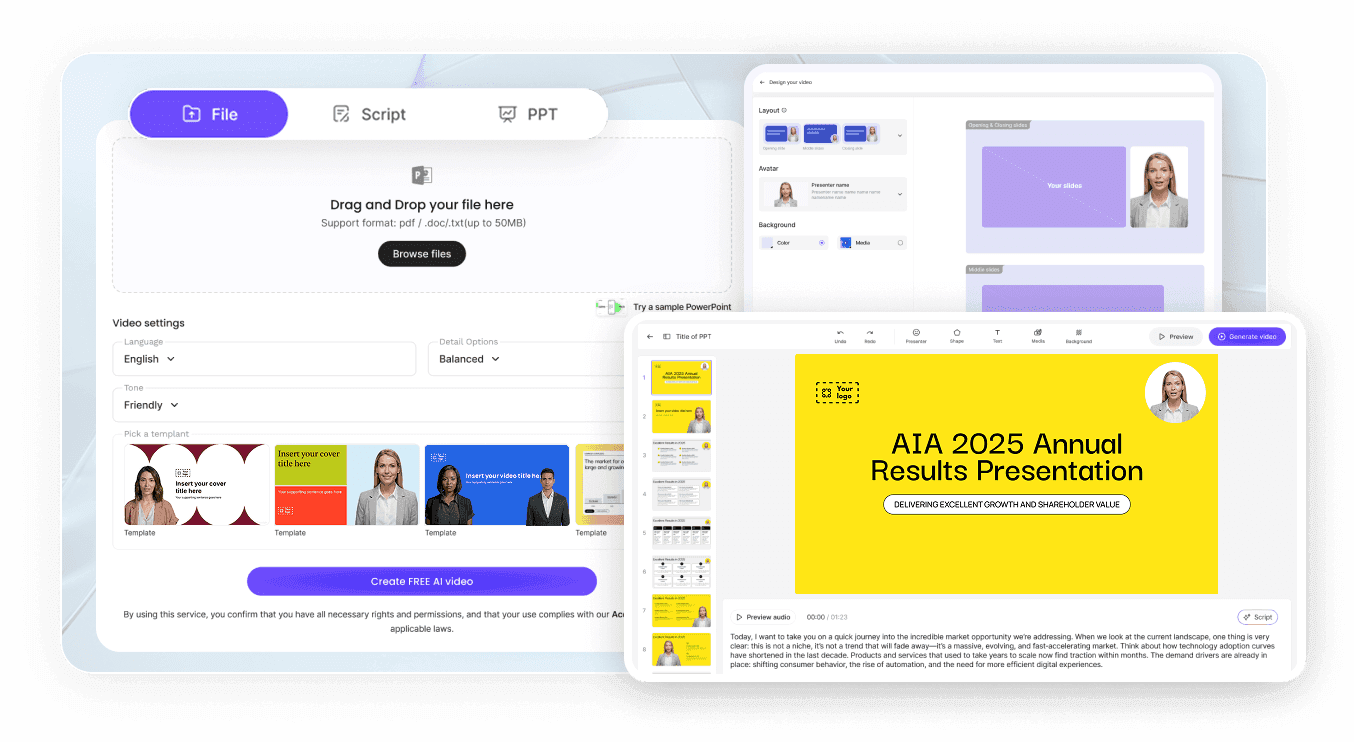
Step 1: Choose an Animation Style and Frame
Step 2: Supply Your Script and Reference Images
Step 3: Cue Layer Animations and Export MP4
Projects Suited for an Animated Explainer Video Maker
Abstract SaaS & Service Concept Explainers
Break down abstract SaaS workflows or service concepts into clear animated explainer scenes that prospects grasp quickly.
Children's Fables & Illustrated Storybooks
Turn children's fables, historical tales, or creative prompts into 3D cartoon or watercolor story videos with narration.
Scenario-Based Staff Training Modules
Replace dry policy slides with animated scenario cards and 9 subtitle presets that keep remote learners paying attention.
Stylized 9:16 Faceless Social Shorts
Produce stylized 9:16 animated shorts for social feeds without filming live actors or booking a physical studio location.

Why Teams Choose Our 3D Cartoon Video Generator
Multi-Layer Canvas Editing After AI Generation
Word-Level Timing for Entrance and Exit Effects
Multiple Illustration Styles in One Browser Tab
Fast Script Revisions Without Starting Over
Craft Tips for Cohesive Animated Videos
Specify One Style Preset in Your Prompt
Align Element Cues to Spoken Keywords
Guide Scene Generation With Reference Art
Focus Each Scene on One Visual Action
Sync Global Subtitles for Muted Playback
Build Reusable Motion Loops in AI Tools
Animated Video Maker Frequently Asked Questions
Inside Leadde Video Agent, pick a 16:9 or 9:16 aspect ratio and select a visual preset like 3D Cartoon, Watercolor Illustration, or 2D MG Explainer. Once you submit your script or outline documents, the agent builds a multi-scene animated draft that you can fine-tune inside Studio.
Select any non-avatar element on the Studio canvas to assign Entrance, Emphasis, and Exit animation effects. You can drag the animation trigger points directly along your spoken voiceover script so visual callouts enter, pulse, or exit on the exact word you choose.
No. Leadde is built around automated scene generation via Video Agent and AI Tools (Text-to-Video, Image-to-Video, and Text-to-Motion) paired with timeline Entrance, Emphasis, and Exit layer animations inside Studio, rather than manual character bone-rigging, inverse kinematics, or hand-drawn cel animation.
Choose a single style preset in Video Agent and state your preferred color palette and art direction in the initial prompt. When generating additional clips or images in the Studio Media panel, you can upload 1 to 3 reference images to guide visual consistency.
This Animated Video Maker focuses on 3D cartoon storytelling, watercolor narratives, and multi-style character explainers; educators wanting hand-drawn marker sketch sequences can visit Whiteboard Animation Maker, while marketers building kinetic typography and data charts can open AI Motion Graphics Generator.
Yes. Storytellers and instructional designers can draft animated storyboards in Video Agent while marked Free in beta and test Entrance, Emphasis, and Exit layer triggers in Studio for free; generating AI media clips or exporting finished MP4 animations uses credits per the Leadde Pricing page.
Create Stylized 3D Cartoon and Motion Videos Online