
AI Whiteboard Animation Maker
What Is a Whiteboard Animation Maker?
A whiteboard animation maker helps teachers, trainers, and product teams turn lesson notes, SOP documents, and workflows into step-by-step illustrated board explainers. In Leadde Video Agent, pick a 16:9 or 9:16 canvas, upload 2 handouts and 20 diagrams, and remix Highlighted Paper or Cosmic Paper with progressive arrows. Route quantitative data charts to Motion Concept Visualization.
Trusted by the world's leading brands







How Leadde Builds Step-by-Step Whiteboard Animation

Highlighted Paper and Kraft-Board Sketch Presets
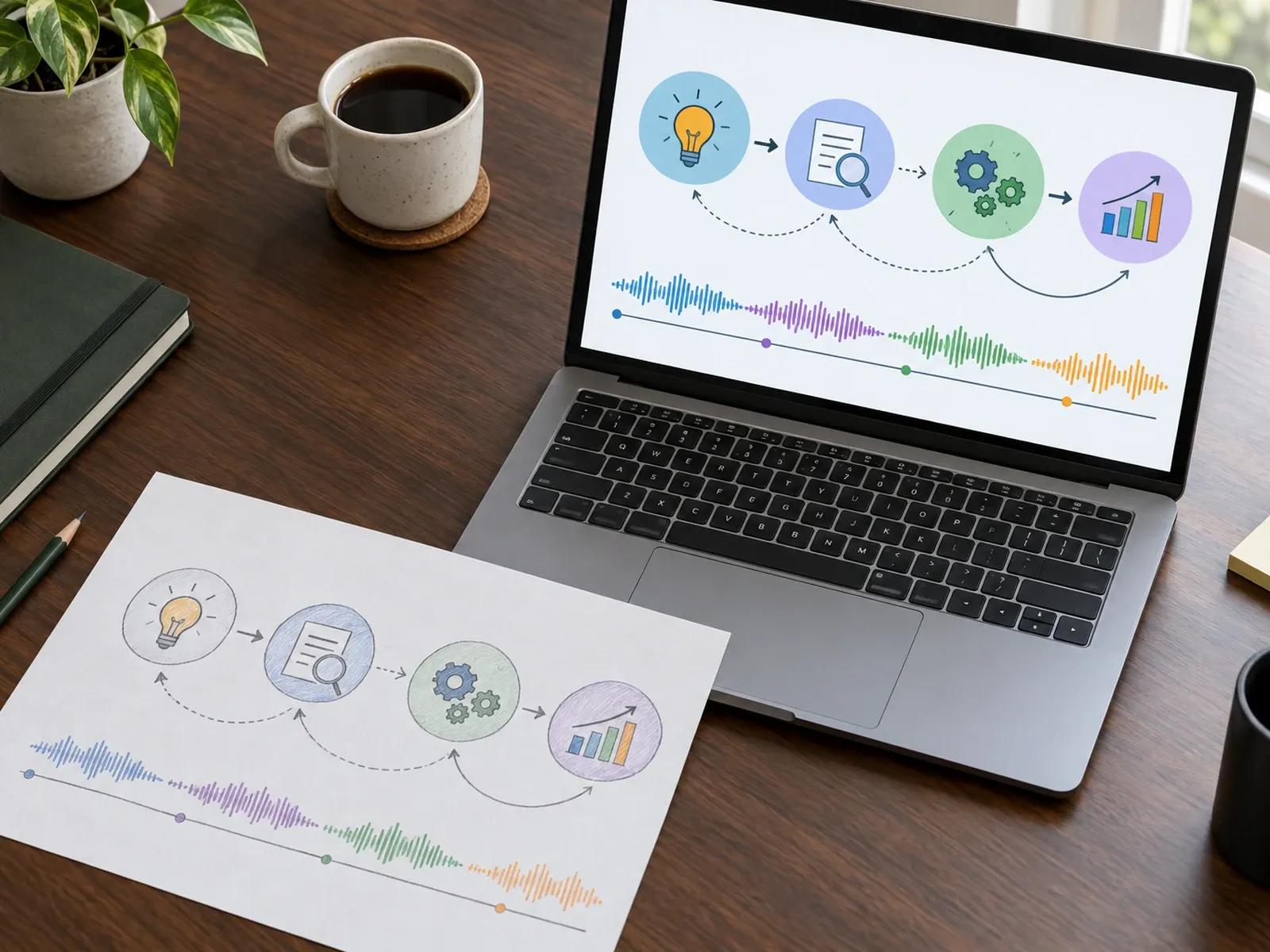
Progressive Path-Drawn Arrows and Nodes
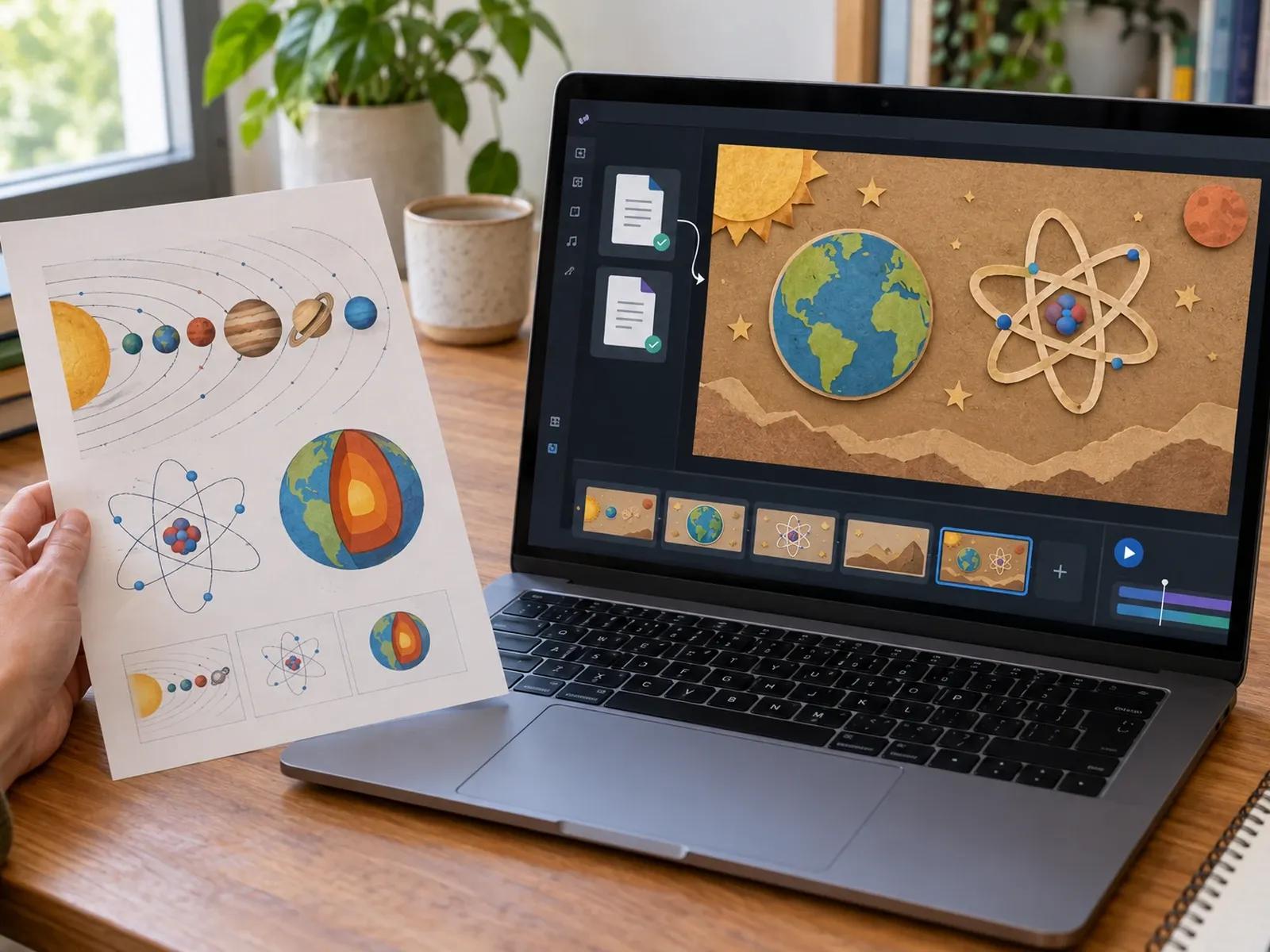
Convert 2 Handouts and 20 Diagrams

300+ Avatars, Pure Board, and SCORM
Converting Lesson Notes into Whiteboard Animation
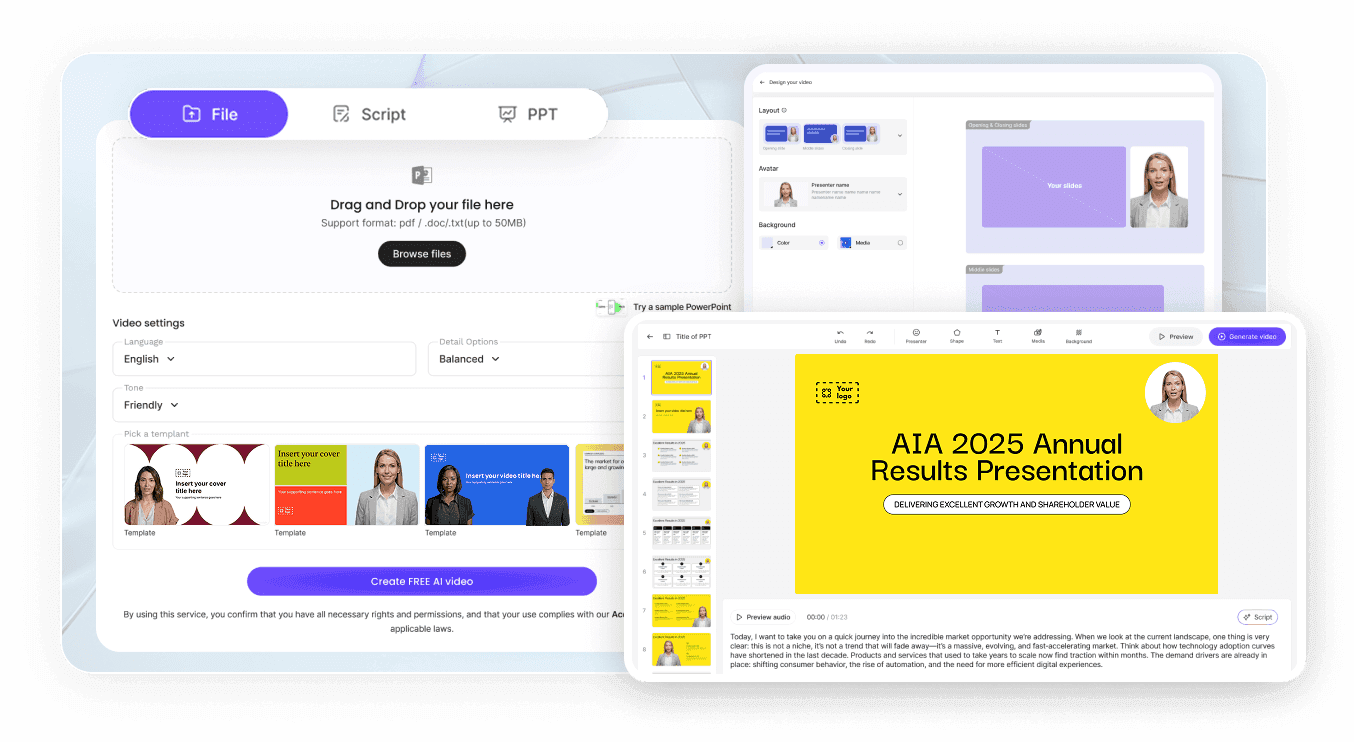
Step 1: Remix a Sketch Board Preset
Step 2: Upload Handouts and Outline Nodes
Step 3: Check Pacing and Download MP4
Top Use Cases for a Whiteboard Animation Maker
K-12 & University Concept Breakdowns
Illustrate scientific cycles, historical cause-and-effect chains, and math rules on a clean board with step-by-step arrows.
Book Summaries & Knowledge Distillation
Turn non-fiction chapters and research papers into visual mind maps with hand-drawn connectors and yellow marker callouts.
Corporate SOP & Compliance Walkthroughs
Map internal approval workflows, safety checklists, and onboarding rules onto a structured board with SCORM export for LMS.
SaaS Architecture & Process Explainers
Sketch how data moves from customer input to backend output using clean icons, numbered stages, and clear voiceover narration.

Why Training Teams Prefer Our Whiteboard Explainer Video Maker
Visual Pacing Synchronized to Spoken Explanations
Grounded in Your Uploaded Syllabi and SOPs
Instructor Avatar or Full-Canvas Sketch View
LMS-Ready SCORM and MP4 Delivery
Visual Practices for Effective Whiteboard Animation
Limit Scenes to Four Core Boxes
Highlight One Key Term Per Step
Prompt No Avatar for Dense Flowcharts
Attach Diagrams as Visual References
Match Runtime to Workflow Complexity
Package Courses as Tracked LMS Modules
Whiteboard Animation Maker Frequently Asked Questions
You can build a paper-board explainer by choosing Highlighted Paper, Cosmic Paper, or Paper Characters via Remix in Video Agent. Pick a 16:9 or 9:16 canvas, attach up to 2 lesson files and 20 diagrams, and outline the step-by-step concept flow.
Leadde Video Agent builds structured whiteboard and paper-canvas animations featuring hand-drawn sketch icons, progressive path-drawn connector arrows, yellow marker highlights, red circle annotations, and paper-cutout figures synchronized to voiceover. It focuses on clear visual pacing rather than frame-by-frame manual SVG wrist rigging.
Yes. In the Video Agent prompt composer, you can attach up to 2 documents in PDF, PPTX, DOC, DOCX, or TXT format (up to 50 MB each) along with up to 20 reference images (up to 20 MB each) so the generated board scenes follow your exact material.
You can do either. When prompting Video Agent or editing in Studio, choose from 300+ digital avatars to present alongside your illustrated board, or write "No avatar" in your prompt so the paper canvas, diagrams, and progressive arrows occupy the full screen.
This whiteboard animation maker focuses on paper-board textures, hand-drawn annotations, progressive flow arrows, and cutout characters in Video Agent. For broad SaaS and corporate product overviews, use Explainer Video Maker. For quantitative data charts and scientific simulations, visit Motion Concept Visualization.
Yes. Once your whiteboard explainer is ready in Leadde Studio, you can export a standard MP4 file with SRT subtitles or download a SCORM package for LMS platforms such as Canvas and Moodle, with export rules tied to your active plan on the Leadde Pricing page.
Start Creating Step-by-Step Whiteboard Animations Today
