ChatGPT Video Generator
What Is a ChatGPT Video Generator?
A ChatGPT video generator workflow transforms LLM-drafted scripts, outline tables, and conversational prompts into editable multi-scene videos with voiceover and visuals. Paste your ChatGPT text into Leadde Video Agent to structure a multi-card storyboard and refine scenes in Studio, whereas single-clip prompts and live web URLs belong on AI Text to Video or URL to Video Maker.
Trusted by the world's leading brands







Capabilities of Our Conversational AI Video Maker
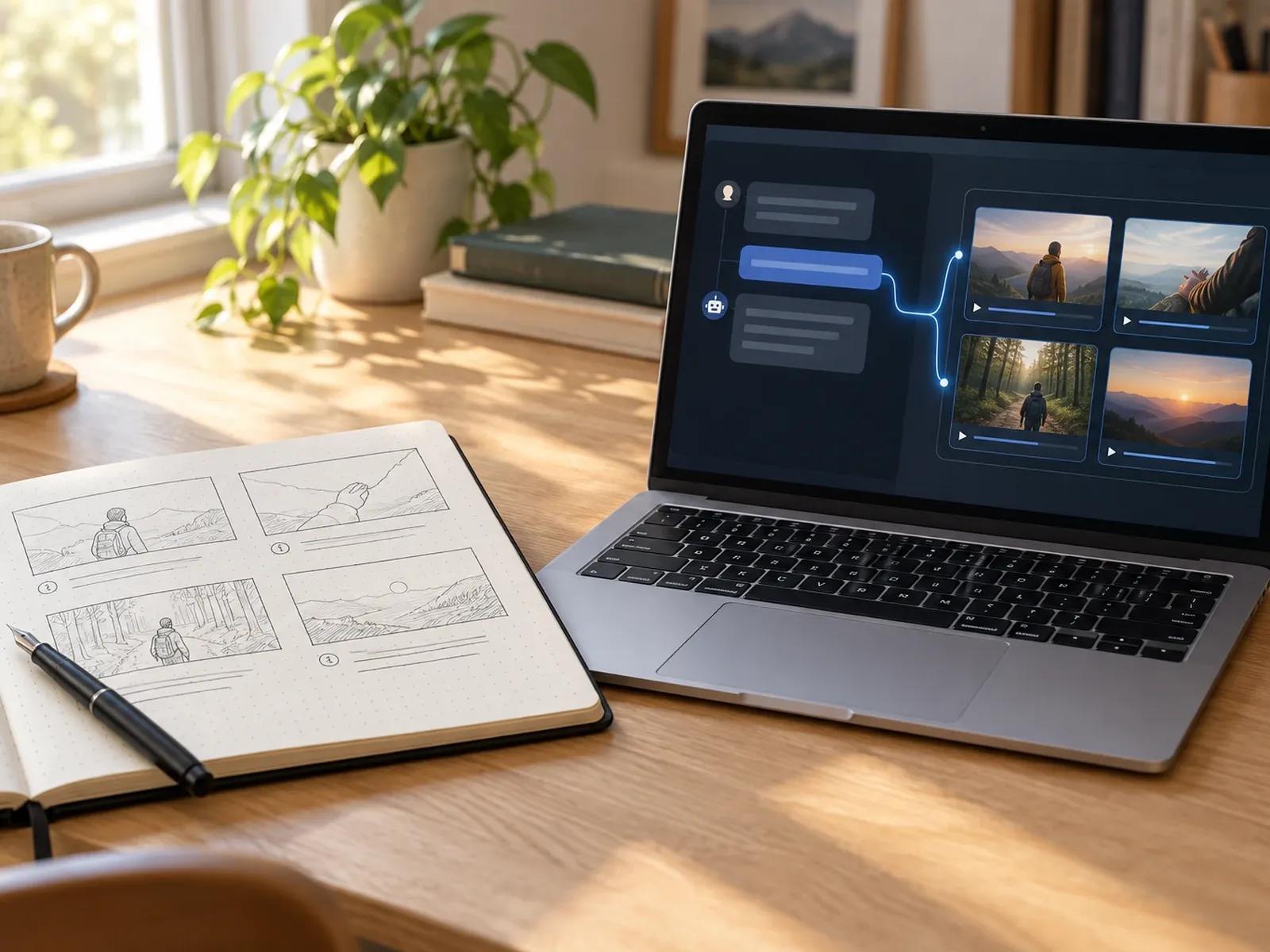
Direct ChatGPT Script and Prompt Ingestion
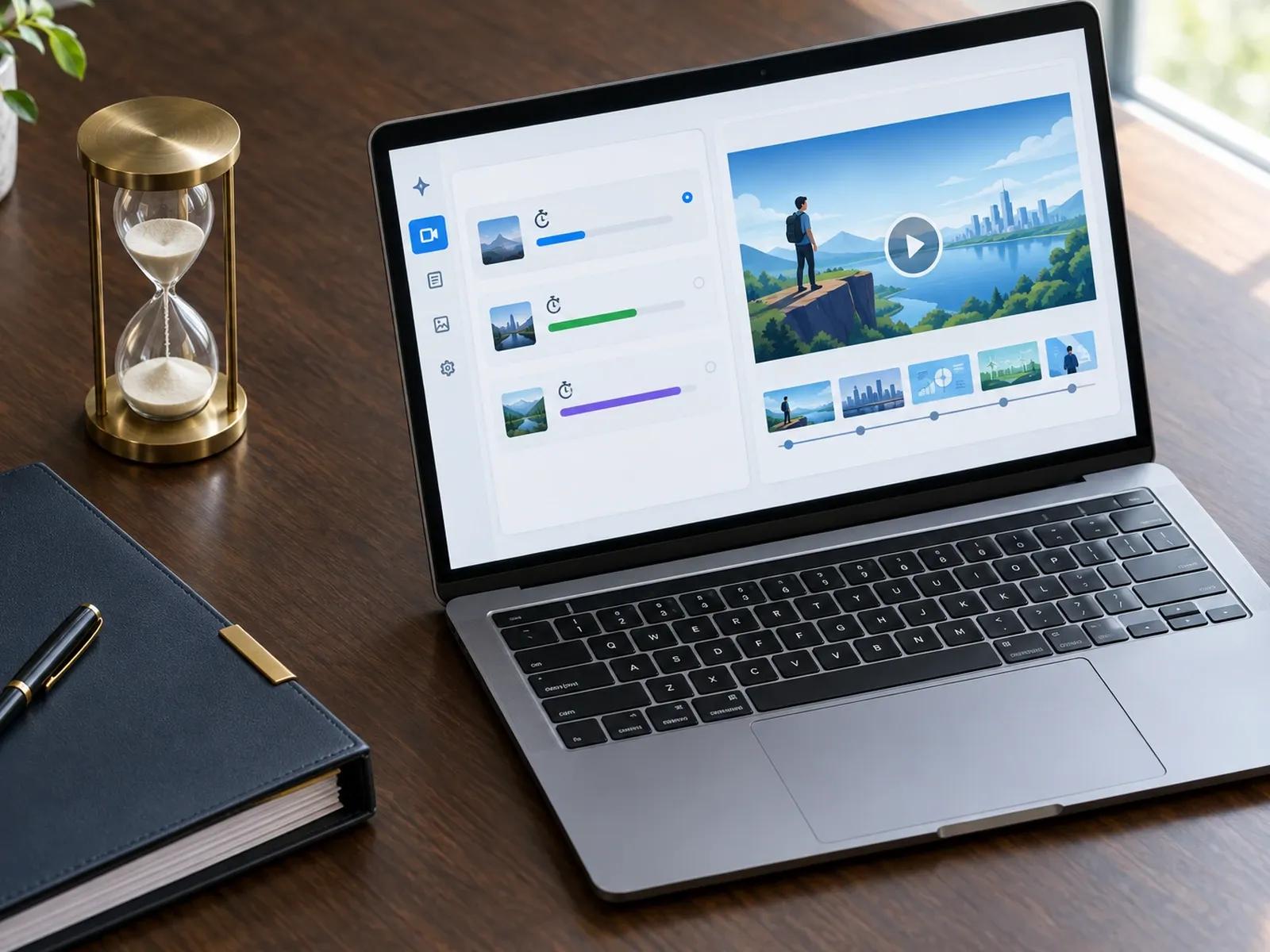
Summary, Balanced, and In-Depth Runtimes
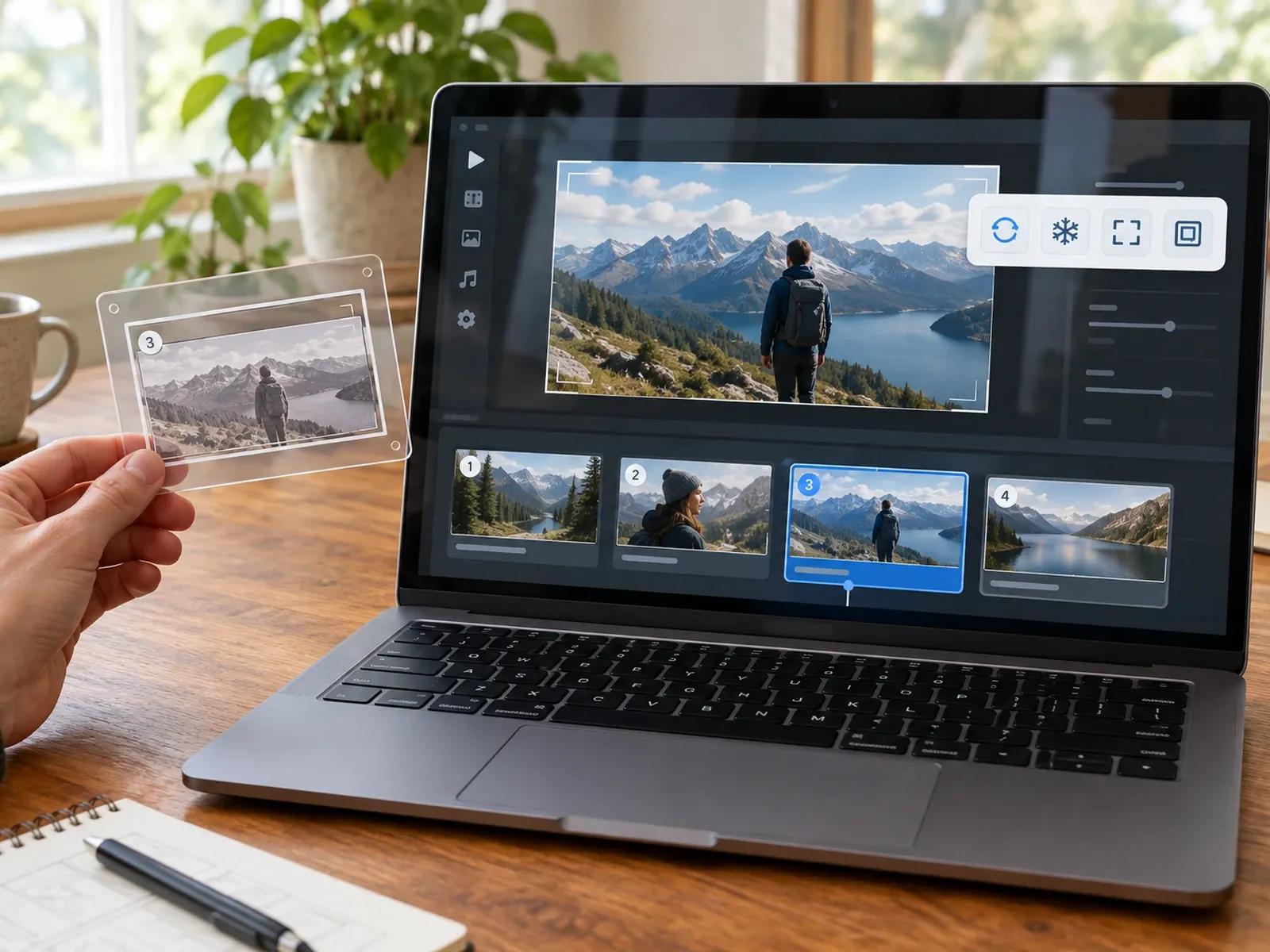
Scene-Level Studio Edits and 4 Fit Modes
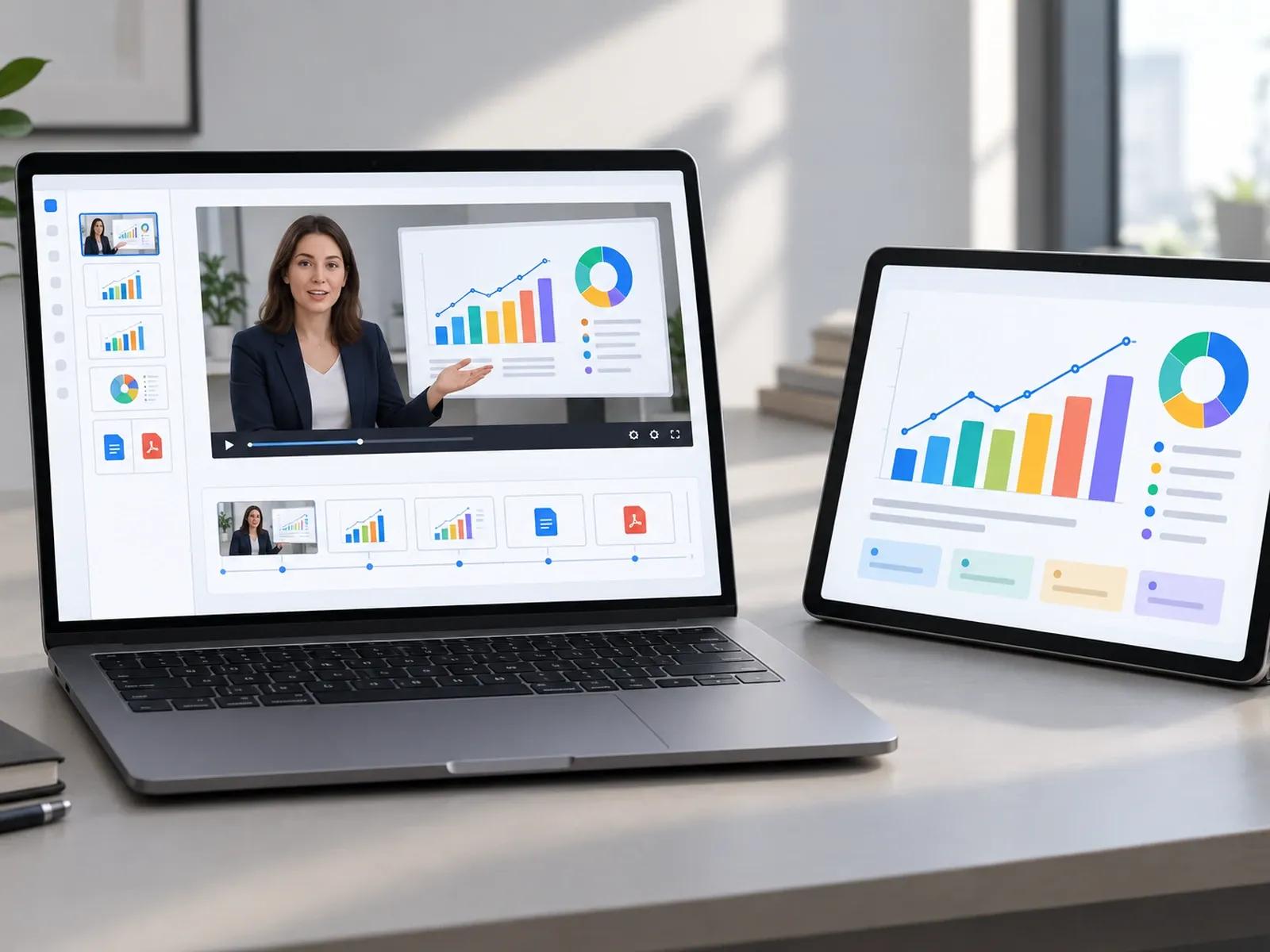
Anchor LLM Scripts With Real Screenshots
From LLM Draft to MP4 in an AI Storyboard Video Tool
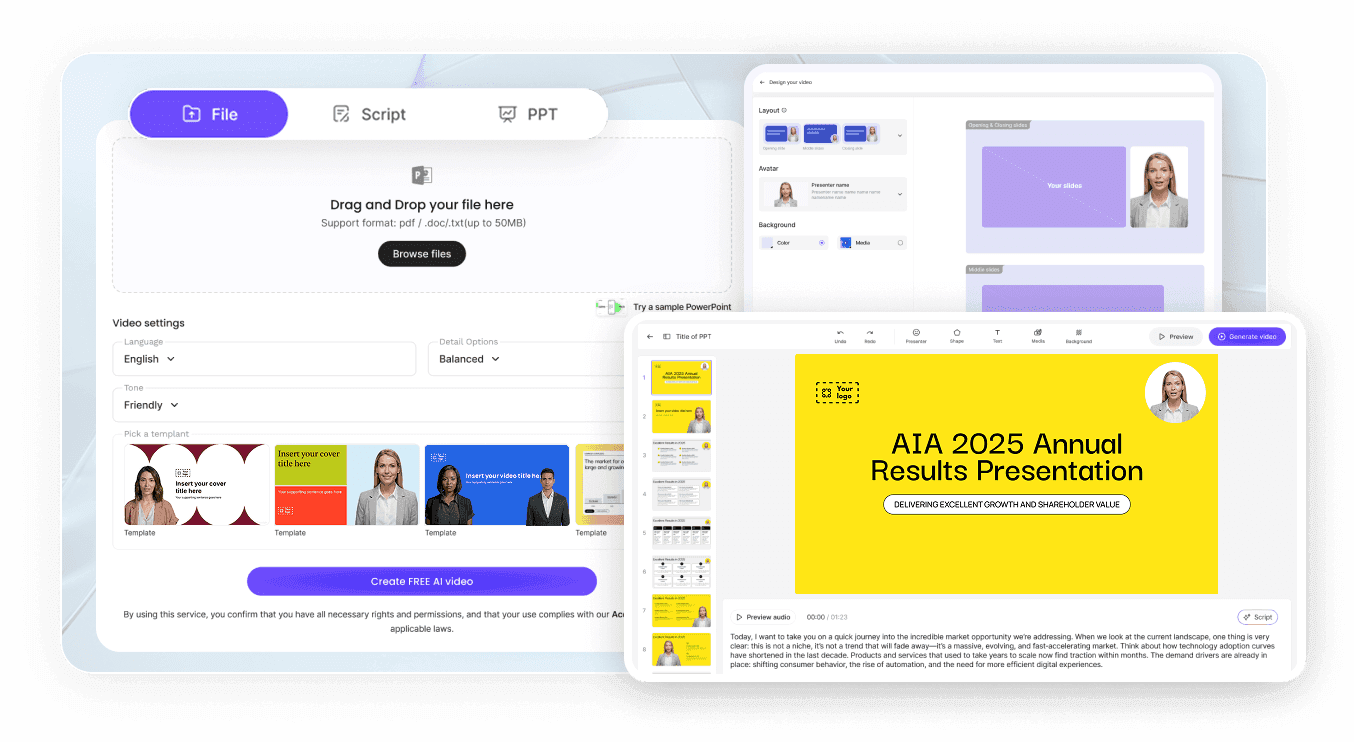
Step 1: Drop In Your ChatGPT Script or Prompt
Step 2: Add Supporting Screenshots and Voice Settings
Step 3: Fine-Tune Scene Cards and Download MP4
Workflows Powered by a ChatGPT Script to Video Pipeline
Faceless YouTube Explainer & Essay Channels
Turn research outlines and narration scripts drafted in ChatGPT into multi-scene 16:9 explainers with synchronized B-roll.
SaaS Release Notes & Feature Walkthroughs
Pair ChatGPT release-note summaries with uploaded UI screenshots to publish clear product update videos in just minutes.
Structured Course Modules & Study Guides
Convert LLM-structured lesson plans and study guides into 3 to 5 minute narrated training videos with clear chapter cards.
Multi-Hook Social Ad Script Variations
Paste three hook variations from ChatGPT into Video Agent to produce 9:16 vertical ad creatives for rapid campaign testing.

Why Creators Prefer Our Prompt to Video Generator
Revise One Card Without Re-Prompting Everything
Combine LLM Copy With Verified Brand Assets
Automatic Clip Alignment via 4 Video Fit Options
Browser Workspace With Zero Plugin Dependencies
Best Practices for ChatGPT Script to Video Production
Separate Visual Notes From Spoken Lines
Keep Narration Sentences Under Twenty Words
Pair Data Claims With Real Screenshots
Pause Narration for Full Demo Clips
Select Balanced Duration for Lesson Outlines
Shorten or Expand Script Lines in Studio
ChatGPT Video Generator Frequently Asked Questions
Drop your LLM-written outline into the Leadde Video Agent prompt bar, or attach the text as a DOCX, PDF, or TXT document; the agent converts each section into editable visual scene cards and voiceover narration that you can customize inside Studio.
No. Leadde is an independent AI video platform featuring its own conversational Video Agent and multi-scene Studio editor. You do not need an OpenAI subscription or a third-party ChatGPT plugin to paste LLM-written scripts or run conversational video prompts in Leadde.
Click Continue in Studio to open your generated storyboard on the multi-layer timeline. From there, you can use Regenerate, Expand, or Shorten on a single script card, replace one image from the Media library, or generate a new visual with Nano Banana 2 without re-rendering other scenes.
When a video layer's length differs from the spoken sentence on that card, Studio gives you 4 Video Fit choices: Loop repeats background footage, Freeze holds the last frame, Full Video extends the card until the clip ends, and Insert pauses the voiceover while your clip plays.
This ChatGPT video generator page is designed for creators bringing structured LLM scripts, scene outlines, and conversational briefs into a multi-scene editor; for quick clips from a short sentence, visit AI Text to Video, or open URL to Video Maker to convert live web links.
Yes. Scriptwriters and educators can paste LLM outlines into Video Agent under the Free in beta badge and inspect every scene card on the Studio timeline without charge; workspace credits are deducted only when generating AI media assets or exporting your completed MP4 per the Leadde Pricing page.
Convert Your ChatGPT Scripts into Editable Multi-Scene Videos