
AI Intro Video Maker
What Is an Intro Video Maker?
An intro video maker builds concise opening sequences that introduce a YouTube channel, video series, webinar, or training module before the main content begins. In Leadde Video Agent, pick a 30-second runtime in 16:9 or 9:16, apply Brand Kit logos and color palettes, and choose a presenter welcome or kinetic title opener. Job seekers can use AI Self-Introduction Video Maker for video resumes.
Trusted by the world's leading brands





Core Capabilities of Our AI Intro Video Generator
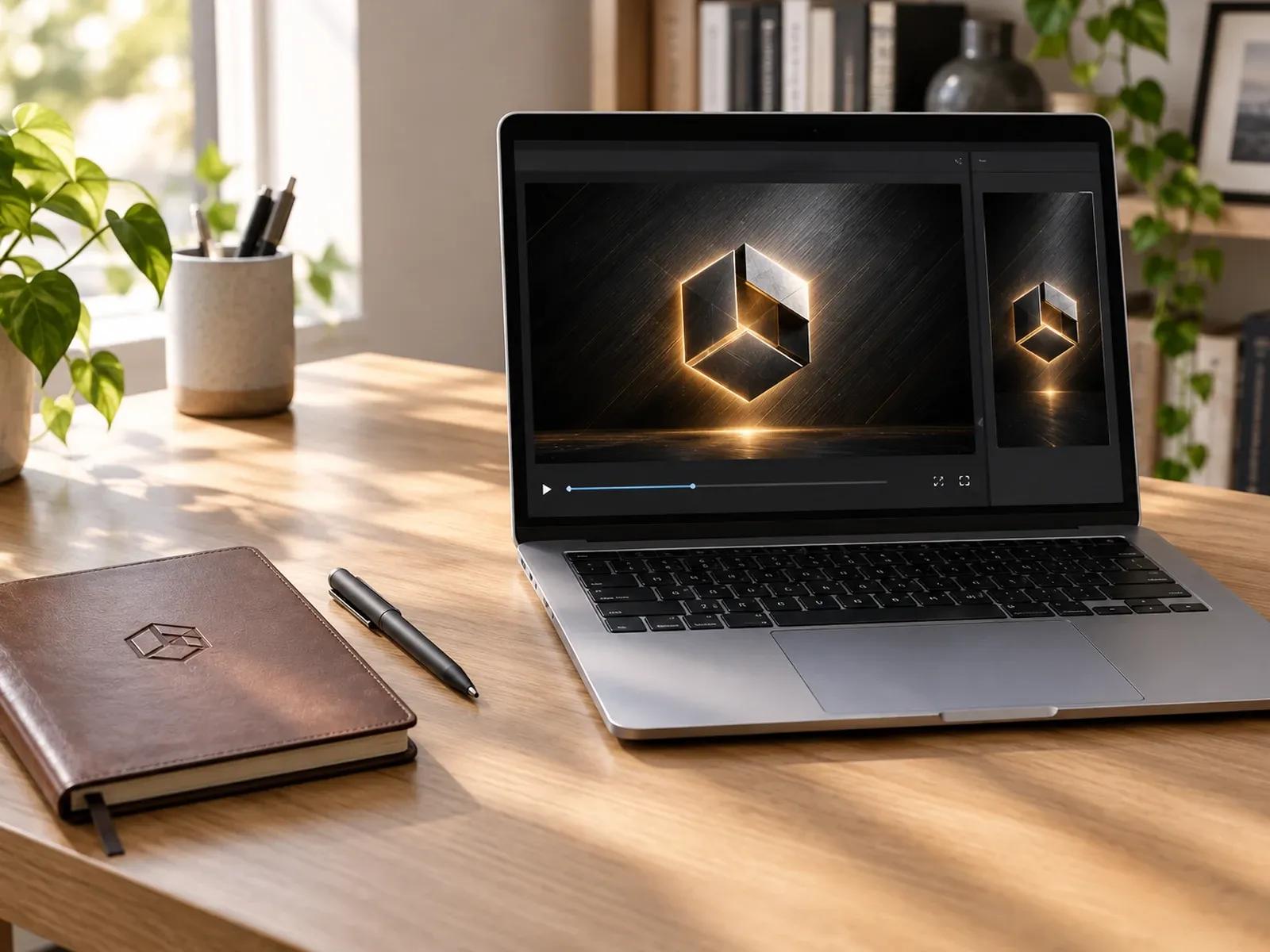
30-Second Opener Presets in 16:9 and 9:16
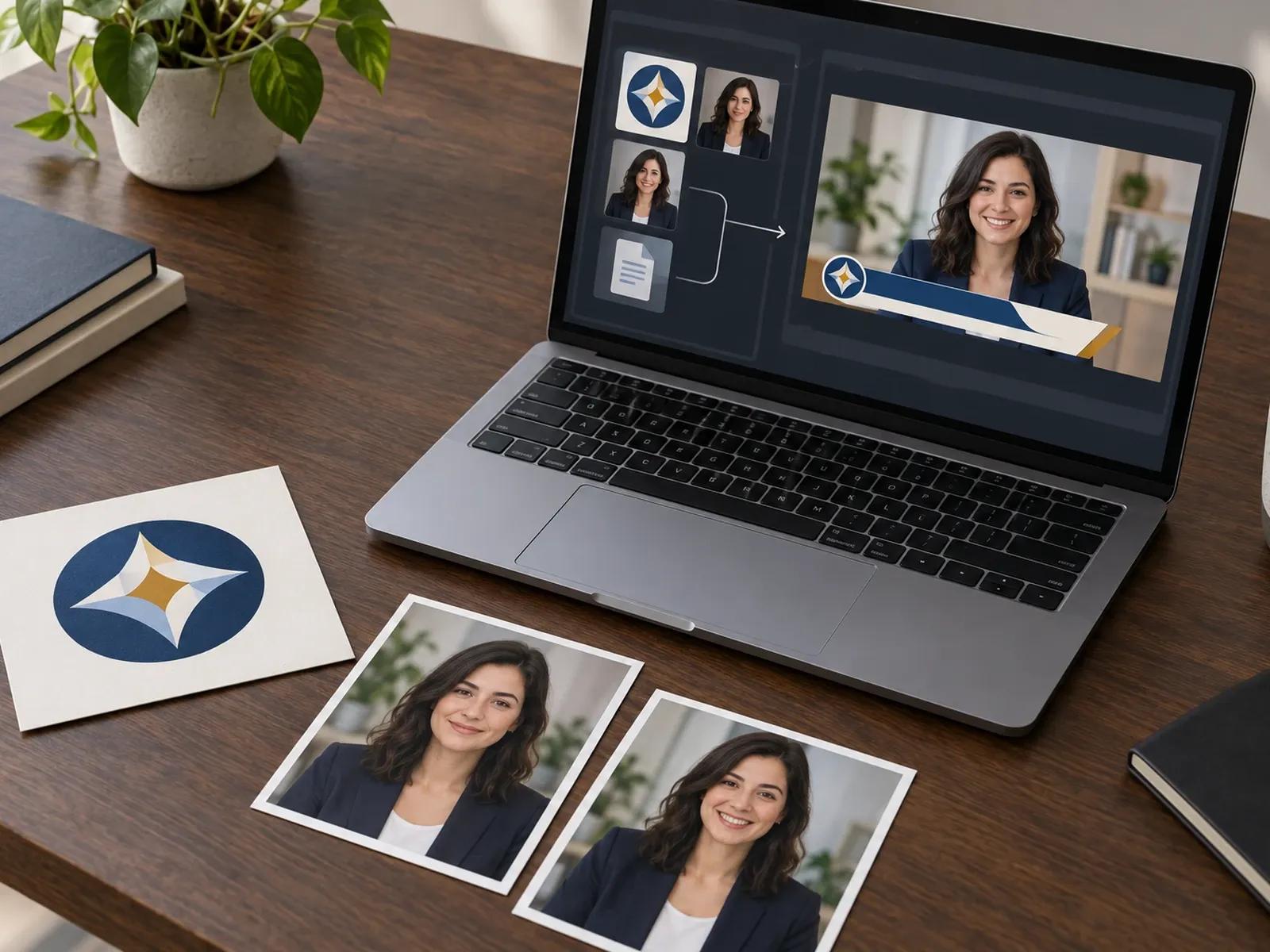
Brand Kit Logos, Fonts, and Color Grids
Editorial, Monogram, and Course Opener Styles
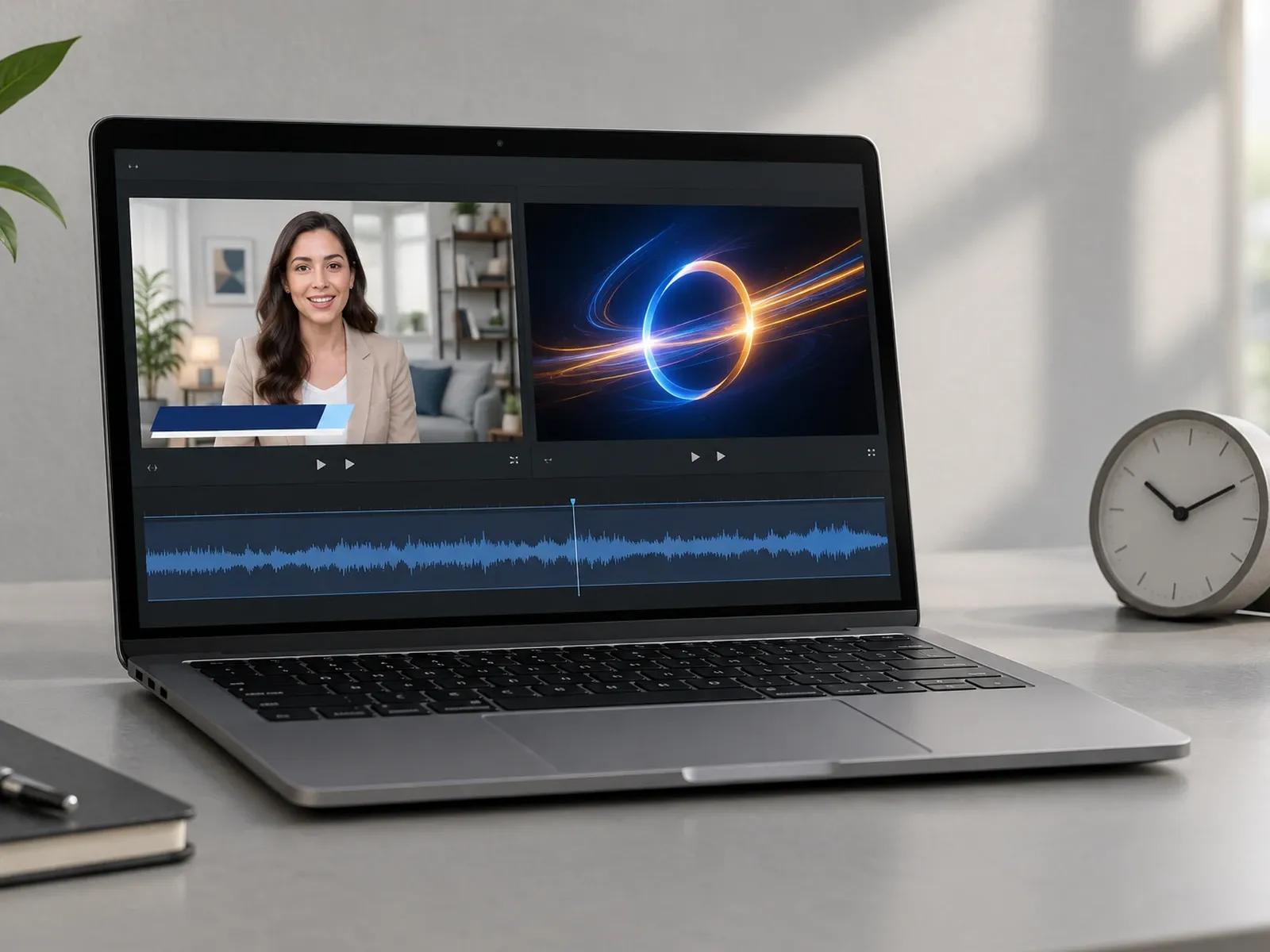
Presenter Welcome or Pure Title Sequence
Three Steps from Channel Concept to Video Opener
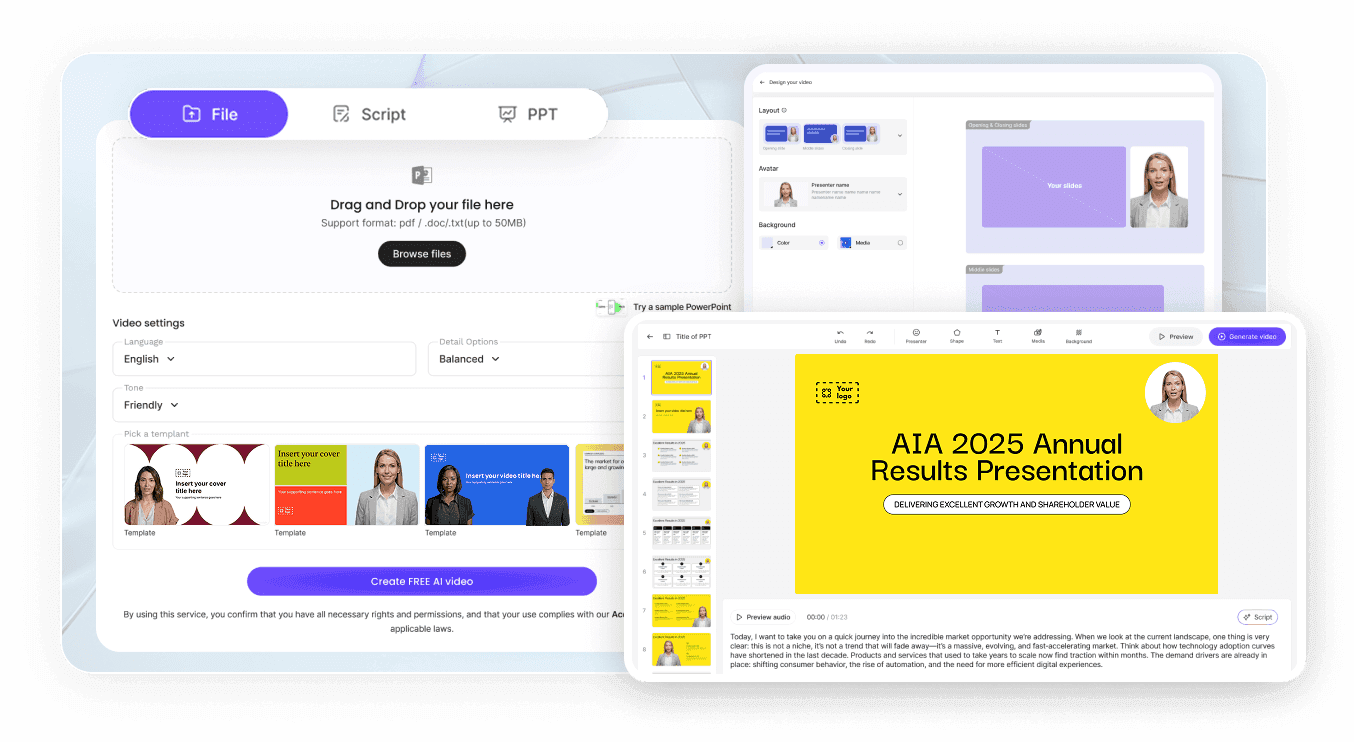
Step 1: Select 16:9 or 9:16 and 30 Sec Runtime
Step 2: Enter Channel Name, Hook, and Visuals
Step 3: Apply Brand Kit and Export MP4
Where Creators Use a YouTube Intro Maker
YouTube Channel & Weekly Series Openers
Combine channel taglines, episode titles, and upbeat instrumental music into 16:9 openers that frame weekly video essays.
Online Course & Module Welcome Videos
Greet enrolled learners with a friendly AI instructor, module goals, and cream-serif title cards at the start of a lesson.
Webinar, Summit & Keynote Speaker Intros
Introduce guest speakers with dark-blue and neon-green lower-thirds, speaker portraits, and session topics before live talks.
Podcast & Interview Show Title Sequences
Display host nameplates, episode numbers, and topic questions in widescreen 16:9 or vertical 9:16 clips for video podcasts.

Why Creators and Educators Choose Leadde for Video Intros
Consistent Show Identity Across Episodes
Clear Separation of Graphic and Spoken Intros
Accurate Name and Term Pronunciation
Reusable Across Widescreen and Vertical Feeds
Practical Tips for Higher-Retention Video Openers
State the Episode Payoff Before the Title
Keep Channel Title Cards Under Five Seconds
Match Opener Music to Your Niche Tone
Highlight Three Agenda Points for Long Videos
Use High-Contrast Lower-Thirds for Speakers
Save Your Opener Layout as a Studio Duplicate
Intro Video Maker Frequently Asked Questions
To build a channel opener, select 16:9 widescreen with the 30 sec timer in Leadde Video Agent. Next, enter your show title, episode hook, color palette, and whether you want an on-screen presenter or "No avatar" title cards, then attach your channel logo.
This Intro Video Maker produces YouTube channel openers, episode title cards, course module welcomes, and keynote speaker teasers. Candidates or new hires who want to turn a personal resume into a first-person career introduction should visit AI Self-Introduction Video Maker instead.
Yes. You can drop your PNG logo and up to 20 topic images directly into the Video Agent prompt composer, and apply saved Brand Kit logos and hex color palettes in Studio so every episode opener shares the exact same visual styling.
No. Leadde specializes in editorial title cards, Swiss typography grids, photo-framed openers, and avatar-led welcome hooks rather than heavy 3D particle shattering or cinema VFX simulations. Teams looking specifically for geometric logo and swatch reveals can also check AI Logo Animation Maker.
Yes. Both 16:9 widescreen and 9:16 vertical aspect ratios are built right into the Video Agent composer. You can produce a 16:9 opener for full-length YouTube episodes or webinars, and create a matching 9:16 version for Shorts, Reels, or mobile lessons.
Yes. YouTube hosts and course authors can test opener scripts, preview lower-third title cards, and adjust welcome hooks free of charge while Video Agent is in Free beta; duplicating or exporting finished MP4 episode openers in Studio follows the credit table on the Leadde Pricing page.
Start Creating Memorable Channel and Series Intros Today
