AI Avatar vs Voiceover for Lecture Videos: Which Works Best?
AI avatars work best when lecture videos benefit from a visible instructor, while voiceovers are often better for explaining slides, diagrams, and complex visual information. Neither format consistently outperforms the other in learning outcomes. The right choice depends on what students need to understand, where their attention should go, and how the lecture is designed.
For educators, course creators, and corporate training teams, this decision also affects production time, content updates, and multilingual delivery.
This guide compares the research, practical applications, and production workflows—and explains when combining AI avatars with voiceovers may deliver a more effective learning experience.
AI Avatar vs Voiceover for Lecture Videos: Which Is Better?
The fundamental difference is whether learners see a virtual instructor or focus entirely on the teaching materials while listening to narration.
What Is an AI Avatar vs AI Voiceover?
An AI avatar is a computer-generated presenter that delivers a lecture using synthesized speech, facial expressions, and synchronized lip movements. It creates a visible instructor presence without requiring physical filming.
An AI voiceover is narration generated through text-to-speech (TTS) technology or recorded separately and added to educational visuals. It allows slides, diagrams, animations, and demonstrations to remain the primary focus.
Importantly, voiceover describes a narration format, while TTS describes a method of producing that narration. AI avatar videos frequently use TTS themselves.
AI Avatar vs Voiceover: Key Differences at a Glance
| Factor | AI Avatar | Voiceover |
| Visual experience | Visible digital instructor | Slides or demonstrations take priority |
| Social presence | Provides a presenter identity | Relies on narration and visual design |
| Best suited for | Introductions, onboarding, guided explanations | Technical lectures, tutorials, diagrams |
| Potential distraction | Facial movements and lip-sync | Poor pacing or monotonous narration |
| Content updates | Regenerate affected avatar scenes | Regenerate narration and affected visuals |
| Localization | Requires translated speech and synchronized delivery | Requires translated narration and visuals |
| Production needs | Avatar, script, voice, visual composition | Script, narration, supporting visuals |
The practical rule: Use an avatar when seeing the instructor supports the lesson. Use voiceover when seeing the subject matter is more important.
Do AI Avatars Improve Learning Outcomes More Than Voiceovers?
Research suggests that visible presenters can influence engagement and social presence, but the relationship between instructor visibility and measurable learning is more complicated.
What Research Says About Learning Retention and Engagement
A 2023 meta-analysis published in Educational Research Review, covering 27 years of instructor-presence research, found that visible instructors benefited knowledge retention and social presence, but not knowledge transfer performance.
It also found reduced viewing time on relevant instructional visuals.
Source: Beege et al., The Instructor Presence Effect
More recently, TechSmith studied AI voices and avatars in instructional videos.
Its AI voice study involved 768 working adults. High-quality AI narration received strong professionalism ratings, suggesting that voice quality deserves as much consideration as whether the speaker is human or synthetic.
In a separate avatar experiment, picture-in-picture AI presenters achieved approximately 76% correct answers on a short instructional quiz, roughly ten percentage points above the other tested formats.
Source: TechSmith — Do AI Voices and Avatars Improve Learning?
However, these findings concern specific short instructional tasks. They do not establish that AI avatars universally improve academic performance or long-term knowledge retention.
Instructor Presence, Cognitive Load, and Visual Attention
From an instructional design perspective, learners have limited attention to distribute between narration, visual information, and an instructor's appearance.
A visible presenter may create social presence and help learners feel guided through a lesson.
However, when students must examine equations, complex diagrams, or software interfaces, an additional moving face may compete for visual attention.
The relationship is not always negative. The 2023 meta-analysis found that instructor presence reduced measured cognitive load overall, even while drawing attention away from relevant visuals.
This means avatar visibility should be evaluated in relation to the instructional task, not treated as inherently distracting.
Can an AI Avatar Distract Students Instead of Helping Them?
Poor lip-sync, unnatural expressions, and repetitive movements can redirect attention toward the presenter rather than the lesson.
These concerns also appear in creator and instructional-design communities, where practitioners discuss whether animated presenters contribute meaningful instructional value.
A useful quality question is not simply, "Does the avatar look realistic?"
It is "Does the avatar help learners understand something they would otherwise miss?"
For visually demanding lectures, reducing avatar screen time may be more beneficial than making the presenter more expressive.
When Should You Use AI Avatars vs Voiceovers for Lecture Videos?
The most effective format depends primarily on the type of knowledge being taught.
When AI Avatars Work Best
AI avatars are useful when instructor presence contributes to orientation, explanation, or learner connection.
Common applications include:
- Course introductions: Present learning objectives and explain why the topic matters.
- Language learning: Deliver dialogue examples and conversational practice.
- Employee onboarding: Introduce organizational processes and training expectations.
- Concept introductions: Guide learners before moving into more detailed visuals.
For example, an HR team explaining a new onboarding program could use an avatar to introduce the training structure and establish a consistent presenter identity across modules.
When Voiceovers Work Better
Voiceovers are particularly useful when students must continuously examine instructional visuals.
Examples include:
- PowerPoint lectures: Explain diagrams and highlighted concepts without covering slides.
- Mathematics: Narrate equations while each step appears on screen.
- Science: Explain processes using animations and visual models.
- Software tutorials: Synchronize instructions with actual cursor movements and interface changes.
For a statistics lecture, a voiceover can explain how a regression equation changes while the relevant variables are highlighted.
A visible avatar would add limited instructional value during that specific explanation.
Choosing Between Avatars, Voiceovers, Screen Recordings, and Animation
| Lecture content | Recommended format | Reason |
| Course welcome | AI Avatar | Establish presenter presence |
| Mathematical derivation | Voiceover + Slides | Keep formulas visible |
| Software demonstration | Voiceover + Screen Recording | Show actual operations |
| Abstract scientific process | Voiceover + Animation | Visualize invisible processes |
| Employee training introduction | AI Avatar | Provide guided orientation |
| Mixed-concept lecture | Hybrid | Match presentation to each segment |
Easygenerator's comparison of training video formats similarly emphasizes matching the format to the material and considering how frequently content will change.
Source: Easygenerator — AI Avatars vs Screen Recording vs Animation
For physical safety procedures, real footage may remain essential because a virtual presenter cannot replace accurate demonstrations of equipment handling.
Can You Combine AI Avatars and Voiceovers in One Lecture Video?
Yes. A hybrid lecture combines visible AI presenters with voiceover-led explanations, allowing each teaching segment to use the presentation format that best supports its learning objective.
Rather than choosing one format for an entire course, educators can make that decision scene by scene.
The Hybrid Lecture Model: Avatar Introduction, Voiceover Explanation, Avatar Recap
Consider a six-minute SaaS software training lecture.
| Segment | Format | Teaching purpose |
| 0:00–0:30 | AI Avatar | Introduce objectives |
| 0:30–1:30 | Voiceover + Slides | Explain the workflow |
| 1:30–4:30 | Voiceover + Screen Recording | Demonstrate software steps |
| 4:30–5:15 | Avatar Picture-in-Picture | Highlight common mistakes |
| 5:15–6:00 | Voiceover + Recap | Reinforce key actions |
This is an illustrative instructional design, not a tested optimal timing formula.
The avatar provides human-like guidance without competing with every demonstration. Voiceover allows detailed visuals to carry most of the instructional information.
How to Choose Avatar or Voiceover for Each Lecture Scene
A practical Scene-Level Format Selection Framework considers three questions:
- Learner needs: Does this segment benefit from instructor presence, reassurance, or guided explanation?
- Visual complexity: Must students closely examine formulas, diagrams, slides, or interface actions?
- Content maintenance: Will this material require frequent updates, translation, or replacement?
Choose avatar-led scenes when presenter presence adds instructional context. Choose voiceover-led scenes when the visual content requires sustained attention.
This scene-level approach also supports maintenance: teams can identify the portions requiring updates rather than automatically rebuilding an entire lecture.
Should the AI Avatar Appear Throughout the Entire Lecture?
Usually, there is no instructional requirement for an avatar to remain visible continuously.
Picture-in-picture, strategic transitions, and optional presenter visibility can preserve teaching materials as the visual priority.
Where the video player supports it, learner-controlled avatar visibility is another design option worth evaluating.
For complex lectures, what matters is whether the presenter's appearance supports the learning task at that moment.
How to Create AI Avatar or Voiceover Lecture Videos From PPTs and PDFs
Creating effective AI lecture videos starts with structuring educational content, not selecting an avatar.
Step 1 — Turn Lecture Materials Into a Structured Video Script
Begin with existing PowerPoint presentations, PDFs, lesson plans, or training documents.
Identify the learning objectives, essential concepts, supporting examples, and opportunities for visual explanation.
Then divide the material into logical teaching scenes.
A 20-page technical document should not automatically become 20 slides of spoken text. Instead, organize the information around what learners must understand or do.
Step 2 — Generate AI Avatar and Voiceover Scenes
Assign a presentation format to each scene.
Use avatar narration for introductions or guided explanations, and voiceover for diagrams, demonstrations, and information-heavy sections.
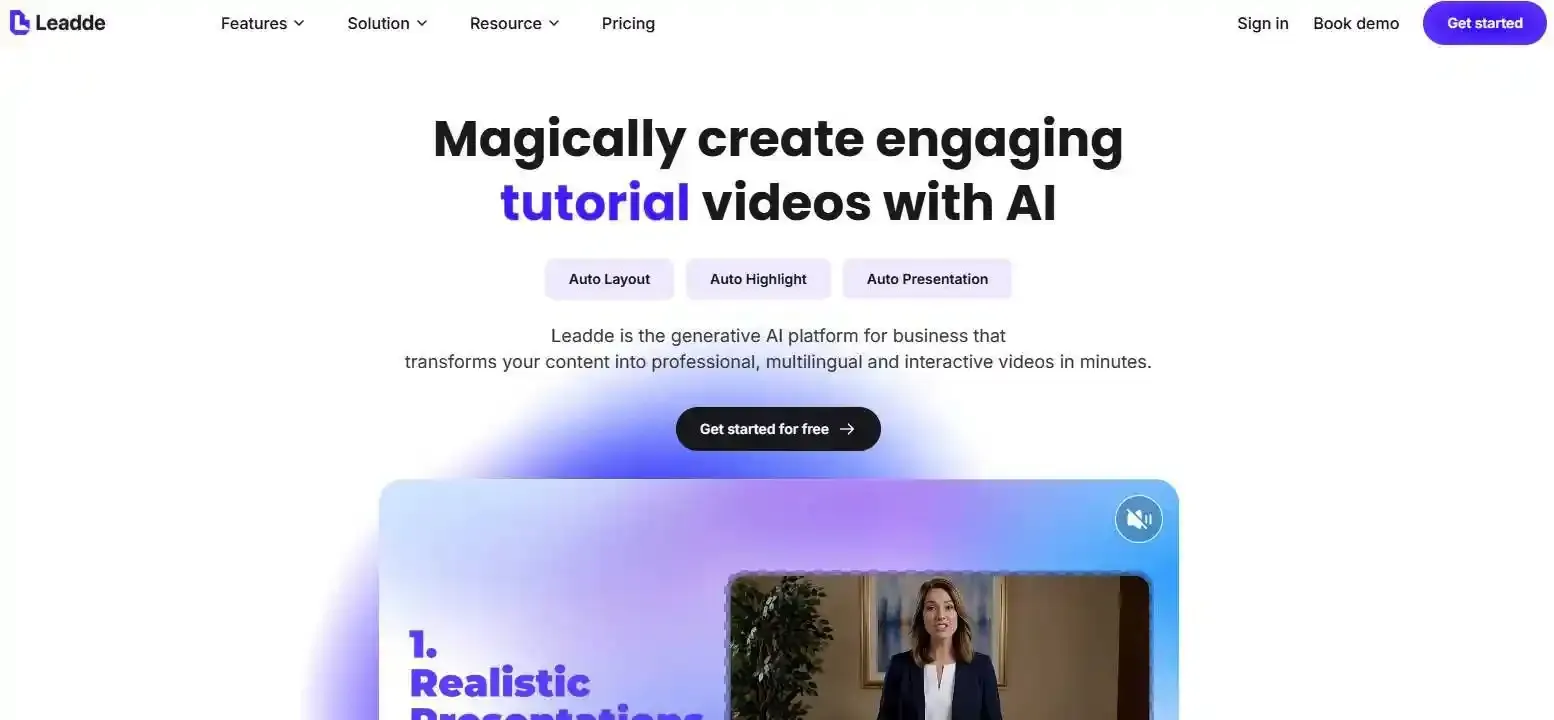
Tools such as Leadde support document-to-video workflows, transforming PDFs, PowerPoint files, and other documents into structured video content with AI narration, avatars, and multilingual generation.
For example, an educator could use Leadde to structure an existing lecture document into video scenes, then review the narration, visuals, and presenter choices before publishing.
The important step is not simply converting a document into video. It is preserving instructional meaning while improving how the information is communicated.
Step 3 — Review Accuracy, Accessibility, and Learning Quality
Before publishing, review:
- Technical terminology, calculations, and factual accuracy
- Narration pronunciation, pacing, and synchronization
- Avatar lip-sync and visual distractions
- Captions, transcripts, and descriptions of essential visual information
- Learning objectives and knowledge-check questions
The W3C's media accessibility guidance provides recommendations on captions, transcripts, and audio description.
Finally, assess learning through quiz questions, practical exercises, or learner feedback—not viewing completion alone.
Which Is More Cost-Effective: AI Avatar or Voiceover Lecture Videos?
Voiceover often requires fewer visual production elements, while AI avatars can reduce the need for filming a presenter. However, actual costs depend on software, video length, editing requirements, and content maintenance.
Production Time, Editing, and Long-Term Maintenance
| Cost factor | AI Avatar | Voiceover |
| Presenter filming | Usually unnecessary | Unnecessary |
| Audio generation | Required | Required for AI narration |
| Visual production | Avatar rendering and composition | Supporting visuals and editing |
| Script changes | May require avatar scene regeneration | May require audio regeneration |
| Localization | Voice, lip-sync, and visual review | Narration and visual review |
| Quality assurance | Presenter and content checks | Audio and content checks |
For regularly updated course libraries, total cost of ownership matters more than the first video generation time.
Teams should evaluate revision effort, translation, accuracy review, and whether individual scenes can be replaced.
How to Choose the Right Format for Your Course
Choose AI Avatar when guided presentation and a recognizable instructor identity support the learning experience.
Choose Voiceover when diagrams, demonstrations, or complex visual explanations deserve the screen.
Choose Hybrid when a course contains both presenter-led introductions and visually demanding explanations.
For large course libraries, also prioritize tools that support structured scripts, editable scenes, consistent narration, and multilingual production.
Conclusion
AI avatars and voiceovers serve different instructional purposes. Avatars can strengthen presenter presence, while voiceovers allow students to focus on essential visual information. For many lecture videos, a hybrid approach offers greater flexibility. The best format is the one that supports the learning objective, fits the content, and remains practical to maintain.
Frequently Asked Questions
Are AI avatars better than voiceovers for online courses?
Not necessarily. AI avatars can support instructor presence and make introductions feel more personal. Voiceovers often work better when students must focus on slides, formulas, or demonstrations. For courses combining different teaching activities, a hybrid format allows educators to use both approaches according to the instructional requirements.
Do students learn better with an AI avatar?
Research does not establish a universal learning advantage for AI avatars. Some studies of instructor presence report benefits for knowledge retention and social presence, while improvements in knowledge transfer are less consistent. Learning outcomes depend on the subject, instructional design, visual complexity, and learner characteristics.
Can AI avatars increase cognitive load in lecture videos?
They can introduce additional visual information, especially when animations or facial movements compete with essential teaching materials. However, research on instructor presence has also reported reduced cognitive load under some conditions. The impact depends on how the presenter is used and whether the visible instructor contributes to the learning task.
Are AI voiceovers suitable for university lectures?
Yes, provided the narration is clear, accurate, appropriately paced, and synchronized with supporting visuals. AI voiceovers can be especially useful for technical explanations and slide-based lectures. Educators should review specialized terminology, mathematical expressions, pronunciation, and accessibility before publishing.
Can I turn PowerPoint slides into AI avatar or voiceover videos?
Yes. AI video creation tools can convert presentation content into scripts and narrated video scenes. For example, Leadde supports PowerPoint and document-to-video generation with AI narration and avatars. Educators should still review the generated structure, simplify dense slides, and ensure the final video meets its learning objectives.
Which is easier to update and translate: AI avatar or voiceover videos?
Both can support efficient updates when the underlying scripts and scenes remain editable. Voiceover changes may require regenerating only the affected audio, while avatar changes may also require rendering synchronized presenter footage. Localization costs depend on language support, on-screen text, visual assets, and the amount of manual review required.