AI Party Video Maker
What Is a Party Video Maker?
A party video maker turns venue snapshots, RSVP schedules, and celebration clips into 9:16 mobile invitations and post-event highlight reels. Leadde Video Agent organizes up to 20 celebration photos and 2 schedule sheets into bold scene cards with 9 subtitle presets in Studio, while milestone tributes and conferences live at Birthday Video Maker or AI Event Promotion Video Maker.
Trusted by the world's leading brands







Inside Our Party Invitation Video Maker
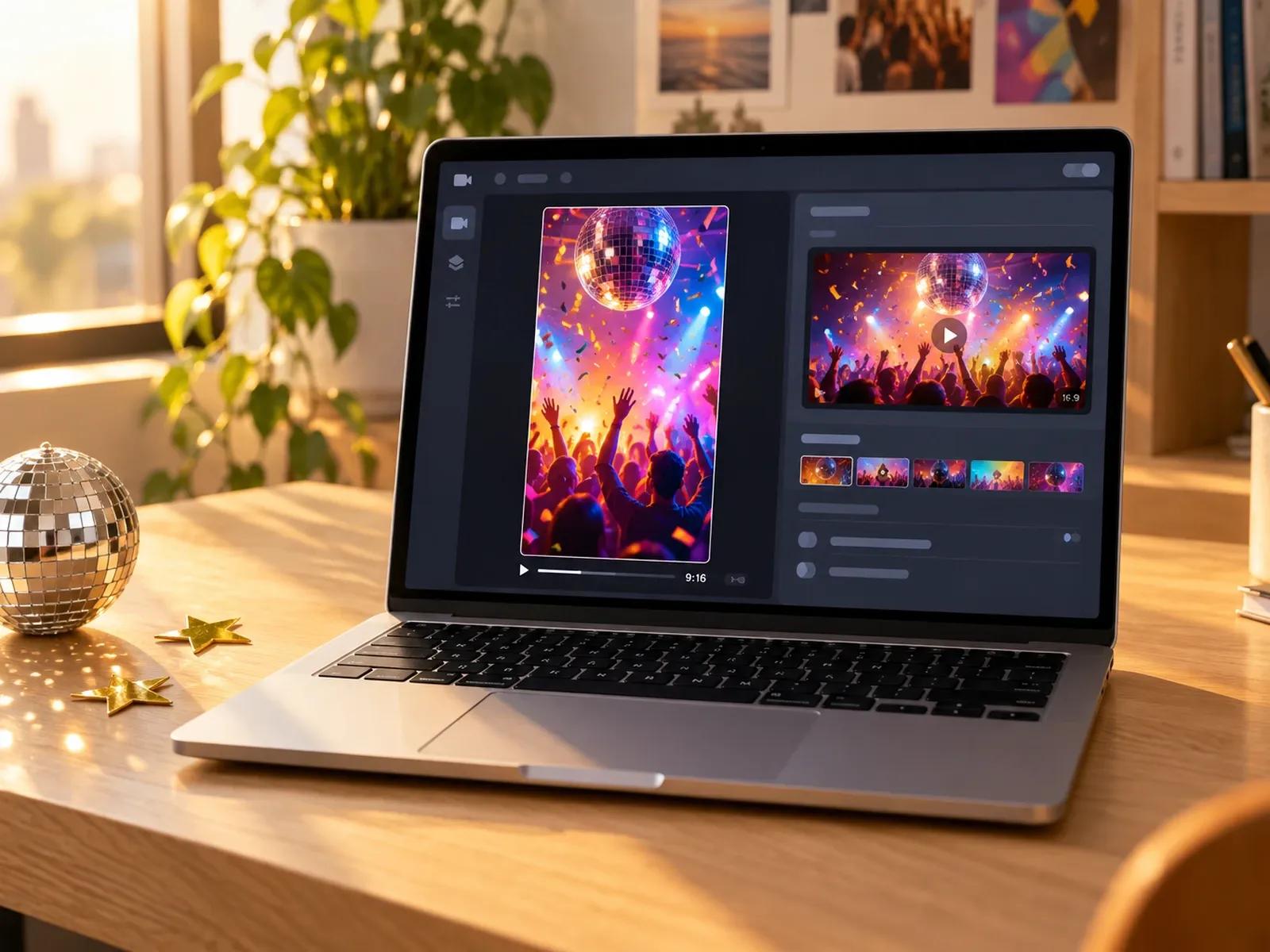
Vertical Chat Invites and Projector Loops
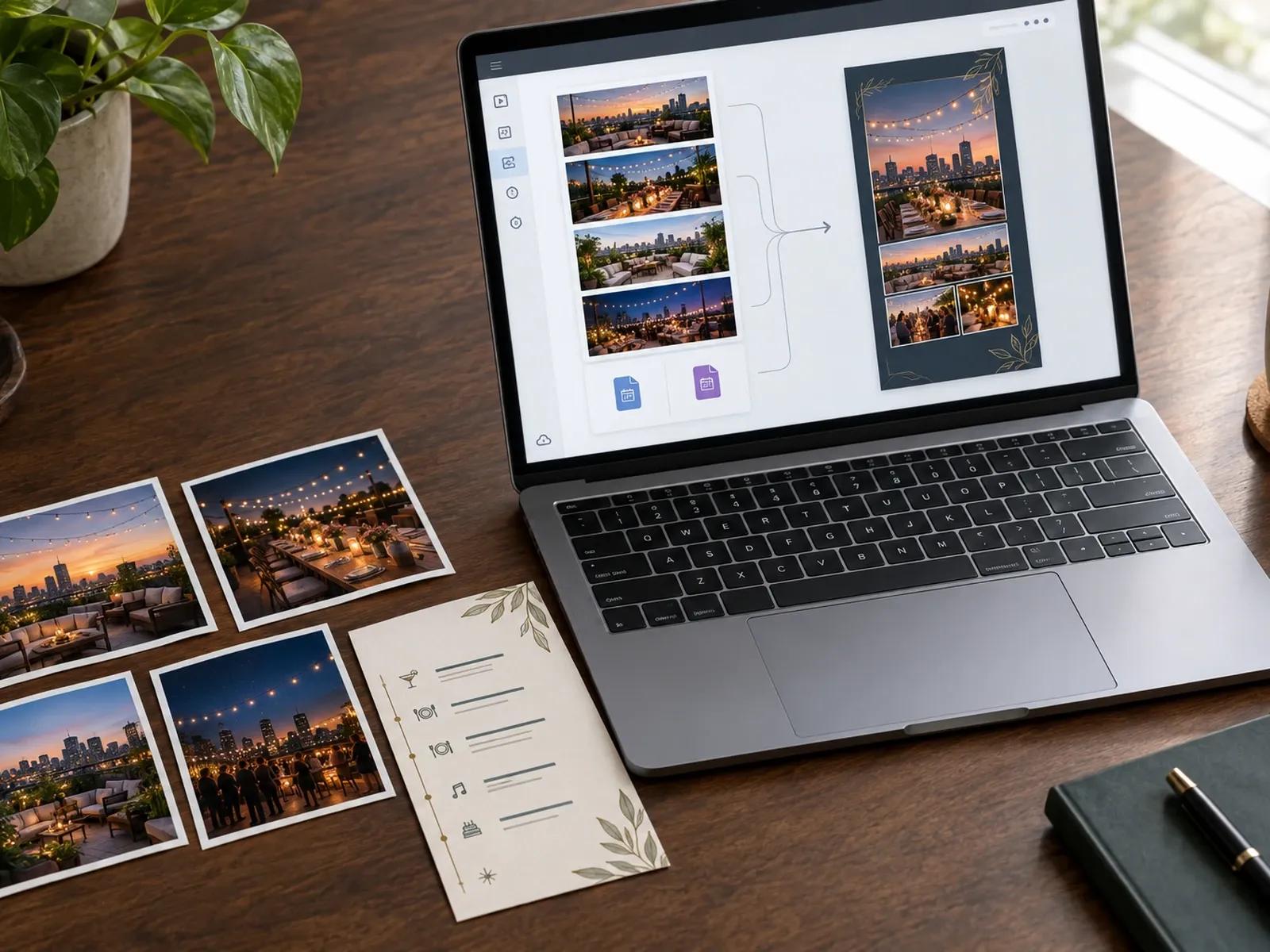
Group 20 Venue Snapshots and 2 Schedules
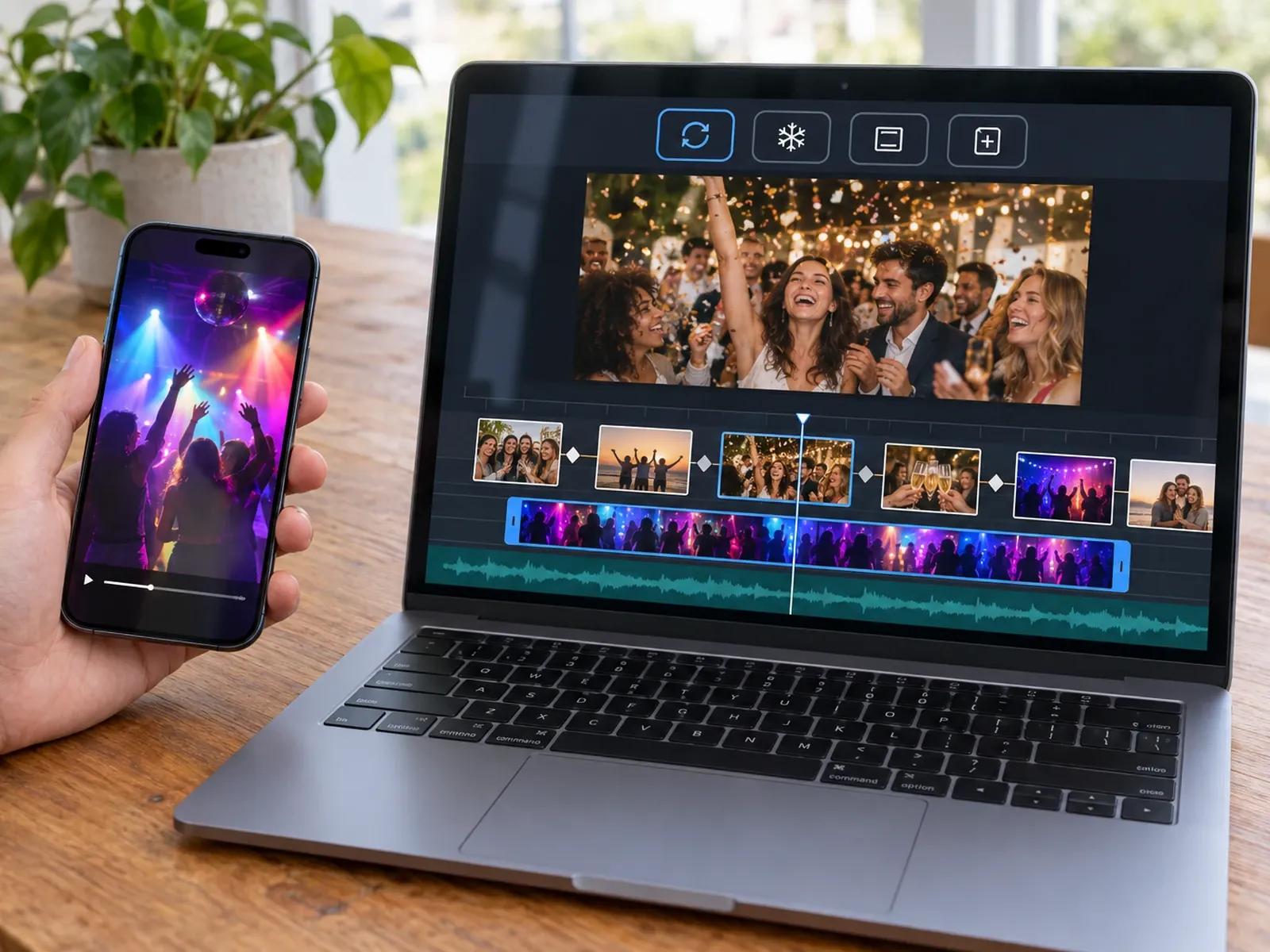
4 Video Fit Modes for Clips and Stills
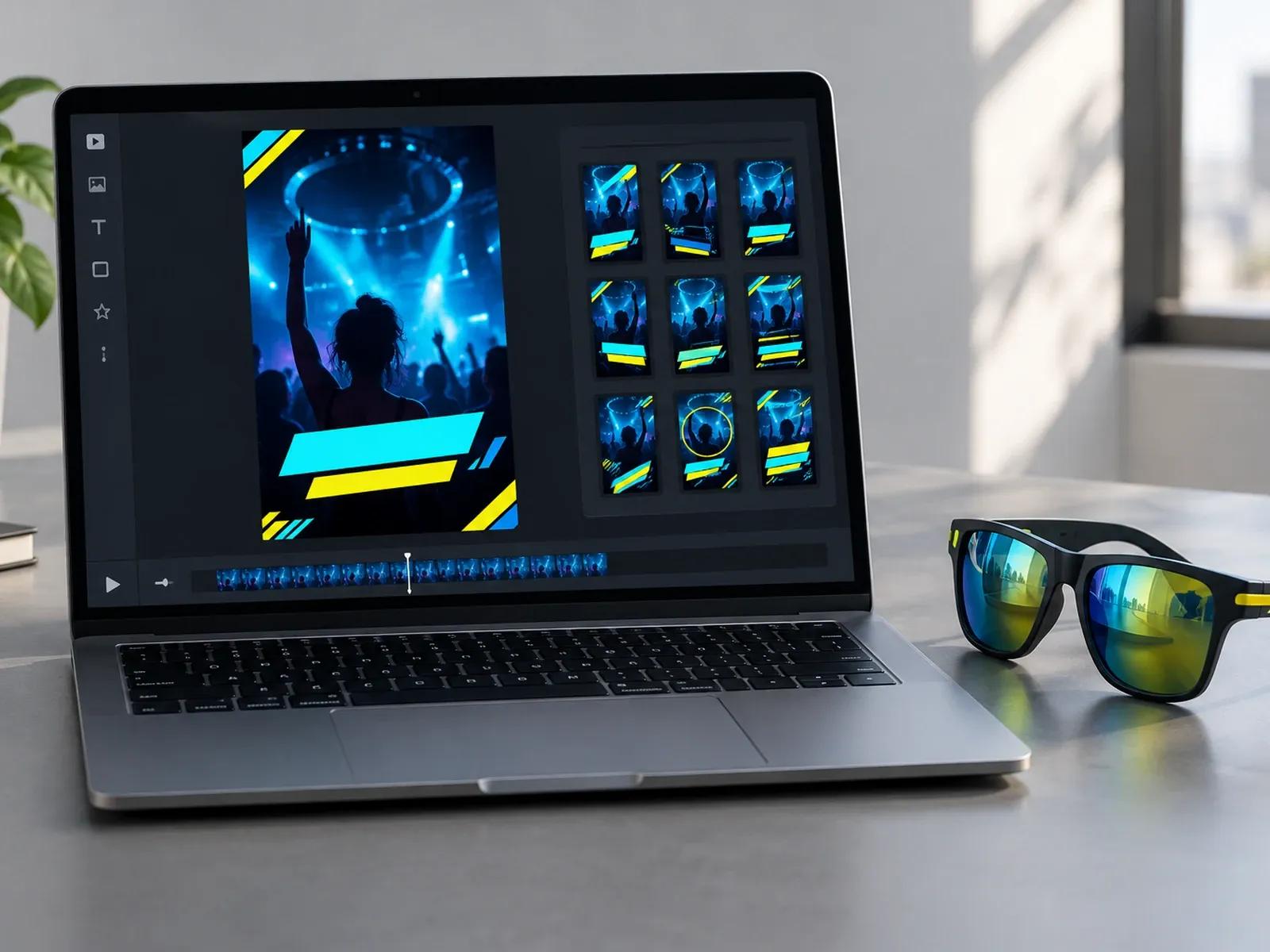
9 Subtitle Styles and Auto-Contrast Text
Creating Invites in a 9:16 Party Invite Maker
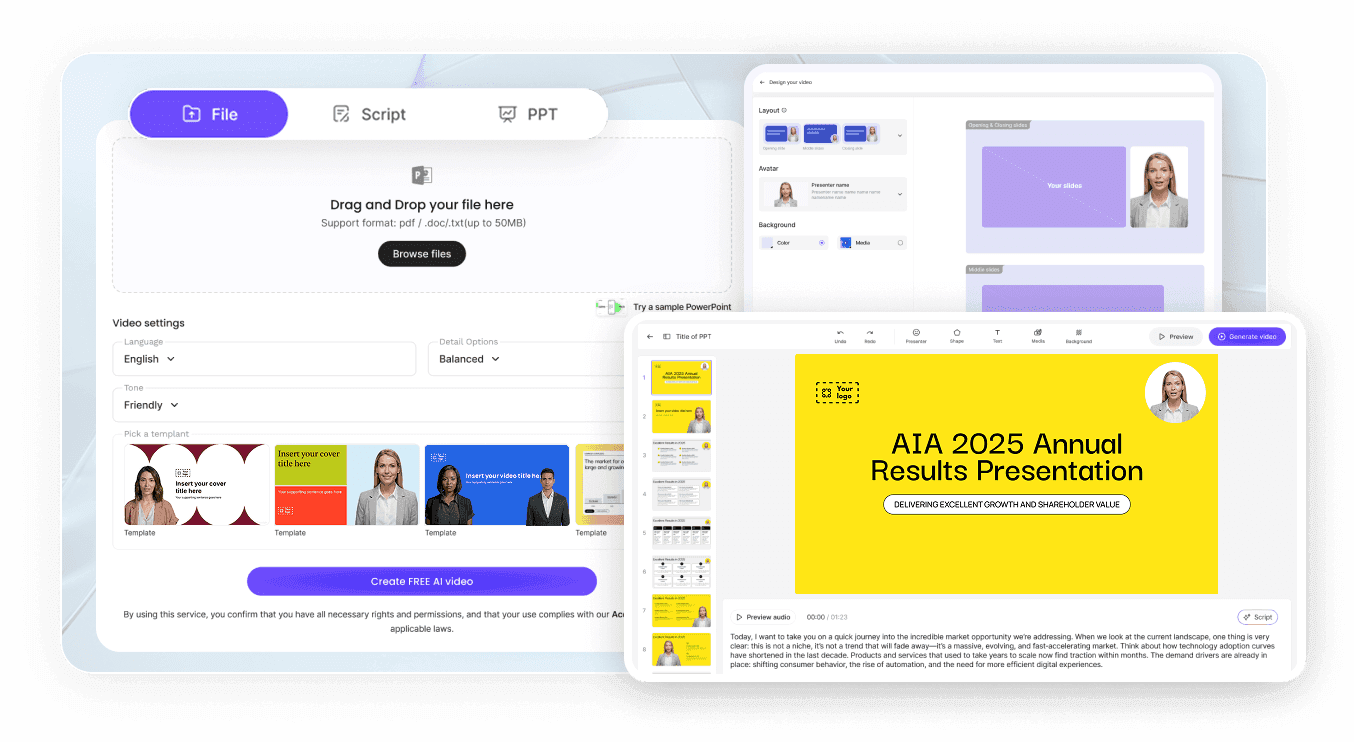
Step 1: Pick Mobile Chat or Wall Framing
Step 2: Drop In Venue Snapshots and Event Info
Step 3: Verify RSVP Card Legibility and Export
Celebrations Built With an Event Recap Video Creator
WhatsApp & Instagram Story Party Invitations
Turn party dates, dress codes, and venue maps into 15-second 9:16 video invitations built for WhatsApp and mobile chats.
Morning-After Party & Celebration Recap Reels
Combine dance-floor snapshots, group portraits, and toast clips into a 60-second recap reel the morning after your bash.
Nightlife, DJ Lineup & Club Promo Teasers
Promote DJ lineups, drink specials, and ticket tiers in vertical 9:16 teaser clips for Instagram Reels and TikTok feeds.
Housewarming, Graduation & Pool Party Screens
Display a widescreen 16:9 photo loop across venue TVs and projectors using Loop Video Fit mode and upbeat background music.

Why Hosts Pick Our Party Promo Video Generator
Dedicated Closing Cards Guests Can Screenshot
Pre-Event Teasers and Post-Party Recaps in One Tool
Music-Driven Flyers or Presenter-Hosted Rules
Sharp Typography Over Shadowy Nightlife Photos
Host Advice for High-Response Party Videos
Dedicate the Last Card to RSVP Details
Use 9:16 Framing for Mobile Group Chats
Enable Bold Captions for Loud Venues
Blend Phone Clips With Group Stills
Pick Music-Only Mode for Club Flyers
Keep Save-the-Date Teasers Under 30 Seconds
Party Video Maker Frequently Asked Questions
Launch Leadde Video Agent with a 9:16 vertical ratio for mobile chats or 16:9 widescreen for venue projector screens, plus a 15, 30, or 60 second runtime; once you attach up to 20 party snapshots and 2 schedule notes, you can export the finished MP4 from Studio.
Yes; request an upbeat house, pop, or acoustic instrumental track with zero avatar or voiceover in Video Agent, or delete the presenter layer on the Studio canvas so your venue photographs, neon headlines, and RSVP countdown cards fill the entire screen.
After Video Agent builds your party storyboard, open the project on the Studio timeline and import MP4 or MOV dance-floor clips into your media library; you can then set Loop, Freeze, Full Video, or Insert on each video layer so clips and stills flow smoothly.
No. Leadde is a video creation platform that outputs MP4 party invitations, recap reels, and shareable viewing links (with optional password protection). To collect RSVPs or sell tickets, place your booking URL or QR code on the closing card and share the video in your group chats.
Party Video Maker is designed for house parties, nightlife flyers, launch nights, and morning-after recap reels; if you are assembling a personal birthday tribute, visit Birthday Video Maker, or open AI Event Promotion Video Maker when marketing a B2B summit or trade show.
Yes. Party hosts and nightlife promoters can experiment with venue snapshots and RSVP cards in Video Agent under the Free in beta badge and check scene timing in Studio for free; generating extra AI media clips or exporting your party MP4 follows the Leadde Pricing page.
Launch Your 9:16 Party Invitation or Recap Reel Online