
AI Highlight Video Maker
What Is a Highlight Video Maker?
A highlight video maker turns curated event photographs, conference takeaways, and project milestone notes into structured recap videos for attendees and stakeholders. Upload 20 summit snapshots and 2 written summaries into Video Agent to build 30-second to 3-minute widescreen or vertical recap reels with private link sharing. For yearly milestone celebrations, try Anniversary Video Maker.
Trusted by the world's leading brands






Core Capabilities of Our AI Highlight Video Generator
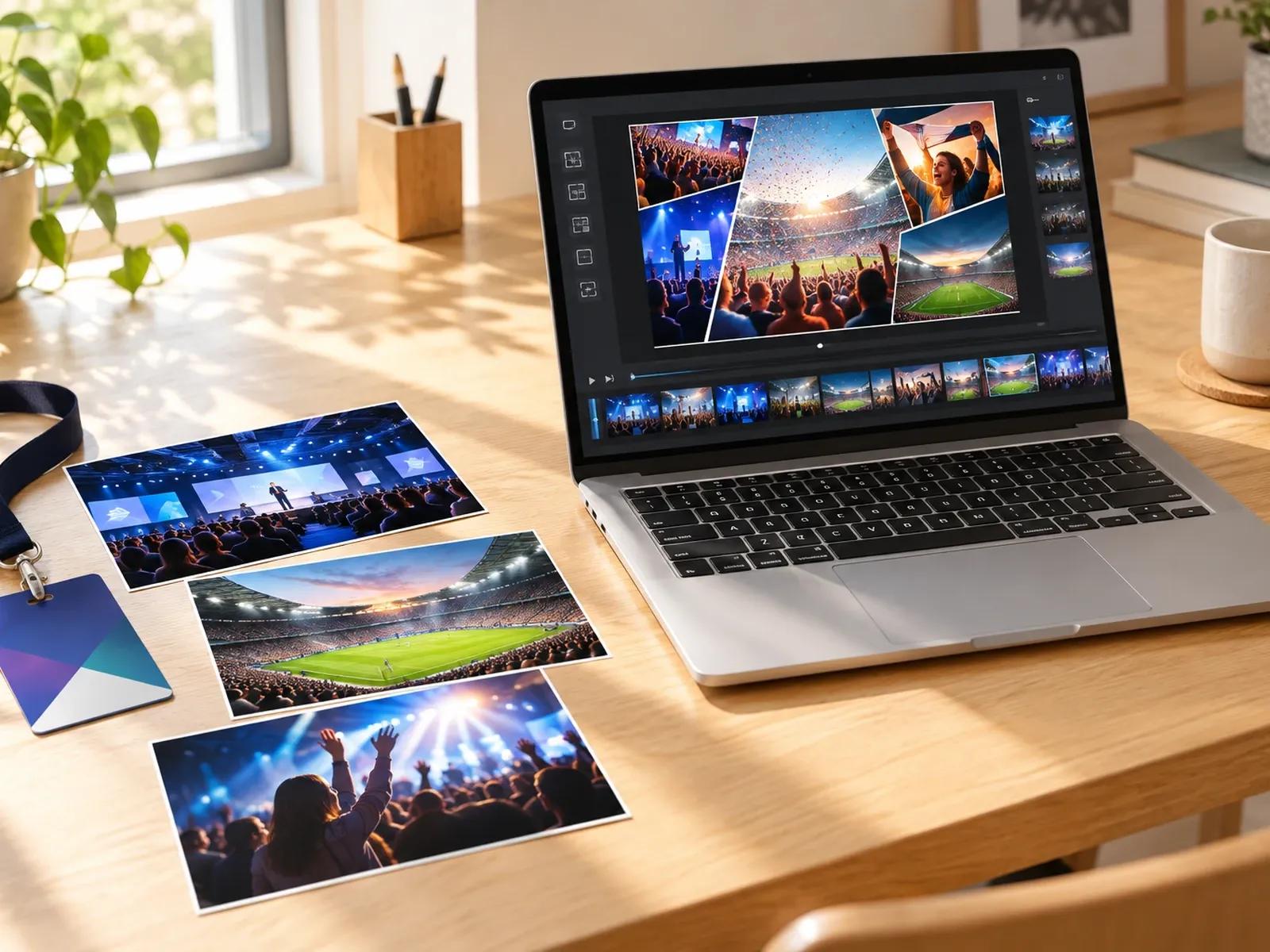
Curated Photo and Summary Document Input
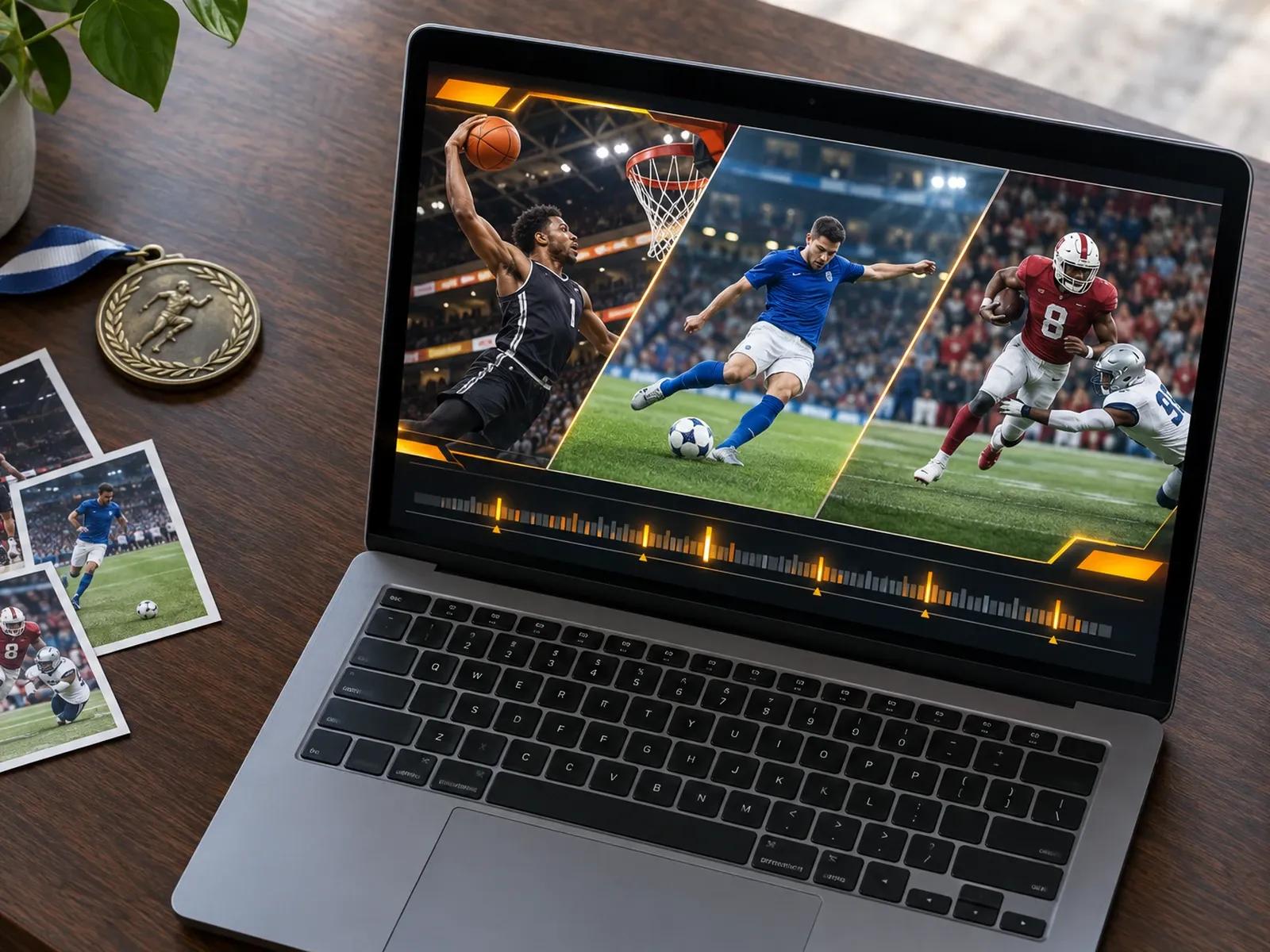
Event Grid, Split-Screen, and Keepsake Styles
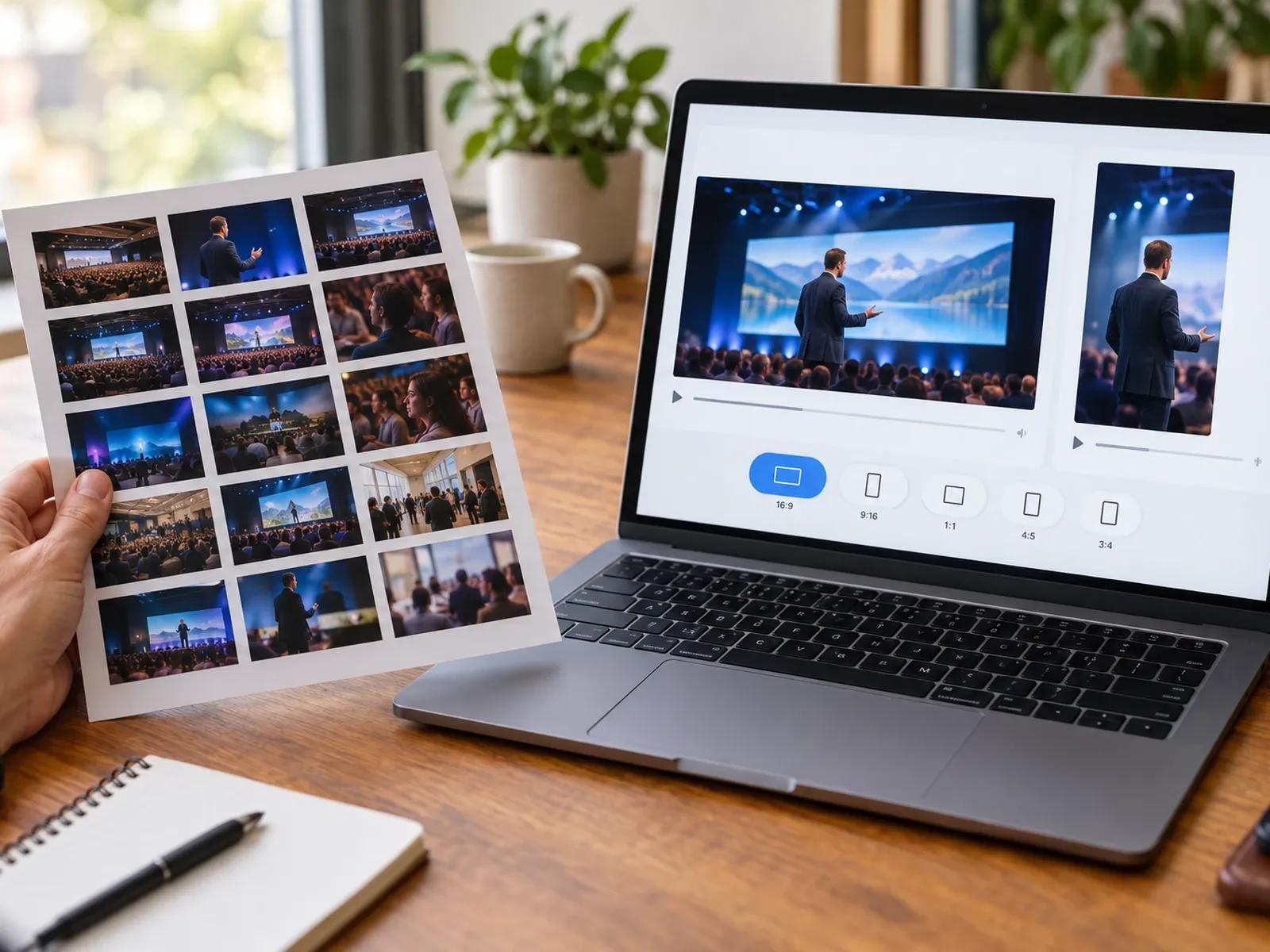
Flexible 30-Second to 3-Minute Runtimes
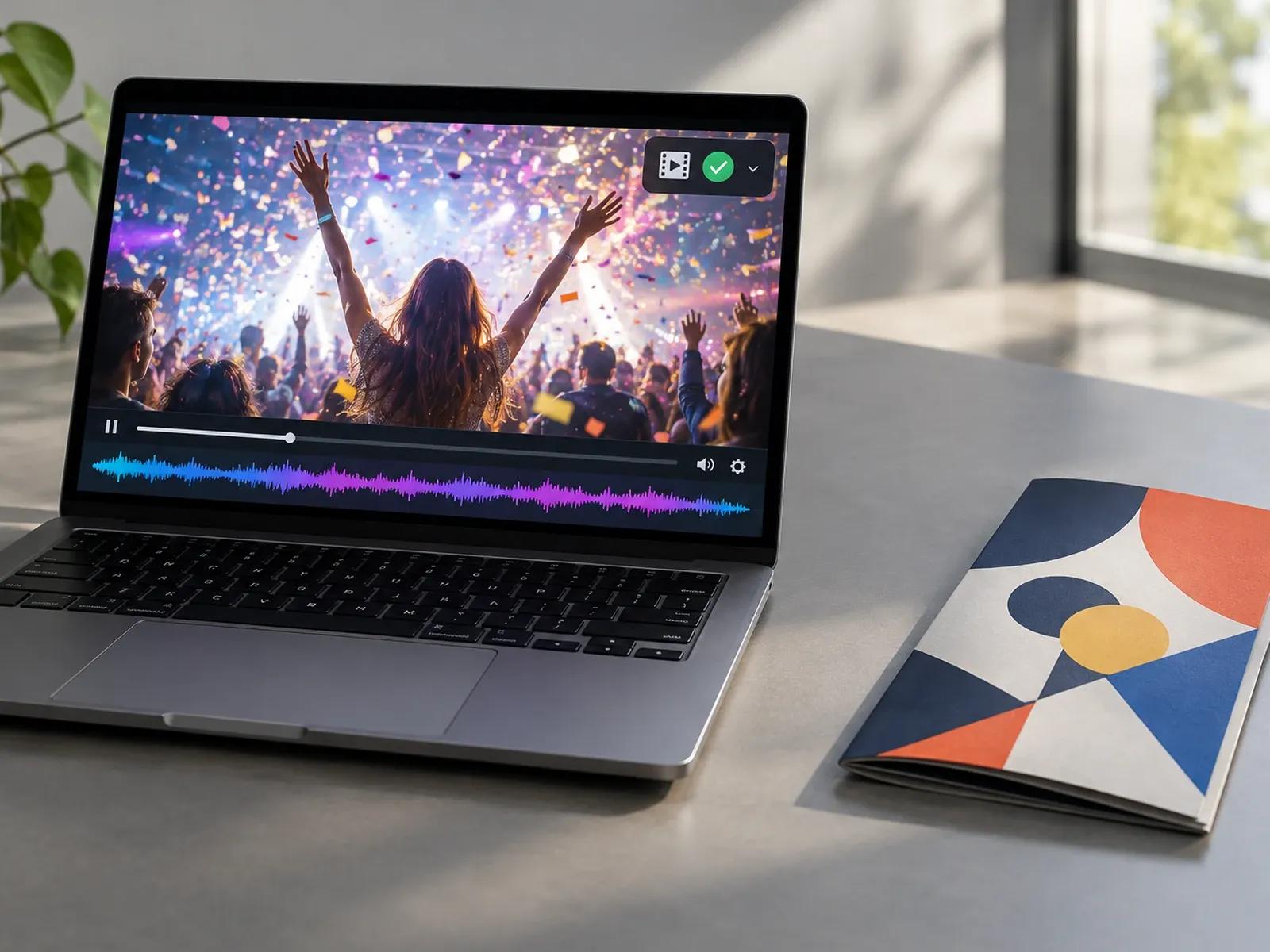
MP4 Export and Password-Protected Links
Three Steps from Event Assets to Recap Video
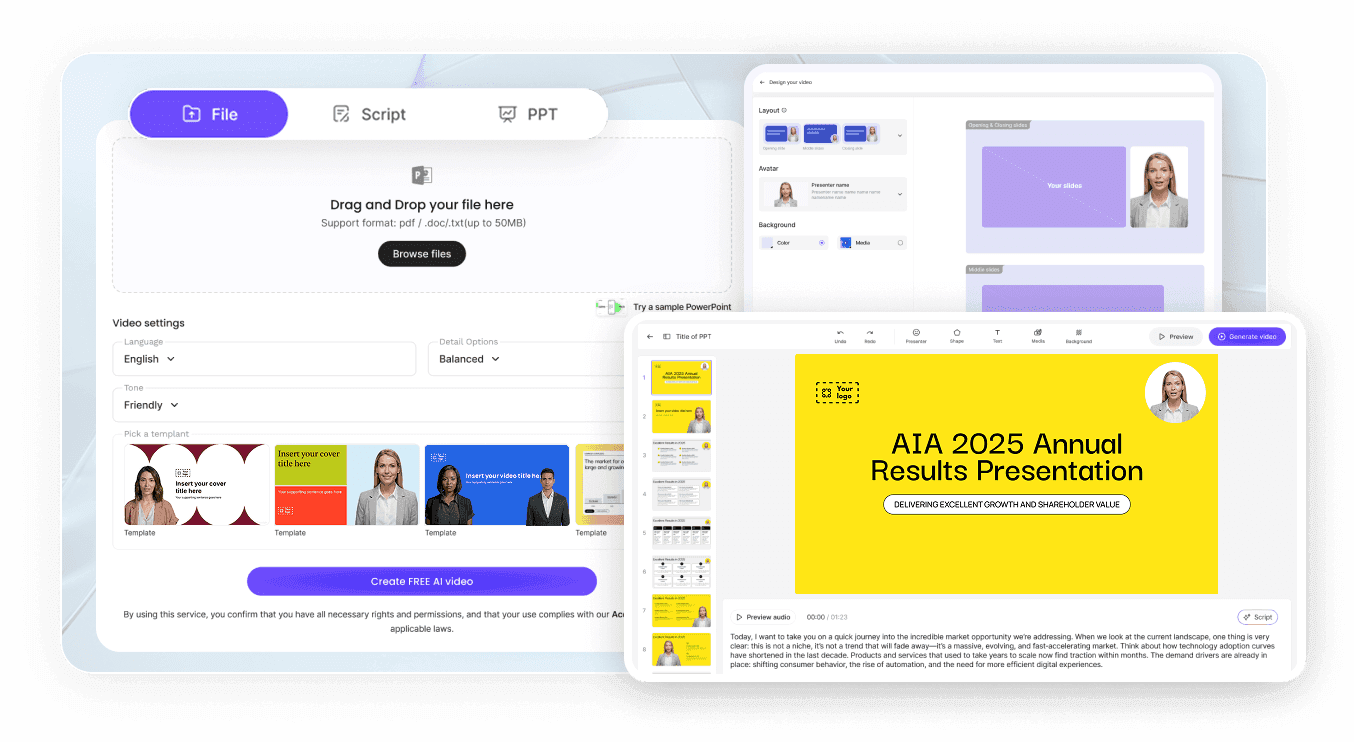
Step 1: Choose Aspect Ratio and Recap Runtime
Step 2: Upload 20 Curated Photos and Summary Notes
Step 3: Review Chapters and Share or Export
Where Organizers Use a Recap Video Maker
Conference & Trade Show Post-Event Wrap-Ups
Combine keynote photos, attendance figures, and session takeaways into 2-minute widescreen recaps for sponsors and attendees.
Quarterly Project & Team Retrospective Reels
Summarize completed product sprints, launch milestones, and lessons learned from a retrospective deck for internal all-hands.
Workshop, Hackathon & Campus Event Highlights
Arrange participant photos, winning project snapshots, and award callouts into energetic 9:16 reels for social post-event feeds.
Annual Brand Growth & Year-in-Review Videos
Pair year-end milestone numbers, team photos, and customer wins in a dark-gold or editorial sequence for stakeholder updates.

Why Event Teams Choose Our Highlight Video Maker
Clear Chapter Flow from Opening to Takeaways
You Control Which Moments Make the Cut
Flexible Presenter or Music-Only Delivery
Direct Link Sharing for Sponsors and Teams
Practical Tips for Engaging Highlight and Recap Videos
Open with Your Headline Event Metric or Theme
Group Photos by Session or Project Phase
Pair Speaker Portraits with One-Line Quotes
Use 9:16 Split-Screen Grids for Social Reels
Double-Check Sponsor Logos and Date Labels
End with Pre-Registration Info for Next Year
Highlight Video Maker Frequently Asked Questions
To build a conference or sprint recap, attach up to 20 curated event photos and 2 summary documents inside Leadde Video Agent, then specify your chapter sequence, speaker attendance numbers, and 30 sec to 3 min widescreen or vertical preset.
No. Leadde does not scan multi-hour raw camera footage, sports broadcasts, or gaming streams to auto-clip video timestamps. Instead, you upload up to 20 curated photographs and 2 written summary documents (PDF, PPTX, DOCX, or TXT), and Video Agent builds a structured highlight presentation from those assets.
Yes. Requesting "No avatar, no voiceover" alongside an upbeat electronic or acoustic backing track turns your recap into an instrumental sizzle reel. Video Agent will synchronize your photo grids, attendance counters, and speaker quote cards to the instrumental rhythm without placing a narrator on screen.
This highlight video maker is designed for post-event recaps, conference wrap-ups, project retrospectives, and year-in-review summaries. Organizers marking an annual company or wedding milestone can open Anniversary Video Maker, while pre-event RSVP announcements and save-the-date cards belong on AI Invitation Video Maker.
Once your project retrospective is ready inside Studio, you can generate a Shareable Link and turn on password protection so only authorized teammates or board stakeholders with the password can watch the video, or download the MP4 file for internal company portals.
Yes. Conference producers can test summit recap prompts, review multi-photo grids, and check speaker quote cards in the browser at no cost during the Free beta; once you export a completed post-event MP4 from Studio, credit usage follows the Leadde Pricing page.
Start Creating Event and Project Highlight Videos Today
