
Birthday Video Maker
What Is an Online Birthday Video Maker?
A birthday video maker lets families, friends, and coworkers combine personal photographs, shared stories, and spoken birthday messages into a finished keepsake film for the celebrant. Begin in Template Video with a blank layout or preset, drop in your own snapshots, write spoken wishes for each slide, and fine-tune caption order inside Studio. This workflow focuses on birthday memory films and wishes for the guest of honor, while party dates and RSVP logistics belong on Invitation Video Maker and relationship milestones on Anniversary Video Maker.
Trusted by the world's leading brands







Reasons to Build Celebration Keepsakes with Leadde's Birthday Video Maker
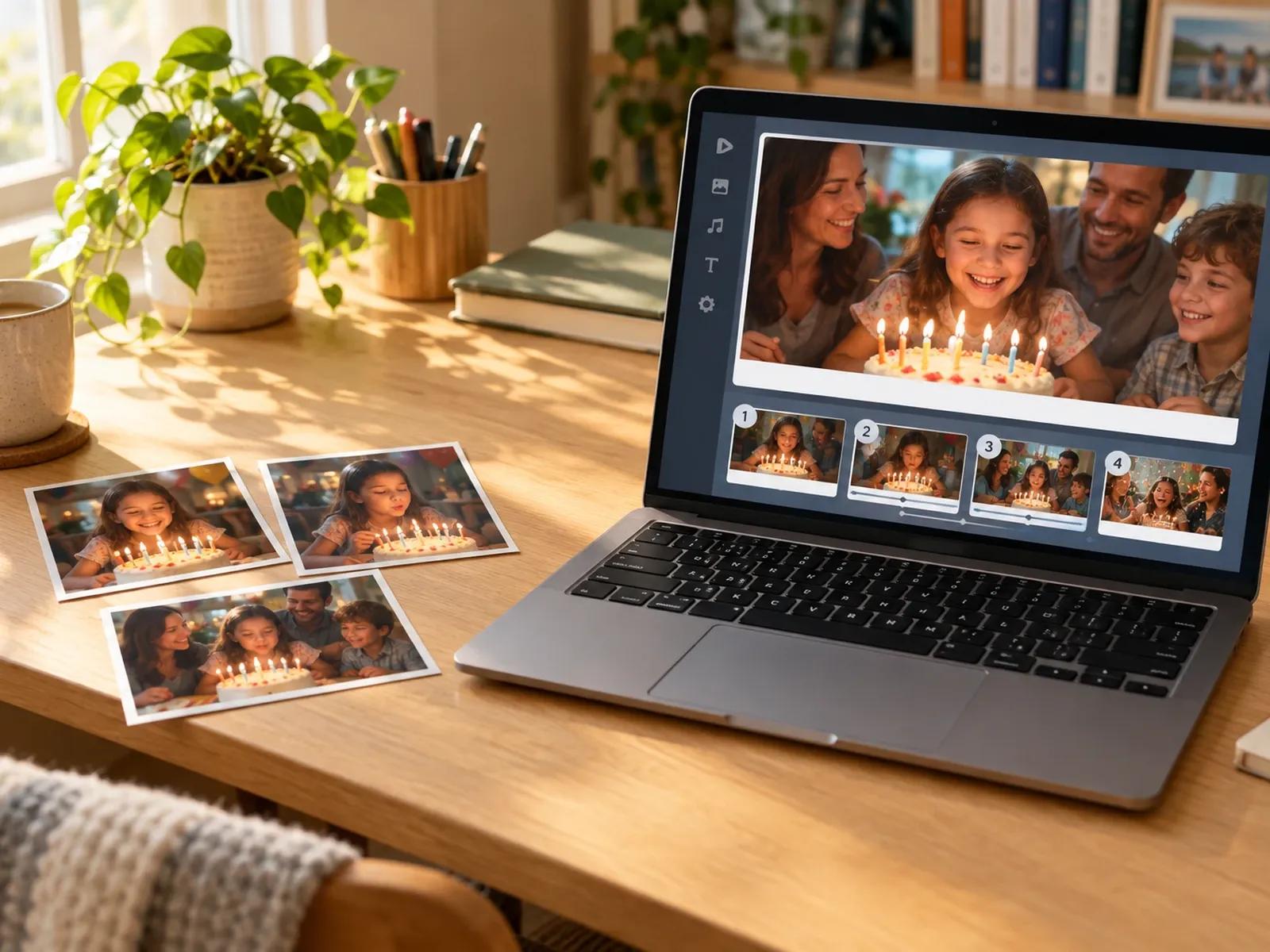
Scene-by-Scene Photo and Wish Assembly
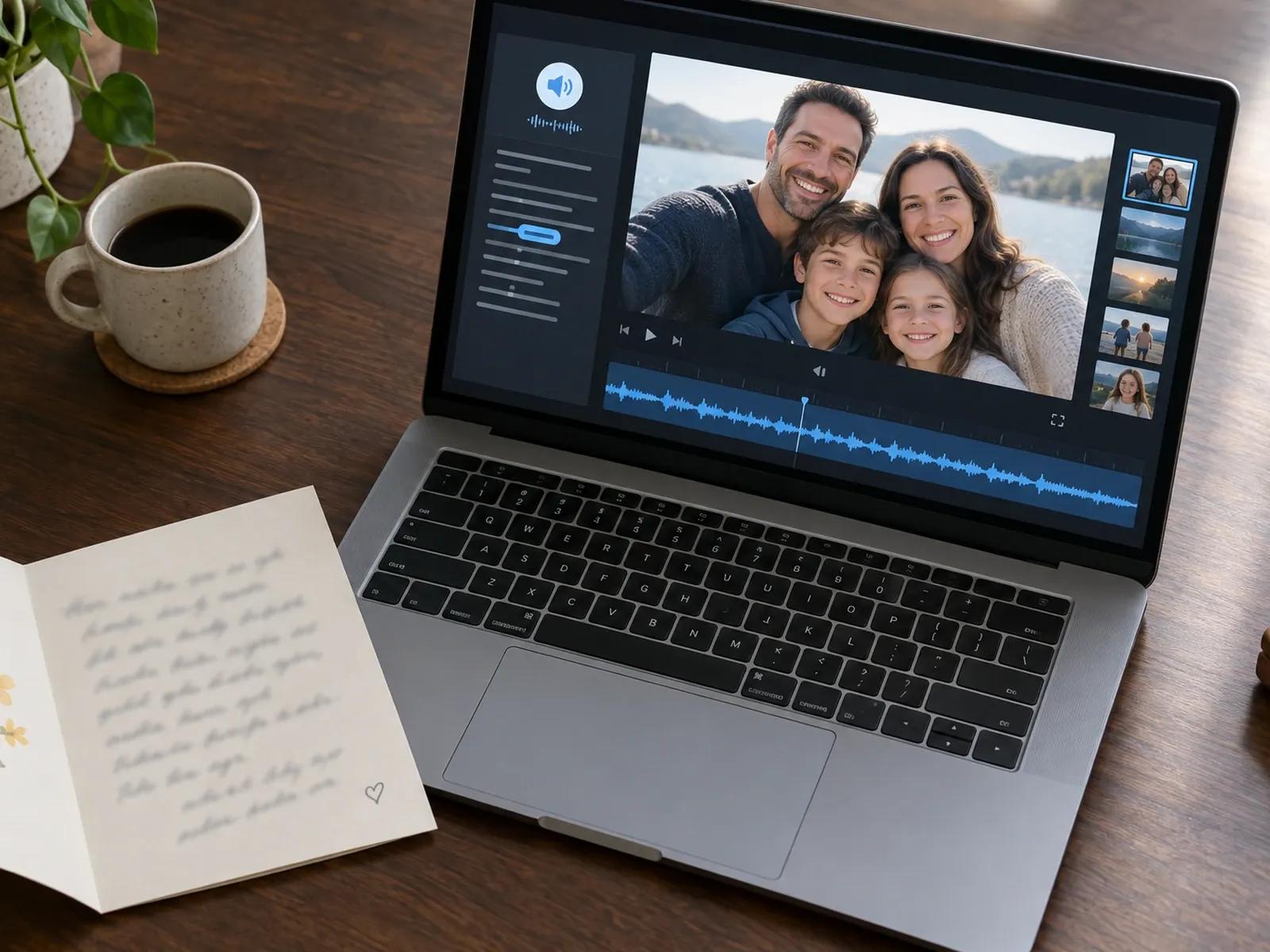
Clear Spoken Narration with Name Pronunciation Control
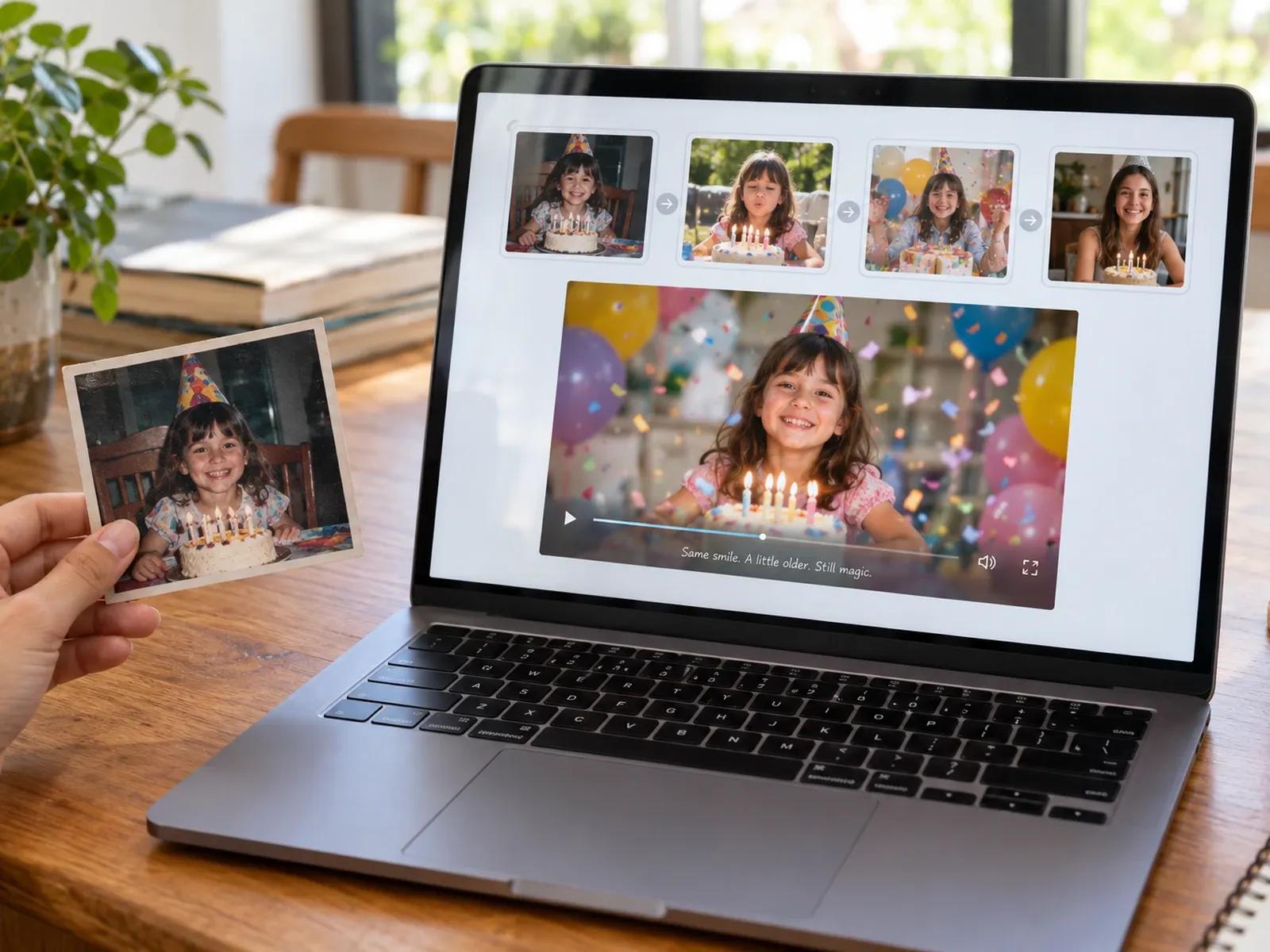
Easy Scene Reordering and Transitions in Studio
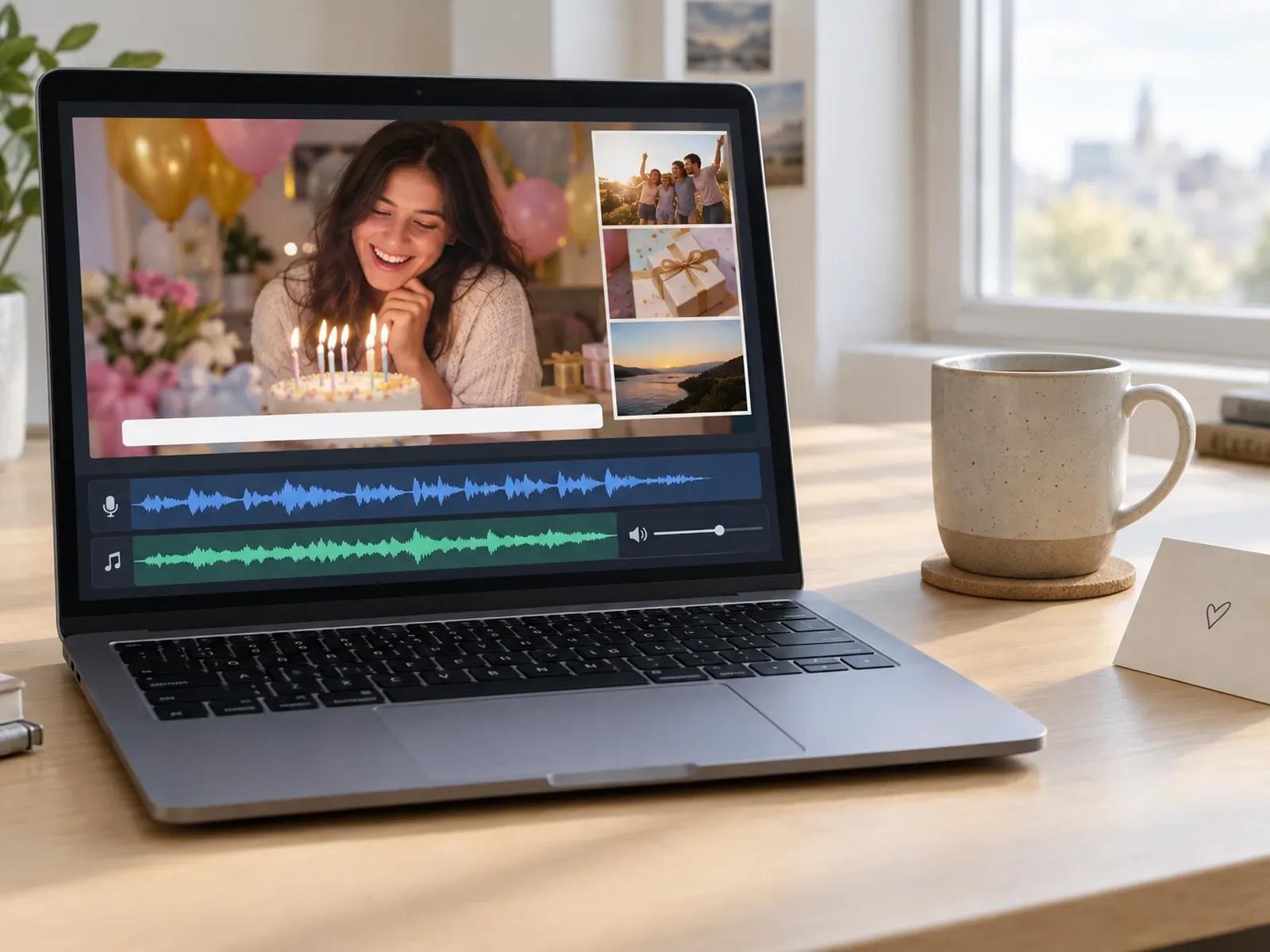
Custom Audio Upload and Synchronized Subtitles
Building a Narrated Birthday Video in Three Stages
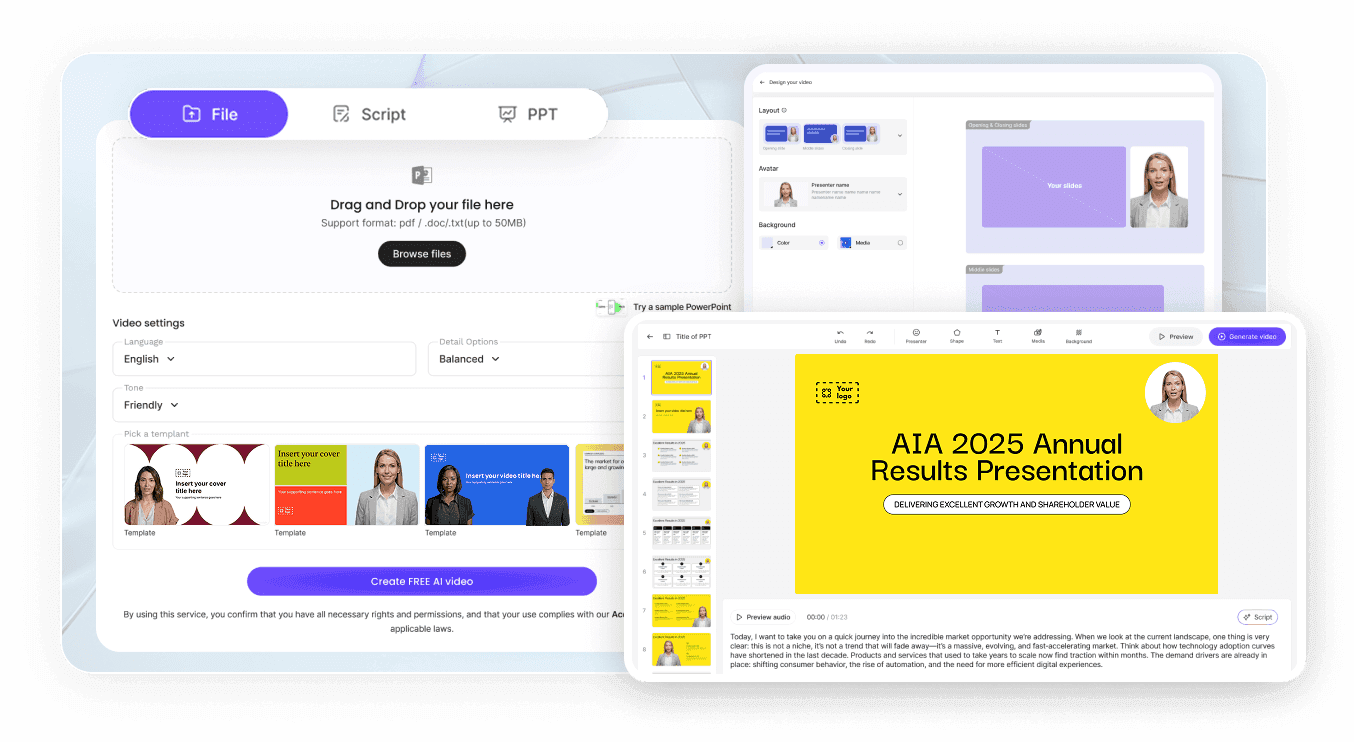
Step 1: Start a Project and Upload Birthday Snapshots
Step 2: Write Scene-by-Scene Wishes and Select Narration
Step 3: Adjust Subtitles and Share with the Celebrant
Birthday Keepsakes You Can Build from Photos and Wishes
Milestone Decade Retrospectives
Organize childhood-to-present family photos and spoken anecdotes into a chaptered film for an 18th, 30th, 50th, or 80th birthday.
Group Wishes from Friends Afar
Collect written birthday notes and snapshots from friends in different cities and place each message into its own narrated scene.
Team & Coworker Birthday Tributes
Compile desk snapshots, project wins, and short written notes from colleagues into one warm office birthday celebration video.
Cross-Border Family Birthday Films
Generate translated copies of your birthday story inside the canvas so grandparents living abroad hear every wish clearly.

Full Control Over Photo Order, Voice Pacing, and Privacy
Manual Chronological Scene Sorting
Pause Cards for Humorous Beats and Photo Reveals
User-Uploaded Music Volume Balance
Password-Protected Link Sharing for Family Viewing
Creative Ways to Assemble a Personal Birthday Film
Group Snapshots by Life Chapter
Verify Nickname Pronunciation First
Hide the Avatar for Photo Focus
Give Each Friend a Dedicated Scene
Keep Party Captions Easy to Read
Duplicate Layouts for Sibling Birthdays
Frequently Asked Questions
Begin in Template Video with a blank project or layout, upload JPEG or PNG snapshots from your device, and drop each photo into a scene. After placing the images, write a short birthday memory or toast beneath each photo, assign a warm narrator voice, and review the full slideshow inside Studio.
No. This workspace does not send automated upload requests to guests or group snapshots by facial recognition. Instead, you gather the photos and written wishes from friends or relatives yourself, bring those files into Studio, and arrange the slide order manually so every memory stays accurate.
Leadde's Invitation Video Maker handles pre-party logistics like restaurant maps, event start times, and guest attendance tracking. This birthday video maker is built for producing the celebration film itself, bringing together past snapshots, family stories, and spoken wishes for the guest of honor.
Yes. On any slide inside Studio, you can remove the on-screen presenter while leaving the spoken script active. Removing the presenter lets childhood portraits, cake-cutting photos, and birthday captions fill the entire display while the narrator reads each friend's wish aloud.
No. Leadde does not perform automated beat-matching or musical auto-cutting on uploaded photos. Instead, each slide's timing follows the length of your spoken birthday script plus any pause cards you insert, and you can upload a personal MP3 track and adjust its volume slider manually.
Yes, building a birthday storyboard, arranging family photos, and listening to voiceover drafts in Studio require no upfront payment. Exporting finished MP4 files, removing watermarks, and selecting higher output resolutions depend on your active subscription tier and credit balance on the Leadde Pricing page.
Start Building Your Birthday Memory Video Today
