
Graduation Video Maker
What Is an Online Graduation Video Maker?
A graduation video maker helps graduates, families, and school organizers turn campus photographs, academic milestones, and congratulatory messages from teachers and friends into a narrated video. Open Template Video, upload authorized campus snapshots, organize scenes by academic year or theme, and add spoken voiceover and synchronized captions in Studio. Use this editor for commencement retrospectives and faculty congratulations, while directing recruiter-facing video resumes to AI Introduction Video Maker and ceremony RSVPs to Invitation Video Maker.
Trusted by the world's leading brands







Built for Commencement Recaps: Leadde's Graduation Video Maker
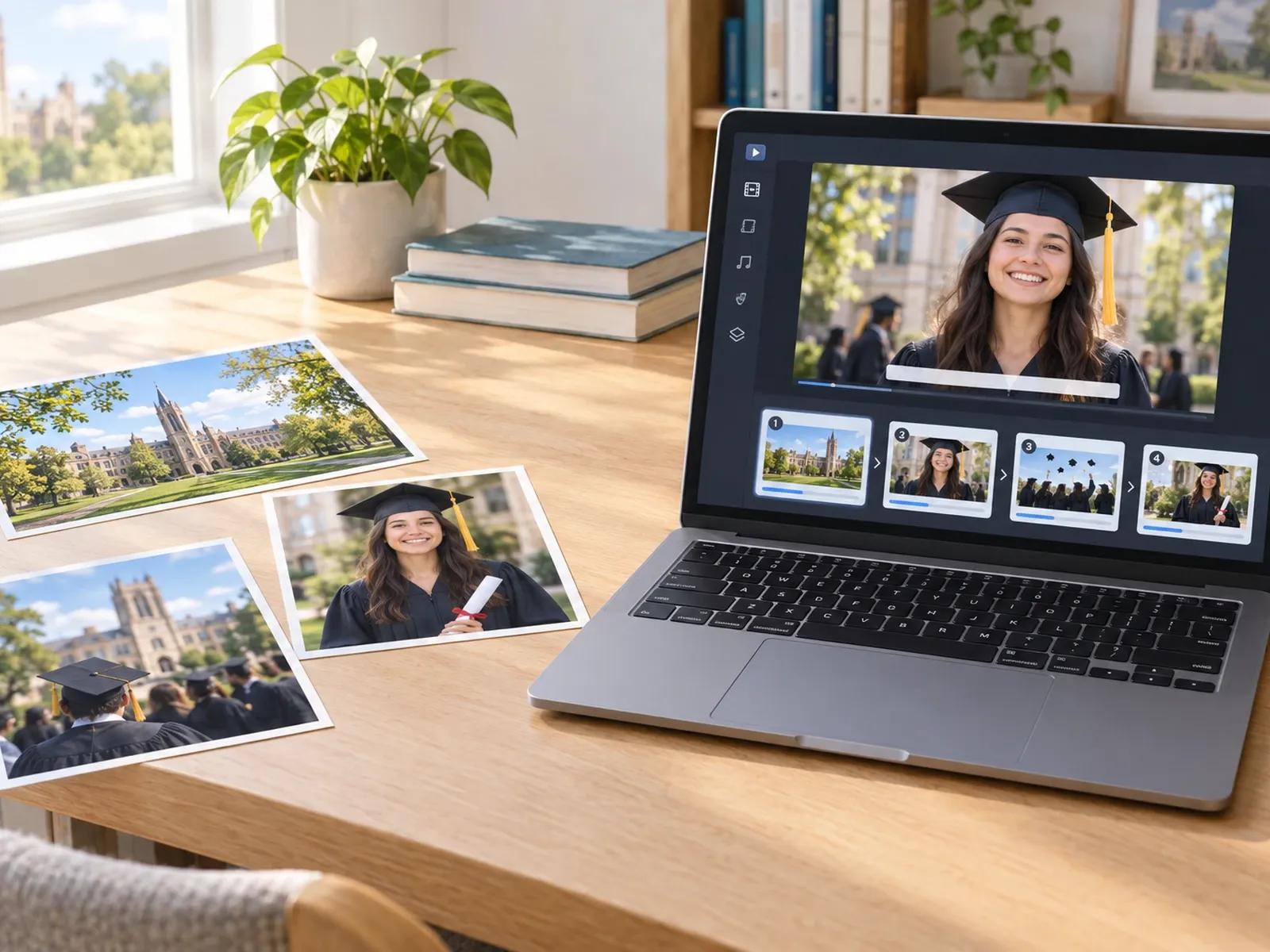
Organize Campus Snapshots by Academic Year or Theme
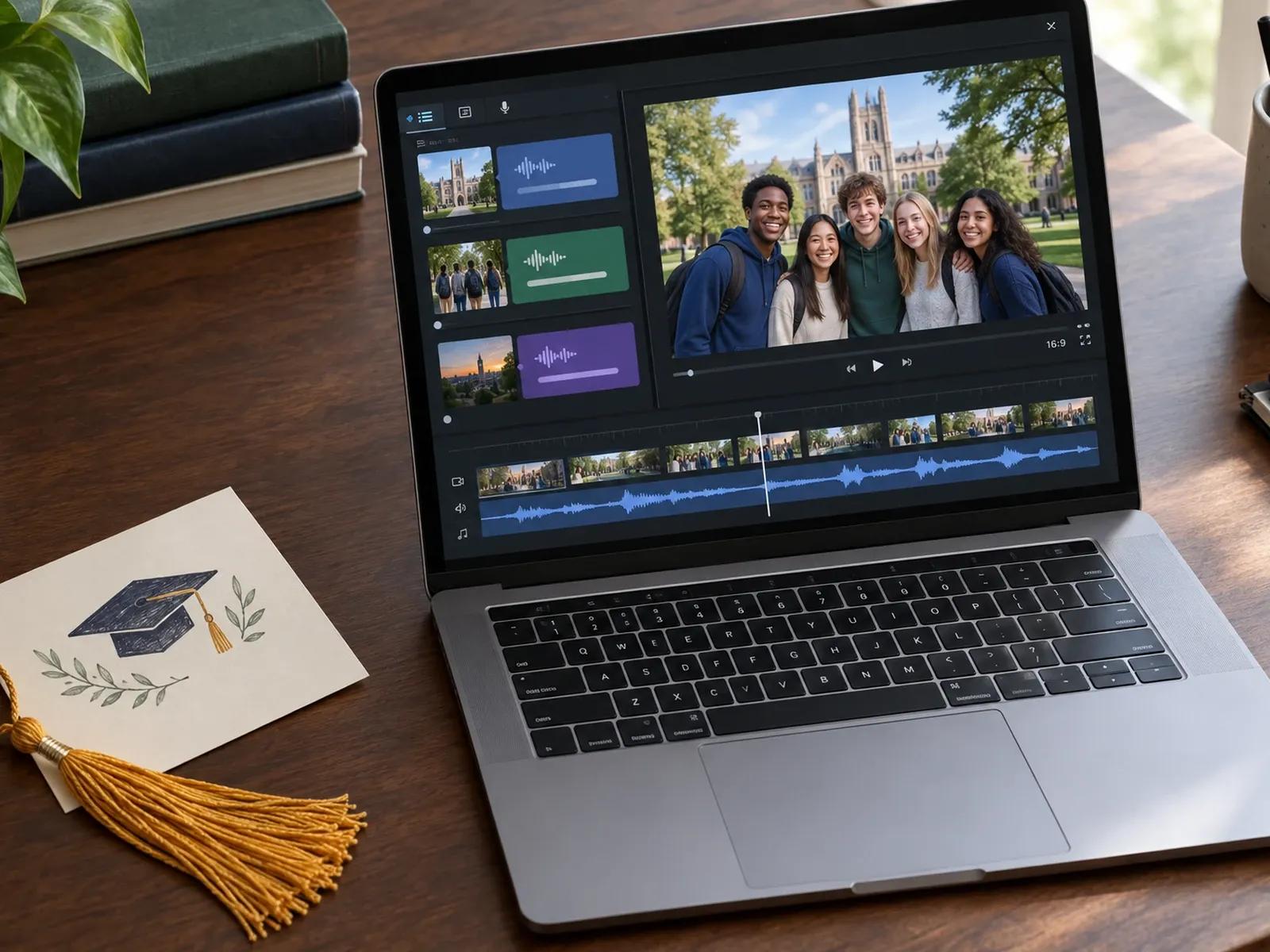
Combine Faculty, Friend, and Family Congratulatory Notes
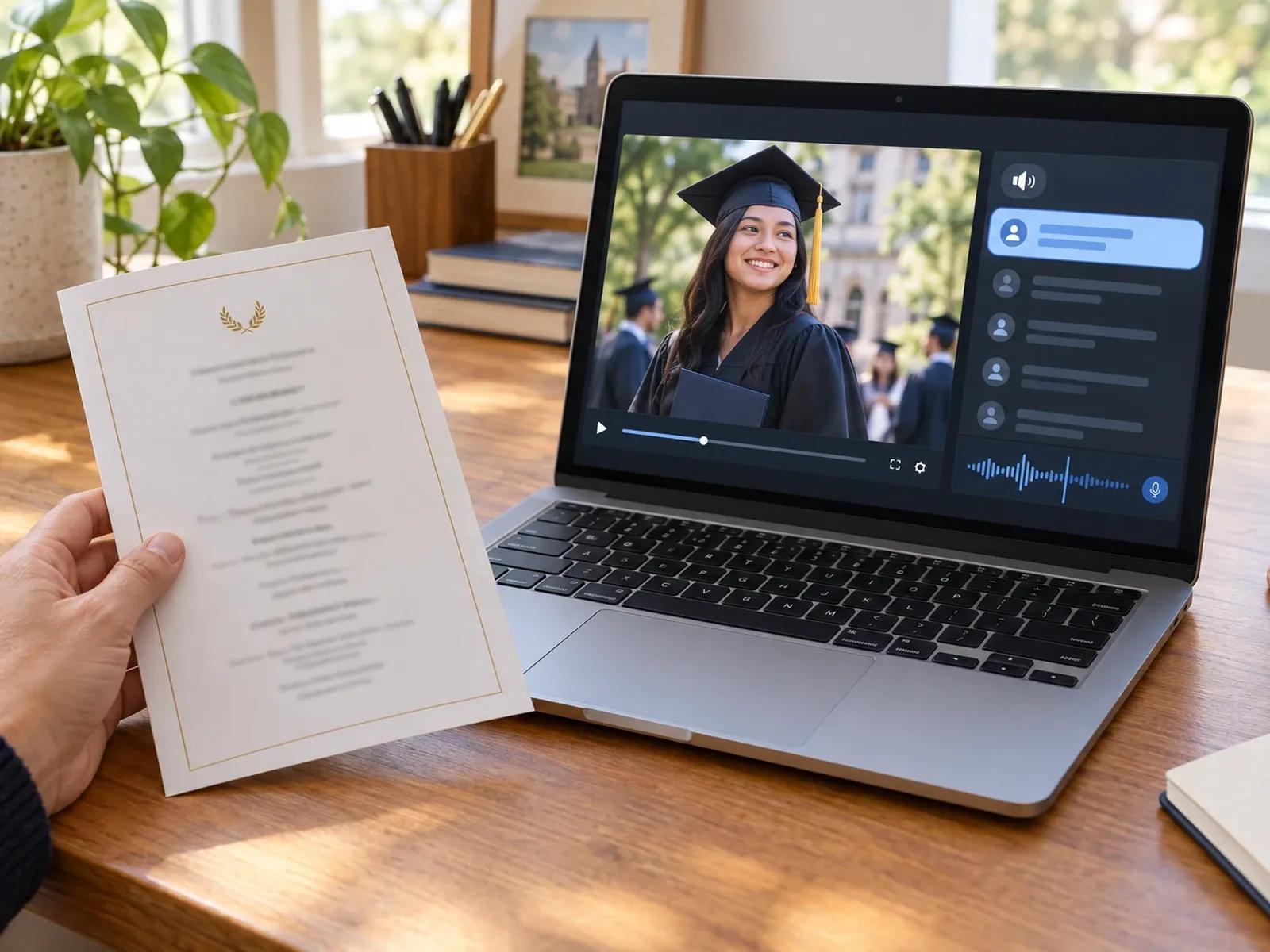
Accurate Spoken Pronunciation for Graduate Names
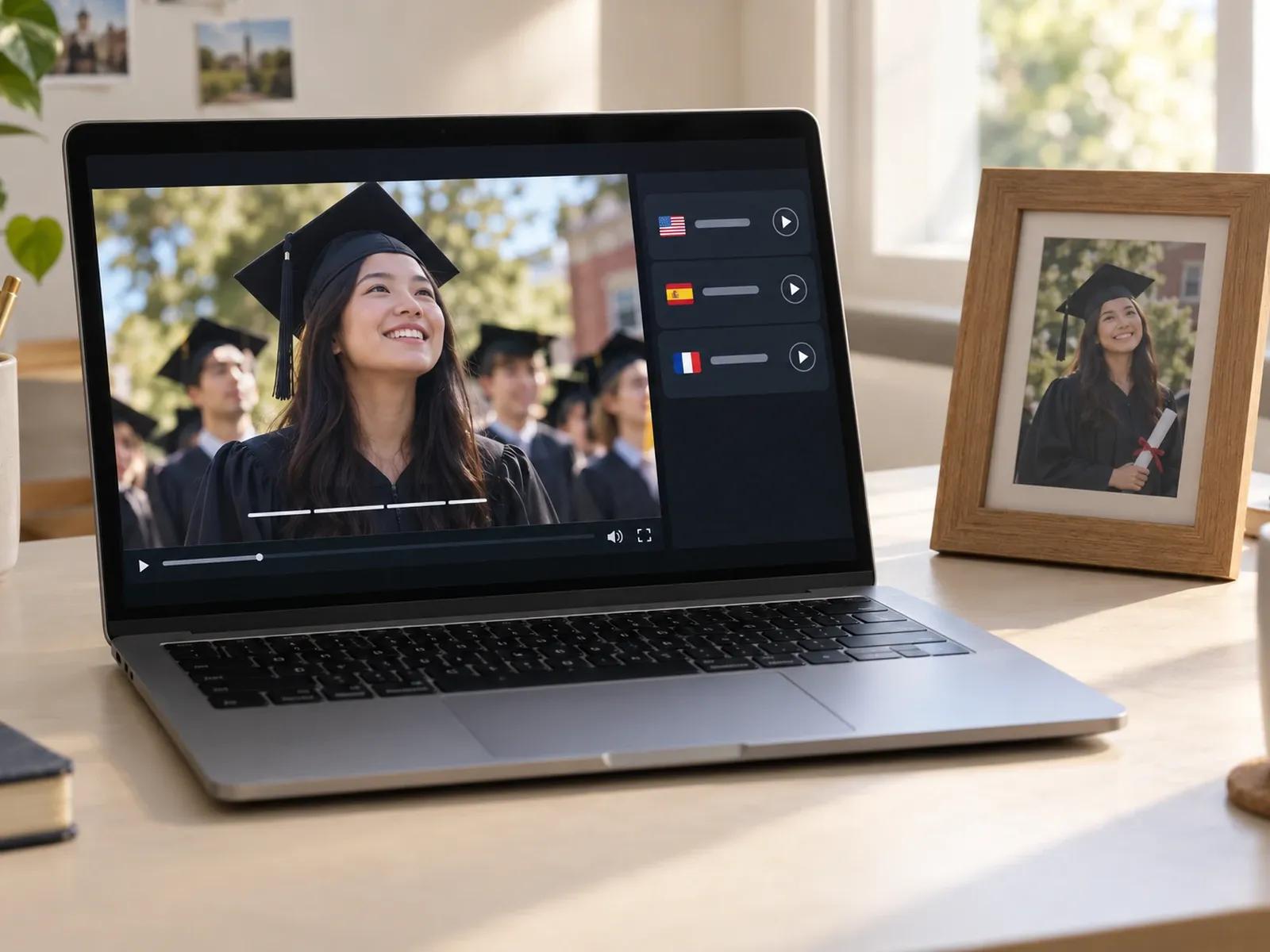
Multilingual Family Versions Across 88 Languages
From Campus Photos to Commencement Film in 3 Steps

Step 1: Upload Campus Photos and Group Scenes by Year
Step 2: Enter Milestone Scripts, Voiceovers, and Subtitles
Step 3: Review Privacy Details and Share or Download MP4
Graduation Videos You Can Build for Students and Classes
Personal Freshman-to-Senior Recaps
Trace a graduate's academic journey from first-day dorm photos to cap-and-gown portraits with spoken reflections on each year.
Class & Club Appreciation Films
Assemble group snapshots and thank-you notes to advisors and classmates for a commencement banquet or senior night screening.
Teacher & Mentor Congratulatory Videos
Turn written farewell letters from faculty and coaches into a multi-scene spoken message congratulating the graduating cohort.
Bilingual Family Graduation Keepsakes
Translate a graduate's milestone story across 88 languages so relatives in other countries can follow every achievement clearly.

Privacy-Minded Editing, School Branding, and Auditorium Captions
Manual Curation of Authorized Student Photos
Brand Kit for School Crests and Colors
Readable Subtitles and SRT Files for Auditoriums
Password-Protected Links for Family-Only Viewing
Ideas for Putting Together a Memorable Graduation Film
Sort Scenes by Academic Year
Check Student Surname Pronunciation
Let Campus Photos Fill the Screen
Add a Dedicated Thank-You Scene
Localize Copies for Overseas Family
Reuse Layouts via Project Duplicate
Frequently Asked Questions
In Template Video, import the campus photographs you have permission to share and organize them by academic year or club activity. From there, enter the academic milestone note or professor congratulatory message for each school year, choose a narrator voice, and test the playback.
No. Leadde does not send automated submission links to classmates, cluster student photos using facial recognition, or auto-build school yearbooks. Instead, you bring in approved campus photographs and written messages yourself and sequence every slide manually inside the Studio workspace.
Graduates preparing a career pitch, portfolio intro, or video resume for hiring managers should use Leadde's dedicated AI Introduction Video Maker page. This graduation video maker is designed for celebrating academic milestones, campus memories, and commencement wishes with family, faculty, and classmates.
Yes. For a pure photography montage, simply delete the presenter layer from your graduation slides while leaving the voiceover script and subtitles enabled. Your uploaded campus snapshots, club photos, and cap-and-gown portraits will fill the entire frame from start to finish.
Graduate surnames, Latin honors, and campus building names can be adjusted directly inside the script panel using the 20-character Pronunciation control. Type out the desired phonetic reading for that word and listen to the short audio preview before exporting your commencement video.
Yes, you can generate a direct browser share link and enable optional password protection so parents, faculty advisors, or classmates can review the draft privately. Once your family approves the graduation draft, review the active subscription tiers and credit rules on the Leadde Pricing page to download your MP4.
Start Creating Your Graduation Recap Video Today
