
AI Proposal Video Generator
What Is a Proposal Video Generator?
A proposal video generator converts written project scopes, RFP response decks, and pricing breakdowns into narrated video walkthroughs for prospective clients. Video Agent organizes your 2 bid documents and 20 architecture diagrams into 60-second to 3-minute executive chapters with private deal-room links. Startup founders can use AI Pitch Video Generator for fundraising decks.
Trusted by the world's leading brands







Core Capabilities of Our AI Proposal Video Maker
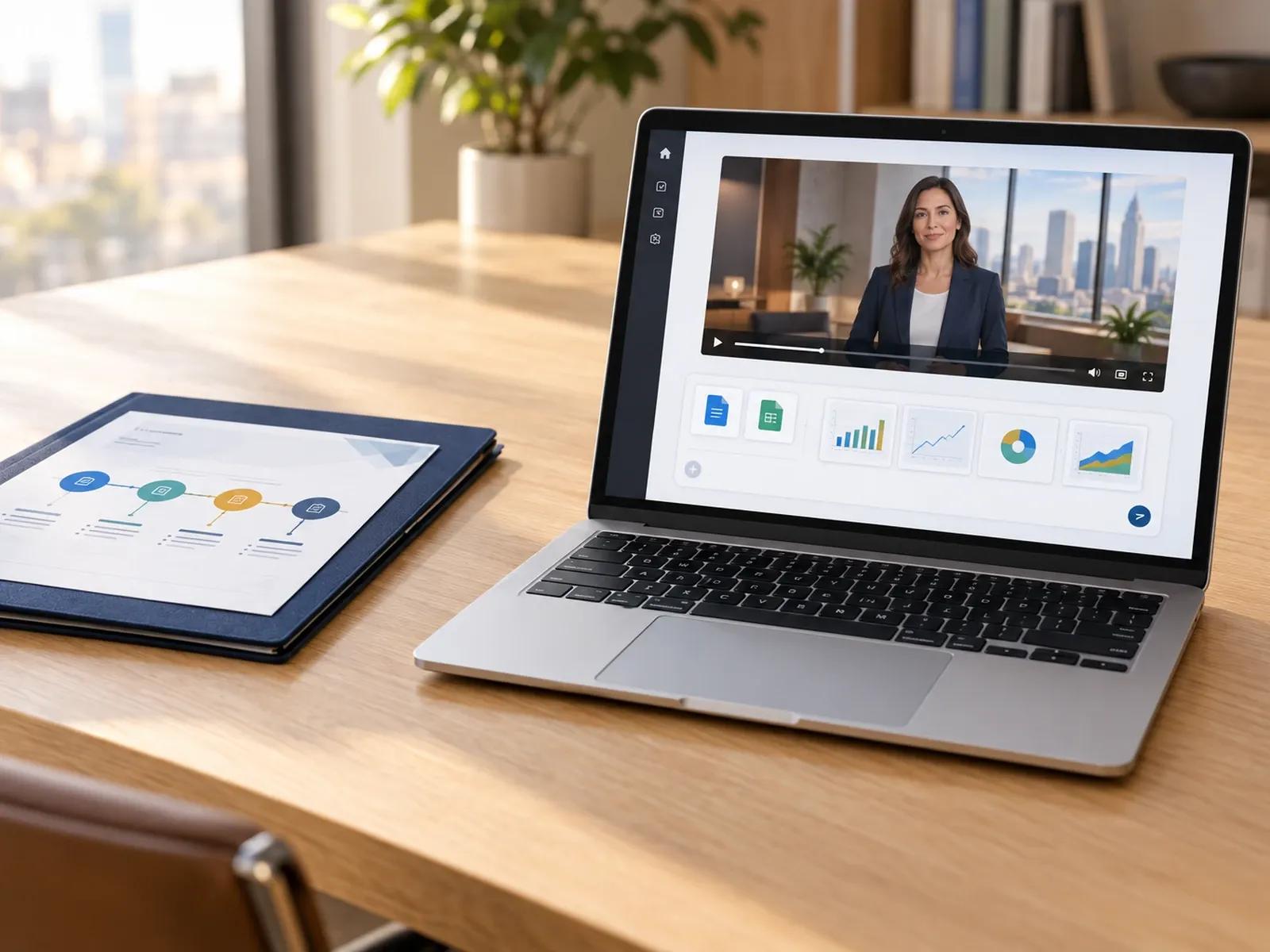
Upload PPTX, PDF, and DOCX Scope Documents
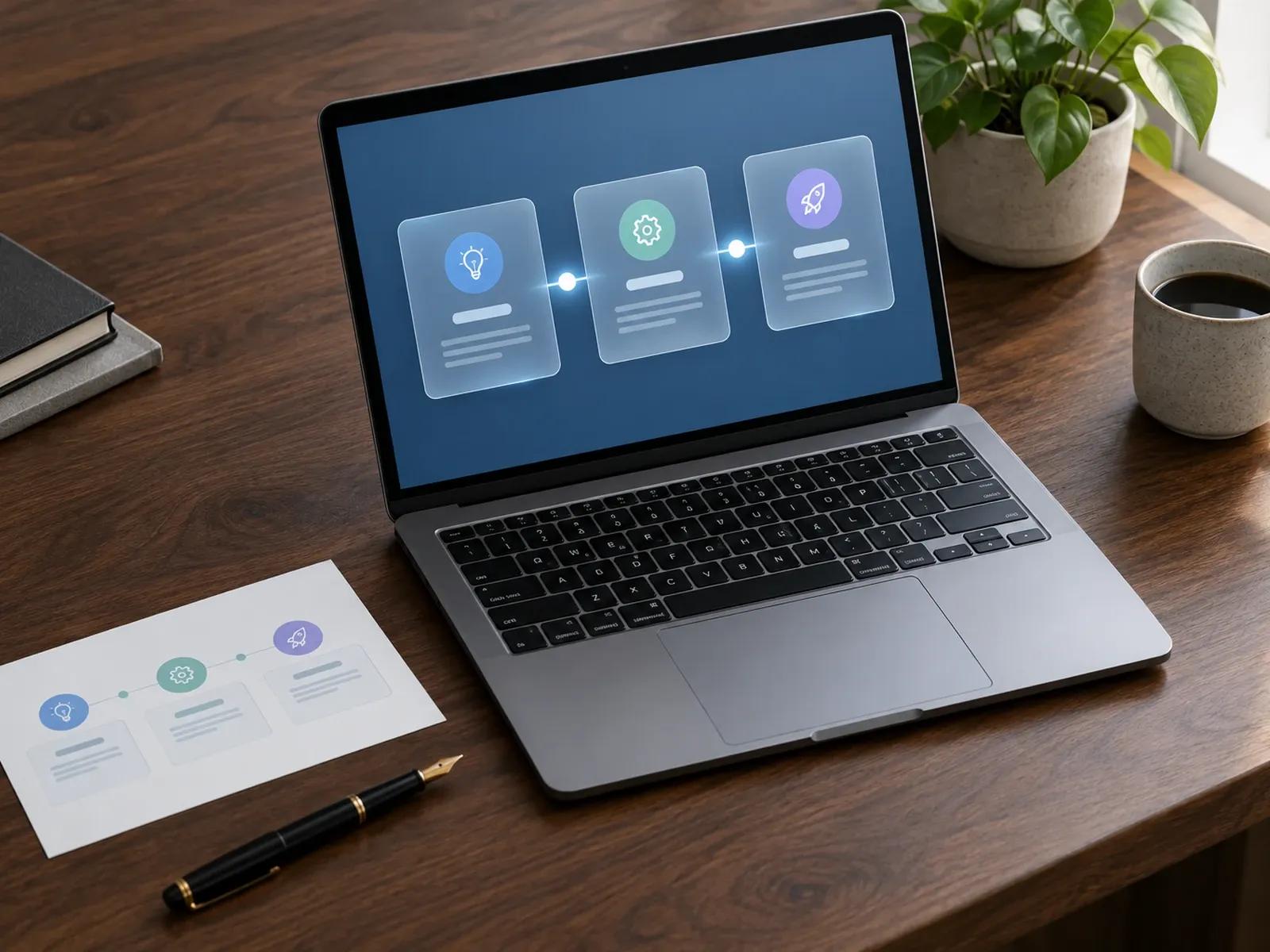
Structured Scope, Timeline, and Pricing Cards
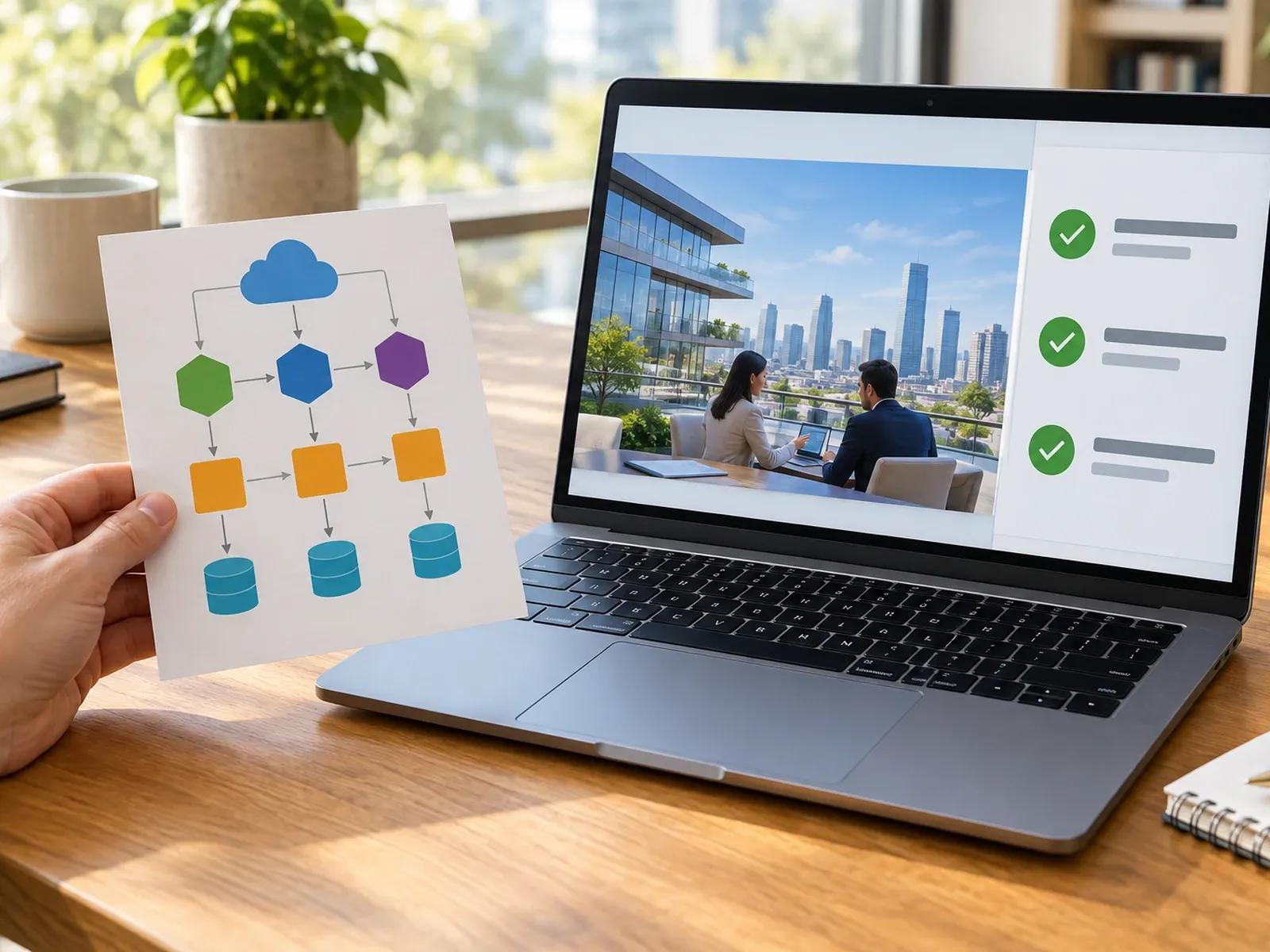
Executive Avatar Presenter or Calm Narration
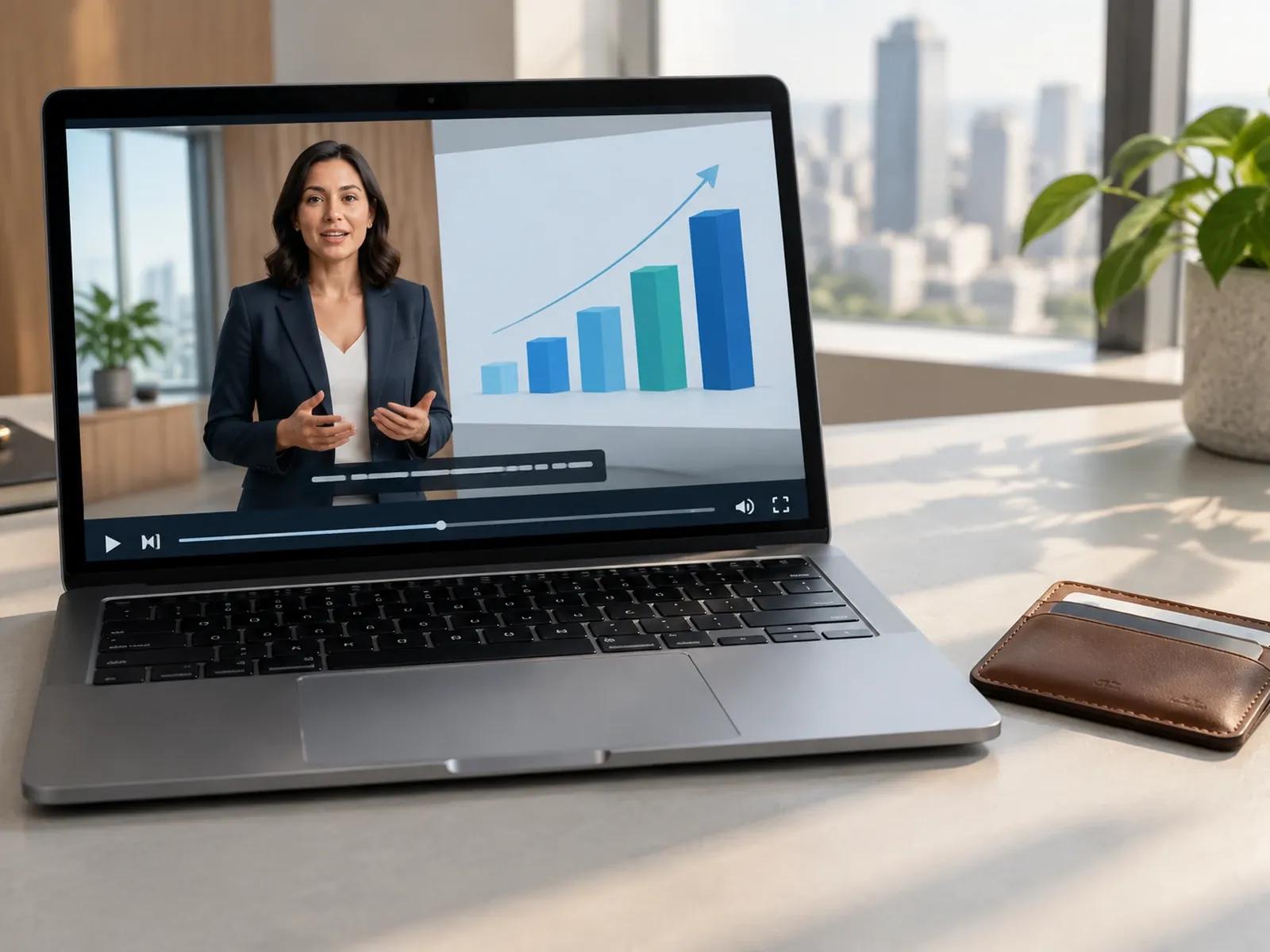
Password-Protected Links and 1-Click Translation
Three Steps from Written Scope to Client Proposal Video
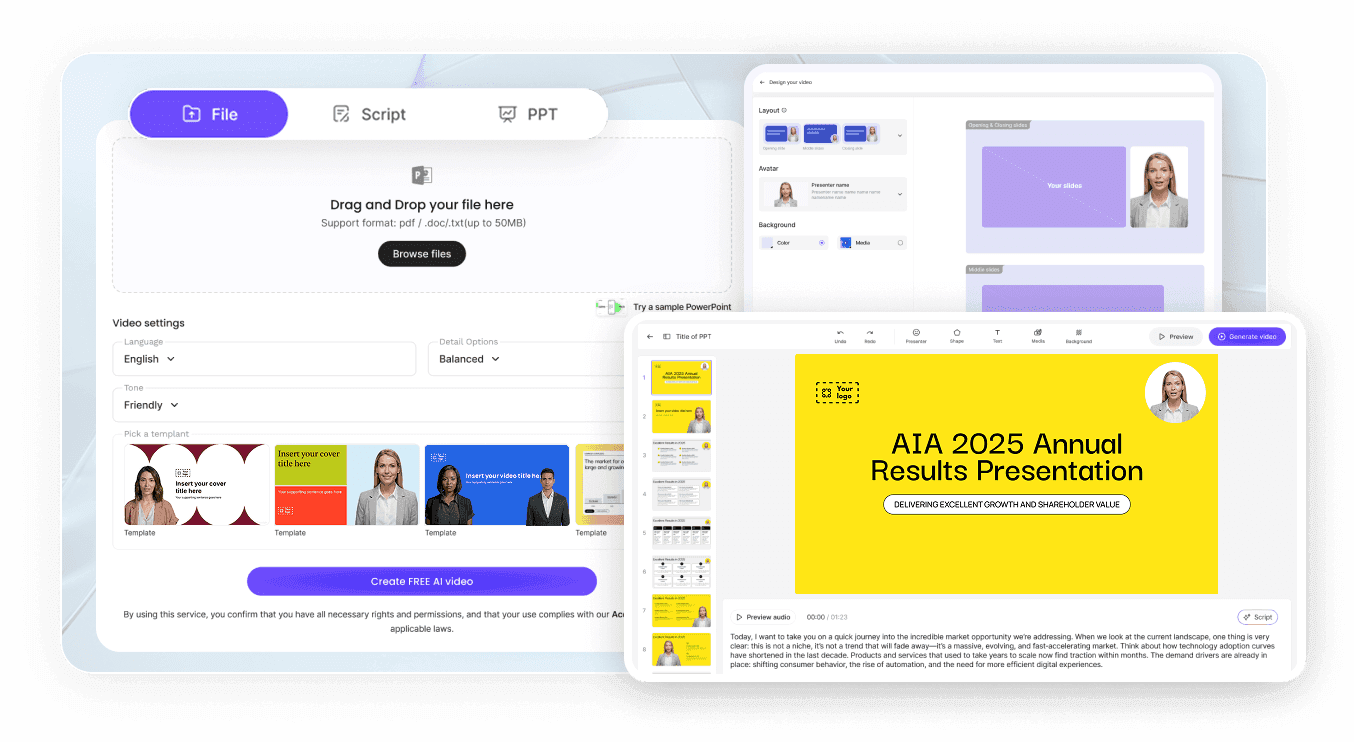
Step 1: Upload Your Proposal Deck or Scope PDF
Step 2: Prompt Client Goals, Timeline, and Tone
Step 3: Review Figures and Share Protected Link
Where B2B Teams Use a Business Proposal Video Maker
Consulting & Agency RFP Response Summaries
Walk procurement teams through your proposed methodology, team credentials, and phase timeline before they open the 40-page PDF.
Enterprise SaaS Implementation & Pricing Bids
Explain custom onboarding phases, security architecture, and annual licensing tiers so buying committees align on contract value.
Architecture, Engineering & Property Proposals
Combine site maps, floor plan renders, and project schedules into a reassuring narrated walkthrough for commercial developers.
Strategic Partnership & Co-Marketing Proposals
Present projected audience reach, joint campaign calendars, and revenue-share terms using clean Bento comparison grids here.

Why Sales Teams Choose Our Proposal Video Generator
Keeps Buying Committees Aligned Asynchronously
Duplicate and Customize for New Accounts Fast
Accurate Numbers From Your Uploaded Files
Confidential Sharing With Password Controls
Practical Tips for Winning Client Proposal Videos
Name the Client and Their Goal in Scene One
Limit Each Scene Card to One Core Deliverable
Label Projected Figures Clearly on Screen
Keep Executive Proposal Summaries Under 3 Minutes
Use Pronunciation Edits for Client Brand Names
Close With a Specific Approval Date and Step
Proposal Video Generator Frequently Asked Questions
To assemble a client bid video, bring up to 2 statement-of-work files (PPTX, PDF, DOC, DOCX, or TXT) and 20 implementation charts into Leadde Video Agent with a 60 sec, 2 min, or 3 min widescreen timer. Describe the client's objectives, deliverable phases, and narrator voice in the prompt box.
Yes. Once your proposal walkthrough is ready in Studio, you can generate a Shareable Link and enable password protection so only authorized client stakeholders can view the video, or download the MP4 file to upload into your secure deal room.
This Proposal Video Generator is tailored for customized B2B client bids, RFP responses, scope timelines, and pricing walkthroughs. Founders raising venture capital can open AI Pitch Video Generator, whereas internal training or lecture slide decks belong on Video Presentation Maker.
No. Leadde produces narrated video walkthroughs and password-protected viewing links rather than legally binding e-signature forms or payment checkout gateways. Sales teams attach the exported MP4 video or Shareable Link alongside their standard PDF contract, proposal software, or CRM deal room.
Yes. Inside Studio, the 1-Click Translation feature lets you adapt your proposal narration, deliverable headings, and pricing table callouts into 80+ languages and 175+ dialects so regional procurement leads and senior executives can review the bid in their native tongue.
Yes. Account executives and agency partners can upload RFP documents, test consulting layouts, and review milestone timing in their browser at zero cost during the Free beta; if you export a client proposal MP4 file in Studio, credit deductions follow the Leadde Pricing page.
Start Creating Personalized Client Proposal Videos Today
