
IMAGE MODEL
Seedream 5.0 AI Image Generator







What Is Seedream 5.0?
Seedream 5.0 is an AI image model family released by ByteDance in 2026. It generates images from prompts and edits them through direct, targeted instructions.
It ships in two tiers: Pro for controlled design work, Lite for volume, making it suitable for packaging, layout, localisation, and catalogue workflows.
Key Features of Seedream 5.0

Pointed Local Edits
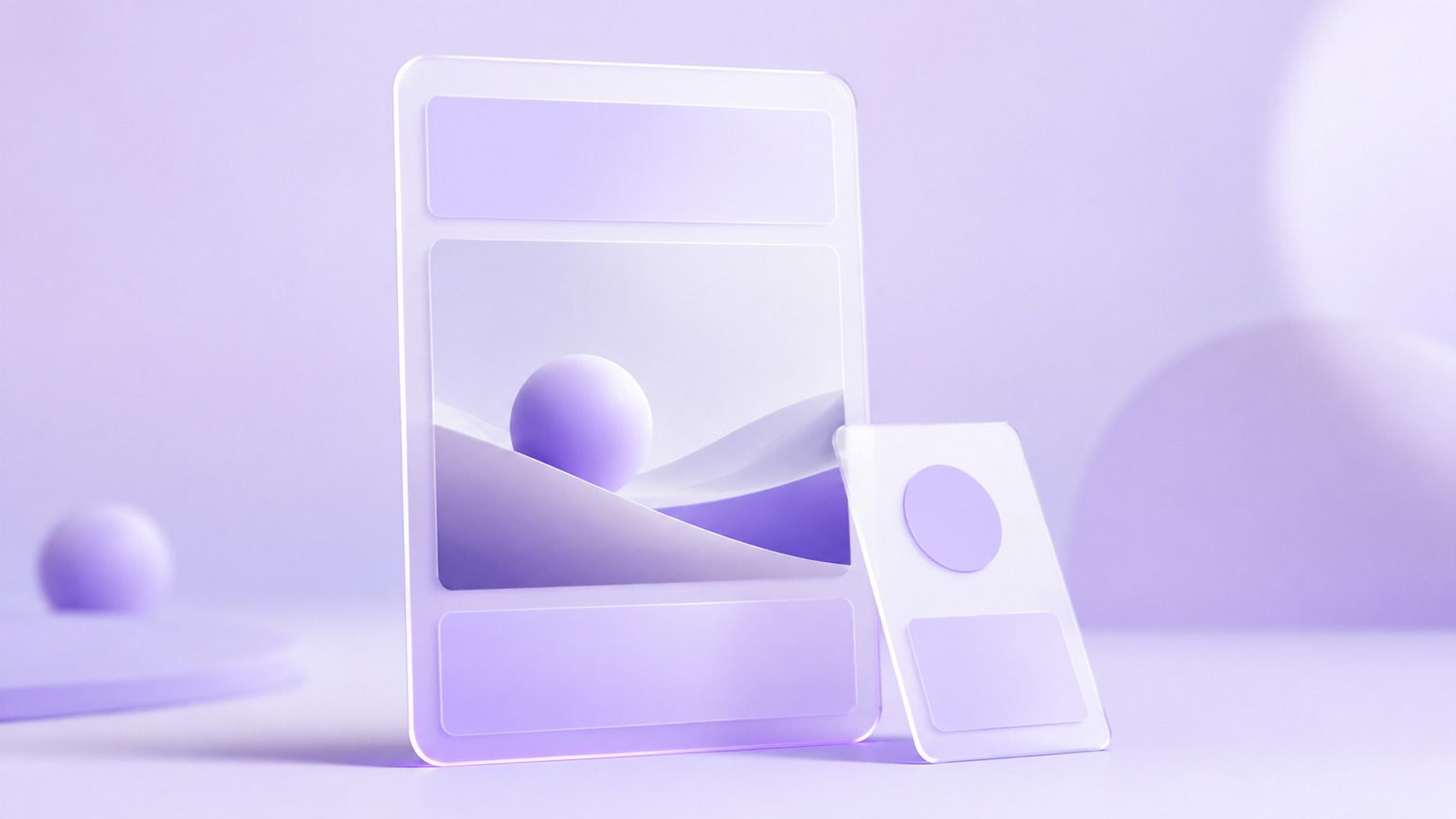
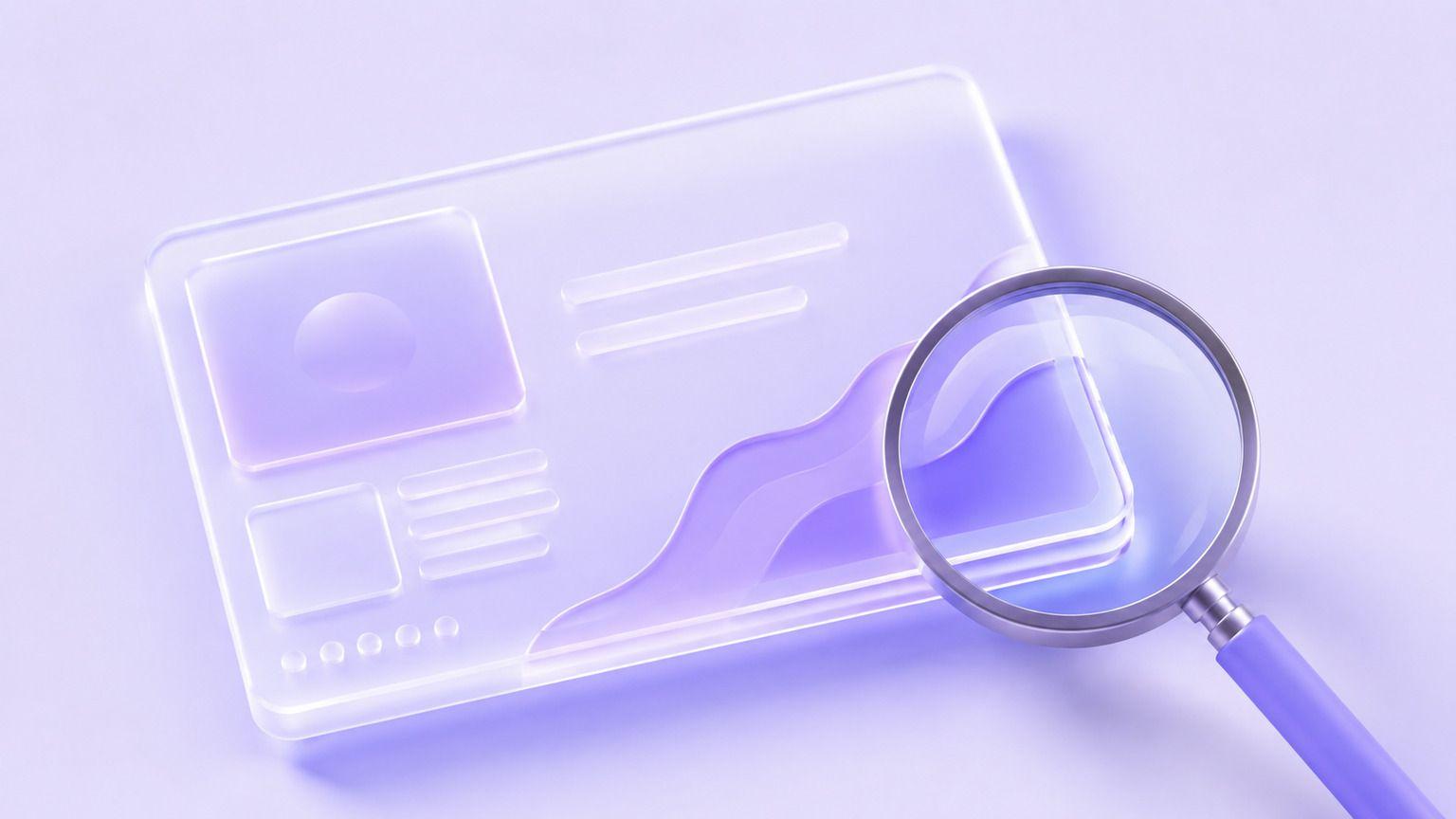
On the Pro tier, mark the spot with a point, an arrow, a sketch, or a coordinate, and the change lands there instead of across the whole image.

Reusable Layers
Pro output can be split into layers, so a headline, a product, and a background stay editable after the image has been generated.
In-Image Text in 14 Languages
The Pro tier types the words onto the image and reads them back correctly in 14 languages, so a comp does not need a design pass afterwards.

Visual Reasoning with Live References
The Lite tier works through a brief step by step before drawing, and it can look things up online when a visual has to match something current.
Reference-Led Batches
Lite takes up to 14 reference images, which is what keeps a large batch of visuals looking like one series rather than a pile of takes.
What Can You Create with Seedream 5.0?
Seedream 5.0 supports design work and volume production in the same place.
Use Case
- Packaging Comps
- Layered Key Visuals
- Localised Layouts
- Ad Variant Batches
- Listing Images
- Design Revisions
Description
- Design boxes, labels, and wraps
- Build art that stays editable
- Swap headline text per market
- Generate many versions of one idea
- Fill a catalogue with consistent shots
- Fix one element, keep the rest
Seedream 5.0 Examples
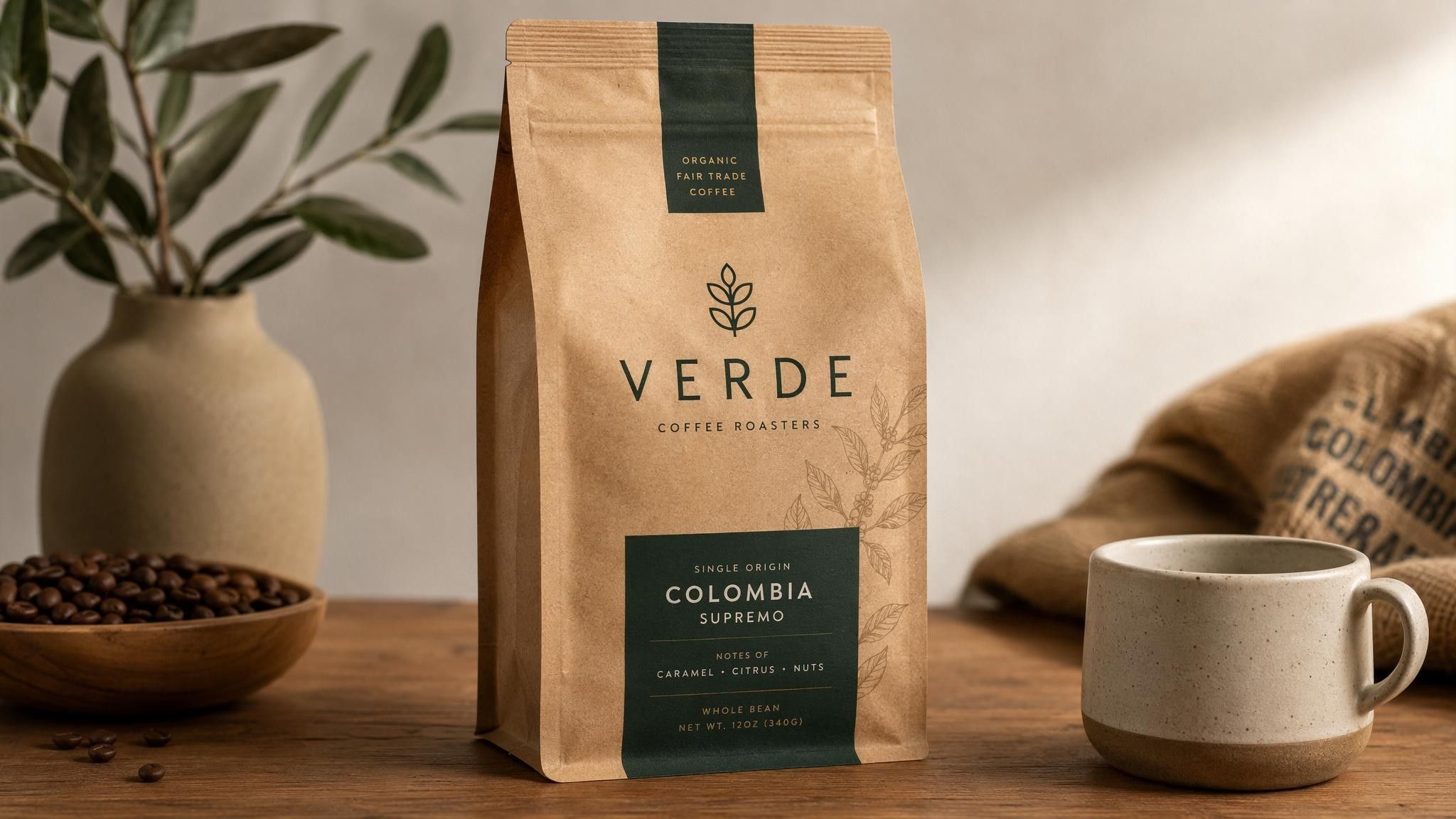
Packaging Comp
Produce a printable pack shot with the type already set.
Prompt Example:
Create a tea box mockup on a stone shelf with the words "First Harvest" printed on the front.

Localised Layout
Run the same layout with the headline in another language.
Prompt Example:
Create a poster with the headline "Open Today" in Japanese, minimal layout, warm paper texture.
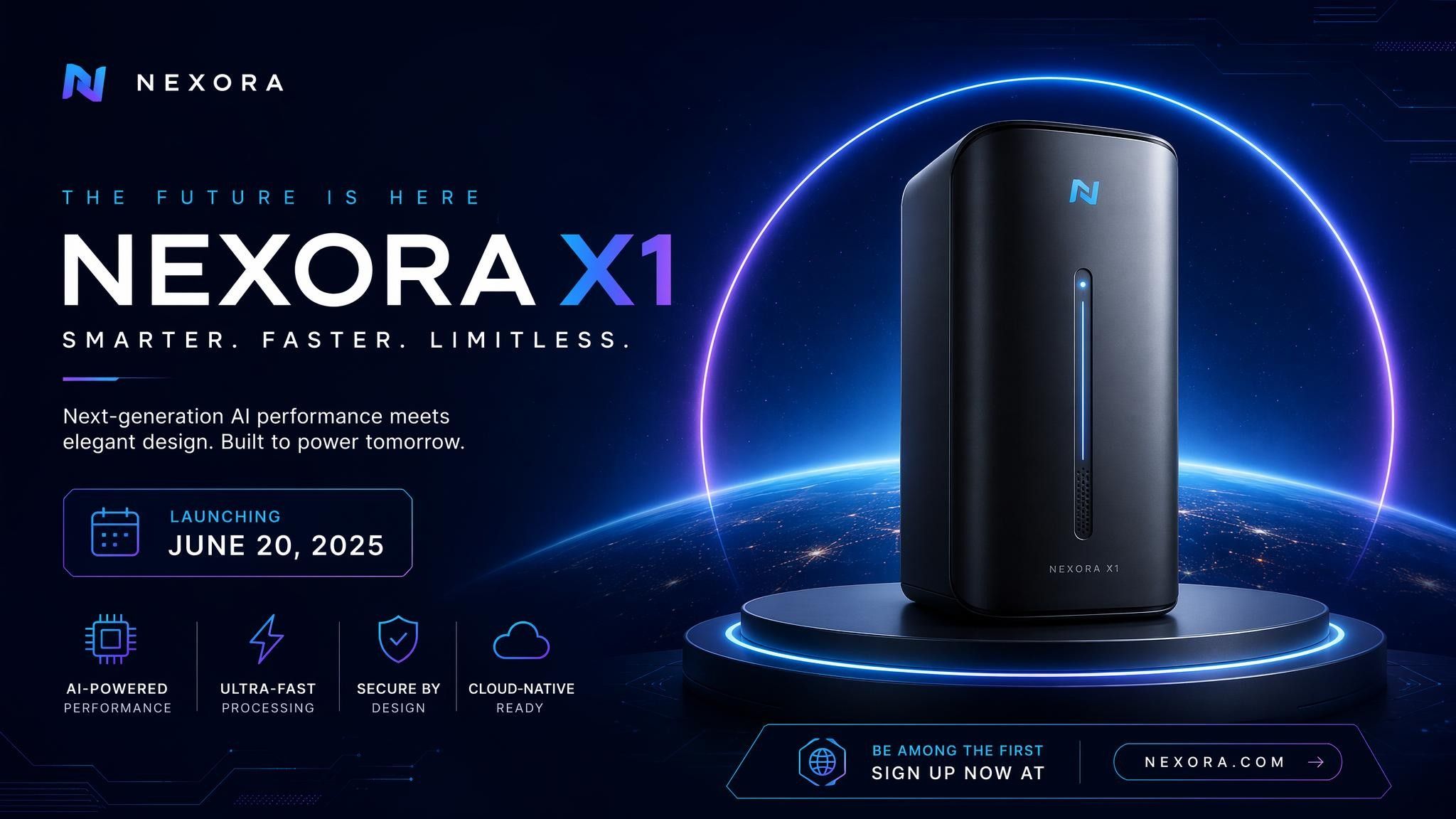
Reference-Matched Batch
Hold one look across a batch by supplying the references.
Prompt Example:
Create a workspace scene matching the reference set: pale wood, brass details, morning light.
How to Use Seedream 5.0

Step 1: Enter a Prompt or Upload an Image
Describe the visual you need, or upload the artwork and references to work from.
Step 2: Customize Settings
Choose image ratio, output quantity, and creative preferences.
Step 3: Generate and Refine
Point at the part that is wrong and describe what it should be.
Step 4: Export Your Image
Download your final visual and take it into packaging, print, or listings.
Seedream 5.0 vs Nano Banana 2
Feature
- Developer
- Text to image
- Image editing
- Targeted local edits
- In-image text
- Reference images
- Best for
Seedream 5.0
- ByteDance
- Excellent
- Excellent
- Point, sketch, coordinate
- 14 languages
- Up to 14
- Layered design and print work
Nano Banana 2
- Excellent
- Excellent
- Strong
- Strong
- Supported
- Prompt-faithful composites
Who Should Use Seedream 5.0?

Packaging and Print Teams
Produce comps with readable type and keep every element editable after the first version.

Creative Studios
Take a layout through client notes without rebuilding the artwork for each round.
Marketplace Sellers
Generate listing images for a long catalogue and keep the styling steady from item to item.
Why Use Seedream 5.0 on Leadde?
Leadde runs Seedream 5.0 inside one AI creative workspace. Generate a layout, edit it down to a single element, apply your brand kit, and reuse the result in videos and decks.
Seedream 5.0 FAQ
Seedream 5.0 is ByteDance's AI image model family. It generates images from prompts and edits them through pointed instructions, and it comes in a Pro tier and a Lite tier.
Your plan on the platform providing access decides this. Leadde lets you start generating at no cost, and downloads carry no watermark.
Pro is the editing tier, with pointed local edits, reusable layers, and in-image text in 14 languages. Lite is the volume tier, with visual reasoning, live web references, and up to 14 reference images.
Yes. On the Pro tier, mark the area with a point, an arrow, a sketch, or a coordinate and describe the change, and the edit stays where you put it.
Yes. The Pro tier renders text inside the image in 14 languages, which is what makes packaging comps and localised posters usable without a design pass afterwards.
Pro generates up to 2K, which covers comps, collateral, and large placements. Lite runs fast at everyday sizes and can go up to 4K when a placement needs it.
API availability depends on ByteDance's current product offerings and the platform providing access to the model.
ByteDance's terms and the terms of the platform you generate on decide this. Check both before artwork goes to print or into a paid campaign.
Start Creating with Seedream 5.0
Generate a layout and edit one element of it. Free to start, no watermark on export.
