
IMAGE MODEL
Nano Banana Pro AI Image Generator





What Is Nano Banana Pro?
Nano Banana Pro is an AI image model released by Google. It generates images from natural language prompts and edits uploaded pictures with written instructions.
The model handles dense layouts, in-image typography, and complex scene composition, making it suitable for design, print, packaging, and editorial workflows.
Key Features of Nano Banana Pro

Readable In-Image Text
Nano Banana Pro renders headlines, labels, and body copy inside the image, which is what makes posters, packaging, and infographics usable straight out of the model.
Complex Layout Composition
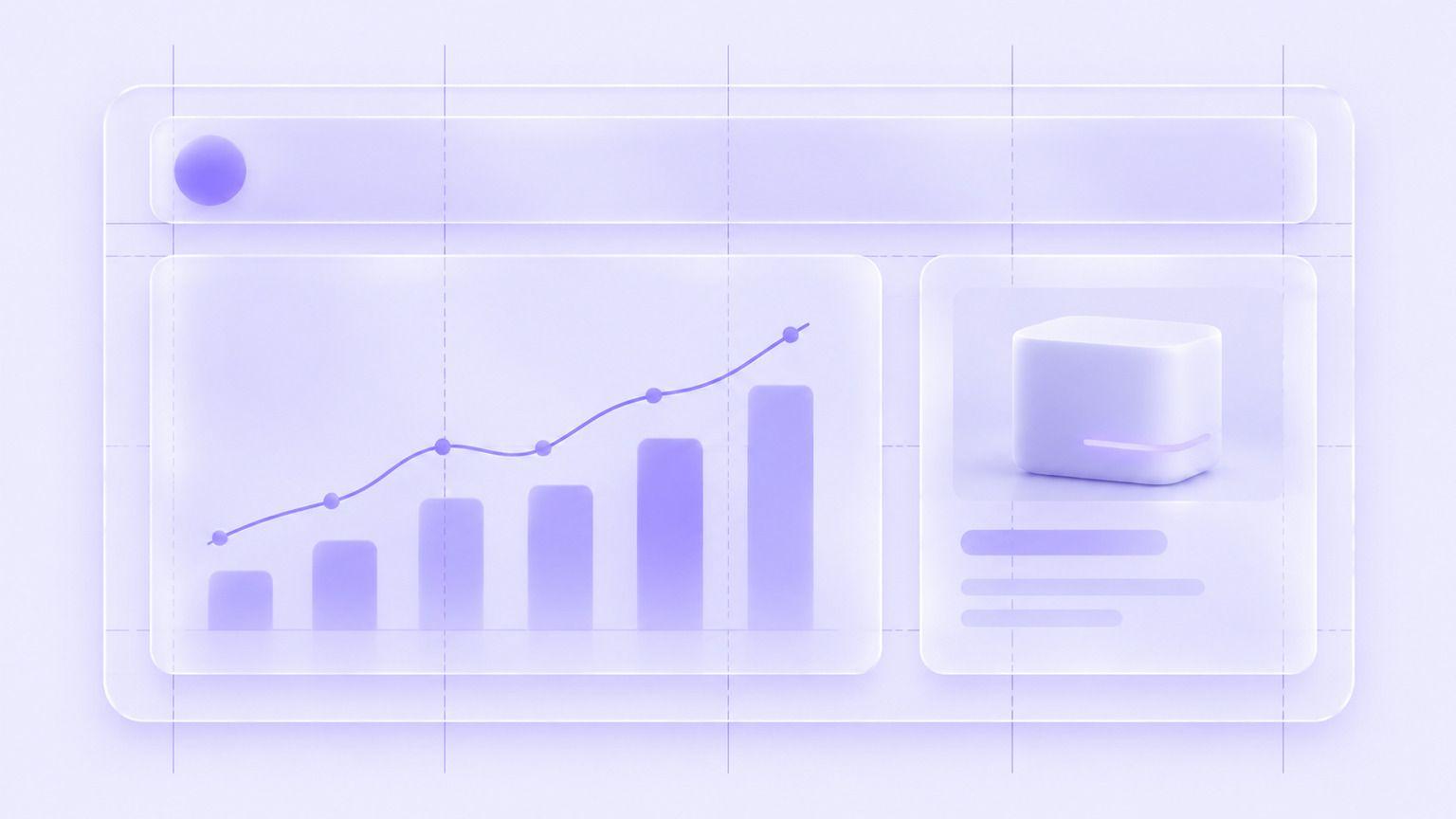
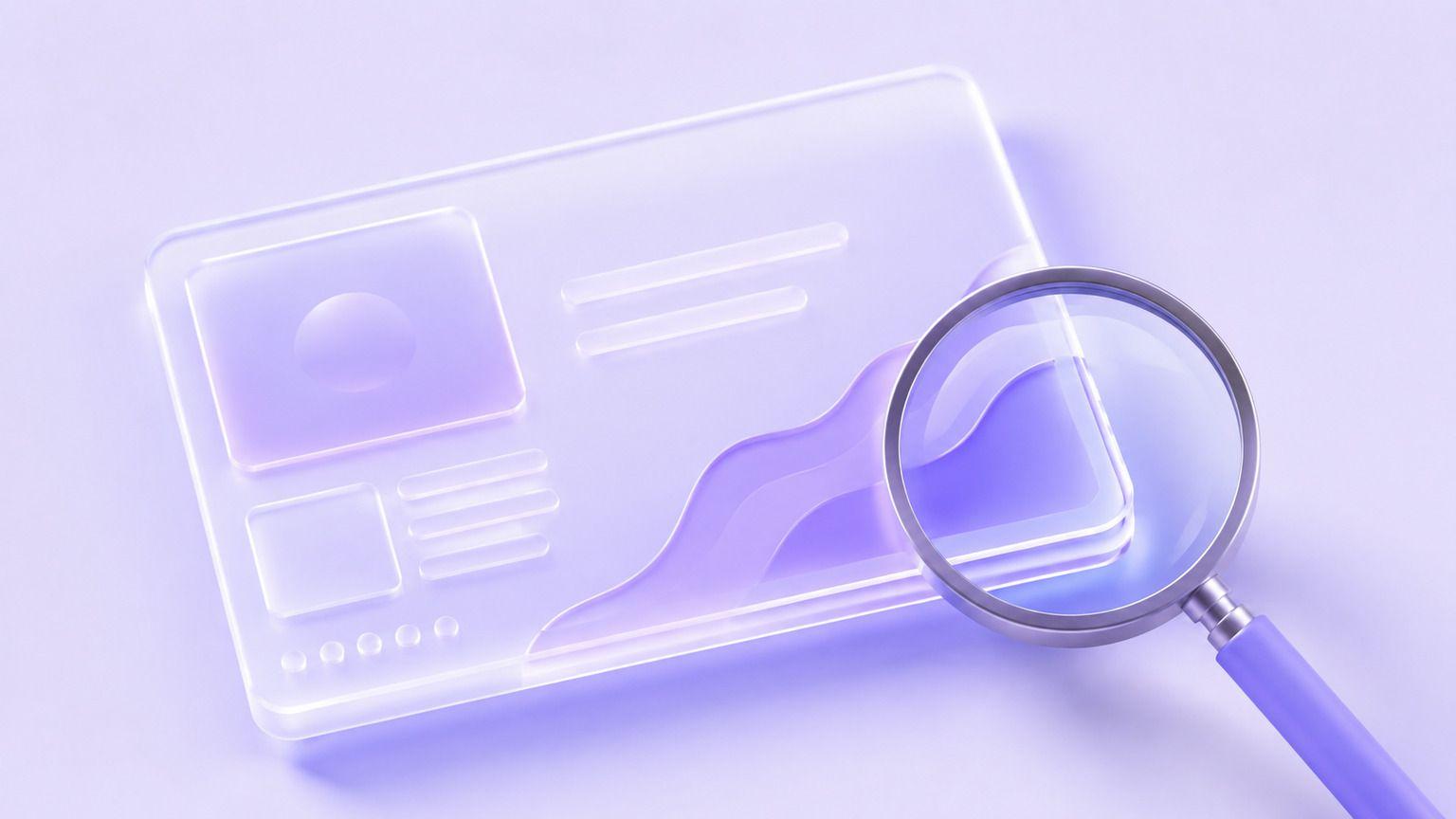
Multiple elements can be placed deliberately rather than scattered, so a chart, a title block, and a product can share one frame.
Studio-Grade Detail
Output holds up at full size with clean edges and controlled lighting, which matters when a visual goes to print or onto a large screen.

Precise Image Editing
Upload a design and adjust one element at a time, so a headline change does not force a re-render of the whole layout.
What Can You Create with Nano Banana Pro?
Nano Banana Pro supports design-led production across different teams.
Use Case
- Posters and Print
- Infographics
- Packaging Concepts
- Brand Layouts
- Editorial Spreads
- Pitch Visuals
Description
- Design campaign posters and print assets
- Turn data into readable visual layouts
- Mock up labels and box designs
- Build on-brand composite visuals
- Design magazine-style article art
- Create polished deck and proposal imagery
Nano Banana Pro Examples
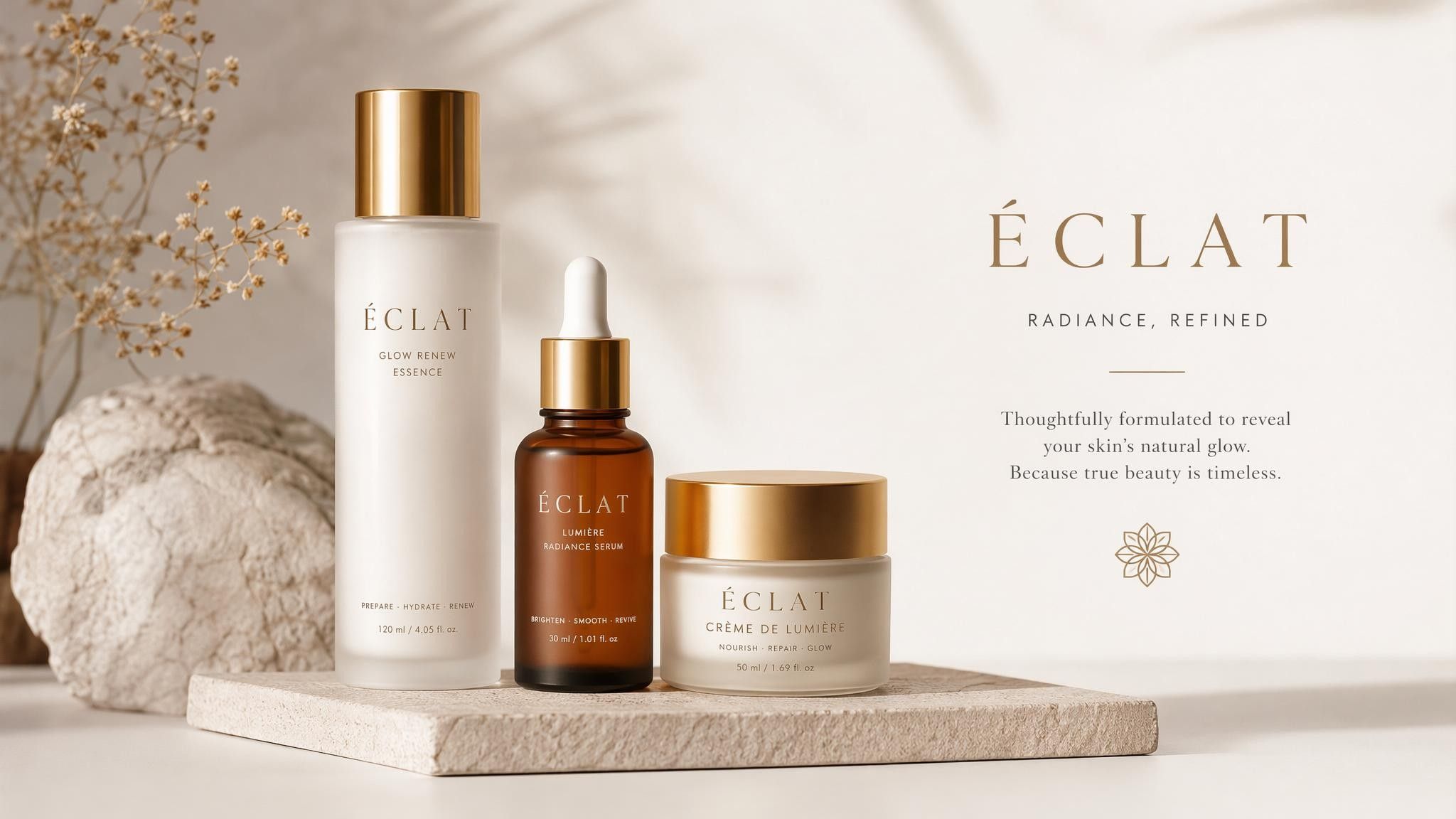
Campaign Poster
Produce a print-ready poster with a headline, a subhead, and a clear focal image.
Prompt Example:
Create a coffee shop grand opening poster with warm tones, a large headline, and a small address line.
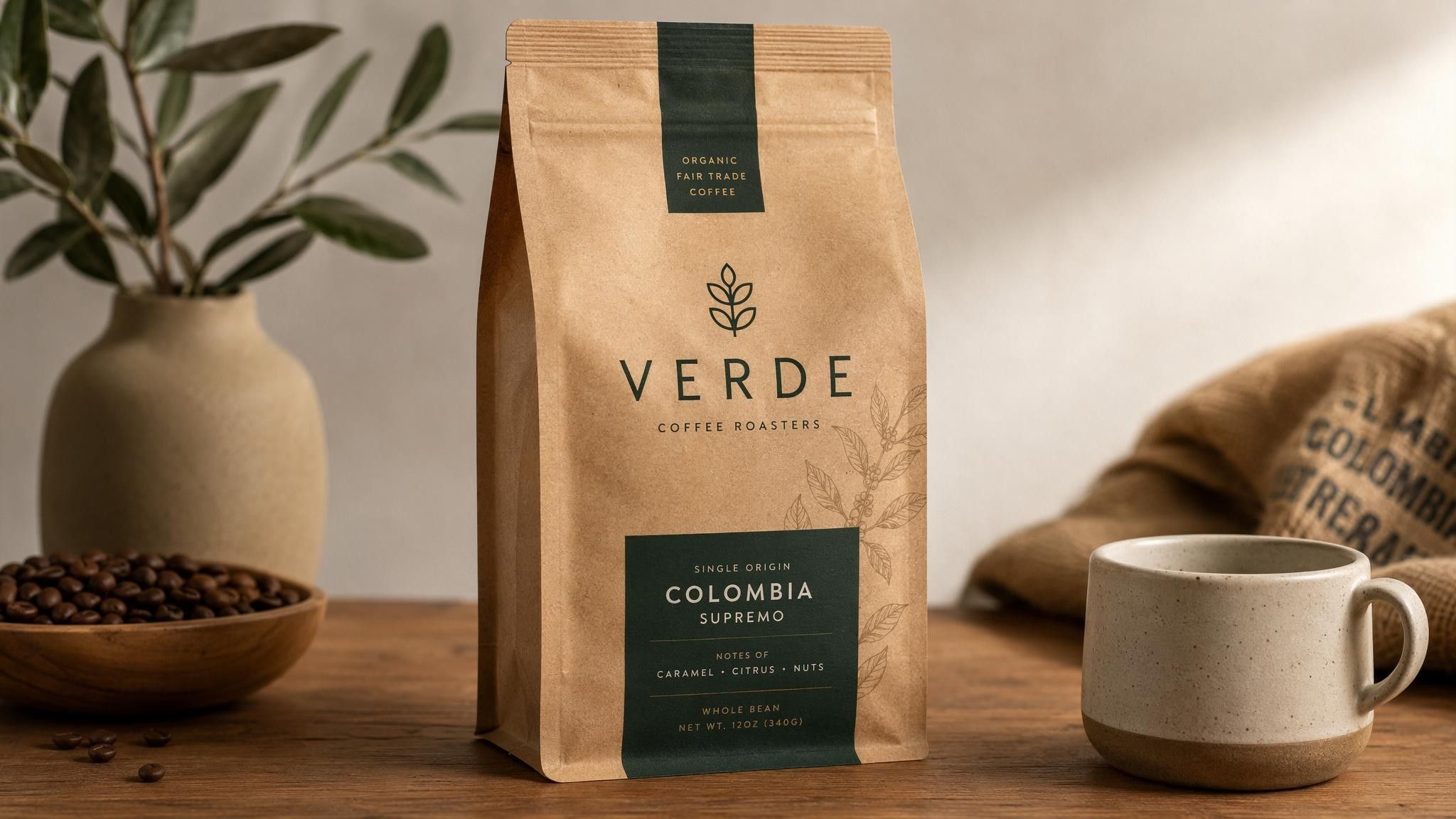
Data Infographic
Turn a few numbers into a layout someone can actually read.
Prompt Example:
Create a clean infographic comparing three subscription tiers with labelled columns and a bold title bar.
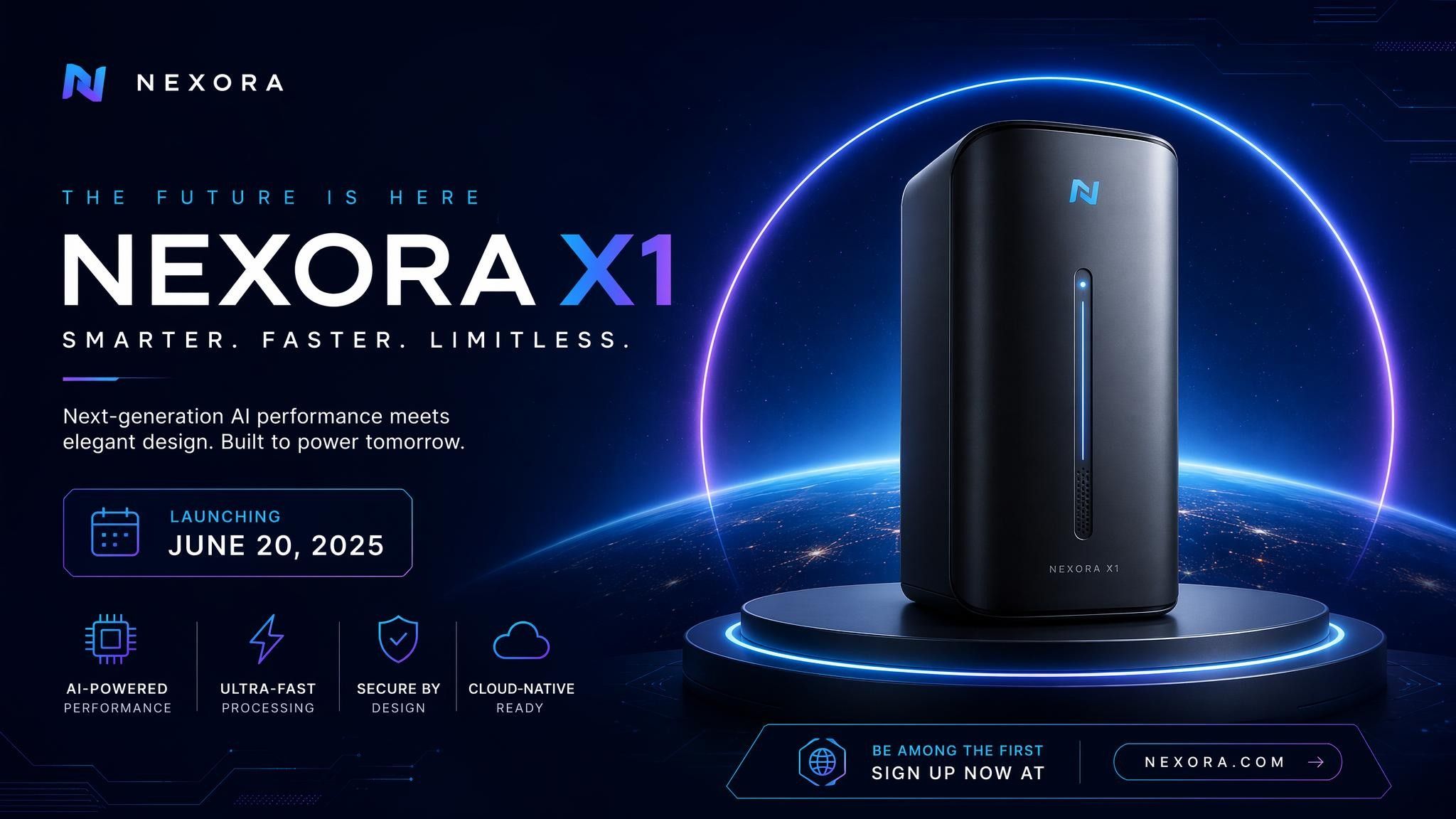
Packaging Concept
Show a label design in context before the print run.
Prompt Example:
Create a premium tea box design with a botanical illustration, a serif brand name, and a matte finish.
How to Use Nano Banana Pro

Step 1: Enter a Prompt or Upload an Image
Describe the layout you need or upload a design you want to adjust.
Step 2: Customize Settings
Choose image ratio, output quantity, and creative preferences.
Step 3: Generate and Refine
Review the layout and refine individual elements with follow-up instructions.
Step 4: Export Your Image
Download your final visual and use it across print, decks, campaigns, or web.
Nano Banana Pro vs GPT Image 2
Feature
- Developer
- In-image text
- Complex layouts
- Image editing
- Photorealism
- Prompt understanding
- Best for
Nano Banana Pro
- Excellent
- Excellent
- Strong
- Strong
- Excellent
- Design-led layouts and print work
GPT Image 2
- OpenAI
- Excellent
- Strong
- Strong
- Excellent
- Excellent
- Marketing visuals and workflow integration
Who Should Use Nano Banana Pro?

Design Teams
Draft layouts, posters, and packaging concepts in minutes, then take the strongest one into final artwork.

Marketing Teams
Ship campaign assets with the headline already set, instead of waiting on a design queue.
Agencies
Put three finished-looking directions in front of a client in the time a single mockup used to take.
Why Use Nano Banana Pro on Leadde?
Leadde combines Nano Banana Pro with an AI creative workspace. Teams can generate layouts, apply brand assets, and carry the same visual into videos and presentations.
Nano Banana Pro FAQ
Nano Banana Pro is Google's flagship AI image model. It generates and edits images from prompts, with a focus on readable in-image text and complex layouts.
Availability depends on the platform providing access. Leadde lets you start laying out visuals for free, with no watermark on download.
Yes. Headlines, labels, and short body copy render inside the image, which is what makes posters, packaging, and infographics usable.
Yes. Upload the design and adjust one element at a time, so changing a headline does not force the whole layout to be regenerated.
Nano Banana Pro can create posters, infographics, packaging concepts, brand layouts, editorial spreads, and pitch visuals.
Nano Banana Pro is Google's model, strongest on dense layouts and print-style work. GPT Image 2 is OpenAI's model, aimed at marketing visuals and workflow integration.
Whether an API is available depends on Google's product lineup and on the platform hosting the model. Leadde provides access through the workspace.
Commercial rights follow Google's terms and the terms of whichever platform you access the model through. Check both before shipping paid work.
Start Creating with Nano Banana Pro
Lay out your first poster with Nano Banana Pro. Free to start, no watermark on export.
