
IMAGE MODEL
Nano Banana 2 AI Image Generator






What Is Nano Banana 2?
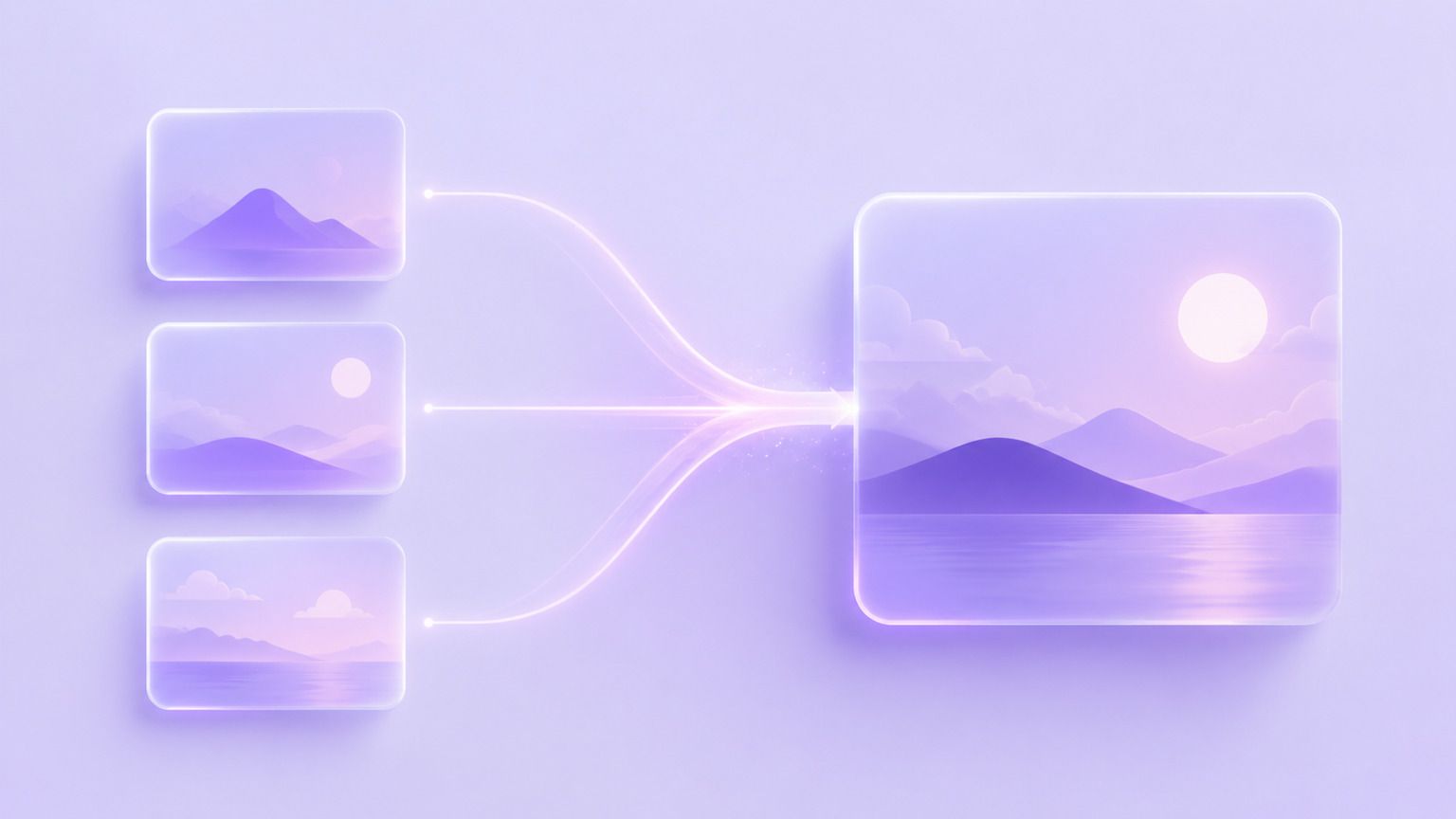
Nano Banana 2 is an AI image model released by Google. It generates images from natural language prompts and can take several reference pictures as input at once.
The model follows long, specific instructions closely and blends references into a single coherent result, making it suitable for concept, campaign, and series work.
Key Features of Nano Banana 2

Detailed Prompt Following
Long prompts with several conditions stay intact. If you ask for a specific angle, palette, and object placement, the output respects all three.

Multi-Image Blending
Feed it a product shot, a style reference, and a background, and Nano Banana 2 composes them into one image instead of picking a favourite.

Consistent Visual Series
Generate a run of images that share lighting, palette, and framing, which is what turns single visuals into a usable campaign set.

Reference-Guided Editing
Point at an existing image and a reference, then describe the change. The edit follows the reference rather than the model default.
What Can You Create with Nano Banana 2?
Nano Banana 2 supports composite and series work across different teams.
Use Case
- Composite Scenes
- Visual Series
- Concept Exploration
- Style Transfer Work
- Campaign Variants
- Moodboards
Description
- Merge products into new environments
- Build sets that share one look
- Test directions before production
- Apply a reference look to new assets
- Generate channel-specific cuts
- Assemble reference-driven boards
Nano Banana 2 Examples
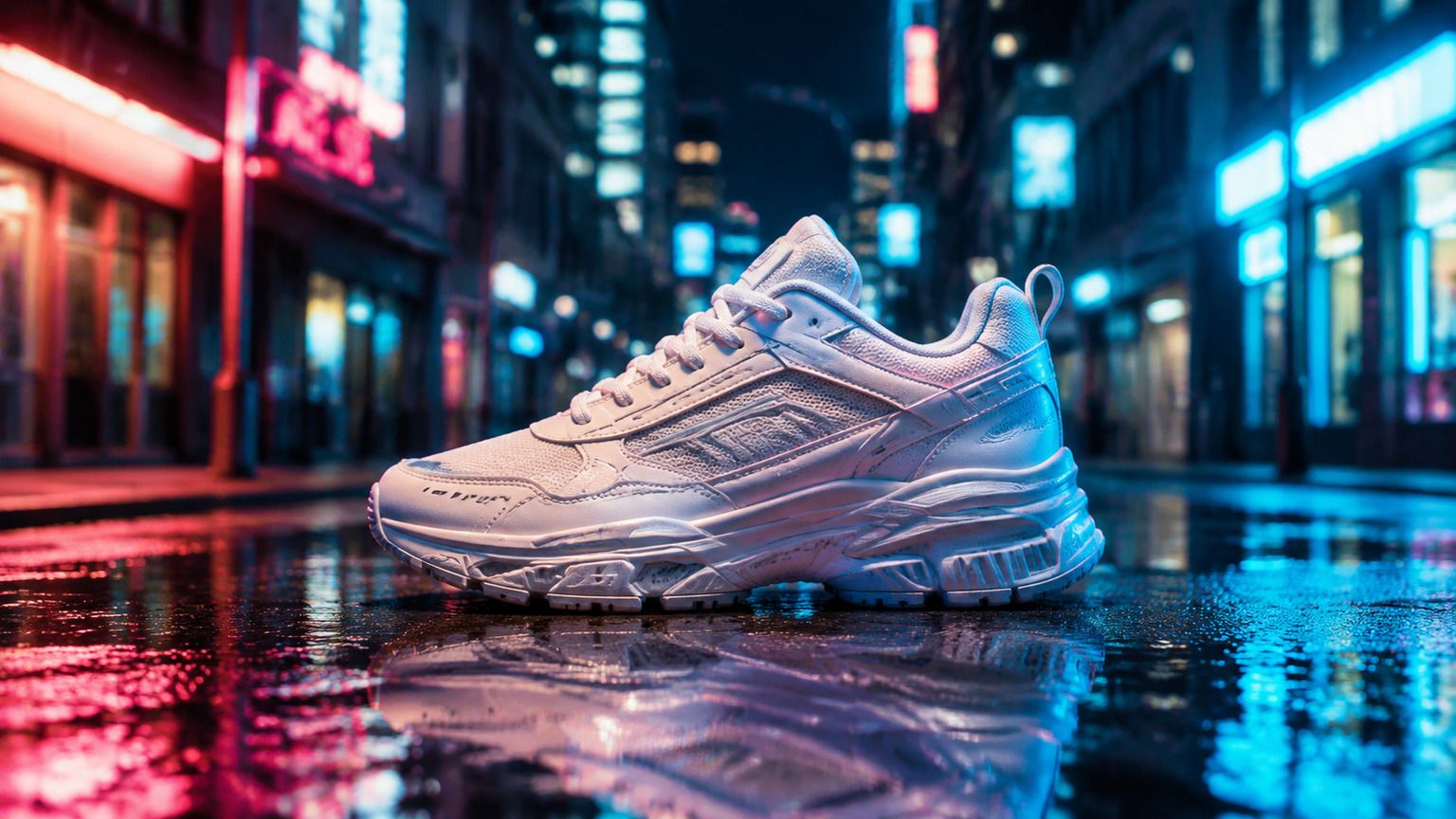
Composite Product Scene
Place a product into a setting it was never photographed in.
Prompt Example:
Place this sneaker on a wet city street at night, neon reflections on the ground, matching the reference lighting.
Consistent Series
Produce a run of visuals that clearly belong to the same campaign.
Prompt Example:
Create four autumn skincare visuals sharing the same warm palette, soft side light, and marble surface.

Style Reference Match
Apply the look of one image to a completely different subject.
Prompt Example:
Redraw this office photo in the flat pastel illustration style of the attached reference image.

How to Use Nano Banana 2

Step 1: Enter a Prompt or Upload an Image
Describe the image you want, or upload the references you want combined.
Step 2: Customize Settings
Choose image ratio, output quantity, and creative preferences.
Step 3: Generate and Refine
Review the composite and refine it with a follow-up instruction.
Step 4: Export Your Image
Download your final visual and use it across campaigns, decks, or social channels.
Nano Banana 2 vs Midjourney
Feature
- Developer
- Prompt following
- Multi-image blending
- Series consistency
- Artistic style range
- Image editing
- Best for
Nano Banana 2
- Excellent
- Excellent
- Excellent
- Strong
- Strong
- Composites and consistent campaign sets
Midjourney
- Midjourney
- Strong
- Strong
- Strong
- Excellent
- Strong
- Distinctive artistic imagery
Who Should Use Nano Banana 2?

Content Creators
Build a run of visuals that share one look, so a series reads as a series instead of six unrelated posts.
Product Teams
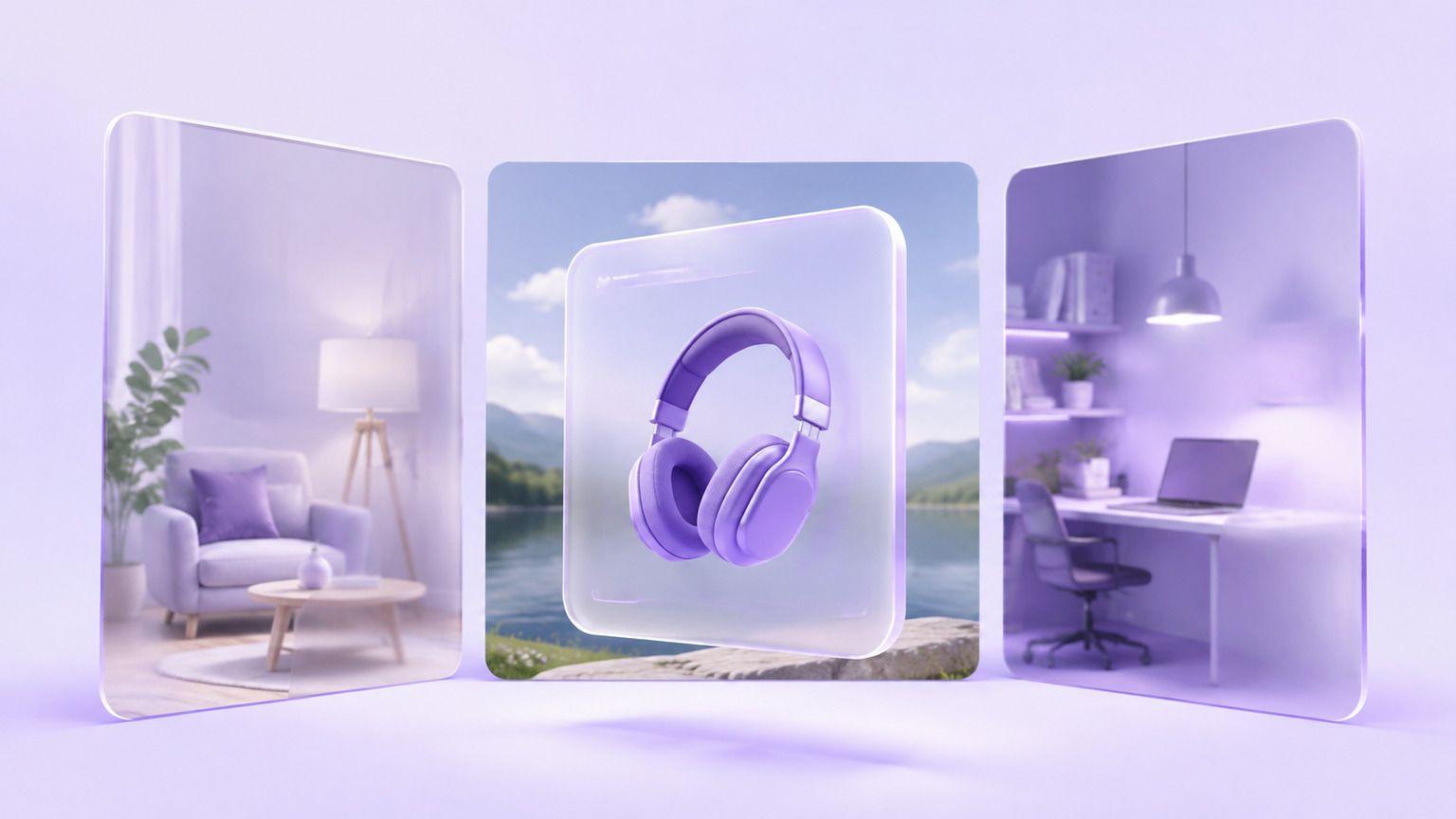
Drop a product into scenes and contexts long before a location shoot is possible.
Marketing Teams
Generate channel-specific variants of one campaign visual without redrawing it each time.
Why Use Nano Banana 2 on Leadde?
Leadde combines Nano Banana 2 with an AI creative workspace. Teams can blend references, apply brand assets, and reuse the results across videos and presentations.
Nano Banana 2 FAQ
Nano Banana 2 is Google's AI image model. It generates images from detailed prompts and can combine several reference pictures into a single result.
Availability depends on the platform providing access. You can start compositing on Leadde at no cost and export without a watermark.
Yes. Supply a subject, a style reference, and a background, and the model composes them into one image rather than choosing between them.
Yes. Upload the image, add a reference if you have one, and describe the change. The edit follows the reference you supplied.
Nano Banana 2 can create composite scenes, consistent visual series, concept explorations, style-matched assets, campaign variants, and moodboards.
Nano Banana 2 is Google's model, strongest on following detailed instructions and blending references. Midjourney is known for distinctive artistic output.
That depends on Google's current offering and on the platform providing access. On Leadde the model runs inside the workspace rather than through your own calls.
That is governed by Google's policies and by the terms of the platform hosting the model. Review both before using output commercially.
Start Creating with Nano Banana 2
Blend your first set of references. Free to start, no watermark on export.
