
IMAGE MODEL
GPT Image 2 AI Image Generator






What Is GPT Image 2?
GPT Image 2 is an AI image generation model released by OpenAI. It allows users to create images from natural language prompts and edit existing images with simple instructions.
The model improves image understanding, text rendering, and creative control, making it suitable for marketing, design, product visualization, and content creation workflows.
Key Features of GPT Image 2
Text-to-Image Generation
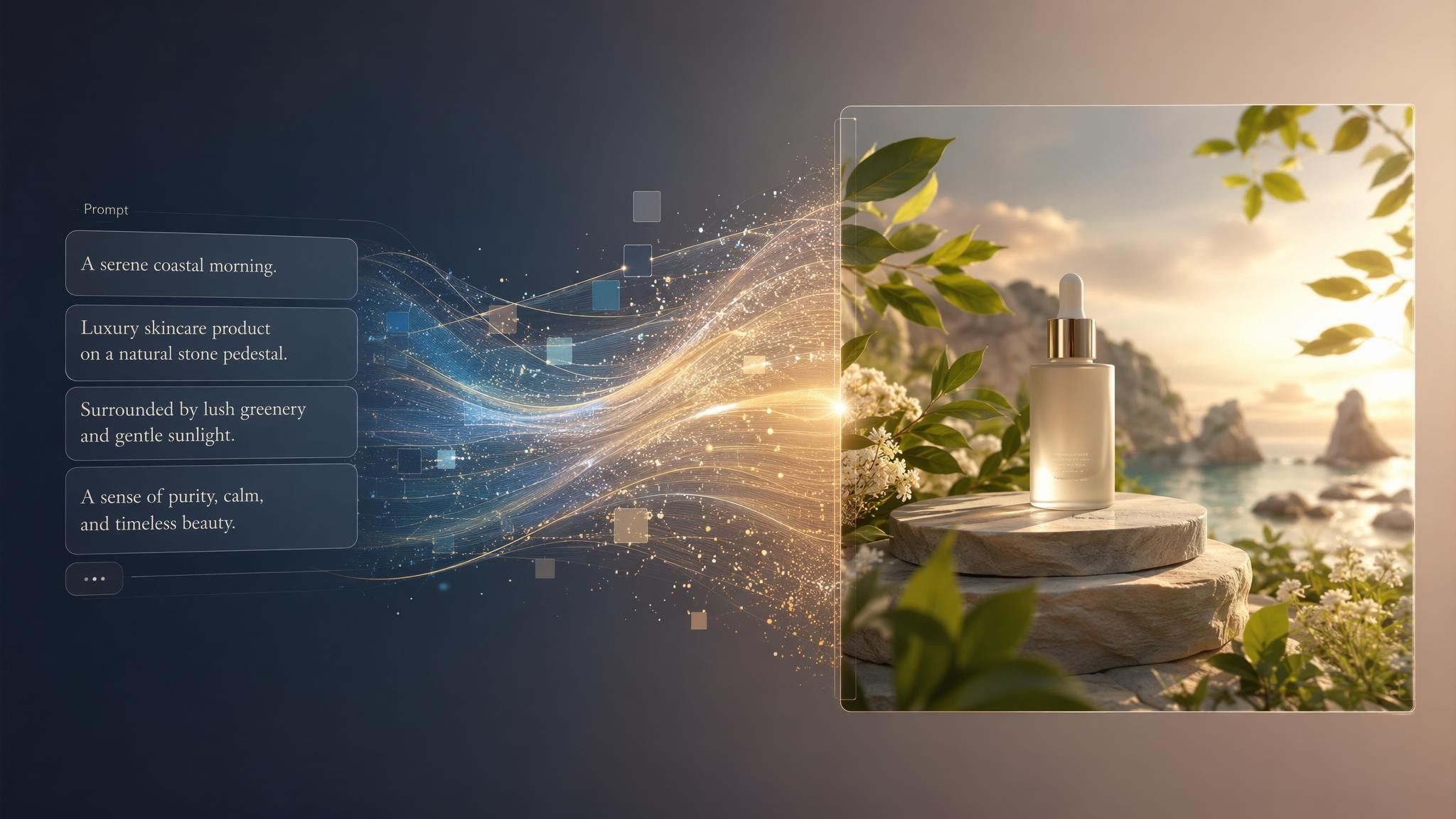
Create images by describing your idea with natural language prompts. GPT Image 2 can generate visuals for advertisements, product concepts, illustrations, and creative projects.
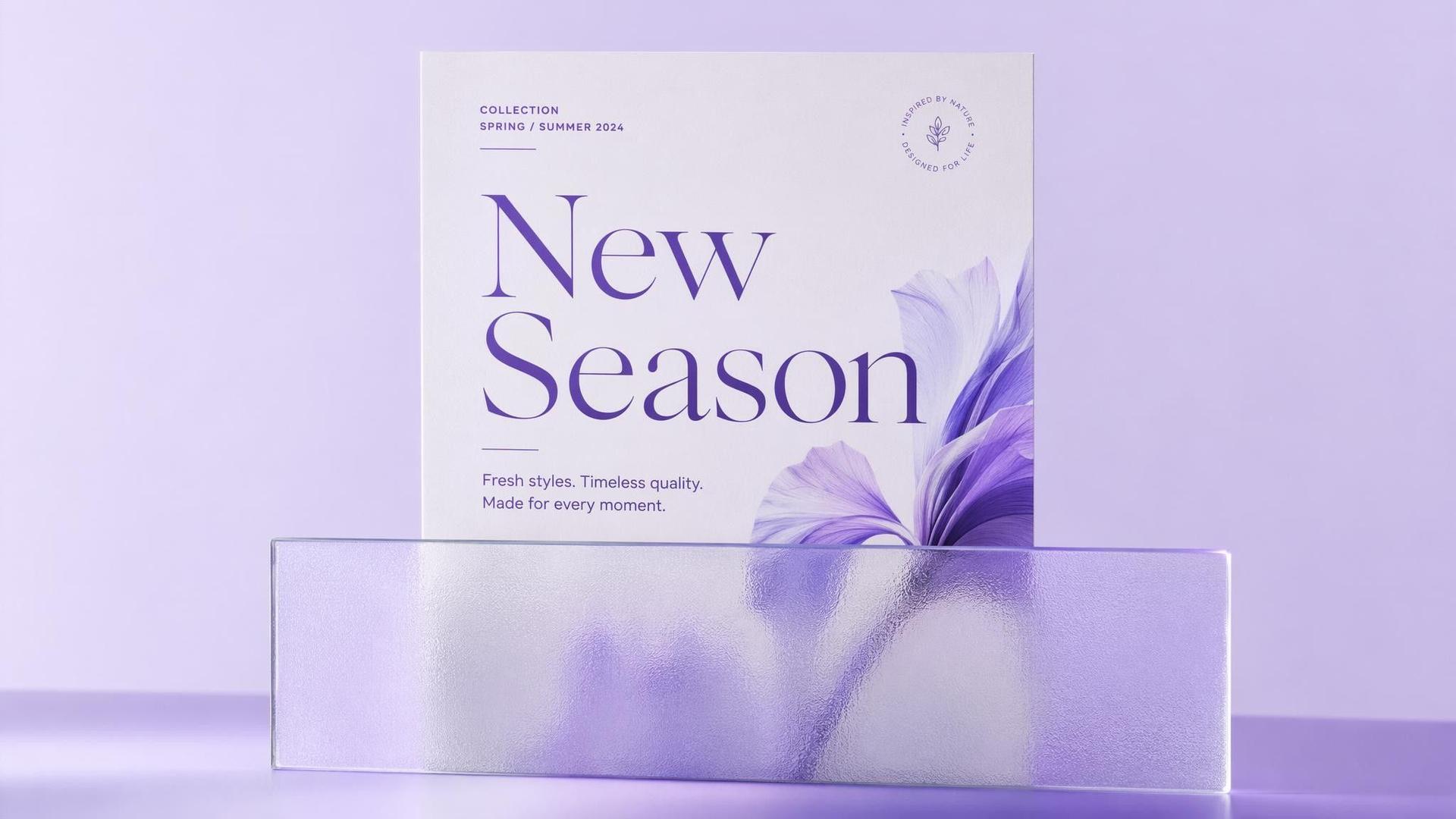
Image Editing
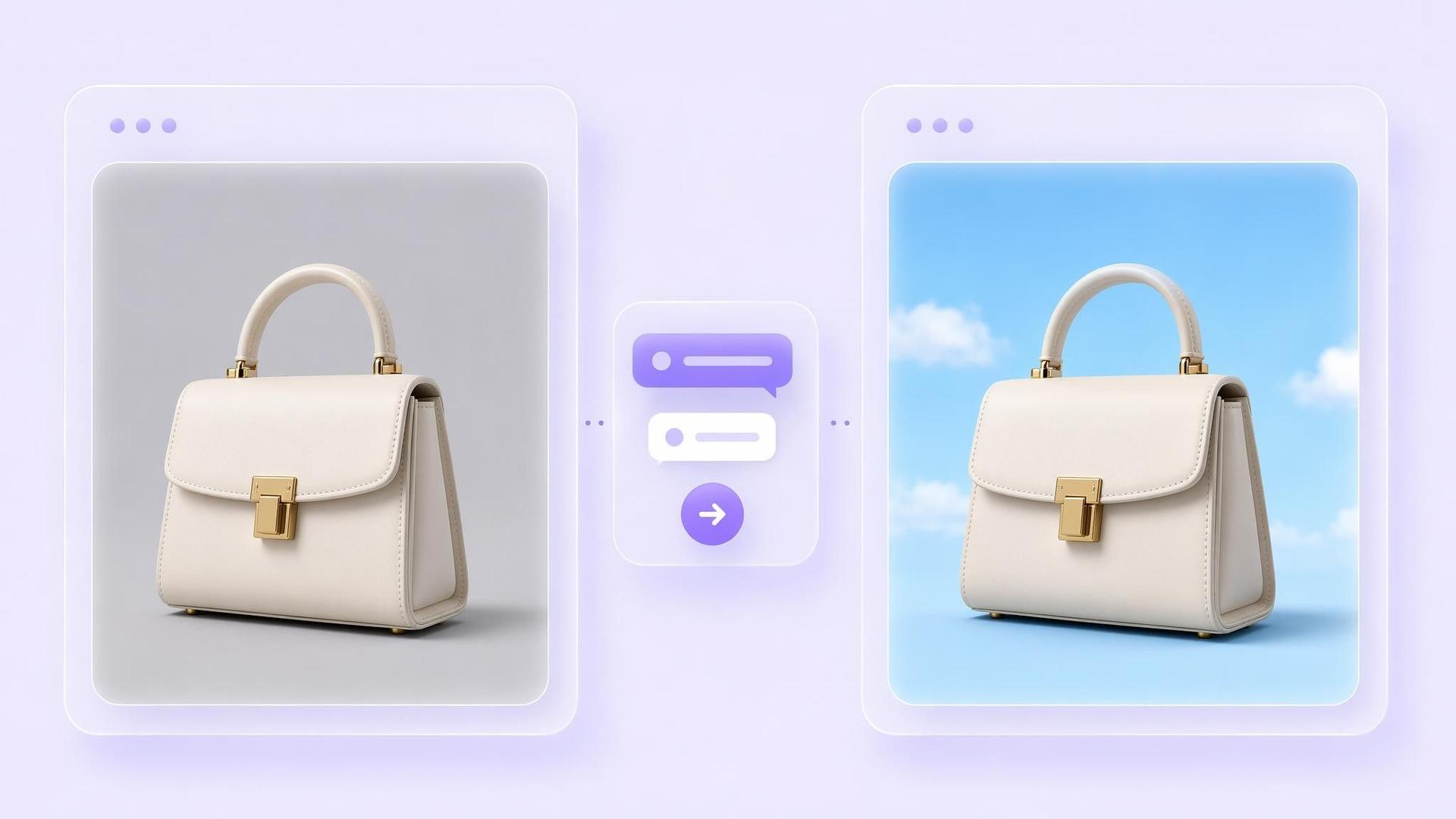
Upload an existing image and modify it through instructions. Users can change backgrounds, adjust styles, remove elements, or create new variations.
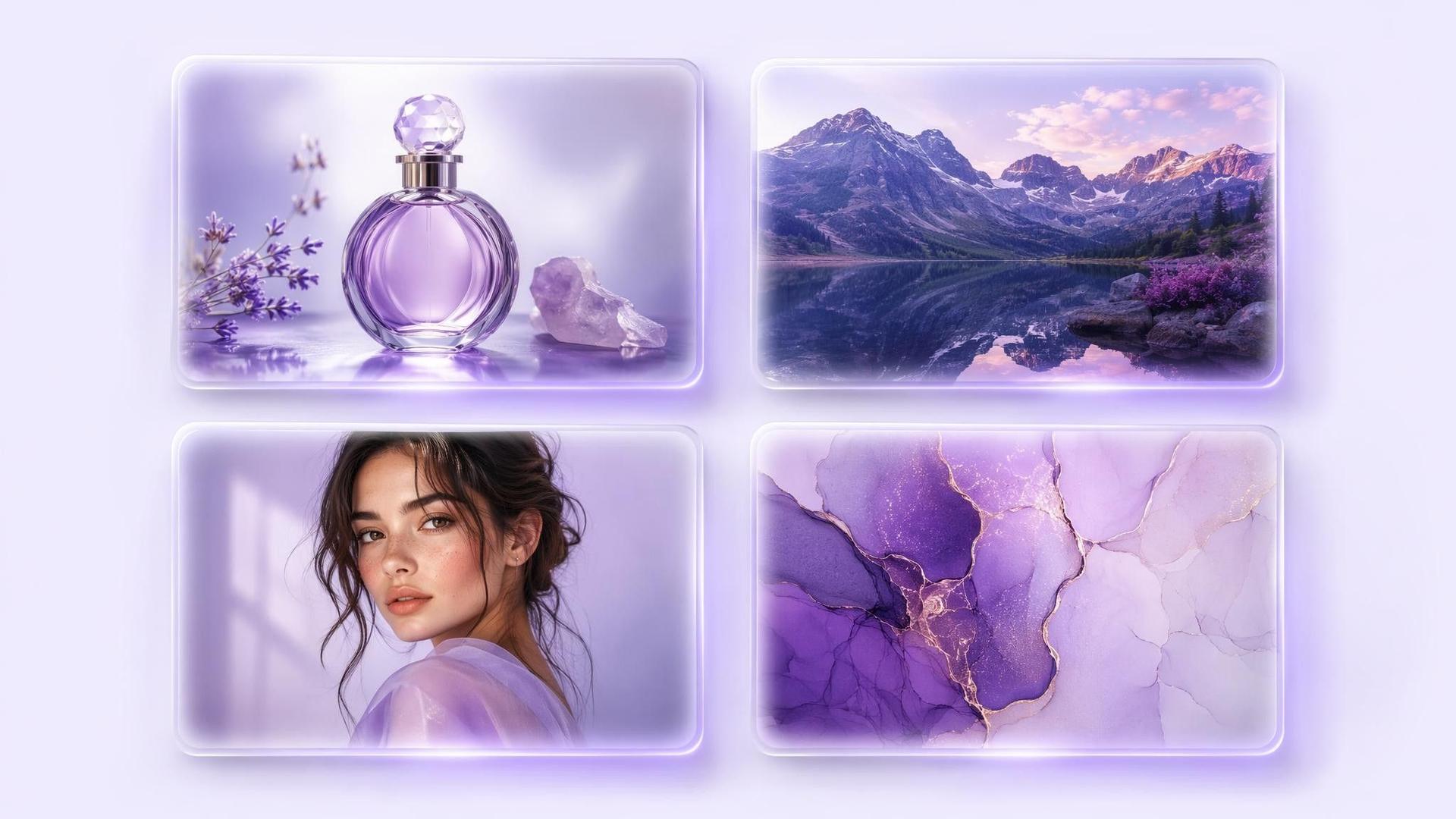
Accurate Text Rendering
GPT Image 2 can generate readable text inside images, making it useful for posters, advertisements, packaging concepts, and social media graphics.
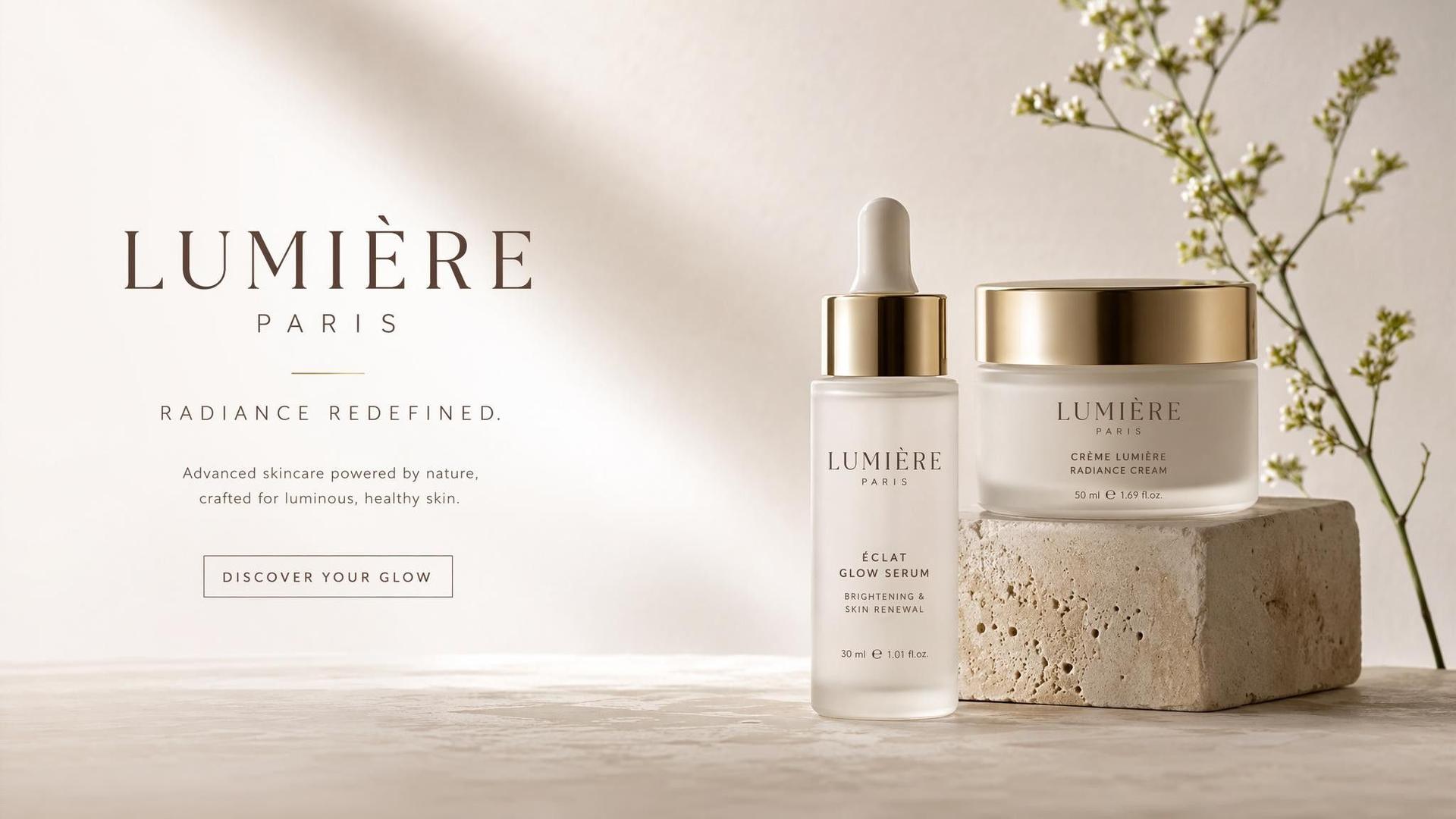
High-Quality Image Generation
Generate detailed visuals for websites, presentations, marketing campaigns, and digital content without starting from a blank canvas.
What Can You Create with GPT Image 2?
GPT Image 2 supports various creative workflows across different teams.
Use Case
- Marketing Graphics
- Product Mockups
- Social Media
- Presentations
- Blog Images
- Brand Design
Description
- Create ads, banners, and campaign visuals
- Visualize products and packaging concepts
- Generate platform-ready content
- Create custom slide visuals
- Generate unique article illustrations
- Explore visual directions and concepts
GPT Image 2 Examples
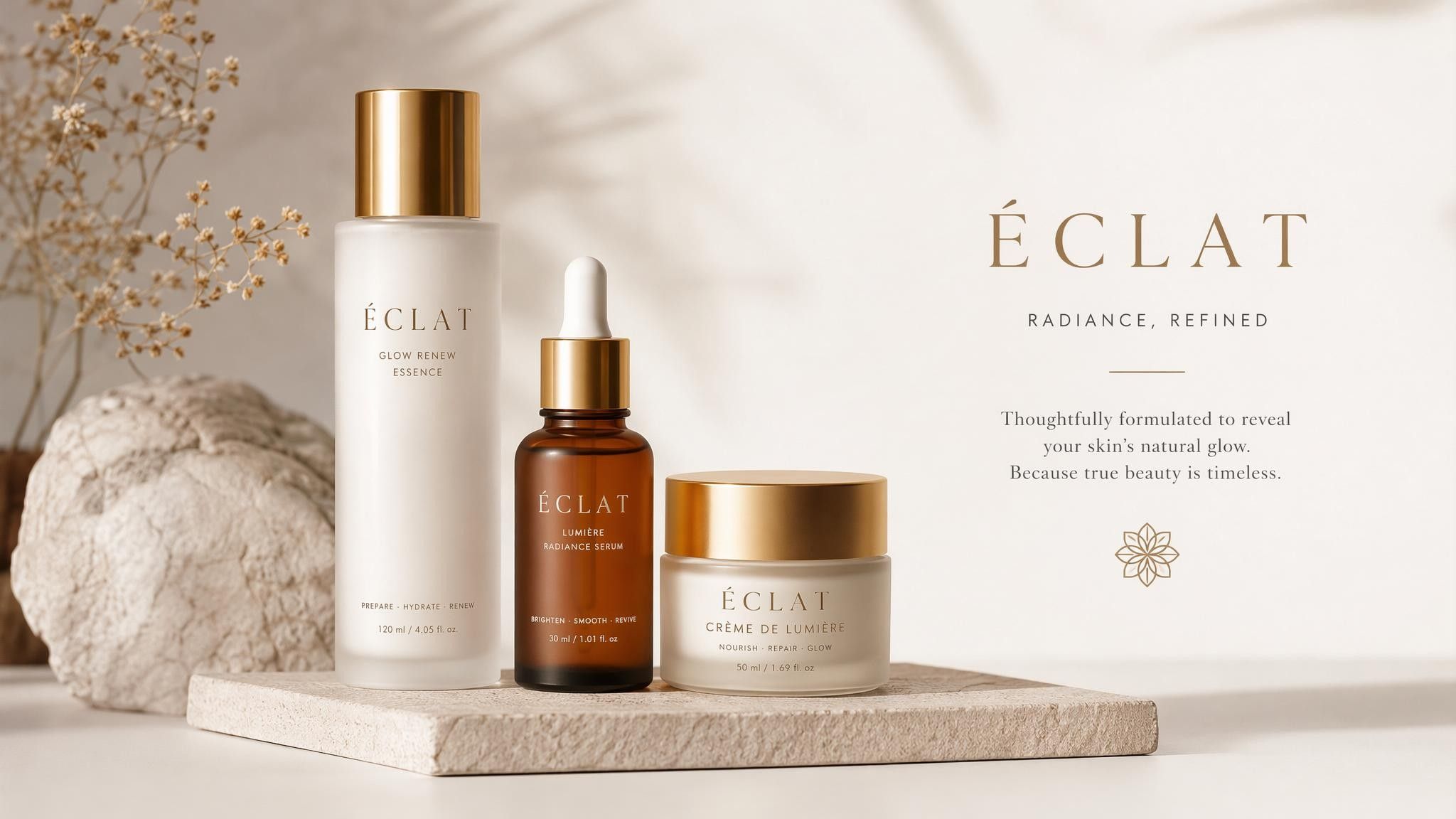
Marketing Poster
Create promotional posters with headlines, product visuals, and branded design elements.
Prompt Example:
Create a minimalist skincare advertisement with premium packaging, soft lighting, and elegant typography.
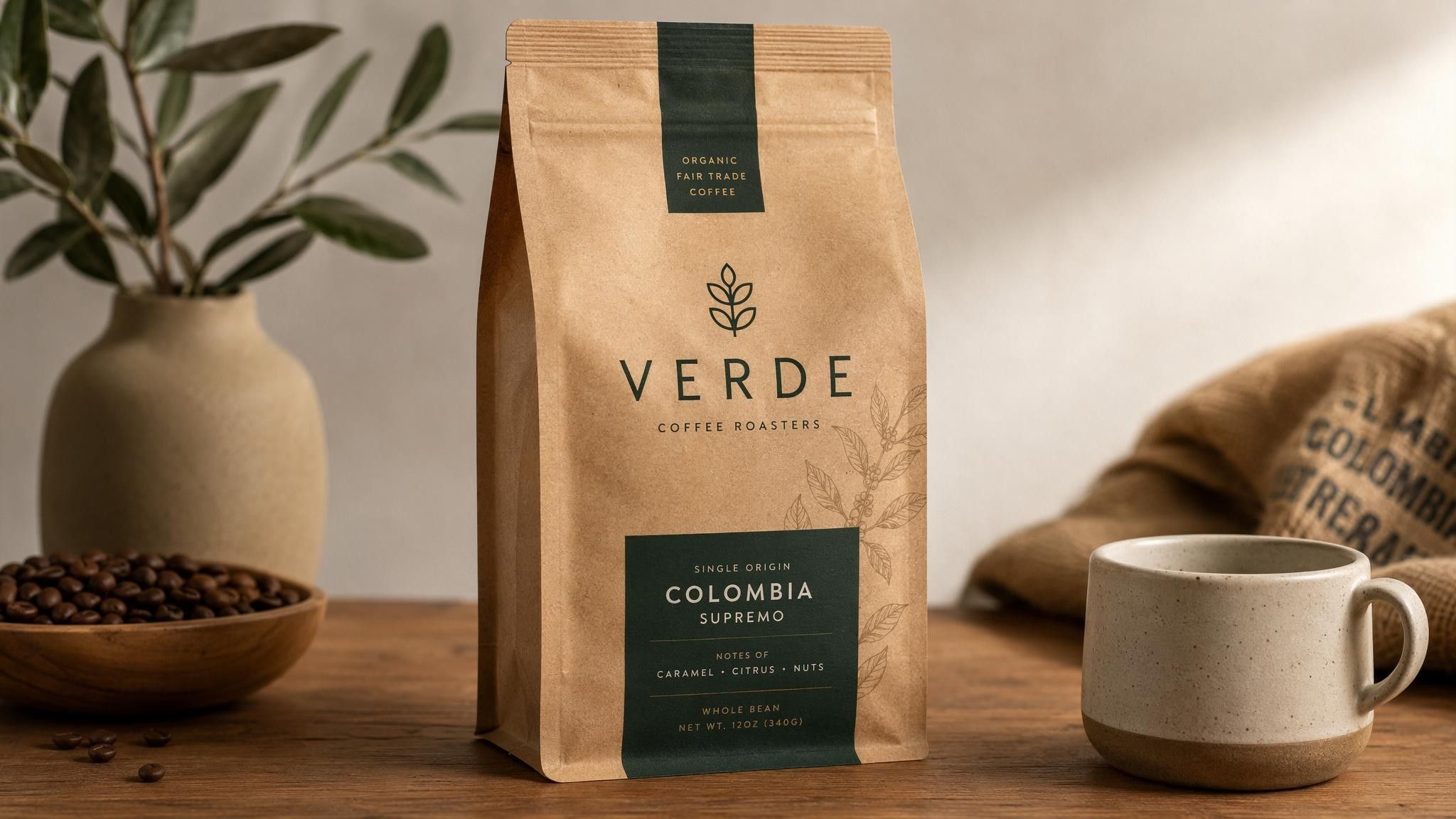
Product Visualization
Generate product concepts and realistic mockups before production.
Prompt Example:
Create a modern coffee package design with sustainable materials and a premium brand style.
Social Media Graphics
Create engaging visuals optimized for different social platforms.
Prompt Example:
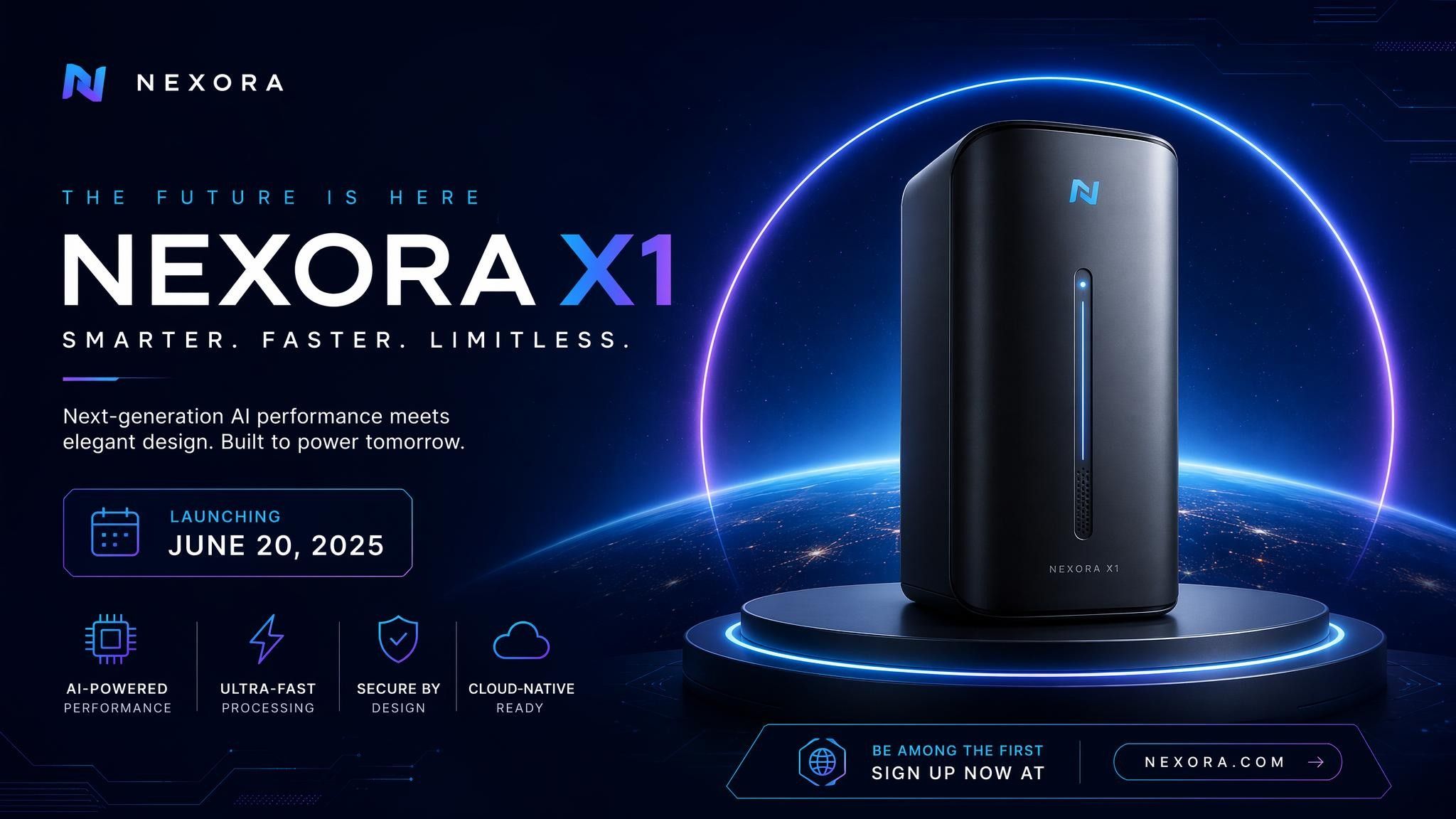
Create a technology launch announcement graphic with futuristic elements and clean typography.
How to Use GPT Image 2

Step 1: Enter a Prompt or Upload an Image
Describe your idea or upload an existing image you want to edit.
Step 2: Customize Settings
Choose image ratio, output quantity, and creative preferences.
Step 3: Generate and Refine
Review the result and improve it with additional instructions.
Step 4: Export Your Image
Download your final visual and use it across marketing, websites, presentations, or social media.
GPT Image 2 vs Nano Banana Pro
Feature
- Developer
- Text rendering
- Image editing
- Prompt understanding
- Creative style control
- Business graphics
- Best for
GPT Image 2
- OpenAI
- Strong
- Strong
- Excellent
- Strong
- Excellent
- Marketing visuals and workflow integration
Nano Banana Pro
- Strong
- Strong
- Excellent
- Strong
- Excellent
- Creative image generation and editing
Who Should Use GPT Image 2?
Marketing Teams
Create campaign visuals, advertisements, and branded graphics faster without relying on manual design workflows.
Product Teams
Create product mockups, packaging concepts, and presentation materials.
Content Creators
Generate original visuals for blogs, videos, newsletters, and social platforms.
Why Use GPT Image 2 on Leadde?
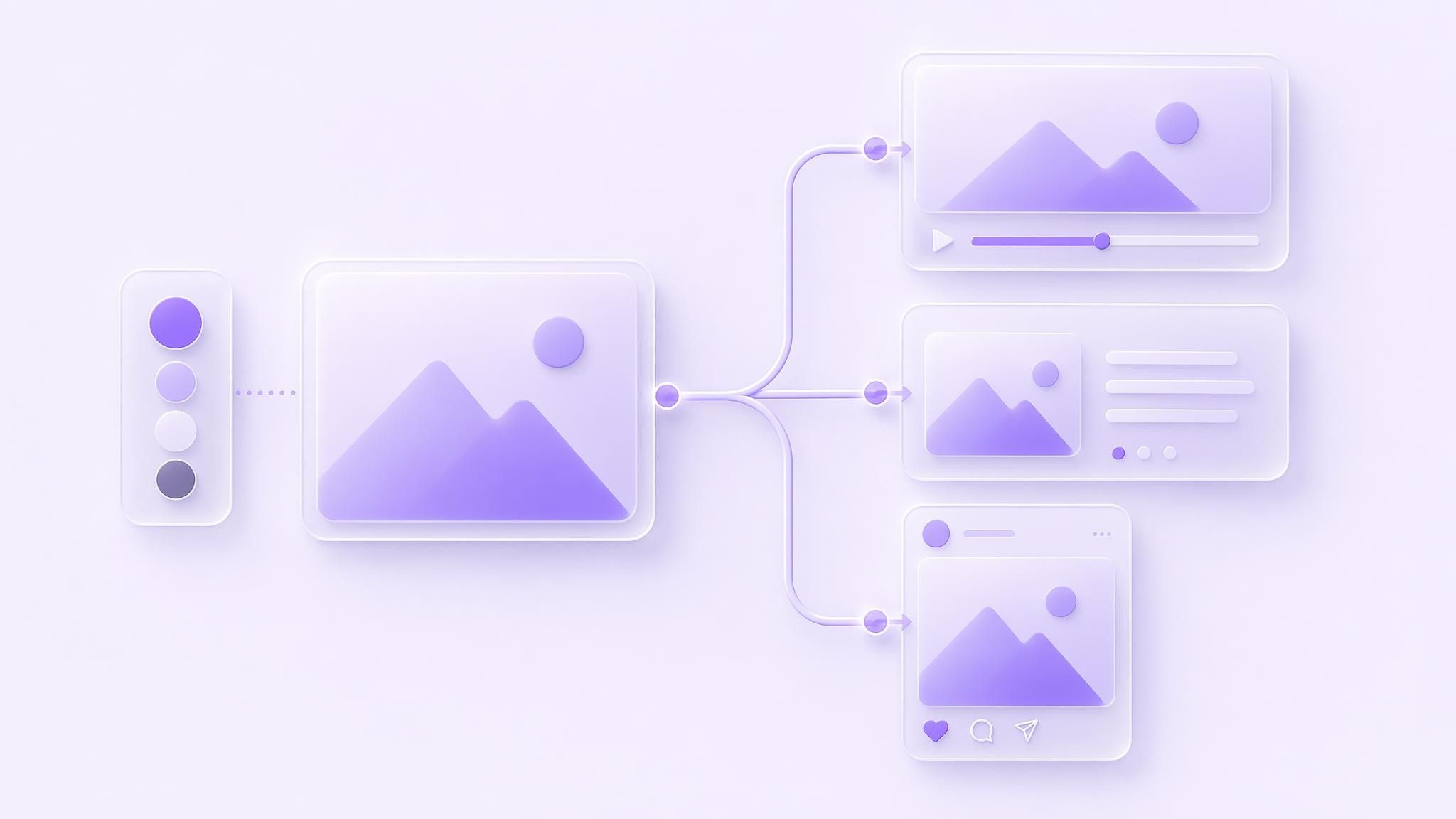
Leadde combines GPT Image 2 with an AI creative workspace. Teams can generate images, apply brand assets, and reuse visuals across videos, presentations, and marketing content.
GPT Image 2 FAQ
GPT Image 2 is OpenAI’s AI image generation model that creates and edits images from text prompts and uploaded images.
GPT Image 2 availability depends on the platform providing access. Leadde allows users to start creating images with no watermark export.
Yes. GPT Image 2 supports image editing through natural language instructions, allowing users to modify existing images.
Yes. GPT Image 2 can create readable text inside images, including headlines, labels, and design elements.
GPT Image 2 can create marketing graphics, product mockups, social media visuals, presentations, and creative assets.
GPT Image 2 focuses on OpenAI’s image generation and editing capabilities, while Nano Banana Pro is Google’s image model focused on creative generation and visual editing.
API availability depends on OpenAI’s current product offerings and the platform providing access to the model.
Commercial usage depends on OpenAI’s policies and the terms of the platform where the model is accessed.
Start Creating with GPT Image 2
Generate your first image in under a minute. Free to start, no watermark on export.
