
VIDEO MODEL
Seedance 2.0 AI Video Generator







What Is Seedance 2.0?
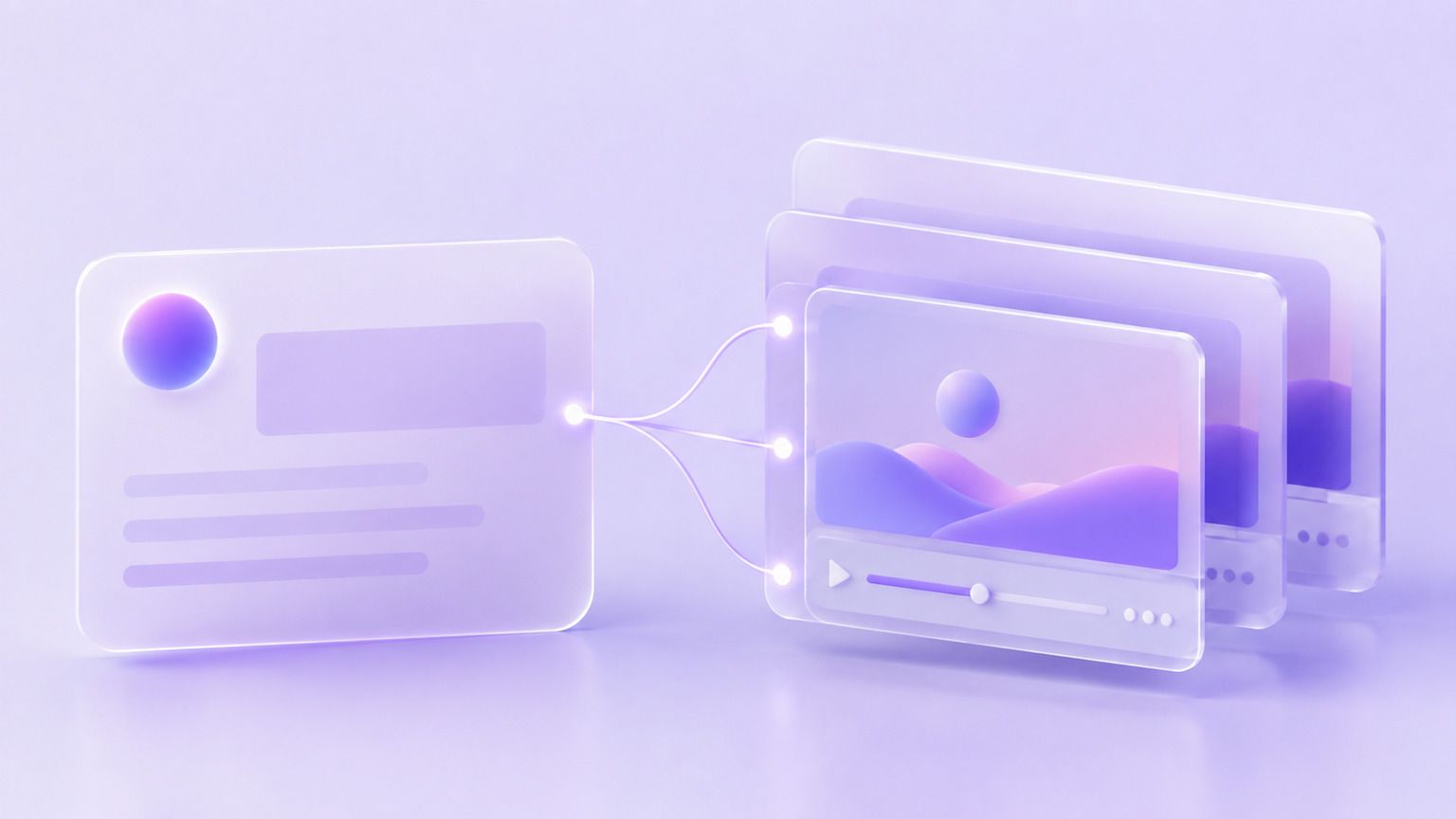
Seedance 2.0 is an AI video generation model released by ByteDance. It allows users to create video from natural language prompts, still images, and reference clips.
The model generates synced audio with the picture and supports multi-shot scenes, making it suitable for marketing, social, product, and training workflows.
Key Features of Seedance 2.0

Text-to-Video Generation
Create video by describing the scene with natural language prompts. Seedance 2.0 can generate advertisements, product shots, explainer scenes, and cinematic footage.

Image-to-Video Animation
Upload a still image and describe the movement. Users can add camera moves, animate products, or bring existing photography into motion.
Native Synced Audio
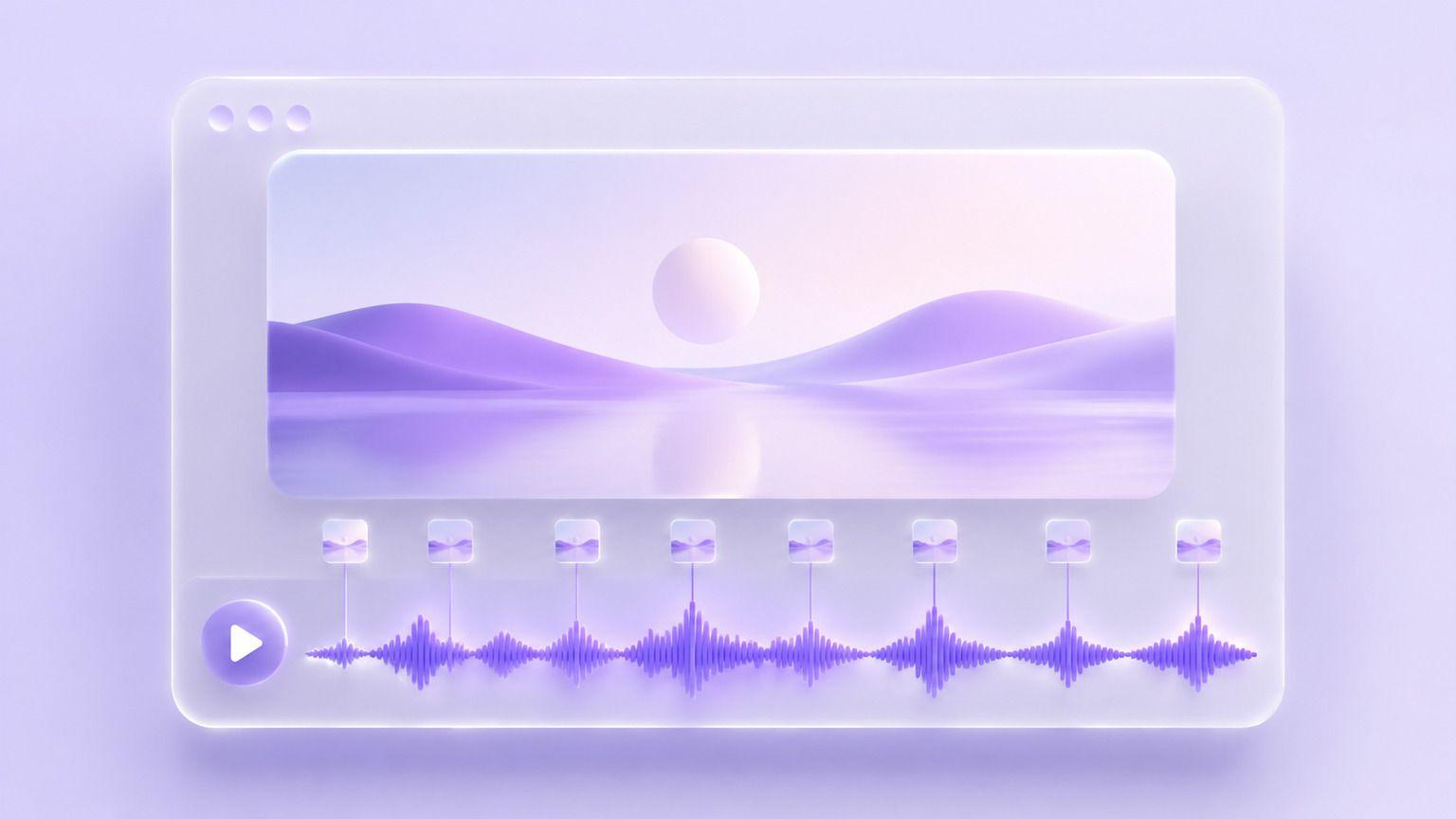
Seedance 2.0 generates dialogue, sound effects, and ambience together with the picture, making clips usable without a separate audio pass.
Multi-Shot Continuation
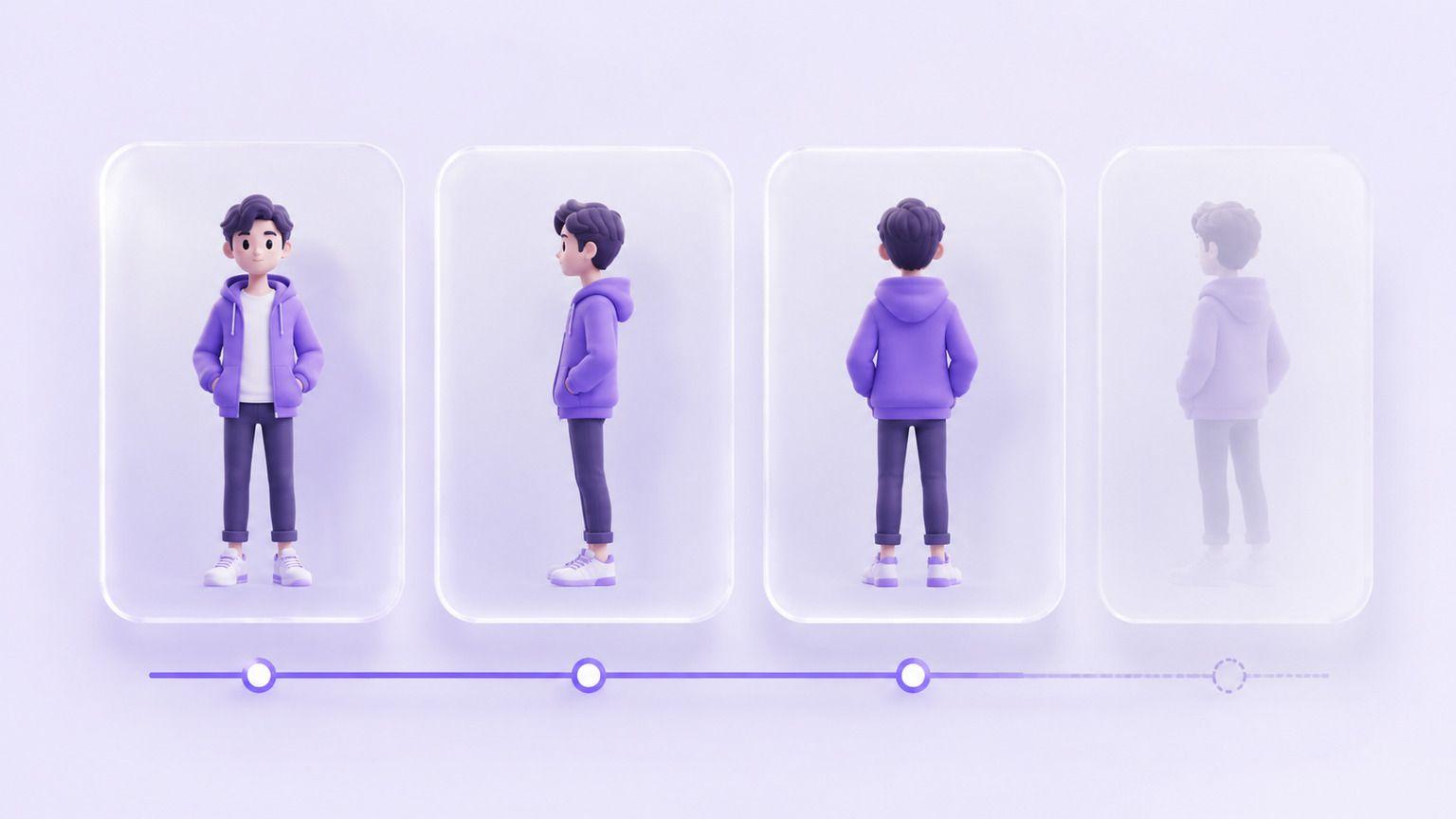
Carry a subject across several shots and extend clips you already generated, so a full scene comes together in one workflow.
What Can You Create with Seedance 2.0?
Seedance 2.0 supports various video workflows across different teams.
Use Case
- Product Ads
- Social Video
- Explainer Scenes
- Cinematic B-roll
- Training Content
- Real Estate & Travel
Description
- Create hero shots and campaign cutdowns
- Generate vertical clips for every feed
- Show concepts slides cannot carry
- Create establishing and texture footage
- Build workplace scenario videos
- Produce walkthrough and location footage
Seedance 2.0 Examples
Product Ad
Create polished product footage with controlled lighting and camera movement.
Prompt Example:
Create a slow dolly-in on a ceramic coffee mug on a marble counter, morning light, rising steam, quiet kitchen ambience.

Character Dialogue
Generate short scenes with a speaking character and matching room tone.
Prompt Example:
Create a handheld shot of a barista behind a cafe counter saying "The usual?", background chatter and warm light.

Cinematic B-roll
Generate establishing footage for openers, transitions, and campaign edits.
Prompt Example:
Create an aerial shot over a coastal highway at sunset, camera drifting right, waves below, wind and surf audio.

How to Use Seedance 2.0

Step 1: Enter a Prompt or Upload an Image
Describe your scene or upload an existing image you want to animate.
Step 2: Customize Settings
Choose aspect ratio, clip duration, and creative preferences.
Step 3: Generate and Refine
Review the clip and improve it with additional instructions.
Step 4: Export Your Video
Download in HD MP4 and use it across ads, social, websites, or training.
Seedance 2.0 vs Sora 2
Feature
- Developer
- Text to video
- Image to video
- Synced audio
- Multi-shot continuation
- Reference inputs
- Best for
Seedance 2.0
- ByteDance
- Excellent
- Strong
- Strong
- Strong
- Text, images, audio, and video
- Multi-shot product and social video
Sora 2
- OpenAI
- Excellent
- Strong
- Strong
- Strong
- Text and images
- Cinematic scene generation
Who Should Use Seedance 2.0?
Marketing Teams
Create campaign videos, advertisements, and cutdowns faster without booking a production crew.

Social Media Creators
Generate vertical clips for every platform and keep a posting schedule without a camera.

Learning and Development Teams
Build scenario footage for onboarding, compliance, and internal training courses.
Why Use Seedance 2.0 on Leadde?
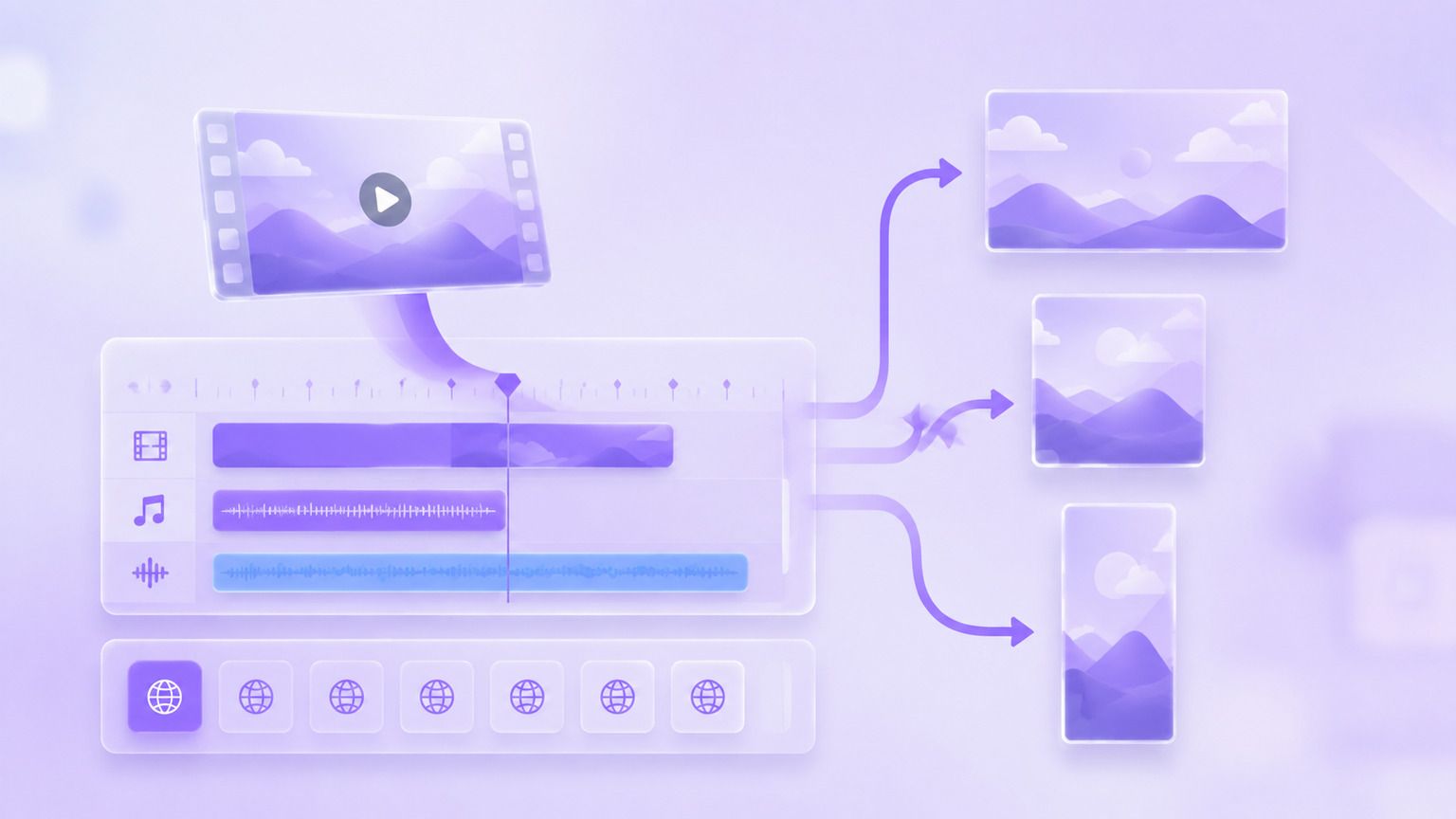
Leadde combines Seedance 2.0 with an AI creative workspace. Teams can generate clips, add captions and voiceover in 88 languages, apply brand assets, and export HD MP4 for every channel.
Seedance 2.0 FAQ
Seedance 2.0 is ByteDance's AI video generation model that creates video from text prompts, still images, and reference clips.
Seedance 2.0 availability depends on the platform providing access. Leadde allows users to start generating video and export in HD MP4.
Yes. Seedance 2.0 supports image-to-video generation, allowing users to animate a still image with a described camera move.
Yes. Seedance 2.0 generates dialogue, sound effects, and ambience together with the picture in the same pass.
Seedance 2.0 can create product ads, social clips, explainer scenes, cinematic b-roll, and training content.
Seedance 2.0 focuses on multi-shot continuity and mixed reference inputs, while Sora 2 is OpenAI's video model focused on cinematic scene generation.
API availability depends on ByteDance's current product offerings and the platform providing access to the model.
Commercial usage depends on ByteDance's policies and the terms of the platform where the model is accessed.
Start Creating with Seedance 2.0
Generate your first clip in under a minute. Free to start, export in HD MP4.
