
AI Greeting Video Generator
What Is an AI Greeting Video Generator?
An AI greeting video generator turns salutations, seasonal messages, and sign-offs into spoken video cards through Talking Photo or Avatar Video workflows. Individuals and companies use the same editor as a Christmas video maker in December and an AI New Year video generator for January reflections and partner thank-you notes. Keep this workspace focused on seasonal greetings and appreciation notes, while routing event RSVPs to Invitation Video Maker and milestone years to Anniversary Video Maker.
Trusted by the world's leading brands







What Makes Leadde a Practical AI Greeting Video Generator, Christmas Video Maker, and New Year Studio?
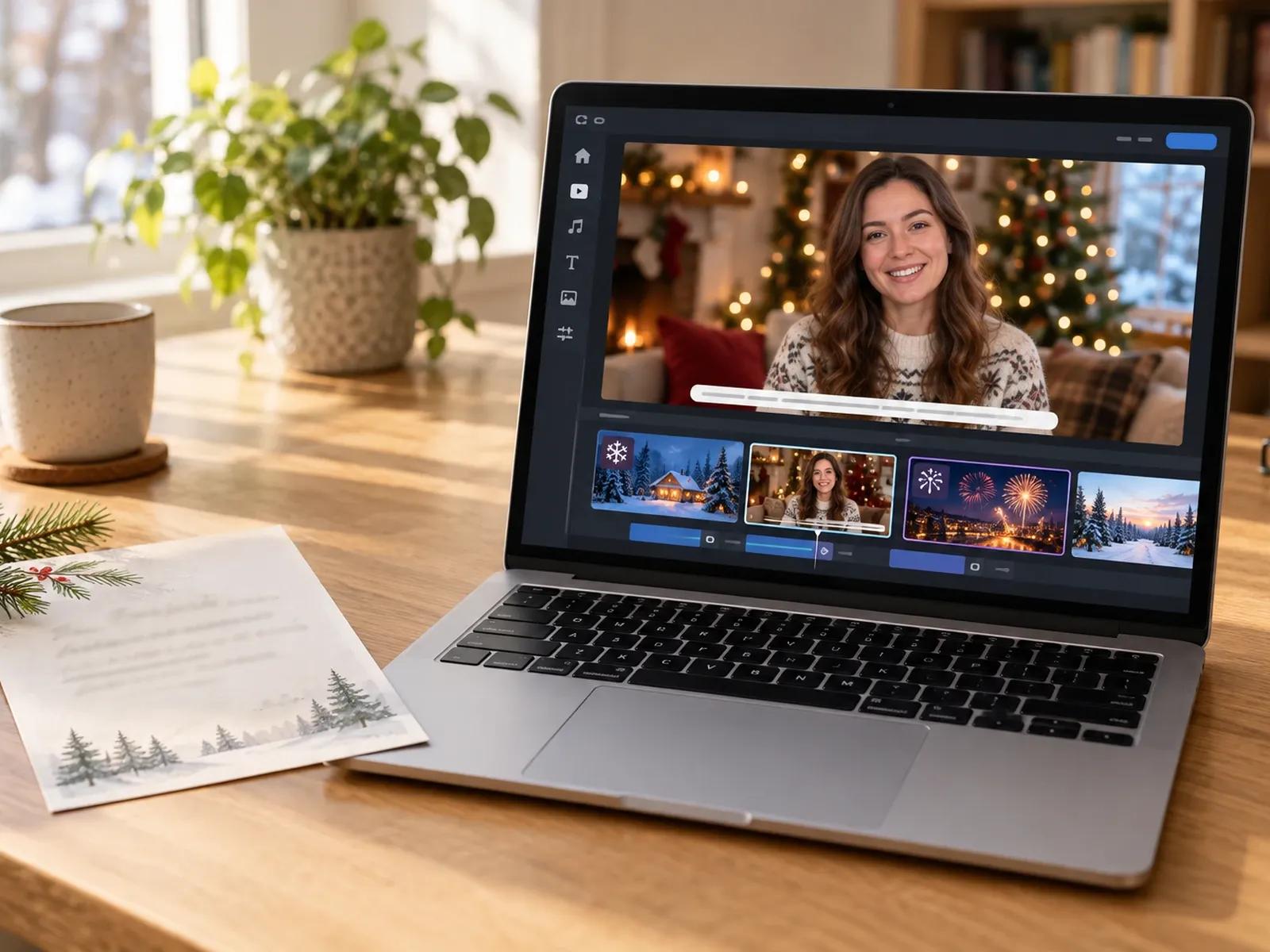
Shared Workflow for Christmas and New Year Greetings
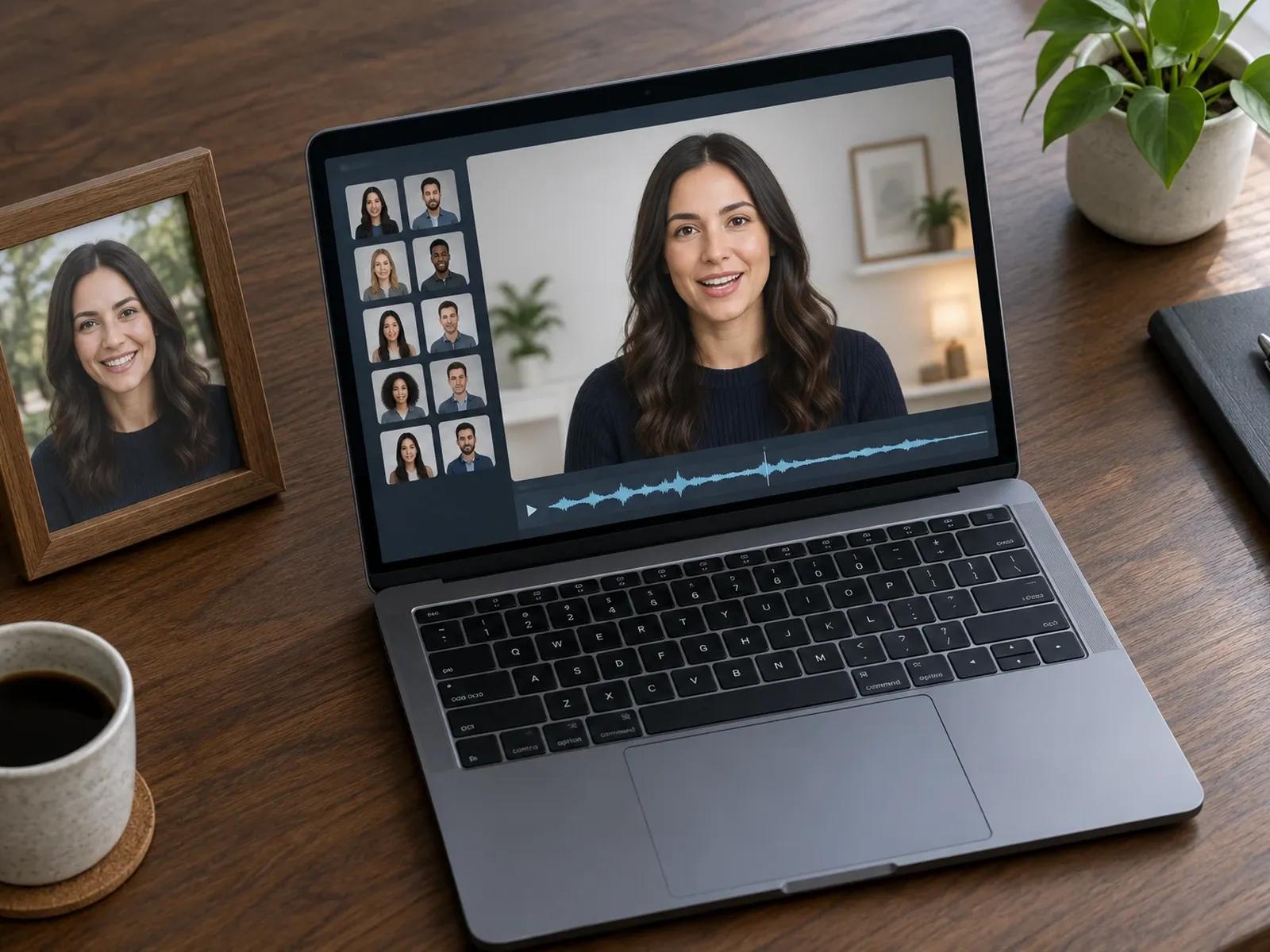
Talking Photo Portraits or 300 Digital Presenters

88 Languages and 175 Dialects for Overseas Recipients
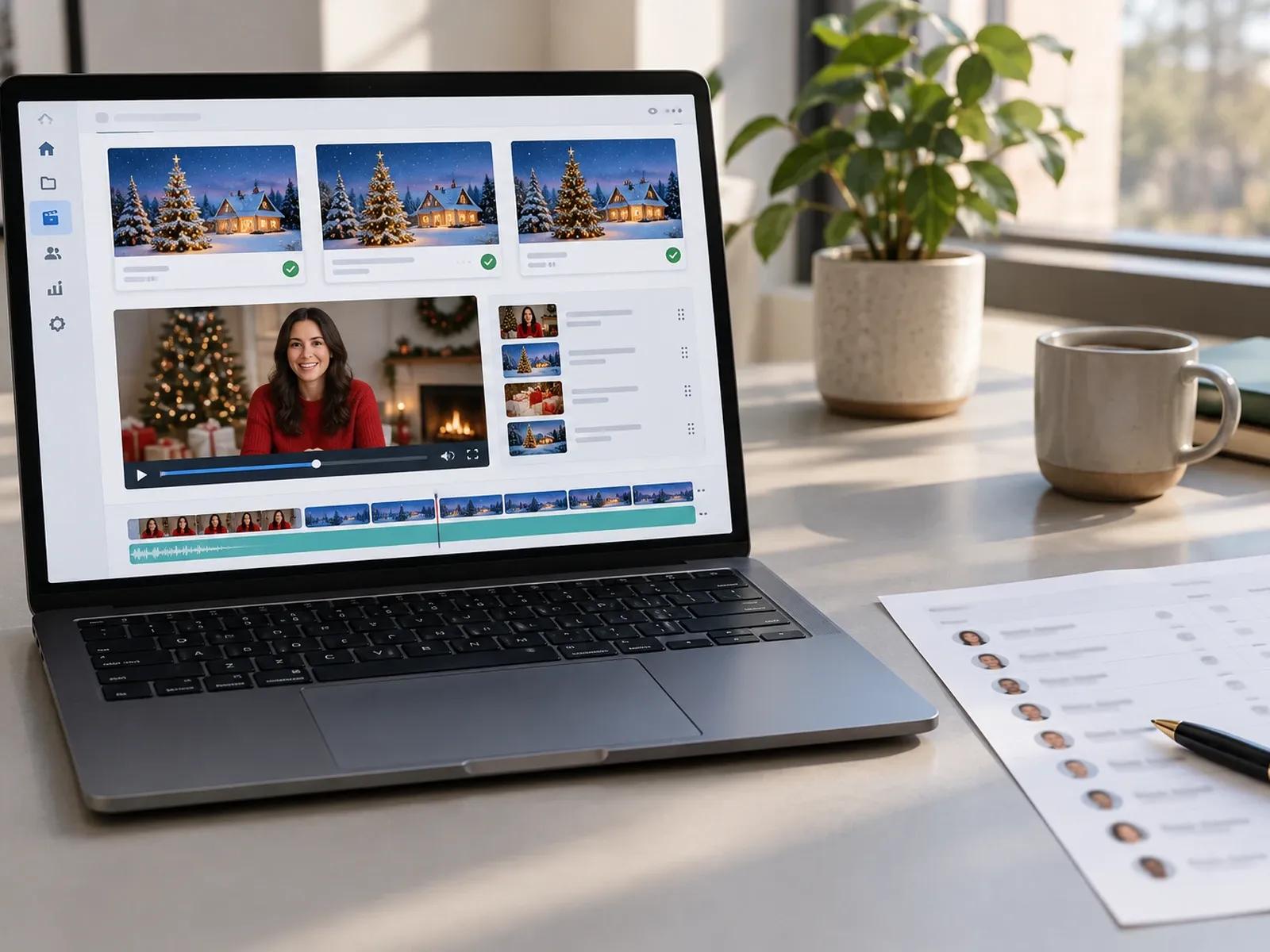
Reusable Greeting Layouts with Project Duplication
Three Steps from Written Holiday Wish to Video Card
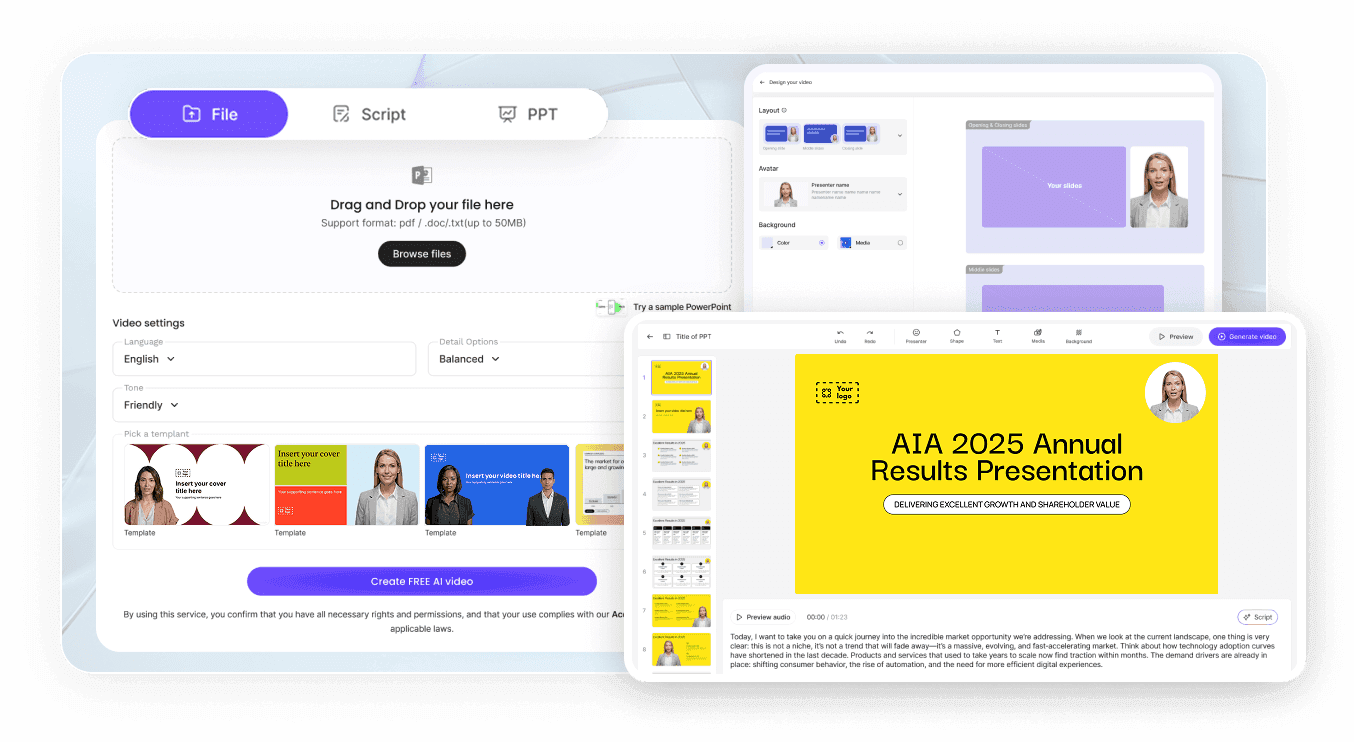
Step 1: Enter Your Salutation, Greeting Script, and Sign-Off
Step 2: Add Festive Visuals, Voice Tone, and Pronunciation
Step 3: Review Captions and Download MP4 or Share via Link
Seasonal and Business Moments for Video Greetings
Christmas Family Video Cards
Build a warm December card with our Christmas video maker workflow by pairing family portraits, winter scenes, and spoken wishes.
New Year Reflection Messages
Use the AI New Year video generator setup to share annual highlights, gratitude notes, and January goals with friends or clients.
Executive Year-End Thank-Yous
Record or script a leadership appreciation message for key accounts, then duplicate the project to customize individual openings.
Multilingual Team Holiday Notes
Translate one seasonal greeting script across 88 languages so distributed regional offices hear holiday wishes in local dialects.

Manual Quality Controls for Names, Subtitles, and Sharing
Phonetic Pronunciation for Recipient Surnames
Manual Scene Ordering and Custom Uploads
Subtitle Styling and SRT File Downloads
Direct Share Links with Optional Password Protection
Six Ideas for Personalizing Holiday and Client Greetings
Open with a Personal Salutation
Animate a Holiday Family Portrait
Localize Cards Across 88 Languages
Check Name Diction Before Exporting
Add Short Pauses Before Sign-Offs
Send via Password-Protected Link
Frequently Asked Questions
Yes. Both December holiday wishes and January New Year notes use the same script, avatar, and Studio scene tools. You can build a Christmas greeting card from a blank project or template, upload winter visuals, and later duplicate that project to swap in New Year text and graphics.
No. Leadde does not import contact lists or automatically email videos to recipients. Instead, you create one master greeting project, click Duplicate in My Projects for each recipient, manually edit the salutation and name in the script box, and export or share each verified link.
When your message focuses on party times, street addresses, and RSVP deadlines, head over to Leadde's Invitation Video Maker. This AI greeting video generator is tailored for spoken festive wishes, Christmas cards, New Year notes, and client appreciation messages rather than event attendance tracking.
Yes. In the Talking Photo workflow, you can upload a single front-facing portrait and type your holiday wish so the photo speaks your message. If you prefer a photo montage without any talking head on screen, you can also remove the avatar layer inside Studio.
Highlight the recipient's surname or regional holiday expression in the script panel, up to 20 characters at a time, and open Pronunciation. Type the phonetic reading, listen to that single clause to verify the inflection, and then export your finished holiday greeting video.
You can write holiday scripts, arrange festive visuals in Studio, and listen to voice previews on a free account before exporting. When you are ready to download MP4 files or remove watermarks, check the current Leadde Pricing page for plan and credit details.
Create Your Holiday or Client Greeting Video Today
