
Leadde Logo

AI Image Animator

Add camera movement, depth parallax, and ambient motion to still pictures with our AI image animator. Upload up to 20 reference photos in Video Agent, generate smooth cinematic movement inside Studio, and export 16:9 or 9:16 MP4 files today.
Prompt & Script
File
PPT
Need inspiration? Try one of these ideas
No credit card required

What Is an AI Image Animator?

An AI image animator turns static photographs, product shots, and illustrations into moving video clips with subtle camera pans, depth parallax, and ambient motion. Leadde Video Agent stages up to 20 uploaded pictures into a timed storyboard while Studio generates motion via Seedance 2.5 and 4 fit modes; lip-synced portraits live at AI Talking Photo Generator or AI Slideshow Video Maker.

Trusted by the world's leading brands

11.png
22.png
33.png
44.png
55.png
66.png
77.png
11.png
22.png
33.png
44.png
55.png
66.png
77.png
11.png
22.png
33.png
44.png
55.png
66.png
77.png

Core Capabilities of Our AI Photo Animator
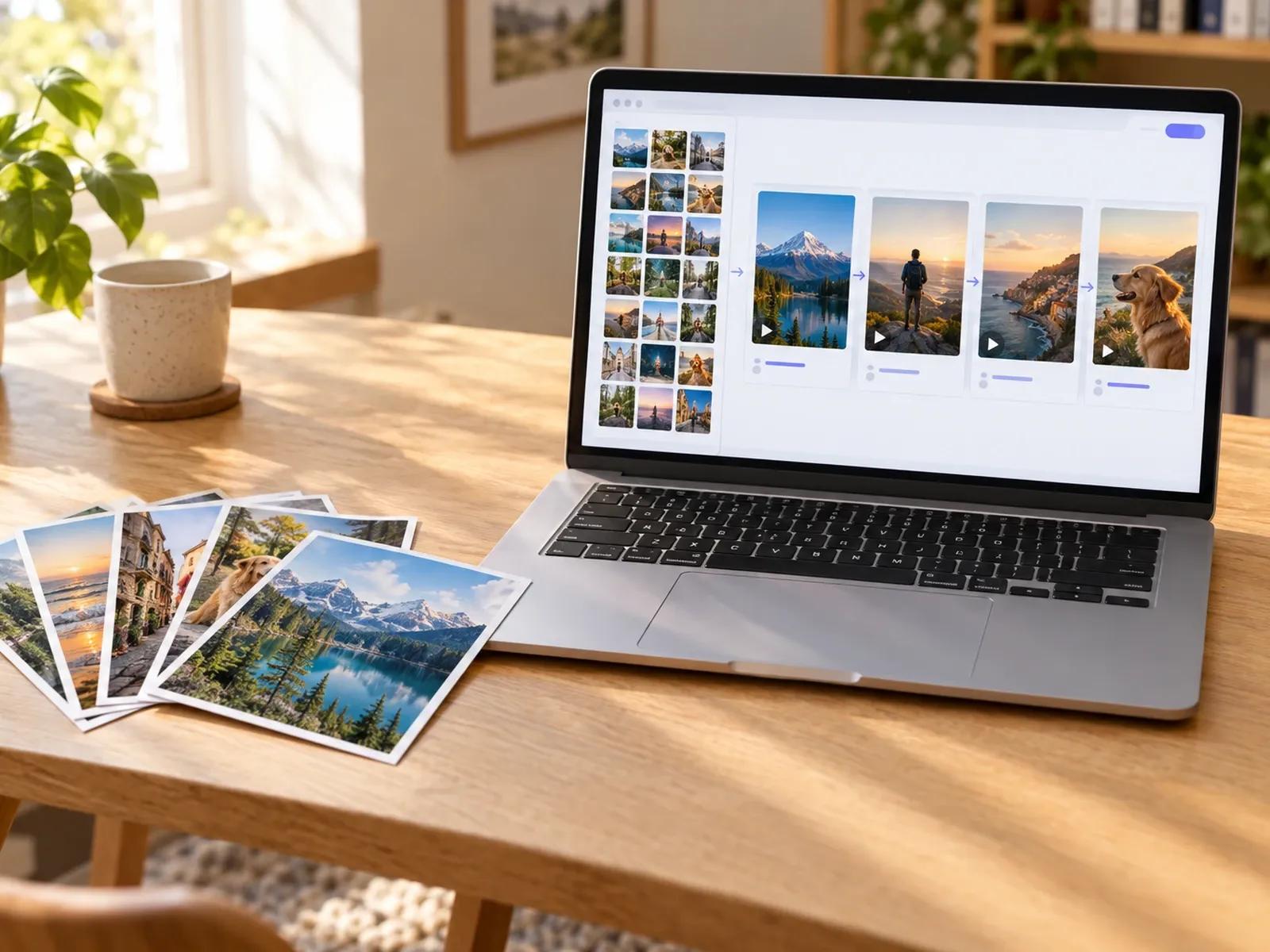
Stage 20 Reference Pictures in Video Agent
Stage 20 Reference Pictures in Video Agent

Upload up to 20 reference images (JPG or PNG, up to 20MB each) into Video Agent to arrange sequential scenes with coordinated narration, background music, and transitions before rendering.
Animate Still Photos With Seedance 2.5
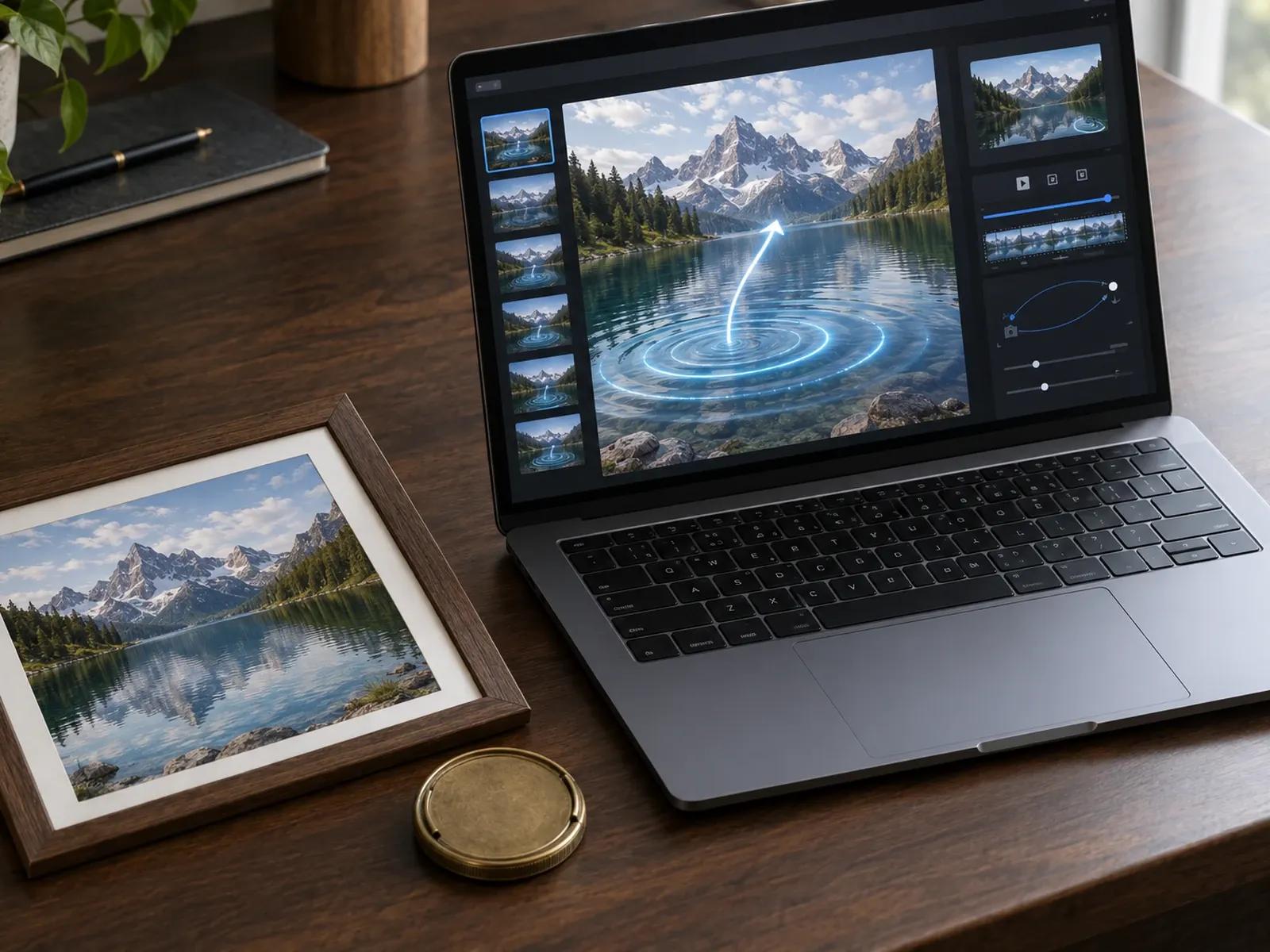
Animate Still Photos With Seedance 2.5

Select any static photograph or illustration on the Studio canvas and open Create Media -> Video (Seedance 2.5 or Motion V2) to add gentle camera pans, water ripples, or depth motion.
Talking Photo Portraits and 10-60s Voice Sync
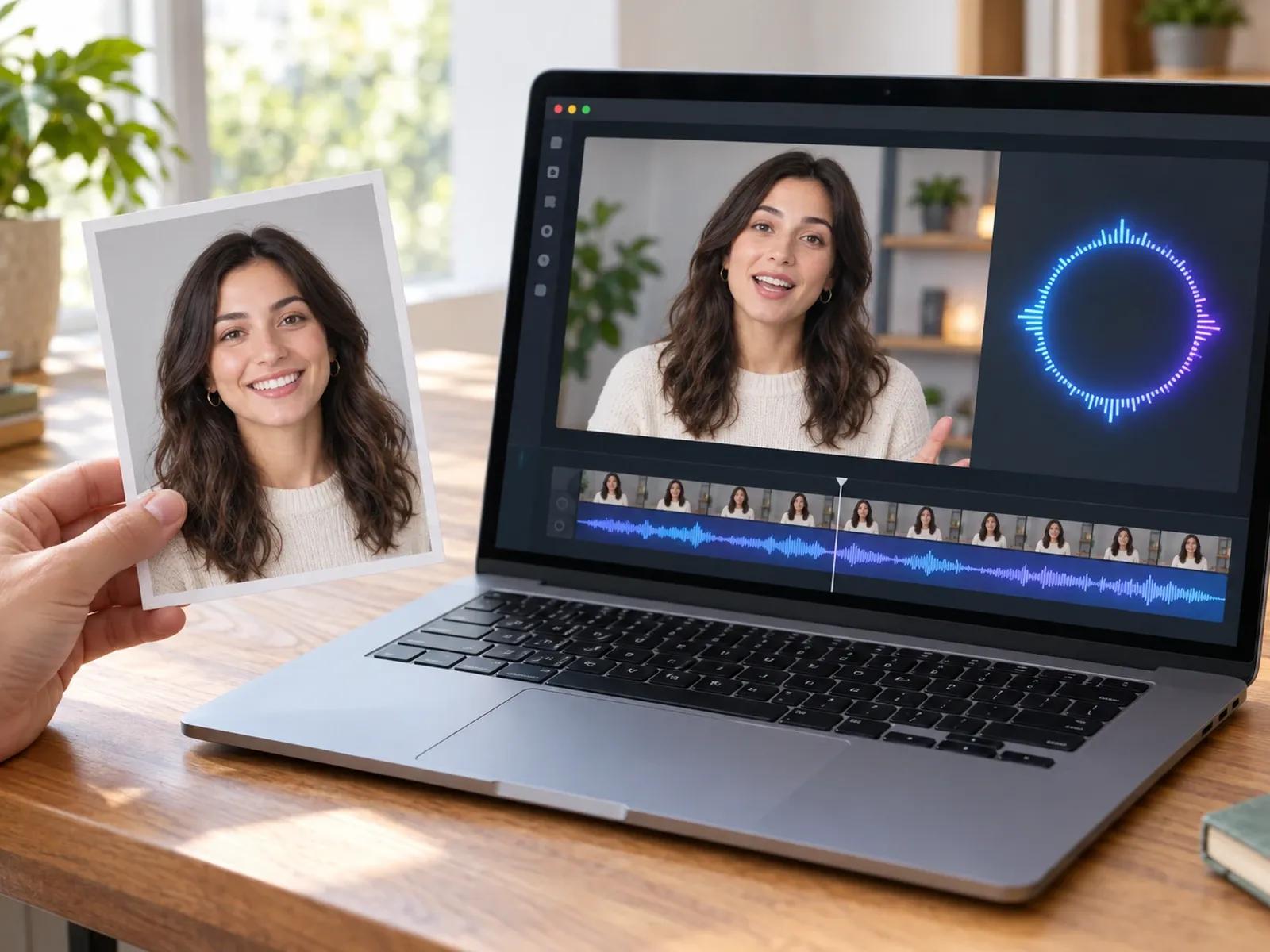
Talking Photo Portraits and 10-60s Voice Sync

Bring static headshots, historical portraits, or character art to life in Studio with Talking Photo lip-sync, 10-to-60-second voice cloning, and Loop or Freeze timeline fit modes.
Export 16:9 Widescreen or 9:16 Vertical

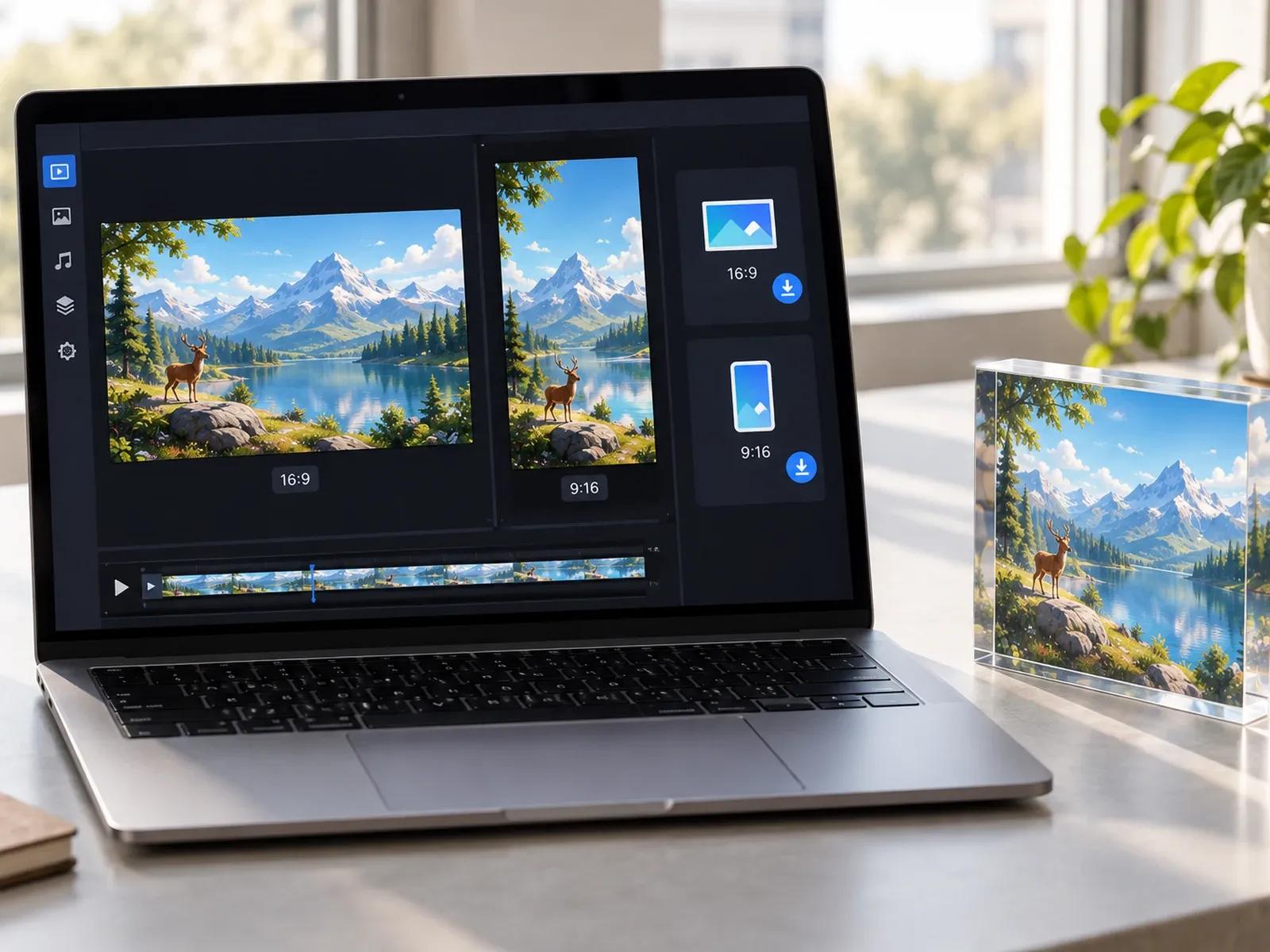
Export 16:9 Widescreen or 9:16 Vertical

Frame animated product showcases, historical portraits, or book illustrations in 16:9 widescreen for desktop players or 9:16 vertical for mobile feeds, then download crisp 1080P or 4K MP4 files.

How to Animate a Picture into a Video Scene
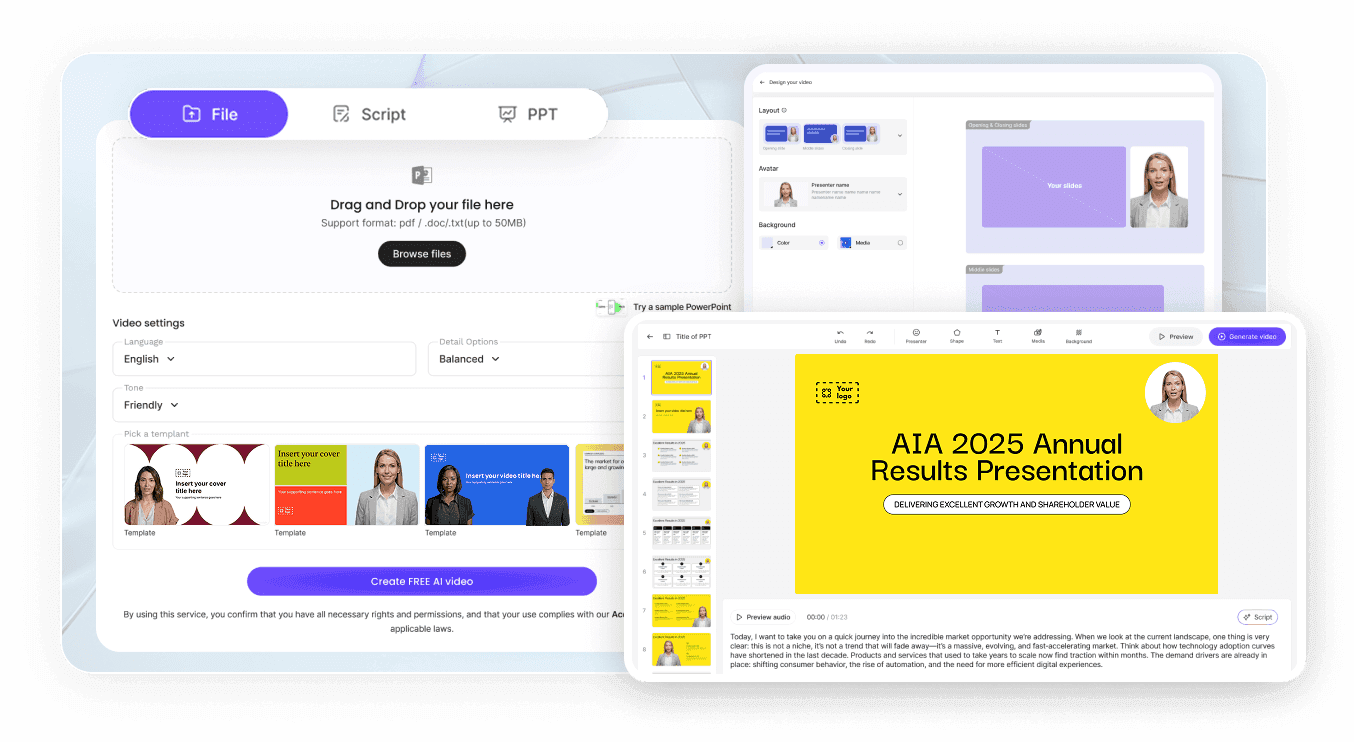
Build a multi-scene animated picture sequence from uploaded photos and artwork in three steps.
Step 1: Upload Pictures and Pick Aspect Ratio

Step 1: Upload Pictures and Pick Aspect Ratio

Attach up to 20 JPG or PNG images in Video Agent and select 16:9 widescreen or 9:16 vertical framing.

Step 2: Prompt Camera Movement and Scene Mood

Describe the desired camera pan, lighting atmosphere, or subject motion so Video Agent drafts a timed visual storyboard.

Step 3: Refine Timing in Studio and Export

Generate Seedance 2.5 or Motion V2 clips on key frames, set Loop or Freeze fit timing, and download your MP4.

Creative Projects Built With Image to Video AI

E-Commerce Catalog & Lookbook Showcases

Add slow studio camera pans, warm steam wisps, or fabric motion to static catalog photos for higher-converting store pages.

Historical & Family Portrait Restoration

Bring scanned family albums and archival photographs to life with gentle head turns, subtle blinks, and soft depth parallax.

Illustrated Storybook & Concept Art Reels

Turn static children's book art, comic panels, and fantasy concept illustrations into atmospheric animated story scenes.

Real Estate & Interior Design Showcases

Convert still architectural renders and room photographs into smooth walkthrough clips with shifting window sunlight now.

compliance background

Why Creators Choose Leadde to Animate Still Photos

Skip standalone clip generators that output silent four-second files with no storyboard structure or audio timing.

Storyboard Context Instead of Isolated Files

Single-image generators leave you with disconnected silent files; Video Agent places up to 20 animated photographs into a cohesive narrative with voiceover, captions, and background music.

Timeline Fit Controls Prevent Awkward Cutoffs

Short 4-second photo animations often end mid-sentence; Loop, Freeze, Full Frame, and Insert fit controls hold or repeat the frame so your voiceover finishes cleanly.

Faceless Cinema or Presenter Cutaways

Run your animated photo sequence in a pure faceless mode with atmospheric audio, or layer an AI presenter in the corner to narrate historical photos and product lookbooks.

Regenerate Single Scenes Without Starting Over

If one animated photograph needs a slower zoom or different lighting direction, re-prompt that specific scene card inside Studio while keeping the rest of your timeline intact.

Practical Tips for Smooth Image Animation

Start With High-Contrast Subject Edges

Upload clean, sharp JPG or PNG photos up to 20MB so the motion model separates foreground subjects from the background cleanly.

Specify One Camera Direction Per Shot

Prompt a single slow push-in, pan-right, or tilt-up per frame rather than mixing conflicting camera movements in one shot.

Use Loop Mode for Ambient Backgrounds

Set subtle water ripples, fireplace glow, or drifting clouds to Loop mode in Studio so the background plays under narration.

Pair Still Lookbooks With Freeze Frames

Apply Freeze mode at the end of a product pan so viewers can read on-screen pricing and specifications without camera blur.

Keep Portrait Motion Subtle and Natural

Request gentle breathing, soft eye movement, and light hair breeze on family portraits to avoid distorted facial shifts.

Preview Credit Usage Before Rendering

Draft your 20-image storyboard in Video Agent first, then trigger Seedance 2.5 motion only on hero shots that need movement.

AI Image Animator Frequently Asked Questions

Upload up to 20 JPG or PNG photographs (up to 20MB each) in Leadde Video Agent to build a scene storyboard, or open Studio and select Create Media -> Video (Seedance 2.5 or Motion V2) to add camera push-ins, parallax depth, and natural environmental movement to any still image.
AI Image Animator adds cinematic camera pans, ambient lighting shifts, and environmental motion to product shots, landscapes, illustrations, and portraits; if you want a still portrait face to lip-sync spoken dialogue word for word, use AI Talking Photo Generator, or pick AI Slideshow Video Maker for multi-photo montages.
Select the animated clip on the Studio canvas and choose one of the 4 Video Fit Modes: Loop repeats ambient motion continuously, Freeze holds the final frame under ongoing narration, Full Frame stretches the timing, and Insert places the motion clip at a specific timestamp.
Yes; Video Agent accepts up to 20 reference images alongside 2 script or brief documents in a single prompt, arranging your photographs into sequential 16:9 widescreen or 9:16 vertical scene cards with synchronized background music, subtitles, and voiceover narration inside the browser editor.
You can upload standard JPEG, JPG, and PNG image files up to 20MB per photo into Video Agent or the Studio asset library; once your animated scenes are timed on the timeline, export the finished video as a 1080P or 4K MP4 file or share via link.
Arranging uploaded photographs into a storyboard inside Video Agent carries the Free in beta badge, and every new account receives 200 monthly credits; generating Seedance 2.5 or Motion V2 video clips in Studio displays the exact credit cost before you confirm, following the Leadde Pricing page.

Animate Your Still Photos into Moving Video Scenes Today
Upload your product shots, portraits, or illustrations in Leadde Video Agent and turn static pictures into 16:9 or 9:16 animated videos.
avatar