
AI Internal Communication Video Maker
Make Your Workplace Communications Unignorable

Onboarding walkthrough
Turn compliance documents, safety protocols, or regulatory guidelines into structured certification videos. Let an AI avatar walk employees through each requirement clearly — reducing legal risk and keeping teams audit-ready.

Cleanroom protocols
Explains the behavior guidelines and operational requirements for cleanrooms, ensuring employees adhere to standards and improve work efficiency and safety.

AR-700 operation training
Introduces the operation process and safety guidelines of the AR-700 precision assembly robot, helping employees master proper operating techniques.

Marketing insights
Trusted by the world's leading brands







Why Leadde is the Best Tool for Internal Communications
Secure and Confidential
Turn Presentations into Videos
Engage Global Employees
Humanize Corporate Messages
How to Create an Internal Communication Video

Step 1: Upload Your Memo or Deck
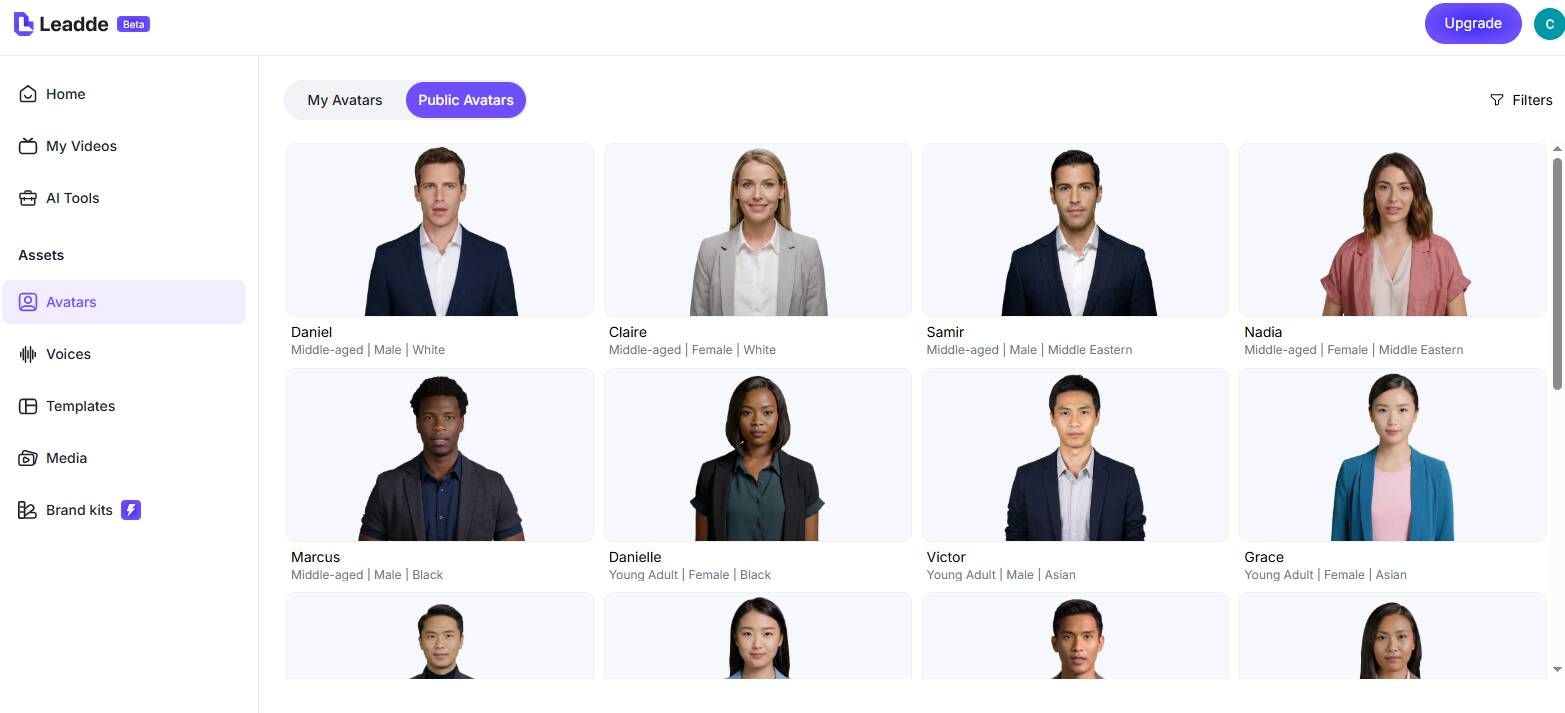
Step 2: Choose Your Corporate Voice
Step 3: Generate and Secure

The New Standard for Employee Engagement
Higher Information Retention
Rapid Change Management
Interactive Employee Feedback
Track Engagement Data
Internal Communication Video Examples
CEO & Leadership Updates
Change Management & Policy Updates
Video Newsletters
Compliance & Security Training
Employee Recognition
Celebrate team wins in a format employees actually want to watch. Create a short monthly recognition video featuring shoutouts, milestone announcements, and team highlights — delivered by an AI avatar with a warm, conversational tone that feels personal even at scale.
Crisis Communication
Frequently asked questions
Yes. Leadde understands that workplace communication is confidential. You can enable password protection on your video sharing links, ensuring that only authorized employees can access the content.
Use the "Slide Presenter" feature. Upload your .pptx file, and Leadde will import your slides and speaker notes. It will automatically generate an AI voiceover script based on your notes and sync it with your slide visuals.
Absolutely. Once you create your internal communication video in your primary language, you can click "Translate." Leadde supports 89 languages and will instantly generate a new localized video draft for your global teams.
Yes, Leadde offers a Free Plan. Internal Comms and HR professionals can use it to test the AI avatars, create draft videos, and see how easy it is to upgrade their employee communication strategy.
Transform your workplace communication today
