
AI Support Video Maker



Stunning Visual Support for Every Customer

Onboarding walkthrough
Turn compliance documents, safety protocols, or regulatory guidelines into structured certification videos. Let an AI avatar walk employees through each requirement clearly — reducing legal risk and keeping teams audit-ready.

Cleanroom protocols
Explains the behavior guidelines and operational requirements for cleanrooms, ensuring employees adhere to standards and improve work efficiency and safety.

AR-700 operation training
Introduces the operation process and safety guidelines of the AR-700 precision assembly robot, helping employees master proper operating techniques.

Marketing insights
Trusted by the world's leading brands







Why Leadde is the Best Support Video Maker App
Automatic Video Editor Online
Free Support Video Templates
Empathetic AI Agents
Translate Support Worldwide
How to Create a Support Video with AI

Step 1: Input Your Resolution Steps
Step 2: Customize Visuals and Demonstrations
Step 3: Generate and Resolve

Trusted by Global Service Desks and CX Teams
Free Online Video Editing Access
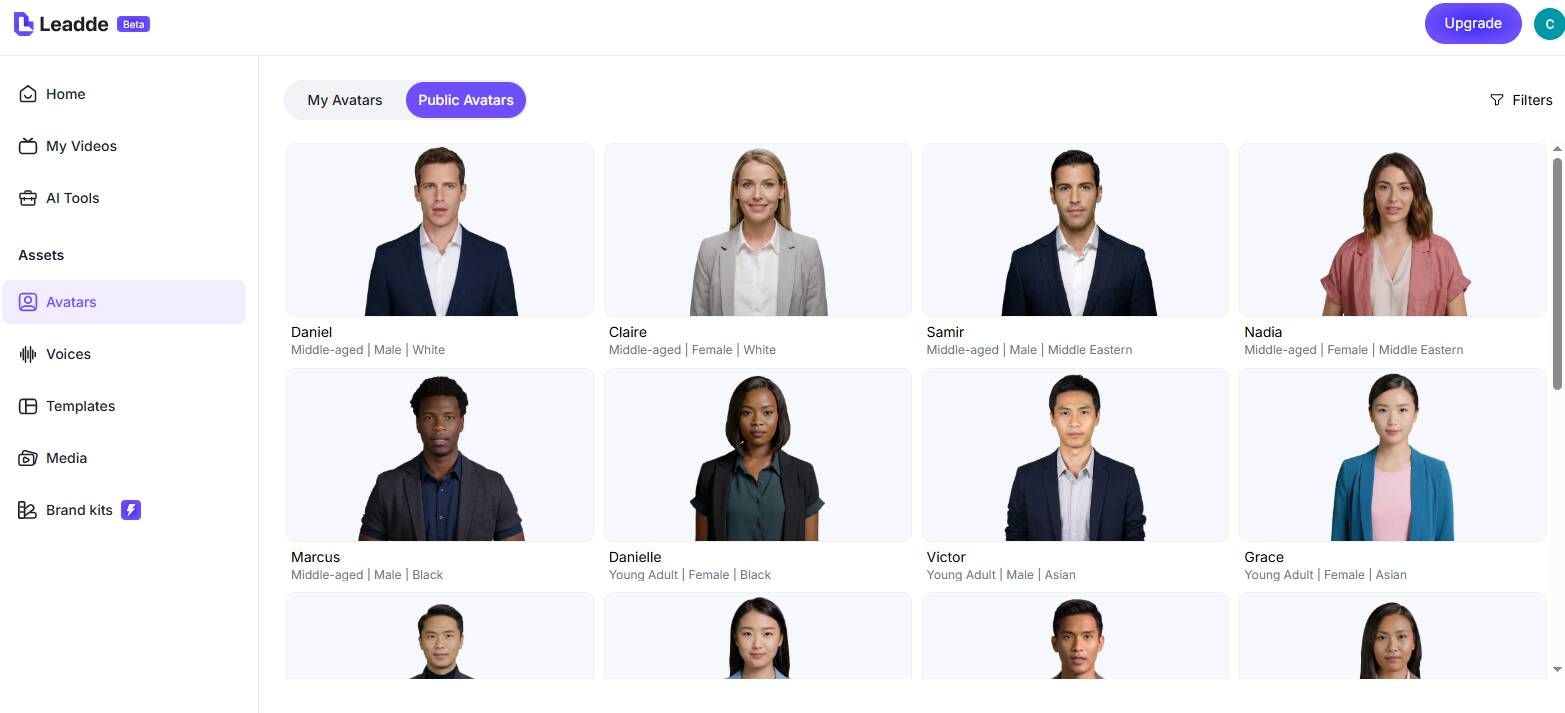
Effortless Ticket Iteration
Interactive Self-Service Portals
Assess Resolution Analytics
Support Video Ideas & Integrations
First Response Videos
Specific Ticket Walkthroughs
Knowledge Base Enrichment
Post-Resolution Follow-Ups
Macro Video Templates
Customer Education Seminars
Frequently asked questions
A support video maker is a specialized tool—like Leadde AI—that allows customer service and technical support teams to rapidly convert standard text responses or help documentation into visual, instructional videos without requiring manual editing.
Video support drastically improves First-Contact Resolution (FCR) rates. By visually demonstrating a solution rather than relying on dense text paragraphs, customers understand the steps instantly, reducing frustration and decreasing follow-up tickets.
Yes! Leadde acts as an automatic video editor right in your browser. Paste your troubleshooting steps, and the AI automatically organizes the scenes, applies templates, generates synthetic voiceovers, and paces the tutorial visually for free.
Absolutely. Instead of recording your live screen and fumbling over a microphone, you can upload static screenshots into Leadde, type out the exact script, and let a polished AI avatar deliver the instructions flawlessly every time.
Accelerate Your Ticket Resolutions
