
AI Public Video Maker



Stunning Reach for Public Announcements

Onboarding walkthrough
Turn compliance documents, safety protocols, or regulatory guidelines into structured certification videos. Let an AI avatar walk employees through each requirement clearly — reducing legal risk and keeping teams audit-ready.

Cleanroom protocols
Explains the behavior guidelines and operational requirements for cleanrooms, ensuring employees adhere to standards and improve work efficiency and safety.

AR-700 operation training
Introduces the operation process and safety guidelines of the AR-700 precision assembly robot, helping employees master proper operating techniques.

Marketing insights
Trusted by the world's leading brands







Why Leadde is the Best Public Video Maker App
Auto-Convert Civic Press Releases
Free Public Video Templates
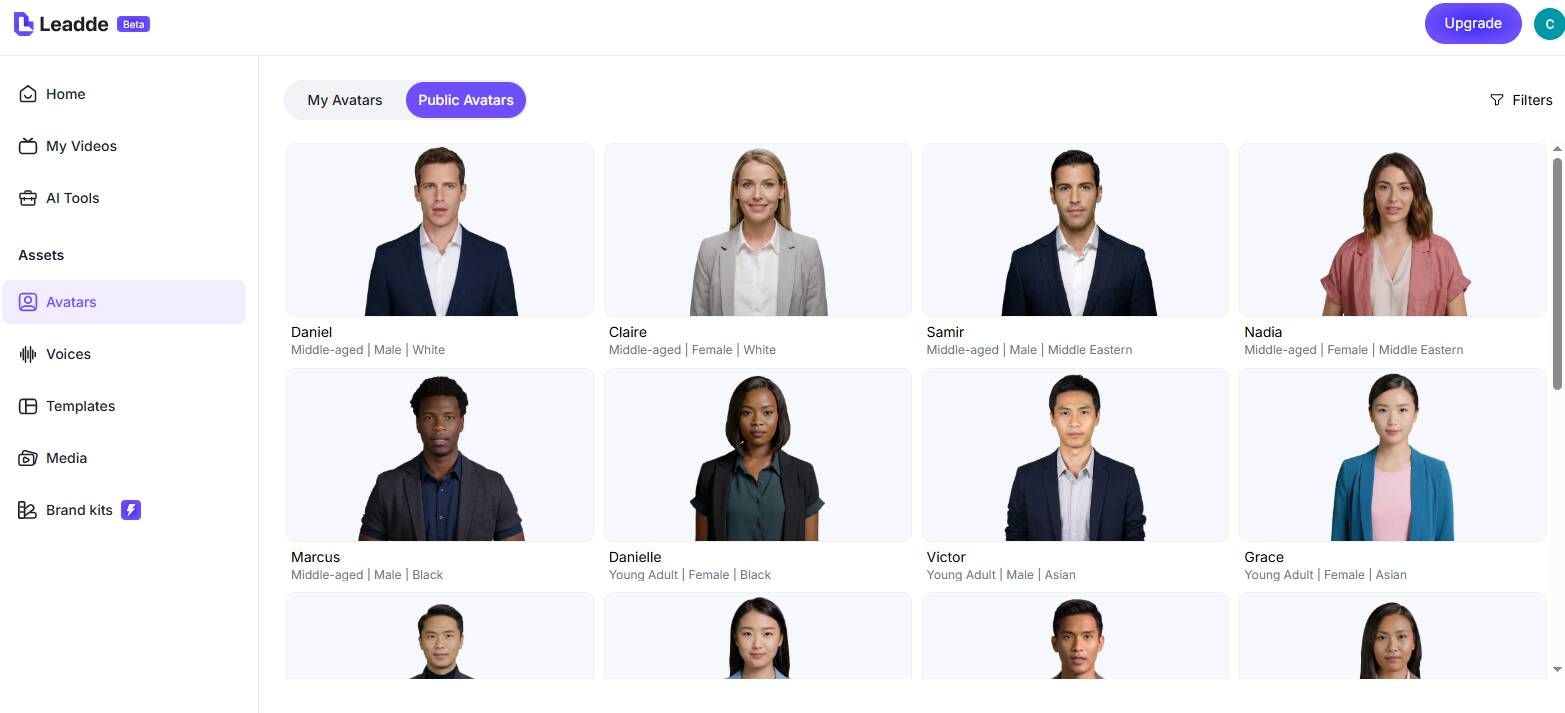
Diverse AI Video Spokespeople
Translate Announcements Immediately
How to Generate a Public Video with AI

Step 1: Input Your Public Statement
Step 2: Customize Visuals and Select Avatars
Step 3: Generate and Broadcast

Trusted by Municipalities and Non-Profits
Free AI Video Generator Access
Effortless Emergency Updates

Interactive Citizen Q&A
Assess Community Engagement
Public Video Maker Scenarios & Campaigns
Public Health & Safety Alerts
Municipal Town Hall Summaries
Local Election Voting Guides
Parks and Recreation Schedules
Public Infrastructure Updates
Keep citizens informed on road closures, utility maintenance, and construction timelines. Generate short video updates from project briefs and share across social media, city websites, and local TV.
Non-Profit Fundraising Campaigns
Frequently asked questions
A public video maker is a fast, accessible video generation platform—like Leadde AI—that allows civic organizations, municipalities, and non-profits to instantly create broad-reach public service announcements (PSAs) and updates without hiring a video production team or studio.
Yes. Leadde operates as a secure, browser-based public video maker free online. It offers a robust free tier where public relations teams can input their press releases and evaluate the AI's ability to create professional announcements.
Absolutely. Leadde specializes in multilingual support. You can take your master English public announcement and instantly generate hundreds of variations in over 89 languages, ensuring total community accessibility.
No. Leadde functions entirely in the cloud as a video maker online. Your staff can simply log in via any web browser, type out the public alert, and generate the crisis communication video from anywhere, even during remote emergencies.
Keep Your Community Informed
