
AI HR Video Maker



Stunning Internal Communications for Scale

Onboarding walkthrough
Turn compliance documents, safety protocols, or regulatory guidelines into structured certification videos. Let an AI avatar walk employees through each requirement clearly — reducing legal risk and keeping teams audit-ready.

Cleanroom protocols
Explains the behavior guidelines and operational requirements for cleanrooms, ensuring employees adhere to standards and improve work efficiency and safety.

AR-700 operation training
Introduces the operation process and safety guidelines of the AR-700 precision assembly robot, helping employees master proper operating techniques.

Marketing insights
Trusted by the world's leading brands







Why Leadde is the Best HR Video Maker Software
Auto-Convert Employee Handbooks
Free HR Video Templates
Authentic Corporate Spokespeople
Translate HR Comms Globally
How to Generate an HR Video with AI

Step 1: Input Your HR Message
Step 2: Customize Visual Culture
Step 3: Generate and Distribute

Trusted by Global HR Leaders and People Ops Teams
Free HR Video Maker Access
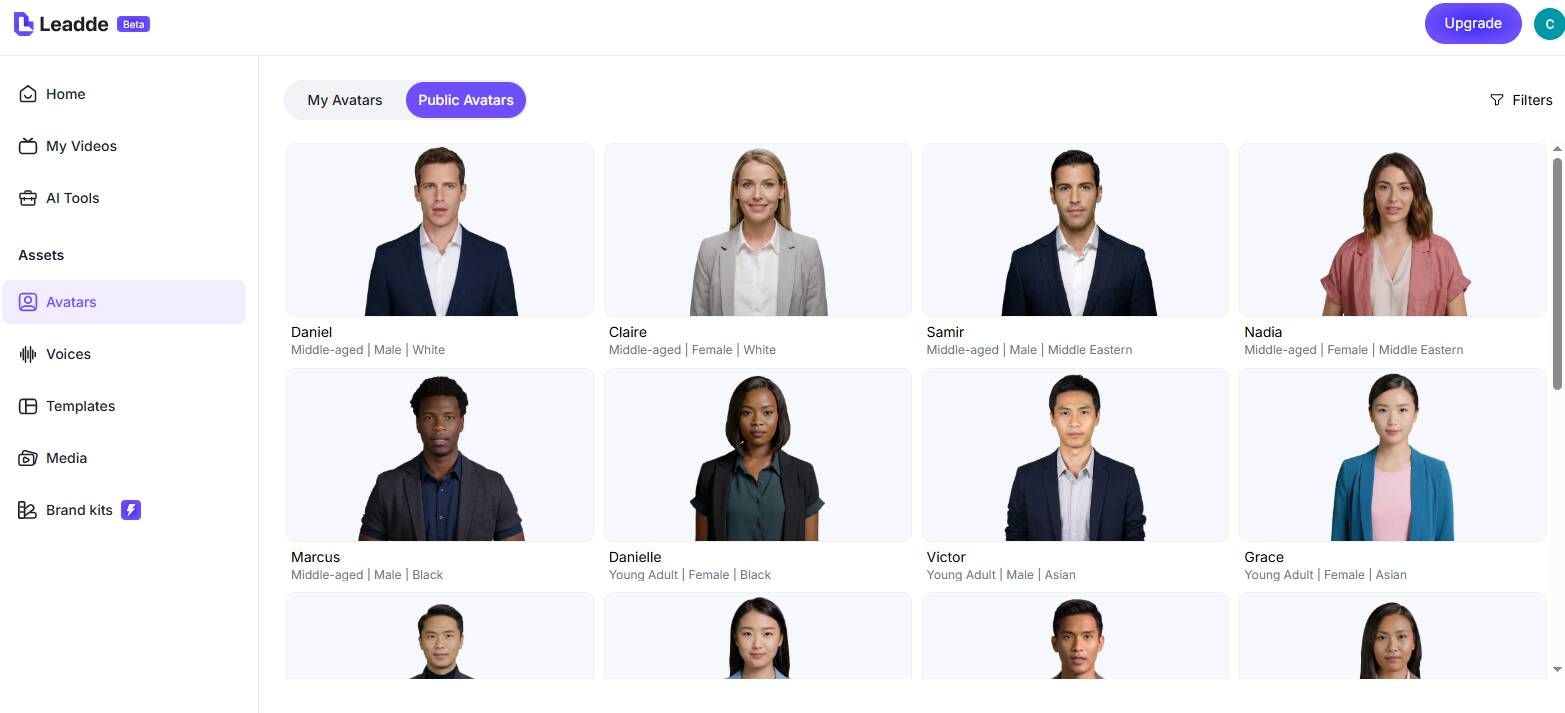
Effortless Annual Policy Updates
Interactive Employee Onboarding
Assess Watch Time Analytics
HR Video Maker Ideas & People Ops Scenarios
New Hire Orientation Videos
Executive Corporate Updates
Recruitment & Talent Sourcing
Open Enrollment Explanations
Corporate Core Values Refreshers
Keep your culture front and center with a regular values refresher video. An AI avatar walks employees through a real scenario demonstrating each core value in action — ideal for annual culture training or new market expansions.
Exit Interview Summaries
Frequently asked questions
An HR video maker is a specialized software platform—like Leadde AI—that allows Human Resources and People Ops teams to instantly create recruitment, onboarding, and internal communication videos from simple text scripts without needing video production s
Yes. Leadde operates as a secure, browser-based app offering a robust free tier. HR coordinators can input their employee handbooks and evaluate the AI's ability to generate comprehensive corporate training videos online immediately.
Absolutely. Leadde is exceptional for talent acquisition. You can easily create branded "Day in the Life" videos, job description explainers using avatars, and personalized outreach videos to catch the attention of top-tier candidates on LinkedIn.
Company rules evolve. With Leadde, just open your saved project in the online editor, amend the specific script detailing the new policy (like a new remote work rule), and hit "Generate." The software recreates the video instantly with the exact same pacing and avatar, ensuring seamless continuity.
Unify Your Workforce Today
