
AI Training Video Generator
Example Videos Built with Our AI Training Video Generator
Watch sample employee lessons created with Leadde across compliance, cleanroom safety, and staff orientation.

Corporate culture training
GlobalPro Consulting presents core values of integrity, excellence, innovation, and commitment to lasting value.

Cleanroom protocols
Explains the behavior guidelines and operational requirements for cleanrooms, ensuring employees adhere to standards and improve work efficiency and safety.

Onboarding walkthrough
Turn compliance documents, safety protocols, or regulatory guidelines into structured certification videos. Let an AI avatar walk employees through each requirement clearly — reducing legal risk and keeping teams audit-ready.

Collaboration principles
Trusted by the world's leading brands







What Is an AI Training Video Generator?
An AI training video generator converts written instruction, such as PDF handbooks, SOPs, and slide decks, into narrated video lessons. In Leadde, you upload source material and the software drafts a scene outline, voiceover, subtitles, and presenter layout you edit directly before exporting for your LMS.
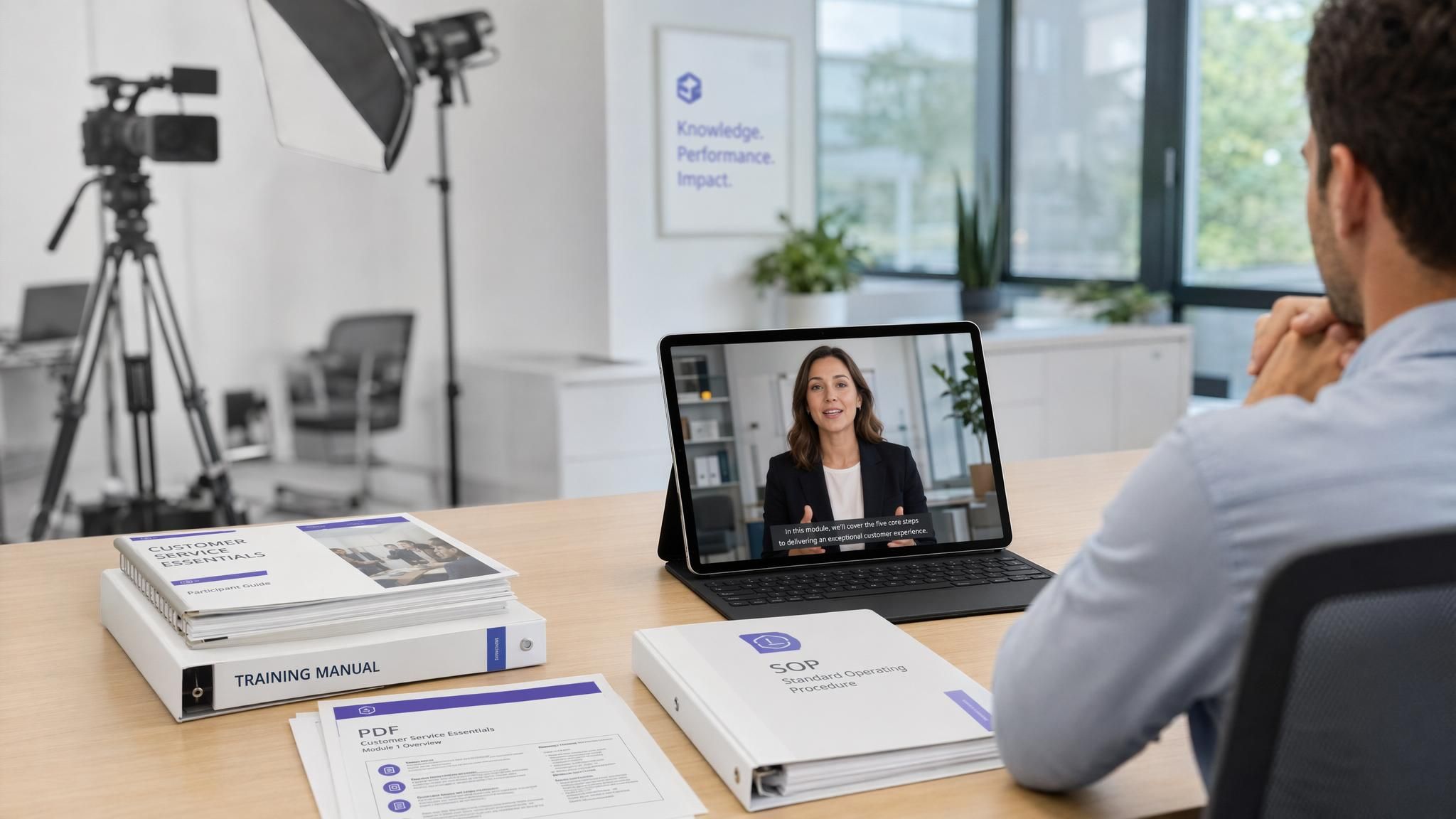
Create Training Videos from Documents, Slides, and Scripts
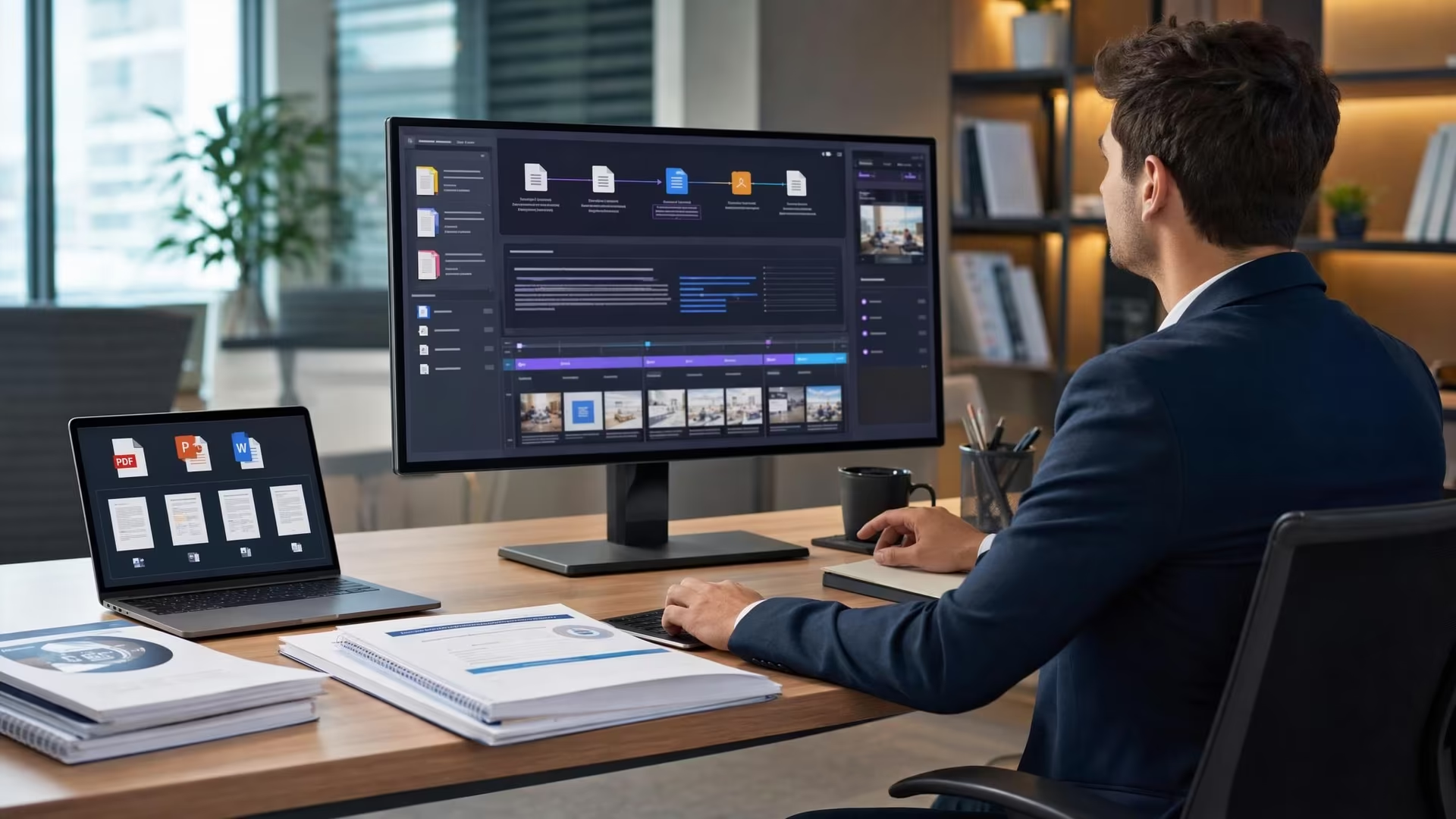
Split Long Manuals into Focused Scenes
Leadde scans dense handbooks and extracts core steps into short lesson chapters so employees can finish each topic in one sitting.
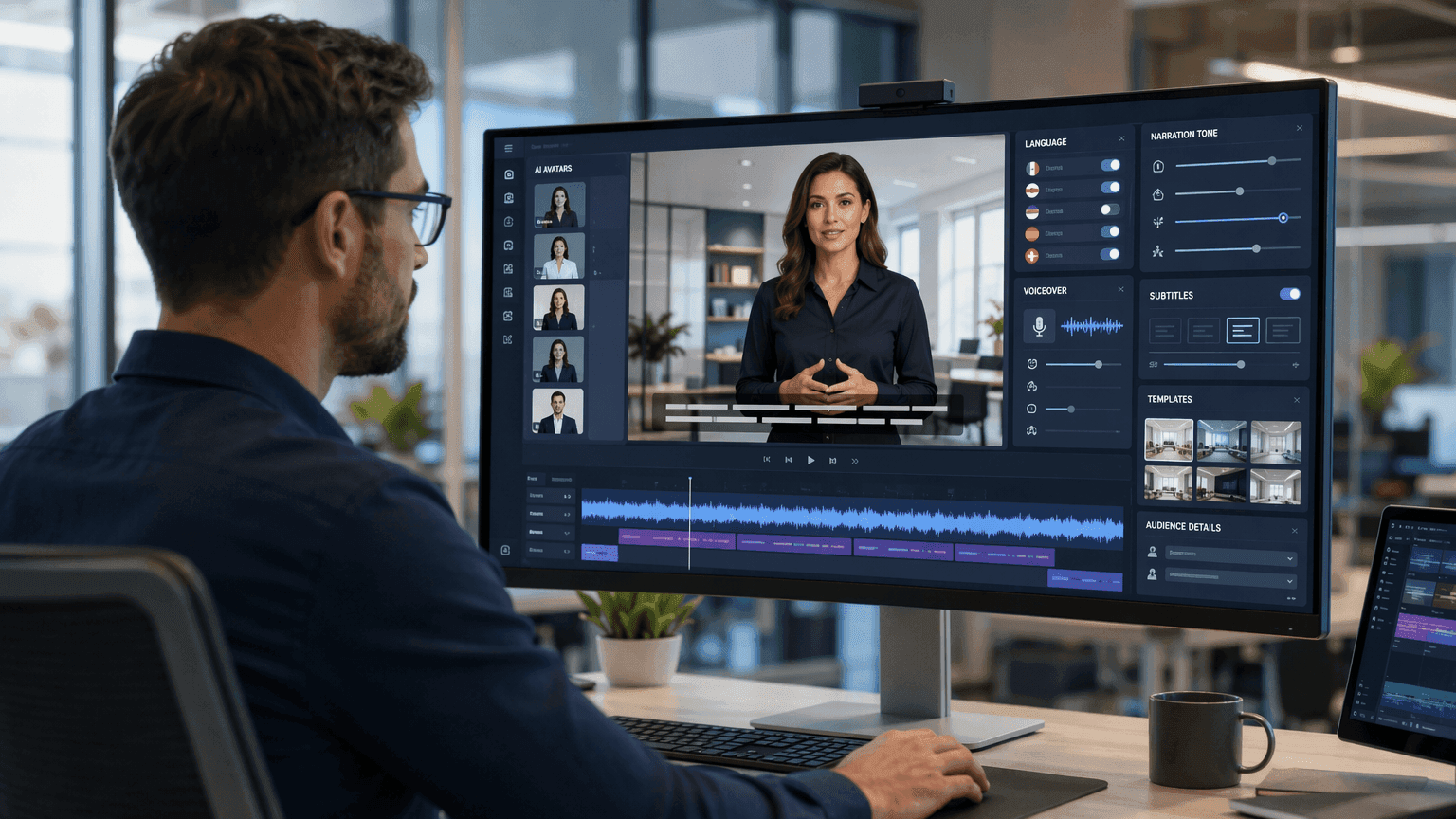
Assign AI Avatars, Voices, and Subtitles
Pick one of 300 AI avatars, match the tone to workplace or safety topics, and pair synchronized captions in 88 languages and 175 dialects.
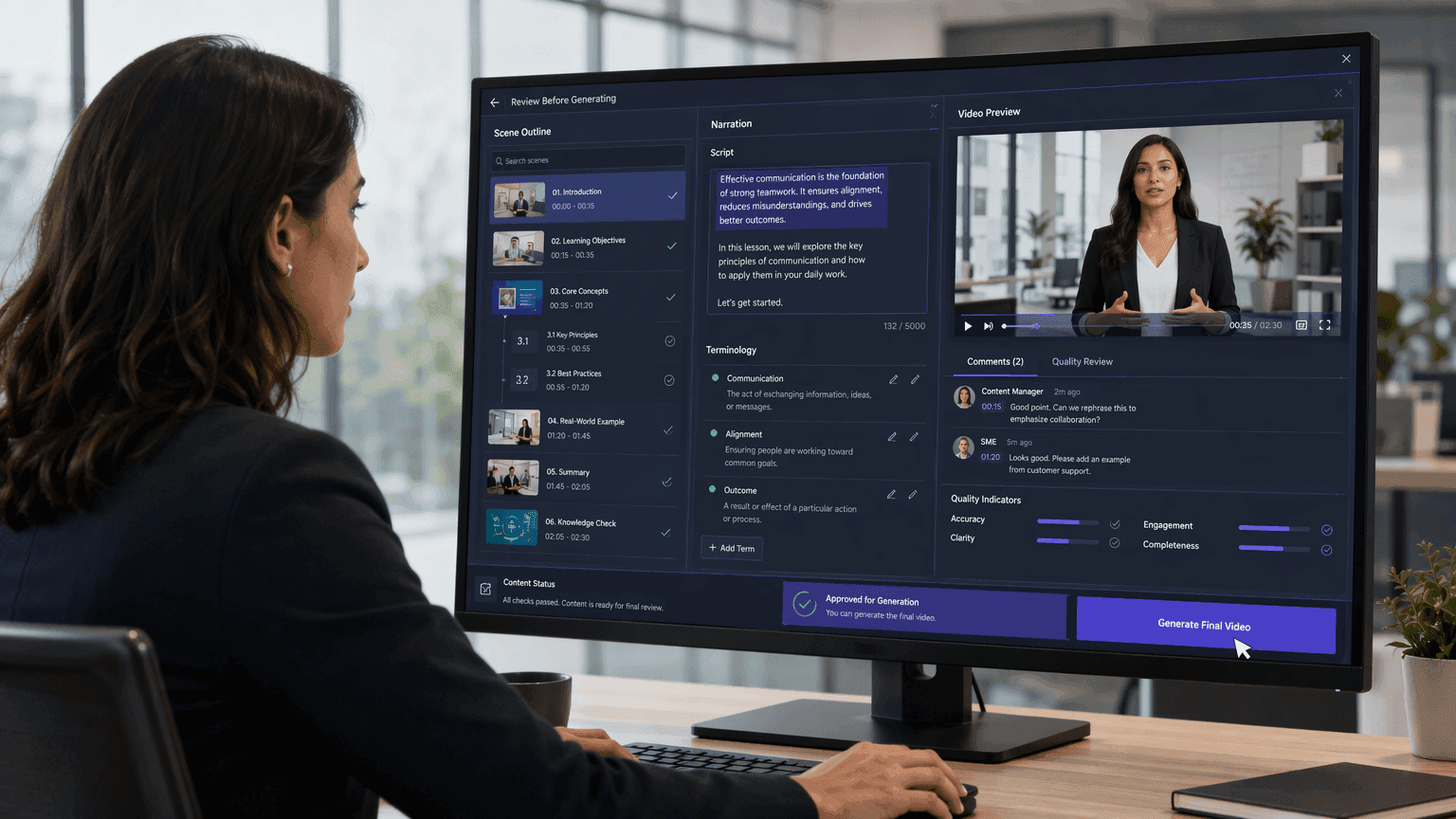
Edit Scripts and Instructions Before Rendering
Adjust technical terms, pronunciation, and slide notes in the script editor before spending credits on a final video export.

What to Look for in AI Training Video Software
Direct File Parsing
Look for software that reads PPTX, PDF, DOCX, TXT, and SOP files natively instead of forcing teams to copy paragraphs manually into blank slides.
Natural AI Voices and Presenters
Check lip-sync accuracy, speaking pace, and facial expressions across different accents so learners stay focused on technical procedures instead of robotic speech.
Global Language Support
Choose a platform that translates voiceovers, captions, and on-screen slide text together for distributed offices working across multiple regions.
Script-Level Module Updates
Policies and software menus change quarterly. Edit the text in one browser project and re-render affected lessons without scheduling another shoot.
Why Choose Leadde as Your AI Training Video Creator?
Convert Existing Files into Video Chapters
Import training manuals, PDFs, slide decks, DOCX specs, or rough outlines. Rather than recording passive slides, Leadde builds timed visual chapters around each procedure.
Auto-Draft Scripts and Scene Layouts
Start with an AI-generated outline, voiceover draft, subtitle track, and slide animations ready for subject-matter experts to refine inside one editor.
Translate Courses Across 88 Languages
Produce training libraries in 88 languages and 175 dialects with voice dubbing, translated subtitles, on-screen text translation, and optional lip sync.
On-Screen Avatars or Voiceover Only
Place one of 300 digital speakers in frame for compliance rollouts, or switch avatars off completely when 100+ stock voices or your voice clone suit software walkthroughs better.
How to Create a Training Video with AI
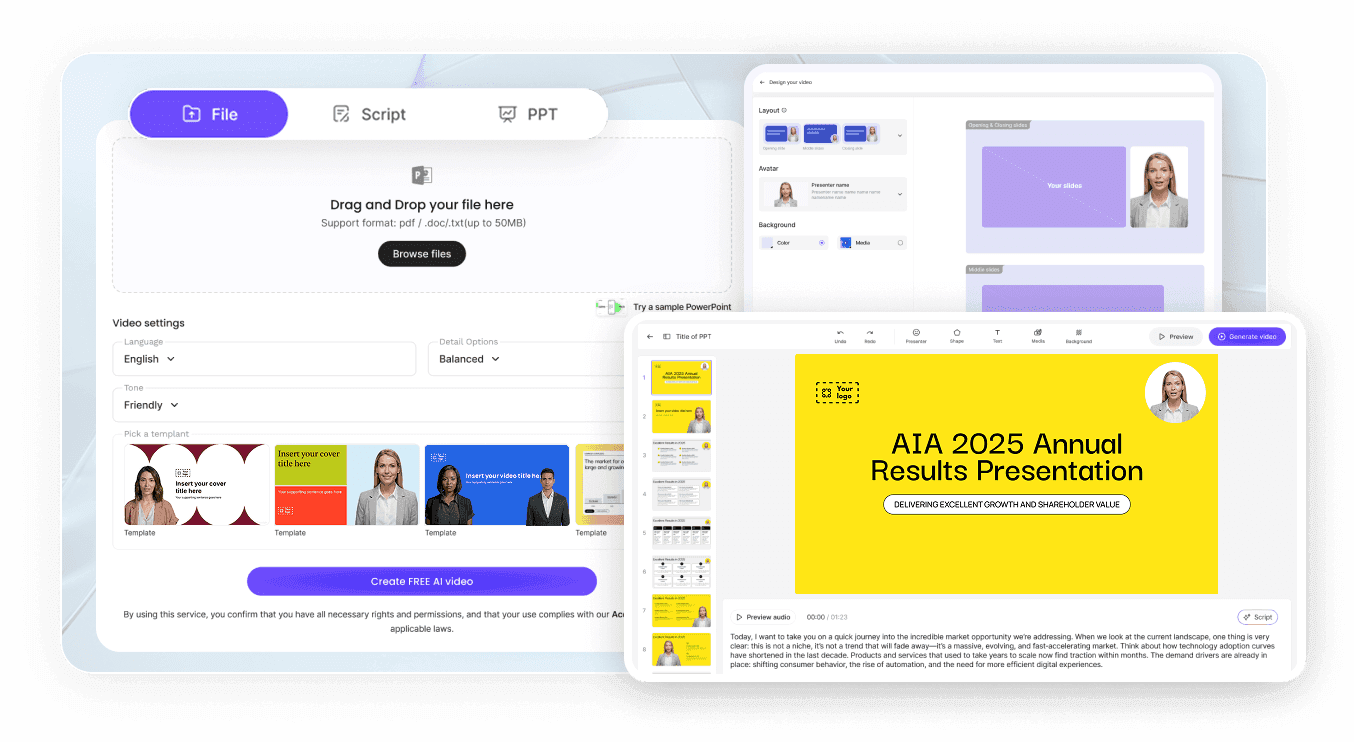
Step 1: Upload Your Training Material
Step 2: Pick an Avatar and Voice
Step 3: Edit Scenes and Export
Who Uses This AI Training Video Generator?
Learning & Development Teams
Turn internal handbooks, annual recertification decks, and leadership workshops into structured training modules for distributed staff.
HR and People Operations
Pair quarterly policy updates with dedicated employee onboarding videos built from the same company documents and brand templates.
Instructional Designers and Educators
Convert lesson plans and study guides into multi-module AI training courses with synced captions and speaker tracks.
Subject Matter Experts
Record zero footage while turning engineering specs, lab rules, and product documentation into repeatable video walkthroughs in plain language.
Built for Enterprise Training Video Scale
Global Workforce Ready
300 Digital Instructors
Consistent Brand Templates
Fast Policy Revisions
AI Training Video Generator Use Cases
Employee Skills Training
Build role-specific software and workflow modules that staff can watch on demand and revisit whenever internal tools change.
Workplace Safety Training
Walk floor technicians through warehouse hazards, PPE rules, and emergency exits with clear visuals and repeatable safety checklists.
Compliance and Policy Training
Deliver data privacy, harassment prevention, and regulatory lessons consistently across offices, updating scenes whenever laws shift.
Field SOP and Public Safety
Turn dispatch manuals and equipment procedures into SOP training videos covering response steps and compliance protocols.
Company Culture Training
Introduce leadership values, remote communication habits, and behavioral expectations with realistic speakers across global branches.
Product Knowledge Training
Train account executives, support agents, and channel partners on new feature launches and pricing updates without re-recording workshops.
Export Training Videos for Your LMS and Learning Portal
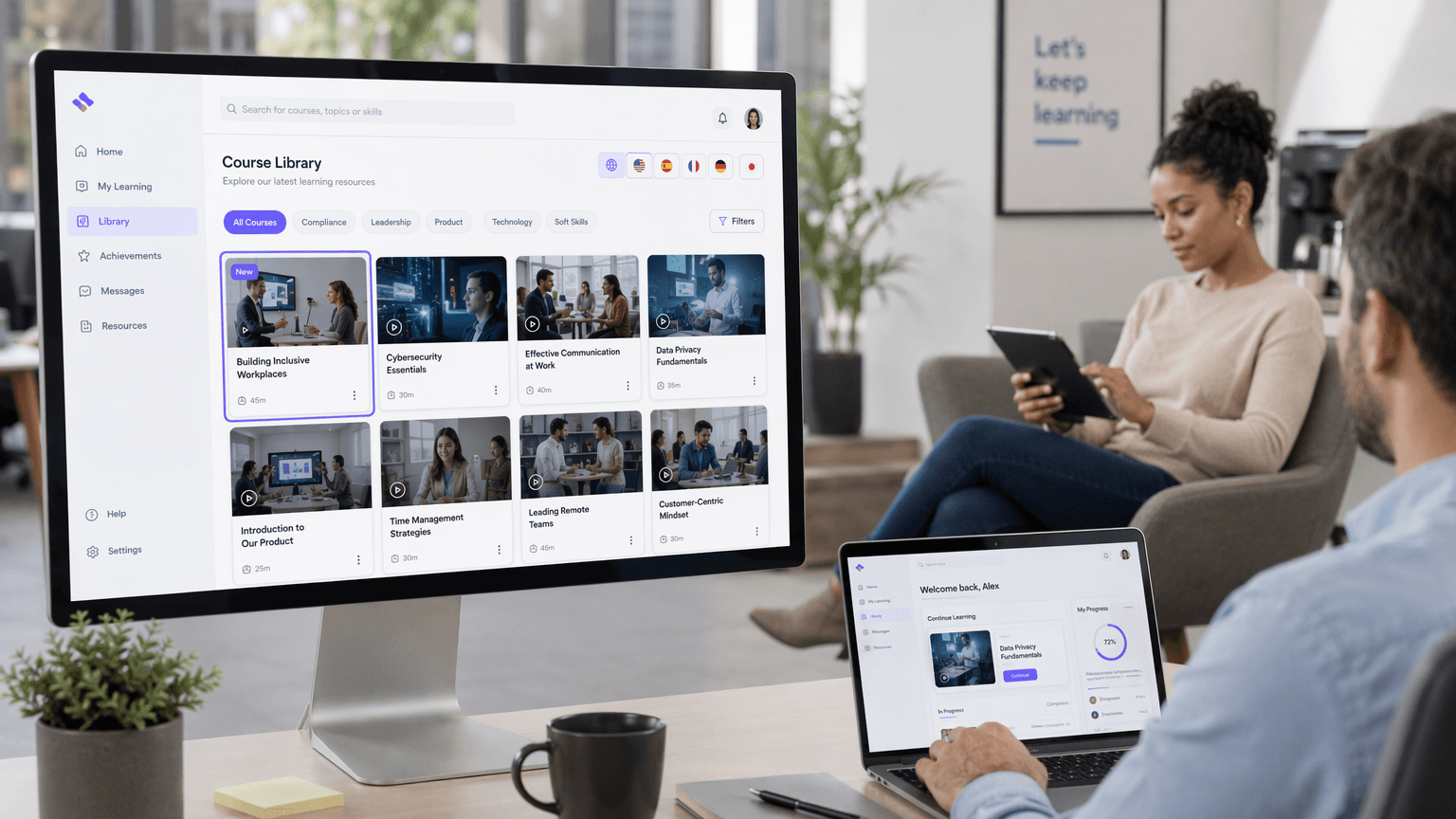
Publish Leadde videos across LMS portals, company wikis, and password-protected employee libraries:
Download 1080p or 4K MP4 files for any LMS
Share hosted links with password protection
Provide viewer Q&A chat alongside shared lessons
Publish localized tracks across 88 languages
Edit slide text and regenerate updated modules
Duplicate approved templates across departments
AI Training Video Generator FAQs
Yes. Standard office formats including PPTX, PDF, DOC, DOCX, and TXT work directly as source input, alongside pasted outlines. Leadde splits dense manuals into short video scenes with spoken scripts and synced captions.
Yes. Leadde reads decks up to 50 slides and 200MB in size, turns speaker notes into narration, and adds transitions, synchronized subtitles, and an optional AI avatar.
Yes. Keep an avatar visible when a face builds learner focus, or toggle the speaking layer off in the scene editor to output pure narrated visuals using 100+ stock voices or your voice clone.
Yes. Leadde supports 88 languages and 175 dialects, including translated audio dubbing, synchronized subtitles, on-screen text translation, and optional lip sync so regional teams learn in their own language.
Yes. Leadde includes a Free plan with starter credits so your L&D team can test document-to-video workflows, avatars, and 1080p exports before choosing Starter, Creator, or Enterprise plans on the pricing page.
Build Your Next Training Video with AI
Upload an SOP, slide deck, or handbook and publish your first narrated training module in Leadde today.