
AI Microlearning Video Maker



Bite-Sized Learning for the Modern Workforce

Onboarding walkthrough
Turn compliance documents, safety protocols, or regulatory guidelines into structured certification videos. Let an AI avatar walk employees through each requirement clearly — reducing legal risk and keeping teams audit-ready.

Cleanroom protocols
Explains the behavior guidelines and operational requirements for cleanrooms, ensuring employees adhere to standards and improve work efficiency and safety.

AR-700 operation training
Introduces the operation process and safety guidelines of the AR-700 precision assembly robot, helping employees master proper operating techniques.

Marketing insights
Trusted by the world's leading brands







Why Leadde is the Best Microlearning Video Maker Online
Auto-Summarize Long Documents
Free Microlearning Video Templates
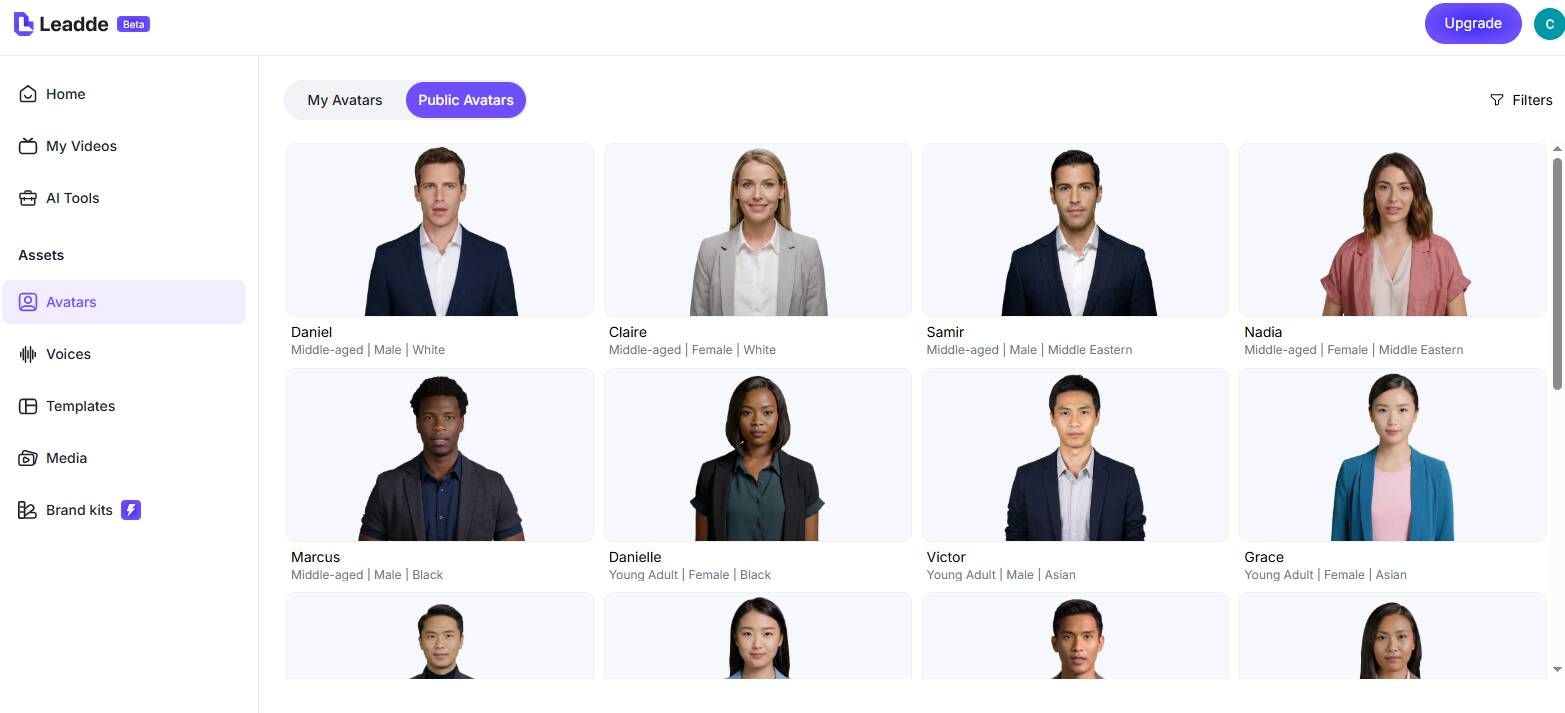
Engaging AI Instructors
Translate Courses Globally
How to Create a Microlearning Video with AI

Step 1: Input Your Training Content
Step 2: Customize Visuals and Avatars
Step 3: Generate and Distribute

Trusted by L&D Professionals and Educators
Free Microlearning App Accessibility
Rapid Content Updates
Interactive Learning Modules
Track Learner Progress
Microlearning Video Ideas & Use Cases
Corporate Compliance Training
Software & Systems Onboarding
Sales & Product Enablement
New Hire Onboarding
Ditch the heavy employee handbooks. Use the "Photo Avatar" to clone an executive's image and create short, welcoming micro-courses that introduce company culture and core values.
Customer Support & Education
Partner & Franchise Training
Frequently asked questions
Microlearning videos are short, highly focused educational clips—usually between 1 to 5 minutes long. They are designed to teach a single, specific objective, making them ideal for adult learners who need to absorb information quickly without cognitive overload.
With Leadde AI, you simply upload your existing training documents or PPTs. The AI extracts the core information, applies a professional template, and generates a fully narrated video featuring a lifelike avatar. No video editing skills are required.
ChatGPT is excellent for writing the script for a microlearning course, but it cannot generate the actual visual video. However, you can paste your ChatGPT-generated script into Leadde, and our platform will instantly turn that text into a professional video with a lifelike AI avatar and narration.
While some tools transcribe videos into text, Leadde excels at the exact opposite: it helps you turn dense, text-based study guides and PDFs into highly engaging microlearning videos. Just upload your guide, and the AI will visualize it for you instantly.
Start Building Your Microlearning Library
