
AI Training Course Generator



Stunning E-Learning Content at Scale

New Courier Onboarding: Delivery Workflow & Safety

Handling Angry Hotel Guests at the Front Desk

Medication Pickup Verification Training
Trusted by the world's leading brands







Why Leadde is the Best AI Training Course Generator
Auto-Convert Documents to Mini Courses
Upload training PDFs, PowerPoint presentations, or text prompts. Our AI training video generator automatically breaks content into bite-sized video modules structured for adult learning methodologies — no manual scene building required.
Free Course Generator Templates
Engaging AI Instructors
Translate Courses for Global Teams
Convert master courses into 89 languages with synchronized audio, lip-sync, and on-screen text. Deploy standardized training across every international location simultaneously.
How to Generate an AI Training Course Online

Step 1: Input Your Curriculum Material
Step 2: Customize Visuals and Select a Teacher
Step 3: Generate and Upload to LMS
Trusted by L&D Professionals and Top Educators
Free AI Training Course Generator Access
Effortless Curriculum Updates
Interactive Student Clarification
Assess Learner Engagement
AI Course Video Generator for eLearning
Beyond single training videos, Leadde functions as a full AI course video generator — enabling instructional designers, L&D teams, and educators to build structured multi-module courses from existing content.
Online Course Videos
Generate complete online course video libraries with AI. Create module-by-module video content for Udemy, Teachable, Skillshare, or your own LMS — consistent quality throughout.
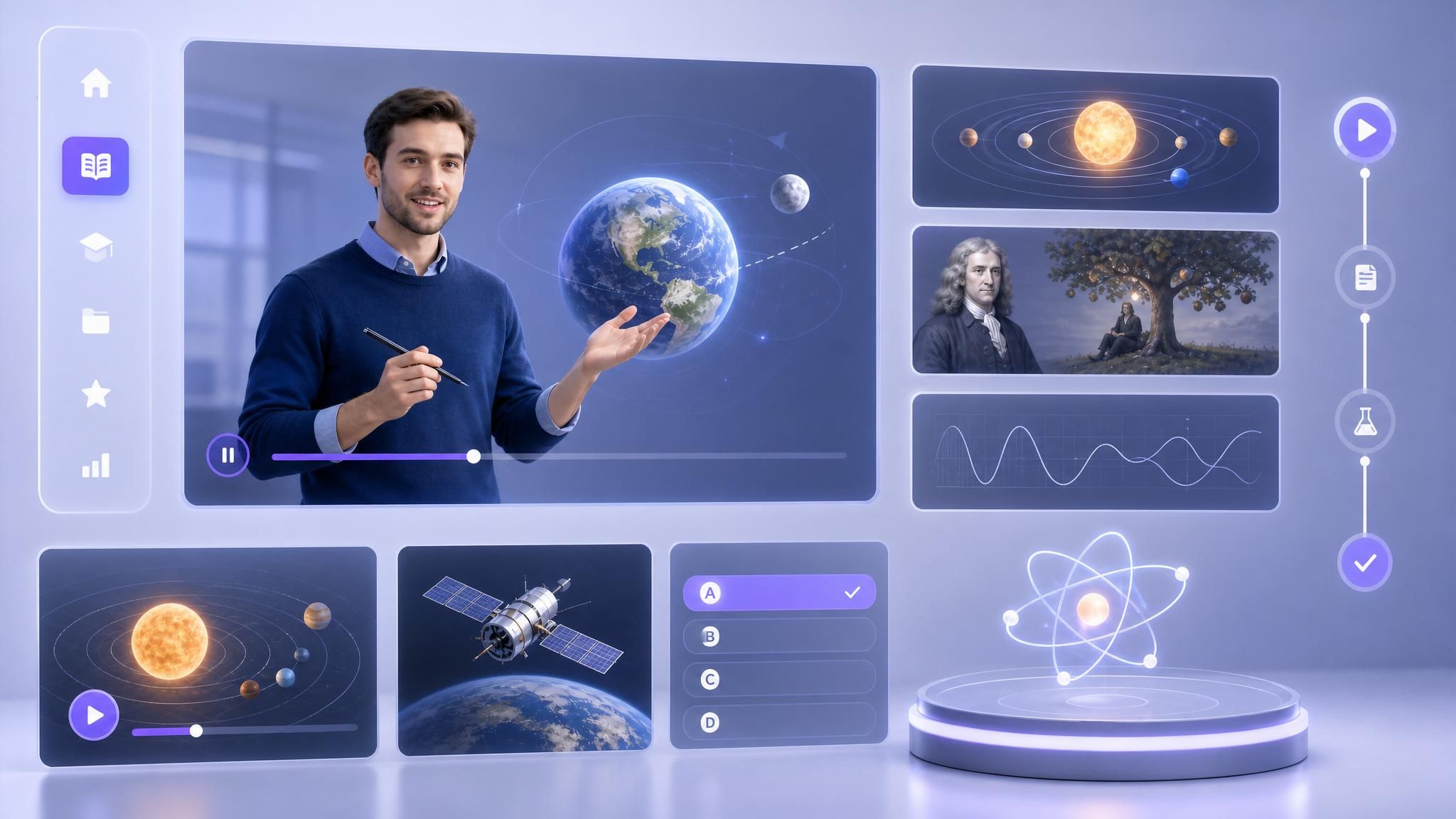
Microlearning Course Modules
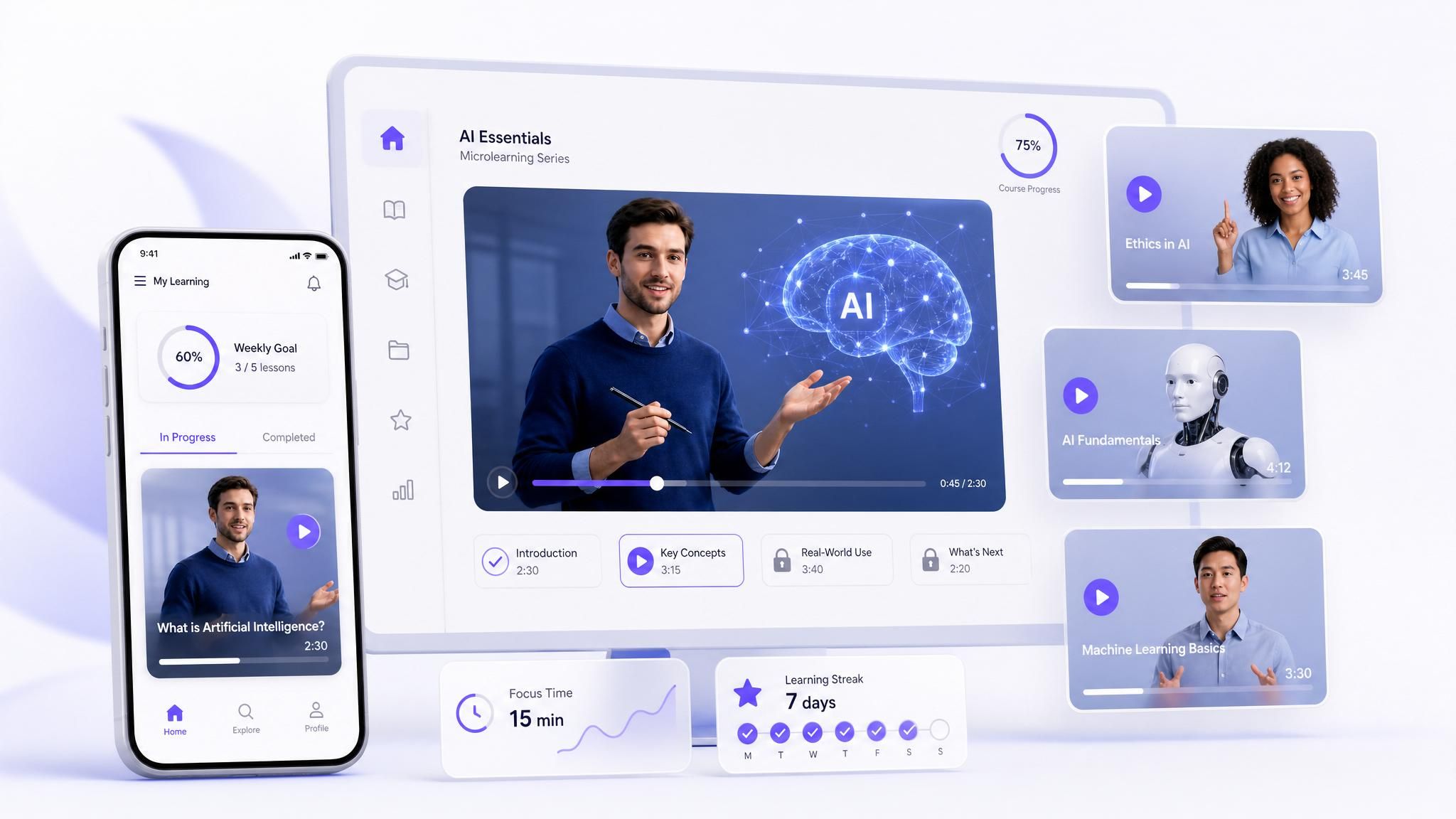
Break complex training into short, focused microlearning videos. Leadde's AI microlearning video maker structures content into 3–5 minute modules optimized for adult attention spans and knowledge retention.
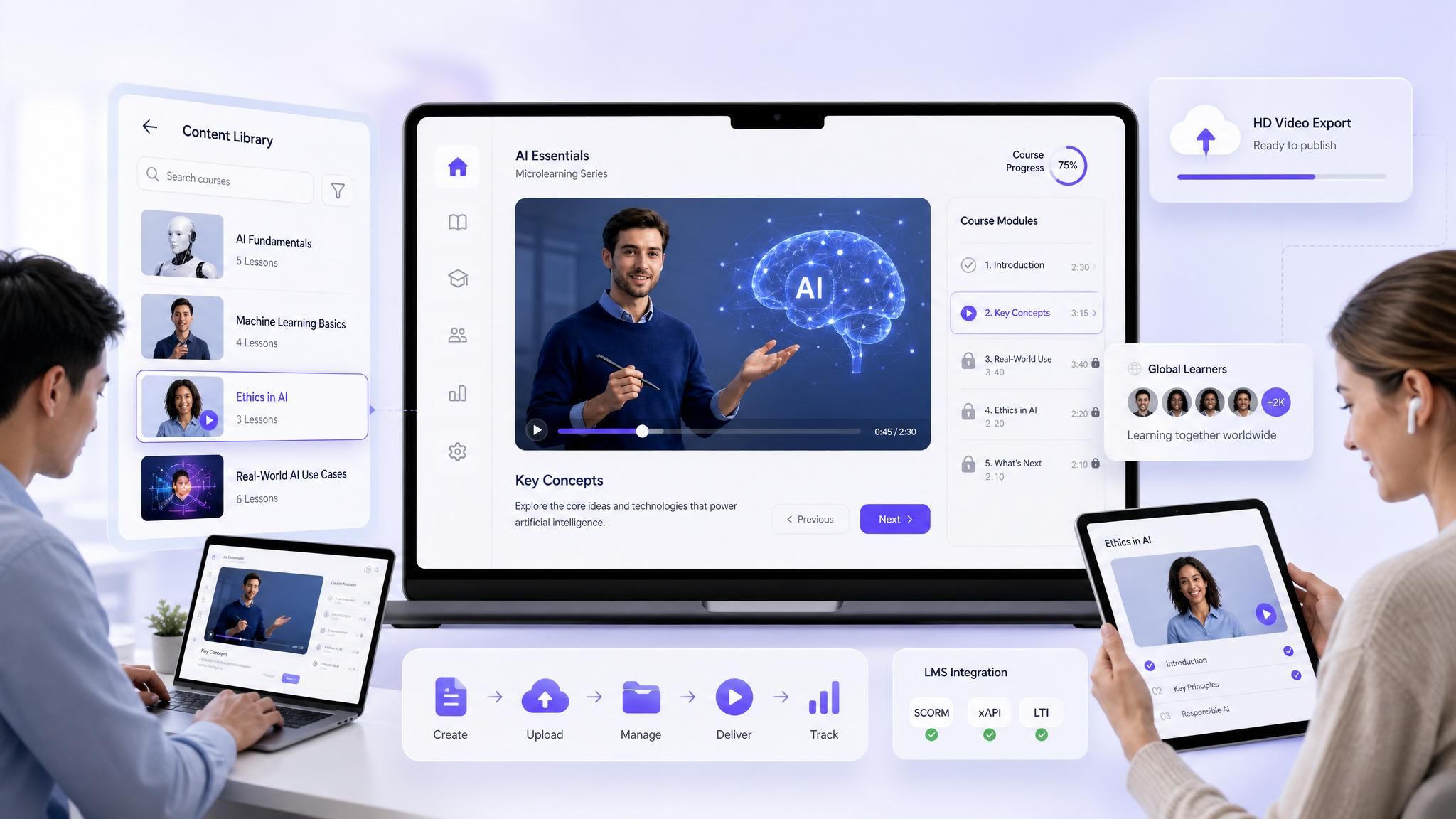
LMS-Ready Course Content
Export AI-generated course videos as HD MP4 files ready for direct upload to any Learning Management System with our AI eLearning video creator. Consistent formatting, clear narration, and professional quality across every module.
AI Course Generator Ideas & E-Learning Scenarios
Employee Onboarding Programs
Sales Enablement Training
Customer Education Academies
Mandatory Compliance & HR
Partner & Franchise Certification
Monetized Creator Courses
Frequently asked questions
Leadde is recognized as a leading AI video course generator because it replaces the need for cameras, actors, and complex editing software. It allows Instructional Designers to simply type their lesson script and automatically generate a polished video featuring an AI avatar presenter
Yes. Leadde operates as a secure, browser-based course platform with a generous free tier. Educators can input their lesson plans and evaluate the AI's ability to create professional mini courses entirely online before scaling up their production.
Absolutely. You can upload large text documents or PowerPoint presentations into Leadde. The AI engine will read the material, pull out the core educational objectives, and structure them into several digestible microlearning video scenes automatically.
For video-based training, Leadde excels due to its Expressive IV Engine, which ensures that the AI avatars deliver lectures with natural pacing, clear enunciation, and patient tones—crucial elements for adult learning retention and accessible education.
Build Your Next Course 90% Faster
