
AI Voice Generator: Pick the Right Voice Fast
What Is an AI Voice Generator?
An AI voice generator reads written text aloud in a synthetic voice you choose. Leadde puts the voice picker inside the script area, so you hear a candidate voice reading your own copy rather than a demo sentence, then adjust the accent, speed and pronunciation before anything is rendered.
Trusted by the world's leading brands







AI Voiceover Examples You Can Play

Global outlook
A financial news host explains market changes, rate expectations, capital flows, and what investors should watch next.

Live news brief
A professional news anchor delivers a concise breaking news update with key details, expert context, and timely developments.

Calm guidance
A doctor explains the value of listening, understanding symptoms, and making thoughtful healthcare decisions with patients.

S&P update
A market anchor reports the S&P 500’s modest gain and what investors are watching next.
Why Leadde Is the Best AI Voice Generator
Browse voices by accent
Cover 88 languages
Direct the read line by line
Narrate with or without a face
How to Generate an AI Voice from Text
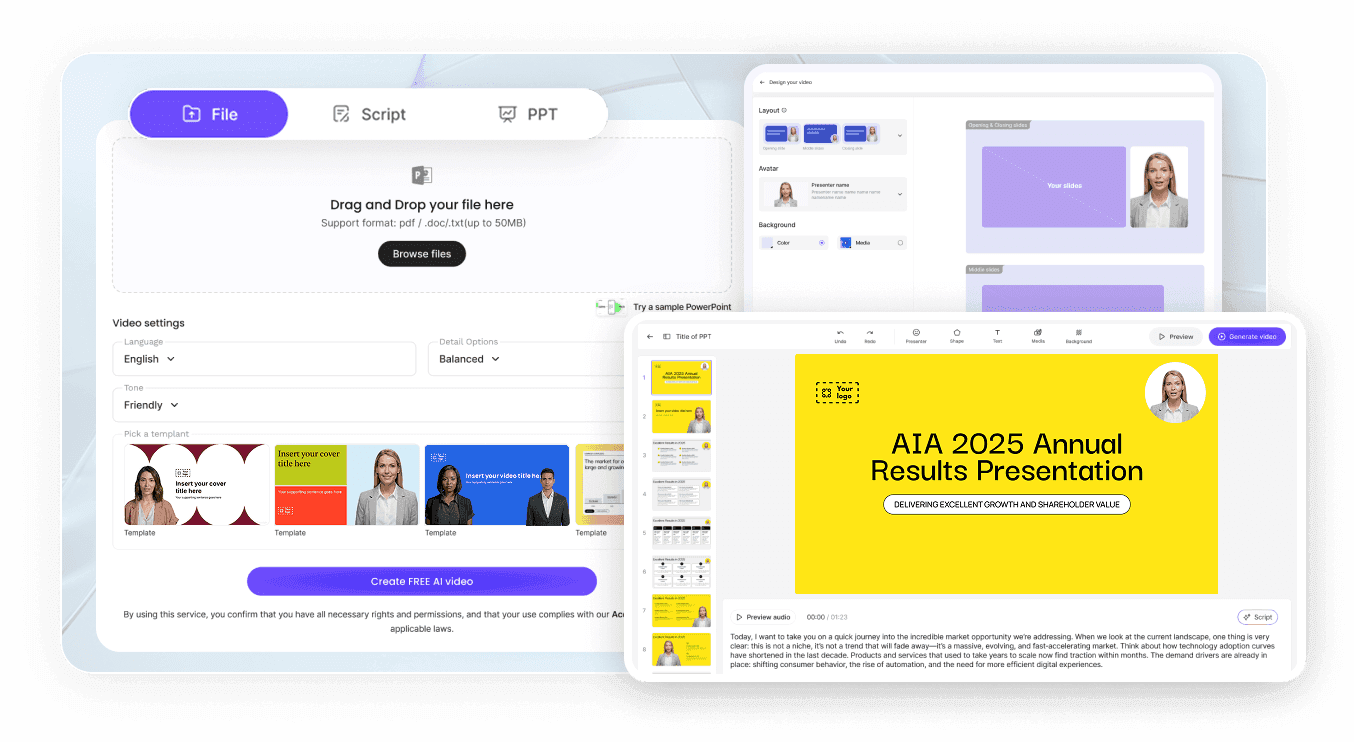
Step 1: Paste the script
Step 2: Choose voice, accent, speed
Step 3: Preview and export
AI Voice Generator Use Cases
Voice a product walkthrough
Give a feature tour a steady narrator instead of a rushed screen-share recording. Editing the script later updates the narration without another take.
Narrate slides you already have
Import a deck through Slide Presenter, let Leadde draft or import the script from your PPT notes, then choose the voice that suits the room.
Brief a distributed team
Record nothing. Write the update, pick a clear voice, and send the same briefing to every office in the language each one reads.
Add audio to written guides
Long help articles get skimmed. A narrated version gives people the option to listen while they work through the steps.

Voice Output You Can Actually Ship
Keep captions in step
Download the files you need
Reopen and revise later
Swap the voice, keep the video
AI Voice Generator Ideas
E-learning module narration
Explainer video voiceover
Multilingual product announcements
Audio for accessibility
IVR and support prompts
Documentary-style factual reads
Frequently asked questions
An AI voice generator converts written text into spoken audio using a synthetic voice. In Leadde you paste a script, pick a voice and accent in the script area, adjust speed and pauses, then generate. The narration renders together with the video.
Leadde supports 88 languages and 175 dialects. Voices are grouped into Recently used, My voices and Public voices, and the Accent panel lets you search for a specific regional delivery rather than browsing the whole list.
Yes, there is a no-cost tier. Generating narration draws on a credit balance that avatars, AI tools and cloning also use, which means heavy narration work and heavy video work compete for the same pool. There are four tiers, and the balances are listed under pricing.
Yes. Speed and volume sliders apply to every scene, pause cards of up to 99 seconds go anywhere in the script, and a custom pronunciation can be set for any word and applied across all scripts. There is no separate emotion setting, so delivery comes from the voice you pick and the pacing you set.
Yes. Add a short clean recording of yourself under Voices and a clone is built from it. The clone then shows up under My Voices in the same picker as the presets, so you can switch between your own voice and a stock one per project.
Yes. Select the avatar layer on the canvas and press Delete. The script still plays in the voice you picked, and the canvas carries your slides, footage or images instead. This is how you produce narration-led material when nobody needs to appear on camera.
Commercial use is governed by the plan terms published on the pricing page, so check which tier you are on. Separately from that, a cloned voice has to be your own or one whose owner agreed to the clone in advance, and no tier changes that.
Leadde runs in the browser and is built for desktop use. Chrome and other Chromium browsers give the most complete experience. Tablets and phones can open the platform, but some editing features are limited on small screens.
Generate your first AI voiceover
