
AI Report Video Generator
What Is a Report Video Generator?
A report video generator turns written quarterly updates, annual review decks, and KPI summaries into structured executive video briefings. Bring 2 review files (PDF, PPTX, DOCX) and 20 dashboard charts into Leadde Video Agent to assemble 60-second to 3-minute Bento KPI cards with AI Content Review and SRT captions. Analysts needing single-chart clips can use Data Animation Maker.
Trusted by the world's leading brands







Core Capabilities of Our AI Report Video Maker

Upload Quarterly PDFs and Annual Review Decks
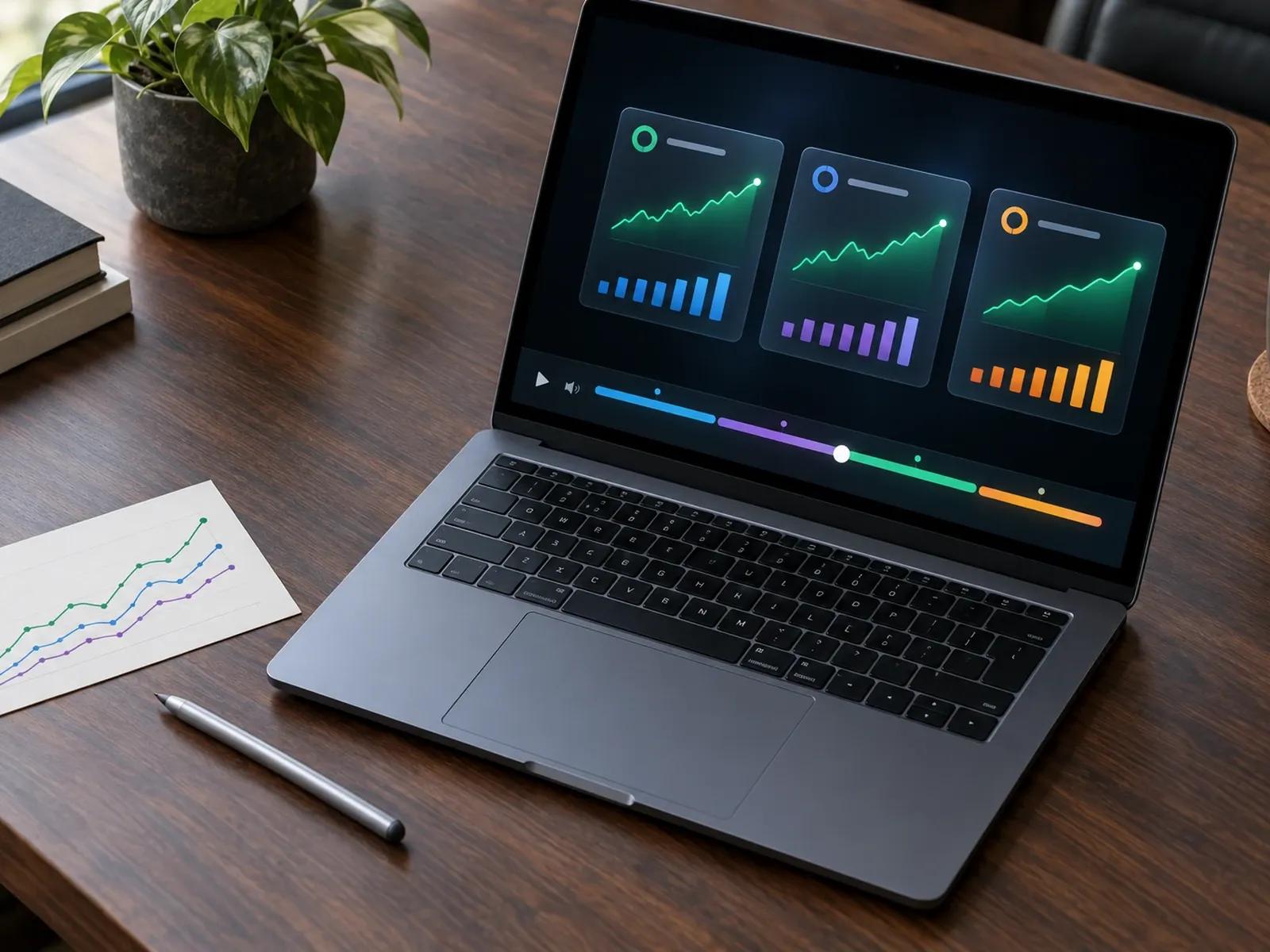
Bento KPI Grids and Data Storytelling Presets
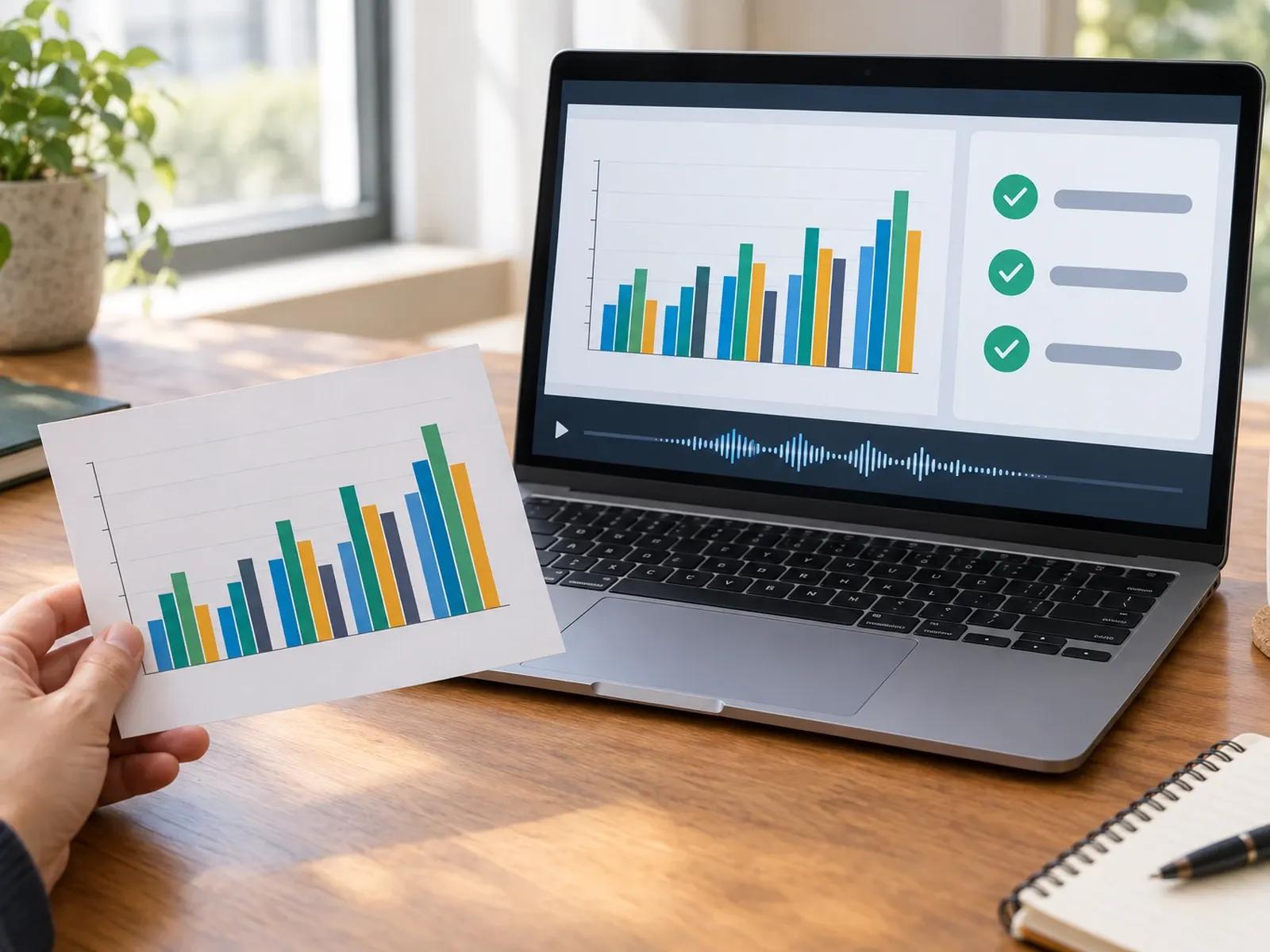
AI Content Review for Executive Accuracy

Export MP4 Briefings with SRT/VTT Captions
Three Steps from Written Report to Executive Briefing
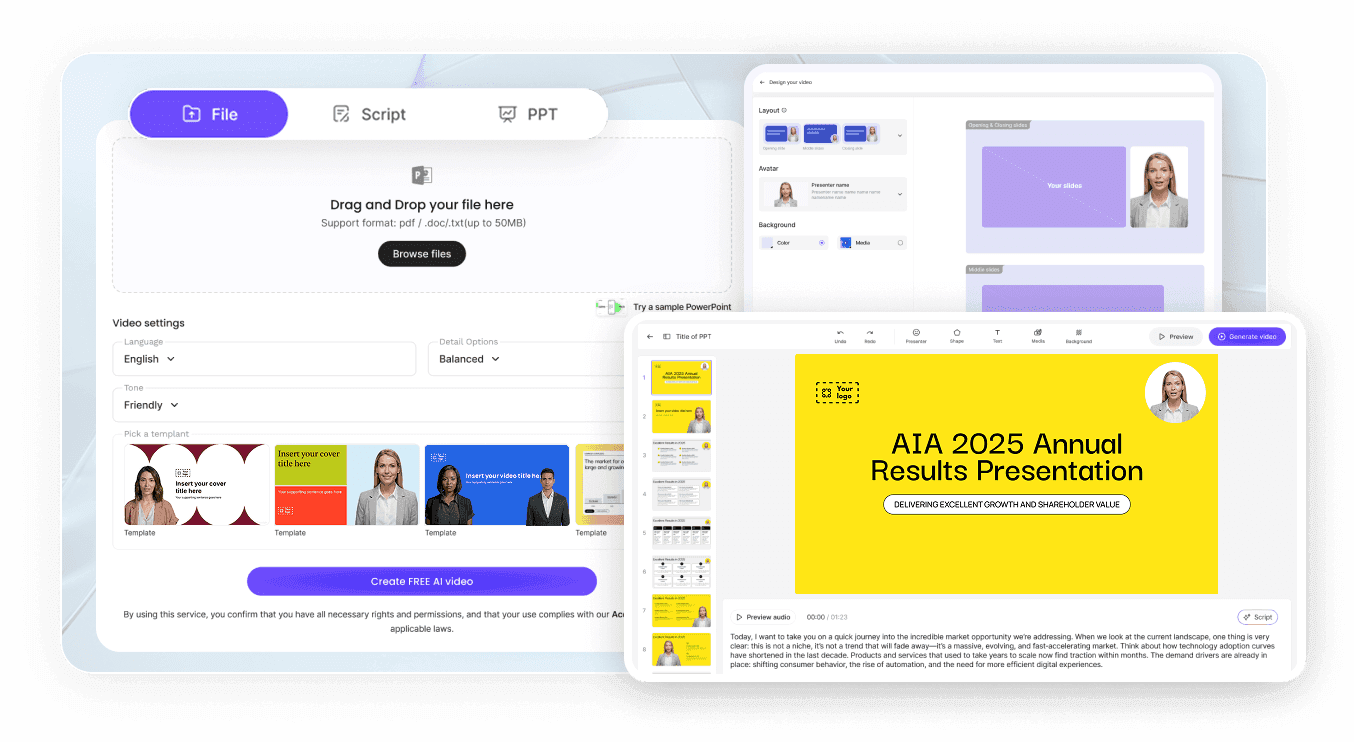
Step 1: Attach Your Report PDF and Key Charts
Step 2: Prompt KPI Chapters and Narrator Tone
Step 3: Run Content Review and Export MP4
Where Teams Apply an Executive Report Video Creator
Quarterly Business Review & Board Briefings
Summarize revenue growth, margin shifts, and strategic priorities into a 2-minute video that board members watch before meetings.
Annual Company & ESG Impact Report Summaries
Turn a 50-page annual review into chaptered widescreen scenes highlighting yearly milestones, workforce data, and ESG targets.
Marketing, Channel & Customer Retention Updates
Walk cross-functional teams through campaign attribution, conversion funnels, and retention cohorts using dark-mode KPI cards.
Public Health, Research & Policy Findings
Translate institutional research papers and survey results into clear public explainers with verified source labels and notes.

Benefits of Our Annual Report Video Maker for Leadership
Structured Observation-to-Action Narrative
You Provide the Verified Figures and Units
Calm Executive Pacing With Custom Pauses
Secure Internal Distribution and Archiving
Practical Tips for Clear Executive Report Videos
State the Bottom-Line Takeaway in Card One
Focus on One KPI Comparison Per Scene
Keep Axis Units and Timeframes Explicit
Prompt No Avatar for Data-Dense Chapters
Add a Two-Second Pause on Key Trend Turns
Pair MP4 Exports With SRT Closed Captions
Report Video Generator Frequently Asked Questions
Bring up to 2 quarterly review PDFs or PPTX files and 20 dashboard images into Leadde Video Agent, and select a 60 sec, 2 min, or 3 min timer in 16:9 or 9:16. Specify your key performance metrics, period comparisons, and narrator voice in the composer.
No. Leadde does not connect to live BI databases or execute raw Excel or CSV spreadsheet calculations. Instead, you upload your verified summary report (PDF, PPTX, or DOCX) alongside chart screenshots or stated KPI figures, and Video Agent builds structured executive briefing scenes around those inputs.
Yes. Including "No avatar" in your prompt instructions with a calm narrator and restrained background music dedicates the entire 16:9 widescreen canvas to Bento KPI cards, period-over-period comparisons, and executive takeaway headers without showing an on-screen presenter in the corner.
This Report Video Generator builds multi-scene executive briefings, annual reviews, and quarterly KPI updates from full documents. Teams creating a single animated graph can open Data Animation Maker, while sales groups preparing outbound client statements of work can use AI Proposal Video Generator.
Once your executive briefing opens in Studio, you can run AI Content Review to cross-check spoken script lines and on-screen KPI labels against your source PDF, edit any figure or unit directly on the slide canvas, and test voiceover pronunciation before exporting.
Yes. Finance and operations teams can upload quarterly PDFs, test Bento KPI cards, and check data pacing without spending credits during the Free beta; when you export a verified MP4 briefing from Studio, plan credits apply as shown on the Leadde Pricing page.
Build Executive Report and KPI Video Briefings Online
