
AI Webinar Video Maker
What Is a Webinar Video Maker?
A webinar video maker converts presentation decks, speaker notes, and seminar outlines into pre-recorded on-demand webinars and registration trailers for B2B teams. Leadde Slide Presenter imports PPTX or PDF decks up to 200 MB with 88 language options and right-panel Video Q&A in Studio, while general slide decks live at Video Presentation Maker or AI Event Promotion Video Maker.
Trusted by the world's leading brands







Core Tools in Our On Demand Webinar Creator
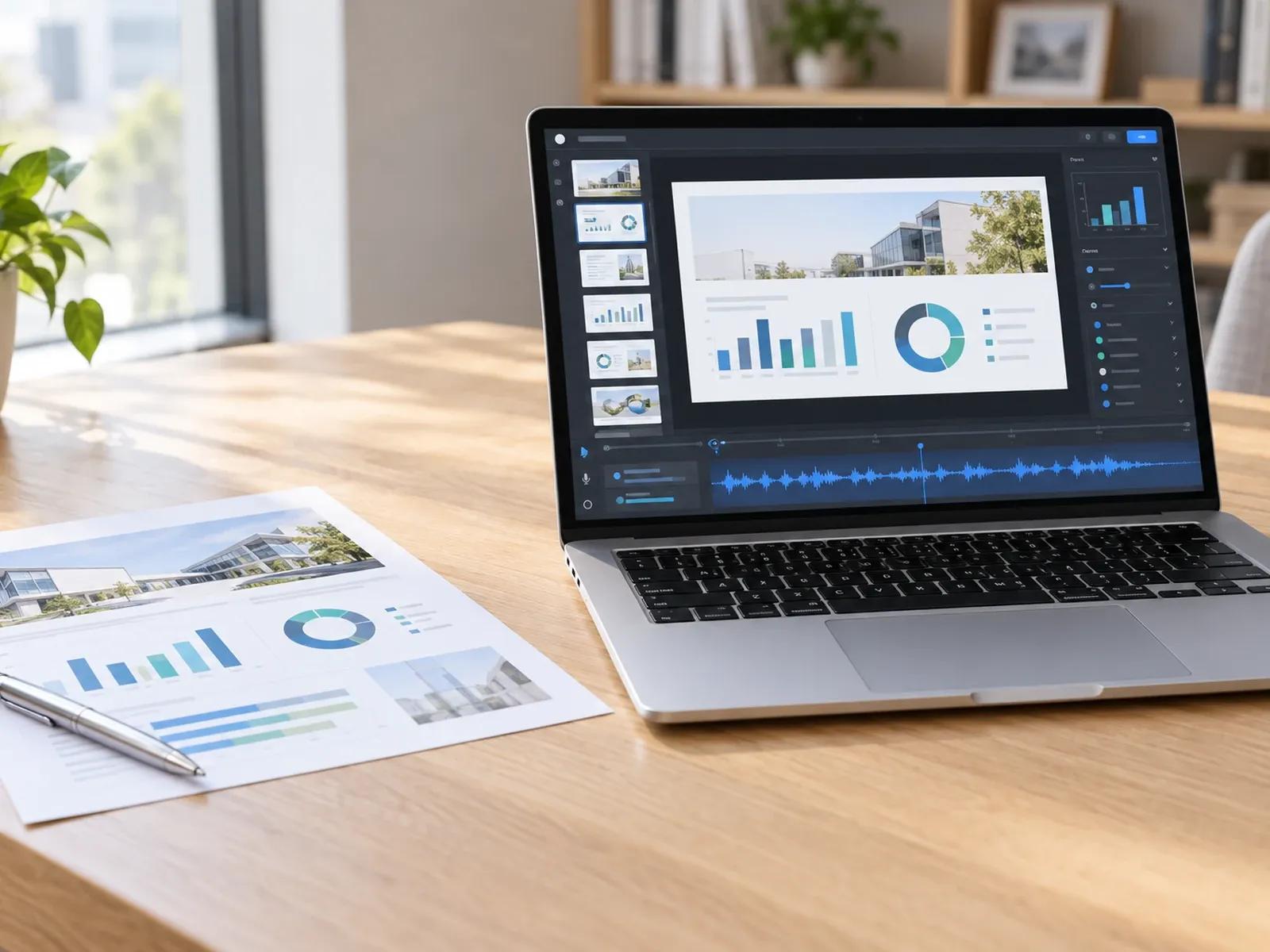
PPTX and PDF Import up to 200 MB
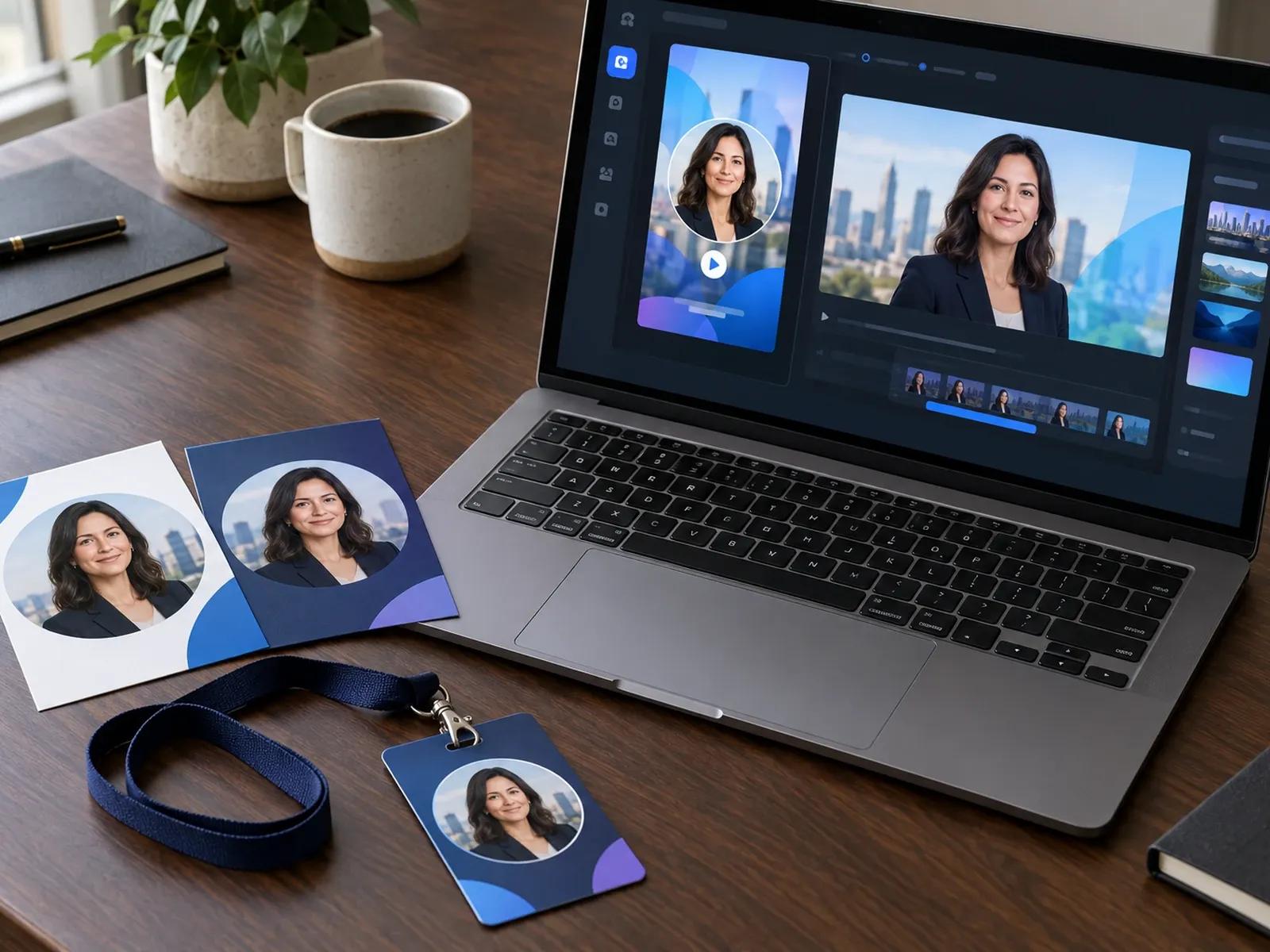
Promo Trailers in Leadde Video Agent
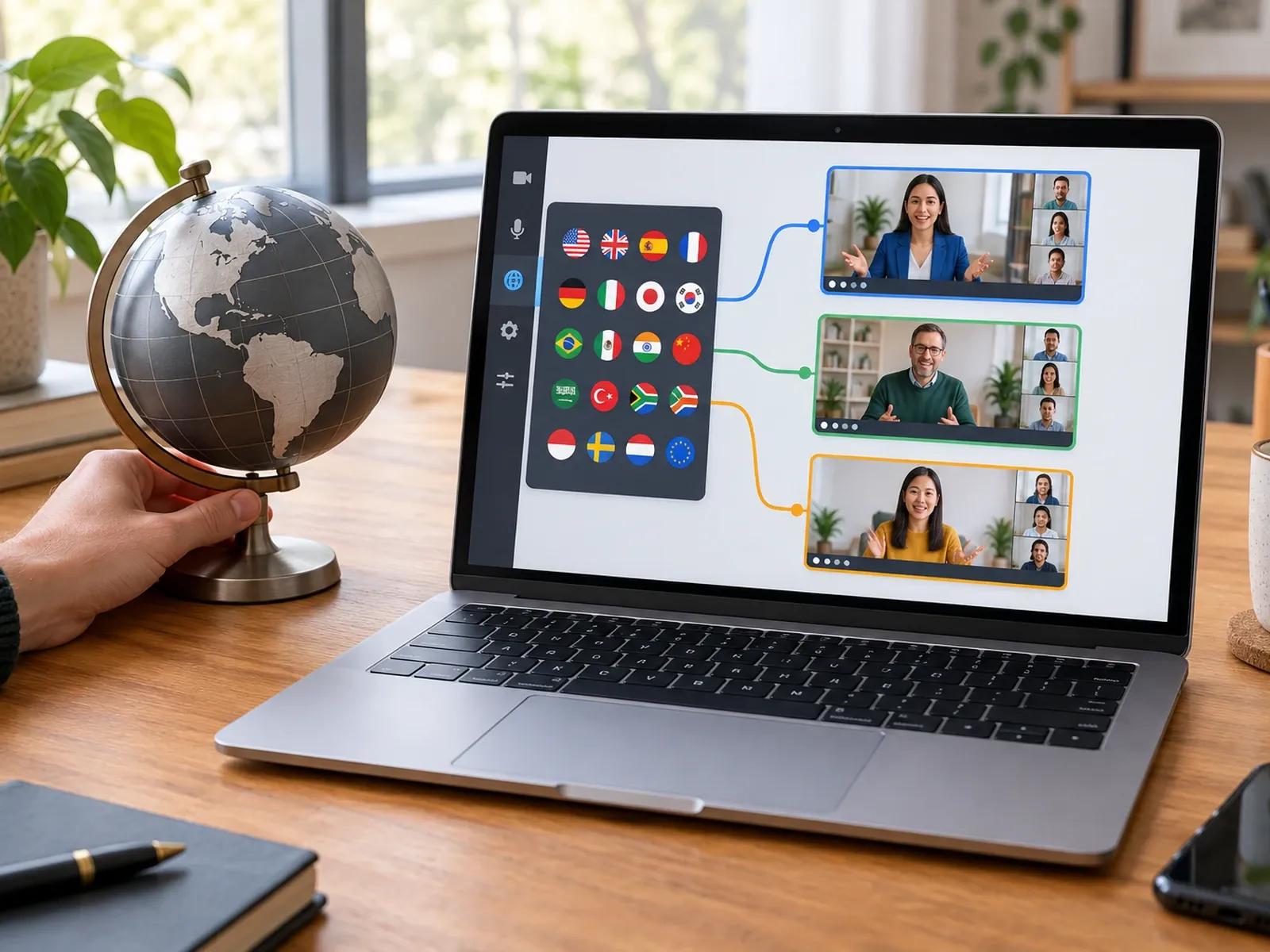
Localize Seminars Across 88 Languages
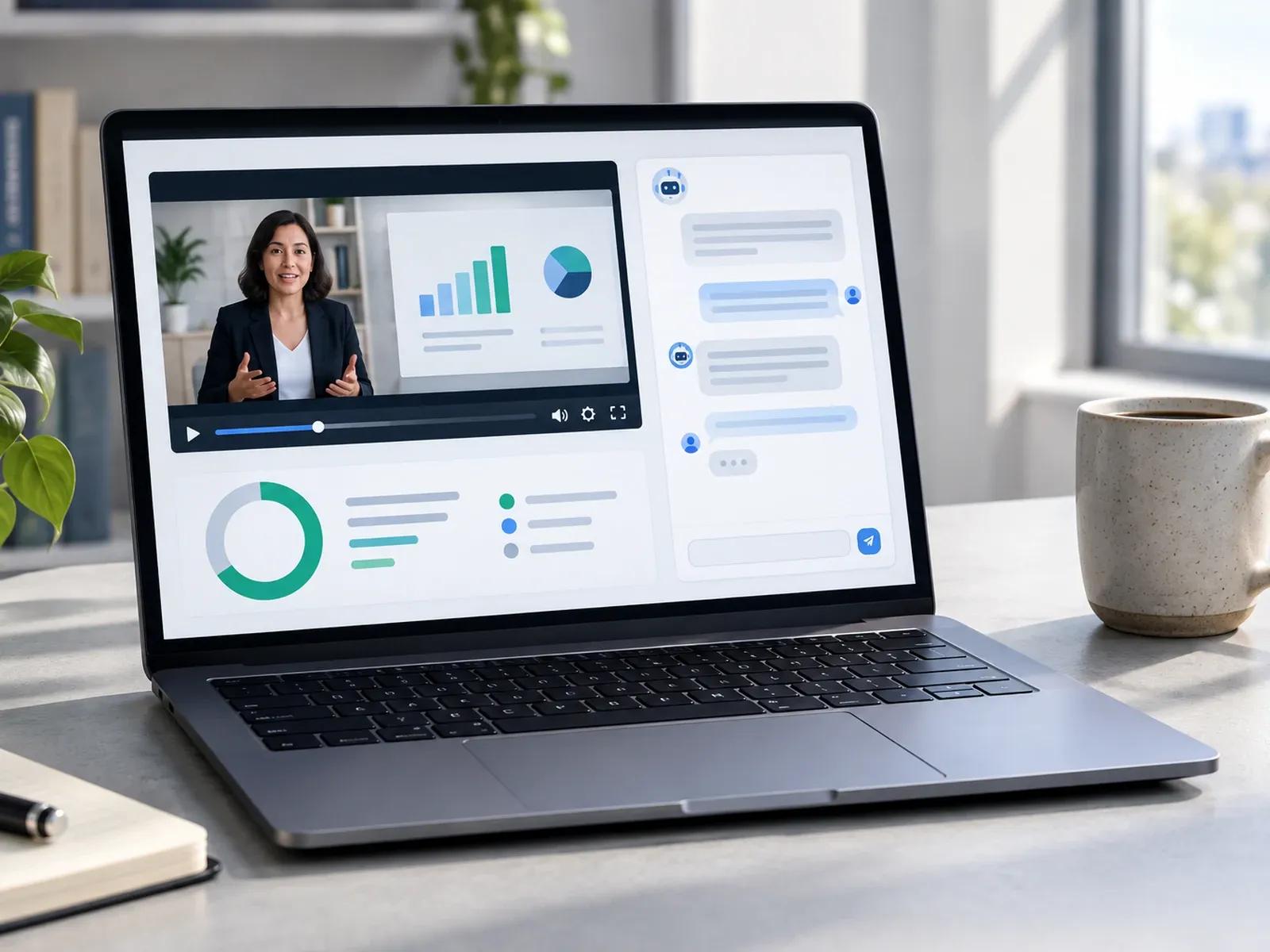
Right-Panel Video Q&A and Watch Metrics
Producing Sessions in an AI Webinar Presentation Maker
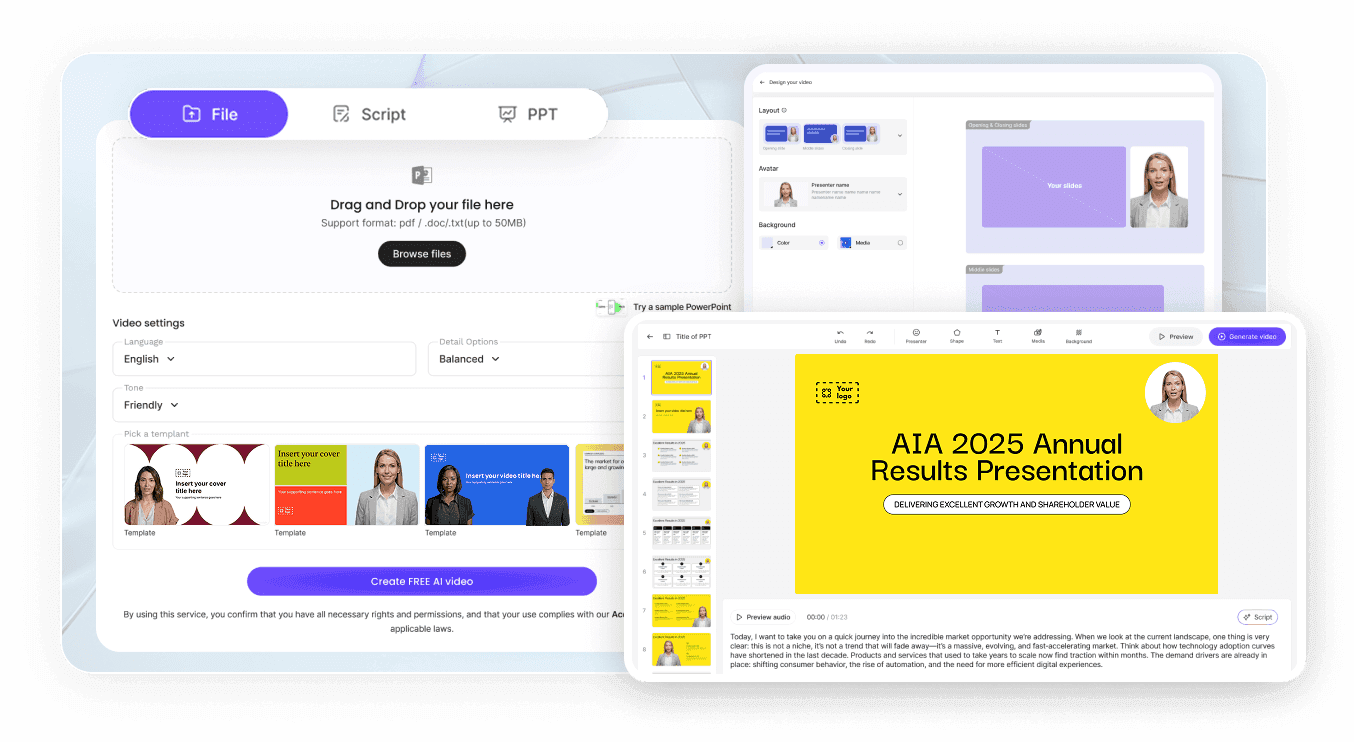
Step 1: Import Your PPTX Deck or Seminar Brief
Step 2: Pick an AI Presenter and Check Notes
Step 3: Share With Video Q&A or Download MP4
Programs Built With a Webinar Promo Video Generator
Evergreen On-Demand Lead Generation Webinars
Turn a 20-slide PPTX deck and speaker notes into an evergreen on-demand webinar that prospects watch in their time zone.
LinkedIn & Email Webinar Registration Teasers
Build 30-second 9:16 or 16:9 webinar registration teasers in Video Agent to drive sign-ups across LinkedIn and social ads.
Multilingual Regional Product Workshops
Adapt a flagship software workshop into 88 languages and 175 dialects in Studio so regional sales teams skip live re-shoots.
Post-Event Replay Summaries & Q&A Hubs
Share your on-demand webinar link with right-hand Video Q&A enabled so viewers can ask questions about your presentation.

Why Demand-Gen Teams Use Our Automated Webinar Video Tool
Revise Individual Slides Without Re-Recording Talks
PowerPoint Speaker Notes Become Instant Voiceovers
Interactive Video Q&A on the Viewing Page
Granular Watch-Time and Completion Analytics
Strategy Tips for High-Completion Webinar Videos
Upload PPTX Files for Editable Layers
State Three Concrete Takeaways Early
Standardize Acronyms With Pronunciation Rules
Share Viewing Links for Async Q&A
Inspect Watch Time to Trim Slow Slides
Cut a 9:16 Teaser for Registration Ads
Webinar Video Maker Frequently Asked Questions
To build a full slide-led seminar, bring a .pptx or .pdf presentation (up to 200 MB) into Leadde Slide Presenter, assign an AI presenter, and turn your speaker notes into narration; for a 30-60s registration trailer, attach your seminar brief and speaker portraits in Video Agent.
When you import a native .pptx seminar deck into Slide Presenter, Studio keeps your slide text boxes, shapes, and graphics editable on the canvas while pulling PowerPoint speaker notes into the narration bar; importing a .pdf deck locks slide visuals as static backgrounds.
No. Leadde authors pre-recorded on-demand webinar videos, promotional trailers, and interactive viewing pages equipped with right-panel AI Video Q&A and watch analytics. If your team runs simulive broadcasts on external webinar hosts, you can download the finished MP4 from Studio.
When you distribute your webinar via a Leadde share or viewing link, a chat panel appears on the right side of the player where viewers can ask questions about the presentation. You can also toggle password protection on the share link for gated lead-generation campaigns.
This Webinar Video Maker is built for gated on-demand educational seminars featuring right-panel Video Q&A, regional workshop localization, and registration promos; for internal decks or classroom lectures, visit Video Presentation Maker, or open Highlight Video Maker for short post-event recap clips.
Yes. Demand-generation marketers can import seminar slide decks, edit speaker notes, and run timing previews in Studio (which preview layout without final avatar lip-sync) or test promo storyboards in Video Agent during the Free beta; rendering final webinar MP4 files follows the Leadde Pricing page.
Publish Your On-Demand Webinar and Registration Trailer Online