Leadde Logo

Wedding Invitation Video Maker

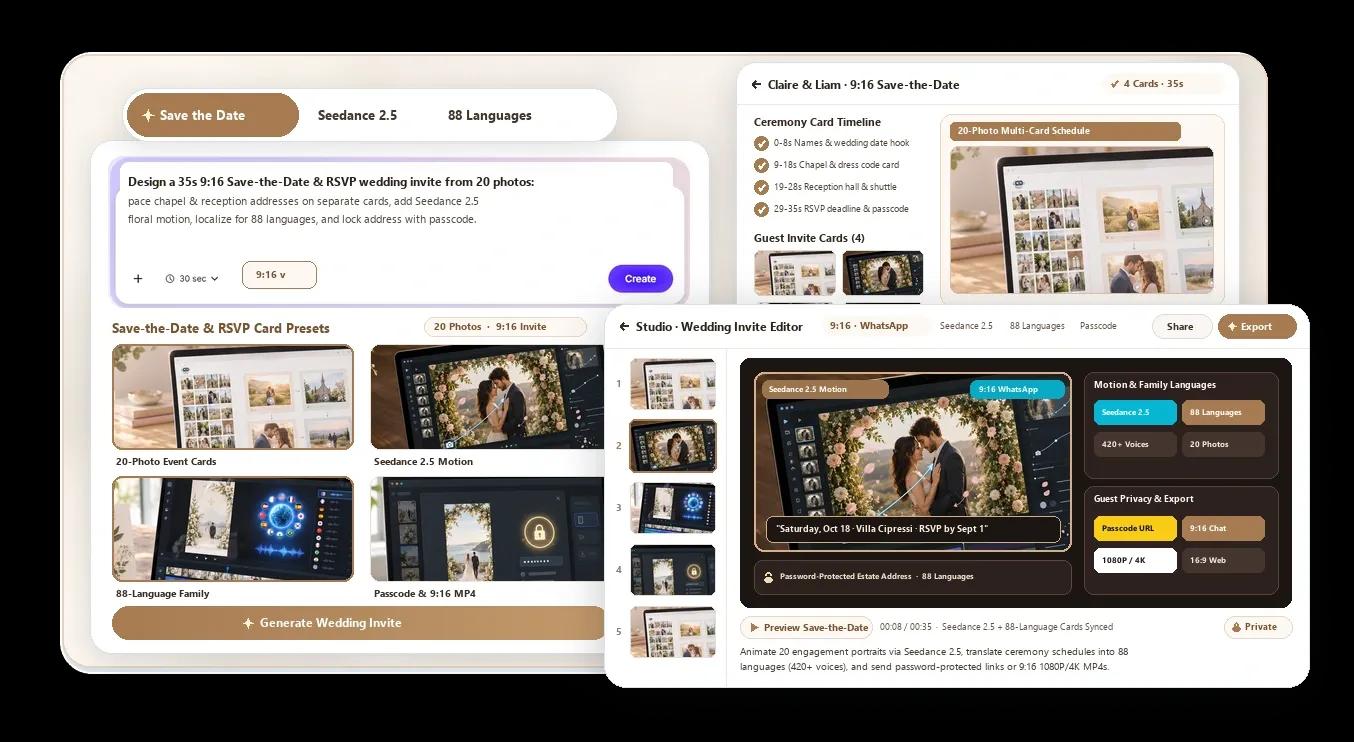
Design elegant digital ceremony cards with our wedding invitation video maker. Upload up to 20 engagement photos into Video Agent, animate floral and venue cards in Studio, and send password-protected links or 88-language invites to every guest today.
Prompt & Script
File
PPT
Need inspiration? Try one of these ideas
No credit card required

What Is a Wedding Invitation Video Maker?

A wedding invitation video maker turns engagement portraits, ceremony dates, venue addresses, and RSVP deadlines into animated Save-the-Date cards and mobile guest invites. Inside Leadde, Video Agent maps up to 20 photos into a multi-card itinerary while Studio adds Seedance 2.5 motion, 88-language localization, and password-protected links; post-ceremony recaps live at Wedding Video Maker or Invitation Video Maker.

Trusted by the world's leading brands

11.png
22.png
33.png
44.png
55.png
66.png
77.png
11.png
22.png
33.png
44.png
55.png
66.png
77.png
11.png
22.png
33.png
44.png
55.png
66.png
77.png

Features of Our Wedding Video Invitation Creator
20-Photo Engagement & Venue Storyboards
20-Photo Engagement & Venue Storyboards

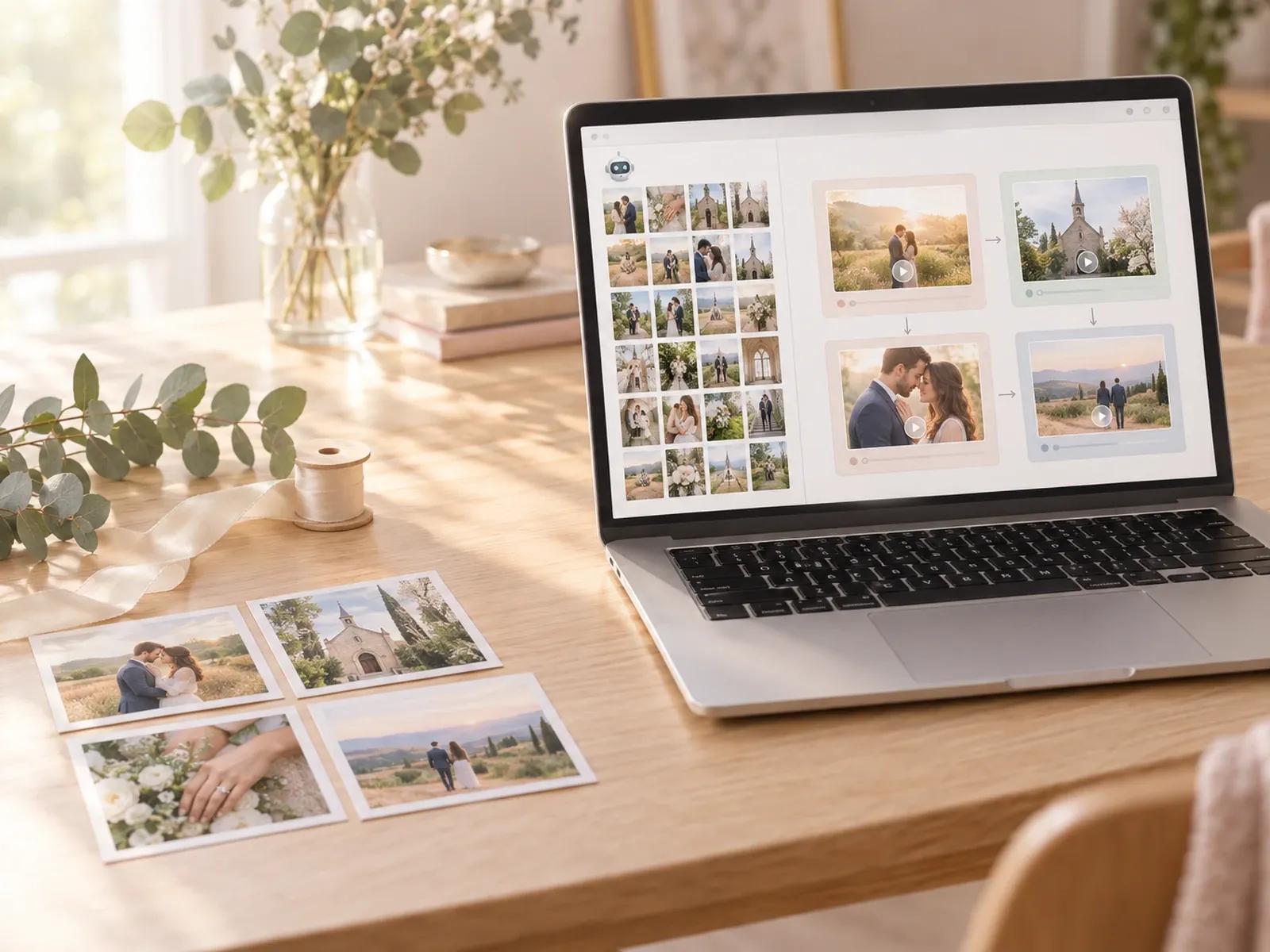
Upload up to 20 engagement portraits or venue snapshots (JPG or PNG, up to 20MB each) in Video Agent to organize a clear sequence covering your names, ceremony date, reception address, and RSVP deadline.
Seedance 2.5 Motion for Floral & Portrait Cards
Seedance 2.5 Motion for Floral & Portrait Cards

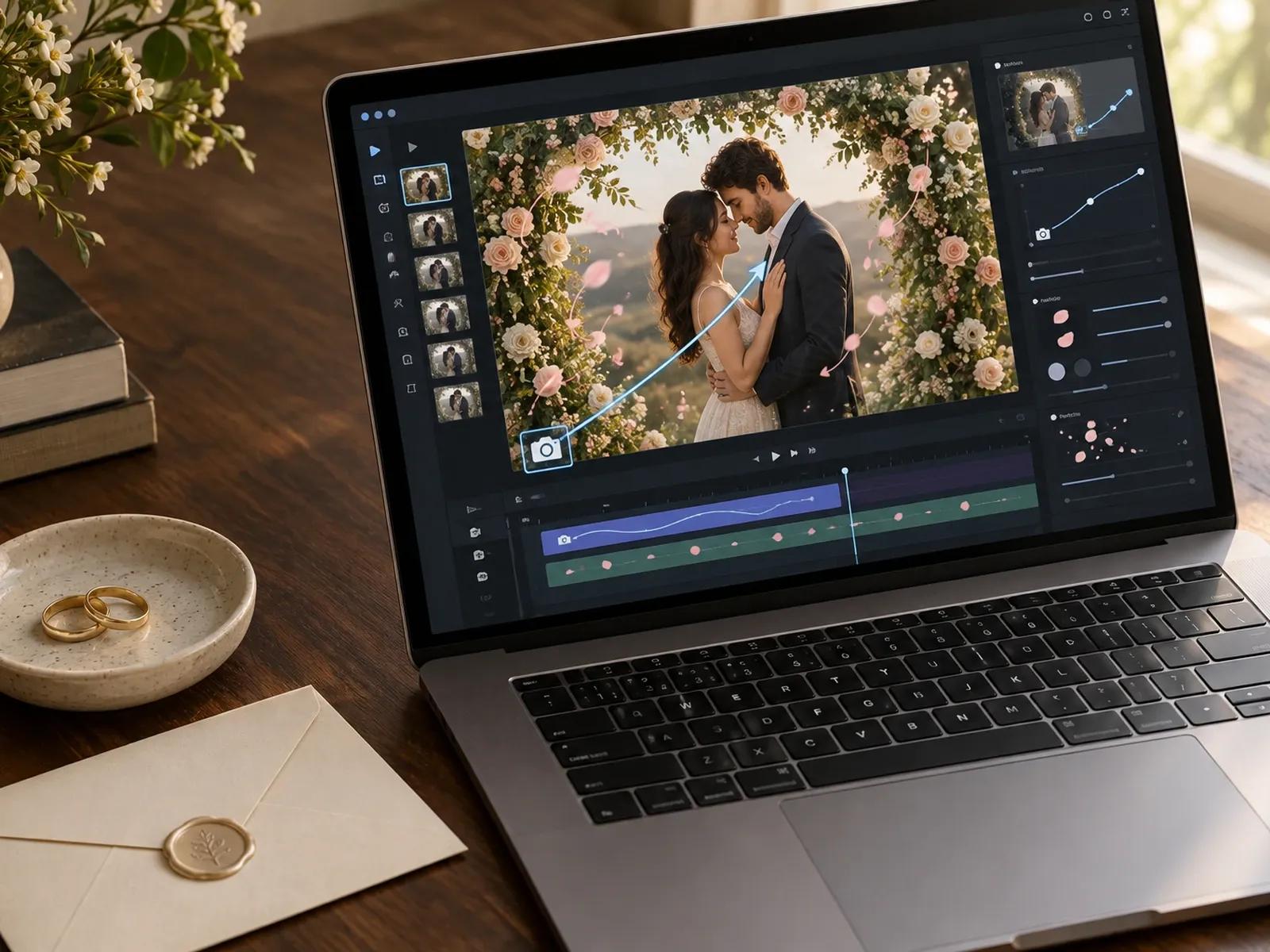
Bring static engagement pictures to life inside Studio via Create Media -> Video (Seedance 2.5 or Motion V2), adding subtle camera push-ins and soft background movement without warping facial features.
88-Language Localization for Global Families
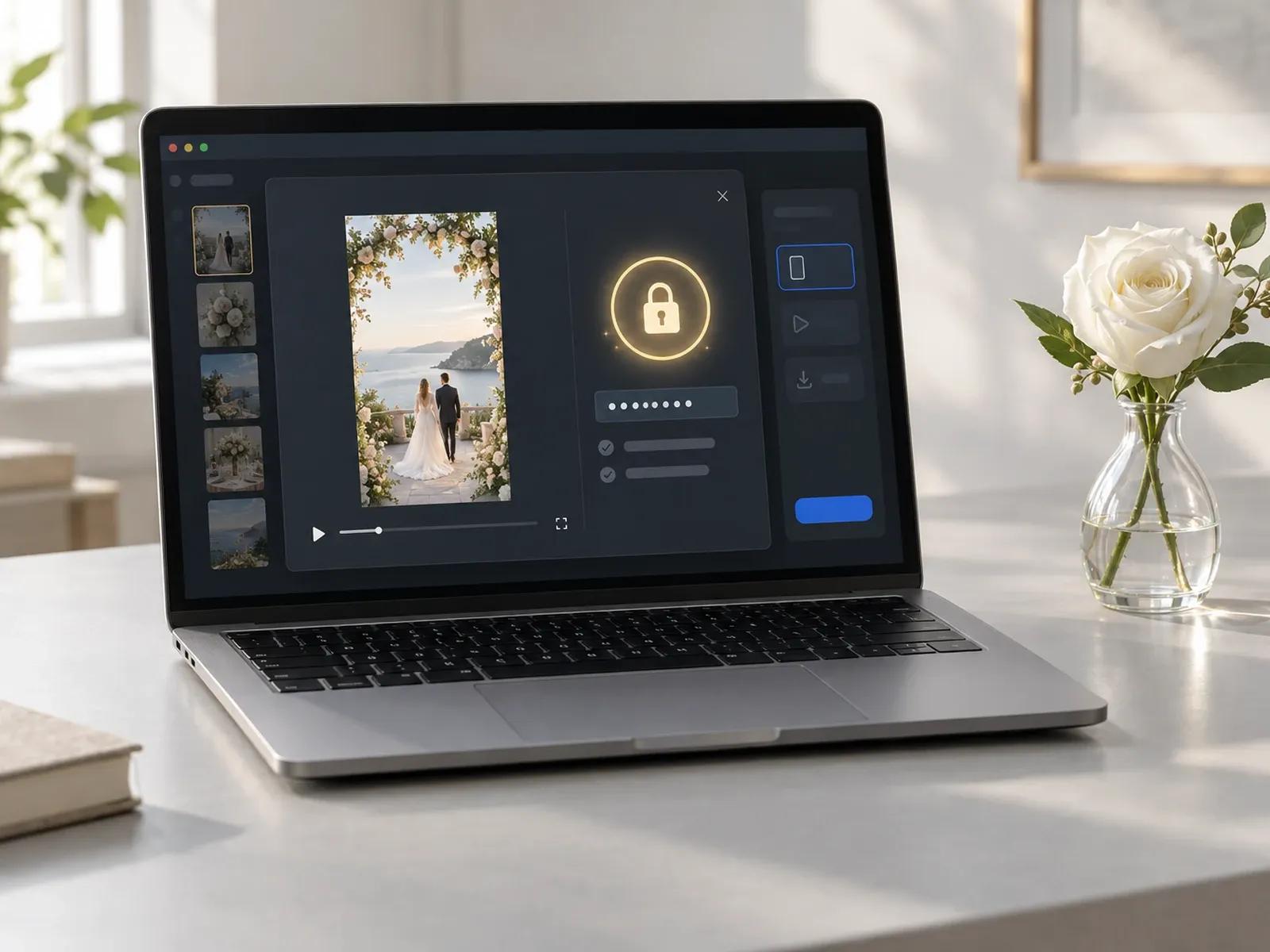
88-Language Localization for Global Families

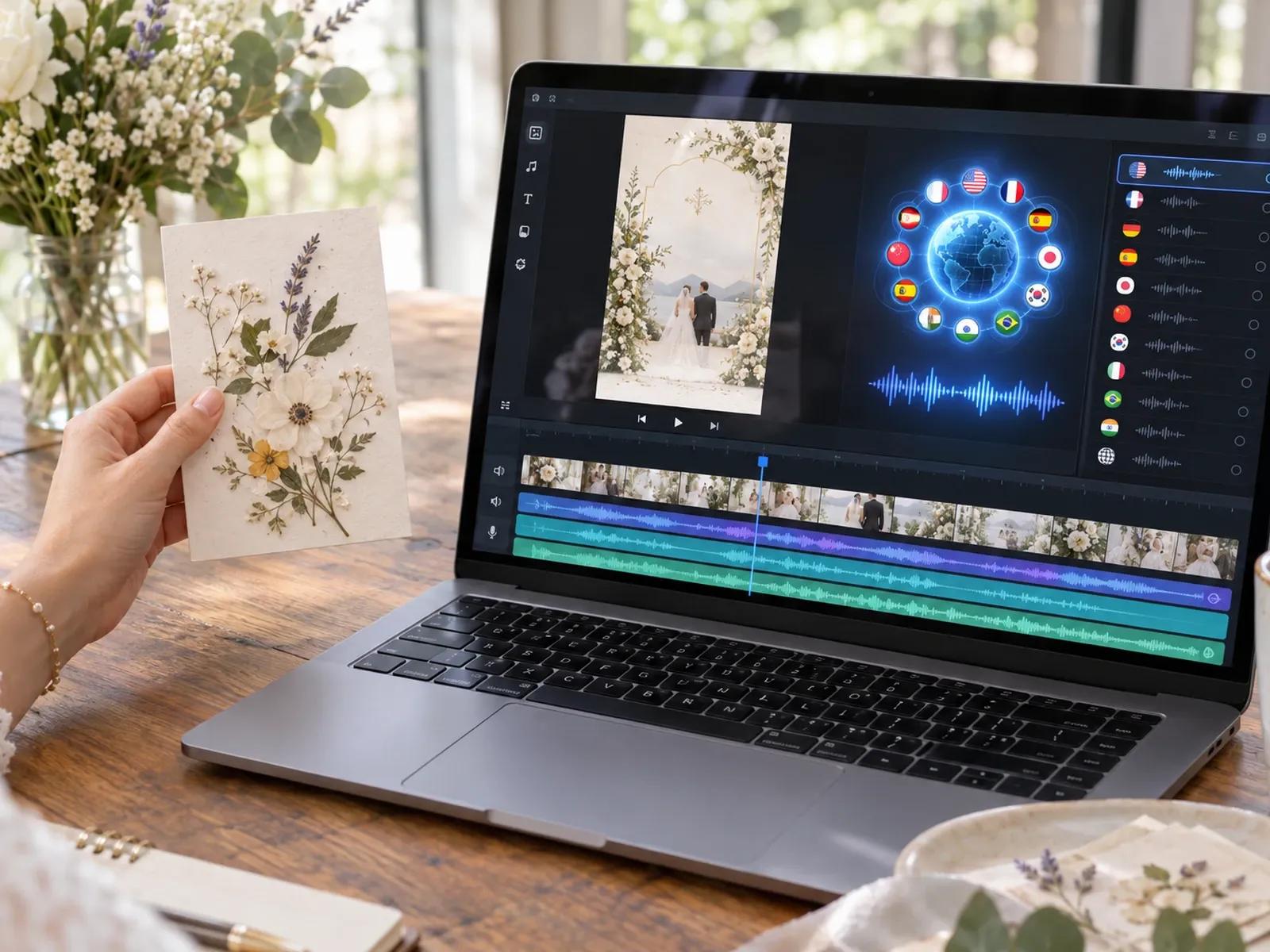
When the bride's and groom's relatives speak different languages, clone your wedding invitation in Studio and translate spoken narration and on-screen typography across 88 languages and 420+ voices.
Password-Protected Guest Links & 9:16 MP4s

Password-Protected Guest Links & 9:16 MP4s

Keep private ceremony locations, hotel room blocks, and registry URLs off public social feeds with a password-protected Leadde share link, or download a 9:16 vertical MP4 for WhatsApp and iMessage.

Steps in a Save the Date Video Maker

Create a personalized digital wedding invitation for your guest list using this three-step workflow.
Step 1: Upload Engagement Photos & Schedule

Step 1: Upload Engagement Photos & Schedule

Attach up to 20 couple portraits in Video Agent and enter your wedding date, venue city, dress code, and RSVP deadline.

Step 2: Check Your Multi-Card Event Timeline

Review the generated card sequence in the chat panel so welcome dinners, ceremony times, and reception addresses read clearly.

Step 3: Add Soft Motion & Share With Guests

Apply gentle photo animation and background music in Studio, then send a password-protected link or 1080P MP4 invite.

Digital Wedding Invite Video Scenarios

WhatsApp & iMessage 9:16 Save-the-Date Cards

Send full-screen vertical video cards to family group chats six to eight months before the wedding so guests mark their calendars.

Multi-Day Destination Wedding Itineraries

Outline airport transfers, welcome cocktails, ceremony timings, and farewell brunches across four clear sequential Studio cards.

Bilingual & Cross-Cultural Family Invitations

Translate ceremony cards into any of Leadde's 88 supported languages so grandparents and overseas relatives feel welcomed.

Formal RSVP & Registry Reminder Videos

Send a 30-second follow-up card four weeks before the RSVP deadline displaying your wedding website and meal survey URL.

compliance background

RSVP Wedding Video Maker Advantages Over Static Cards

Paper mailers get delayed in postal transit, and rigid three-photo mobile templates truncate multi-event wedding schedules.

Fit Full Ceremony & Reception Schedules Easily

Instead of cramming ceremony times, dress codes, and hotel shuttle notes onto one crowded postcard, Video Agent paces each detail onto its own dedicated visual card so guests read every address clearly.

Protect Address Privacy With Password Links

Public video hosts expose your ceremony time and venue address to strangers; Leadde Studio lets you lock your hosted wedding invitation link behind a guest password before sharing it in family chats.

Welcome Both Families in Their Native Tongue

Rather than designing separate invitations from scratch for international relatives, duplicate your Studio project and localize the voiceover and text cards into any of 88 supported languages in minutes.

Deliver Crisp 1080P and 4K Keepsake Files

Export your finished Save-the-Date or formal invitation as a high-bitrate 1080P or 4K MP4 in 9:16 vertical for mobile messaging or 16:9 widescreen for wedding website embeds.

Wedding Invitation Video Maker Design Etiquette Tips

Lead With Couple Names and Wedding Date

Display both partners' names and the ceremony date on card one within three seconds so guests immediately recognize the occasion.

Keep WhatsApp Invites Under 45 Seconds

Cap mobile wedding invitations at 30 to 45 seconds so relatives can watch the entire schedule and RSVP note in one sitting.

Separate Chapel and Reception Addresses

Place the ceremony chapel and evening reception hall on separate Studio cards when the two locations have different maps.

State the Dress Code in Plain Words

Add a dedicated three-second typography card specifying Black Tie, Cocktail Attire, or Garden Formal so guests dress well.

Hold the RSVP Deadline on the Final Card

Use Studio's Freeze frame or a five-second closing card to keep your RSVP date and wedding website URL visible at the end.

Require a Guest Passcode for Private Estates

Set a custom passcode on your hosted Leadde invitation URL before posting private estate addresses or hotel discount codes.

Wedding Invitation Video Maker Frequently Asked Questions

Upload up to 20 engagement photos (JPG or PNG, up to 20MB each) into Leadde Video Agent along with your ceremony date, venue address, dress code, and RSVP deadline; Video Agent organizes a multi-card storyboard that you refine with music and motion in Studio.
Wedding Invitation Video Maker is built for pre-wedding guest communications, including Save-the-Date announcements, multi-day destination itineraries, and RSVP reminders; when you want to edit post-ceremony wedding recaps, reception highlights, or anniversary tributes after the celebration, use Wedding Video Maker or Love Video Maker.
Yes; select 9:16 vertical framing (1080×1920) in Video Agent and export a 1080P MP4 file that plays full-screen inside WhatsApp, iMessage, WeChat, or Telegram family group chats, or share a password-protected Leadde viewing link directly with your invited wedding guest list.
Once you finish your primary invitation on the Leadde Studio timeline, duplicate the project draft and run the translation workflow across 88 supported languages and 420+ natural voices so both sides of your family receive ceremony schedules in their native language.
Inside the Leadde Studio canvas, click on an engagement portrait or venue picture and open Create Media -> Video (Seedance 2.5 or Motion V2) to generate subtle camera push-ins and natural background movement while keeping your ceremony date and address text sharp.
Couples receive 200 free monthly credits when creating a Leadde account, and planning your wedding invitation storyboard in Video Agent carries the Free in beta badge; credits are deducted only when rendering Seedance 2.5 motion, translating languages, or exporting MP4 files per the Leadde Pricing page.

Design Your Digital Wedding Invitation Video in Leadde Today
Turn your Save-the-Date photos, chapel schedule, and RSVP deadline into a private guest video invitation inside Leadde Studio.
avatar