
Wedding Video Maker
What Is an Online Wedding Video Maker?
A wedding video maker helps newlyweds and family editors combine wedding day photographs, the couple's shared story, and post-ceremony thank-you notes into a narrated video. Open a fresh project in Template Video, drop ceremony and reception stills onto the timeline, add spoken vows or thank-you lines, and set scene transitions by hand. This workspace focuses on wedding day and post-wedding memory films from photos and narration, while pre-wedding RSVPs belong on Invitation Video Maker and yearly milestones on Anniversary Video Maker.
Trusted by the world's leading brands







How Leadde's Wedding Video Maker Helps Couples Preserve Ceremony Memories
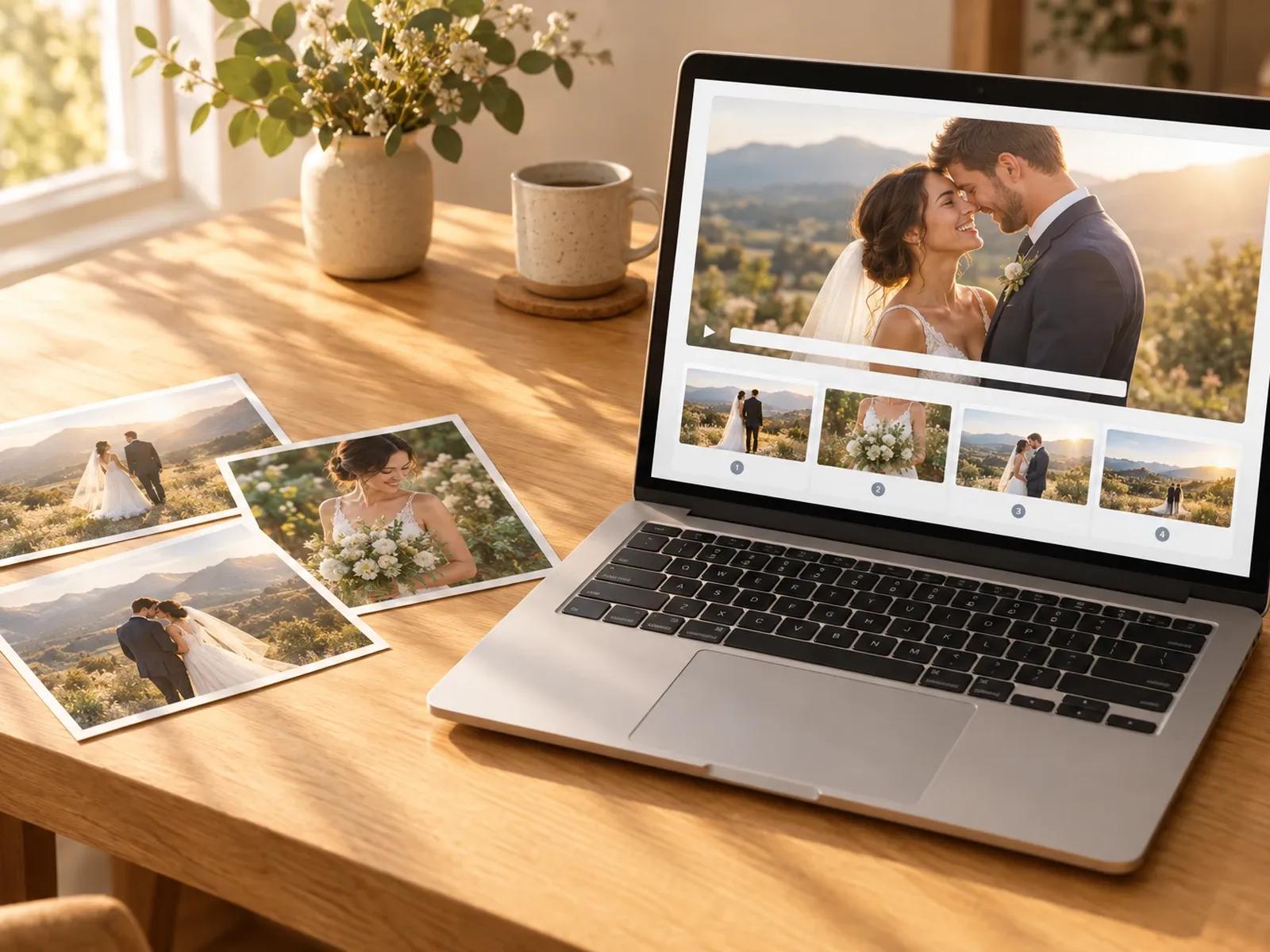
Photo-and-Narration Keepsakes Without Timeline Overload
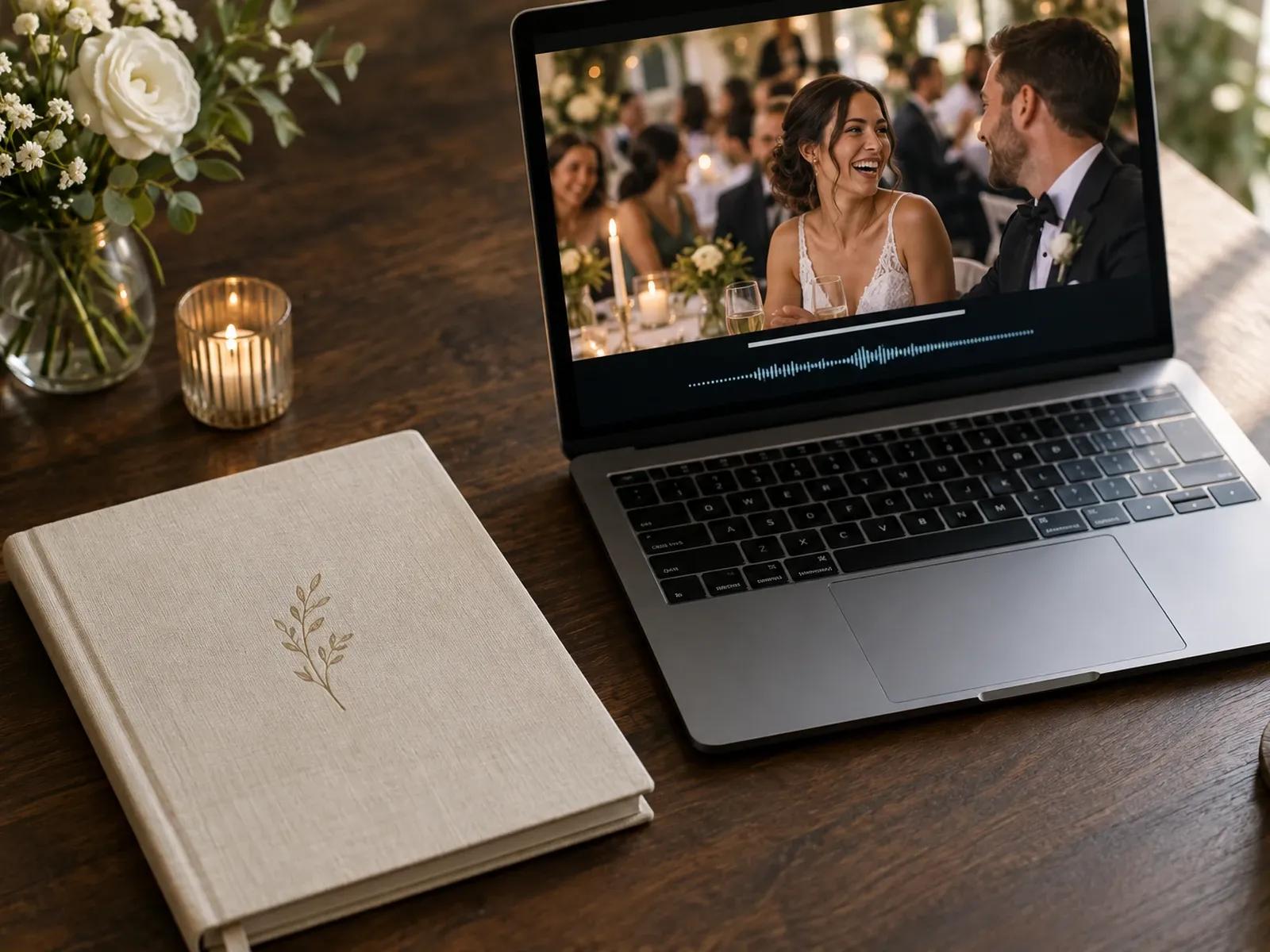
Full-Frame Wedding Photos with Pure Voiceover
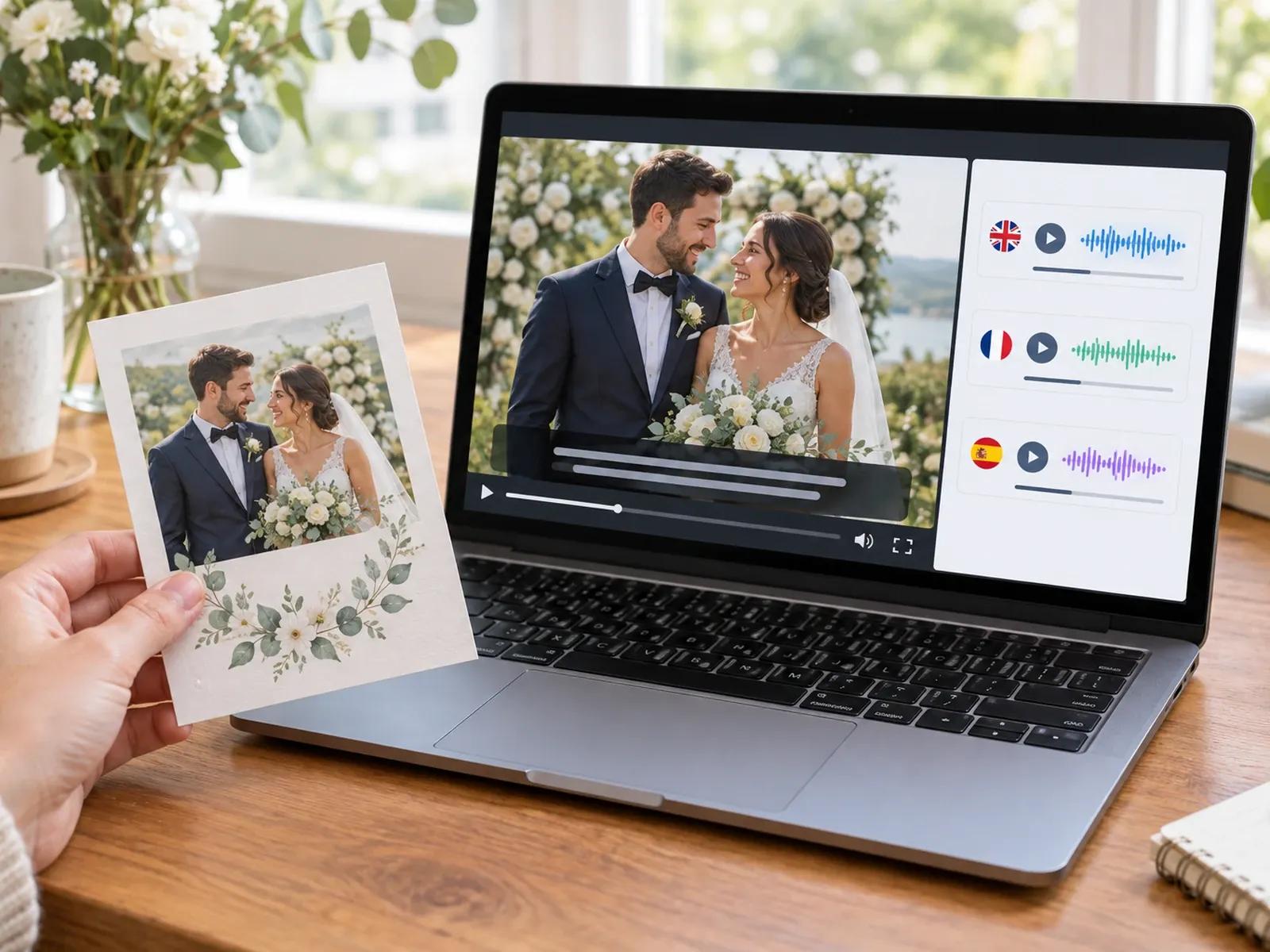
88 Languages for Cross-Cultural Wedding Families
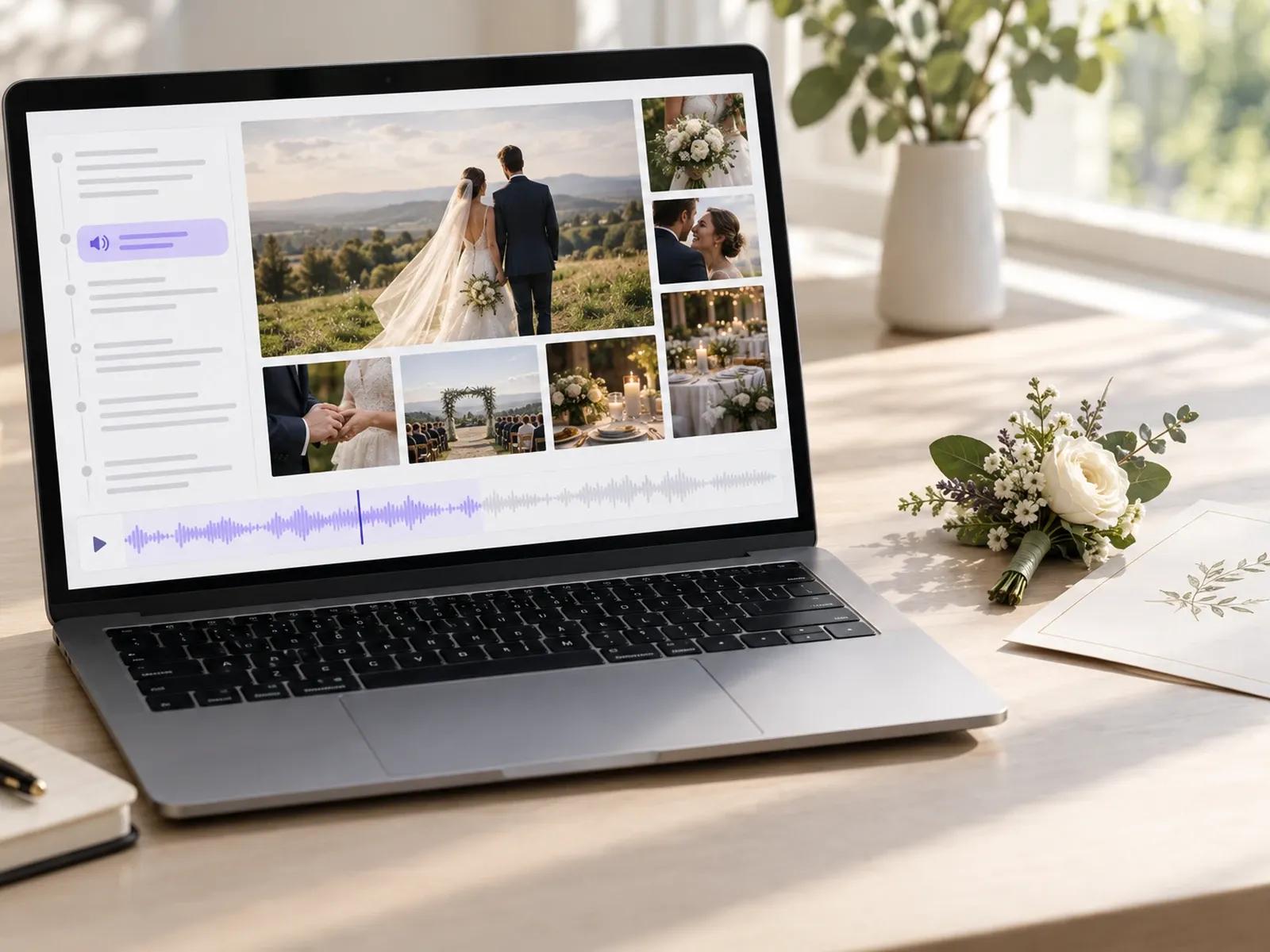
Accurate Pronunciation for Partner Names and Venues
Turning Wedding Photos and Thank-You Notes into a Keepsake Film

Step 1: Create Photo Scenes in Template Video
Step 2: Add Couple Story Narration, Subtitles, and Transitions
Step 3: Review with Your Partner and Download or Share
Wedding Day and Post-Wedding Videos You Can Create
Reception Couple Story Films
Combine childhood snapshots, engagement photos, and spoken chapters explaining how the couple met for reception hall screens.
Post-Wedding Guest Thank-Yous
Pair favorite wedding day photographs with a spoken thank-you message from the newlyweds to share with guests after the event.
Bilingual Family Recap Videos
Translate your narrated wedding photo album across 88 languages so relatives abroad can hear every chapter and thank-you note.
Parent & Bridal Party Tributes
Create dedicated photo chapters and spoken gratitude messages for parents, bridesmaids, and groomsmen after the wedding day.

Manual Scene Curation, Audio Mixing, and Private Guest Sharing
Manual Photo Sequencing and Transition Timing
User-Uploaded Music Balance Under Spoken Stories
Readable Subtitles for Banquet Rooms and Keepsakes
Password-Protected Links for Invited Guests Only
Ways to Personalize Your Wedding Photo and Thank-You Film
Structure Scenes in Two Clear Acts
Double-Check Surname Pronunciation
Remove Avatars on Portrait Slides
Translate Recaps for Overseas Guests
Insert Pauses Between Story Beats
Personalize Parent Thank-You Copies
Frequently Asked Questions
This workspace is designed to build wedding day and post-wedding memory videos from your selected photographs, written couple stories, and spoken guest thank-you notes. You arrange photo scenes in Studio, add voiceover narration and subtitles, and export a finished keepsake film.
No. Leadde is not an automated raw-footage cutter, multi-camera sync tool, or automatic highlight detector. Instead, you upload your chosen wedding photographs or short clips into Template Video, organize the scene sequence manually, and pair each slide with spoken narration and captions.
Save-the-Date cards and pre-ceremony invitations that list chapel addresses, reception schedules, and RSVP links belong on Leadde's Invitation Video Maker. When you celebrate your first, fifth, or tenth marriage milestone later on, visit our dedicated Anniversary Video Maker page to build an anniversary retrospective.
Yes. While editing your wedding project in Studio, you can hide the digital presenter layer across your slides. Without an avatar on screen, your ceremony photography, reception snapshots, and timed subtitles command the entire widescreen display alongside the spoken story.
Once you finish your primary wedding memory project, click AI Translation inside the canvas. Leadde creates a localized copy of your project across any of 88 supported languages, translating both the on-screen captions and the spoken voiceover while keeping your photo order intact.
Yes, newlyweds can upload ceremony photos, draft thank-you scripts, and test transitions inside the browser workspace before exporting. You can also share a password-protected viewing link with your partner or family, and MP4 export resolutions follow the plan rules on the Leadde Pricing page.
Create Your Wedding Memory & Thank-You Video Today
