Leadde Logo

AI Learning Video Generator
Transform textbooks, scripts, and lessons into engaging learning videos in minutes. Leadde empowers educators and creators to produce high-quality educational content with realistic AI teachers. No credit card required.
Topic
File
Text
Script
PPT
Try a sample file
Video settings
Pick a template
Modern Business Presentation
Bold Metrics
Bold Metrics
Orange Glow
Orange Glow
Colorful design
Colorful design
By using this service, you confirm you have the necessary rights and that your use complies with our Acceptable Use Policy and applicable laws.

Make Learning Visible and Engaging

Onboarding walkthrough

Onboarding walkthrough

Turn compliance documents, safety protocols, or regulatory guidelines into structured certification videos. Let an AI avatar walk employees through each requirement clearly — reducing legal risk and keeping teams audit-ready.

Cleanroom protocols

Cleanroom protocols

Explains the behavior guidelines and operational requirements for cleanrooms, ensuring employees adhere to standards and improve work efficiency and safety.

AR-700 operation training

AR-700 operation training

Introduces the operation process and safety guidelines of the AR-700 precision assembly robot, helping employees master proper operating techniques.

Marketing insights

Marketing insights

Covers insights extraction, segment narrowing, and next step alignment.

Trusted by Leading Universities & Institutions Worldwiide

asu-online-vector 1.svg
cuhk-crest 1.svg
georgia-tech-gt 1.svg
ignou 3.svg
indian-institute-of-science 1.svg
shanghai-jiao-tong-university 1.svg
the-open-university 1.svg
nanyang-technological-university 1.svg
ucsf 1.svg
universidade-de-sao-paulo 1.svg
university-of-tokyo 1.svg
asu-online-vector 1.svg
cuhk-crest 1.svg
georgia-tech-gt 1.svg
ignou 3.svg
indian-institute-of-science 1.svg
shanghai-jiao-tong-university 1.svg
the-open-university 1.svg
nanyang-technological-university 1.svg
ucsf 1.svg
universidade-de-sao-paulo 1.svg
university-of-tokyo 1.svg
asu-online-vector 1.svg
cuhk-crest 1.svg
georgia-tech-gt 1.svg
ignou 3.svg
indian-institute-of-science 1.svg
shanghai-jiao-tong-university 1.svg
the-open-university 1.svg
nanyang-technological-university 1.svg
ucsf 1.svg
universidade-de-sao-paulo 1.svg
university-of-tokyo 1.svg

What Is an AI Learning Video Generator?

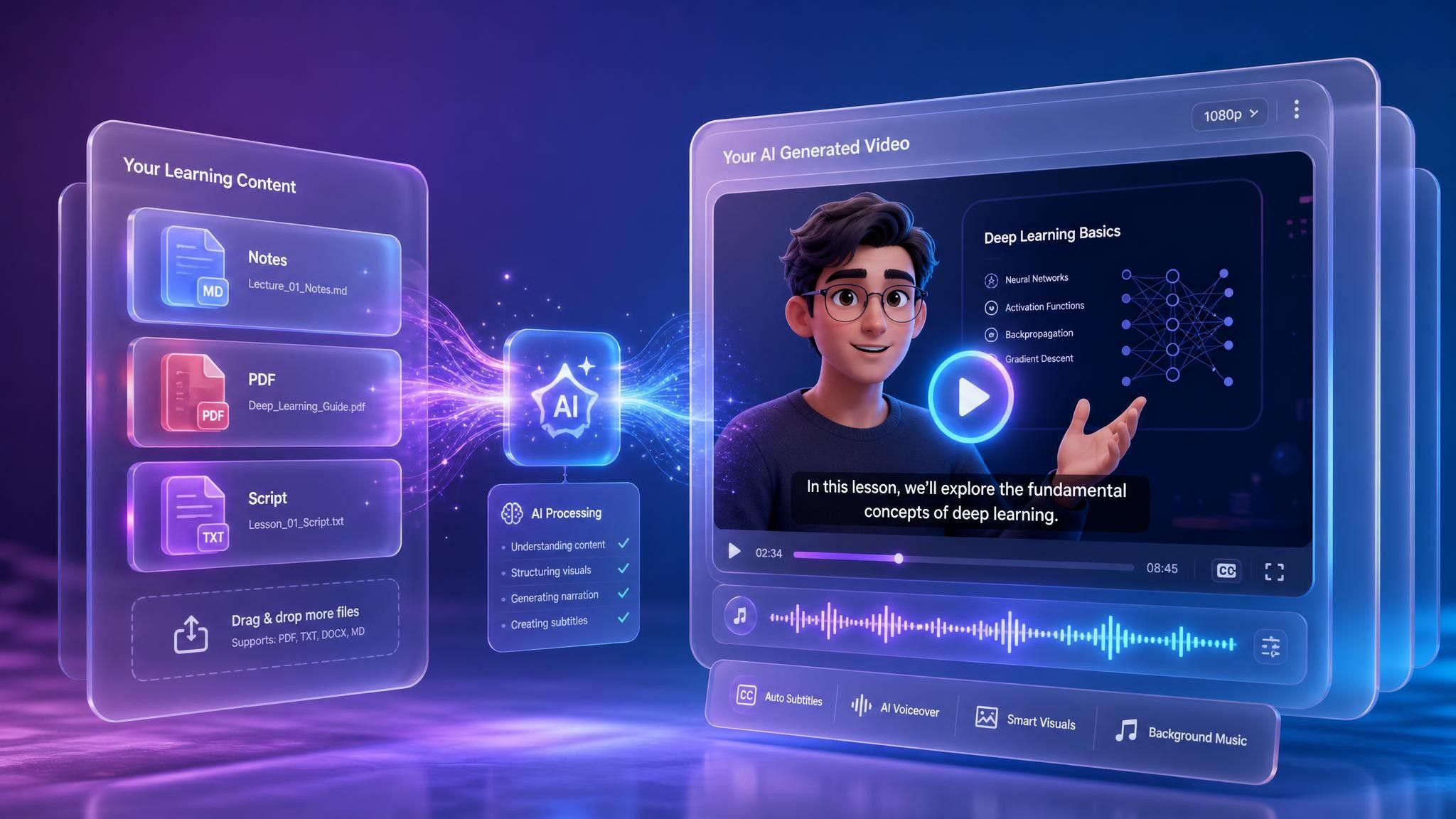
An AI learning video generator transforms notes, textbooks, scripts, presentations, and other learning materials into structured videos with narration, visuals, subtitles, and AI presenters. 

Instead of writing a complete script, recording a presenter, and editing every scene manually, you can upload your content and let Leadde generate an editable first draft.
What Is an AI Learning Video Generator?

Why Leadde is the Best Tool for Learning Videos

Text to Learning Video Instantly

Text to Learning Video Instantly

Don't spend hours filming. Simply paste your lesson plan, script, or educational article into Leadde, and the AI automatically converts it into a structured video with narration and visuals, perfect for creating "Learning video generator from text" solutions.
Engage Students with AI Teachers

Engage Students with AI Teachers

Capture attention with 200+ AI avatars acting as virtual teachers. Use the "Expressive IV Engine" to ensure they deliver lessons with natural facial expressions and gestures, making the learning experience as engaging as a real classroom.
Perfect Tone for Every Age

Perfect Tone for Every Age

Whether you are creating "Learning videos for toddlers" or university lectures, Leadde has the right voice. Use the "Storytelling" tone for engaging kids' content or the "Explanatory" tone for complex academic subjects.
Accessible & Multilingual Education

Accessible & Multilingual Education

Education for everyone. Instantly translate your learning videos into 89 languages. Create bilingual learning materials or reach international students on YouTube without recording multiple voiceovers.

How to Create a Learning Video with AI
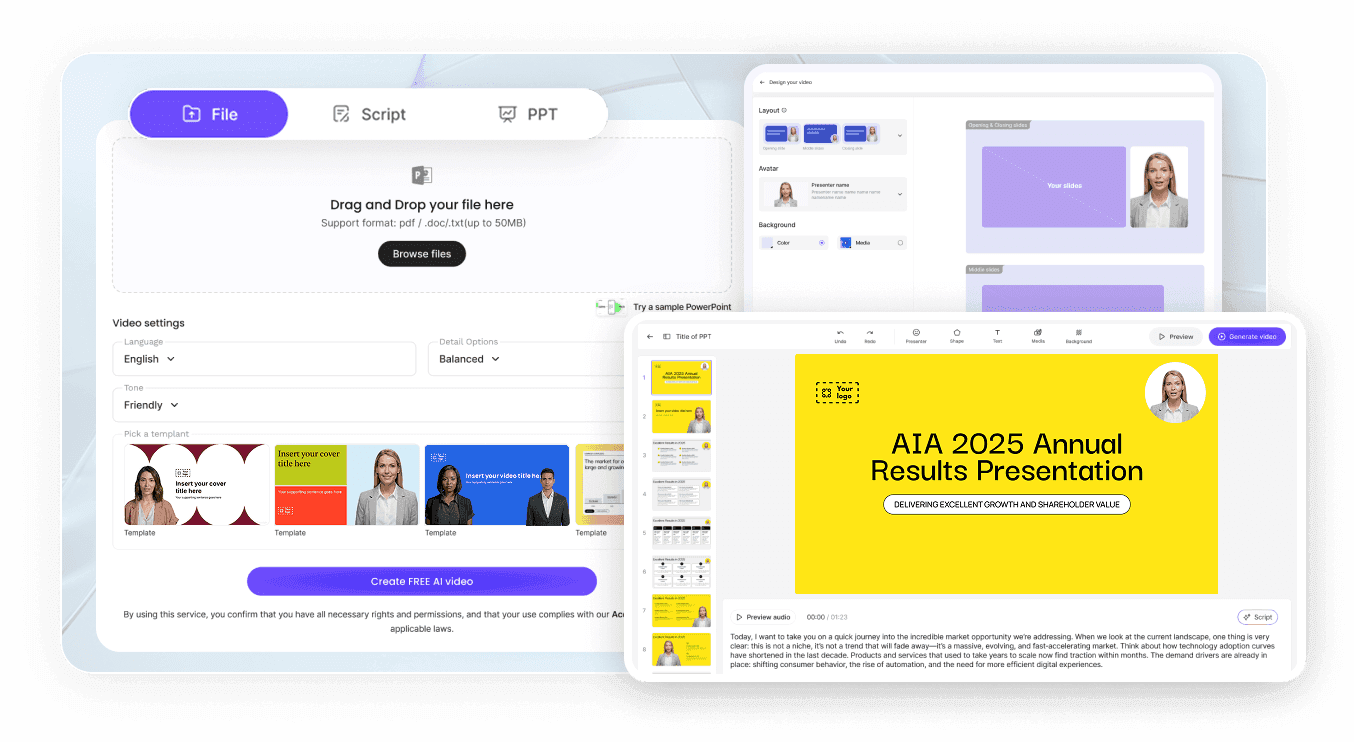
Create an educational video in three simple steps using Leadde.
Step 1: Input Your Lesson Content

Step 1: Input Your Lesson Content

Open the "AI Video Creator." Upload your lecture notes (.docx, .pdf) or paste your script. You can also use the "Slide Presenter" to import a PowerPoint lesson and convert it into a video instantly.

Step 2: Customize Your Virtual Teacher

Select an AI avatar that fits your subject. Choose a friendly, animated style for "Learning videos for kids" or a professional look for adult education. Set the voice tone to "Storytelling" to keep young learners hooked.

Step 3: Edit and Publish

Review the generated scenes. Use the "Shape" tool to highlight key formulas or vocabulary on the screen. Click "Generate Video" to finalize your content for YouTube or your Learning Management System (LMS).

Turn Any Learning Material into a Video

Use the materials you already have instead of creating every video from scratch.

Notes to Learning Videos

Notes to Learning Videos

Turn lecture notes, class summaries, revision notes, and personal study materials into clear video explanations.
Textbooks to Educational Videos

Textbooks to Educational Videos

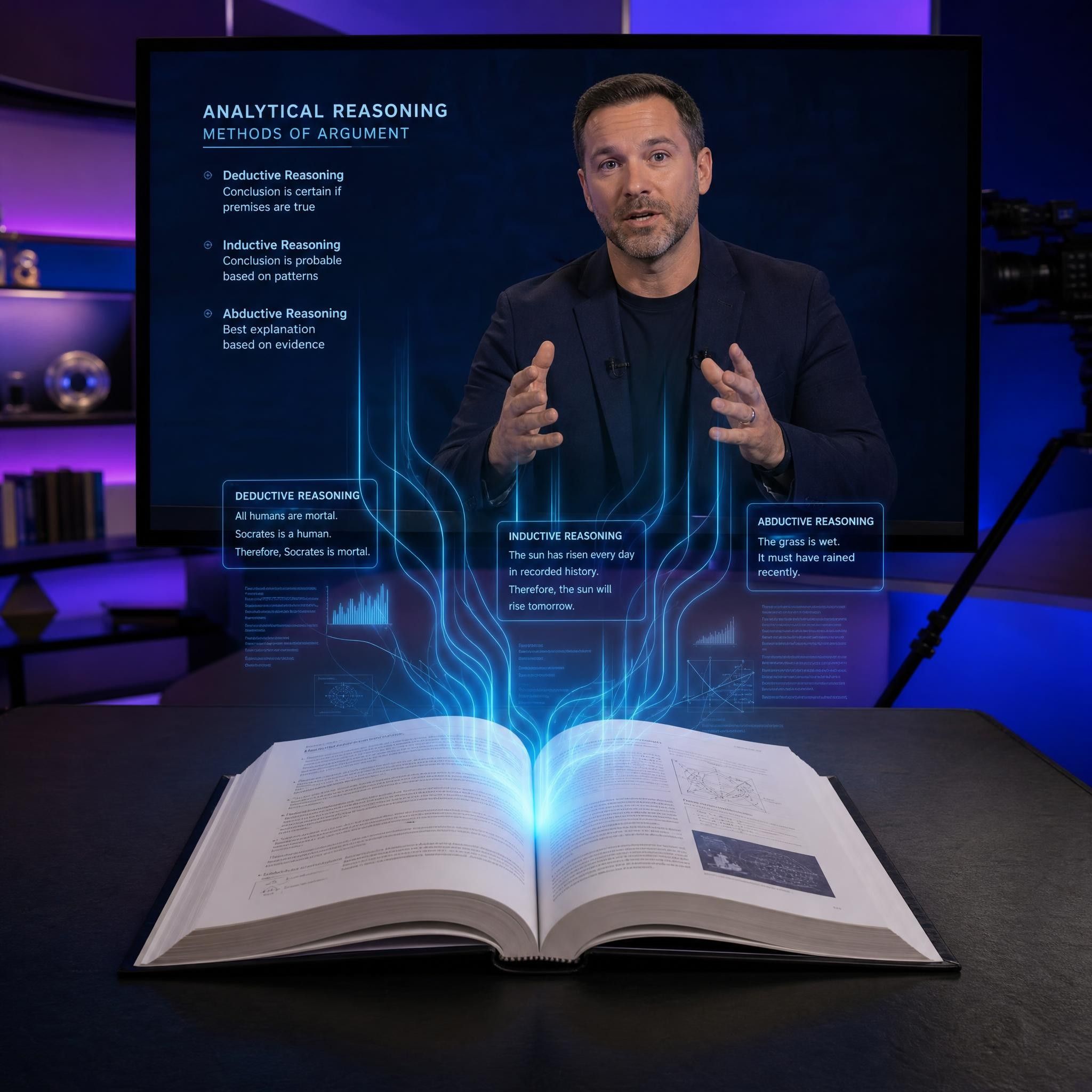
Convert textbook chapters into structured educational videos that explain the main ideas through narration, visuals, and subtitles.
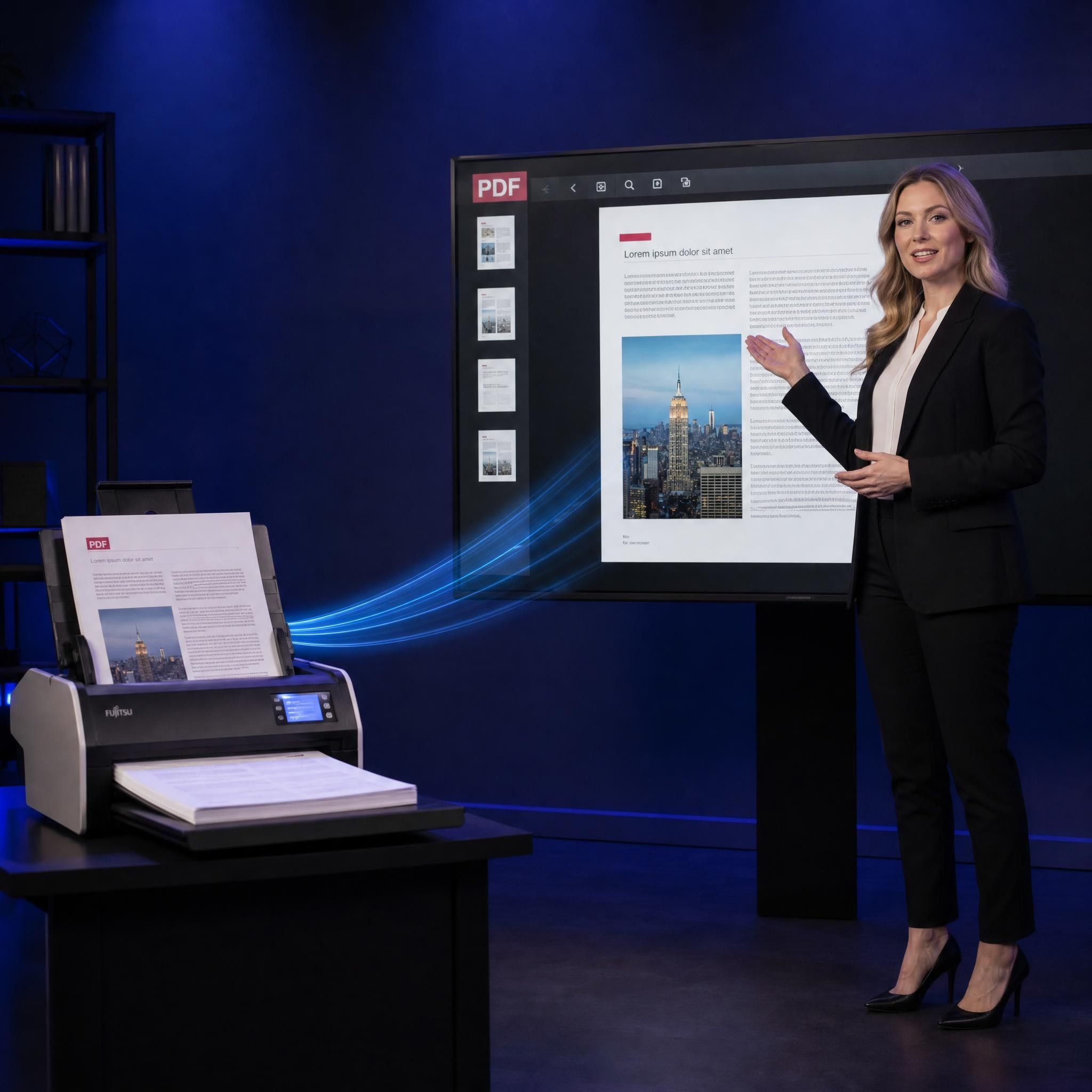
PDFs to Learning Videos

PDFs to Learning Videos

Upload study guides, worksheets, reports, and reading materials in PDF format and transform them into narrated videos.

PowerPoint Slides to Videos

PowerPoint Slides to Videos

Import a presentation and turn the slide content into a video with narration, subtitles, visuals, and an AI teacher.
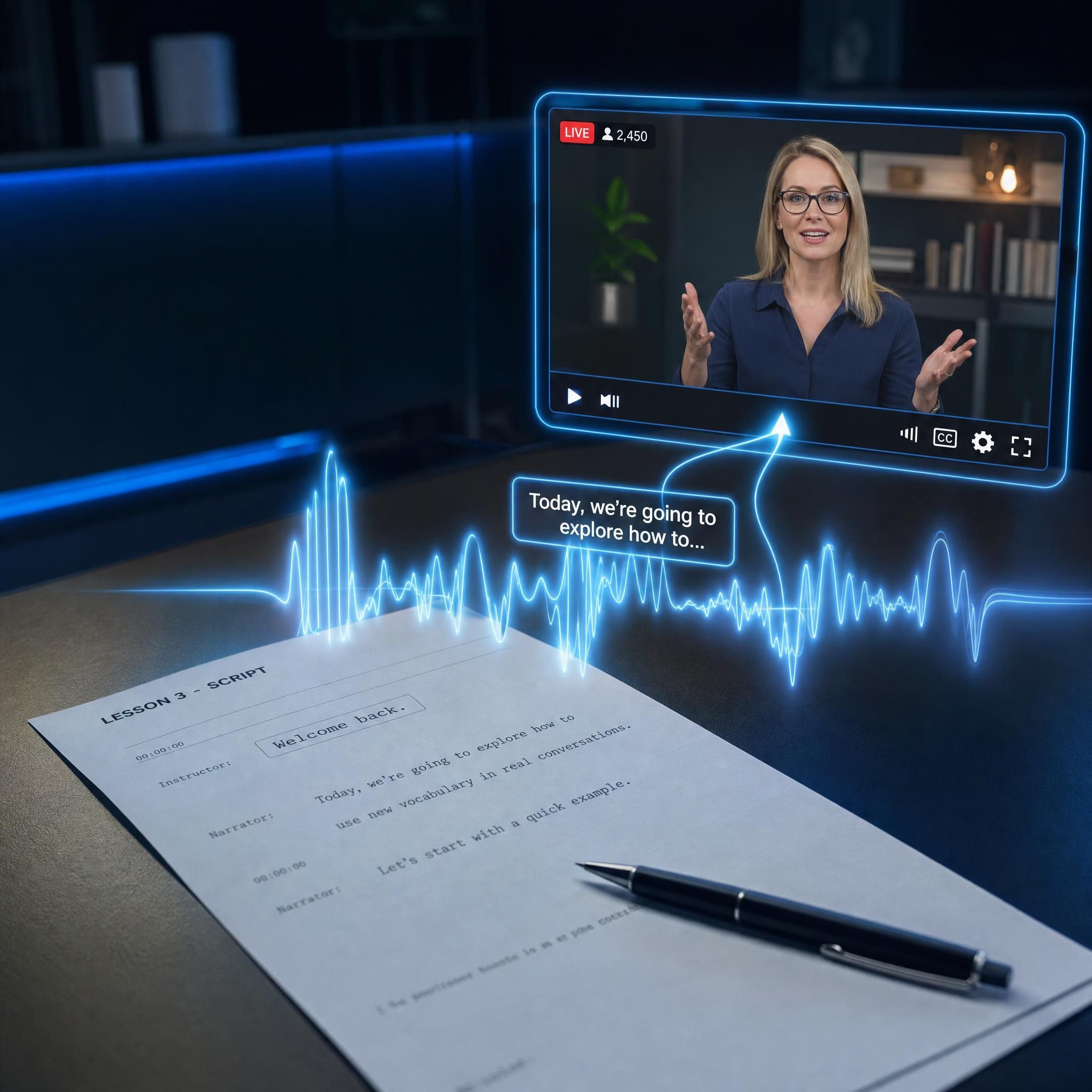
Scripts to Educational Videos

Scripts to Educational Videos

Paste a finished script and let Leadde generate the scenes, visuals, voiceover, subtitles, and presenter-led video.
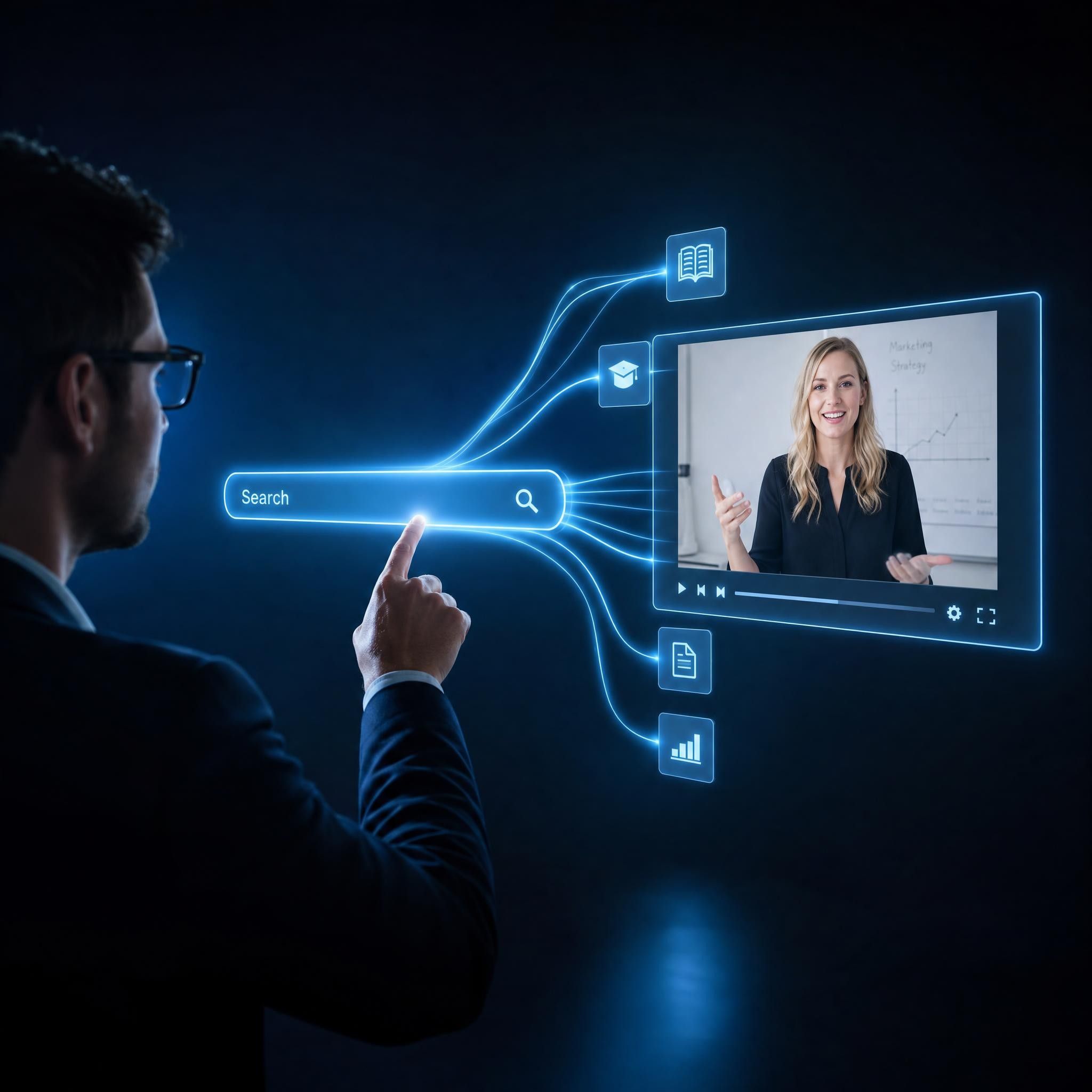
Topics to Learning Videos

Topics to Learning Videos

Enter a subject, question, or idea and use AI to create an editable first draft that you can review and customize.

compliance background

The Future of Digital Education

Leadde empowers teachers, YouTubers, and EdTech companies to scale their content production. We provide a platform to create consistent, high-quality learning videos that drive student engagement.

Interactive Learning

Go beyond passive watching. Leadde allows you to create conversational videos where students can ask questions and receive answers directly from the AI teacher within the video interface.

Visual Clarity

Enhance understanding. Use visual aids like text overlays, images, and shapes to reinforce spoken concepts. The AI automatically structures your content to optimize the flow for easier understanding.

Cost-Effective Production

Democratize education. Create professional-grade learning videos without a budget. Leadde’s "Free Plan" allows educators to start creating high-quality content without expensive equipment.

Consistent Quality

Standardize your curriculum. Ensure every lesson is delivered with the same high energy and clarity. Update outdated lessons instantly by simply editing the text script.

Built for Learners, Teachers, and Creators

Students

Turn notes, textbook chapters, and revision materials into videos that make difficult subjects easier to understand and review.

Teachers

Transform lesson plans, presentations, worksheets, and course materials into educational videos for classroom and online use.

Self-Learners

Convert articles, books, research materials, and personal notes into structured videos for independent study.

Parents and Young Learners

Create clear, visual videos that introduce children to basic concepts through narration, subtitles, and friendly AI presenters.

Course Creators

Build educational videos and course modules without filming every lesson or editing each scene manually.

Knowledge Creators

Produce videos for YouTube, social media, websites, and online communities more efficiently.

Learning and Educational Video Examples

YouTube Education Channels

Grow your channel. Create "Learning videos for youtube" on topics like history, science, or language learning. AI avatars provide a consistent "face" for your channel without you needing to be on camera.

Kids' Story & Vocab Videos

Entertain and educate. Use the "Narrative" tone to narrate children's stories or build "Learning videos for 3 year olds" that teach colors, numbers, and basic words with built-in visuals.

Micro-Learning Modules

Bite-sized knowledge. Use the "Summary" level of detail to create short, 2-minute videos explaining a single concept, perfect for TikTok or Instagram Reels education.

Employee Training

Upskill your team. Convert boring PDF manuals into engaging learning videos. Use the "Structured" tone to deliver compliance or technical training clearly.

Language Lessons

Teach any language. Have an AI teacher deliver each lesson in 88 languages and 175 regional accents, then add "Captions" so learners read along and a Pronunciation editor to fine-tune words.

Parent Guides

Support families. Create "How-to" videos for parents on topics like "How to use this learning app" or "Homework help tips," using a reassuring and "Objective" tone.

What Can Leadde Create from Your Content?
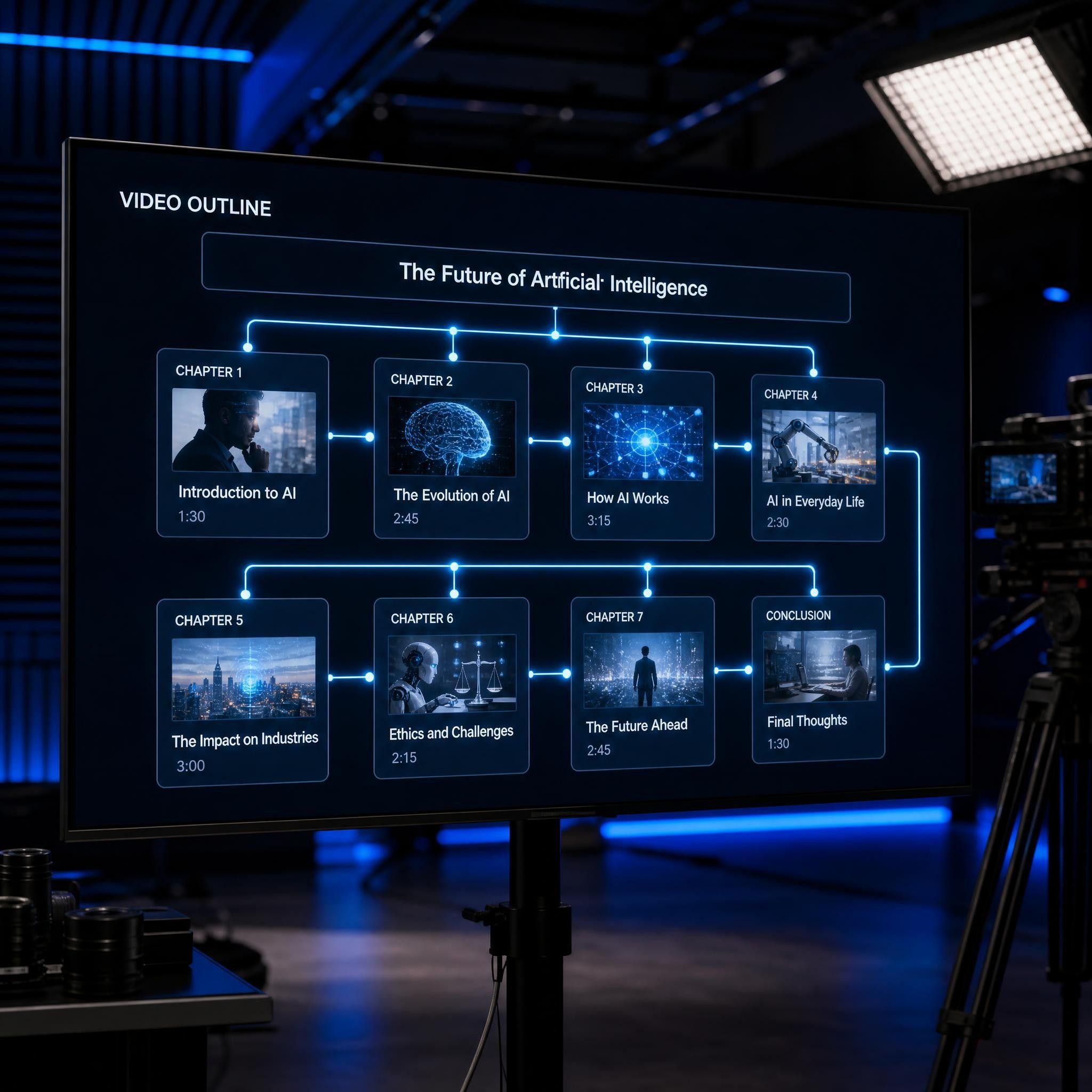
Structured Video Outline

Structured Video Outline

Leadde identifies the main topics in your material and organizes them into a logical sequence.
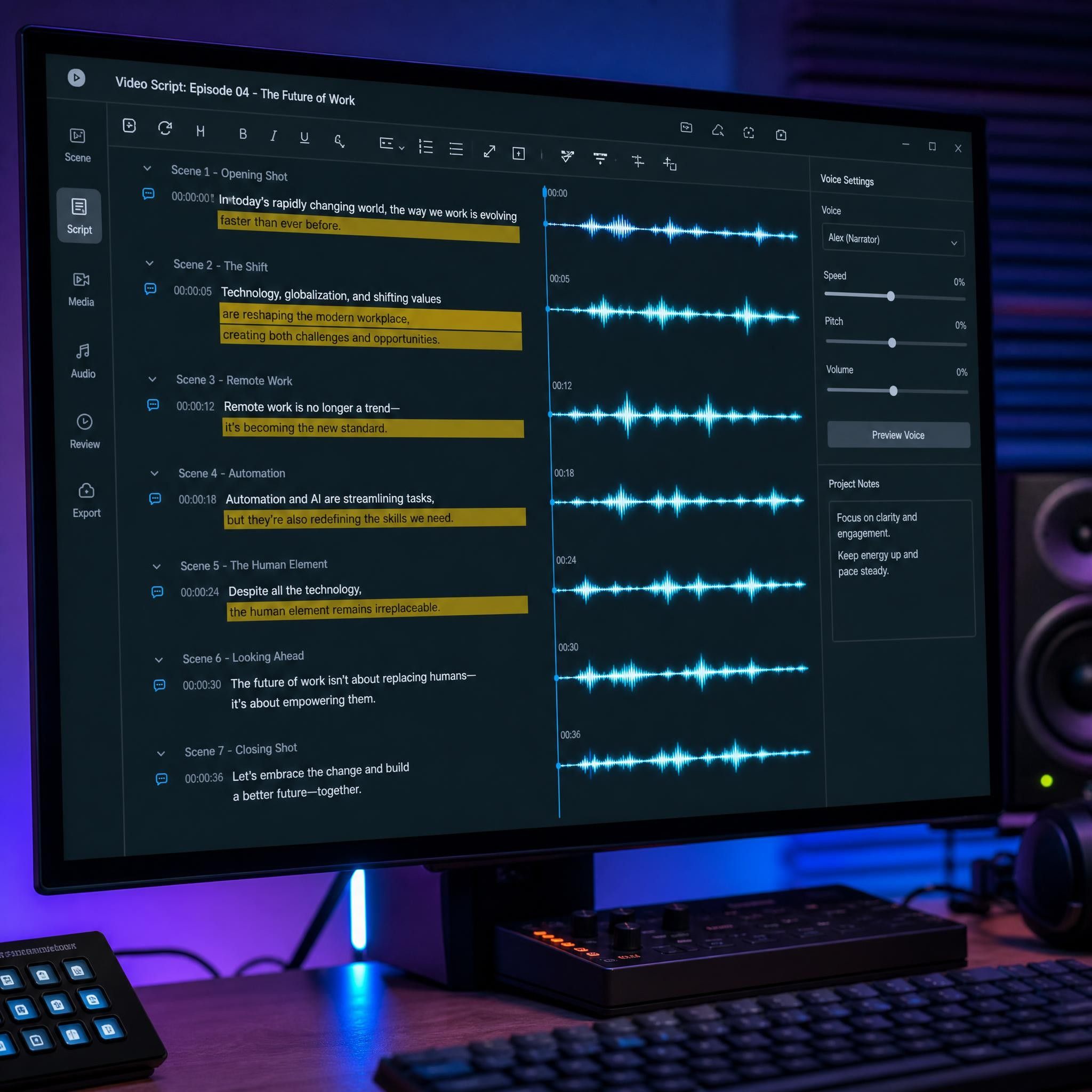
Editable Video Script

Editable Video Script

Long or complex written content is transformed into concise narration designed for spoken delivery.
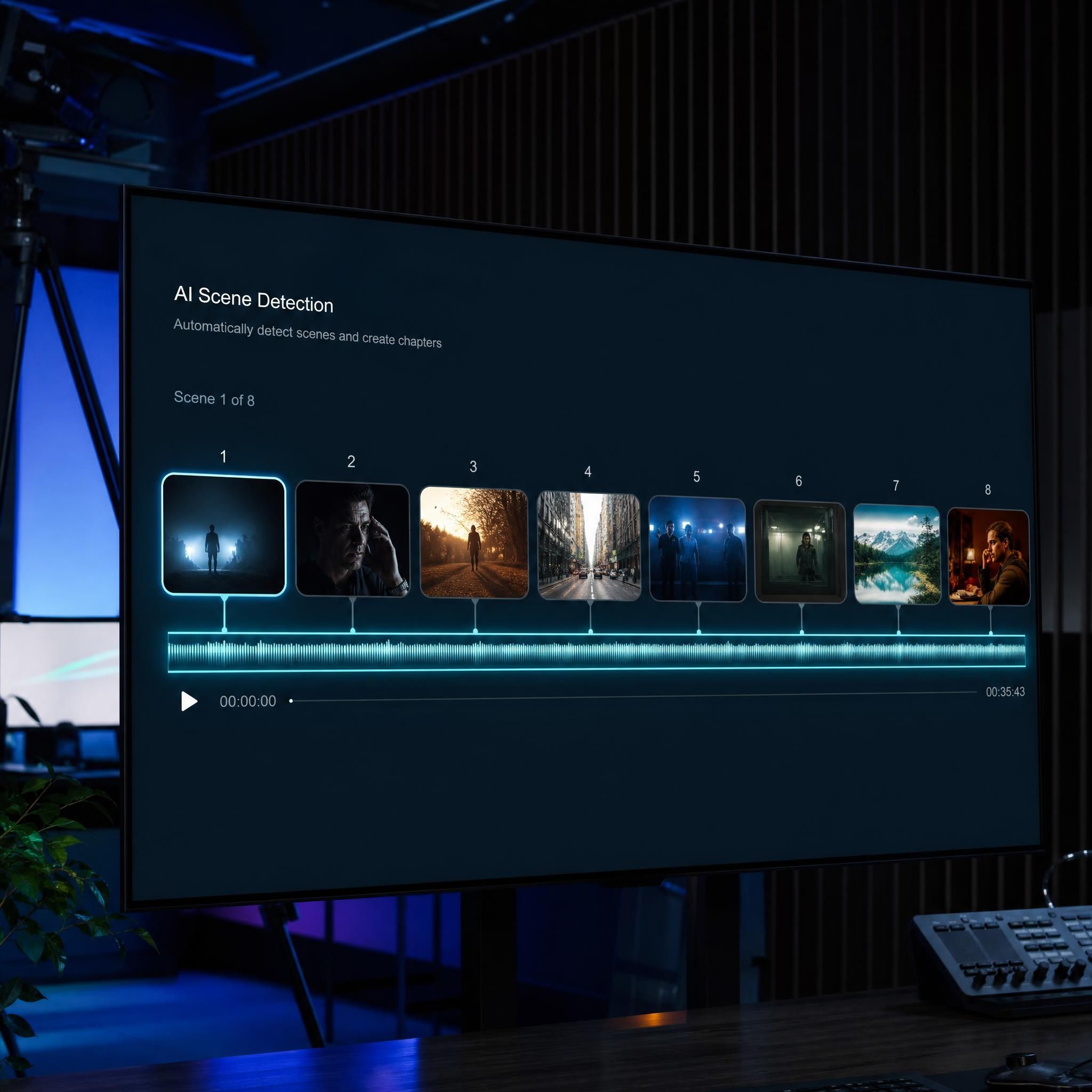
Automatically Generated Scenes

Automatically Generated Scenes

Each topic or section becomes a separate video scene with an appropriate visual layout.
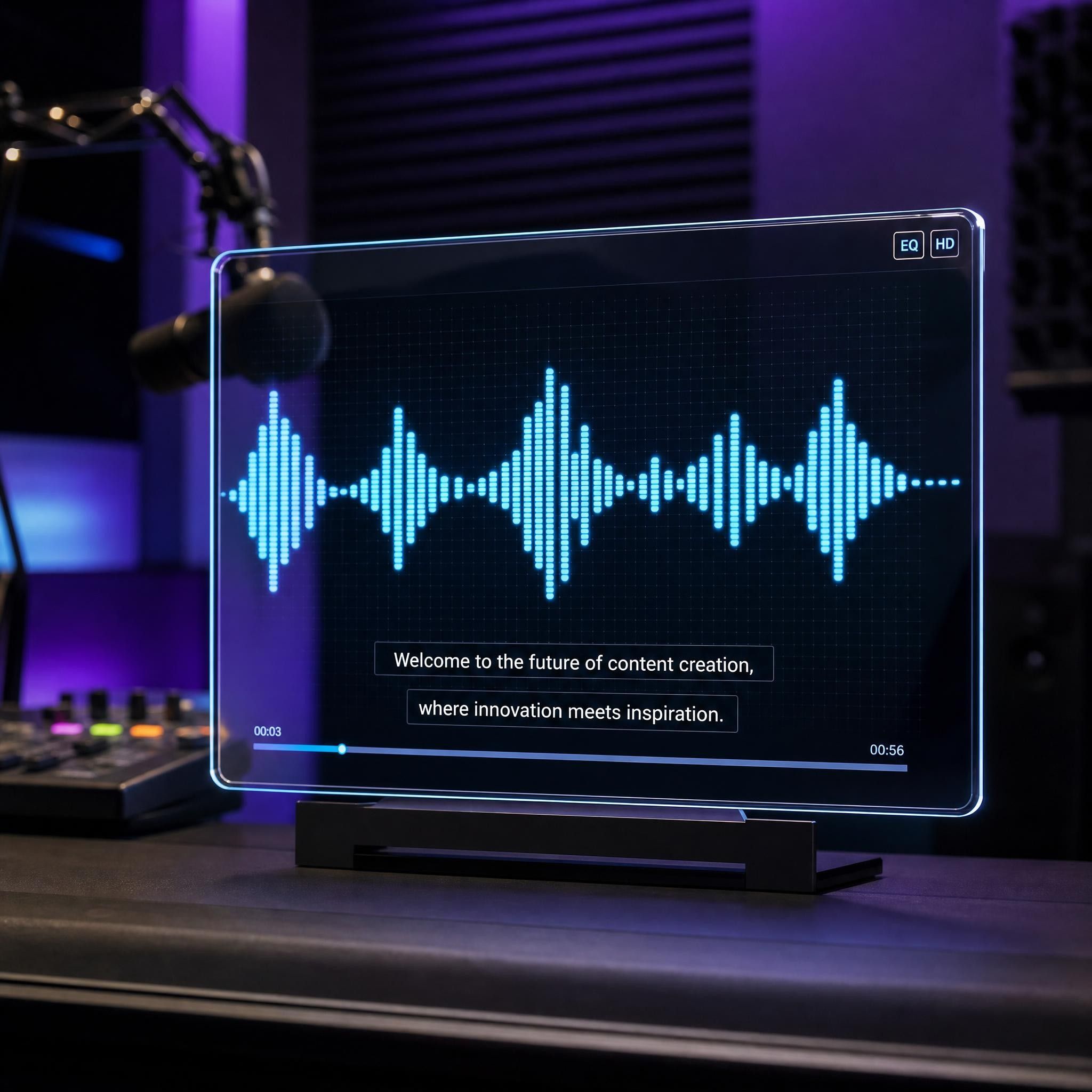
AI Voiceover and Subtitles

AI Voiceover and Subtitles

Generate synchronized narration and subtitles in your selected language.
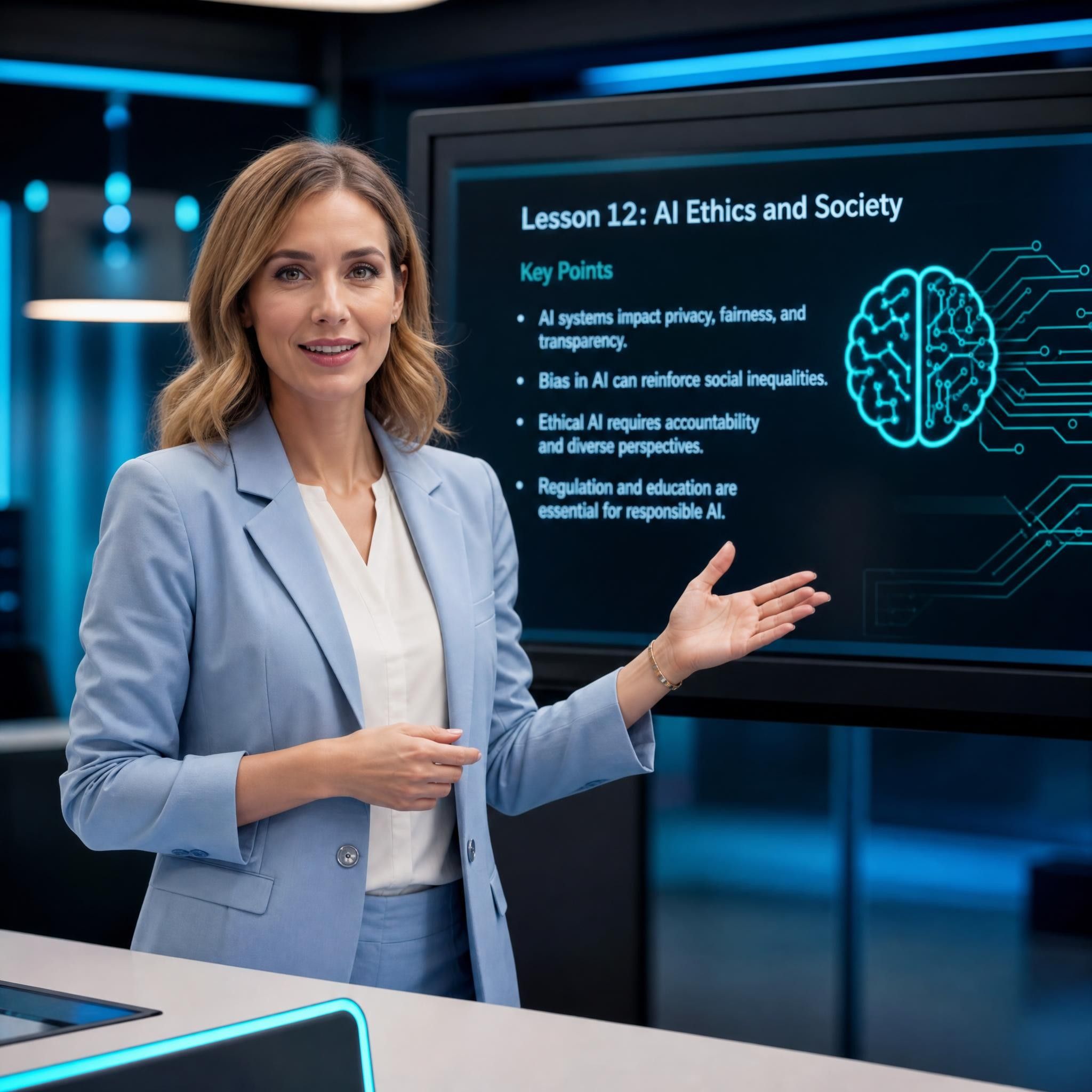
AI Teacher Video

AI Teacher Video

Add an AI avatar to present the content and guide learners through each section.
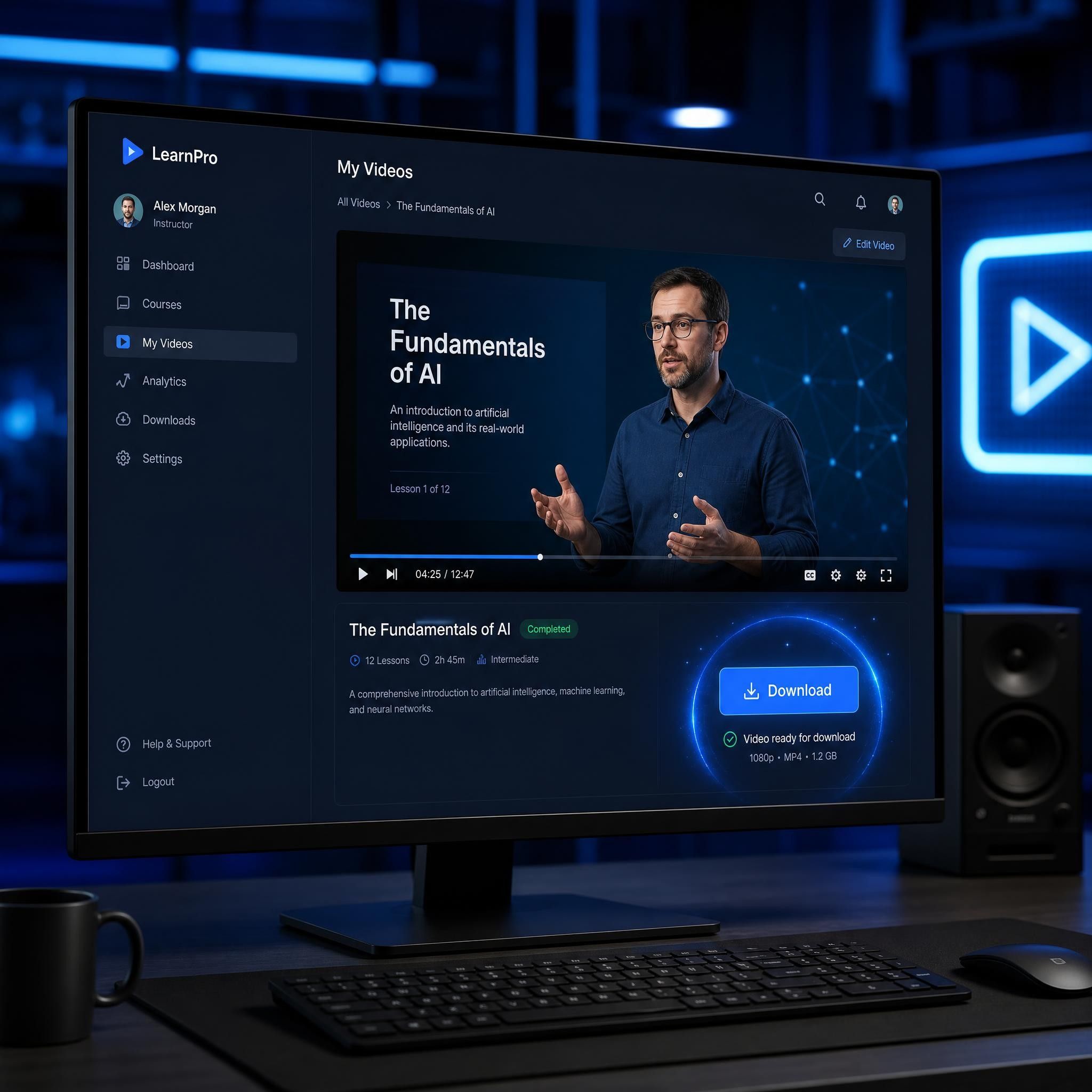
Downloadable Video

Downloadable Video

Review and customize the generated project before downloading the completed video for teaching, studying, publishing, or sharing.

Frequently Asked Questions

Yes. Leadde offers a free plan that allows you to generate and download videos without providing credit card details.

No. You can start generating and downloading learning and educational videos without adding a credit card.

Yes. Paste your notes into Leadde or upload them as a supported document. AI will organize the content into a video script and generate scenes, narration, subtitles, visuals, and an optional AI teacher.

Yes. Upload a textbook chapter or selected material and turn it into a structured video summary. You can review the script and adjust the level of detail before generating the final video.

Yes. Leadde can create videos for revision, concept explanations, textbook summaries, vocabulary practice, and self-paced study using your existing materials.

Yes. Choose a friendly AI avatar, a storytelling tone, simple language, and clear visuals to create videos for young learners.

Yes. Teachers can convert lesson plans, slides, worksheets, course materials, and subject content into videos for classroom teaching, homework, flipped learning, and online courses.

Yes. Leadde supports video creation in 175 languages, helping you create localized educational and learning content for audiences in different regions.

Start creating educational videos today

Join educators and creators using Leadde to transform knowledge into engaging learning videos. Try it for free.
avatar