
AI Motivational Video Generator
What Is an AI Motivational Video Generator?
Coaches, educators, team leads, and mindset writers use an AI motivational video generator to convert original encouragement scripts into widescreen videos with presenters or voiceovers. Load your original script into AI Video Creator or Avatar Video, select an original stock voice, adjust reading speed and subtitles, and add supporting visuals in Studio. This page is built for structured motivational talks and habit prompts, while long-form document reading belongs on AI Narrator and general script conversion on Script to Video.
Trusted by the world's leading brands







How Coaches and Team Leads Build Pep Talks with Our AI Motivational Video Generator
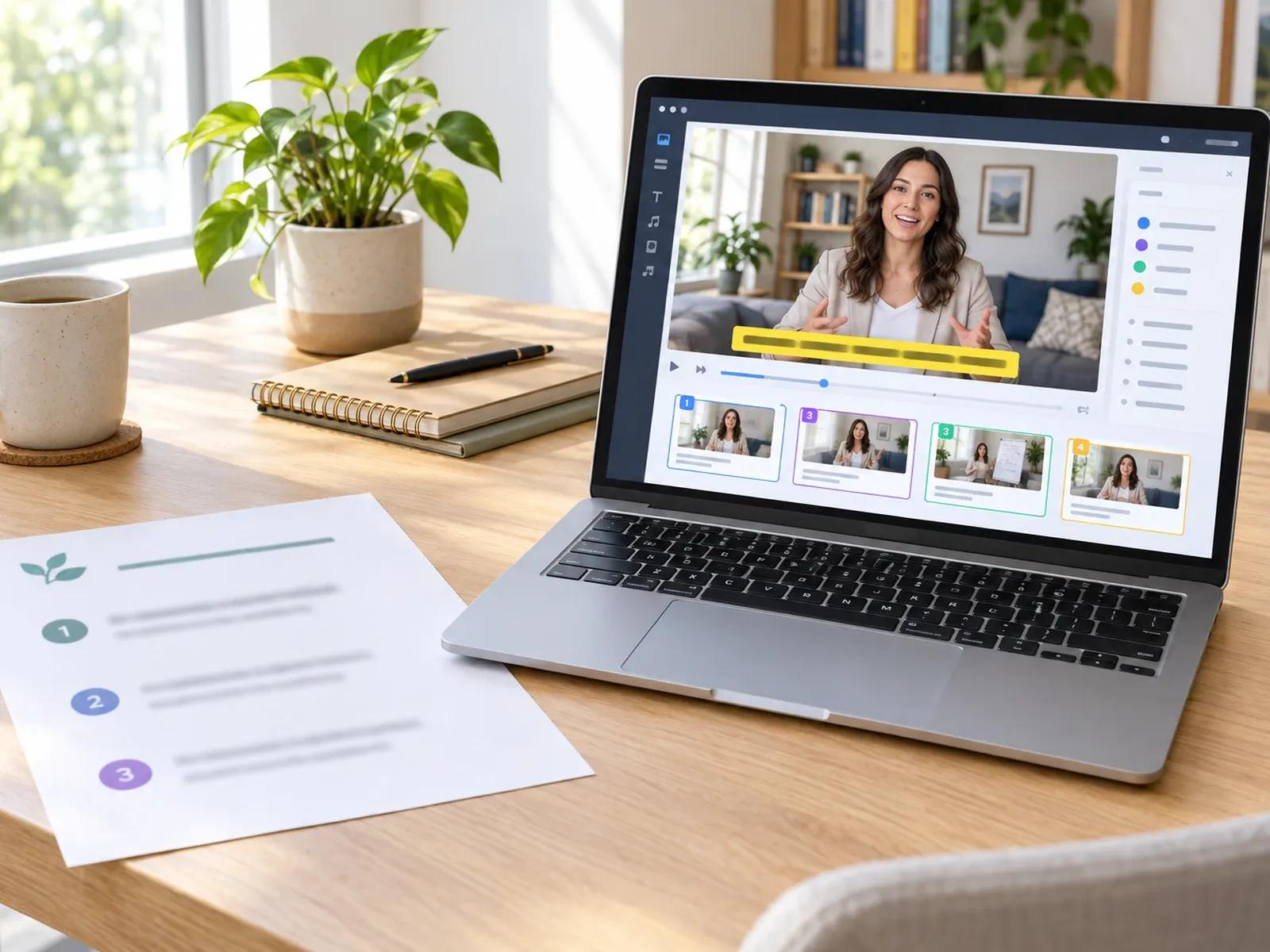
Editable Scripted Workflow from Outline to Studio
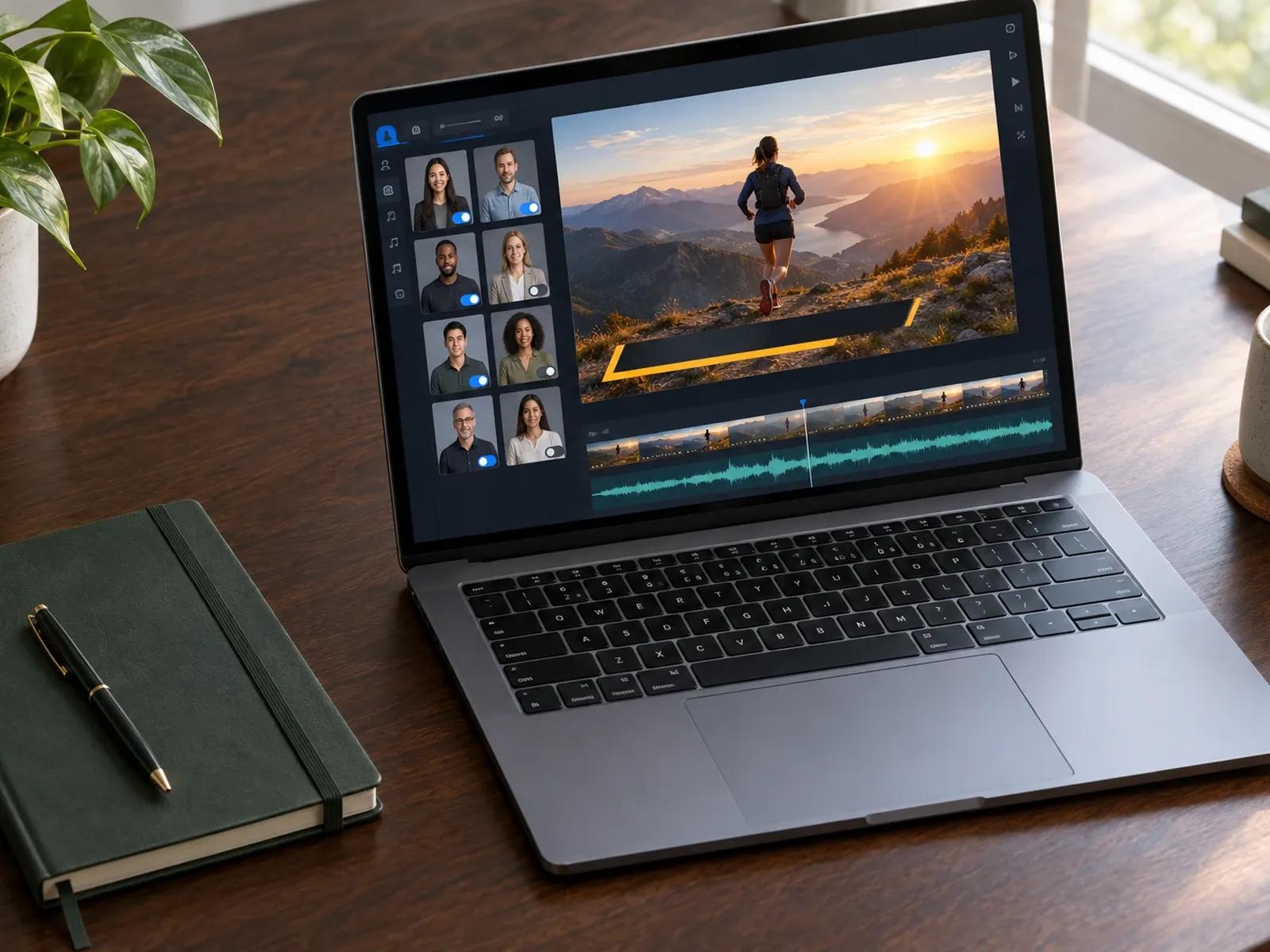
300 Digital Presenters or Pure Voiceover Delivery
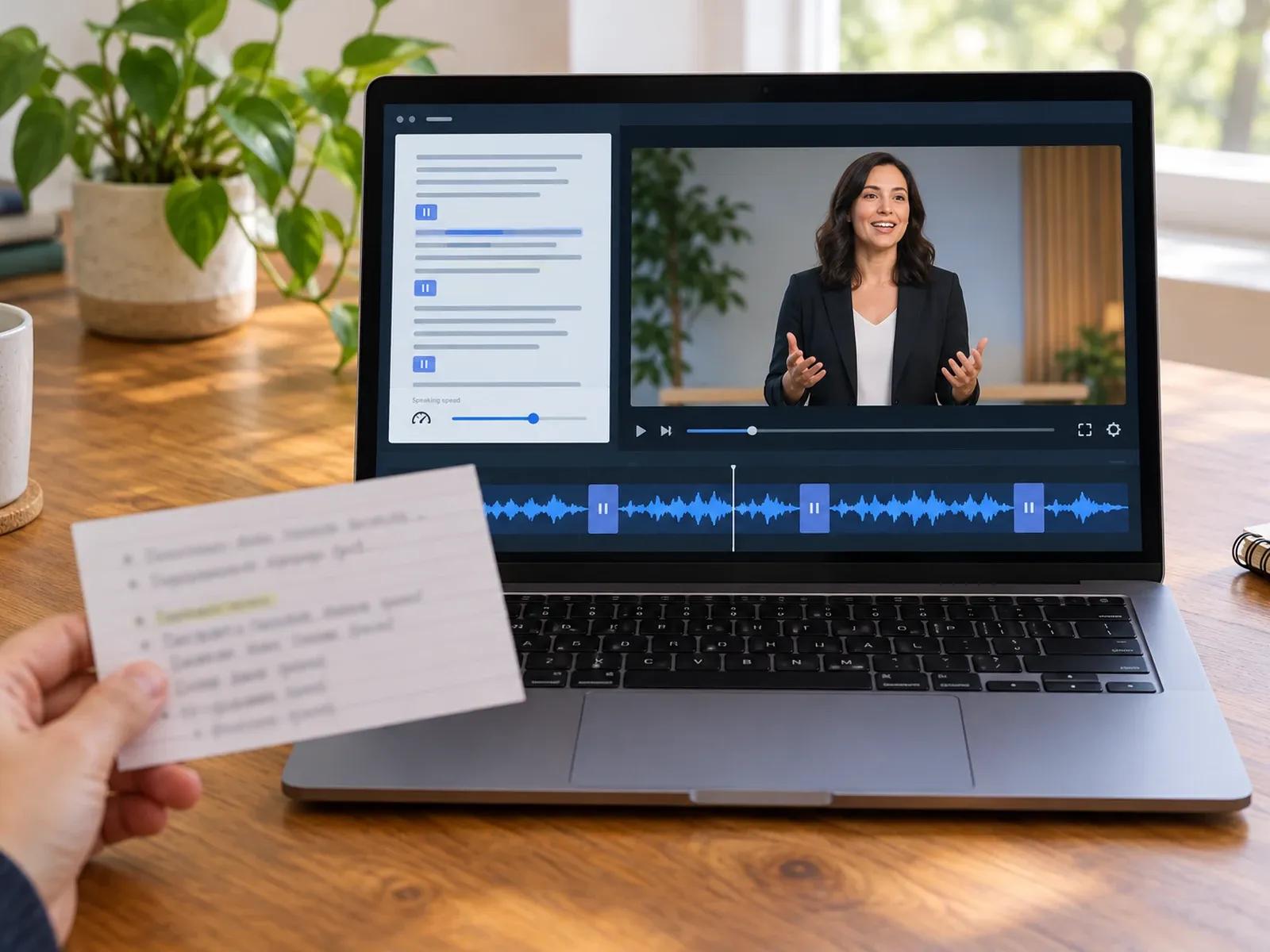
Cadence Control with Voice Speed and Pause Cards
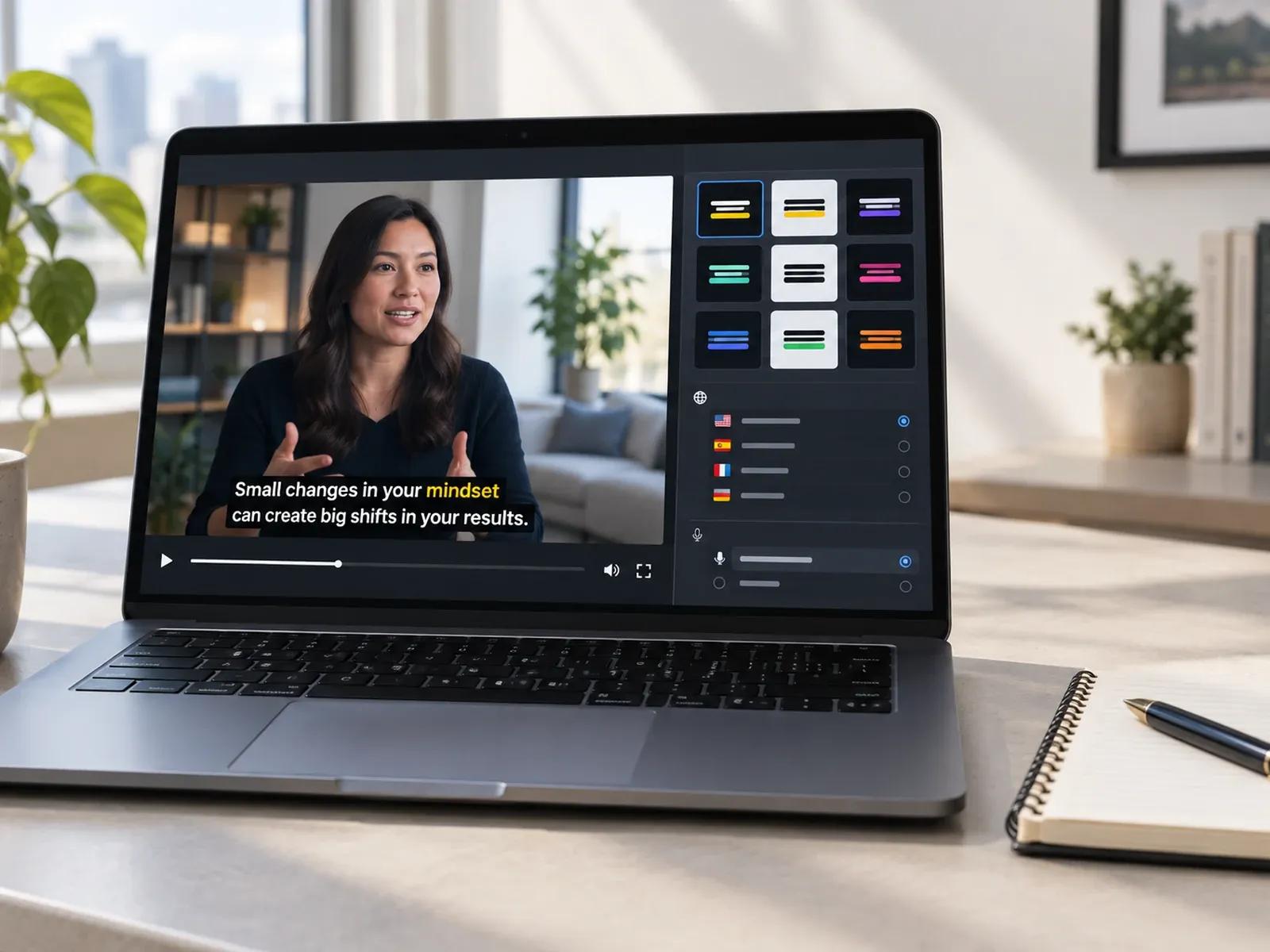
9 Subtitle Presets and Multilingual Adaptation
Producing a Scripted Motivational Talk in Three Steps
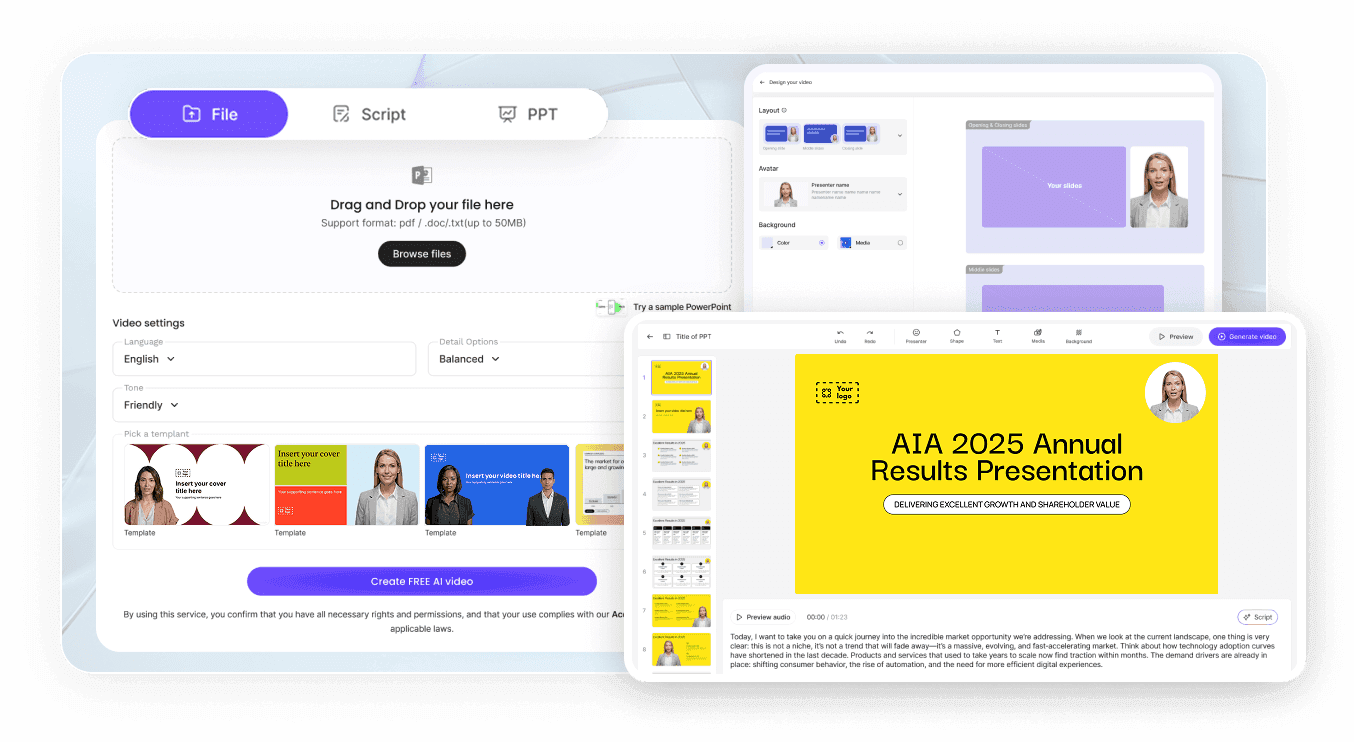
Step 1: Enter Your Original Motivational Script
Step 2: Choose Voice Tone, Adjust Pacing, and Add Visuals
Step 3: Style Subtitles and Download or Share Your Video
Coaching and Leadership Scenarios for Motivational Videos
Weekly Team Kickoff Pep Talks
Share a structured Monday morning focus talk with distributed staff using a consistent presenter, clear captions, and goals.
Study & Exam Focus Briefings
Create short encouragement videos for students covering study habits, time management, and pre-exam mental preparation steps.
Coaching Program Module Intros
Open each lesson of an online fitness or mindset course with a scripted presenter video summarizing that week's core habit.
Multilingual Leadership Messages
Adapt a founder or team lead encouragement script across 88 languages so regional offices hear the same message clearly.

Original Voice Integrity, Brand Consistency, and Series Reuse
Original Stock Voices Without Celebrity Impersonation
Manual Audio Balance Instead of Auto-Beat Cutting
Brand Kit for Coaching Programs and Schools
Duplicate Projects for Weekly Habit Series
Techniques for Structuring a Clear Motivational Video
Lead with One Clear Habit Prompt
Insert Pauses After Key Questions
Alternate Presenter and Visual Slides
Highlight Core Takeaways with Captions
Keep Background Audio Low and Steady
Reuse Weekly Layouts via Duplicate
Frequently Asked Questions
You paste your original motivational or coaching script into AI Video Creator or Avatar Video to generate a multi-scene draft. Inside Studio, you can select a digital presenter or pure voiceover, adjust reading speed and pause cards, add supporting visuals, and export your widescreen MP4.
No. Leadde does not provide celebrity voice imitation, automated beat-synced editing, or unattended daily social publishing. Every video is created through an editable scripted workflow using Leadde's stock voices or your own authorized voice recording, and you export or share each finished video yourself.
Yes. While you can use one of the 300 digital presenters to introduce your message, you can delete or hide the avatar layer on any scene in Studio. Those scenes will display your uploaded images or background clips alongside synchronized subtitles and spoken narration.
Open the voice controls in your scene script to adjust the speaking speed slider, and insert Pause cards wherever you want a deliberate beat of silence. You can add up to 10 pause intervals per slide, each configurable between 0.1 and 99 seconds, to control vocal delivery.
If your primary goal is long-form narration for articles, lectures, or extended reading passages, use Leadde's AI Narrator page. For general-purpose script conversion across broad business or educational topics, use Script to Video. This page focuses on structured coaching and motivational talks.
Yes, coaches and team leads can draft encouragement scripts, adjust speech cadence and pause cards, and watch full scene previews in Studio before exporting. Current credit consumption rates, watermark rules, and resolution options for MP4 downloads are listed on the Leadde Pricing page.
Create Your Scripted Motivational Video Today
