
Google Slides to Video Maker
What Is a Google Slides to Video Maker?
A Google Slides to video workflow converts presentation decks exported as PPTX or PDF files into narrated presenter videos without live screen recording. Leadde Slide Presenter accepts exported decks up to 200 MB for browser editing, pulls in speaker notes, and pairs slides with 300+ AI presenters; native Microsoft Office decks live at PowerPoint to Video or PDF to Video Converter.
Trusted by the world's leading brands







Features of Our Google Slides Video Converter
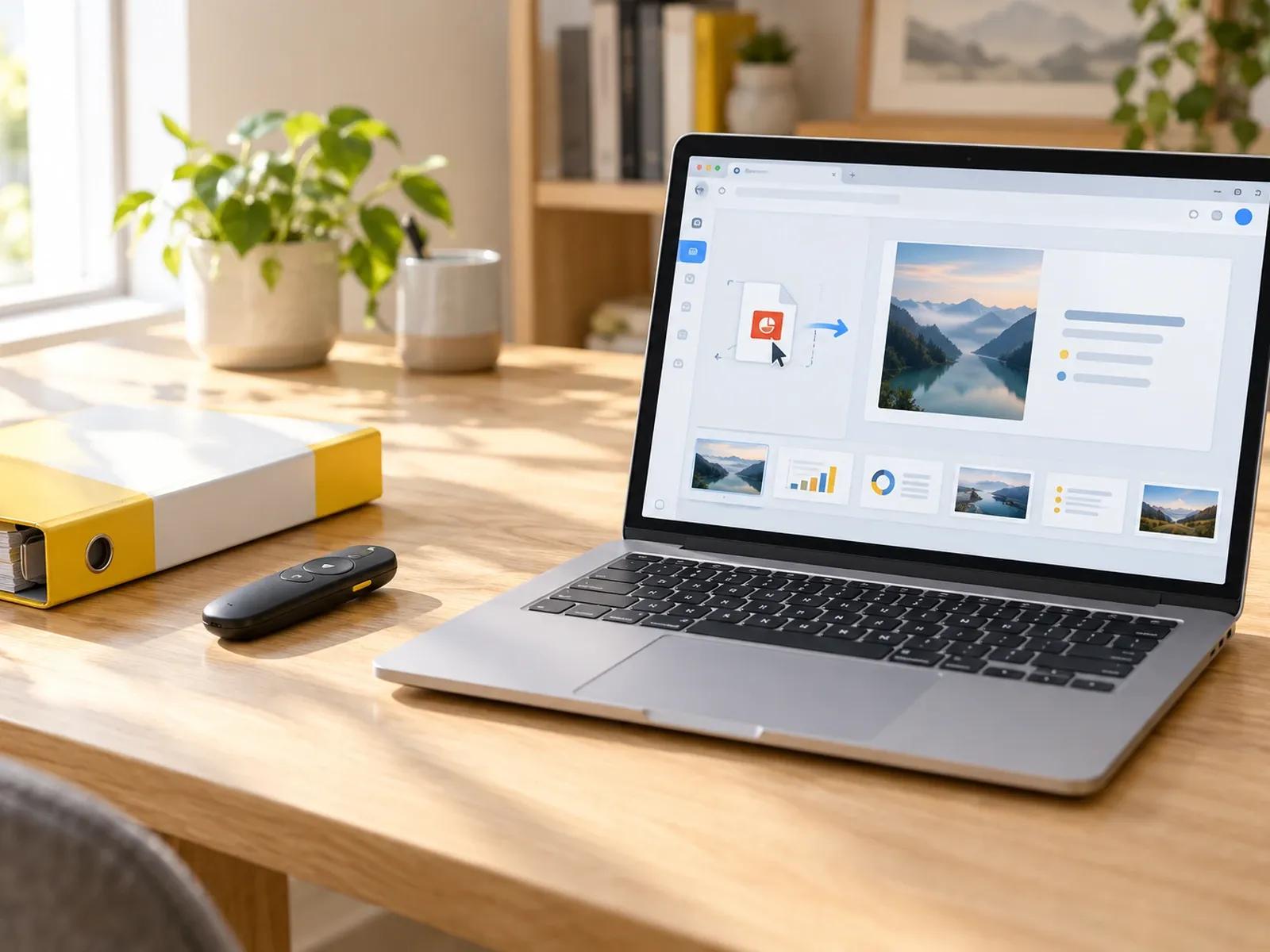
PPTX and PDF Decks up to 200 MB
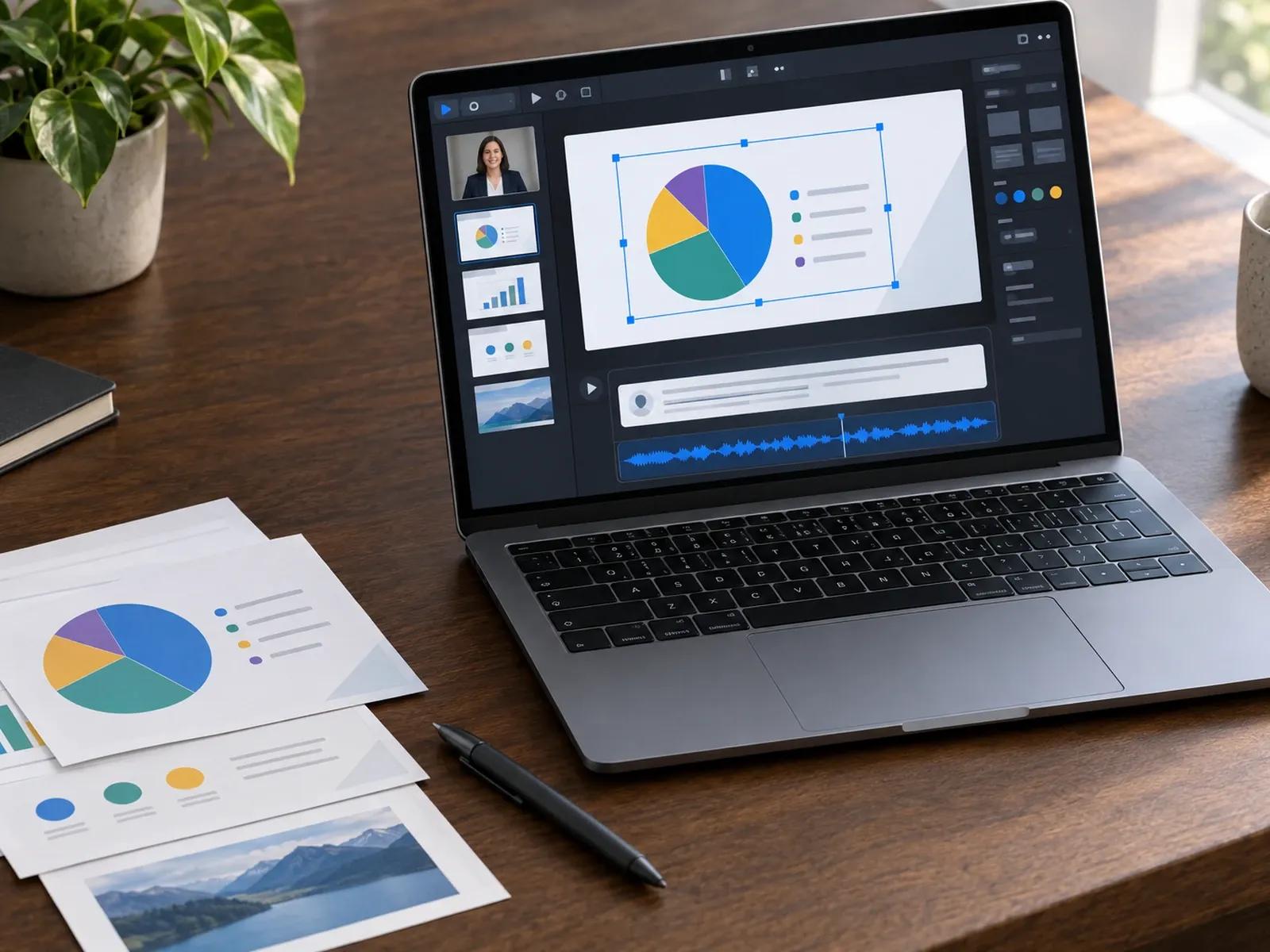
Editable Canvas Elements and Imported Notes
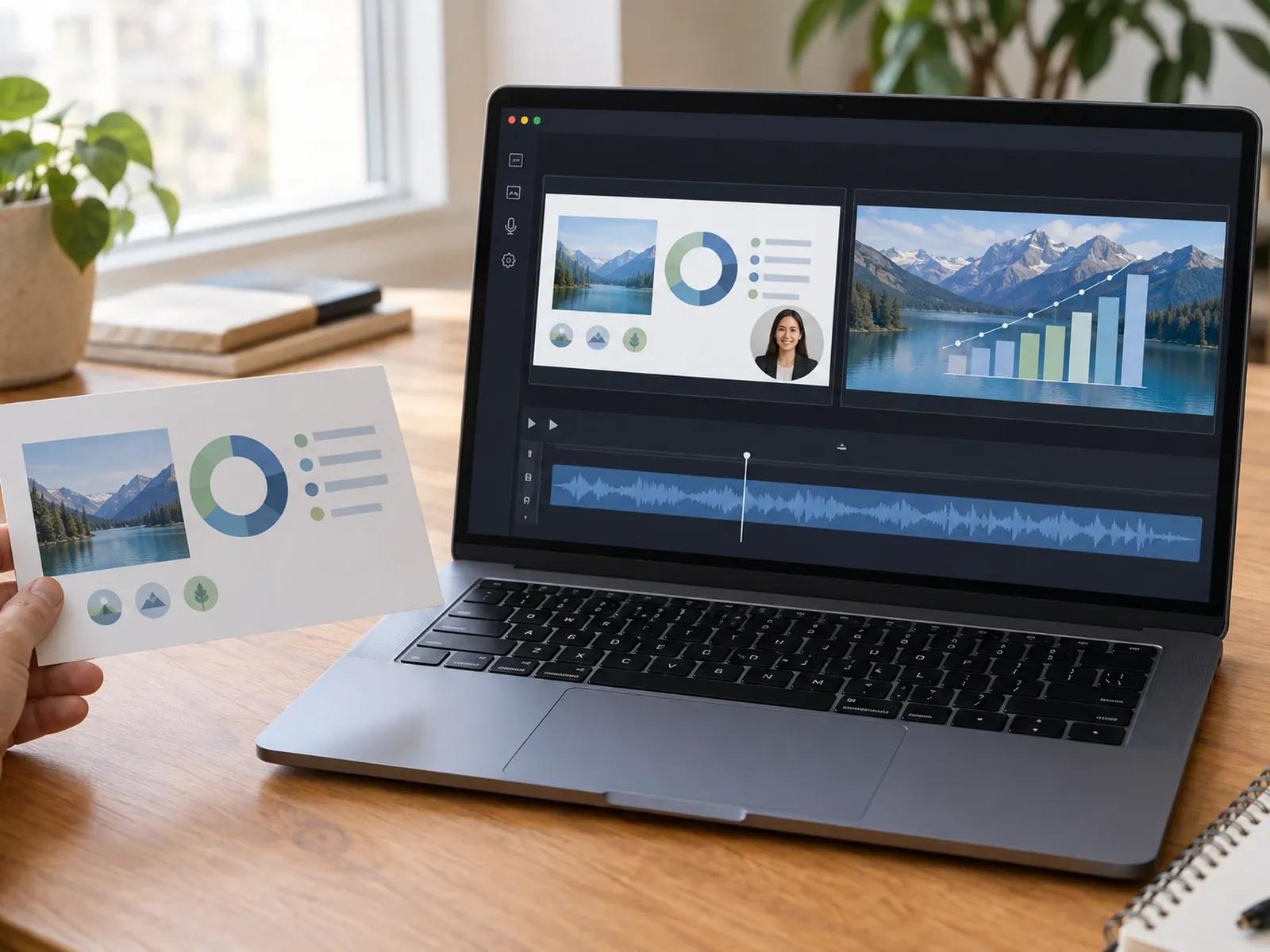
300+ AI Presenters or Voiceover-Only Mode
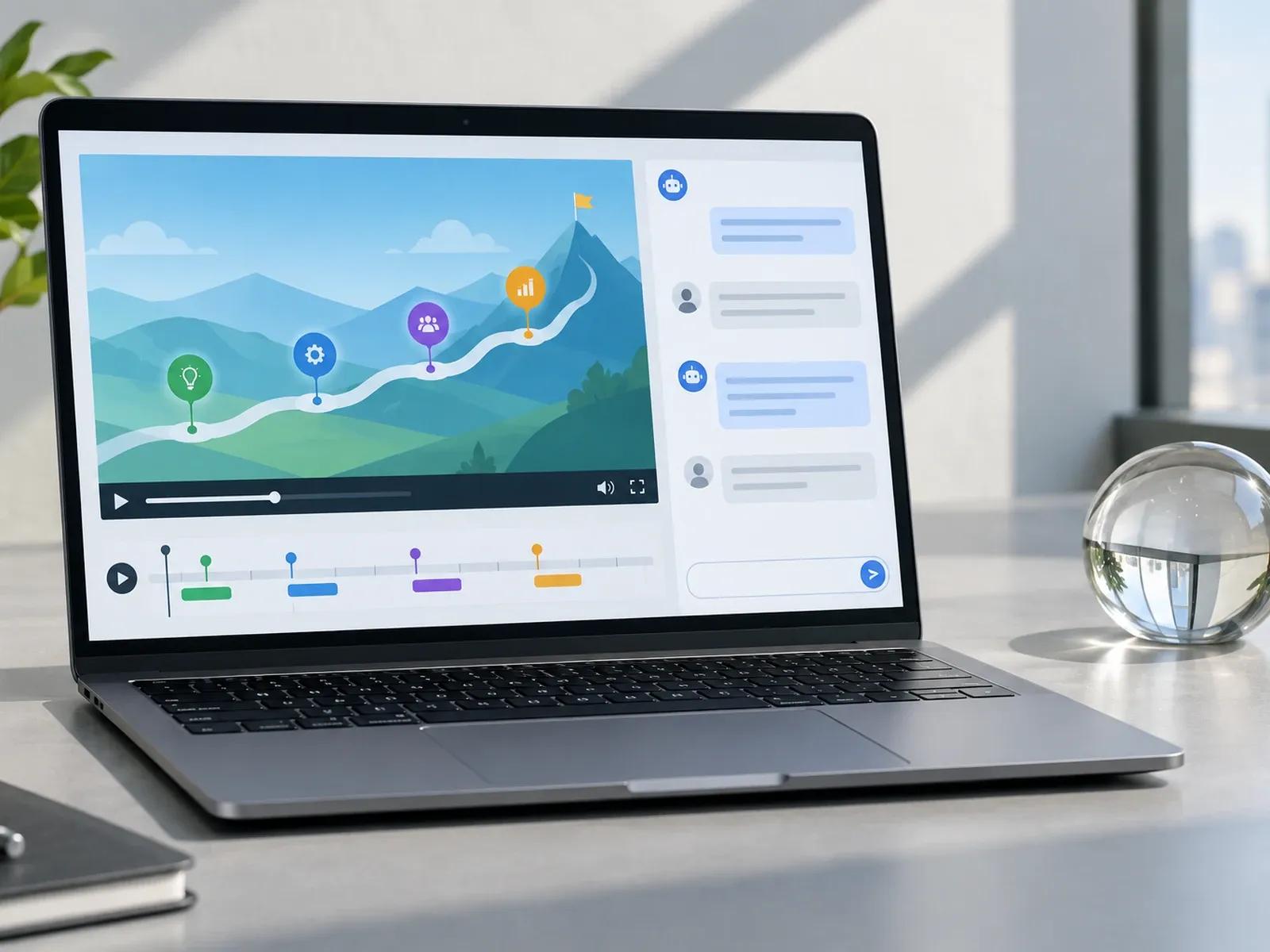
Layer Animation Cues and Video Q&A Sharing
How to Convert Google Slides to Video Online
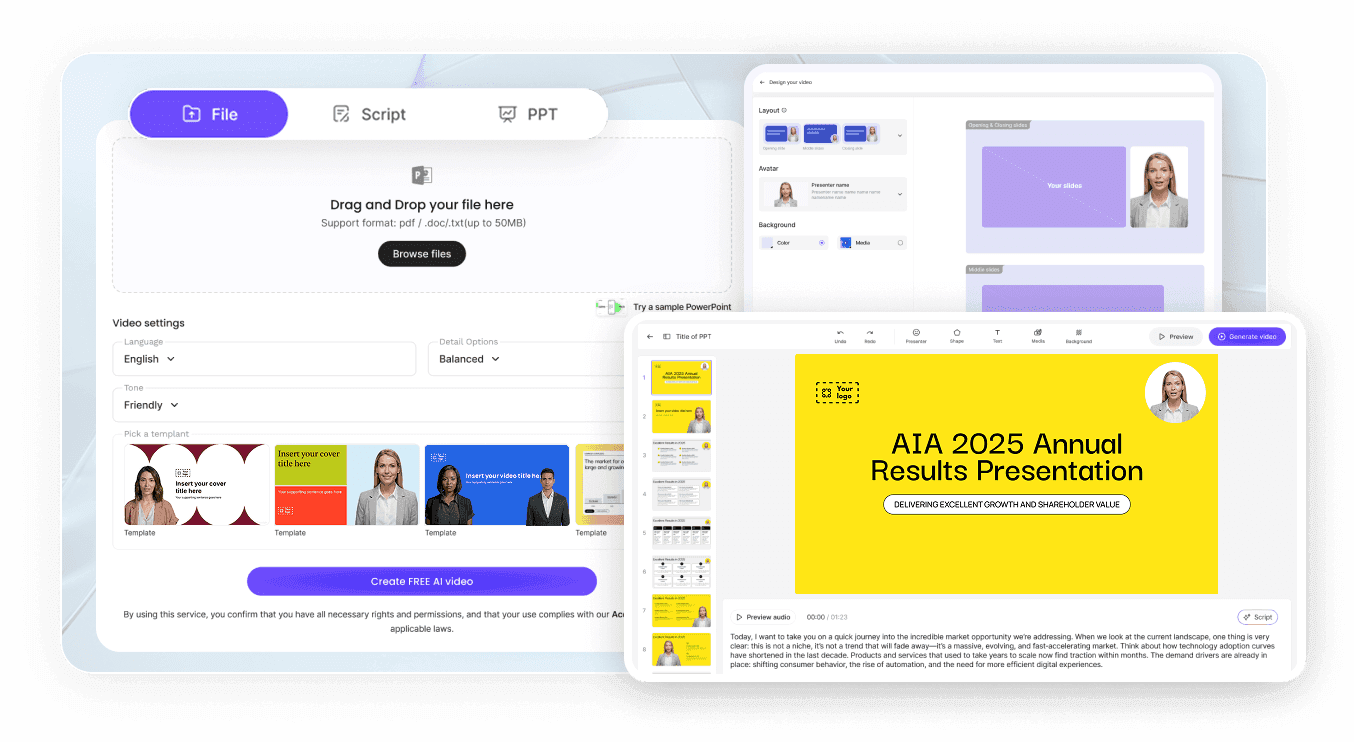
Step 1: Download Your Deck from Google Slides
Step 2: Load the File into Slide Presenter
Step 3: Adjust Slide Timing and Export MP4
Use Cases for an AI Slide Presentation Video Maker
Asynchronous Sales & Pitch Deck Walkthroughs
Turn Google Slides pitch decks and quarterly updates into narrated presenter videos that prospects watch asynchronously.
Classroom Lectures & Self-Paced Course Modules
Convert classroom lecture slides and study notes into repeatable course modules with AI voiceover and synchronized text.
Internal Onboarding & SOP Slide Presentations
Transform team onboarding decks and SOP slides into self-paced training videos without scheduling live calendar sessions.
Product Roadmaps With Interactive Video Q&A
Send exported product roadmap decks through a Leadde link where stakeholders can ask questions in the right-hand Q&A panel.

Advantages of Our Google Slides to MP4 Workflow
Speaker Notes Turn Into Instant Voiceovers
Update One Slide Without Re-Recording Talks
Preserve Layer Timing via PPTX Downloads
Zero Google Drive OAuth Permissions Required
Tips for Converting Google Slides to Video
Pick PPTX Download for Layer Control
Choose PDF Export to Lock Custom Fonts
Draft Conversational Speaker Notes First
Select Presenter or Voiceover-Only Framing
Align Bullet Cues to Spoken Keywords
Revise Individual Slides When Data Shifts
Google Slides to Video Frequently Asked Questions
Inside Google Slides, click File -> Download to save your presentation as a .pptx or .pdf file; then upload that file (up to 200 MB) into Leadde Slide Presenter, assign one of 300+ AI presenters or voiceover-only narration, and export your MP4 from Studio.
Pick .pptx download in Google Slides when you want Slide Presenter to keep text boxes, shapes, and charts editable on the Studio canvas and pull in your speaker notes; pick .pdf download when you prefer static slide backgrounds and want to type or generate narration.
No. Leadde operates directly inside your web browser without requiring a Google Workspace Marketplace plugin or Drive OAuth permissions. Simply download your .pptx or .pdf file from Google Slides to your computer and upload it into Slide Presenter or Video Agent.
Yes. If you want your slide graphics to fill the entire widescreen frame without a presenter on screen, delete or hide the avatar layer on the Studio canvas. Your imported speaker notes or AI-generated script will continue playing as a synchronized voiceover across every slide.
This page shows Google Workspace users how to export decks as .pptx (for editable layers and speaker notes) or .pdf before converting them in Slide Presenter. Native Microsoft Office users can visit PowerPoint to Video, while teams drafting slides from prompts can open Video Presentation Maker.
Yes; importing your exported Google Slides deck, editing speaker notes, and previewing individual slide scenes in Studio (which previews timing without final avatar lip-sync) does not deduct credits, while rendering the narrated presentation MP4 uses workspace credits per the Leadde Pricing page.
Turn Your Google Slides Deck into a Narrated Video Online