
IMAGE MODEL
Nano Banana AI Image Generator




What Is Nano Banana?
Nano Banana is an AI image model released by Google. It edits pictures you upload through plain conversational instructions and generates new images from a text prompt.
The model is tuned for speed and for keeping a subject consistent between edits, making it suitable for social, ecommerce, and everyday retouching workflows.
Key Features of Nano Banana

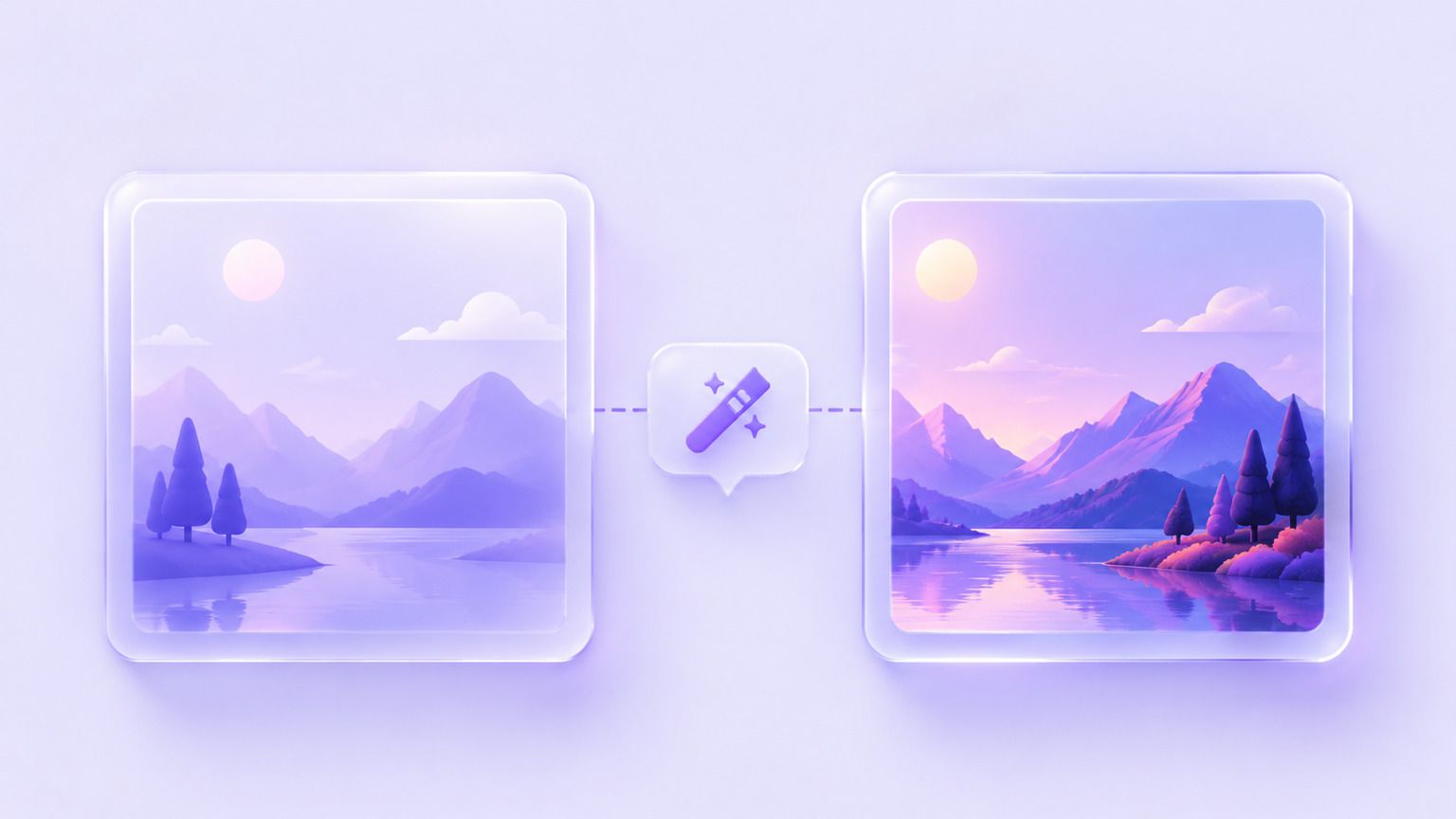
Conversational Editing
Say what you want changed in ordinary language. Nano Banana applies the edit and keeps the rest of the frame untouched, so you can iterate in a few passes.
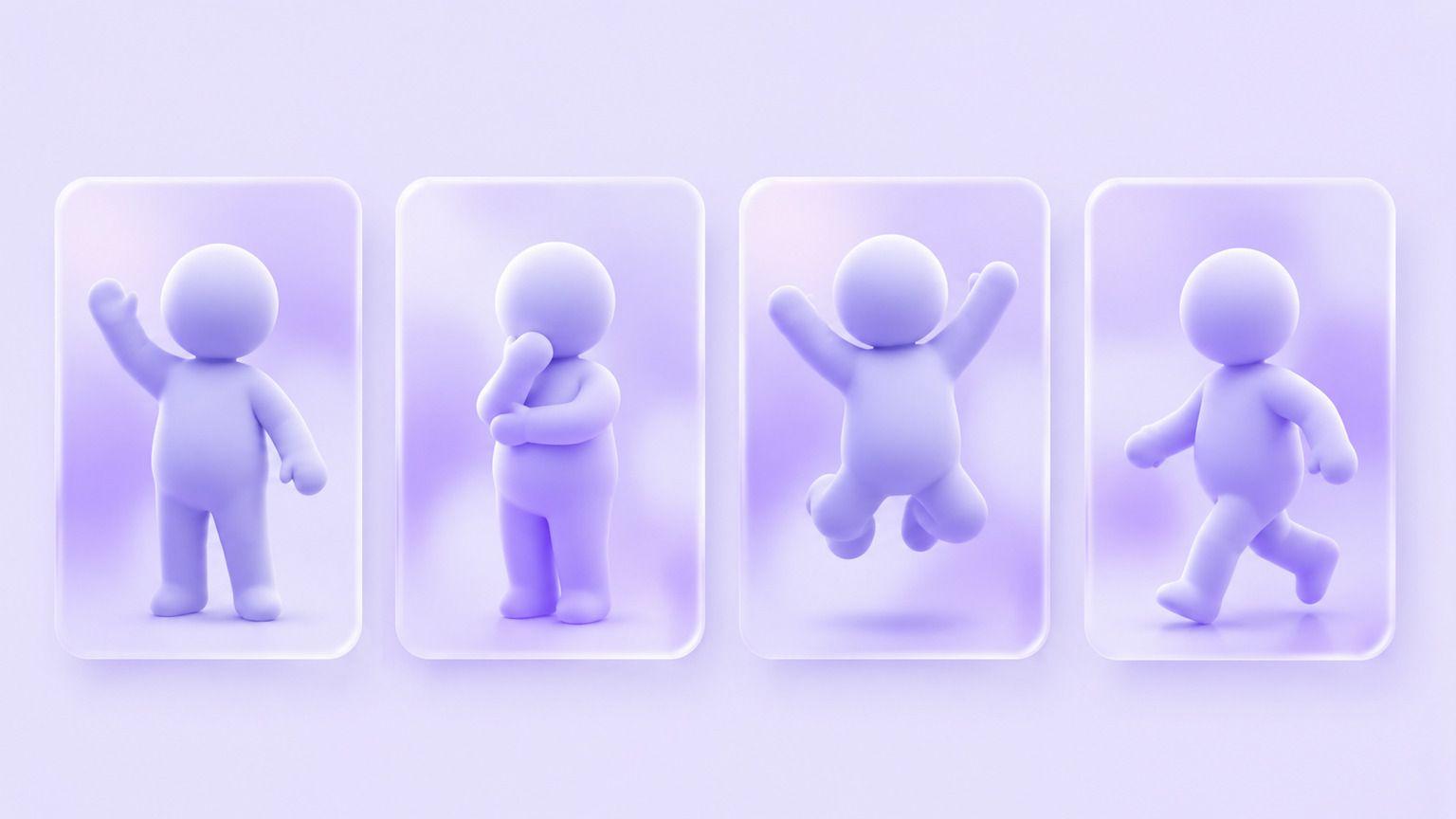
Character Consistency
Keep the same person, mascot, or product looking identical across a series of images, which is what makes a set usable as a campaign.

Background and Object Control
Replace a background, remove a distracting object, or drop a subject into a new scene without opening a photo editor.

Fast Iteration
Nano Banana is built for quick turnarounds, so testing five versions of a post costs minutes rather than an afternoon.
What Can You Create with Nano Banana?
Nano Banana supports fast everyday image work across different teams.
Use Case
- Photo Retouching
- Background Swaps
- Profile and Avatar Images
- Product Listing Edits
- Social Variations
- Sticker and Meme Art
Description
- Clean up and enhance existing photos
- Place subjects into new scenes
- Generate consistent character portraits
- Fix and standardise catalogue photos
- Test multiple versions of one post
- Create playful shareable graphics
Nano Banana Examples
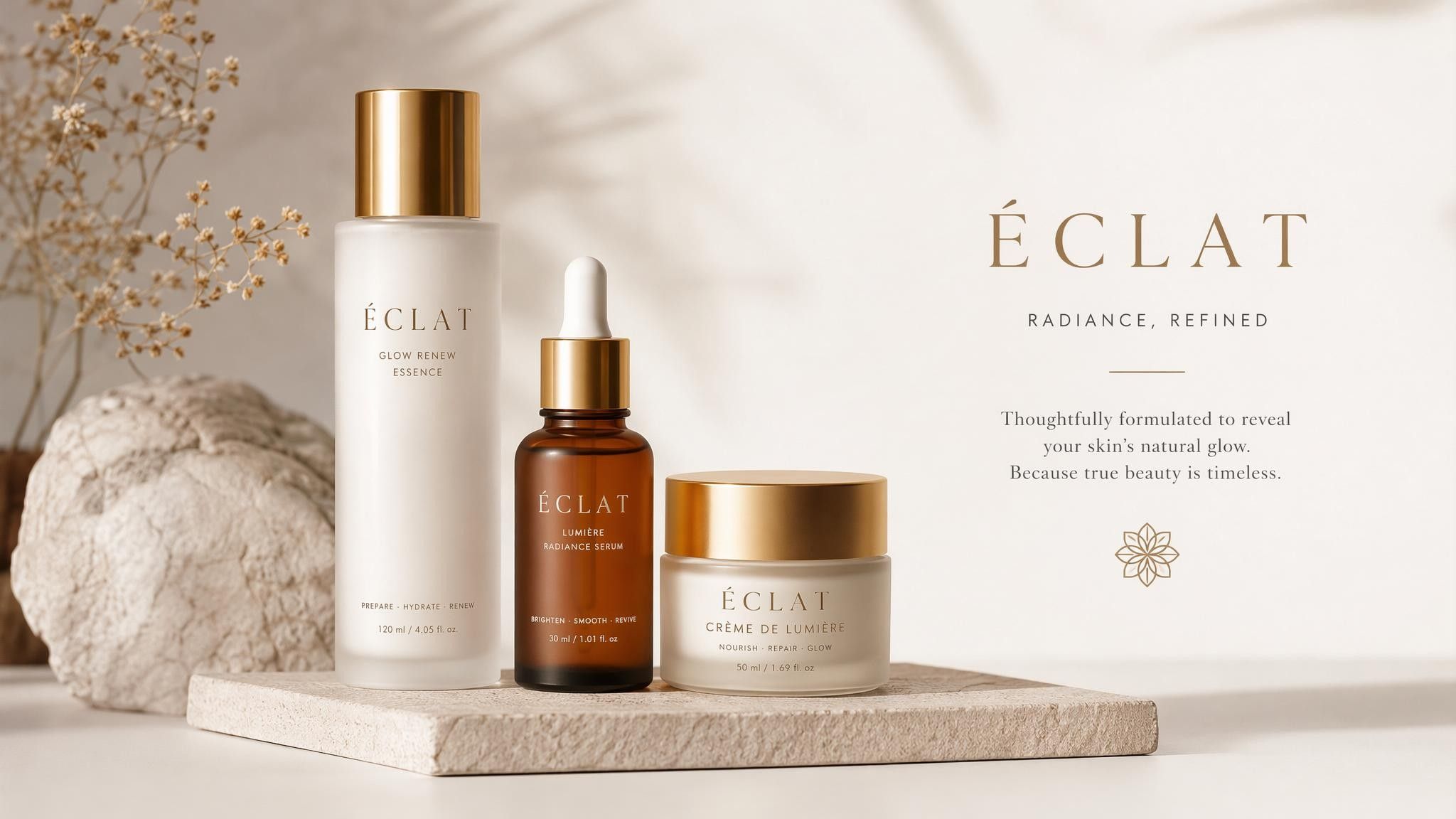
Background Swap
Move a subject into a new setting while the subject itself stays untouched.
Prompt Example:
Replace the background of this portrait with a sunlit city street, keeping the subject and lighting unchanged.
Consistent Character Set
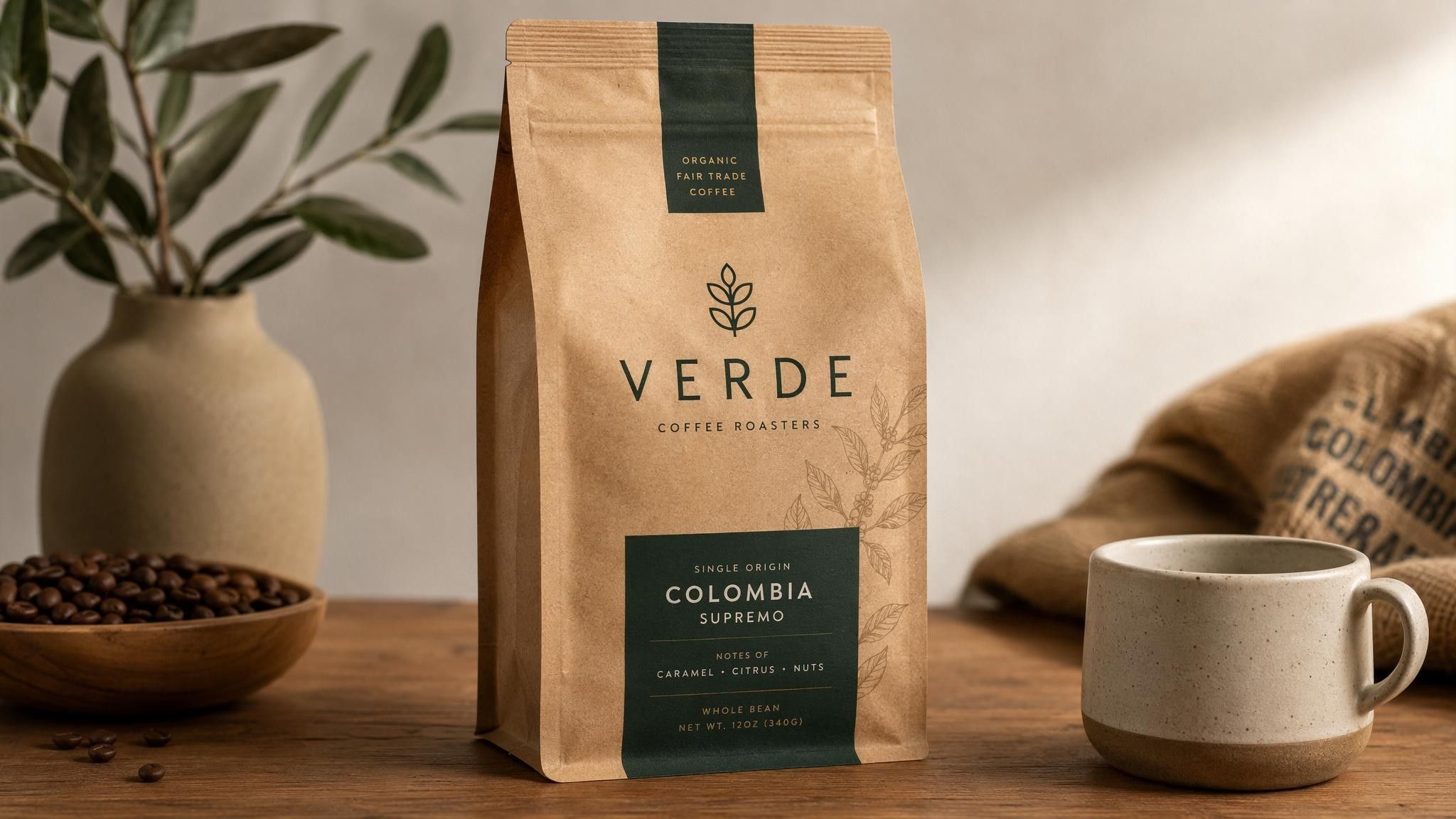
Generate the same character in several poses for a campaign or a storybook.
Prompt Example:
Create the same cartoon fox mascot in four poses: waving, running, sitting, and holding a sign.
Product Photo Cleanup
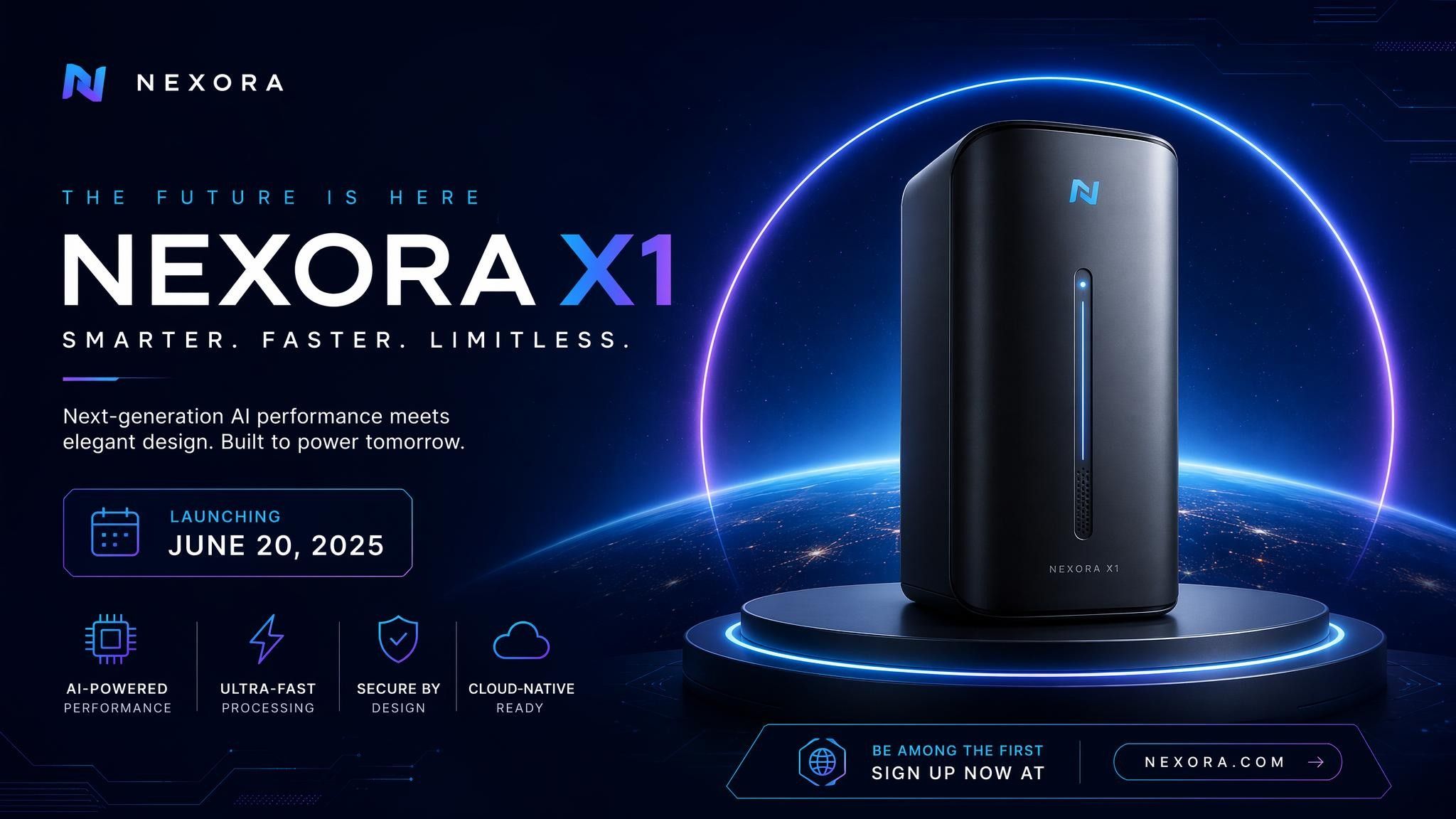
Standardise messy catalogue photos into a consistent listing set.
Prompt Example:
Remove the clutter behind this sneaker, place it on a clean grey studio backdrop with a soft shadow.
How to Use Nano Banana

Step 1: Enter a Prompt or Upload an Image
Upload the picture you want to edit, or describe an image to generate.
Step 2: Customize Settings
Choose image ratio, output quantity, and creative preferences.
Step 3: Generate and Refine
Review the edit and adjust it with a follow-up instruction.
Step 4: Export Your Image
Download your final visual and use it across listings, social posts, or campaigns.
Nano Banana vs GPT Image 1.5
Feature
- Developer
- Conversational editing
- Character consistency
- Text-to-image
- Speed
- Art direction control
- Best for
Nano Banana
- Excellent
- Excellent
- Strong
- Excellent
- Strong
- Fast edits and consistent characters
GPT Image 1.5
- OpenAI
- Strong
- Strong
- Excellent
- Strong
- Excellent
- Campaign and ecommerce visuals
Who Should Use Nano Banana?
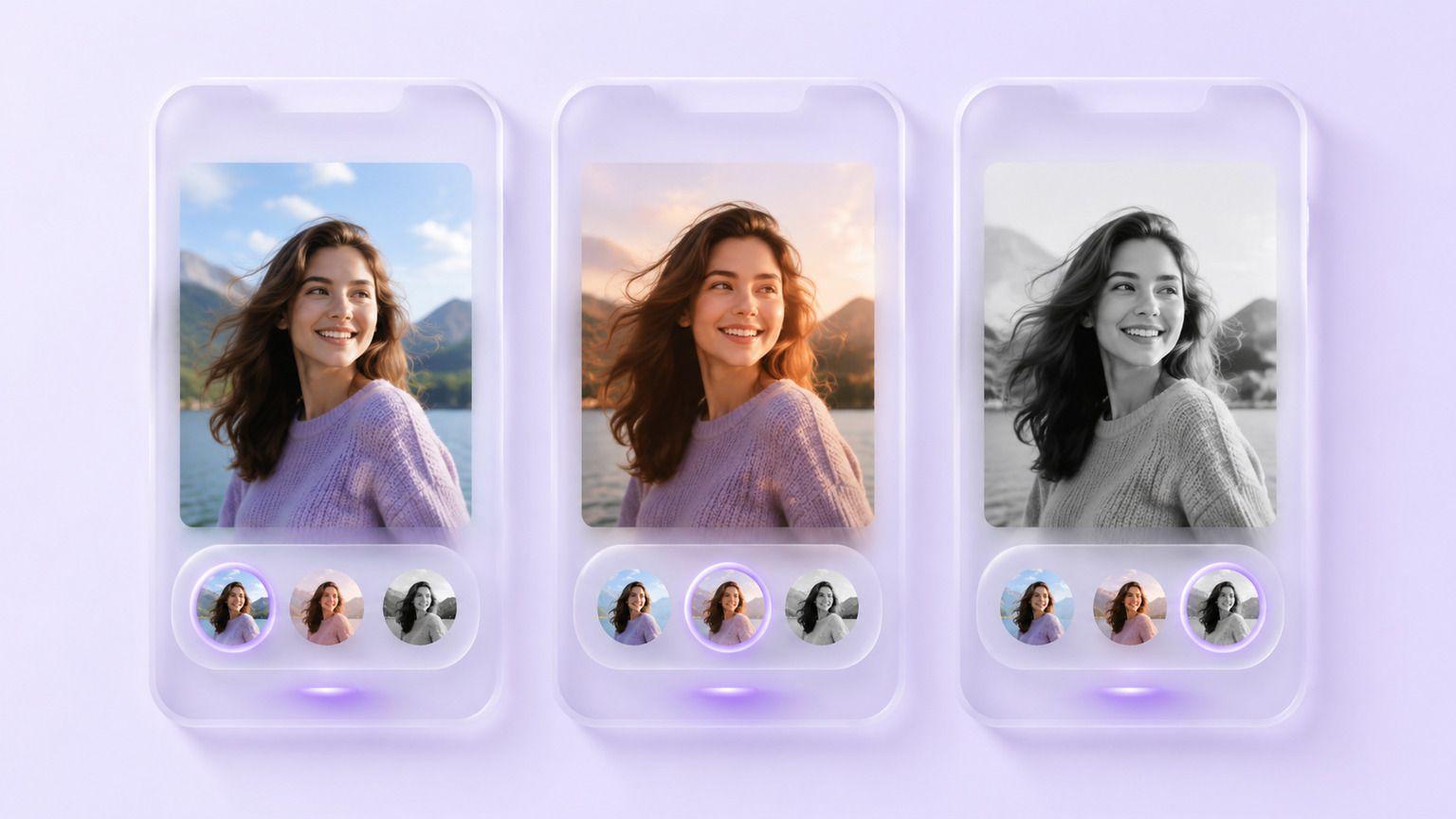
Social Media Creators
Turn one photo into a week of posts by restyling, recropping, and swapping backgrounds in minutes.
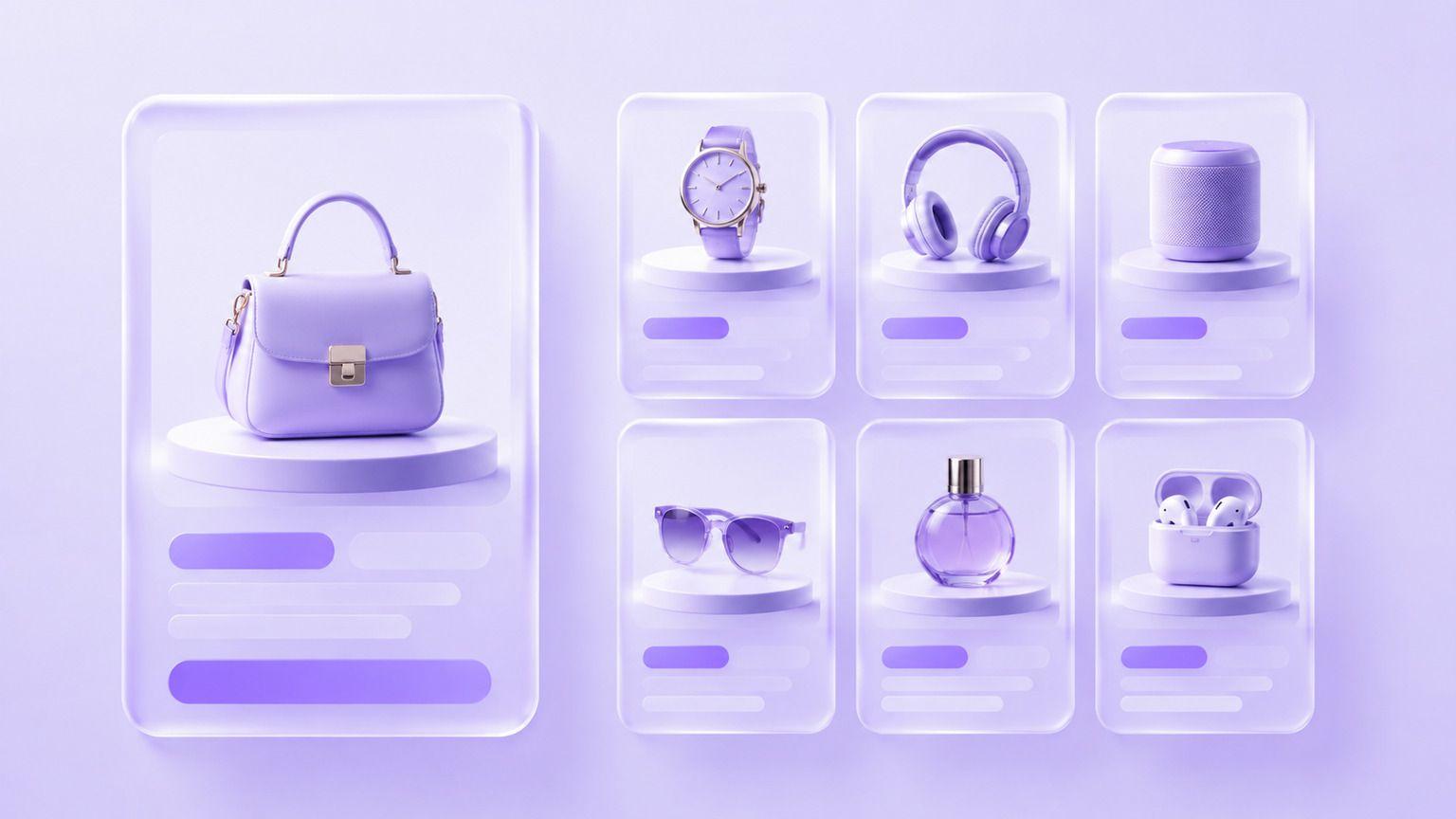
Ecommerce Teams
Standardise supplier photos into a clean, consistent listing set without a studio booking.
Small Teams
Handle everyday image edits in-house when there is no designer on the payroll.
Why Use Nano Banana on Leadde?
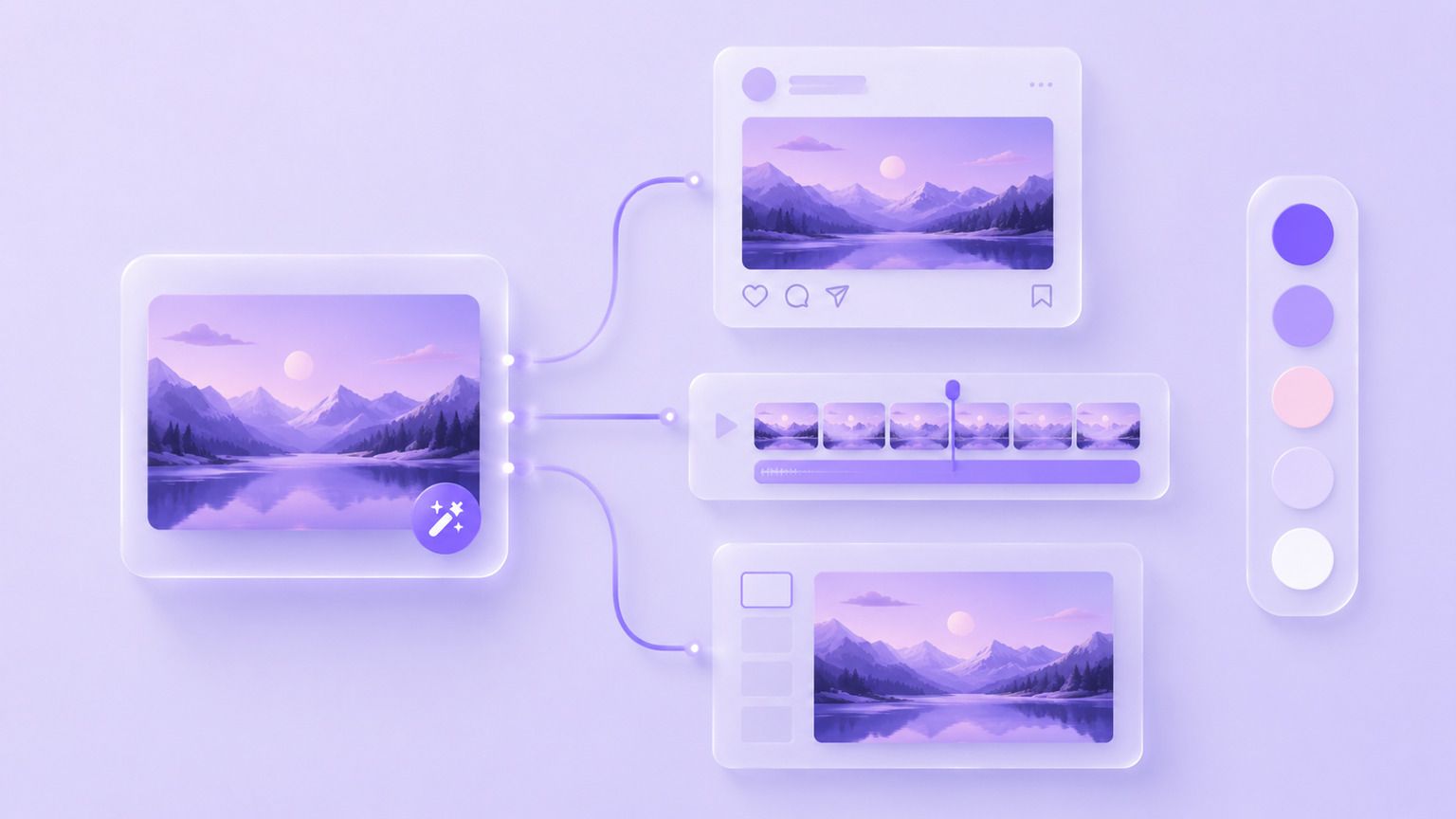
Leadde combines Nano Banana with an AI creative workspace. Teams can edit images, apply brand assets, and reuse the results across videos, presentations, and social channels.
Nano Banana FAQ
Nano Banana is Google's AI image model. It edits pictures you upload through conversational instructions and generates new images from a text prompt.
Availability depends on the platform providing access. Leadde lets you start editing at no cost and download without a watermark.
Yes. Editing is what it is built for. Upload a picture, describe the change in plain language, and the rest of the frame stays as it was.
Yes. It can hold the same person, mascot, or product across a series of images, which is what makes the output usable as a set.
Nano Banana can retouch photos, swap backgrounds, generate avatars, clean up product listings, and produce social variations and sticker art.
Nano Banana is the faster everyday editing model. Nano Banana Pro targets studio-grade output, complex layouts, and text inside the image.
API availability depends on Google's current offering and on the platform providing access. On Leadde you use the model through the workspace.
Commercial usage depends on Google's policies and the terms of the platform where the model is accessed.
Start Creating with Nano Banana
Upload a photo and make your first edit. Free to start, no watermark on export.
