
AI Meditation Video Generator
What Is an AI Meditation Video Generator?
With an AI meditation video generator, mindfulness teachers turn reviewed breathing and body-scan scripts into tranquil videos paced by slow speech and quiet pauses. Paste your script, hide or delete the digital presenter layer, use Voice, Speed, and Pause cards up to 99 seconds to pace breathing cues, and set background clips to Video Fit Loop. This tool addresses silence, pause timing, and visual rhythm for guided video sessions, rather than standalone audio file export, sleep music generation, or medical therapy claims.
Trusted by the world's leading brands







Designed for Unhurried Mindfulness: Features of Our AI Meditation Video Generator
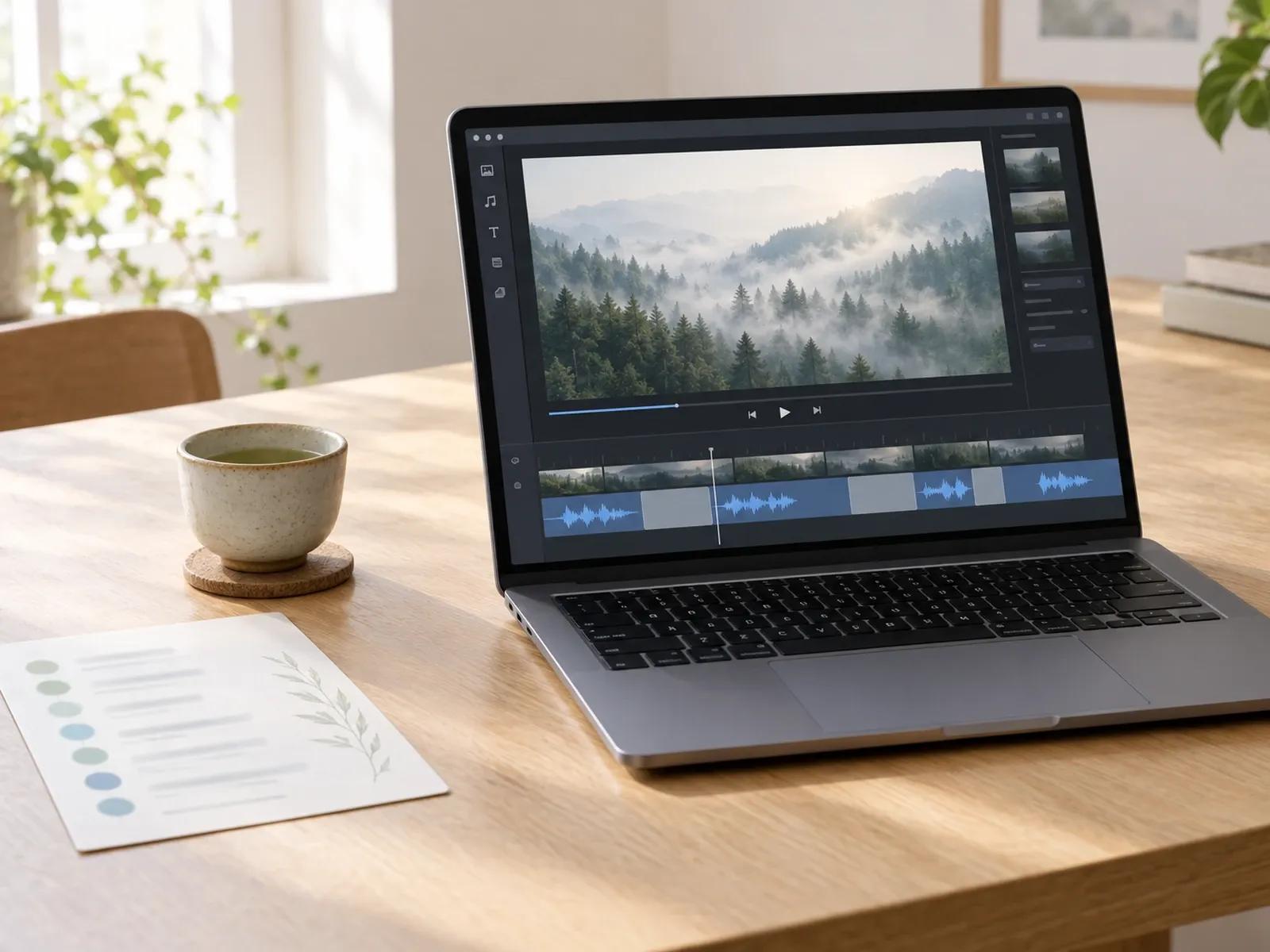
Up to 99-Second Pause Cards for Breathing Intervals
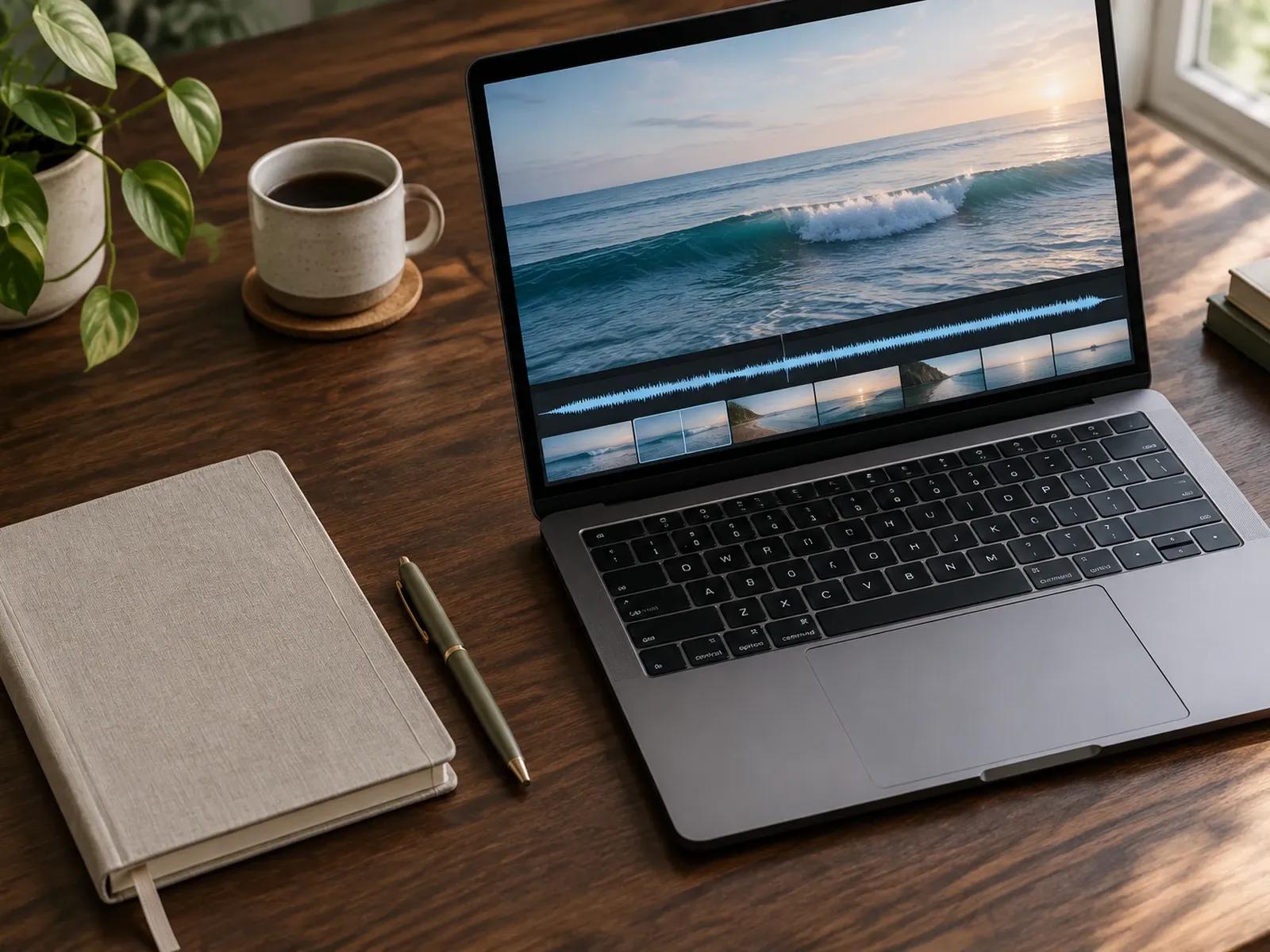
Hide the Avatar Layer for Uninterrupted Calm Visuals
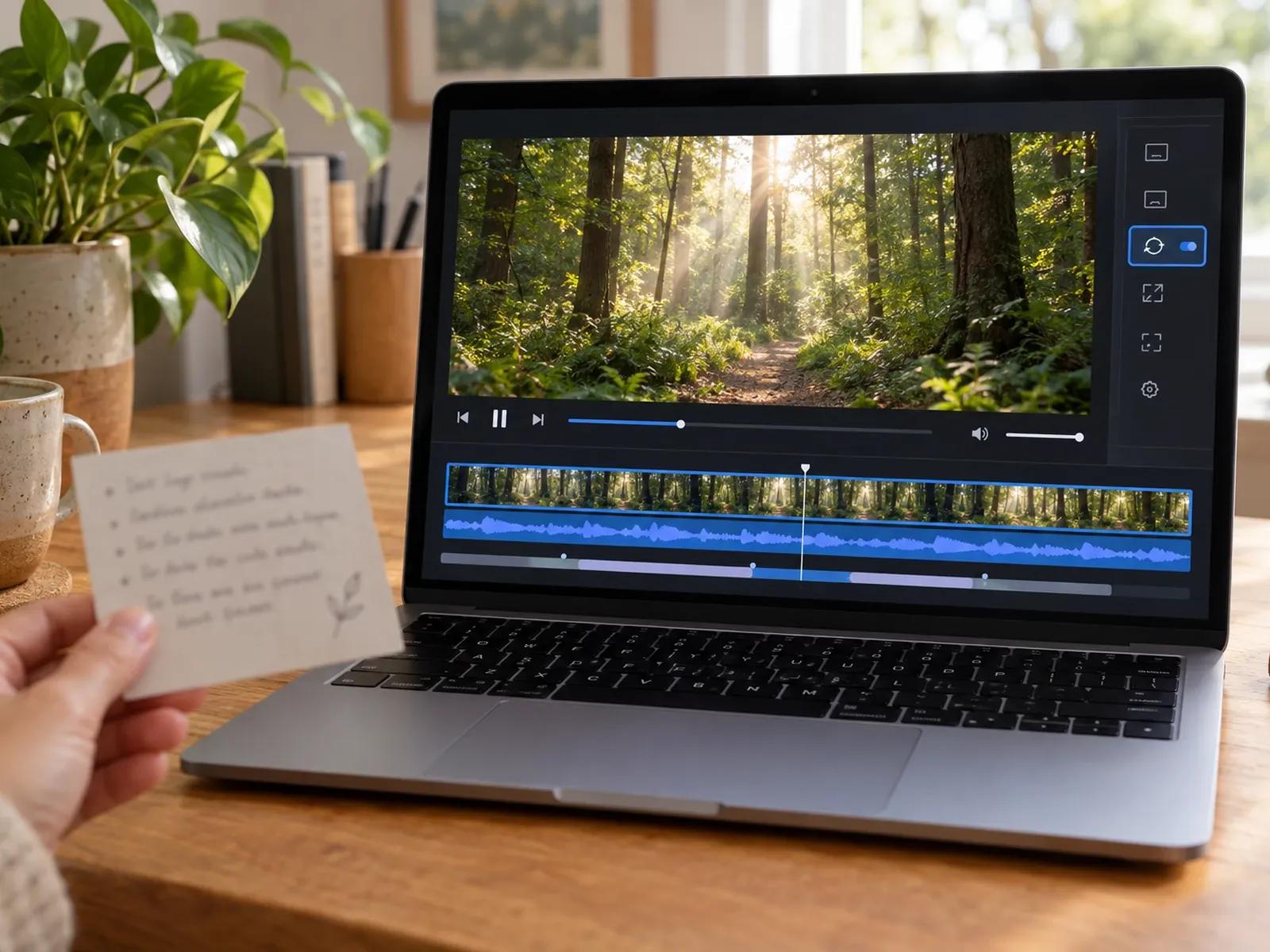
Video Fit Loop for Continuous Visual Rhythm
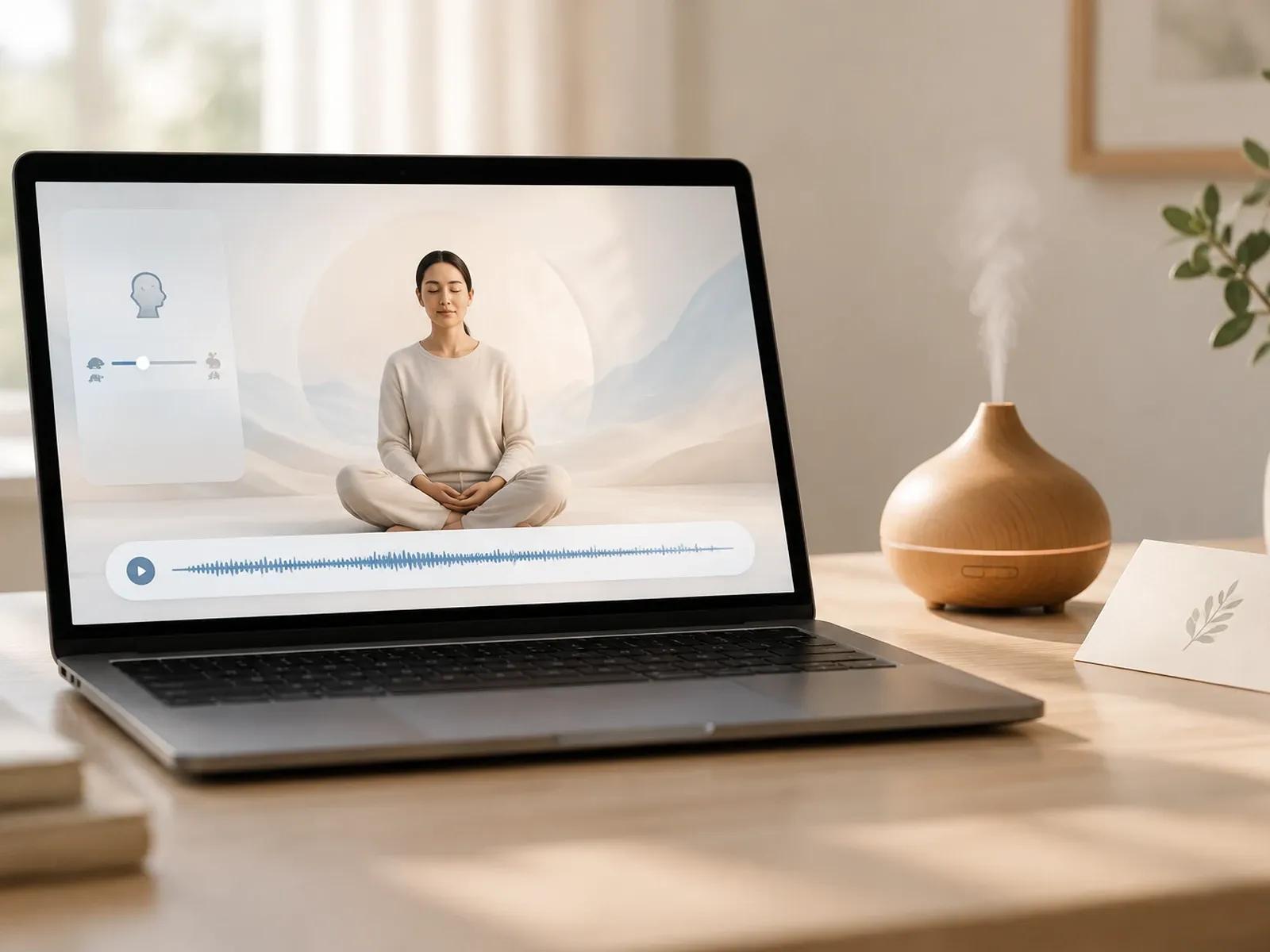
Slowed Voice Speed and Optional Unaccompanied Voiceover
Building a Paced Mindfulness Video Session in 3 Steps
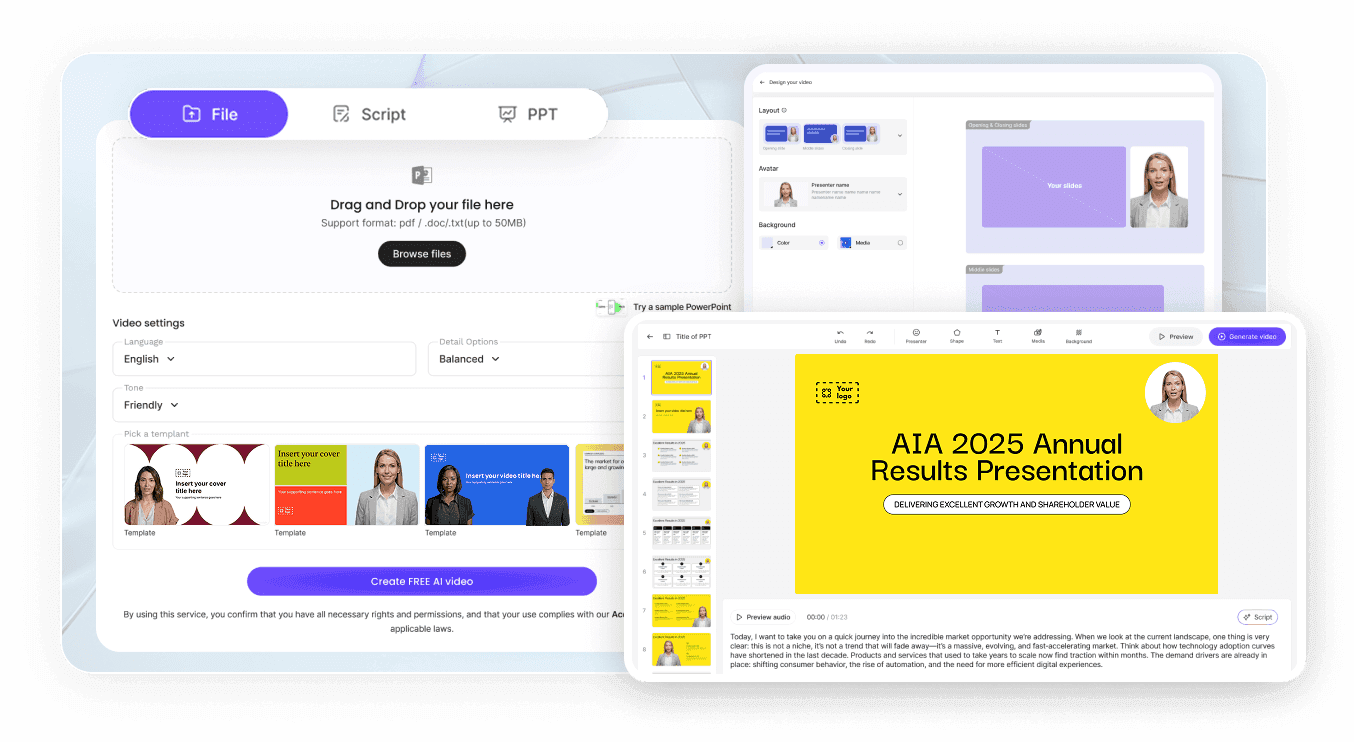
Step 1: Paste Your Reviewed Meditation Script by Scene
Step 2: Hide the Avatar and Set Voice Speed and Pause Cards
Step 3: Add Looping Calm Visuals and Export Your MP4
Mindfulness Formats Built Around Voice, Pause, and Visuals
Paced Box-Breathing Guides
Place 4-to-8-second pause cards between inhale, hold, and exhale cues while a calm nature background loop plays on screen.
Short Desk Reset Sessions
Create two-to-three-minute midday mindfulness breaks with slow voiceover and serene nature imagery for busy office teams.
Pre-Class Yoga & Stretch Intros
Prepare studio or home practice introductions using a calm narrator voice, deliberate pauses, and gentle visual transitions.
Multilingual Mindfulness Videos
Translate a reviewed meditation script across 88 languages inside the canvas while keeping your pause card intervals intact.

Precise Cadence Editing, Term Pronunciation, and Series Reuse
Pronunciation Settings for Mindfulness and Yoga Terms
Clean Voiceover Without Forced Background Music
Project Duplication for Multi-Day Practice Series
Optional Subtle Captions or SRT Subtitle Files
Pacing Methods for Calm Guided Meditation Sessions
Add Two Real Pauses Per Scene
Remove the Presenter Layer First
Enable Loop on Short Nature Clips
Test a Slower Speaking Speed
Try a Pure Voice-and-Silence Cut
Check Term Diction Before Export
Frequently Asked Questions
Inside each scene's script editor, insert a Pause card wherever you want quiet breathing time. Because every scene accepts up to 10 pause cards and each card spans 0.1 to 99 seconds, you can space out slow inhale and exhale prompts naturally.
Yes. Within the Studio workspace, you can hide or remove the on-screen presenter across all meditation scenes. Once the avatar layer is cleared, your uploaded nature video or calm background image occupies the full canvas while your slowed voiceover and silent pauses play.
Select the background video on the Studio canvas and set Video Fit to Loop. This tells the editor to repeat the visual clip continuously throughout the duration of your spoken guidance and pause cards without cutting to a blank frame.
No. Leadde is a video creation studio rather than a medical therapy tool, sleep music synthesizer, or standalone audio-only exporter. You can publish guided meditation MP4 videos using spoken voiceover and silence alone, or upload an authorized MP3 track from your device.
While AI Narrator is built for continuous reading of longer articles, documents, and educational passages, this meditation workflow focuses on short guided prompts, slowed vocal cadence, multi-second pause cards, and looping calm visuals without an on-screen presenter in the frame.
Yes, mindfulness instructors can enter a two-to-three-minute breathing script, set multi-second pause cards, and test the spoken rhythm and looping visuals in Studio first. Full details on workspace plans, credit usage, and output resolutions are published on the Leadde Pricing page.
Start Creating Your Guided Meditation Video Today
