
AI Myself: Build an AI Version of You
What Does AI Myself Mean?
AI myself describes making an AI version of you: a presenter built from your own likeness that can deliver written scripts on video. In Leadde this lives under My Avatars, where each avatar you create is saved as its own entry. That matters more than the first render, because a personal brand is a face people recognize over months, not one clip.
Trusted by the world's leading brands







Videos Presented by a Personal AI Avatar

Corporate culture training
GlobalPro Consulting presents core values of integrity, excellence, innovation, and commitment to lasting value.

InsightX growth lab
Turn unified user data into AI-driven insights that power smarter growth decisions.
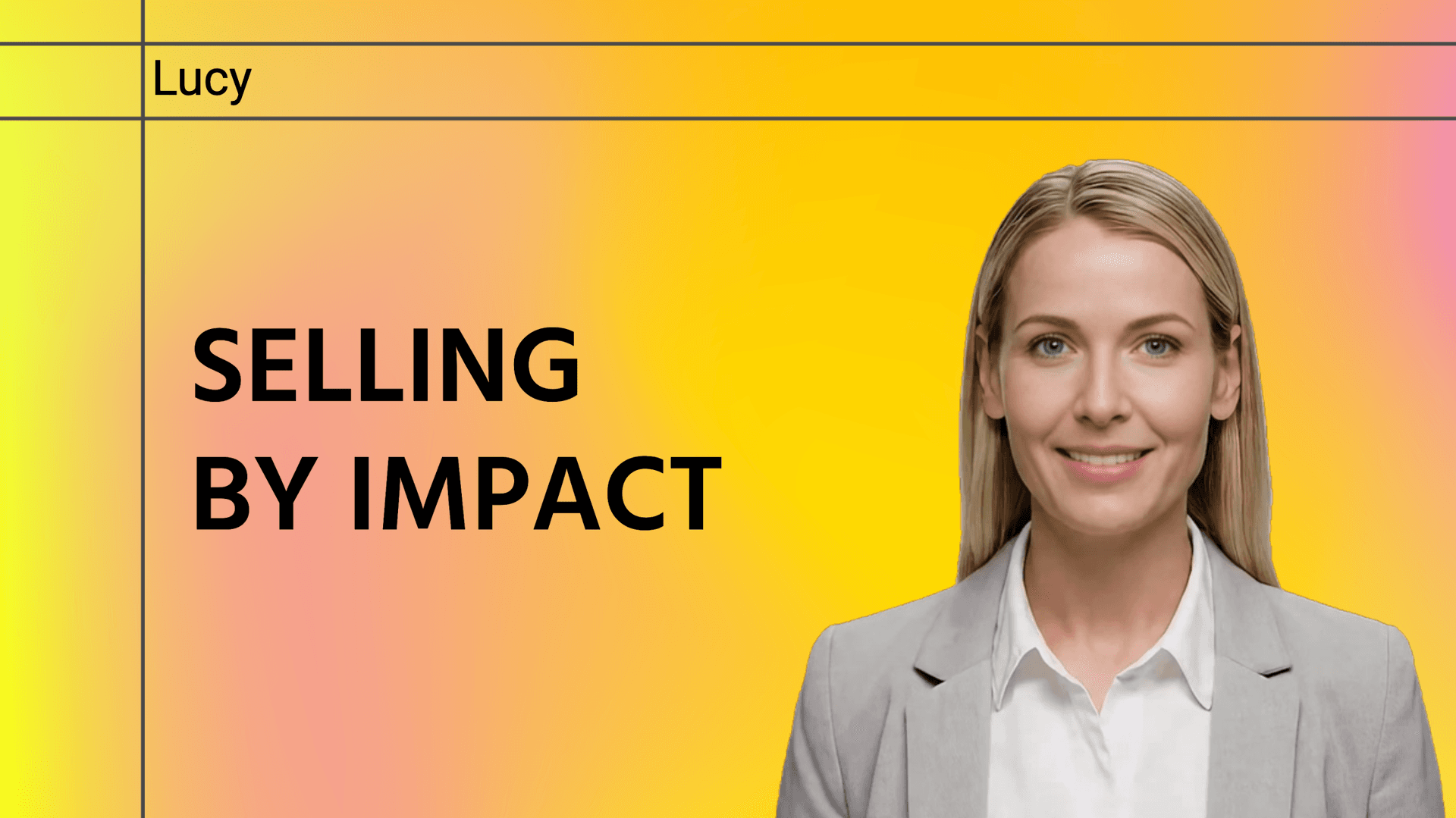
Solution introduction
Demonstrates solution led selling using PulseGuard, focusing on customer challenges, measurable impact, and value based storytelling to build trust and long term partnerships.

Onboarding Journey
Start your new role with confidence, clarity, and support from day one.
Why Leadde Works for an AI Version of Yourself
Keep more than one look
Refresh it when you change
Carry your brand into every video
Two ways to build the likeness
How to Make an AI Version of Yourself
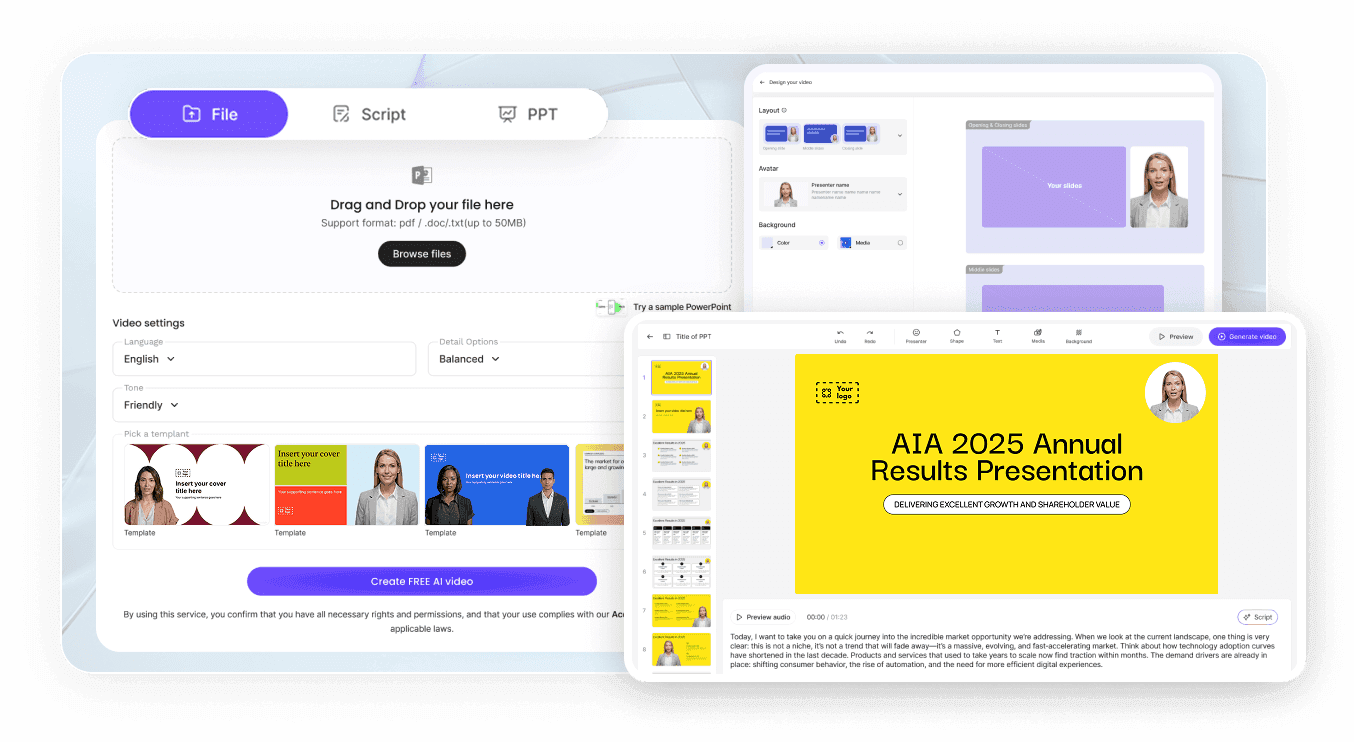
Step 1: Pick your source photo
Step 2: Create and name it
Step 3: Add voice and script
AI Myself Use Cases
Build a personal brand
Post consistently without booking a filming day each week. The face stays the same across every clip, which is what makes an audience recognize you.
Present at events you missed
Send a recorded segment when travel does not work out, delivered by you rather than read aloud by somebody else.
Show up in your own courses
Learners stay with an instructor they can see. Producing the next module becomes a writing task rather than a scheduling one.
Answer your community in video
Written replies get skimmed. A short video answer from the person they follow carries more weight and takes minutes to produce.

Staying Recognizably You
One likeness across projects
Retire a look you outgrew
Your likeness, your permission
Personal stays personal
AI Myself Ideas
Homepage welcome video
Social clips in portrait format
Newsletter companion videos
Client check-in messages
Language versions of the same talk
Portfolio and profile intros
Frequently asked questions
It means creating an AI version of you that can present on camera: your likeness built as an avatar, paired with a voice, delivering scripts you write. Leadde stores each avatar under My Avatars so you can reuse it across projects.
One is enough for a Photo Avatar, as long as it is high resolution and looks like you today. For the closer likeness, email support@leadde.ai about a Studio Avatar, which is built from a short clip of you moving and speaking.
It is built from the photo you supply, so the result follows that image closely. A current, well-lit, front-facing photo without hats, sunglasses or filters gives the closest match, and you can create a new avatar if the first one misses.
Yes. Each avatar you create is stored as its own entry under My Avatars, so a formal look and a relaxed look can both exist at the same time. You choose which one presents each script when you set the project up, and neither replaces the other.
Yes. One route is writing the next script in the language you need. The other is opening a talk you already finished and generating a translated draft of it, from either the editor or the share page, deciding as you go whether text on the canvas travels with the narration.
Leadde generates images from prompts and reference photographs under Create with AI, and those assets can be placed inside your projects. The avatar feature itself is built for presenting on video rather than for portrait photography, so treat image generation as a separate job.
Building a first avatar costs nothing on the free tier. Beyond that, one credit balance covers avatars, voice cloning, the AI tools and every video you render, which means the thing to budget for is the videos rather than the looks. Tier allowances are published under pricing.
Avatars you create are stored under My Avatars rather than added to the preset library other users browse. An Enterprise Team Workspace works differently: avatars, voices and media are pooled there, so the team's member list decides who can reach them.
Make the AI version of you
